
I sent crypto incorrectly
Wrong address or wrong network?
Start by identifying the network used and who controls the destination.
Crypto troubleshooting
Choose the situation closest to yours, verify what you can independently, and avoid anyone asking for a recovery phrase, private key, one-time code, remote access, or upfront crypto payment.
Do not retry, bridge, or send more funds until you know which problem you have.
I sent crypto incorrectly
Start by identifying the network used and who controls the destination.
My crypto is missing
Separate an on-chain problem from a wallet display problem before moving anything.
My transaction is stuck
Read the explorer status and identify the exact state before paying to retry.
My exchange transfer is missing
Gather the transaction evidence, check the receiving details, and contact only the receiving exchange.
I lost access
Identify who controls the keys and which recovery credential still exists before trying a restore.
My wallet will not connect
Protect your backup first, then isolate the wallet, browser, session, and selected chain.
Something looks suspicious
Pause before you install, connect, sign, copy an address, or reply to someone claiming to help.
89 focused guides organized around transactions, access recovery, wallet and browser fixes, token basics, and scam prevention.
12 guides
Verify independently
Learn how to check how many wallets hold a token using block explorers, Solscan, Bubblemaps and APIs, plus common data traps.
Verify independently
Learn how to check if a crypto token is transferable using block explorers, contract functions, and free security scanners.
Verify independently
Learn how to check if a crypto address belongs to an exchange using explorer labels, analytics tools, and on-chain patterns.
Verify independently
Learn how to check a token's circulating supply step by step using data aggregators, block explorers and token unlock trackers.
Verify independently
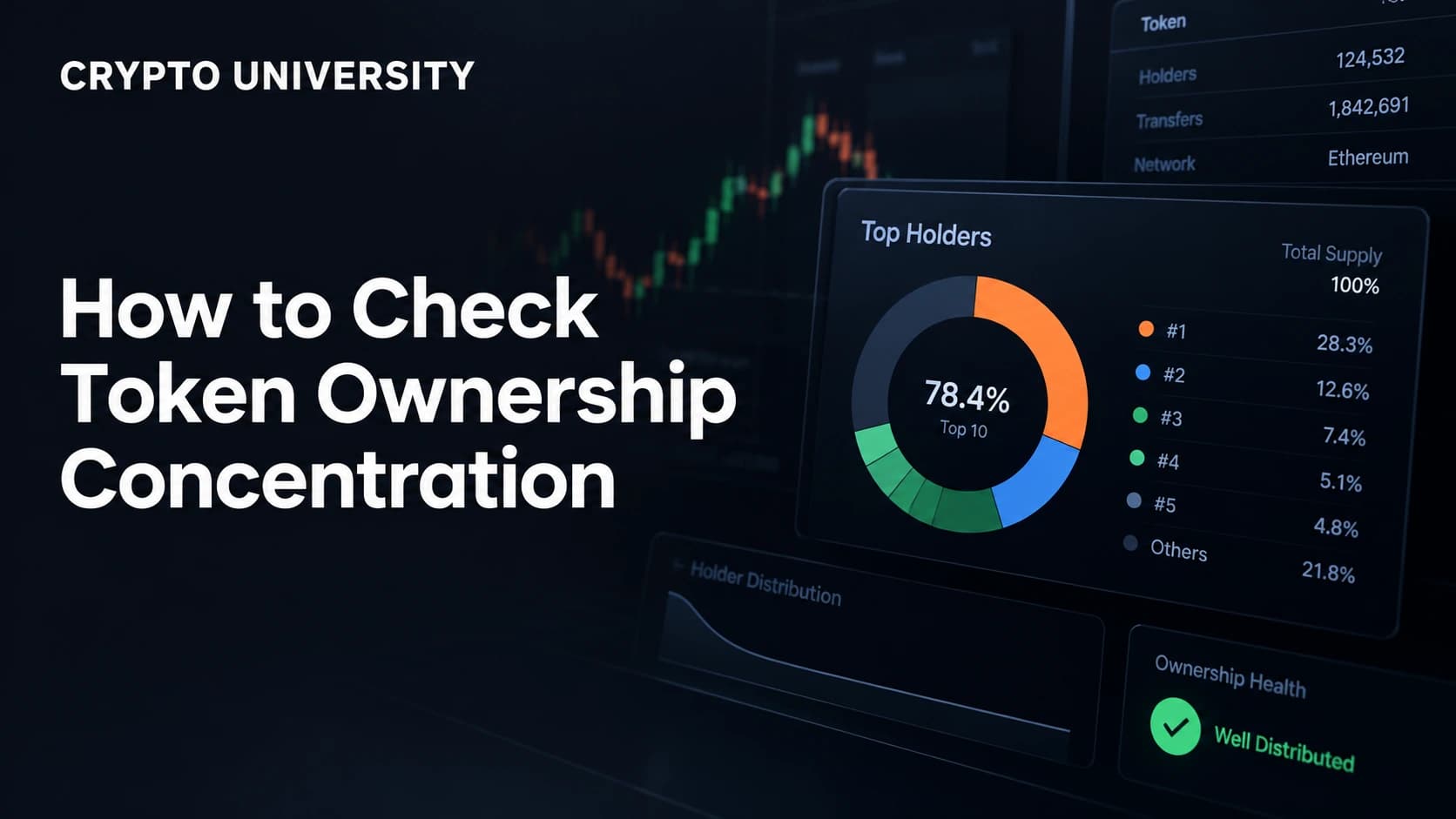
Learn how to check token holder concentration with block explorers, bubble maps and simple metrics, plus the traps to avoid.
Verify independently
Learn how to check if a crypto token supply can increase, using block explorers, mint authority checks, and contract data.
Verify independently
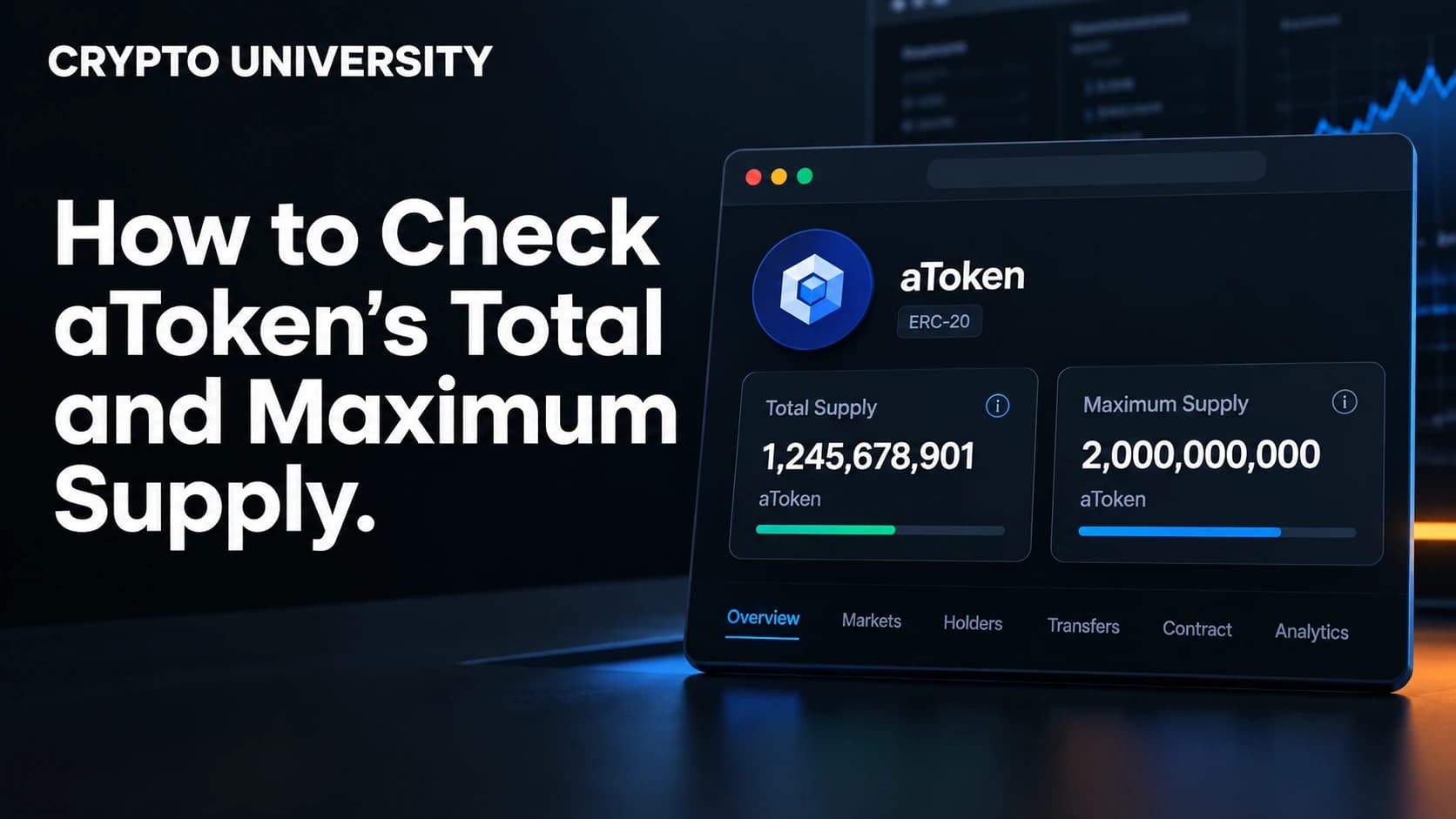
Learn how to check a token's total supply, max supply and circulating supply using explorers, contracts and data sites.
Verify independently
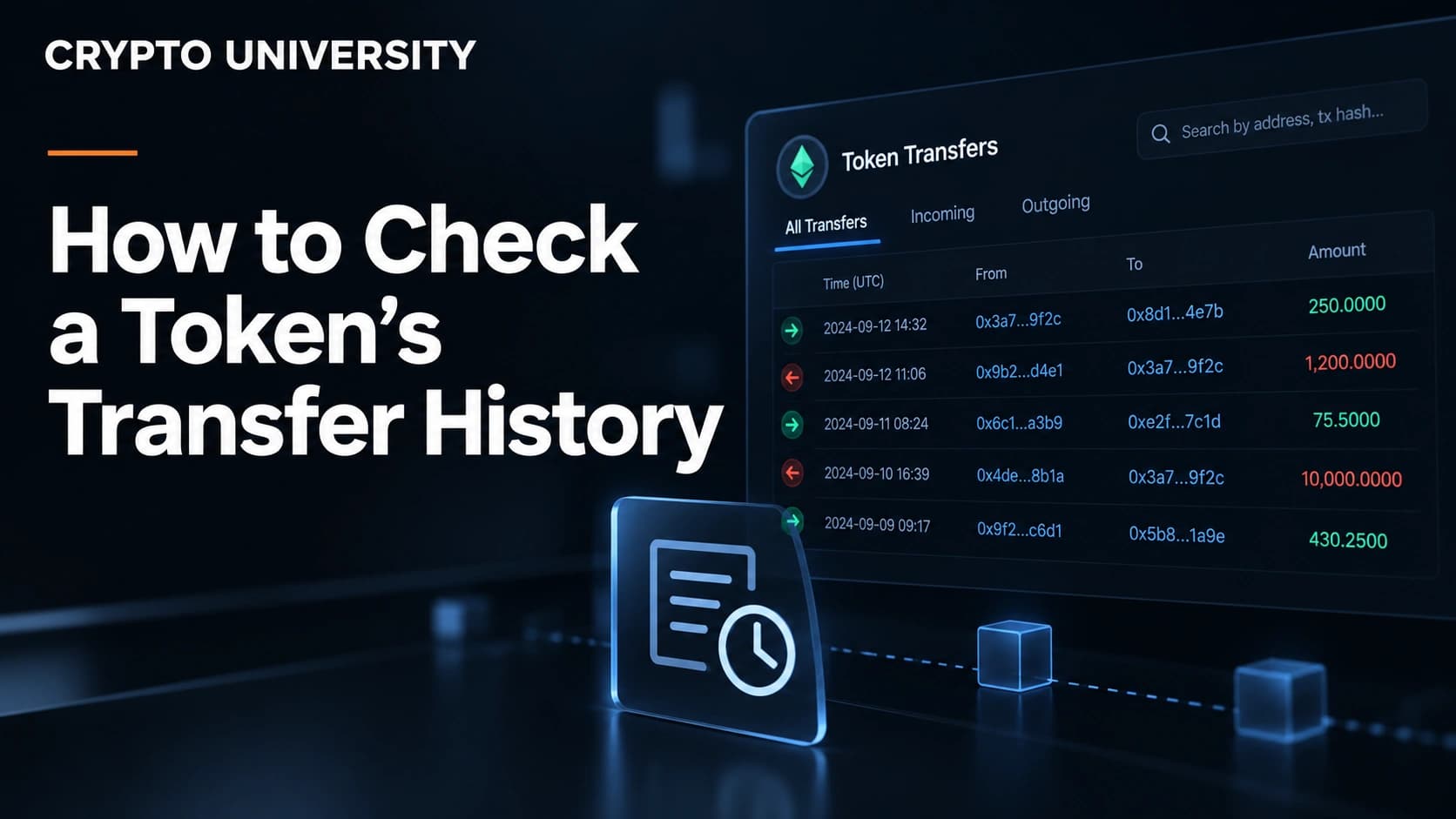
Learn how to check a token's transfer history on any blockchain using block explorers, filters, CSV exports, and public APIs.
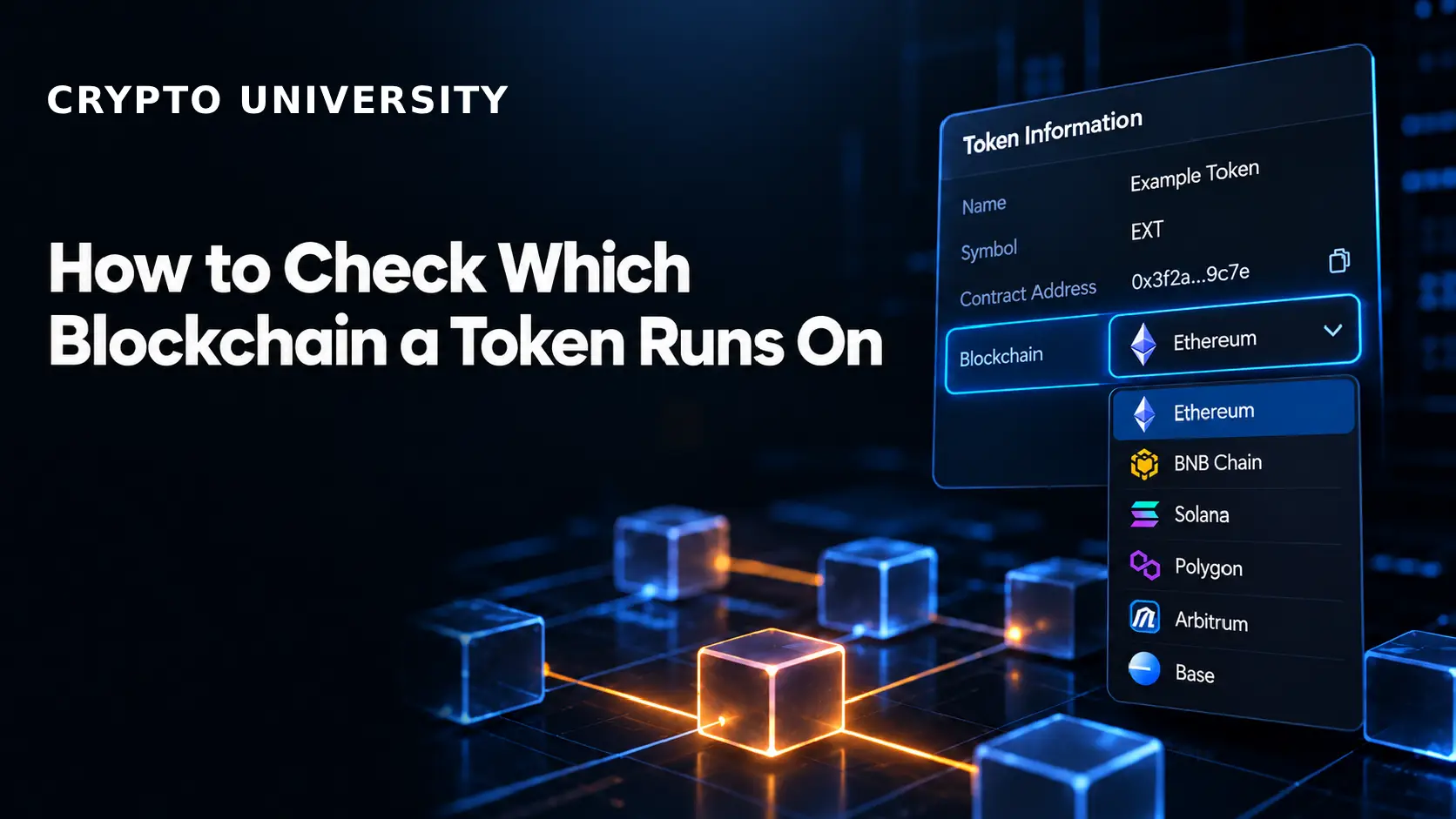
Verify independently
Learn how to check which blockchain a token runs on using block explorers, contract addresses, wallets and official sources.
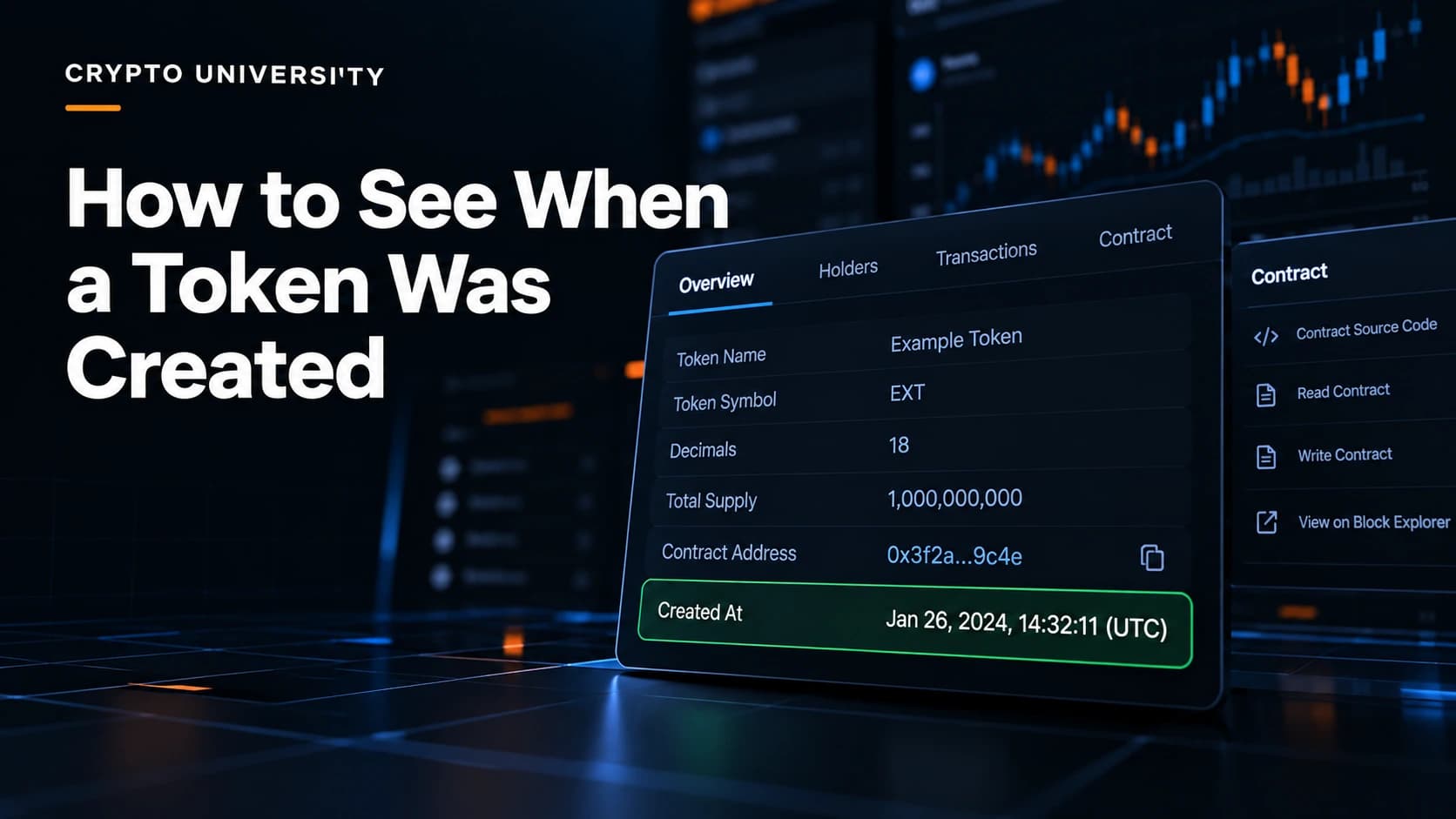
Verify independently
Learn how to check when a crypto token was created using block explorers, Solscan and DEX tools, plus common mistakes to avoid.
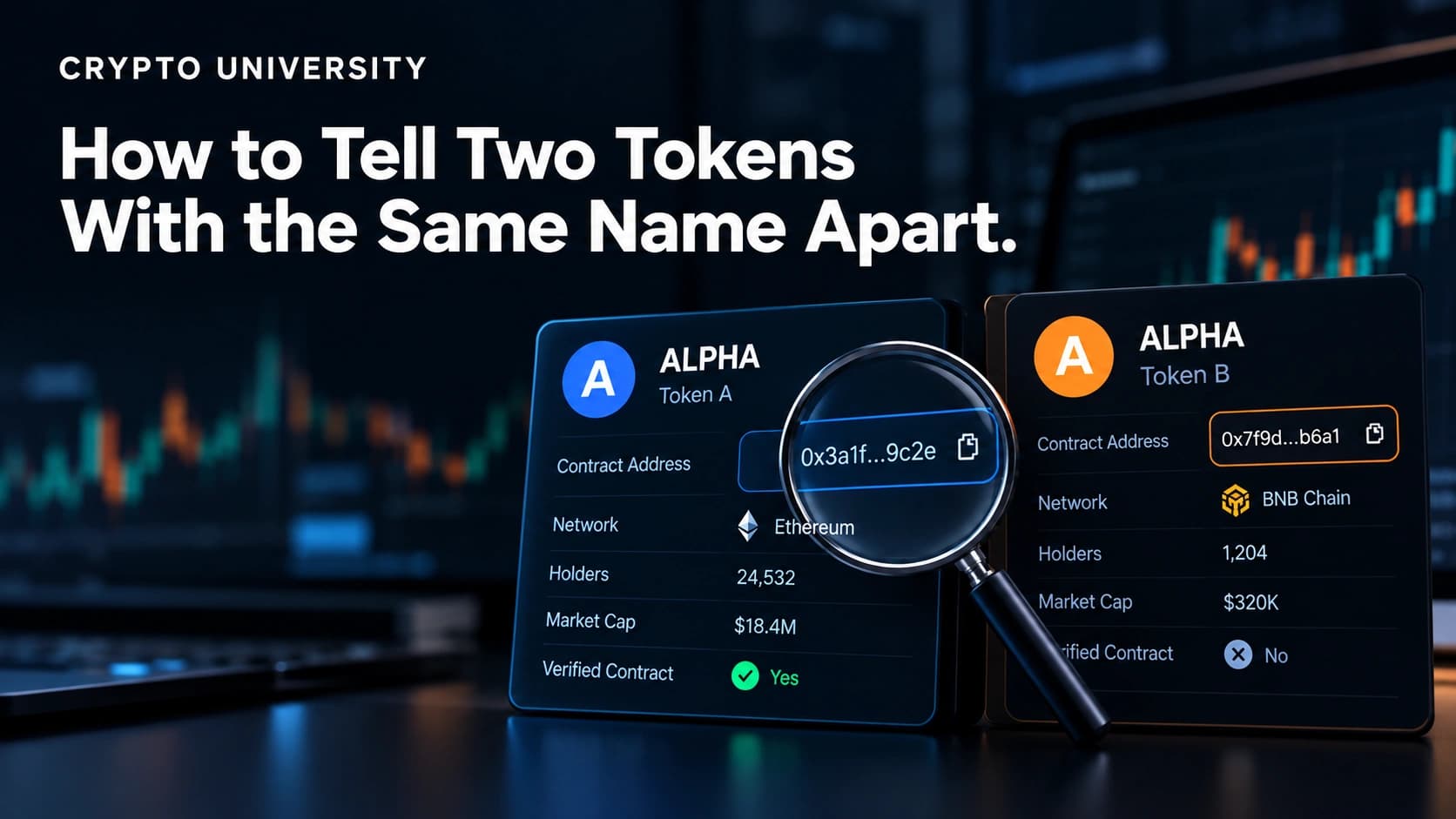
Verify independently
Two tokens can share one name and ticker. Learn how to use contract addresses, chains and token lists to tell them apart.
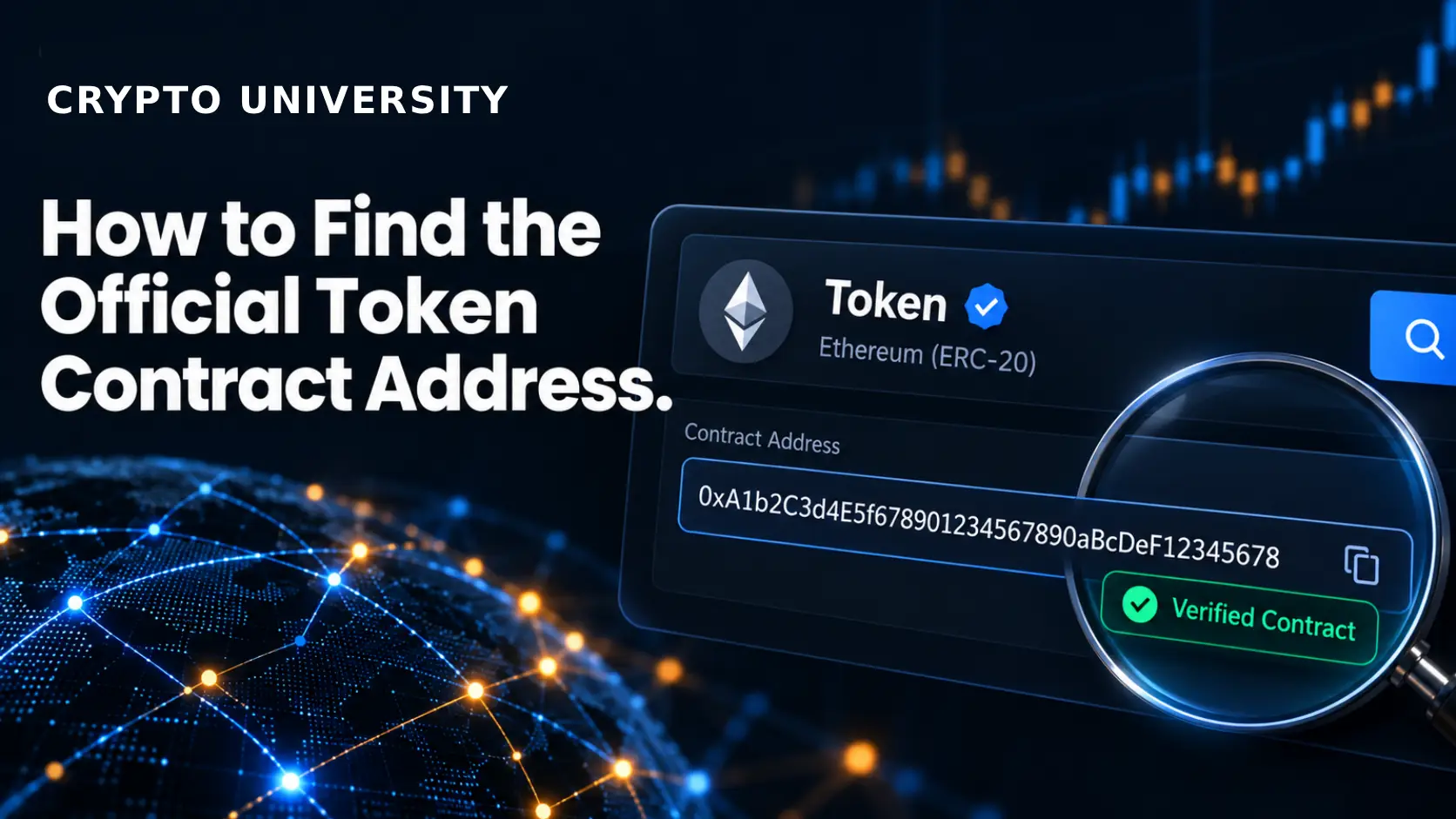
Verify independently
Learn how to find and verify the official contract address for a token using project sites, explorers, and data aggregators.
22 guides
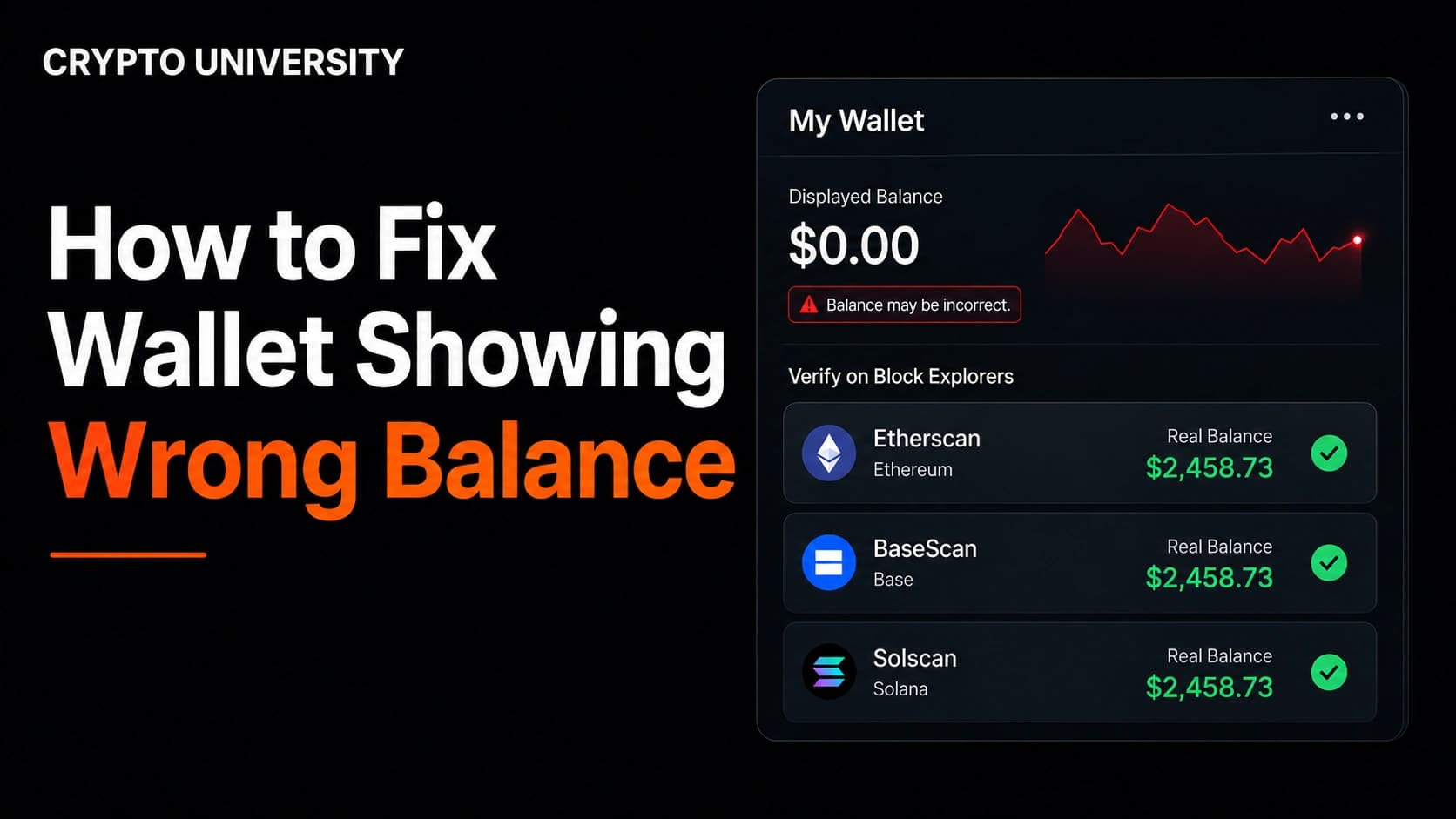
Usually a display issue
Wallet balance looks wrong? Verify the real on-chain balance, check the network and account, add missing tokens, and resync safely.
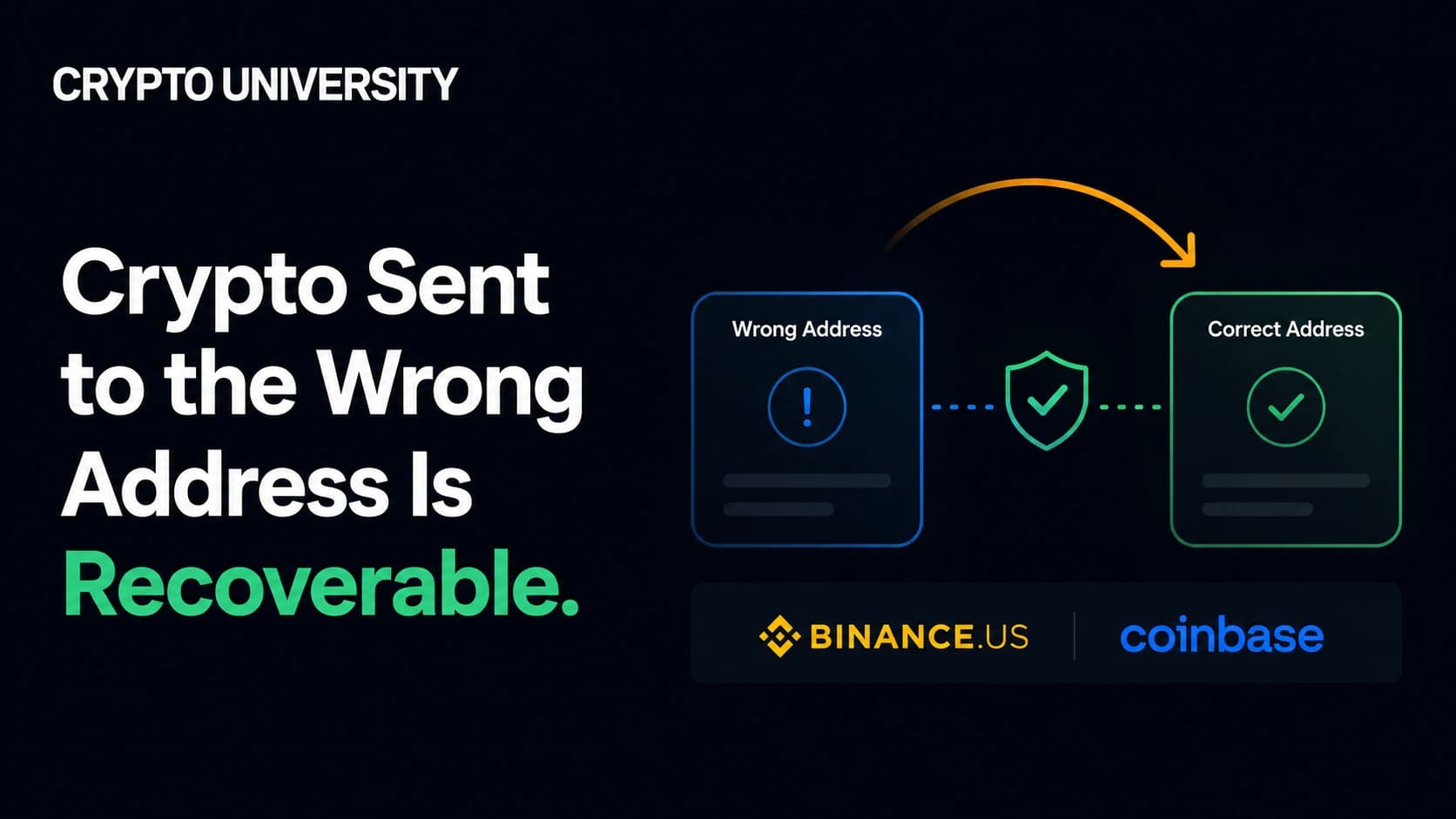
Depends on destination
Learn how to assess crypto sent to a wrong address, which cases may be recoverable, and when a confirmed transfer is final.
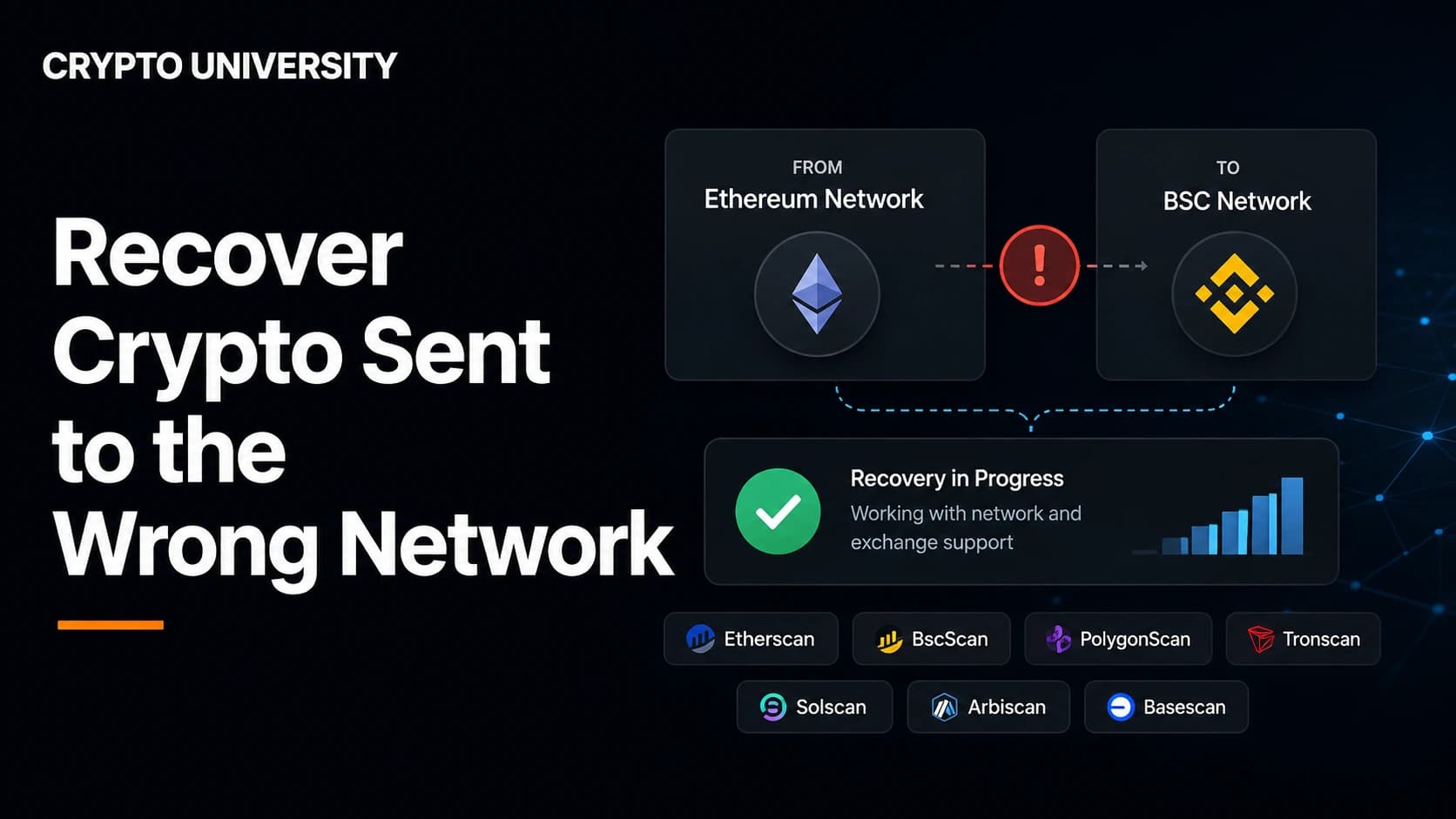
Sometimes recoverable
Sent crypto on the wrong network? Identify who controls the destination, check whether recovery is possible, and avoid recovery scams.
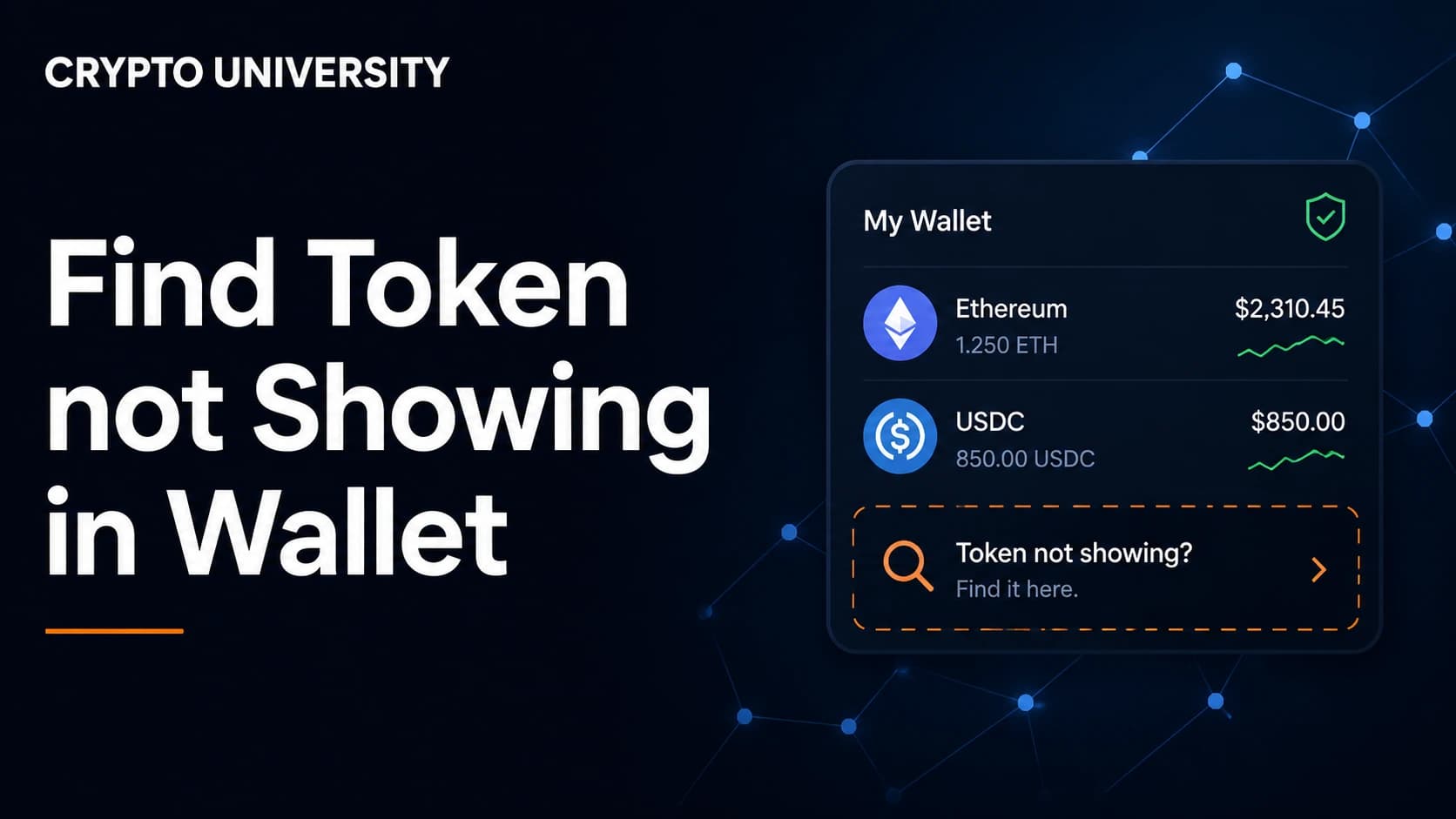
Usually a display issue
Token missing from your wallet? Confirm it on-chain, check the network and account, then add the verified token contract safely.
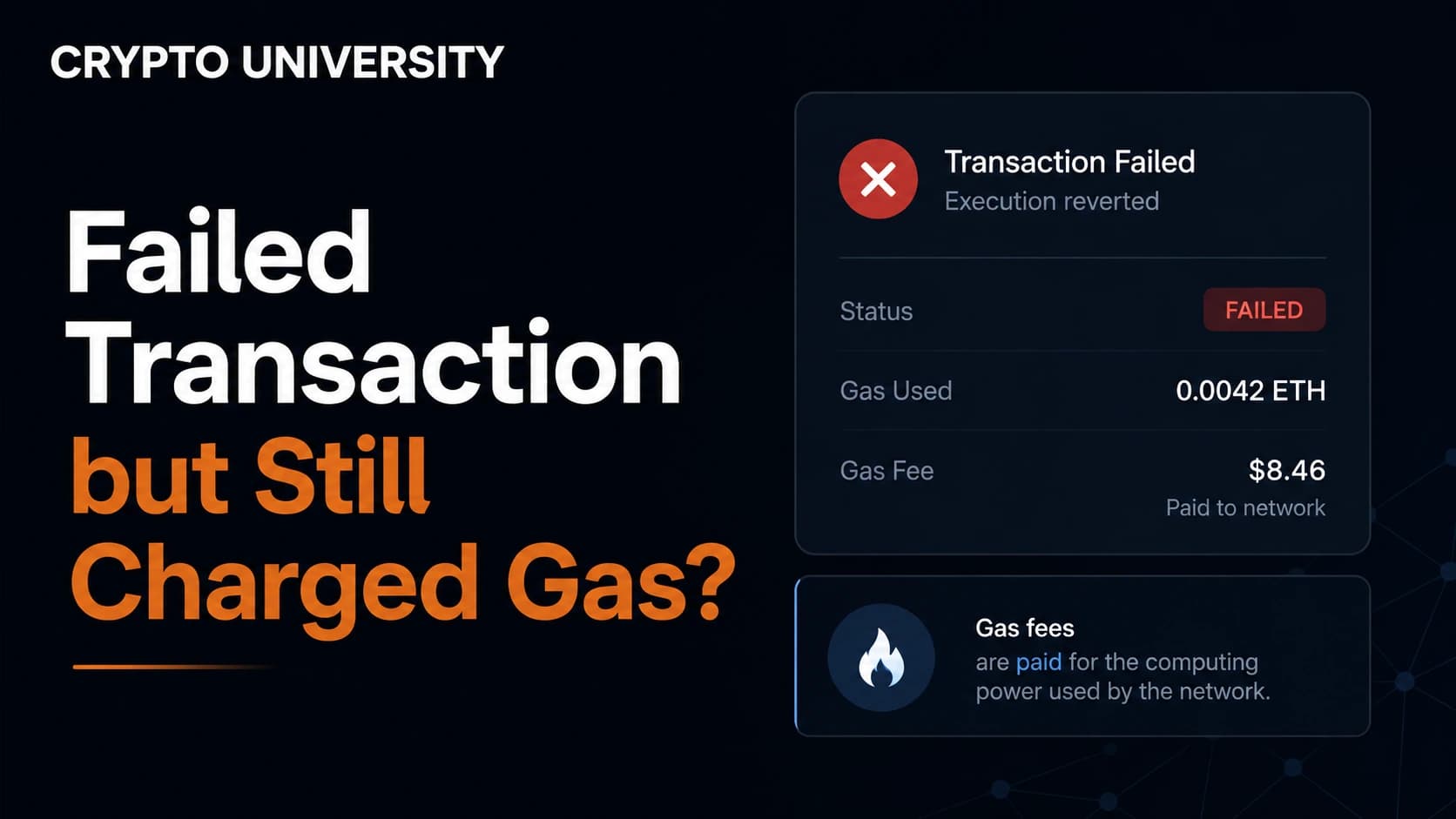
Fee is final
Learn why failed crypto transactions still use gas, how to diagnose the error on a block explorer, and what to fix before retrying.
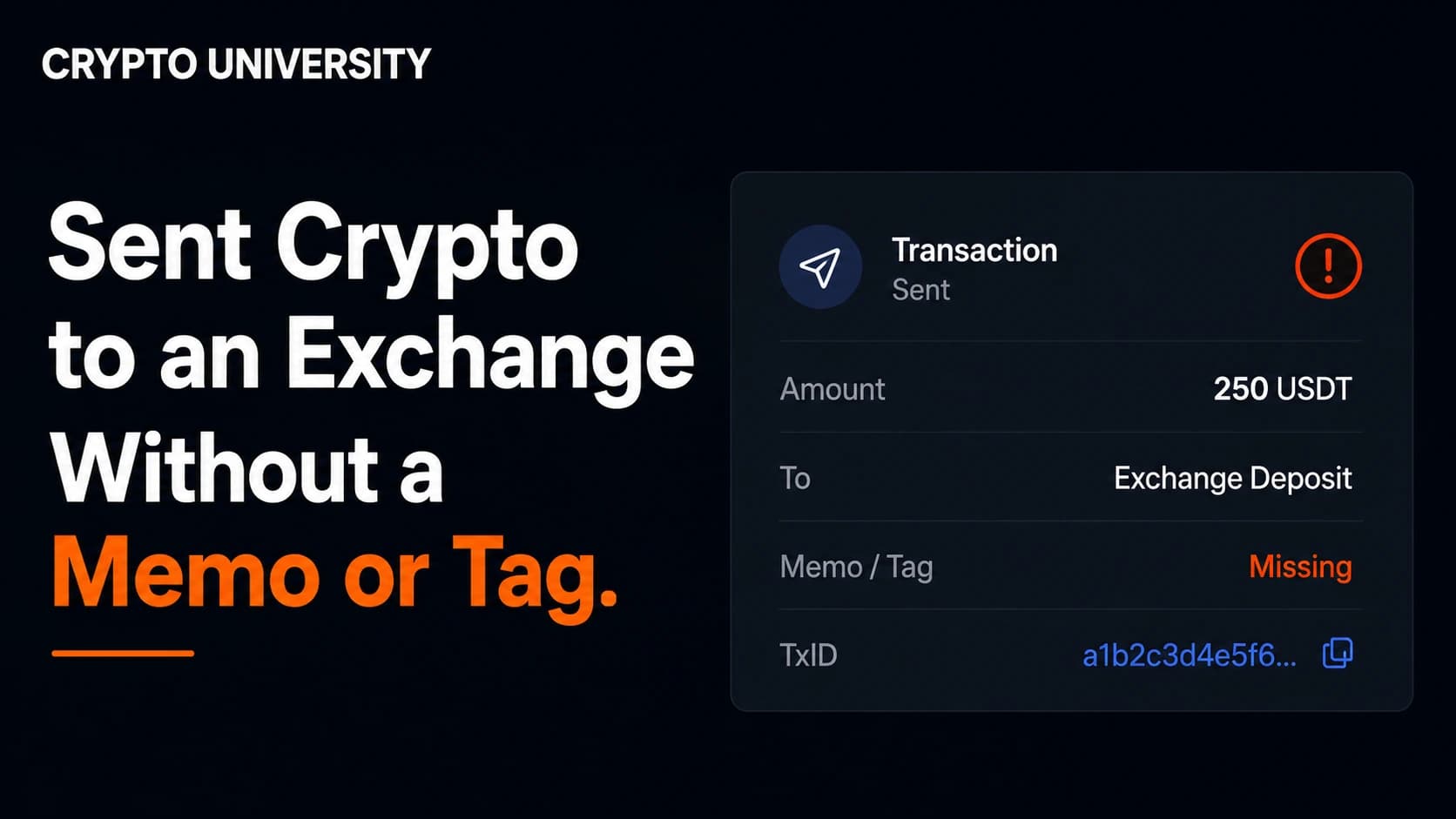
Sometimes recoverable
Forgot a memo or destination tag on an exchange deposit? Confirm the transfer, gather evidence, and use the official recovery process.
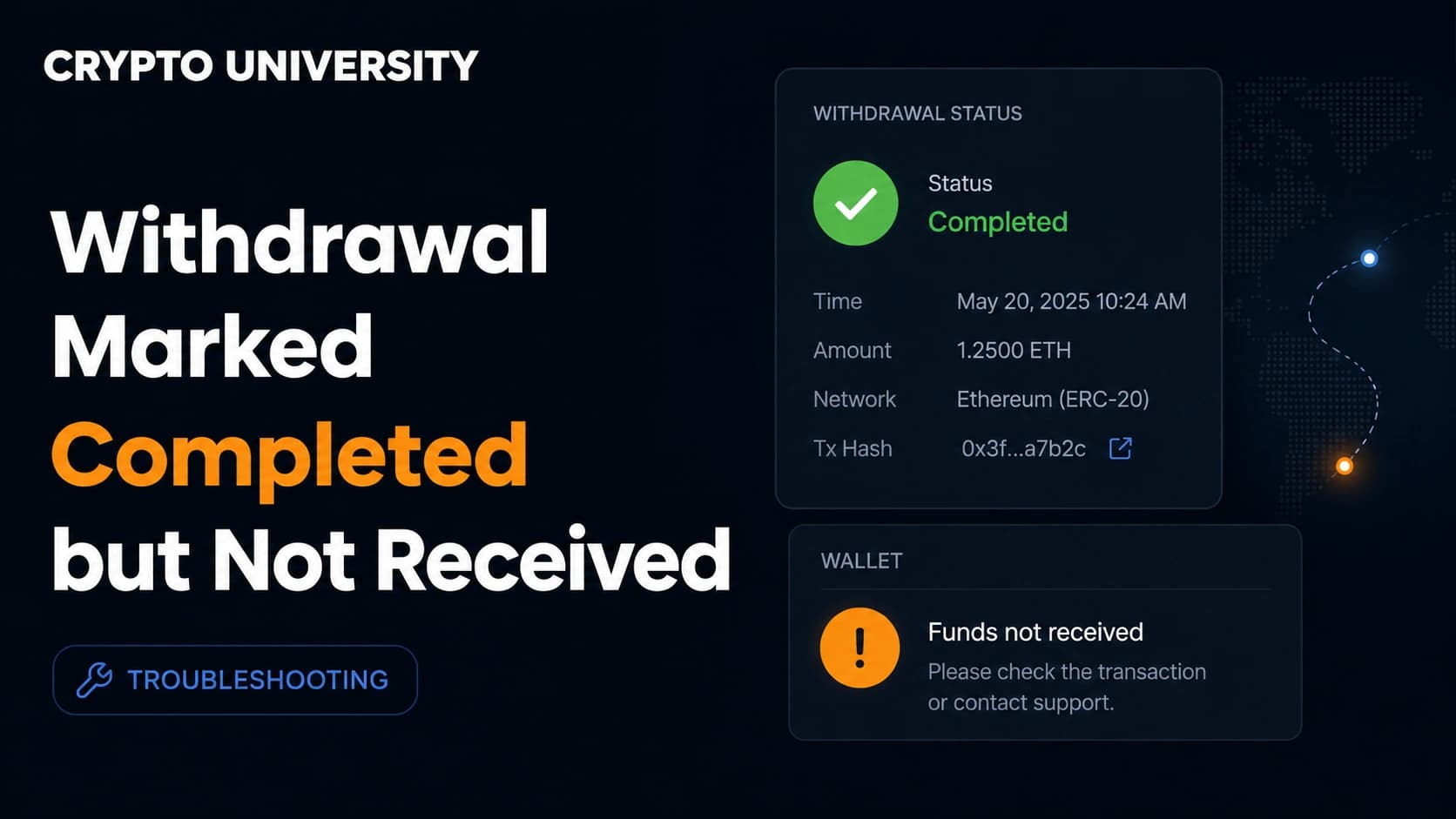
Exchange support may be needed
Your exchange says the withdrawal is completed but the crypto has not arrived. Here is how to trace and fix it step by step.
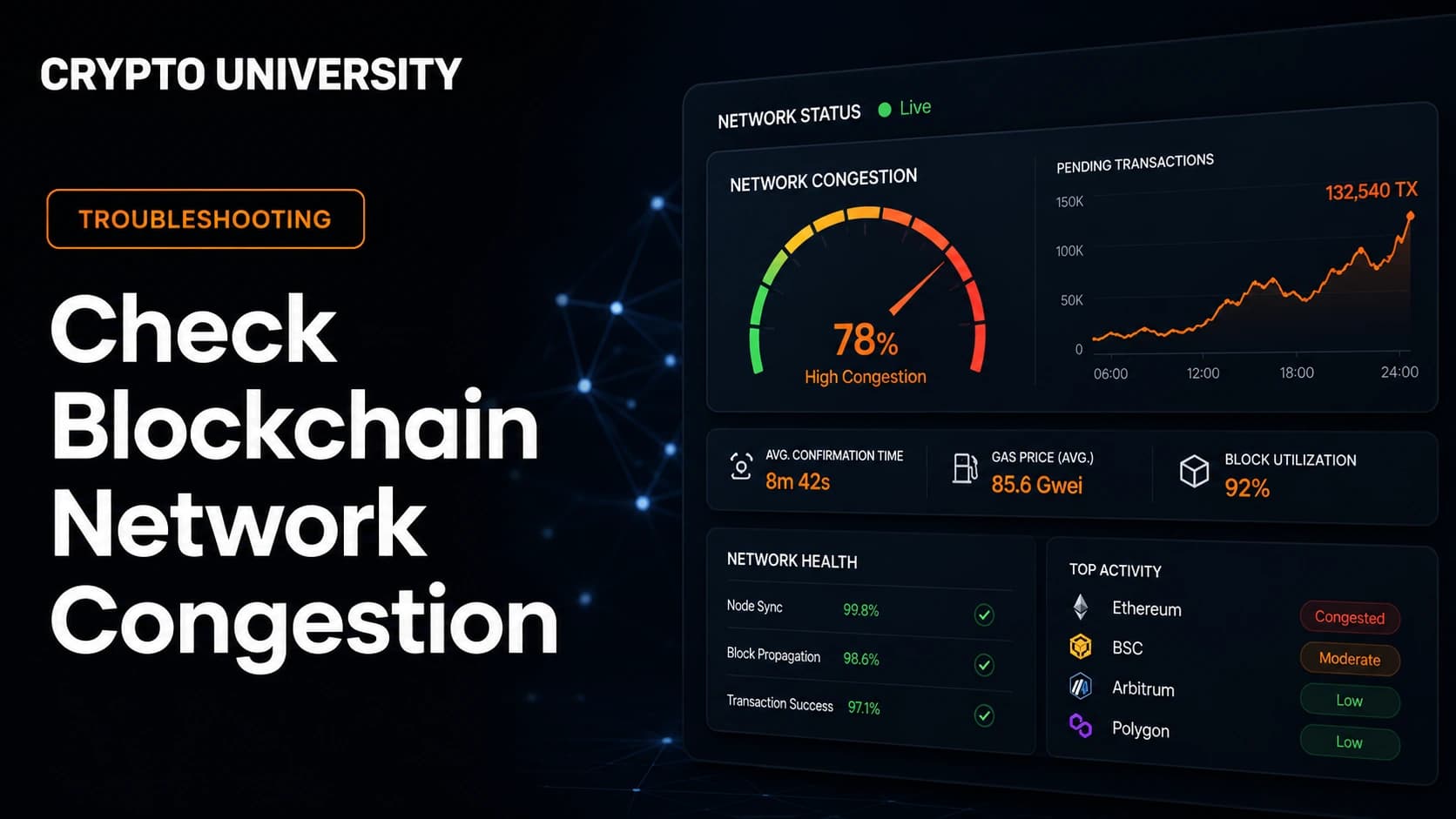
Check on-chain first
Learn how to check if a blockchain network is congested using live mempool size, fee rates, block fullness and status pages.
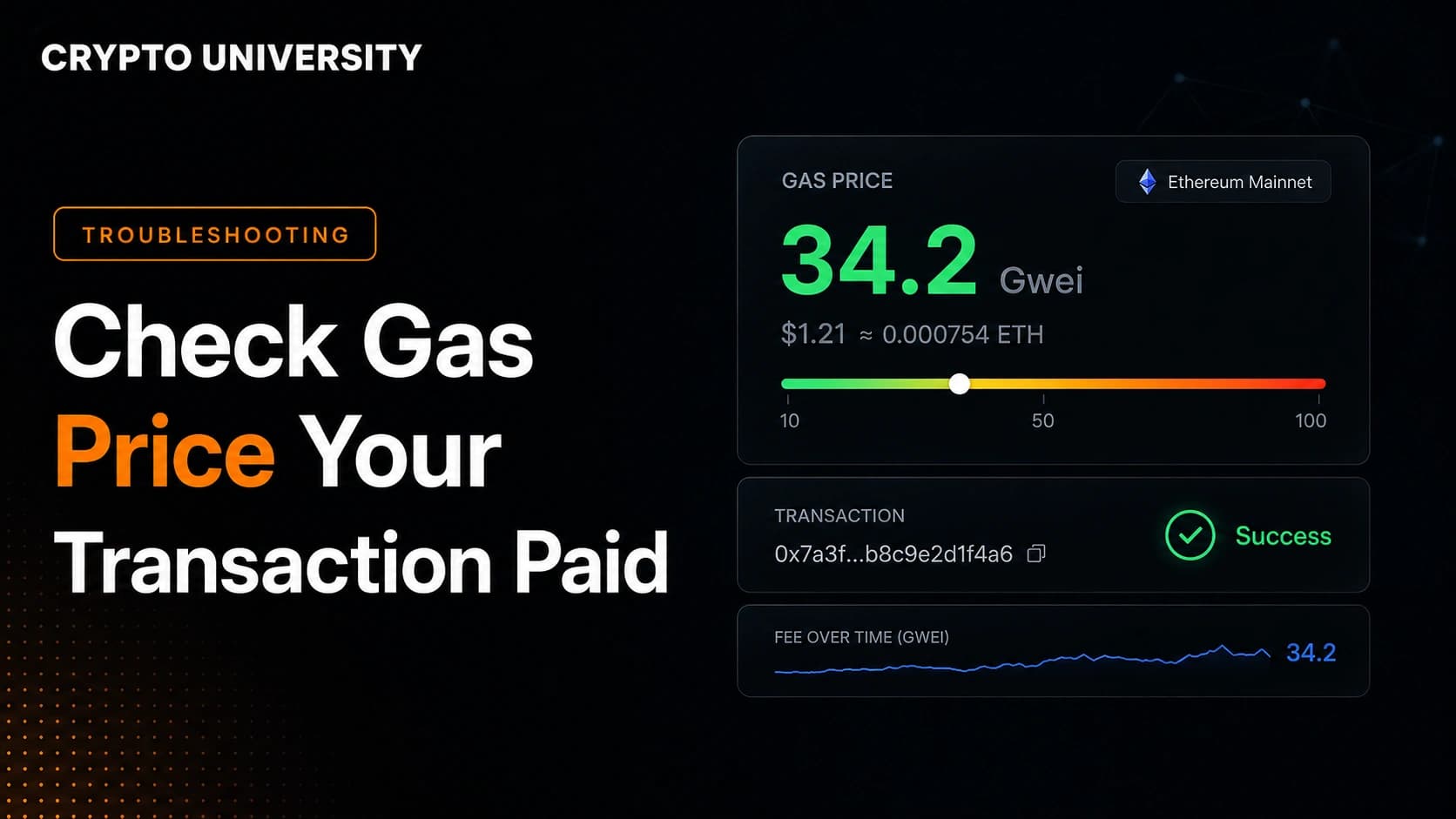
Fee is final
Learn how to check the real gas price and fee your crypto transaction paid, using a block explorer, your wallet, or an RPC call.
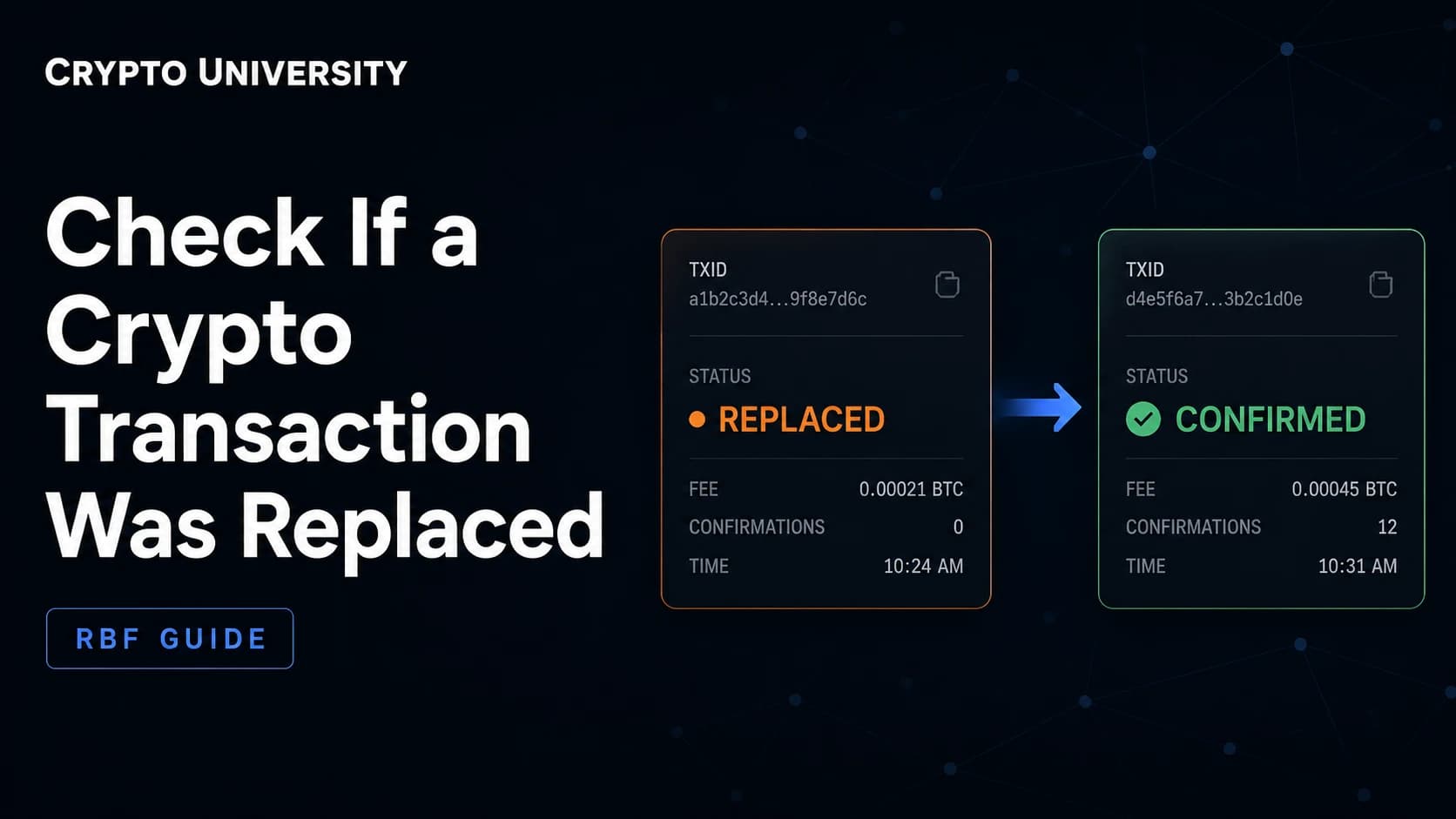
Check on-chain first
Learn how to check if a Bitcoin or Ethereum transaction was replaced, using block explorers, wallet fields, and node data.
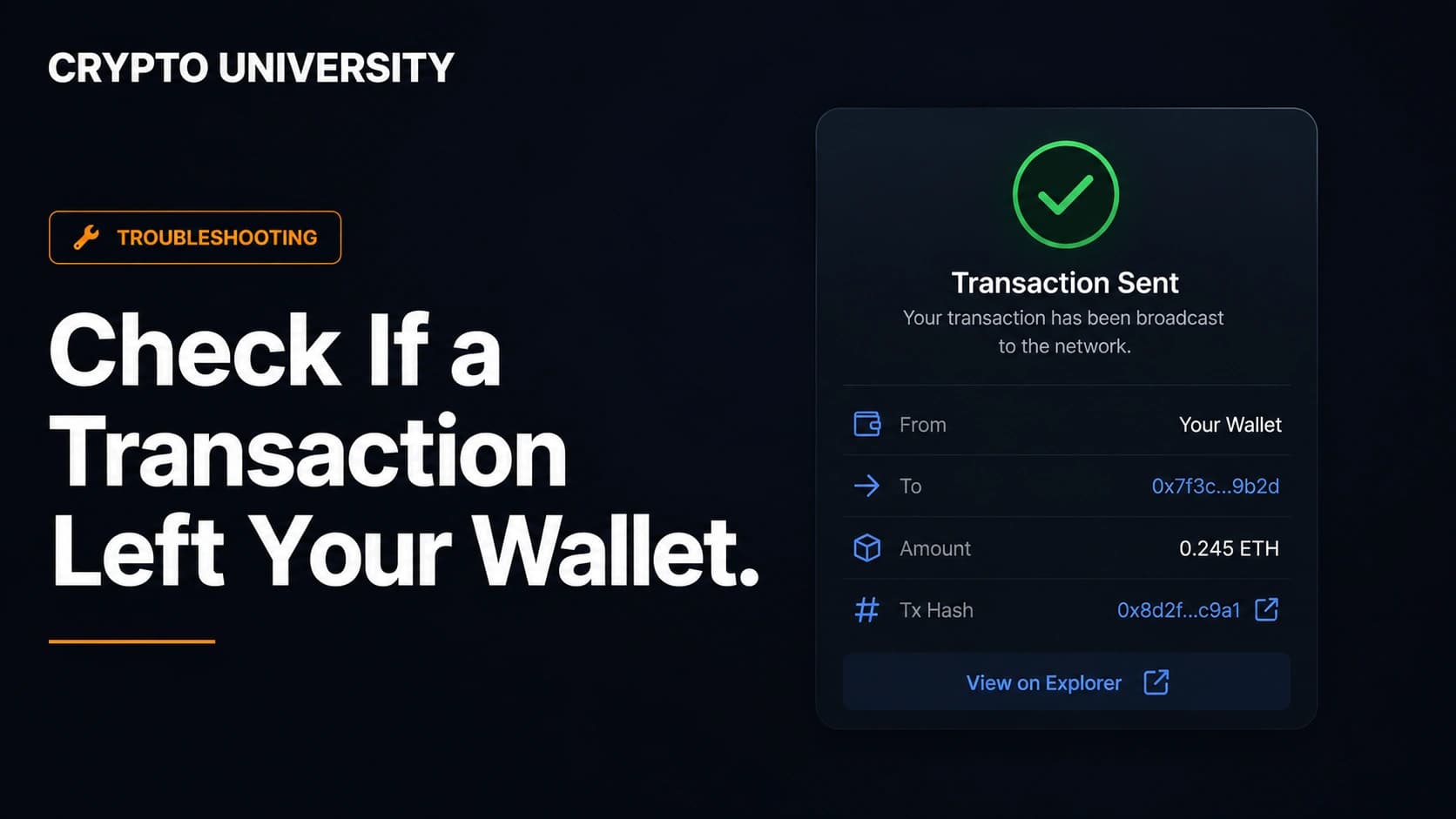
Check on-chain first
Learn how to confirm a crypto transaction really left your wallet using a block explorer, transaction hash and confirmations.
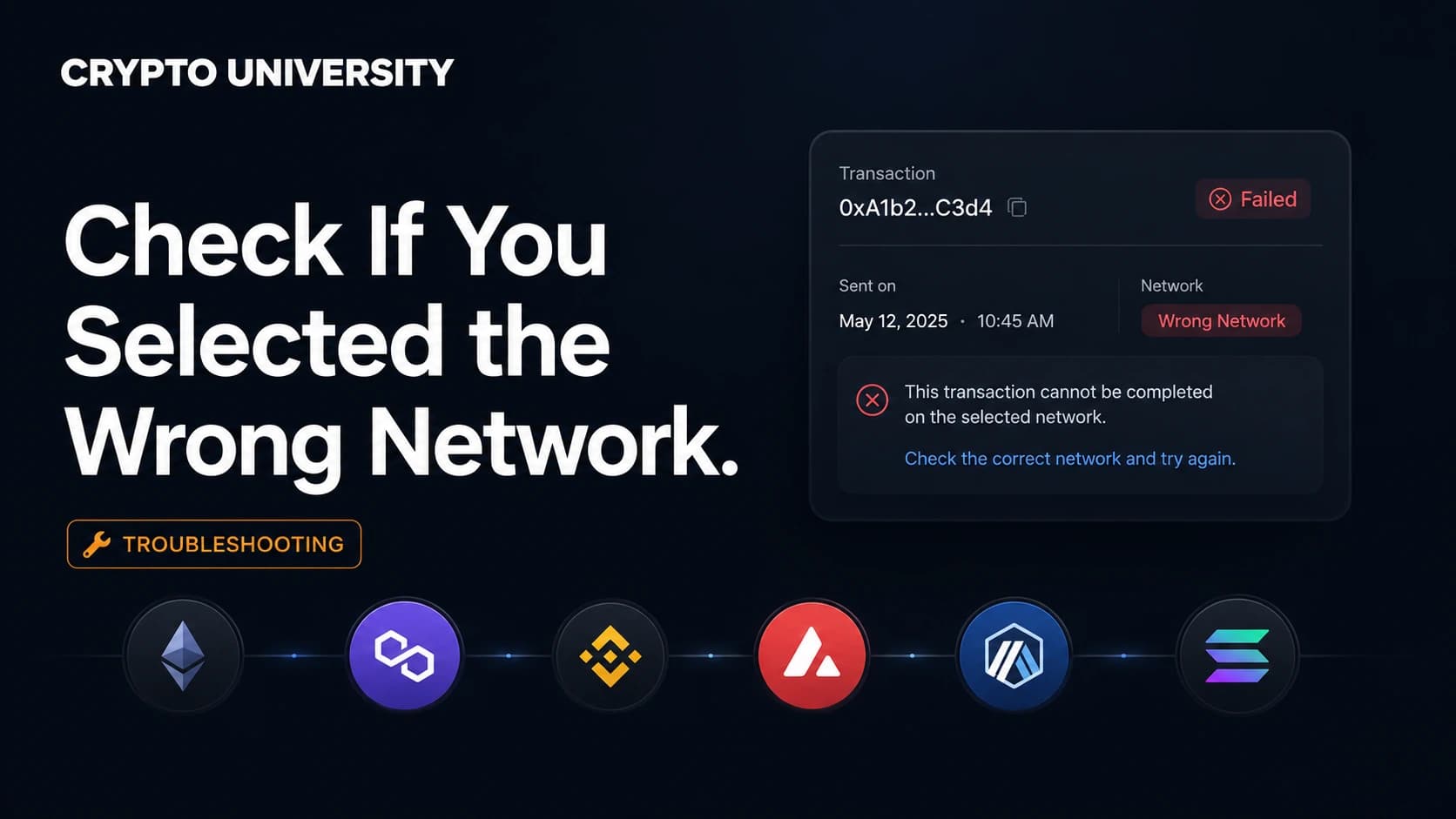
Check on-chain first
Learn how to check whether you sent crypto on the wrong blockchain network, how to verify it on chain, and what to do next.
Check on-chain first
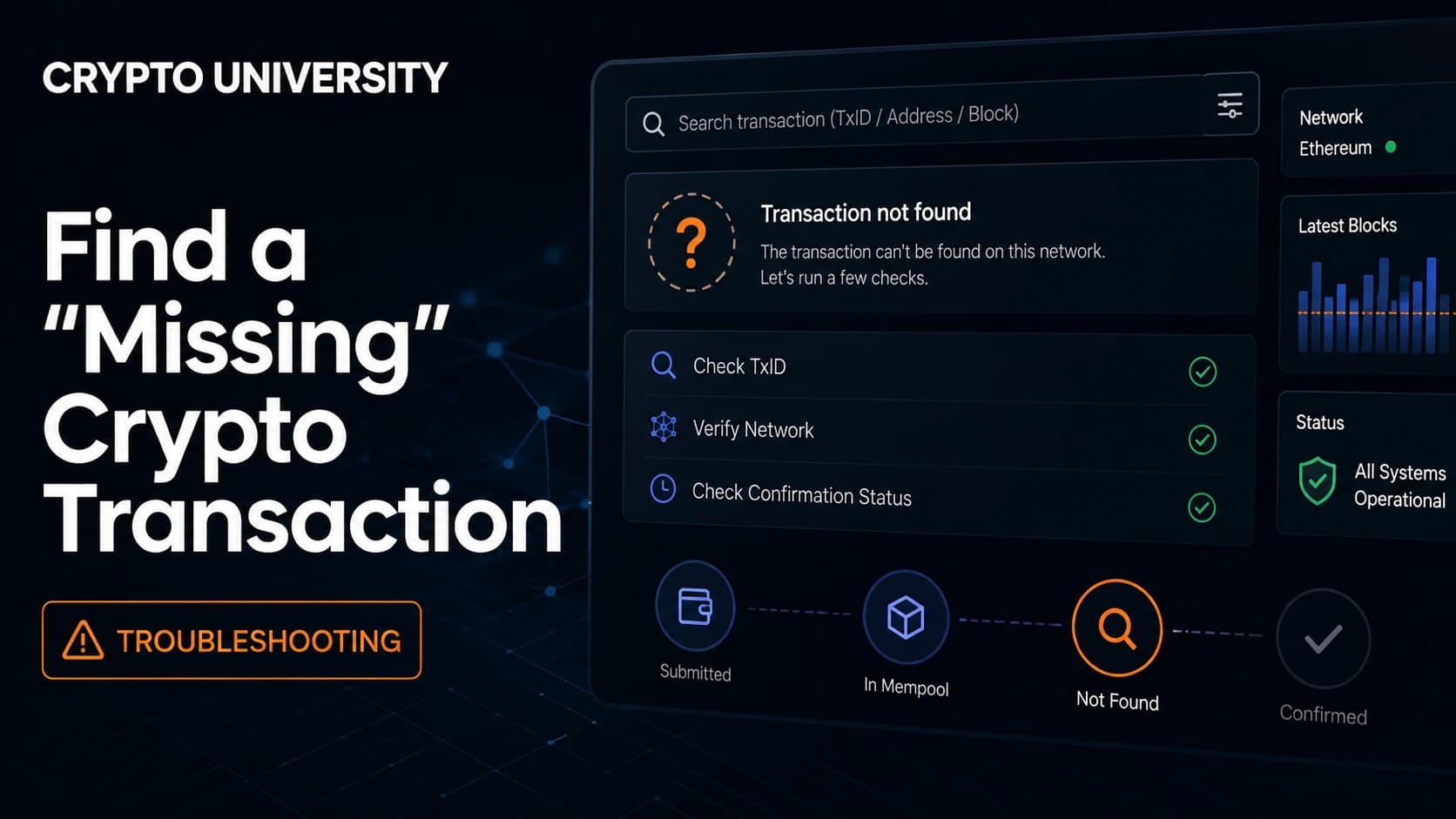
Learn how to trace a missing crypto transaction using a TXID, block explorers and simple checks before you contact support.
Check on-chain first
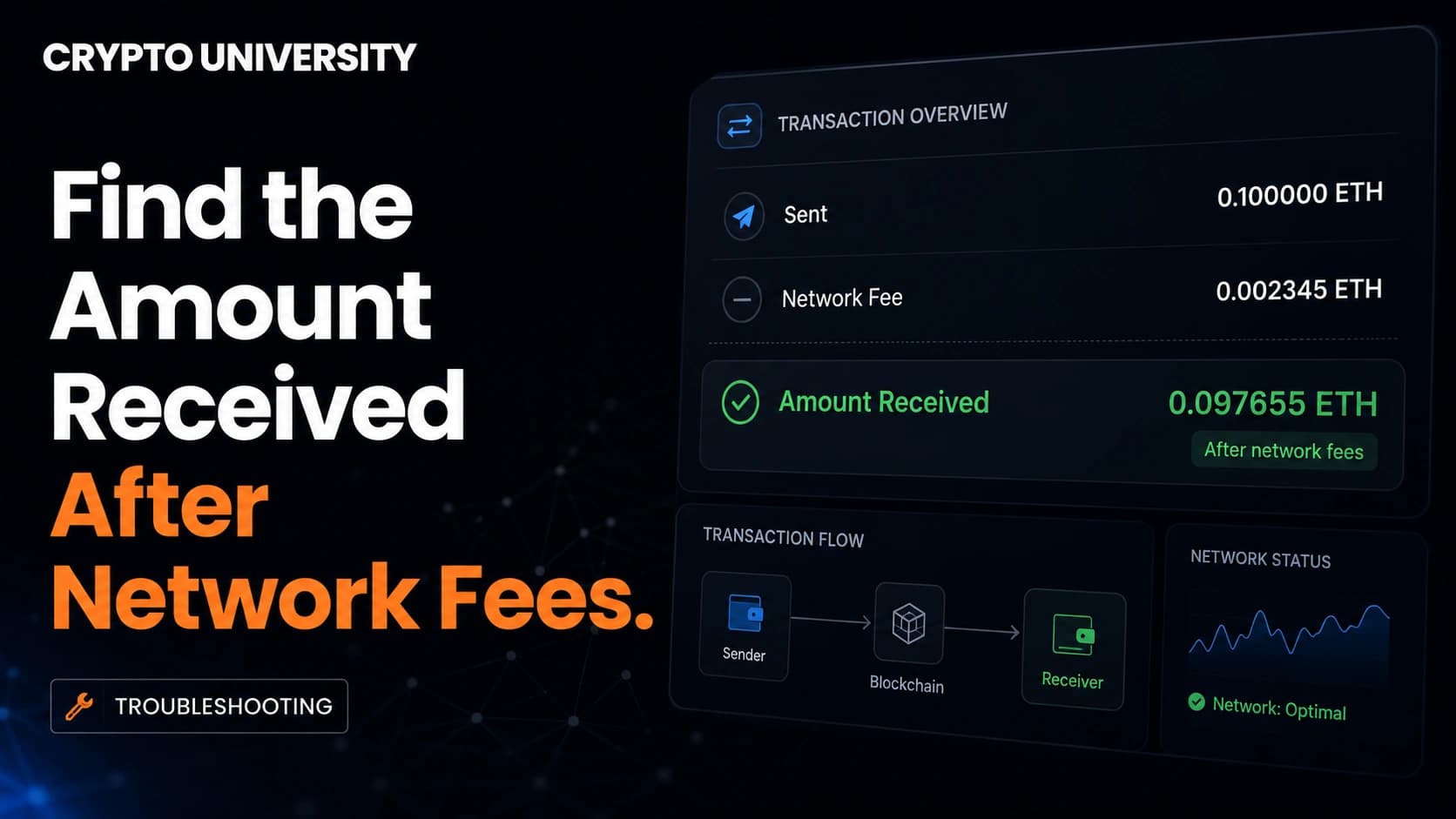
Learn how to check the exact crypto amount received after network fees using block explorers, fee formulas and simple math.
Check on-chain first
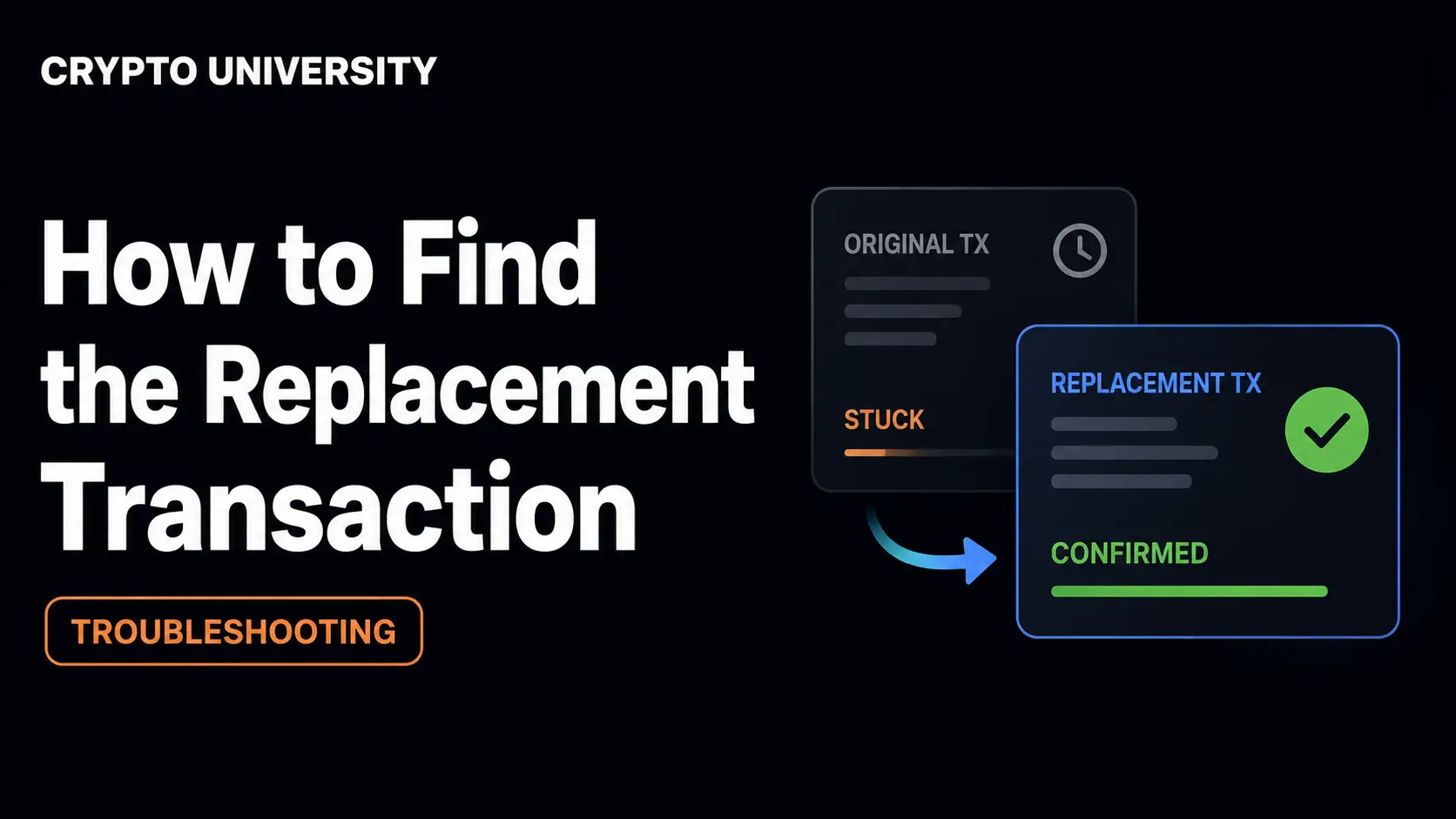
Learn how to find the replacement transaction after an RBF fee bump or nonce replacement, using explorers, APIs and nodes.
Check on-chain first
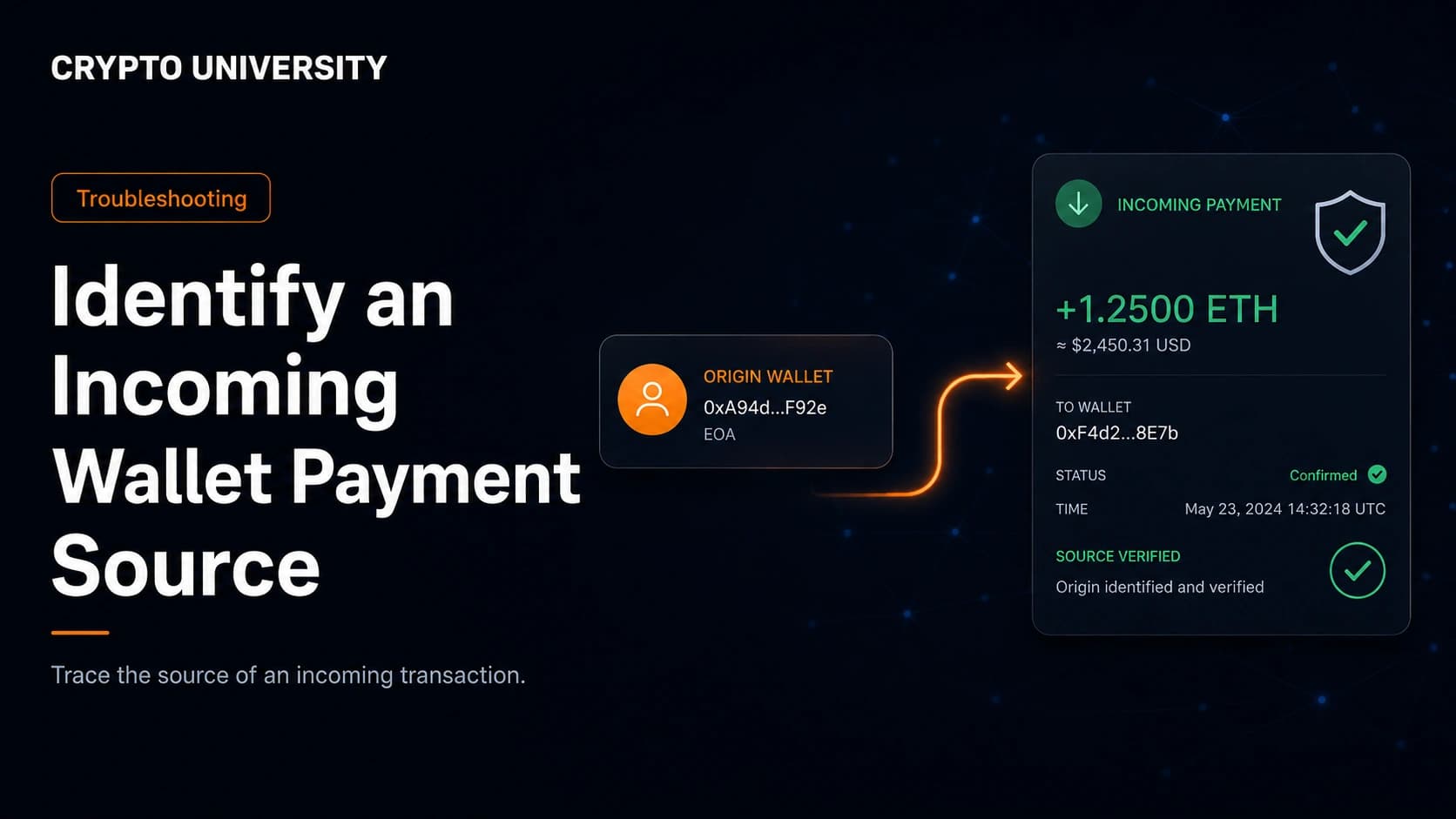
Learn how to trace an incoming crypto payment, read block explorer data, check wallet labels, and spot dust or poisoning.
Check on-chain first
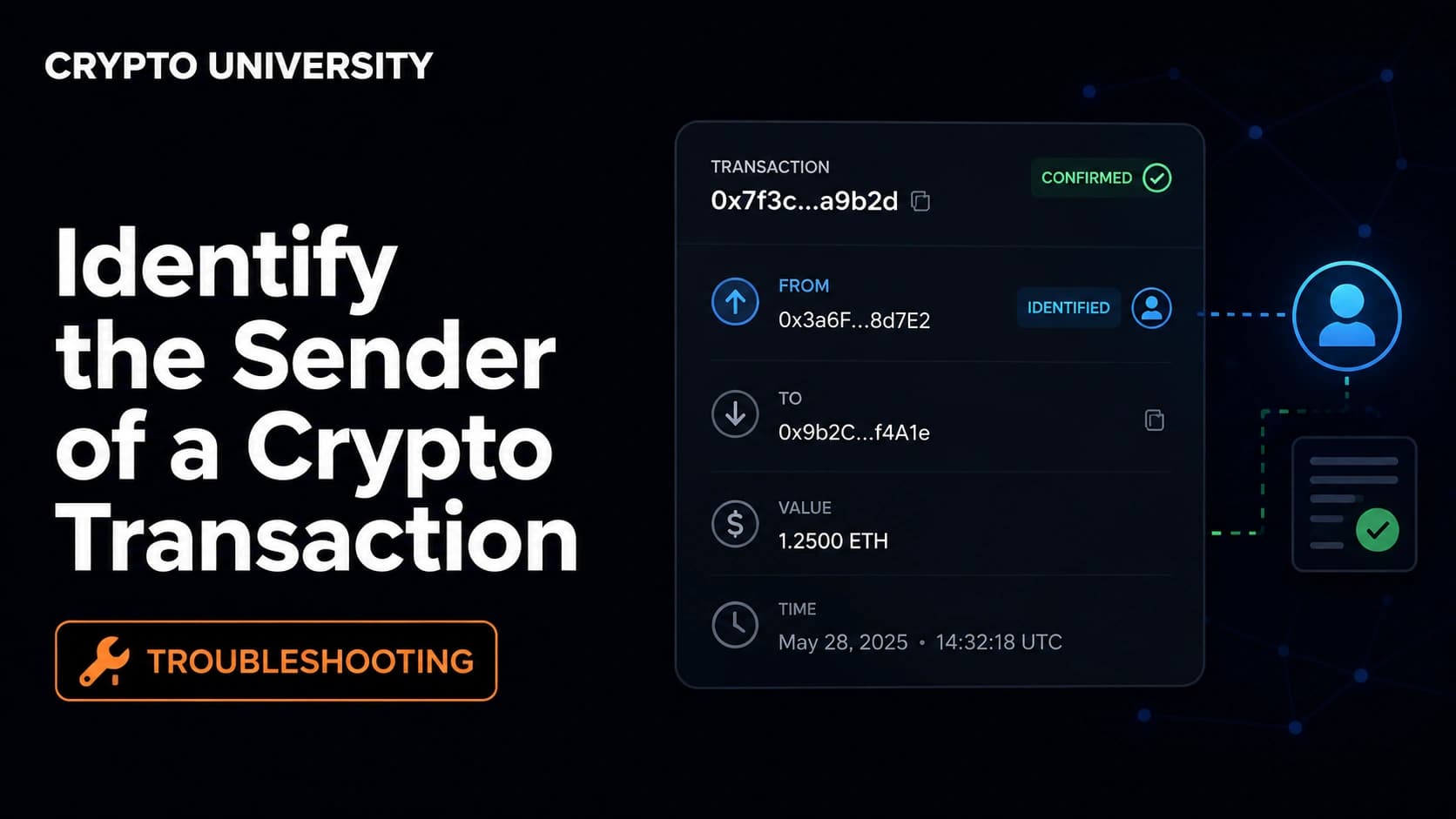
Learn how to trace the sender of a crypto transaction, what blockchain explorers reveal, and where identity data comes from.
Fee is final
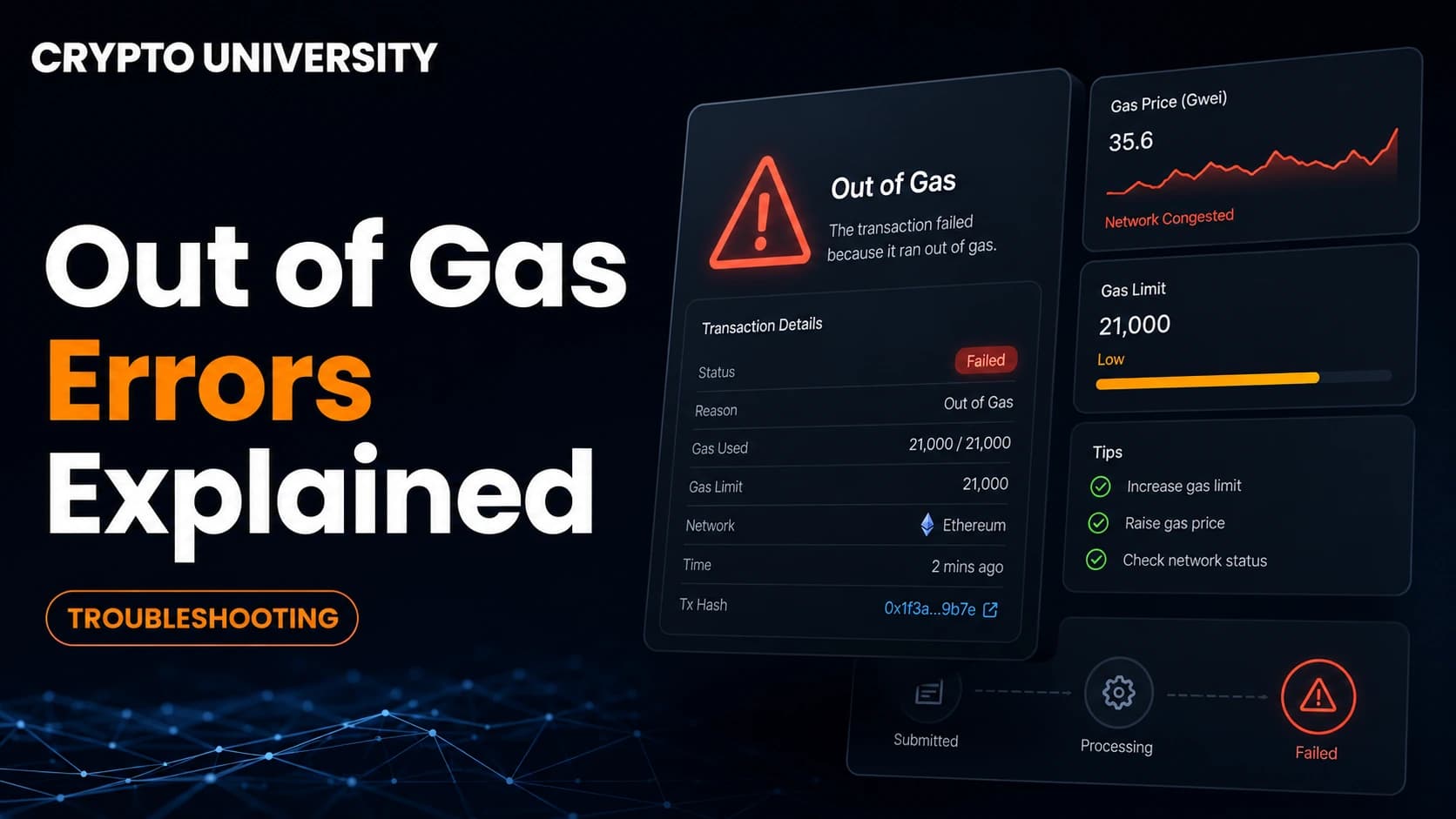
Learn what an out of gas error means, why a failed crypto transaction still costs a fee, and how to fix the gas limit safely.
Check on-chain first
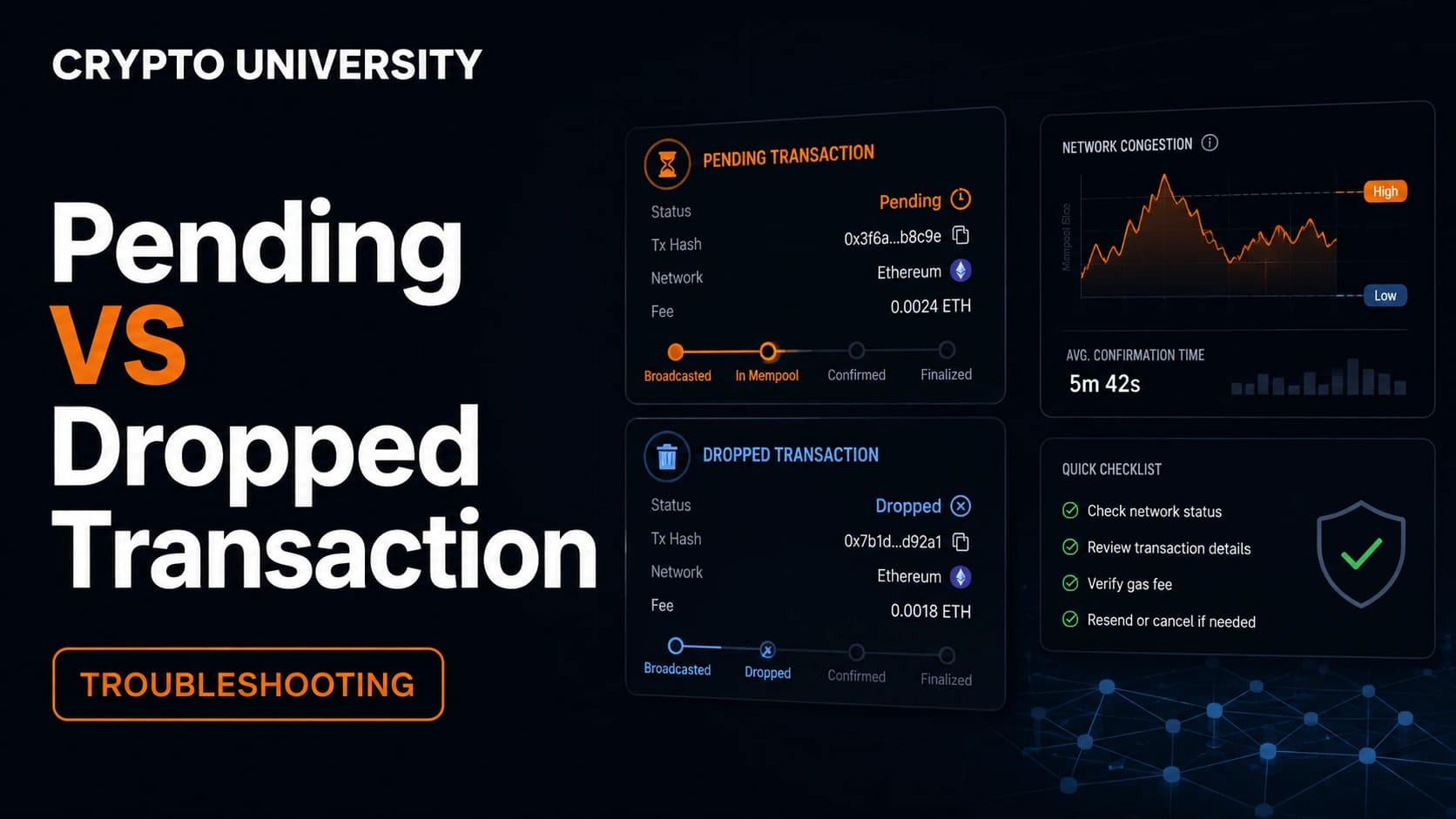
Learn how to check if a crypto transaction is pending, dropped or replaced, and what to do next on Bitcoin, Ethereum and Solana.
Fee is final
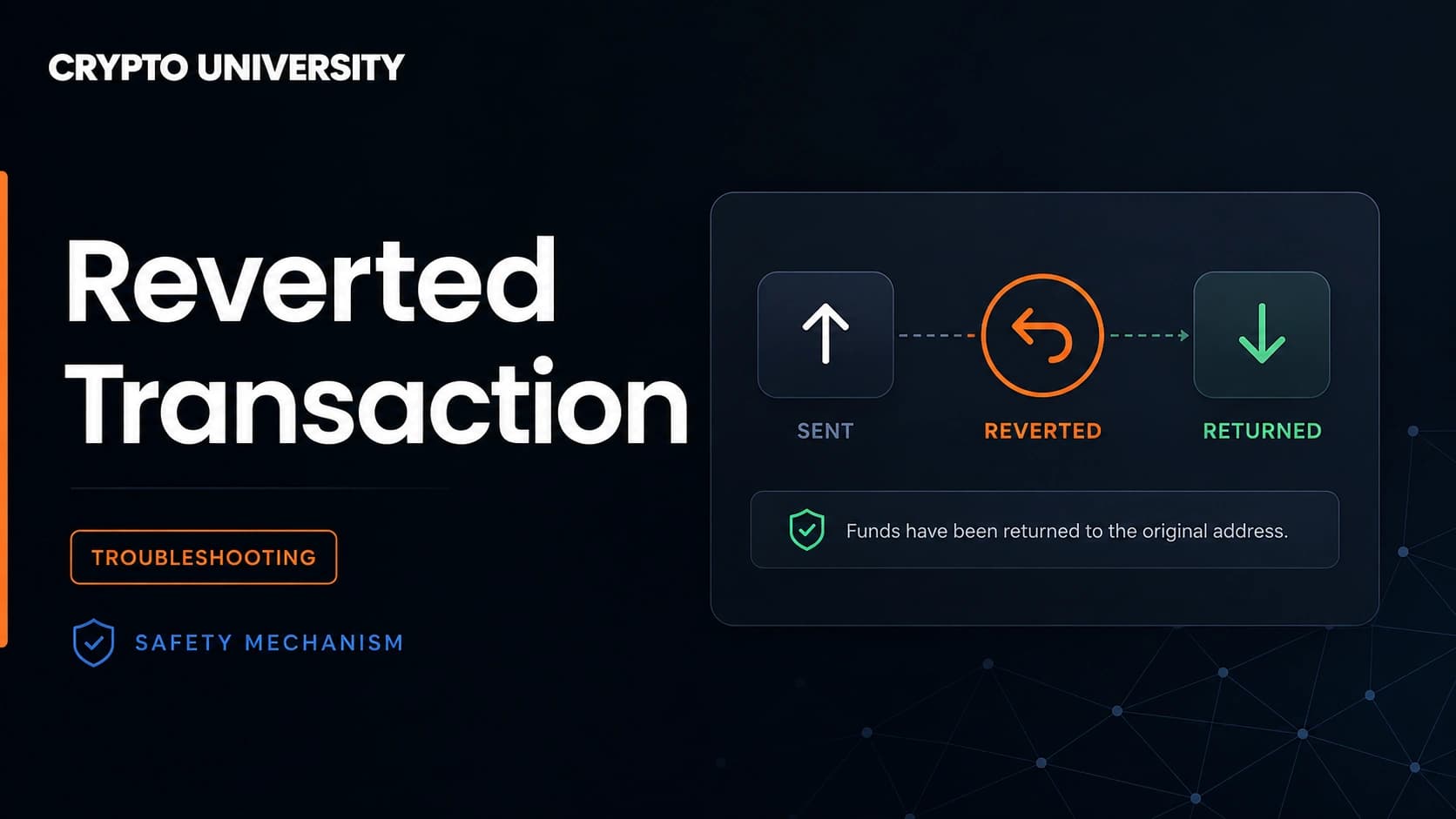
Learn what a reverted blockchain transaction means, why gas is still charged, common revert reasons, and how to read one.
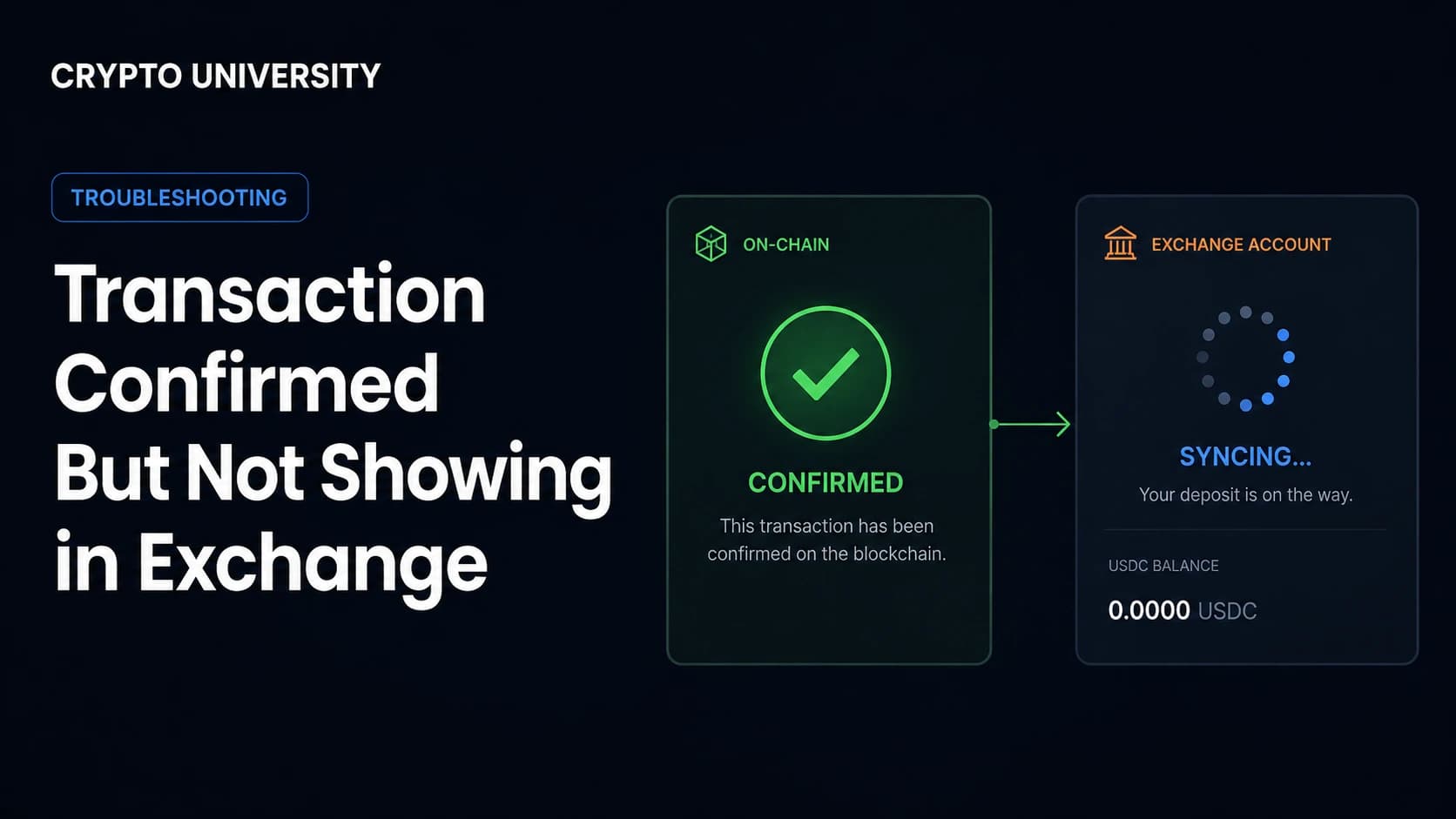
Exchange support may be needed
Your crypto transfer is confirmed on-chain but missing from your exchange balance. Here is how to diagnose and fix the issue.
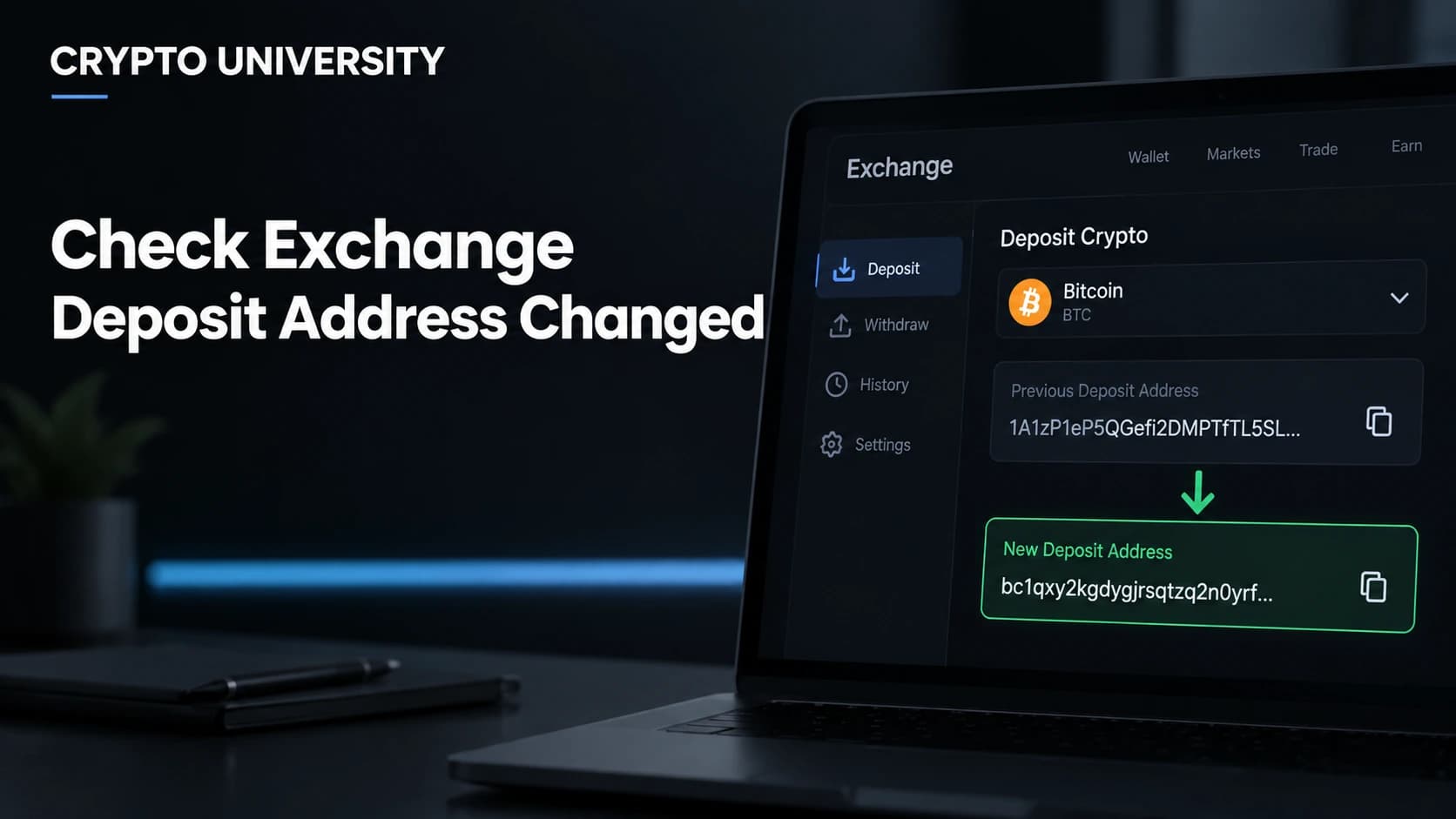
Verify the full address
Learn how to confirm an exchange deposit address before sending crypto, spot red flags, and avoid losing funds to fake addresses.
13 guides
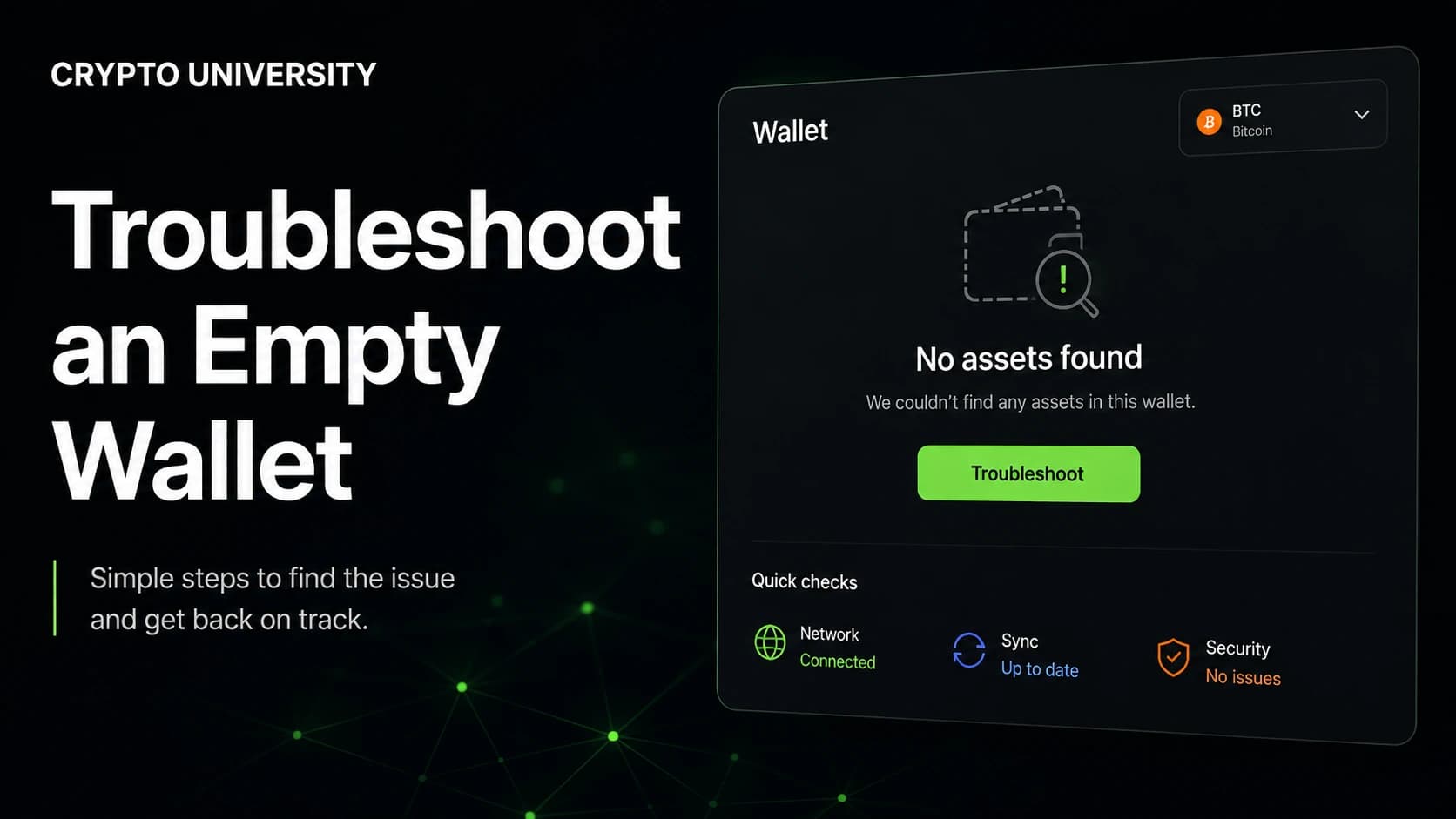
Usually a display issue
Restored your crypto wallet but the balance shows zero? Learn the common causes, the safe checks, and step-by-step fixes.
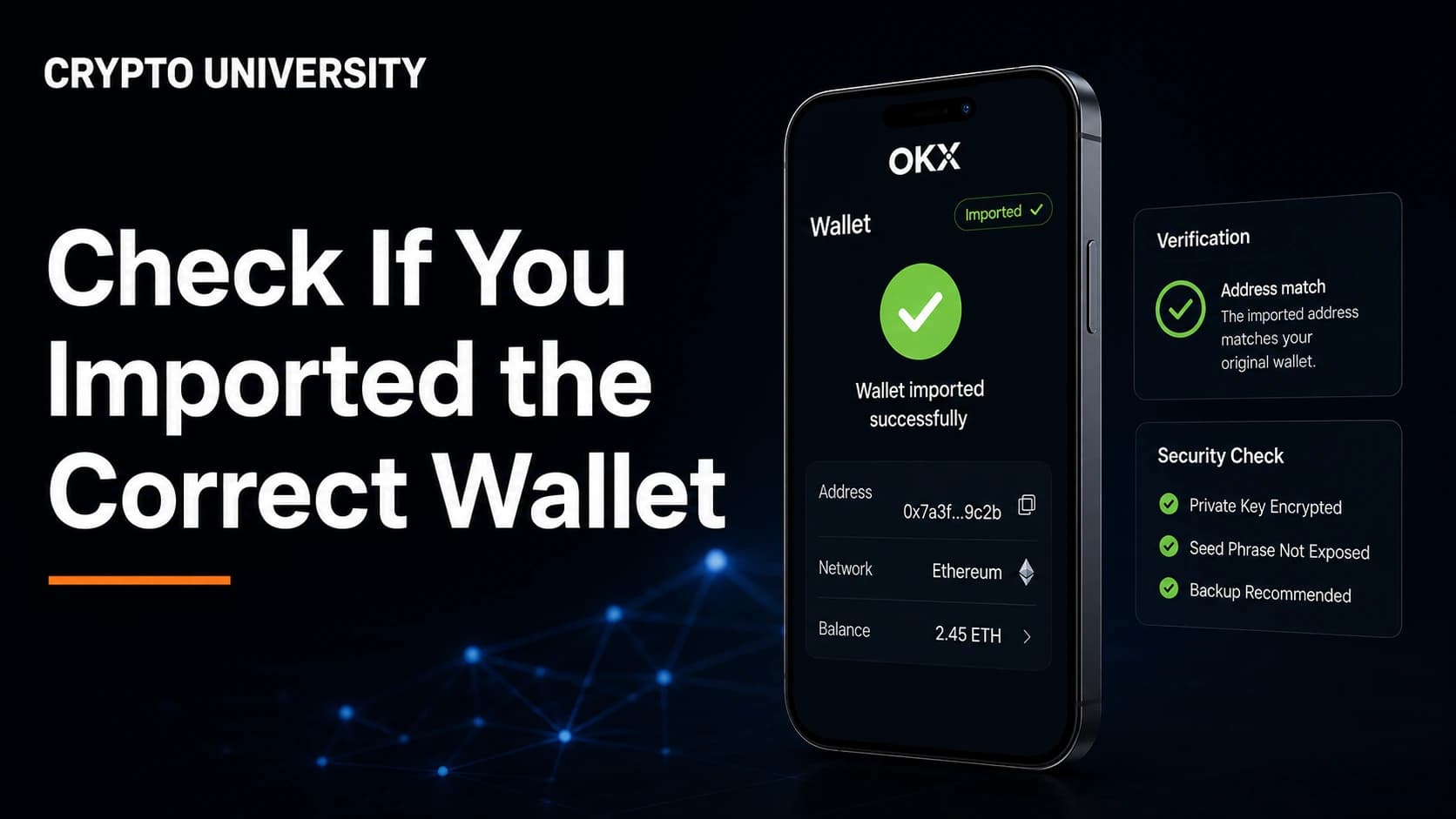
Usually a display issue
Learn how to confirm you imported the right crypto wallet by checking addresses, derivation paths, passphrases, and networks.
Depends on credentials
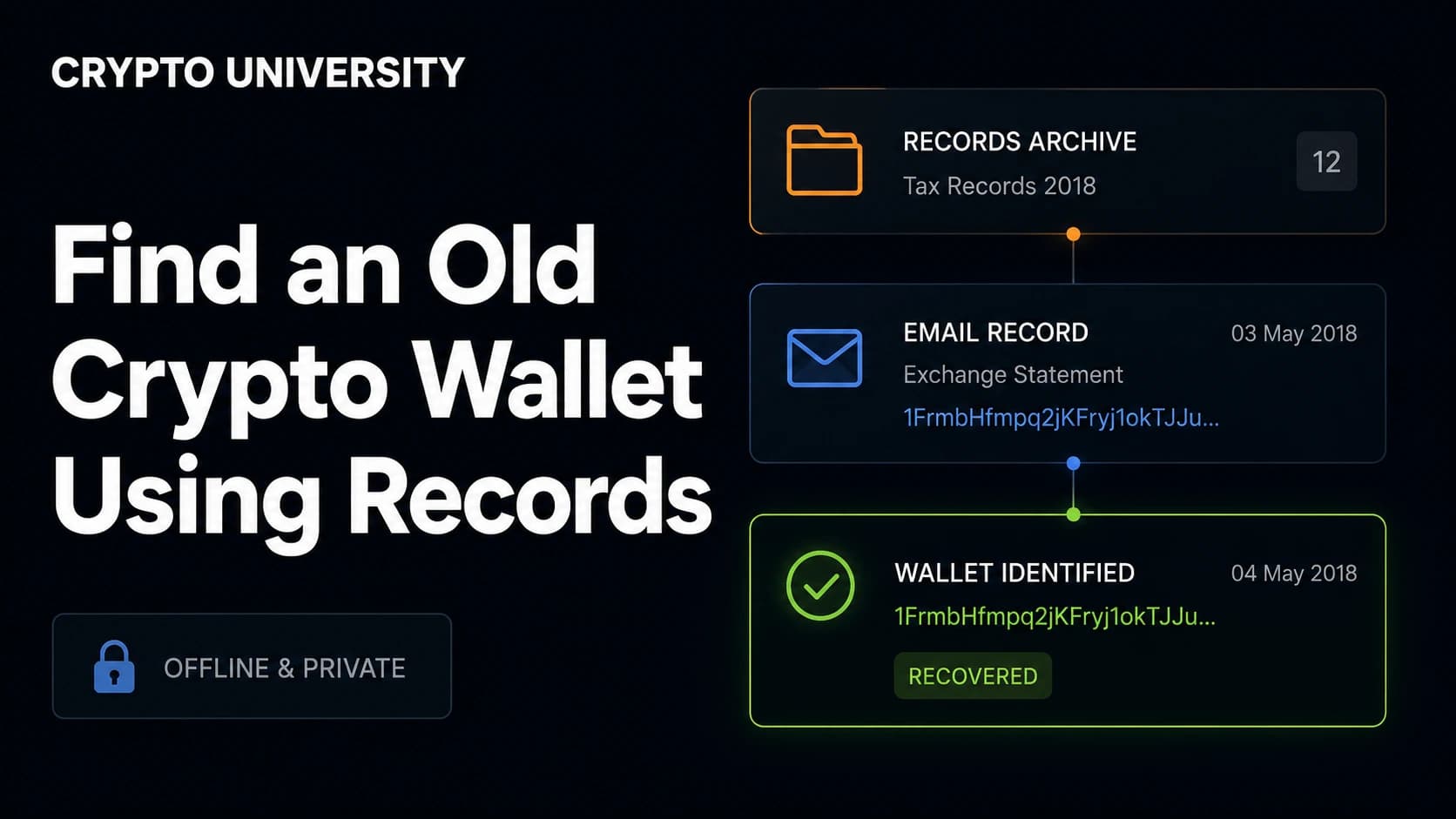
Lost track of an old crypto wallet? Learn how to use emails, receipts, old devices, and block explorers to trace it safely.
Usually a display issue
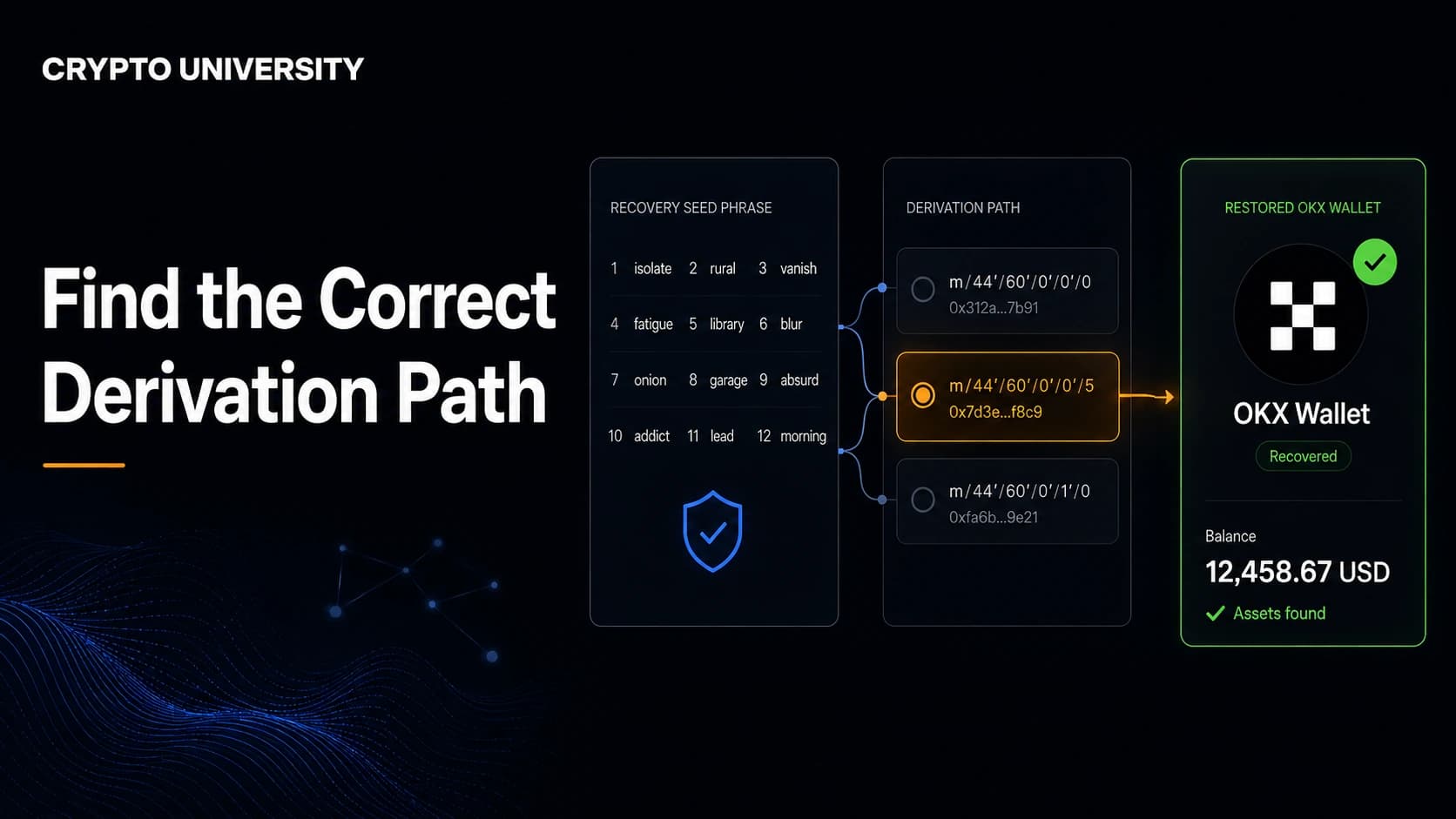
Restored a wallet and see a zero balance? Learn how to find the correct derivation path without risking your recovery phrase.
Usually a display issue
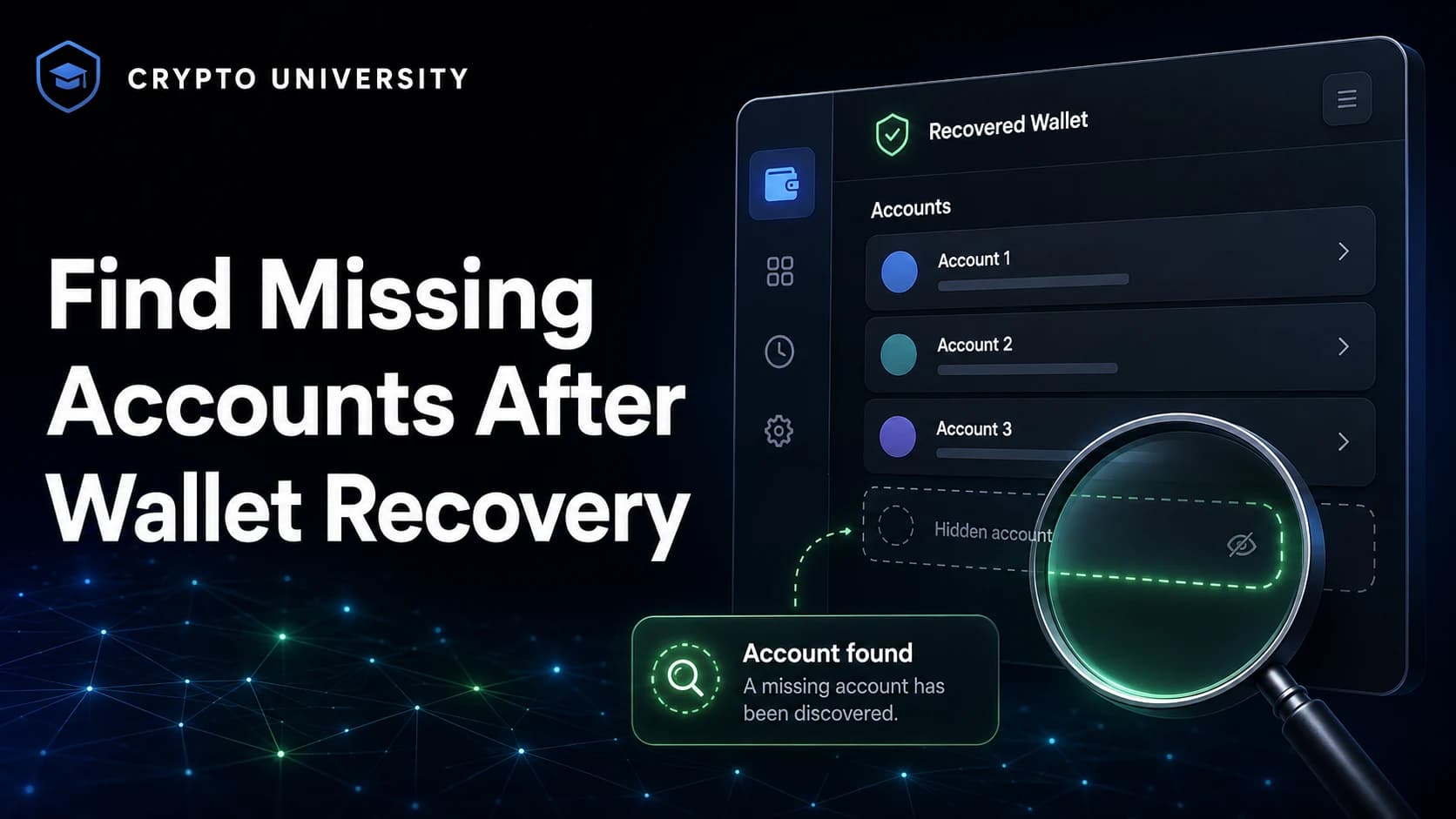
Accounts missing after a seed phrase restore? Learn the real causes, from derivation paths to passphrases, and how to check safely.
Usually recoverable
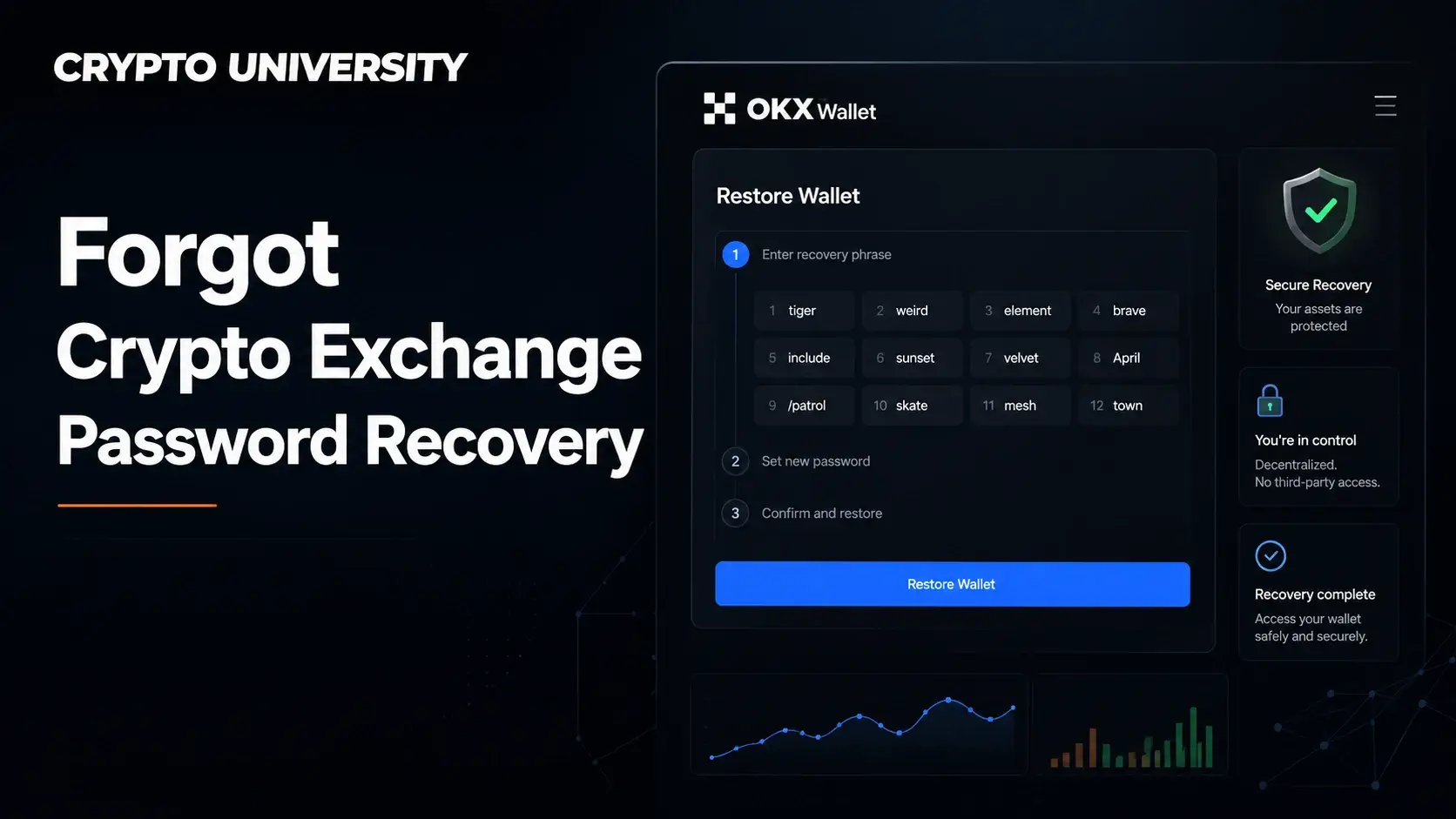
Forgot your crypto exchange password? Learn the reset steps, identity checks, security holds, and scams that target locked-out users.
Usually recoverable
Lost your 2FA app? Learn how crypto exchange account recovery works, what to expect, and how to avoid fake support scams.
Depends on backup
Lost your hardware wallet? Learn how recovery backups work, how to restore access on a new device, and how to spot scams.
Usually recoverable
Lost your phone and locked out of your crypto exchange? Learn the safe steps to reset 2FA, verify identity, and protect your funds.
Usually recoverable
Learn how to restore 2FA after replacing your phone, move authenticator codes safely, and reset 2FA on a crypto exchange.
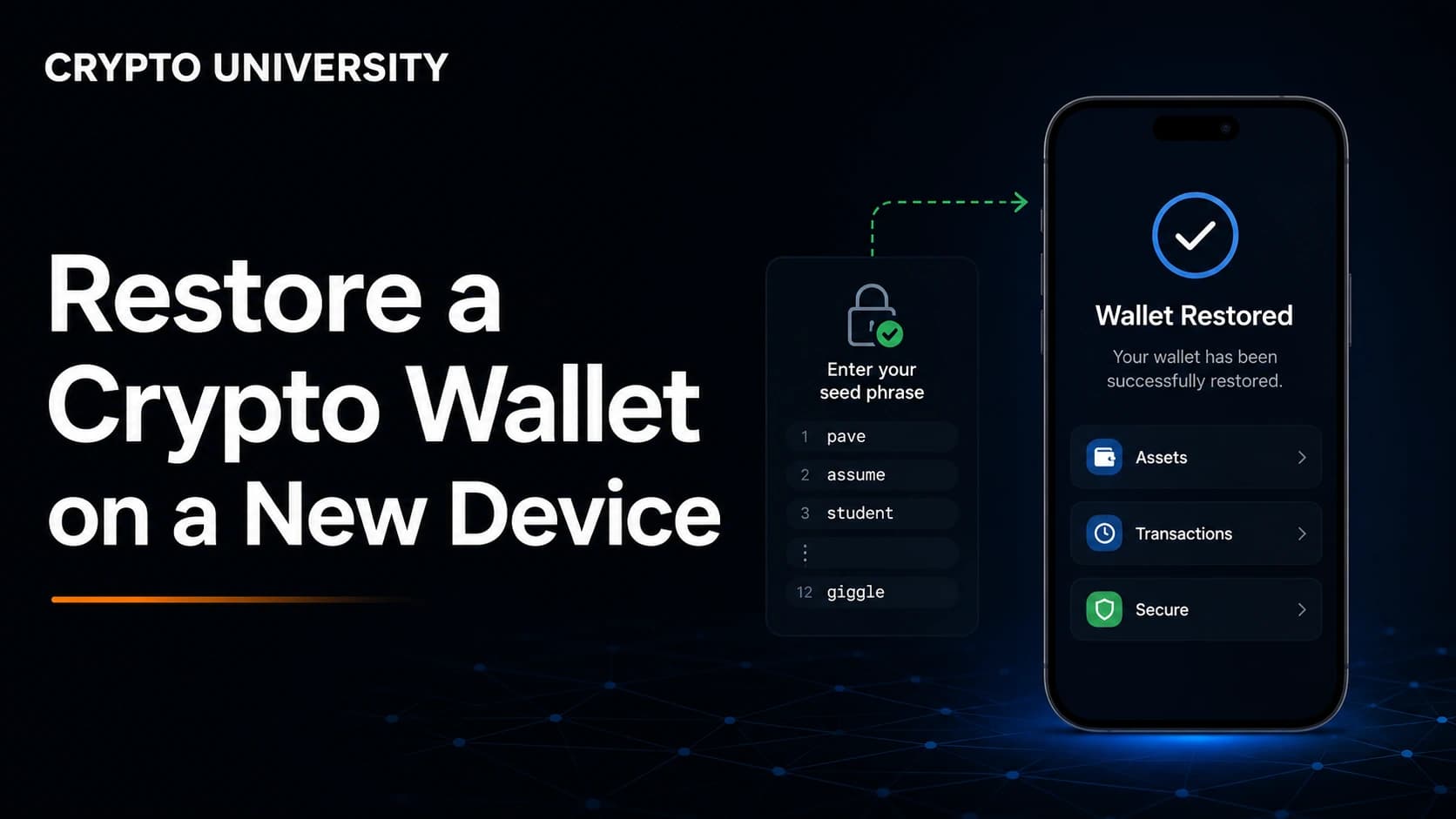
Depends on backup
Learn how to restore a crypto wallet on a new device using its supported backup method and how to fix common errors.
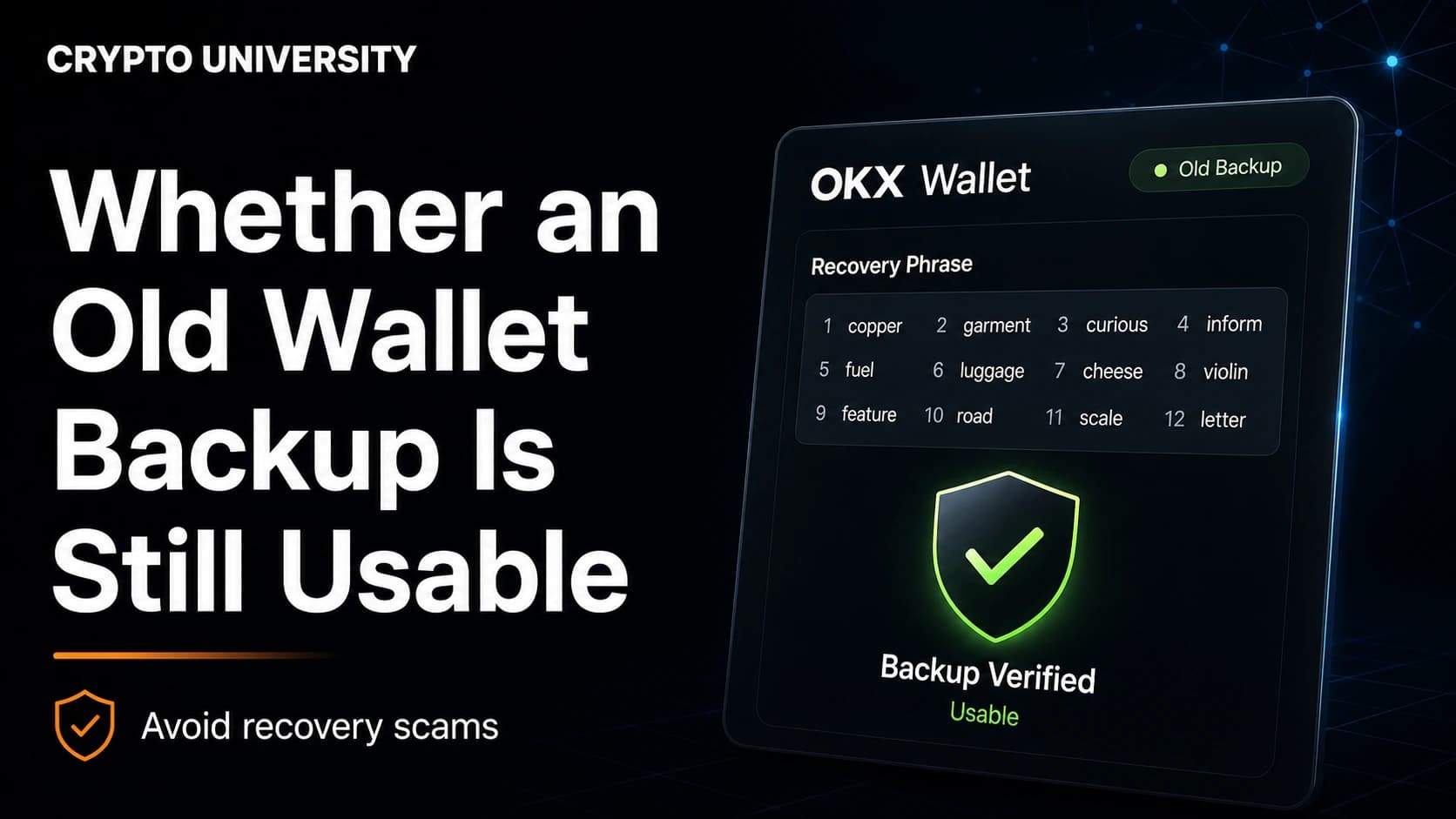
Depends on backup
Learn how to check if an old crypto wallet backup still works, what to test first, and how to avoid common recovery scams.
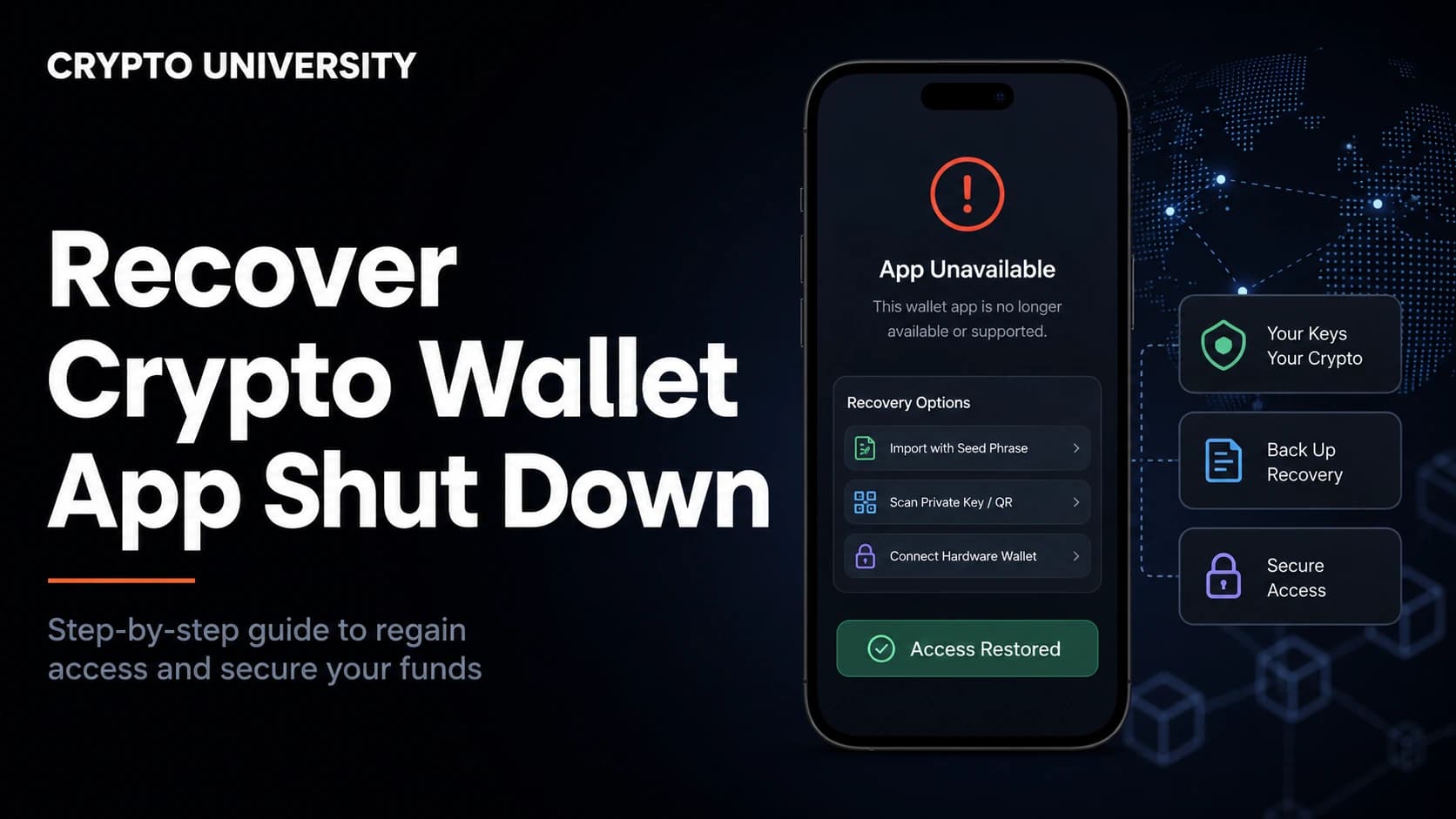
Depends on custody
Wallet app shut down or removed? Learn how to recover access with supported backup material, fix zero balances, and avoid scams.
5 guides
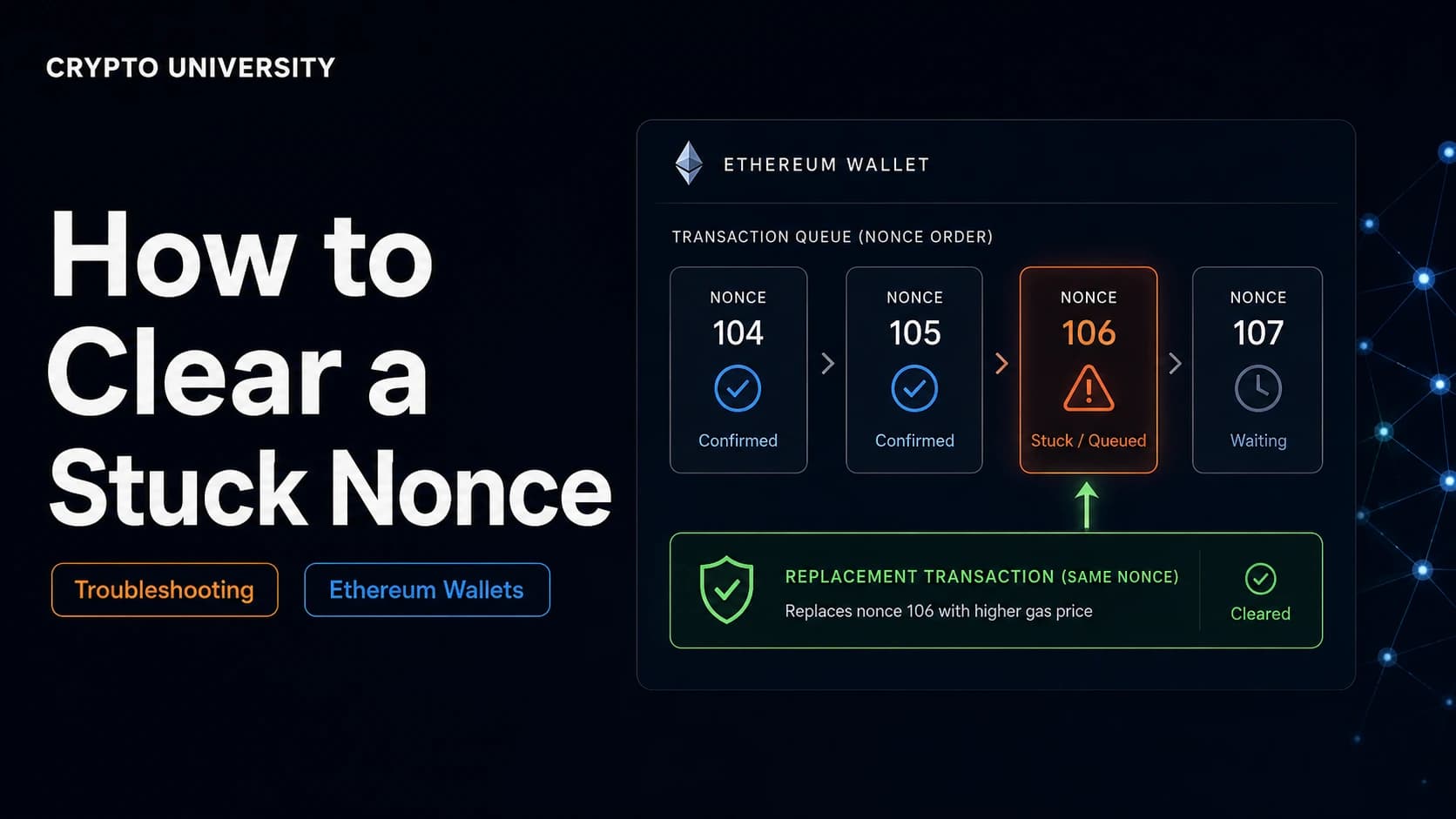
Check on-chain first
Learn what a stuck nonce is, why Ethereum transactions stall, and how to clear one safely with a replacement transaction.
Usually a local wallet issue
Wallet stuck on the wrong network? Learn why it happens, how to switch chains safely, and how to find missing tokens fast.
Back up before changing anything
Learn how to move a crypto wallet to a new phone safely, from seed phrase backups to exchange apps, 2FA and passkey transfers.
Back up before changing anything
Reinstalling a crypto wallet app? Learn how to back up first, restore your recovery phrase, and get all your accounts back.
Usually a connection issue
Crypto wallet not connecting to any website? Learn the real causes and a safe step by step fix for browser and mobile wallets.
7 guides
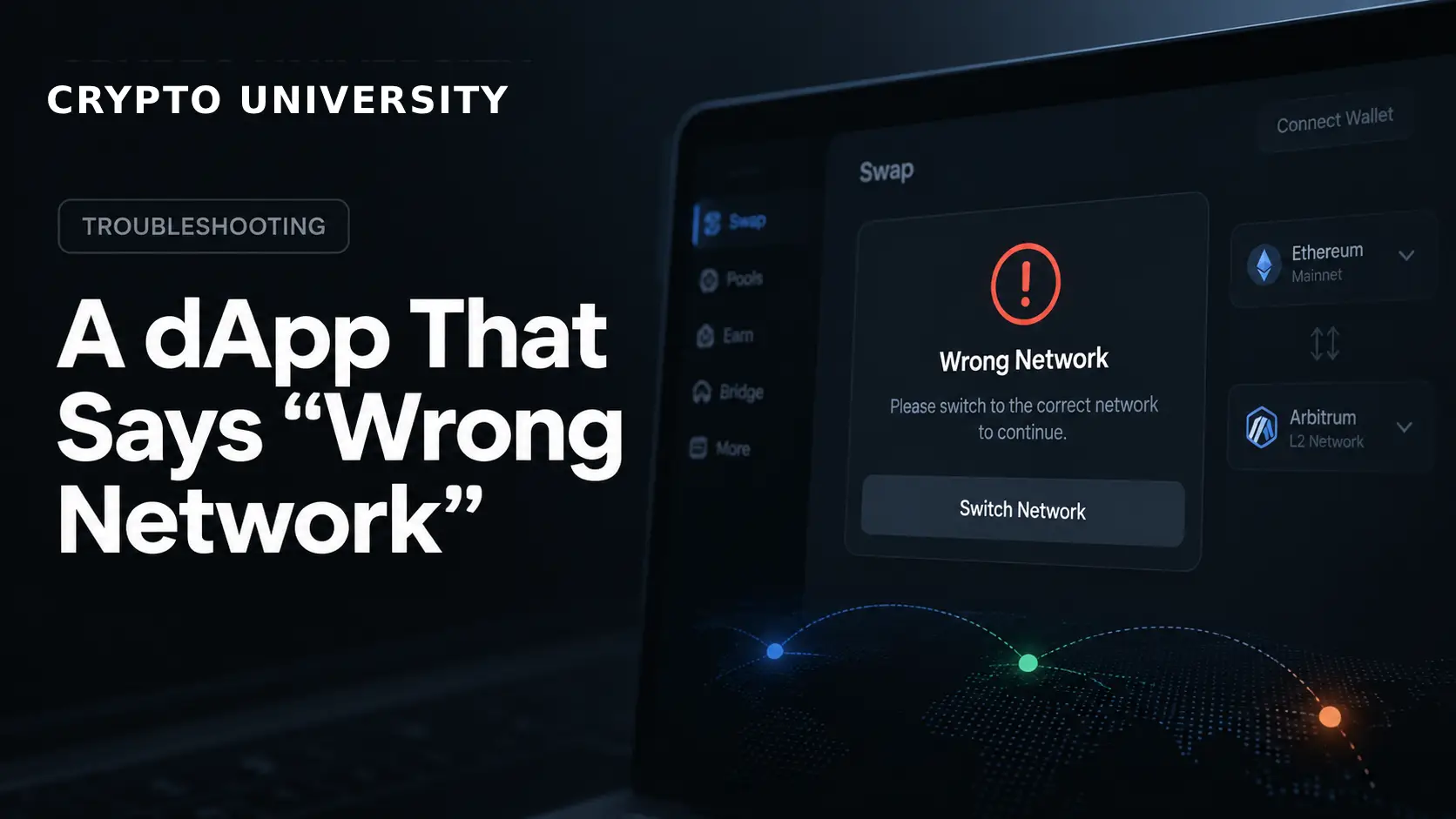
Usually a connection issue
Learn why a dApp says "wrong network," how chain IDs work, and how to fix the error safely in MetaMask and other wallets.
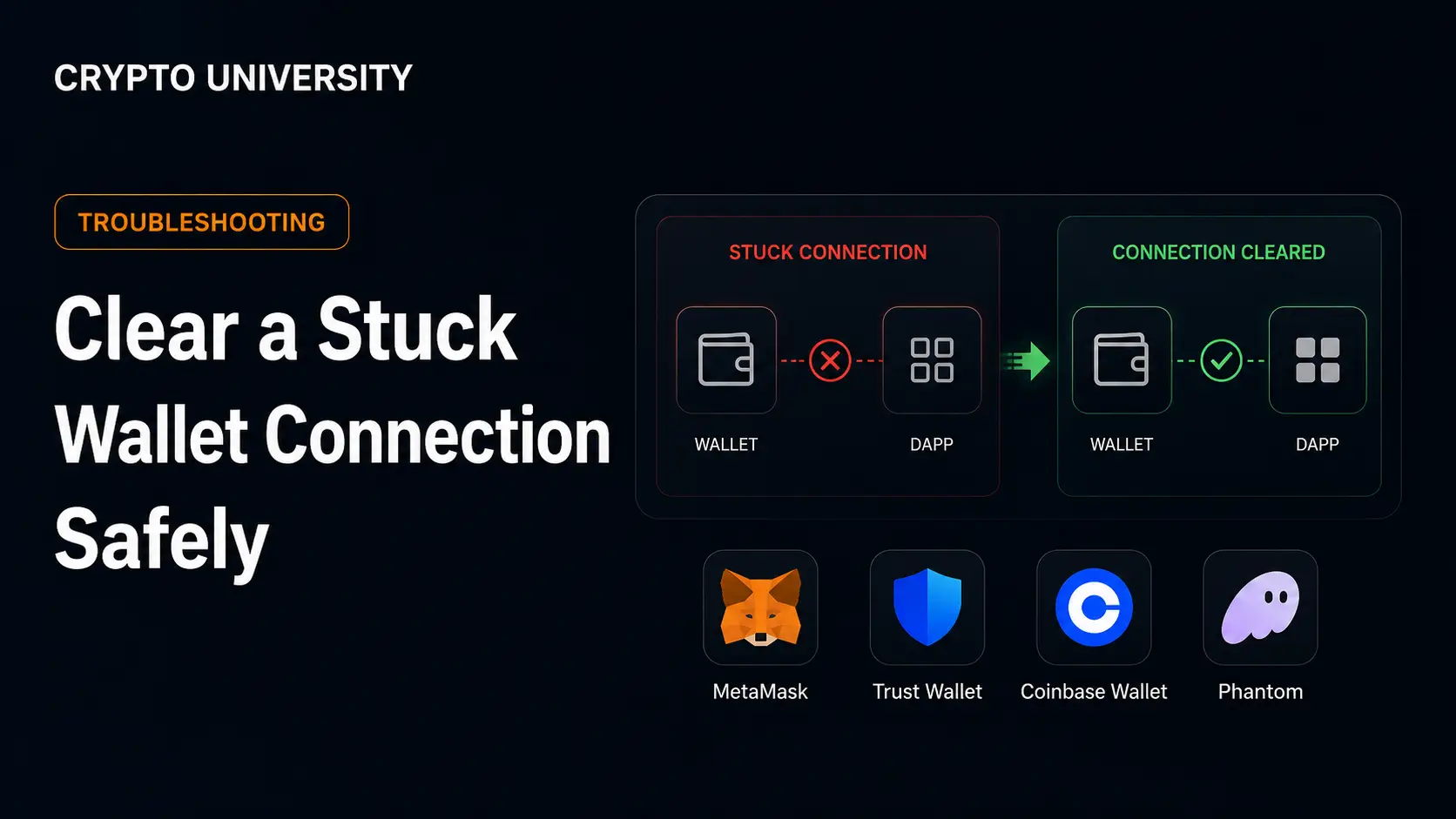
Usually a connection issue
Learn how to clear a stuck wallet connection safely, from stale sessions to pending transactions and live token approvals.
Usually a connection issue
WalletConnect not working? Learn why connections fail and how to fix QR, session, relay and network errors step by step.
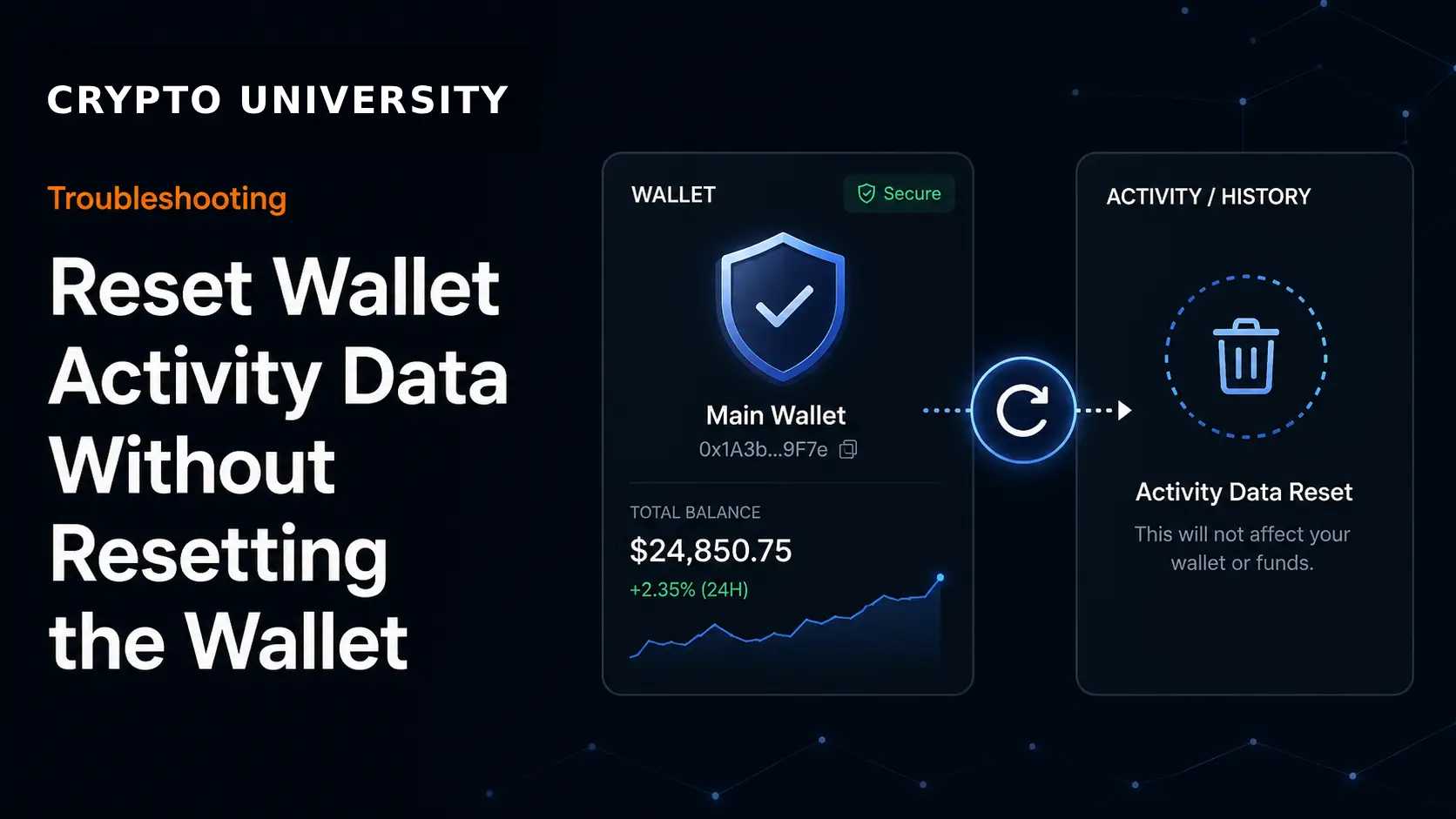
Back up before changing anything
Learn how to clear wallet activity, nonce and cache data in MetaMask, Rabby and other wallets without wiping your wallet.
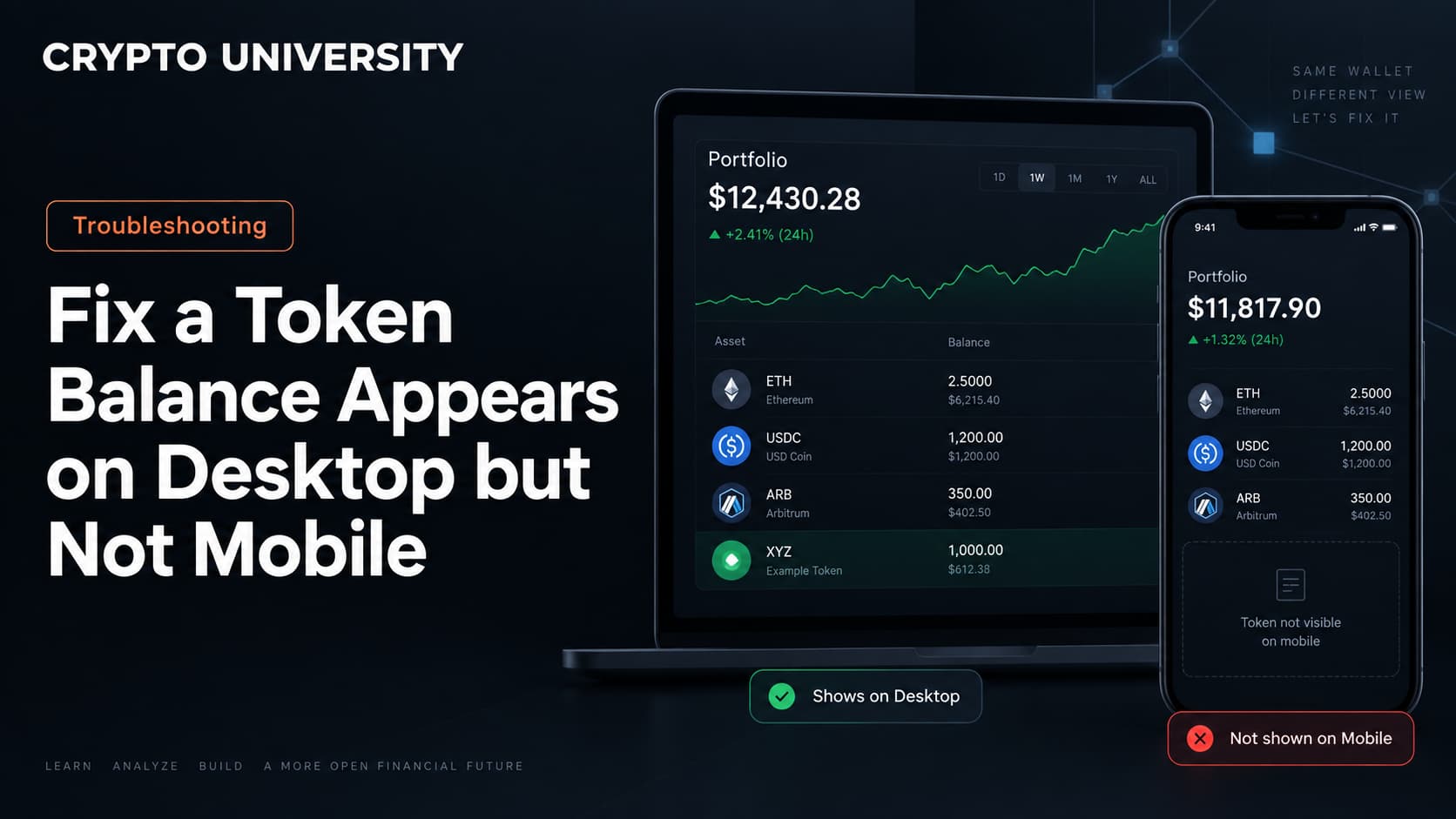
Usually a display issue
Token showing on your desktop wallet but missing on mobile? Here is what causes it and how to safely fix it, step by step.
Usually a connection issue
Wallet extension will not open? Follow these safe, step by step fixes for MetaMask, Phantom, and other browser crypto wallets.
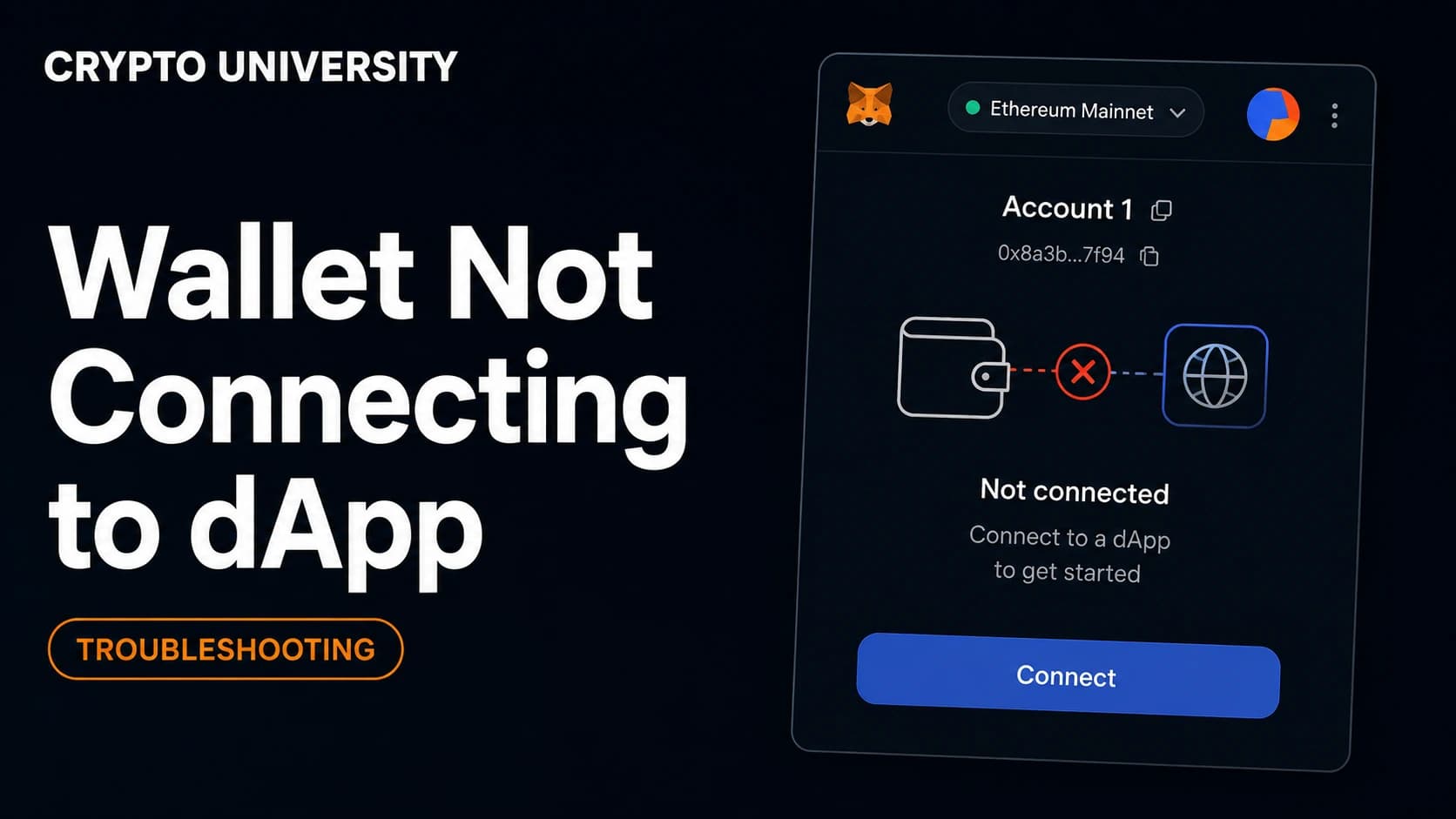
Usually a connection issue
Wallet not connecting to a dApp? Learn the real causes, step by step fixes, common error codes and safe troubleshooting habits.
30 guides
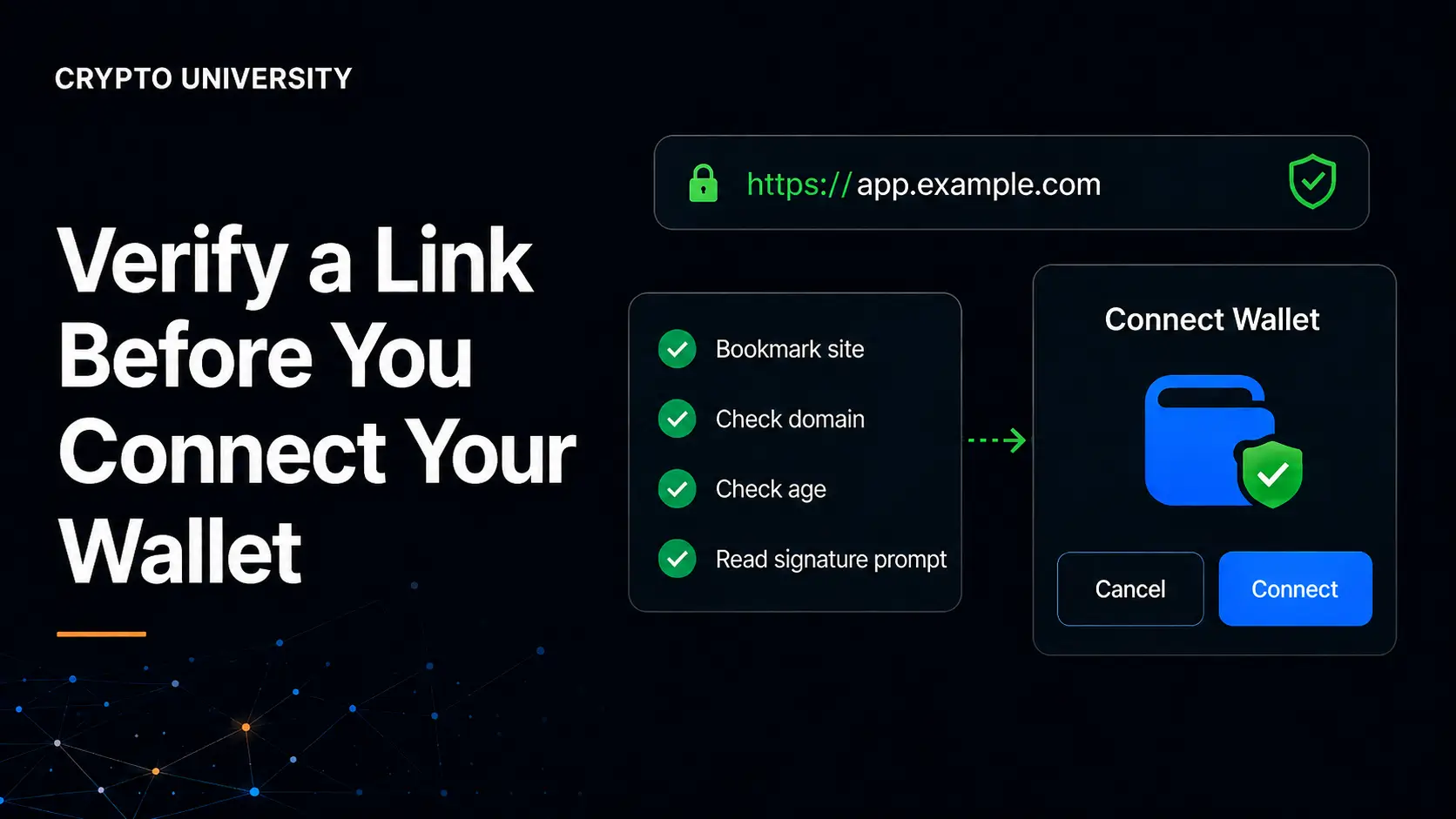
Do not connect yet
Learn how to verify a crypto link before connecting your wallet, spot fake sites, and avoid wallet-drainer phishing scams.
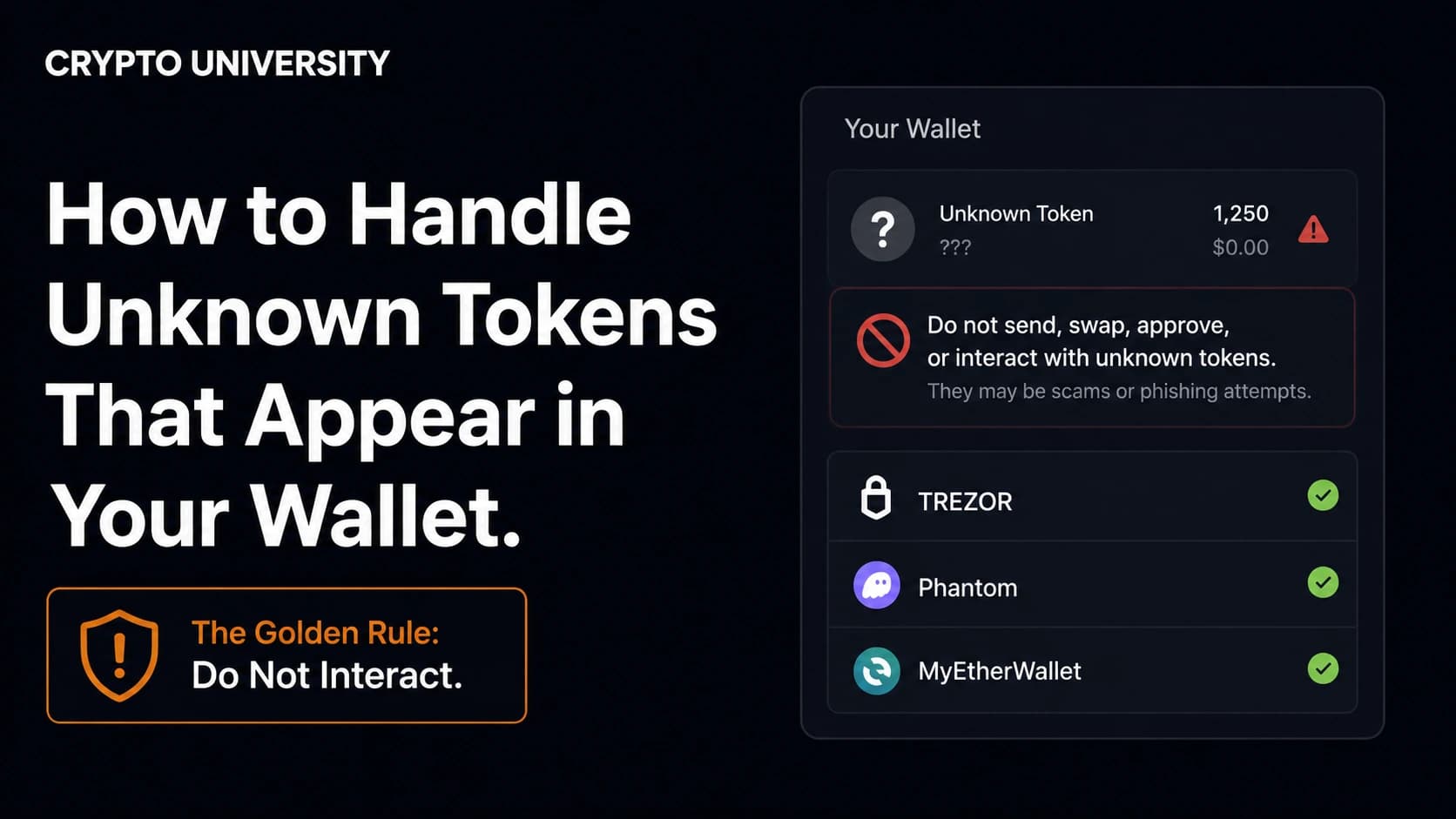
Do not interact
Unknown tokens showing up in your crypto wallet? Learn why they appear, the real risks involved, and the safe steps to take.
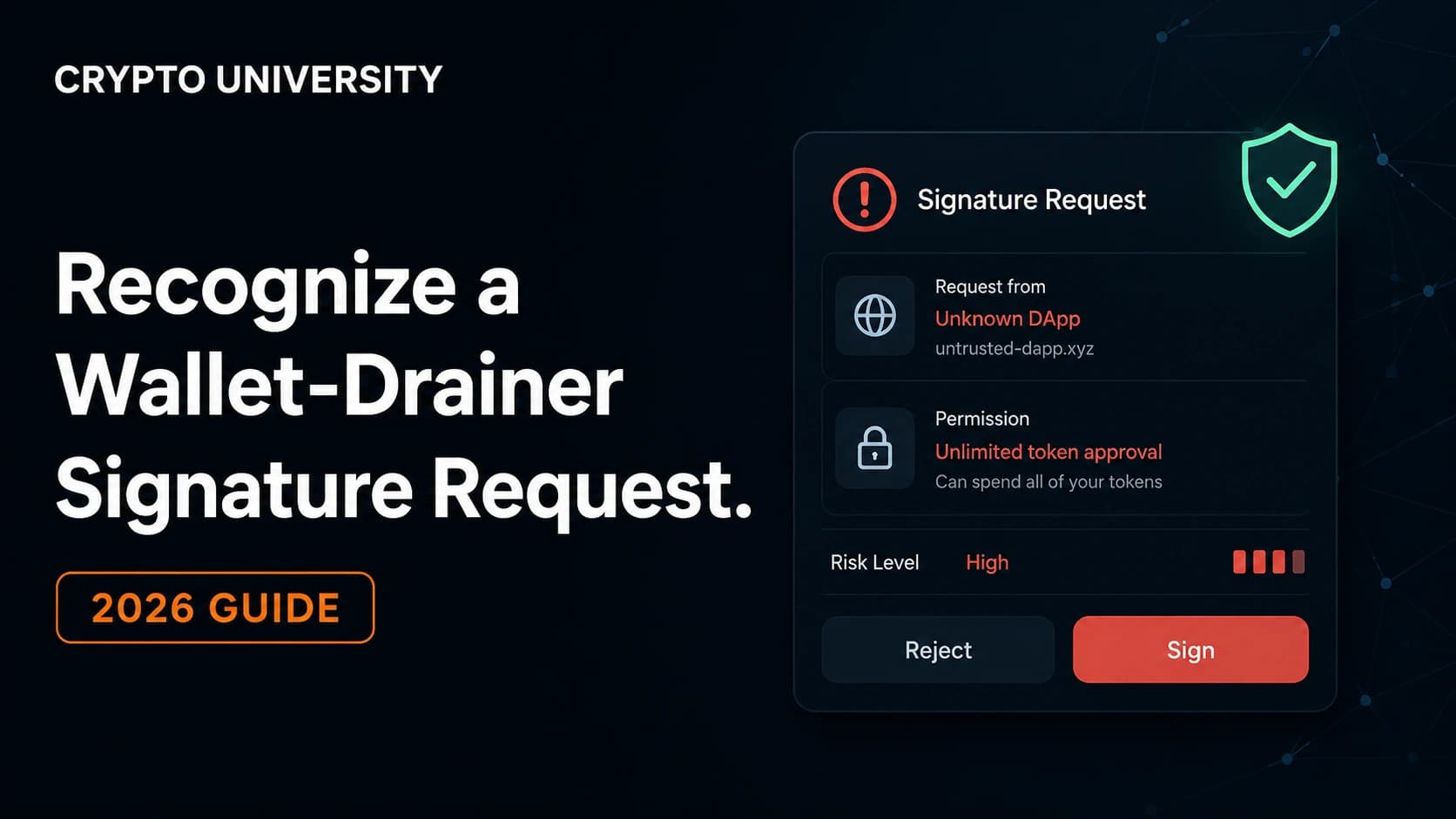
Reject suspicious requests
Learn how to spot a wallet-drainer signature request, read crypto approval prompts safely, and revoke risky token permissions.
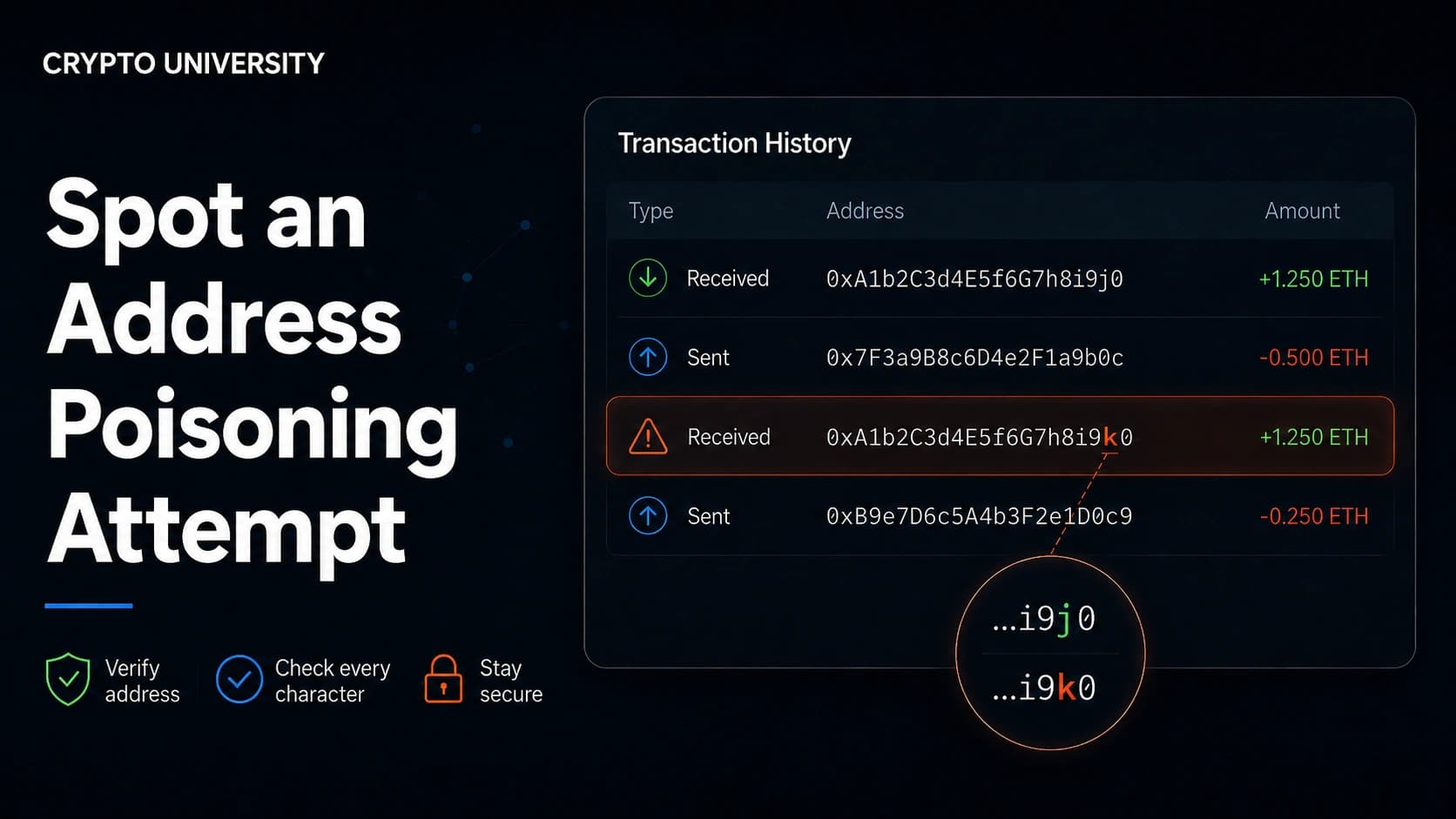
Verify the full address
Learn how to spot address poisoning in your crypto transaction history, the warning signs to check, and how to verify an address.
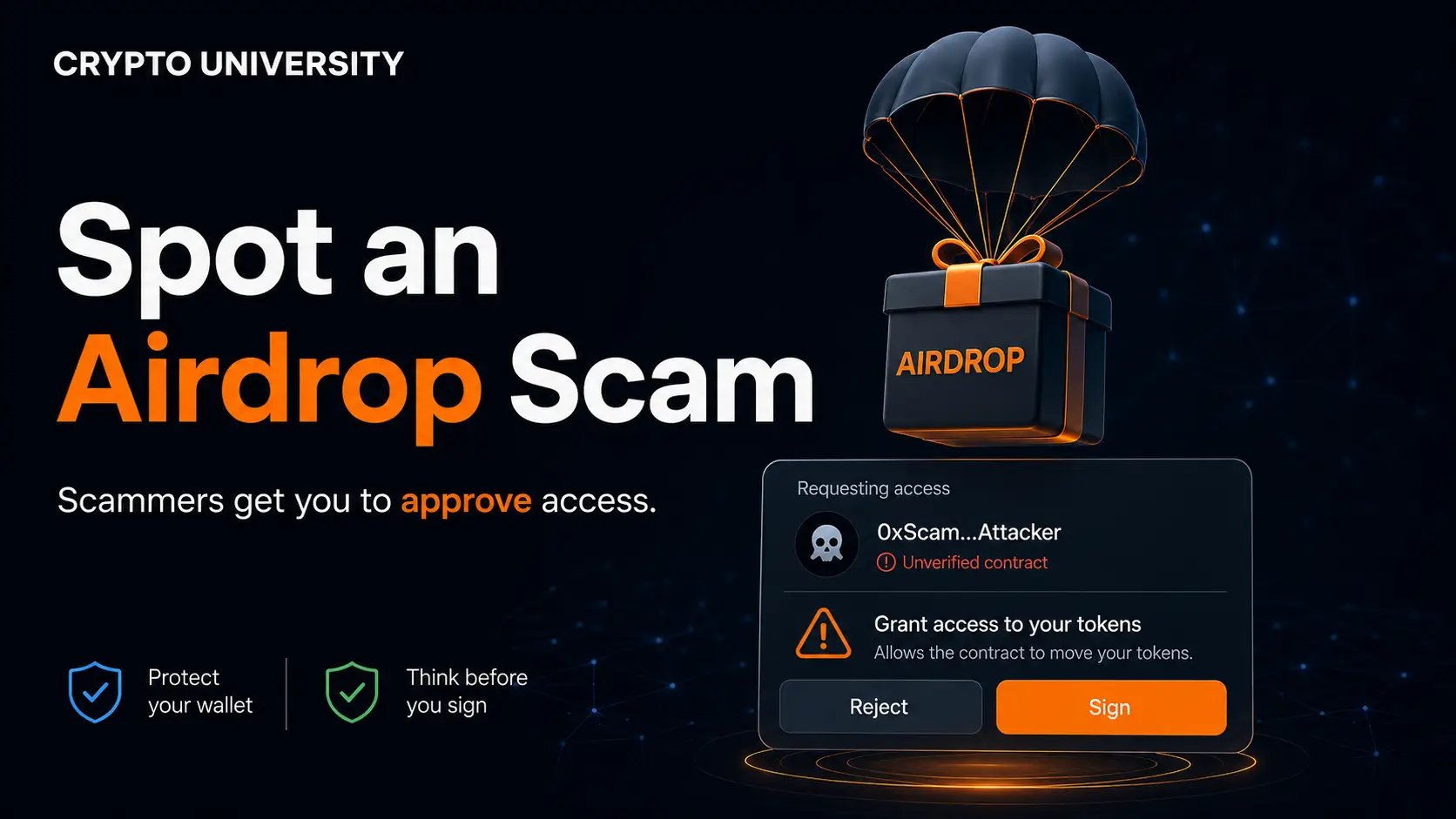
Verify before connecting
Learn how to spot an airdrop scam, recognize wallet-drainer red flags, verify claim sites, and protect your crypto wallet.
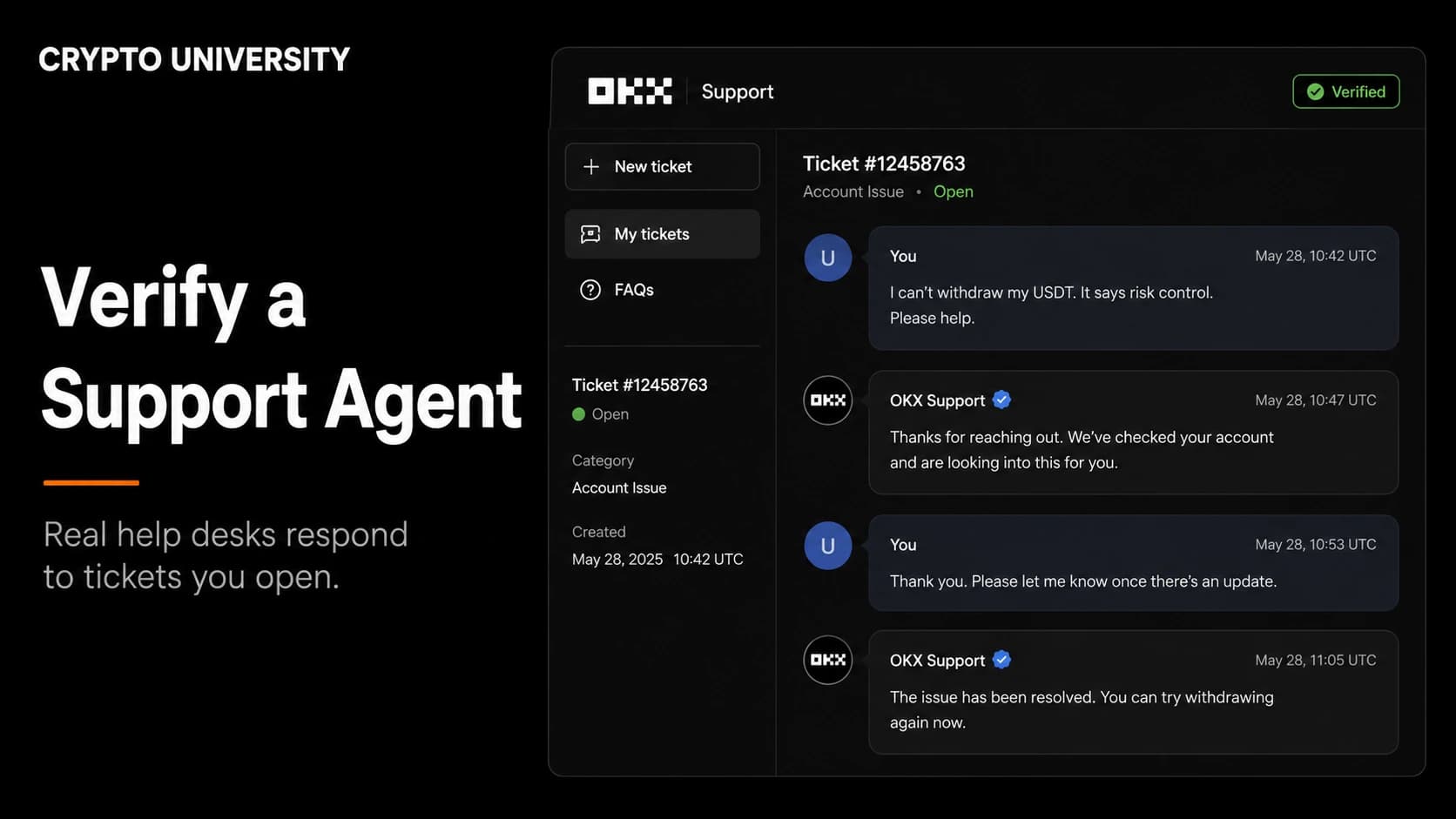
Treat unsolicited contact as fake
Learn how to verify a crypto support agent, spot fake support messages, and confirm official help channels before you reply.
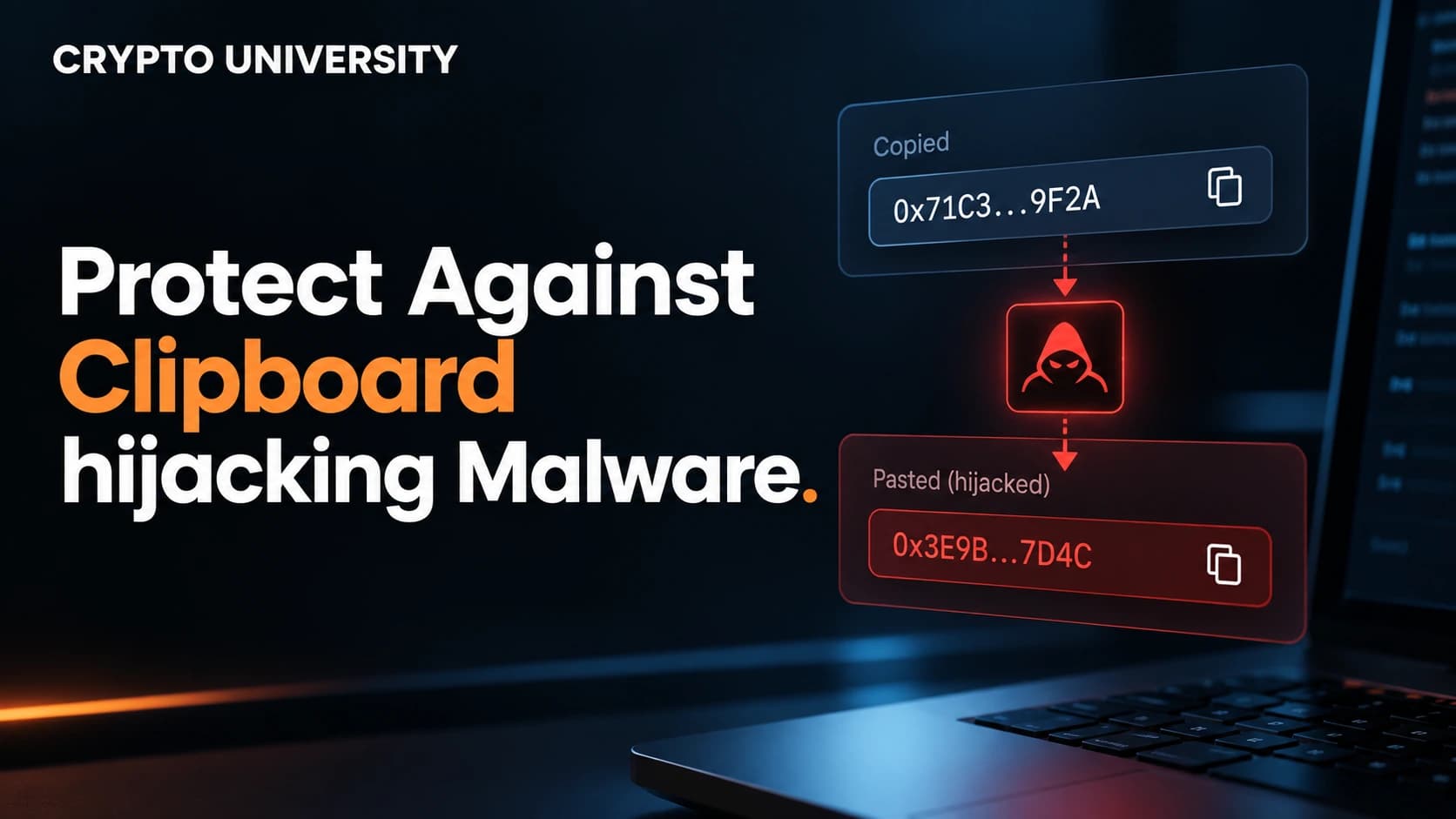
Verify the full address
Learn how clipboard malware swaps crypto addresses and follow simple steps to verify every address before you send your funds.
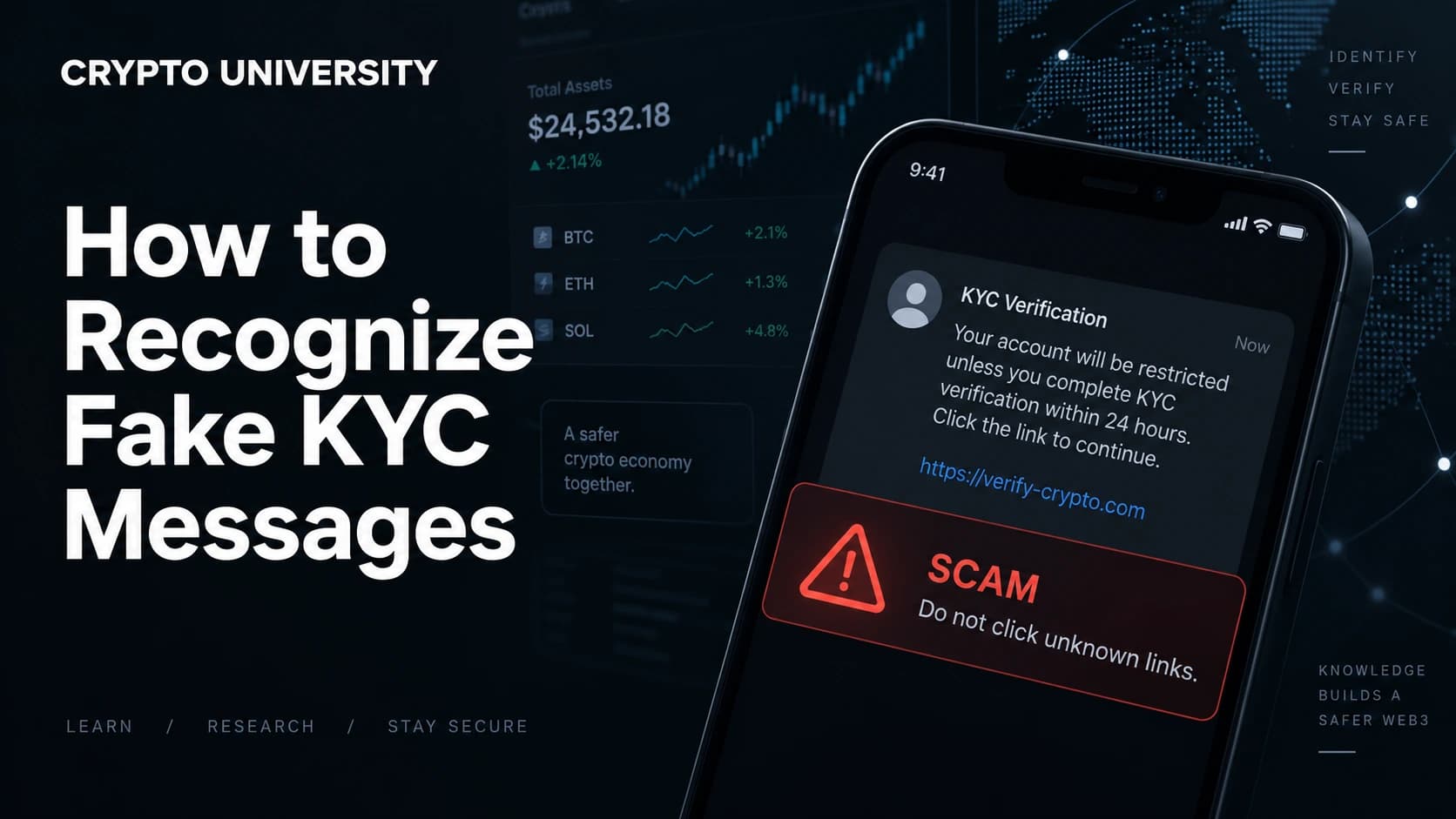
Verify independently
Learn how to spot fake KYC messages in crypto, see what real verification requests look like, and how to check them safely.
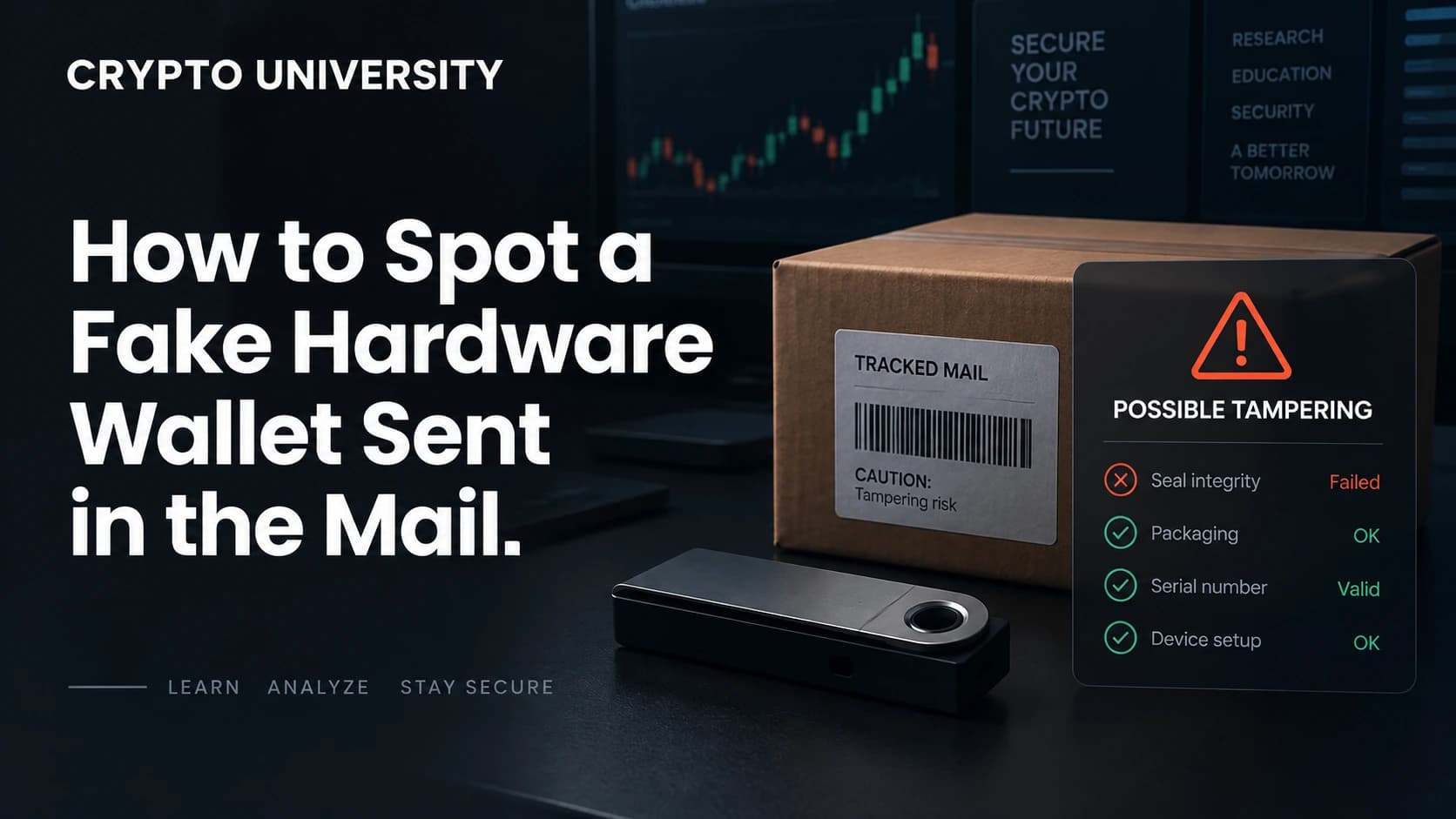
Do not install
Learn how to spot a fake hardware wallet sent in the mail, the red flags to check, and what to do safely if one arrives.
Do not send funds
Nobody can guarantee crypto returns. Learn the warning signs, real SEC cases, and how to check a platform before you pay.
Verify independently
Learn how to check a token's transfer history on Etherscan, Solscan and other block explorers, plus the tools and the limits.
Verify independently
Learn how to check if a crypto website domain is newly registered, using RDAP, WHOIS, certificate logs and free online tools.
Verify independently
How to spot a fake crypto exchange: check regulator registers, verify the domain, test withdrawals and read reserve proofs.
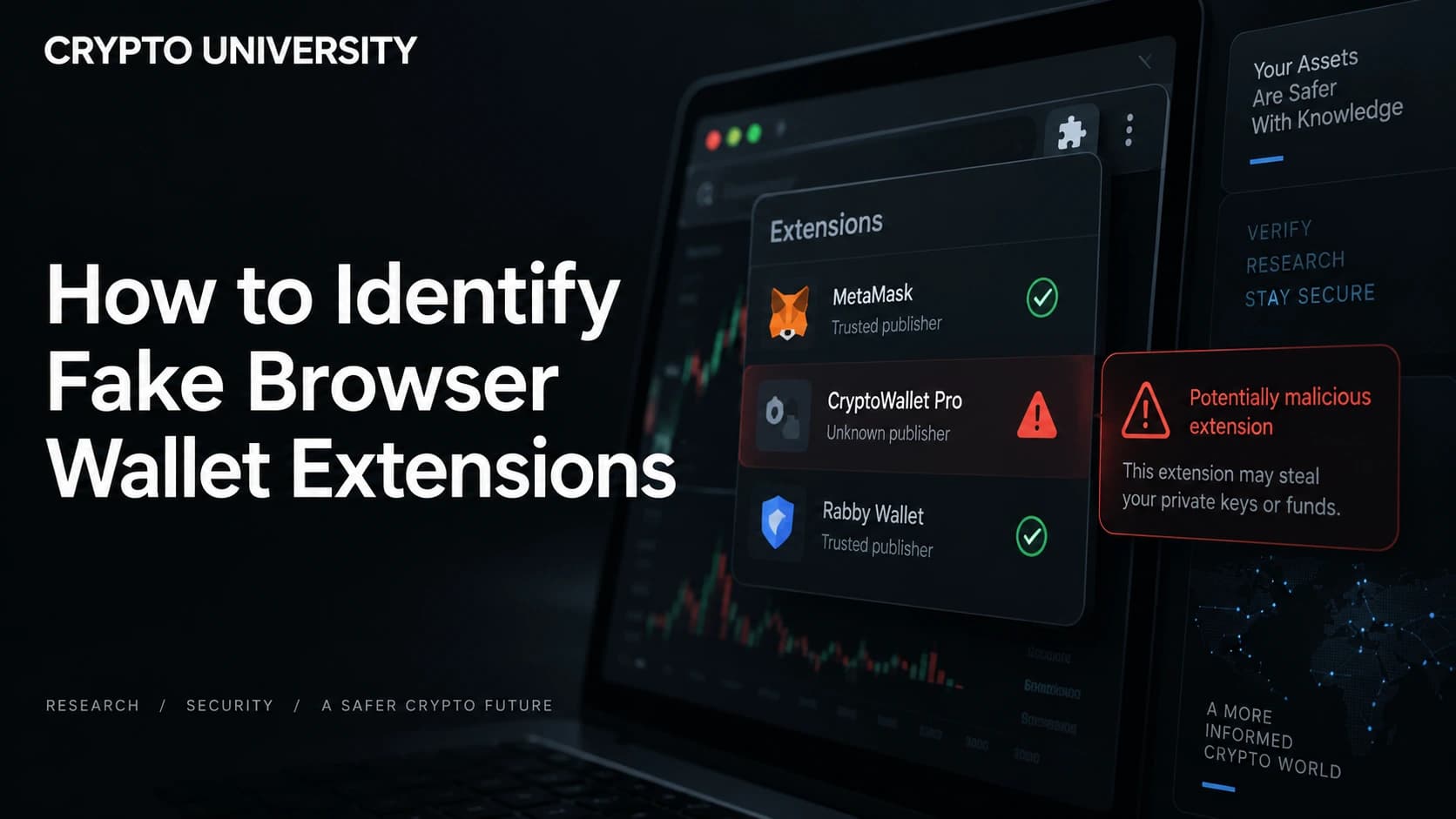
Do not install
Learn how to spot fake crypto wallet browser extensions, check publisher details, and verify an extension before you install it.
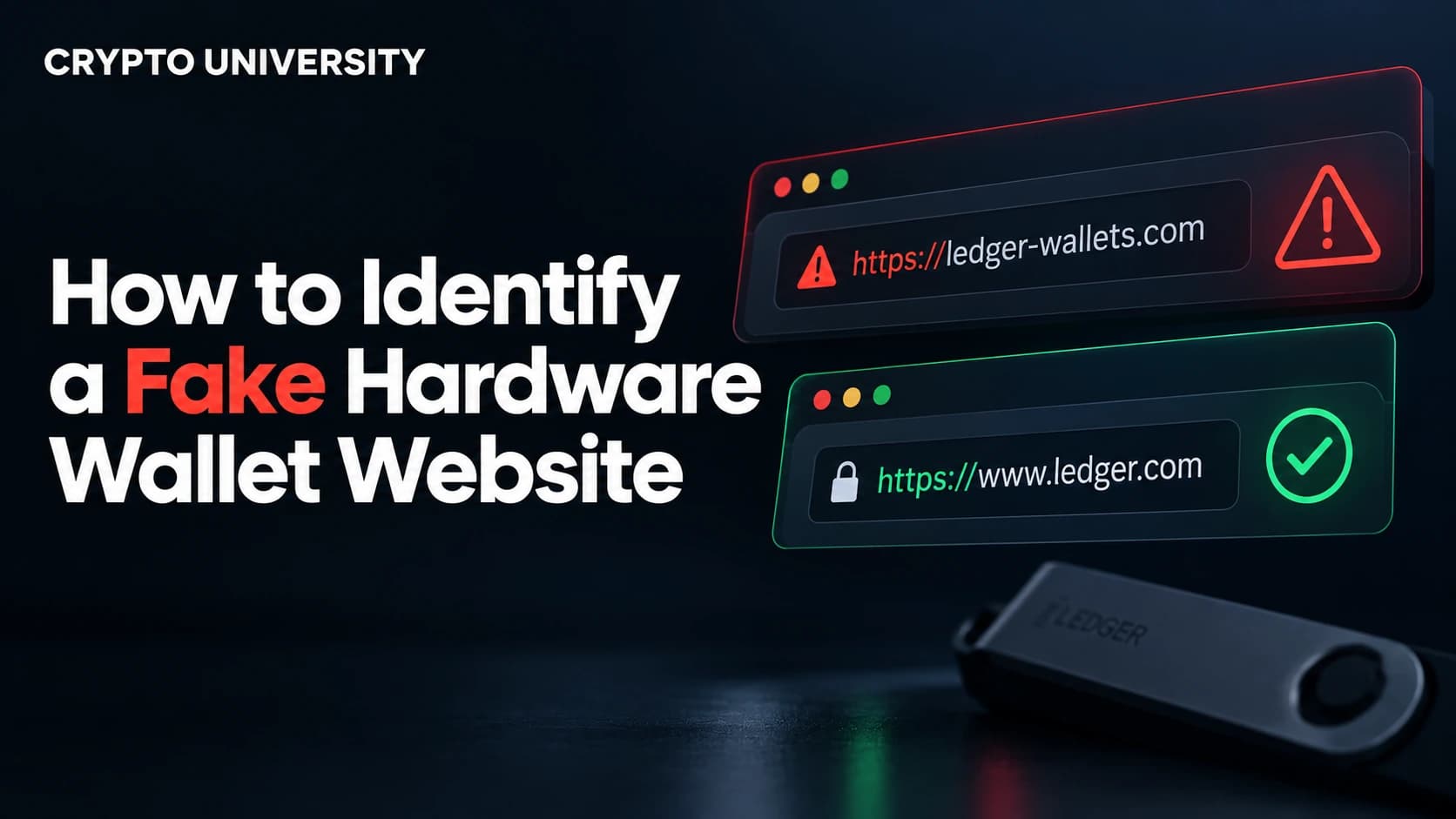
Do not install
Learn how to spot a fake hardware wallet website using domain checks, red flags, and habits that protect your seed phrase.
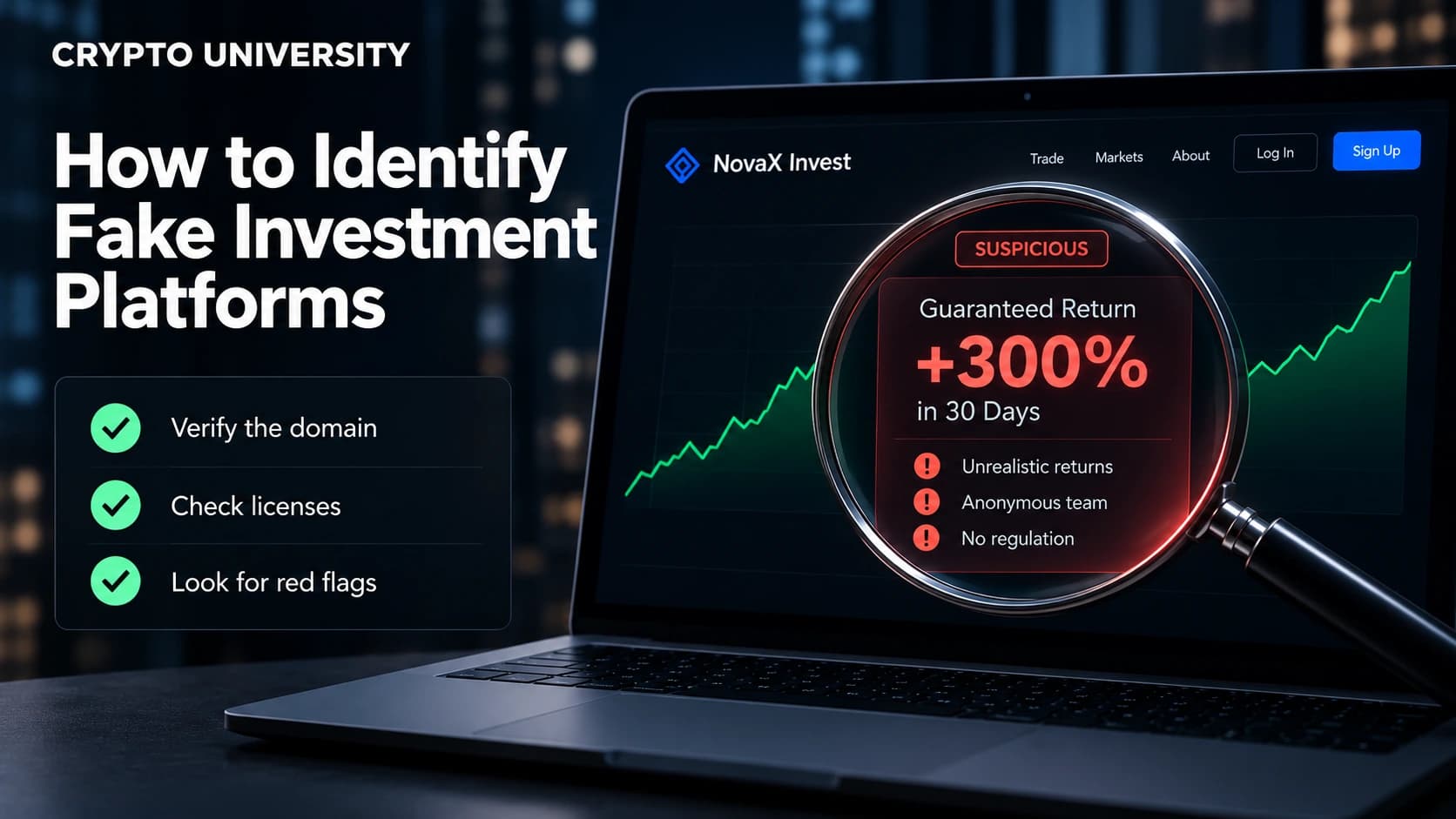
Verify independently
Learn how to spot fake investment platforms, verify licences, test withdrawals, and avoid crypto scam websites and apps.
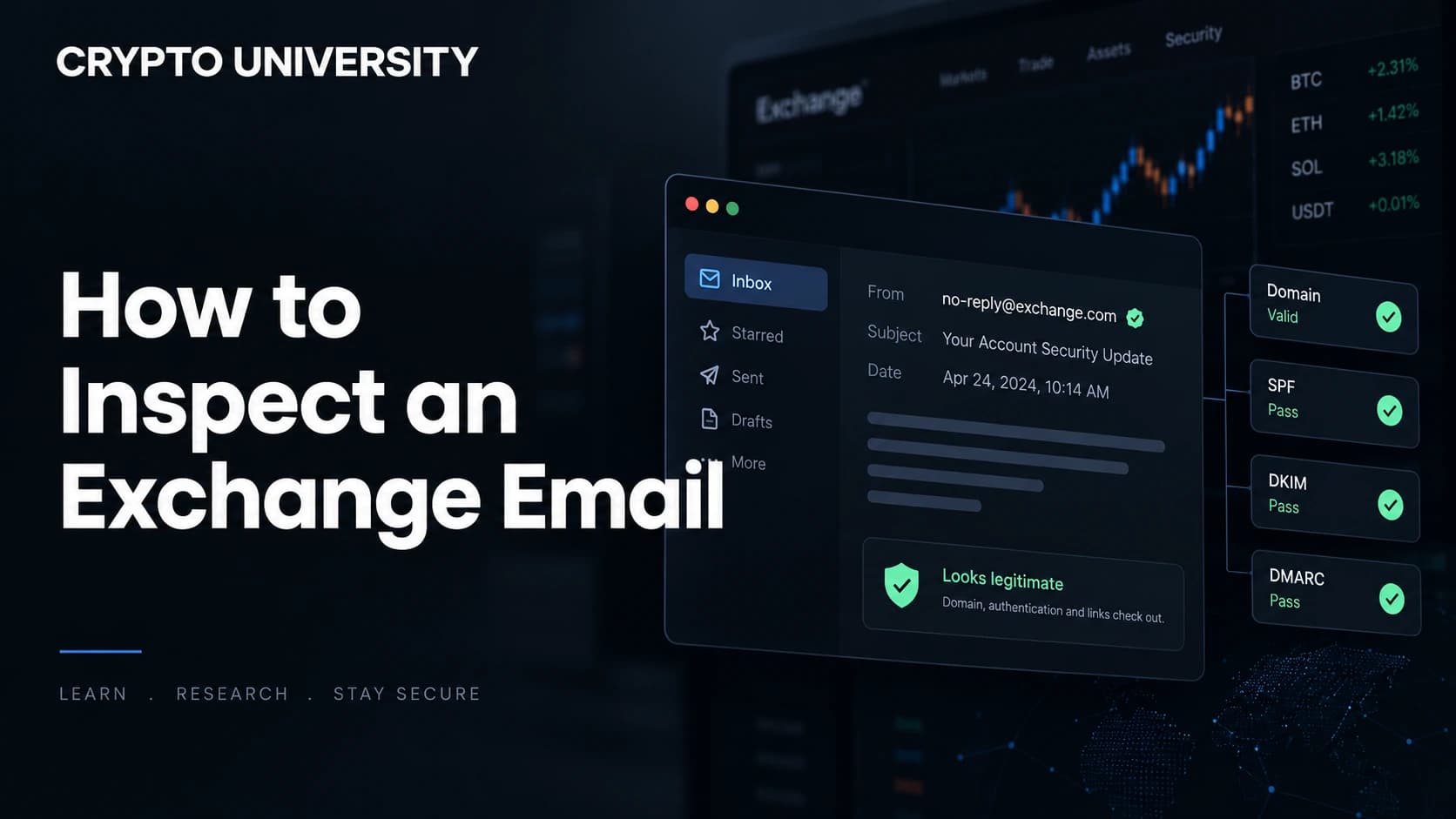
Verify independently
How to inspect an email claiming to be from a crypto exchange. Check the sender domain, headers, links, and the request itself.
Verify independently
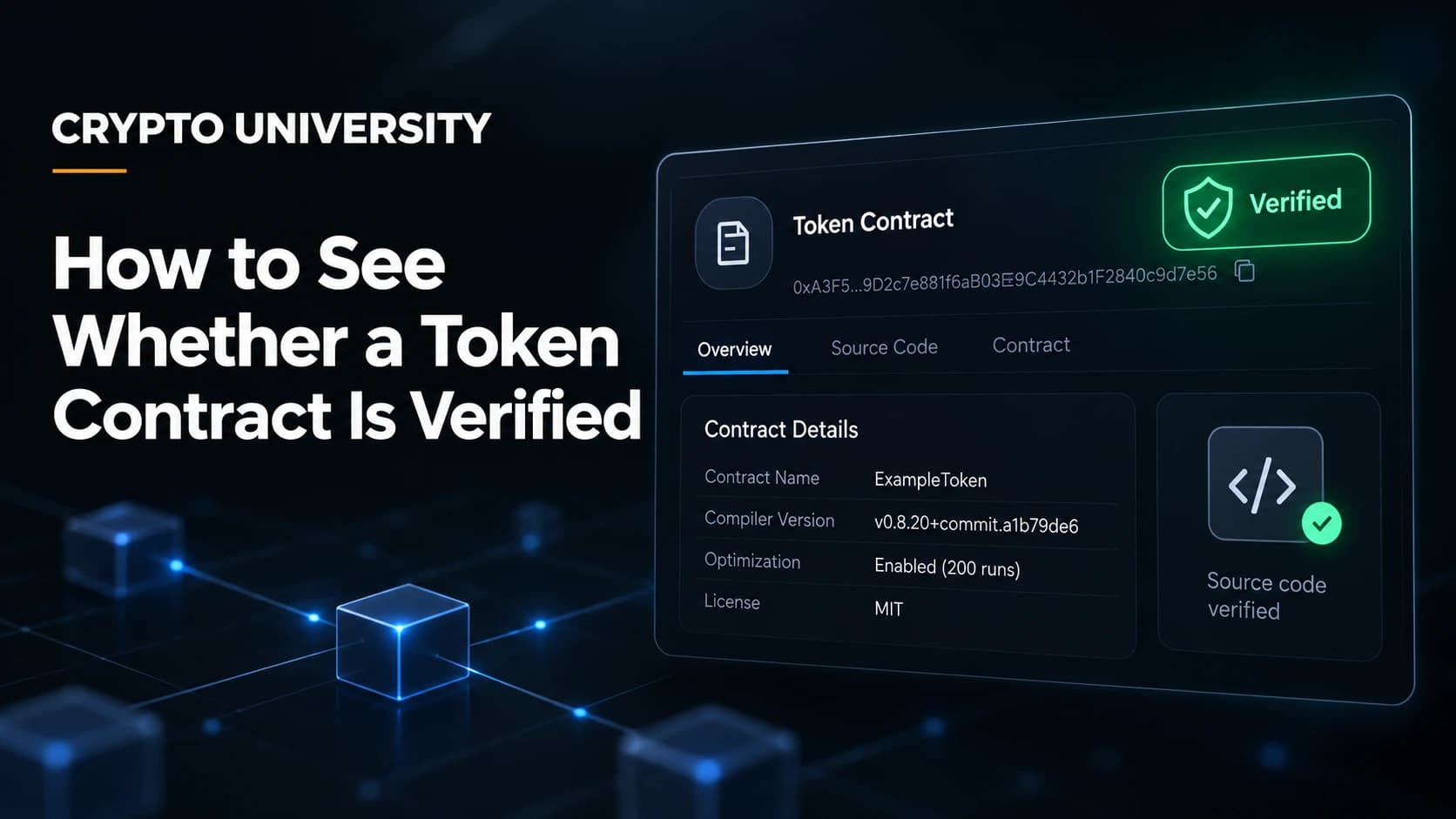
Learn how to check if a token contract is verified on Etherscan, Sourcify and Solana, and what verification does not prove.
Verify independently
Learn how crypto recovery scams work, the red flags to watch for, and the safe steps to take if you have already lost funds.
Do not send funds
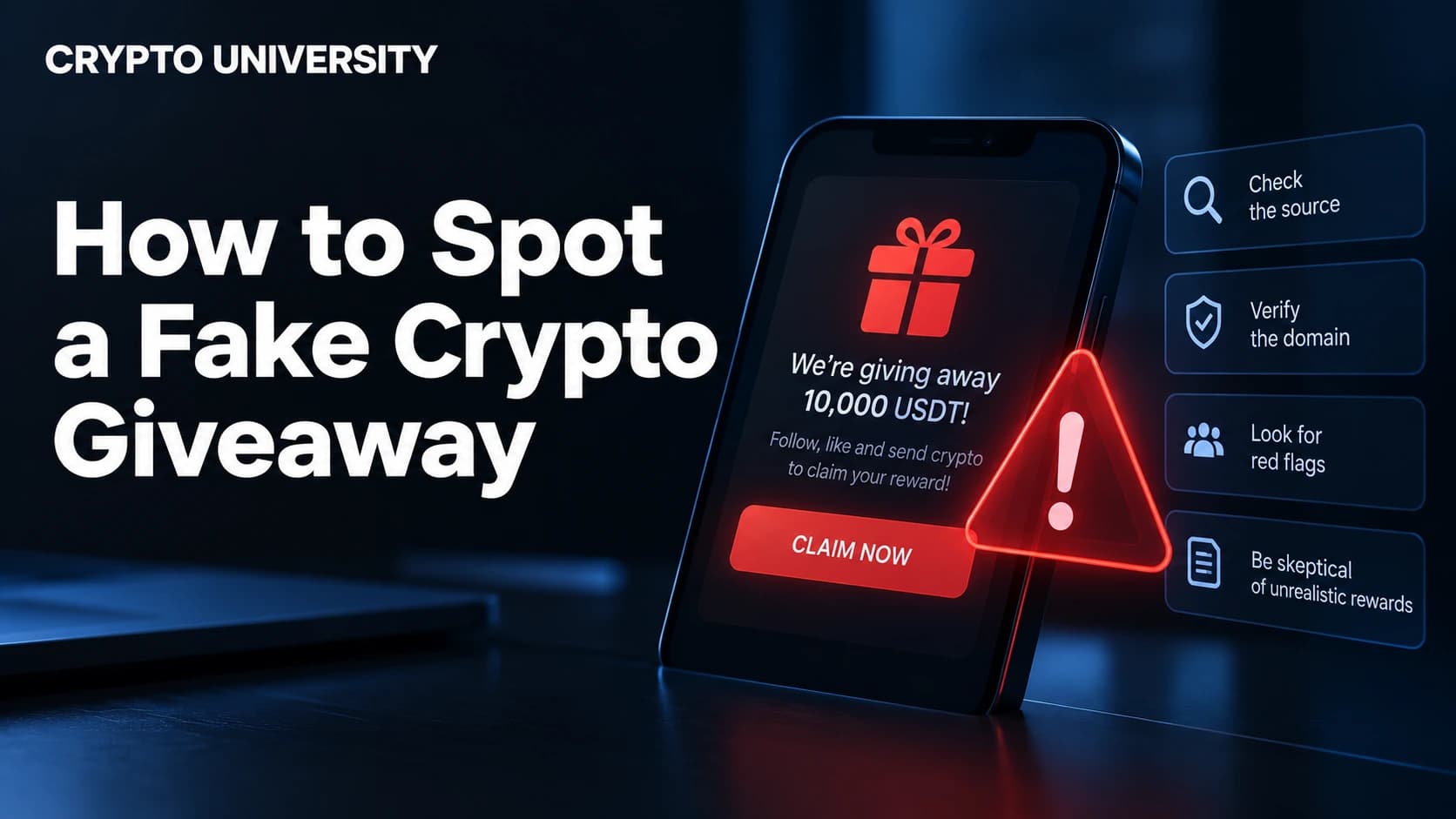
Learn how to spot a fake crypto giveaway, the red flags to check, and the steps to verify any offer before you send.
Do not install
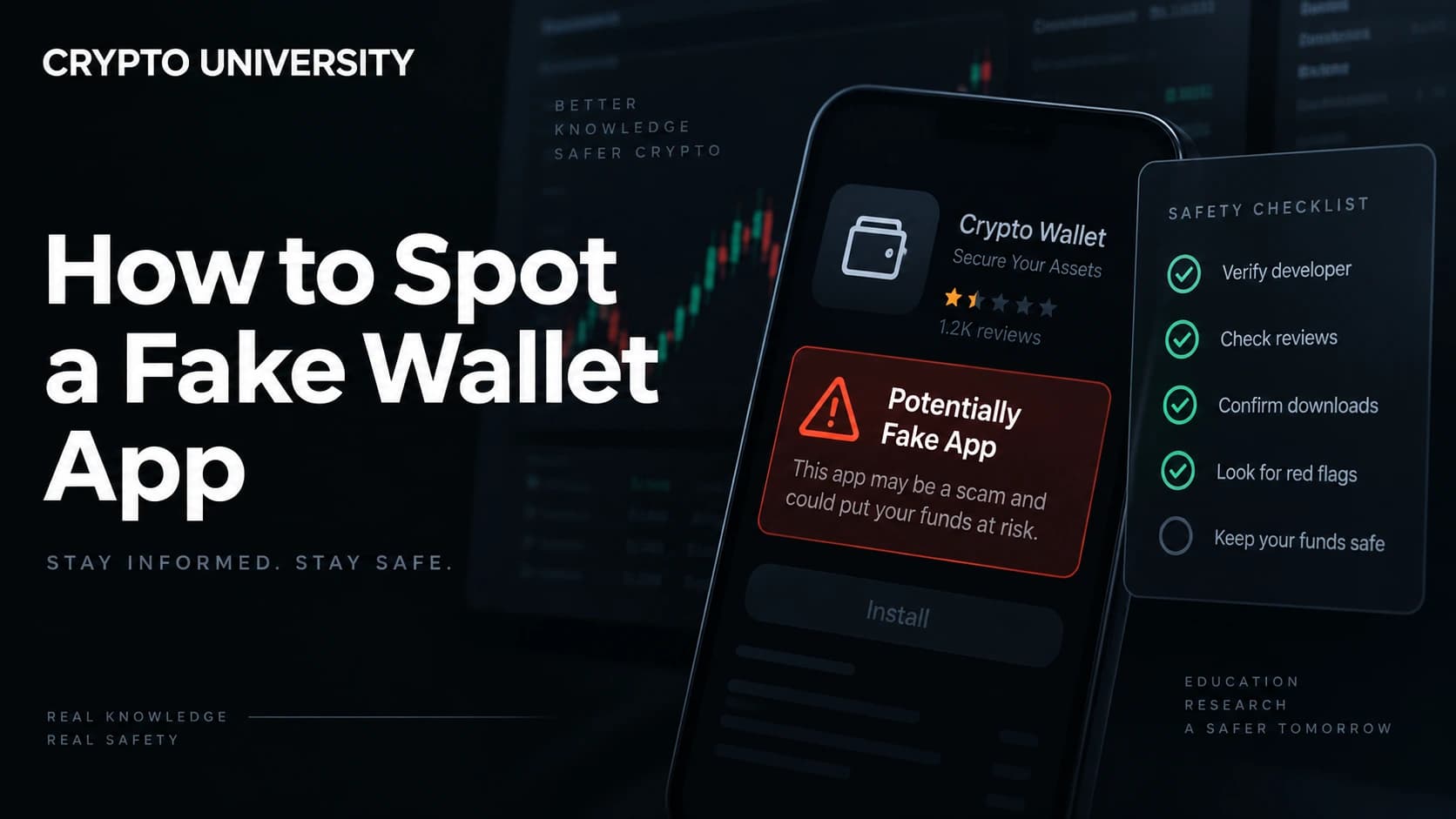
Learn how to spot a fake crypto wallet app before you install it, with warning signs, checks, and steps if you already did.
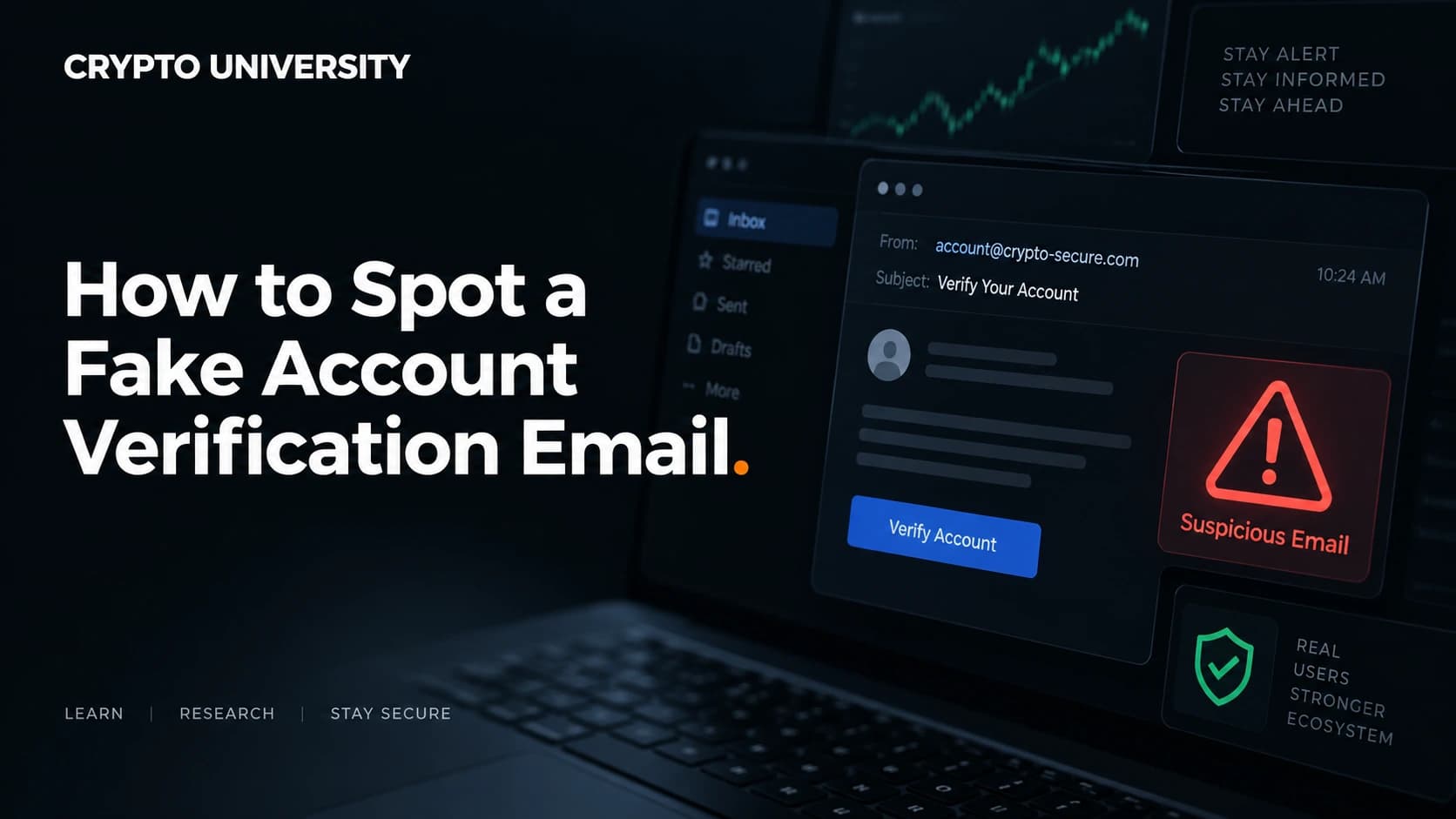
Verify independently
Learn how to spot a fake account verification email, check sender domains and links, and protect your crypto accounts fast.
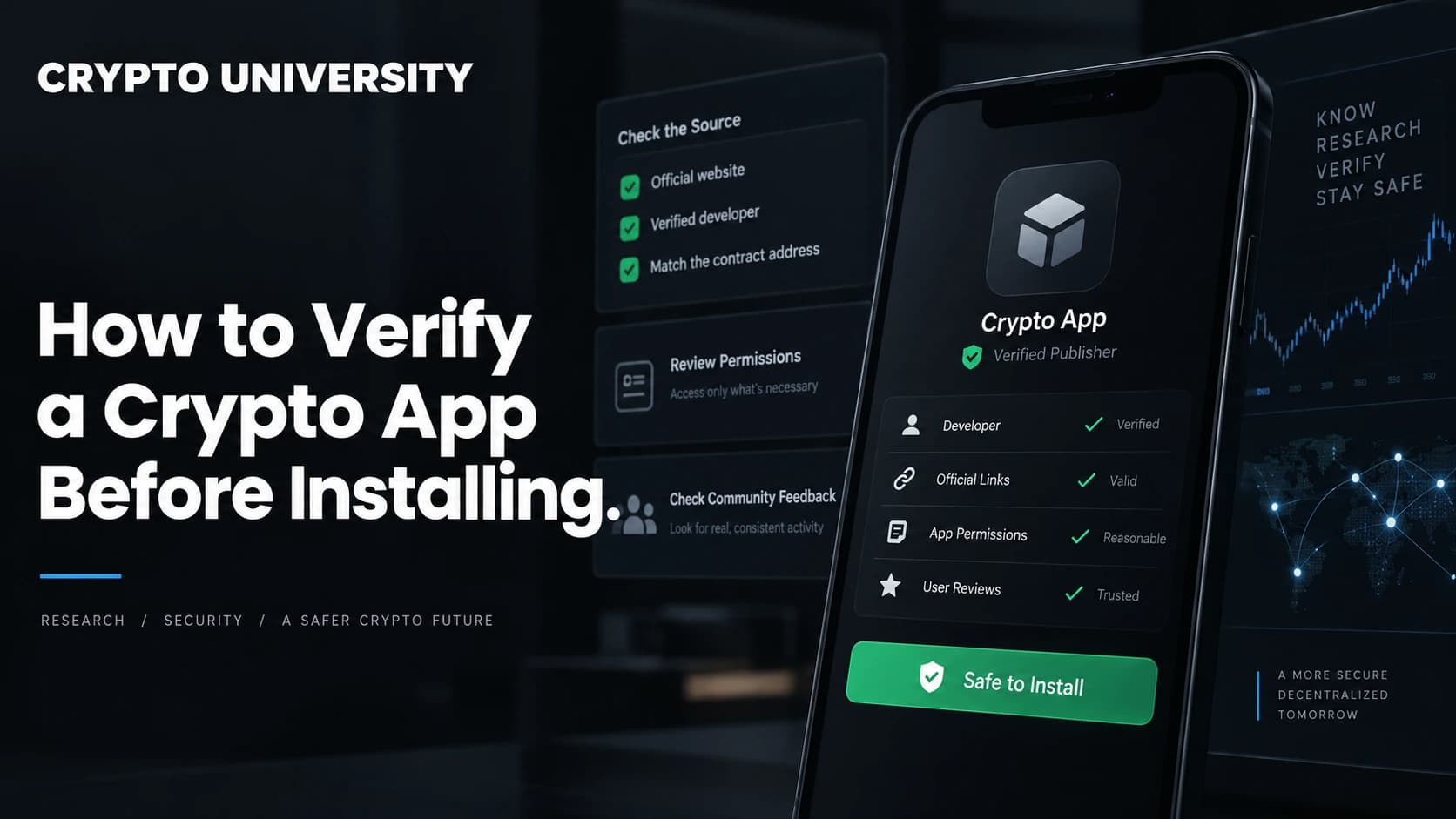
Do not install
Learn how to verify a crypto app before installing it, from app store checks to PGP signatures, permissions, and red flags.
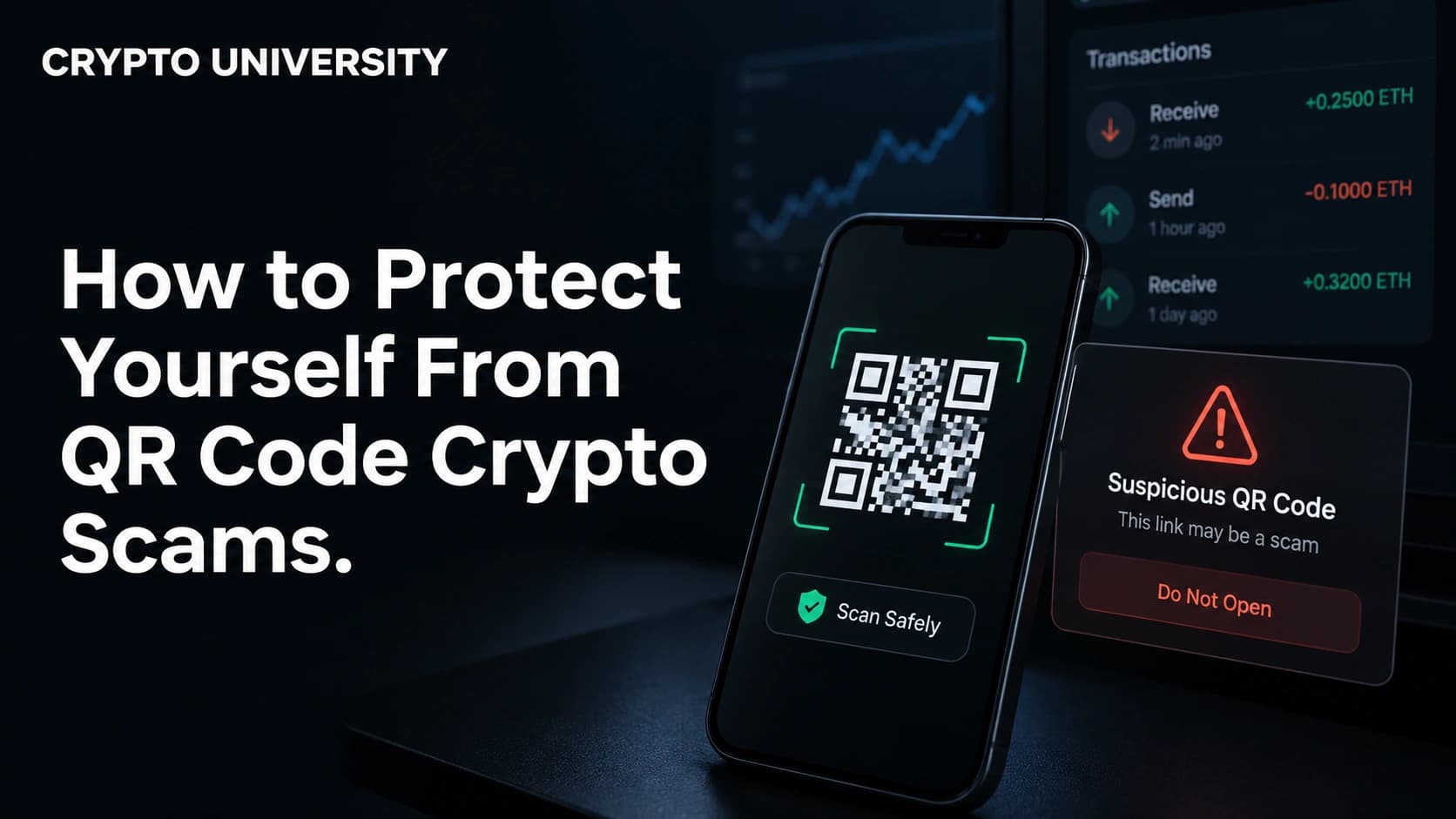
Do not send funds
Learn how QR code crypto scams work, the main types to watch out for, and simple steps to protect your crypto and your cash.
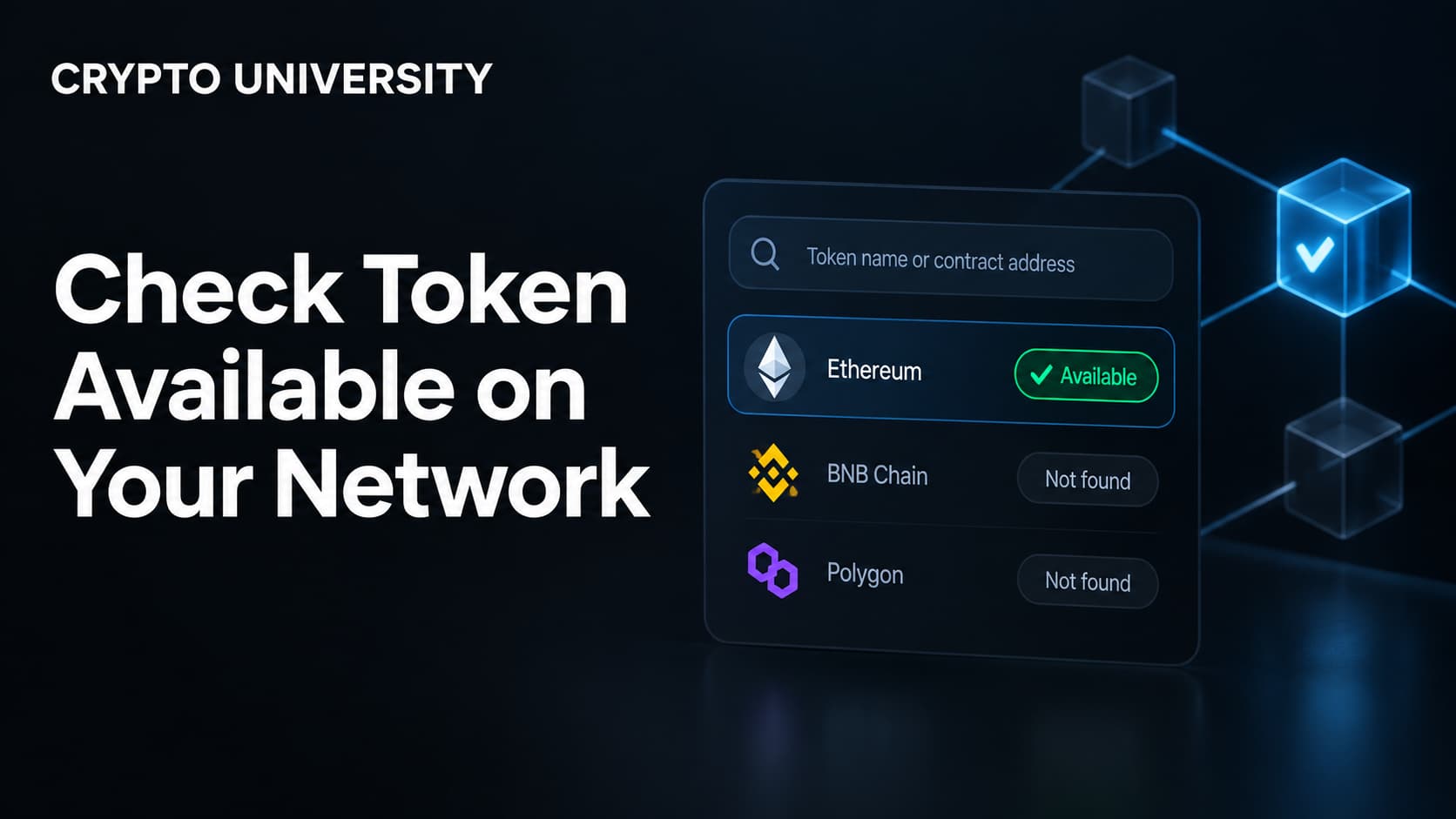
Verify independently
Learn how to check if a crypto token exists on your network, verify its contract address, and avoid buying the wrong token.
Verify independently
Learn how to verify Telegram and Discord crypto announcements before clicking, with simple checks that take under a minute.
Verify independently
Learn how to check that an exchange lists the correct version of a token using contract address, network and migration checks.
Verify independently
Learn how to audit token approvals, trace the transaction behind them, and spot the signs that a phishing site was involved.
Verify independently
Learn how to check if a crypto address is flagged for scams, phishing, or sanctions using free tools, and how to read the results.
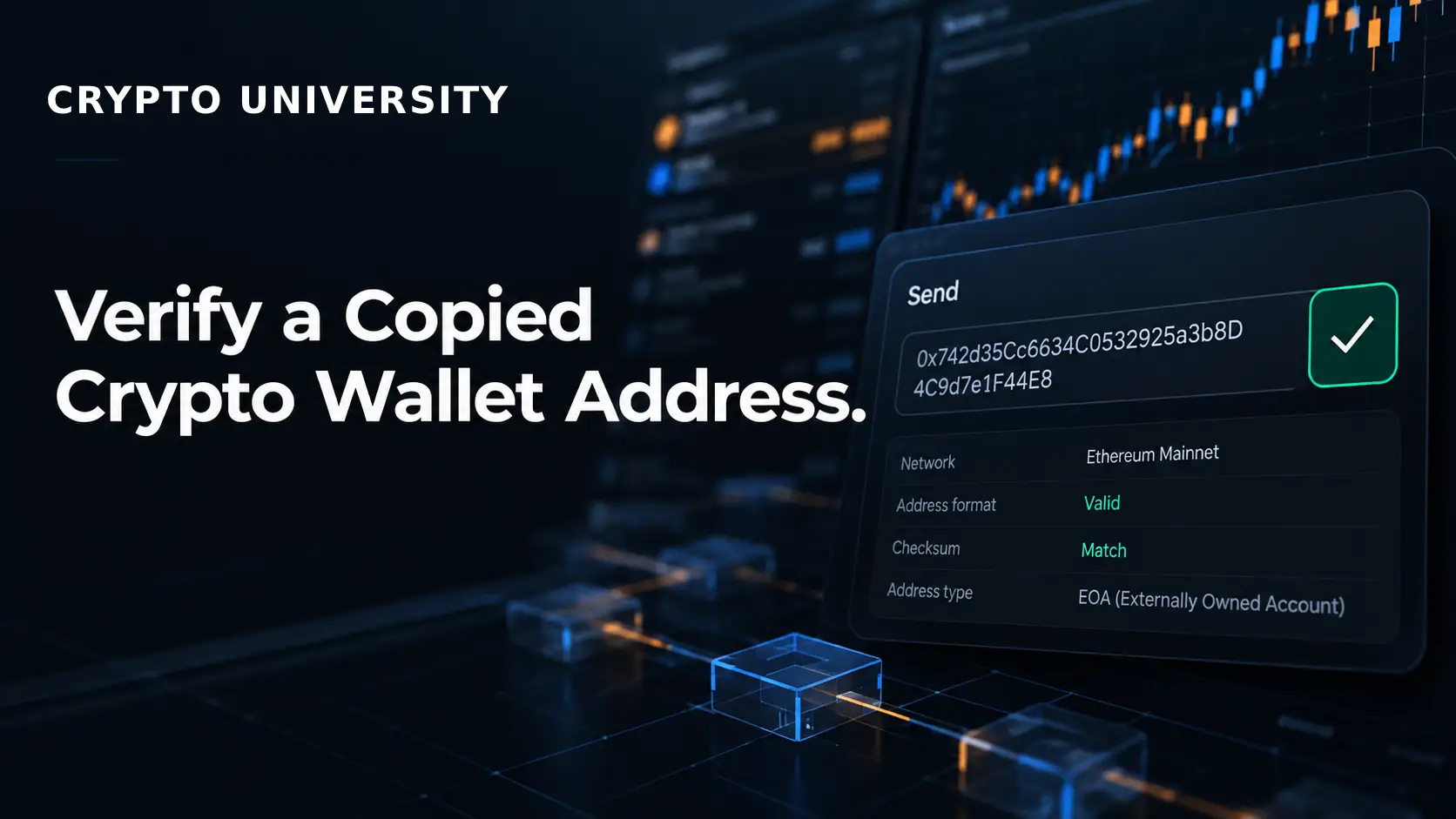
Verify the full address
Learn how to check a copied crypto wallet address, spot clipboard malware and address poisoning, and send your funds safely.