Key Takeaways
- Your coins are not inside the app. Balances, tokens and NFTs live on the blockchain. The app only stores the keys that prove the accounts are yours, so a reinstall is safe as long as the backup is safe.
- A recovery phrase restores the wallet, not the setup. Extra accounts, imported private keys, hardware wallet links, custom networks and custom tokens usually have to be added again by hand.
- Test the restore before you delete anything. If the phrase is wrong, incomplete or written in the wrong order, you will only find out after the old install is gone.
Why a reinstall feels risky (and usually is not)
People reinstall wallet apps all the time. The app freezes, an update breaks something, balances stop loading, a phone is replaced, or a browser profile gets wiped. The fear is always the same: if the app disappears, does the money disappear with it?
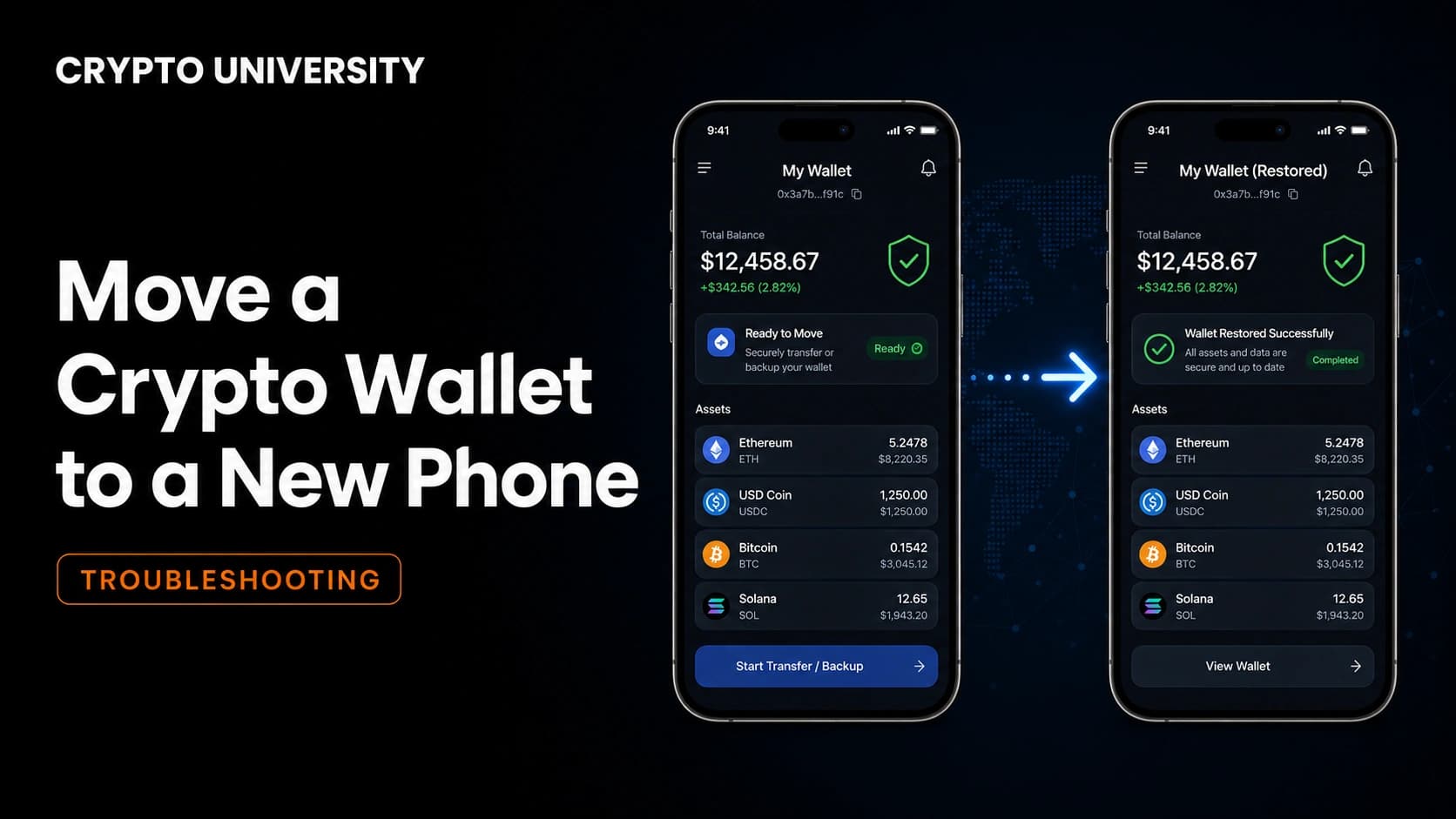
It does not. A self custody wallet is a key manager, not a bank account. Your balance is recorded on the blockchain, and the app simply holds the secret that lets you sign transactions from those addresses. Delete the app and the addresses still exist, still hold the same assets, and can still be reached by anyone with the correct recovery phrase.
The real risk in a reinstall is not the blockchain. It is everything the app kept on your device that was never written down.
What actually lives inside a wallet app
| Where it lives | What it is | Survives a reinstall? |
|---|---|---|
| Blockchain | Balances, tokens, NFTs, transaction history, token approvals | Yes, always |
| Device storage | Encrypted keys generated from your recovery phrase | No, deleted with the app data |
| Device storage | Account names, address book, custom networks, custom token list, connected apps | No |
| Your backup | Recovery phrase, exported private keys | Yes, if you kept it |
| Provider cloud, only if you enabled it | Encrypted phrase backup or social login | Depends on the setting you chose |
The first row is why reinstalling is survivable. The middle rows are why people panic afterwards and think funds are missing when the balance simply is not being displayed yet.
Step 1: Prove you can restore before you uninstall
Do this in order. It takes ten minutes and removes almost all of the risk.
- Find your recovery phrase and read it out loud against your written copy, word by word. Spelling and word order both matter.
- Check the word count. Most wallets use 12 or 24 words from the standard BIP39 English word list.
- Confirm whether you ever set an extra passphrase, sometimes marketed as a hidden wallet or a 25th word. Without it, the same phrase opens a completely different set of addresses.
- If you used a social login or an encrypted cloud backup instead of a written phrase, confirm you can still sign in to that account and remember the password.
- Never type your recovery phrase into a website, a chat window, a support form or a search bar. Only ever into the wallet app itself.
A note on cloud backups and social logins
Several wallets now offer recovery without a written phrase. Some store an encrypted copy of the phrase in your iCloud or Google Drive account. Others let you sign in with a Google, Apple or Telegram account and a password, with the phrase generated and encrypted on your device. MetaMask, for example, restores networks and tokens automatically for social login users, while a plain recovery phrase restore requires you to add those again.
These options make reinstalling easier, but they move part of the risk onto your email or cloud account. If you rely on one, protect that account with a strong password and app based two factor authentication, and keep an offline copy of the phrase as well where the wallet allows it.
Step 2: Write down the things a phrase cannot restore
| Item to record | Why it matters |
|---|---|
| Number of accounts and the first and last characters of each address | Lets you confirm the correct addresses came back |
| Accounts imported by private key | These are not covered by the recovery phrase at all |
| Hardware wallet accounts | The link between the app and the device must be rebuilt |
| Custom networks: name, RPC URL, chain ID, symbol, explorer | Balances on those chains stay invisible until the network is added again |
| Custom tokens: contract address and decimals | Newer tokens often do not appear in the default list |
| The wallet name and version you were using | Helps if you later need to match a derivation path |
Export private keys only if you already have a safe place to store them, and store them the same way you store the recovery phrase: offline, and never in email, notes apps or cloud documents.
Step 3: Remove the app cleanly
On a phone, deleting the app removes its stored data. On iOS, offloading an app is not the same as deleting it, and offloading keeps local data in place. On Android, reinstalling on top of an existing install sometimes preserves data, but never plan around that.
For a browser extension, removing the extension clears its storage. Wiping or switching the browser profile has the same effect, which is why some people lose a wallet without ever uninstalling anything.
Assume every reinstall is a clean slate. That assumption is what keeps you honest about the backup.
Step 4: Install from an official source only
Fake wallet apps and fake support channels are one of the most common ways people lose funds during a recovery. Search results and app stores both carry copies.
- Start from the project's official website and follow its download link to the store or extension listing.
- Check the publisher name and the install count, not just the icon.
- Ignore sponsored search results and any support phone number you find online. Major wallet providers do not run phone support lines, and search results are full of fake ones.
- No legitimate support agent will ever ask for your recovery phrase.
Step 5: Restore, then rebuild
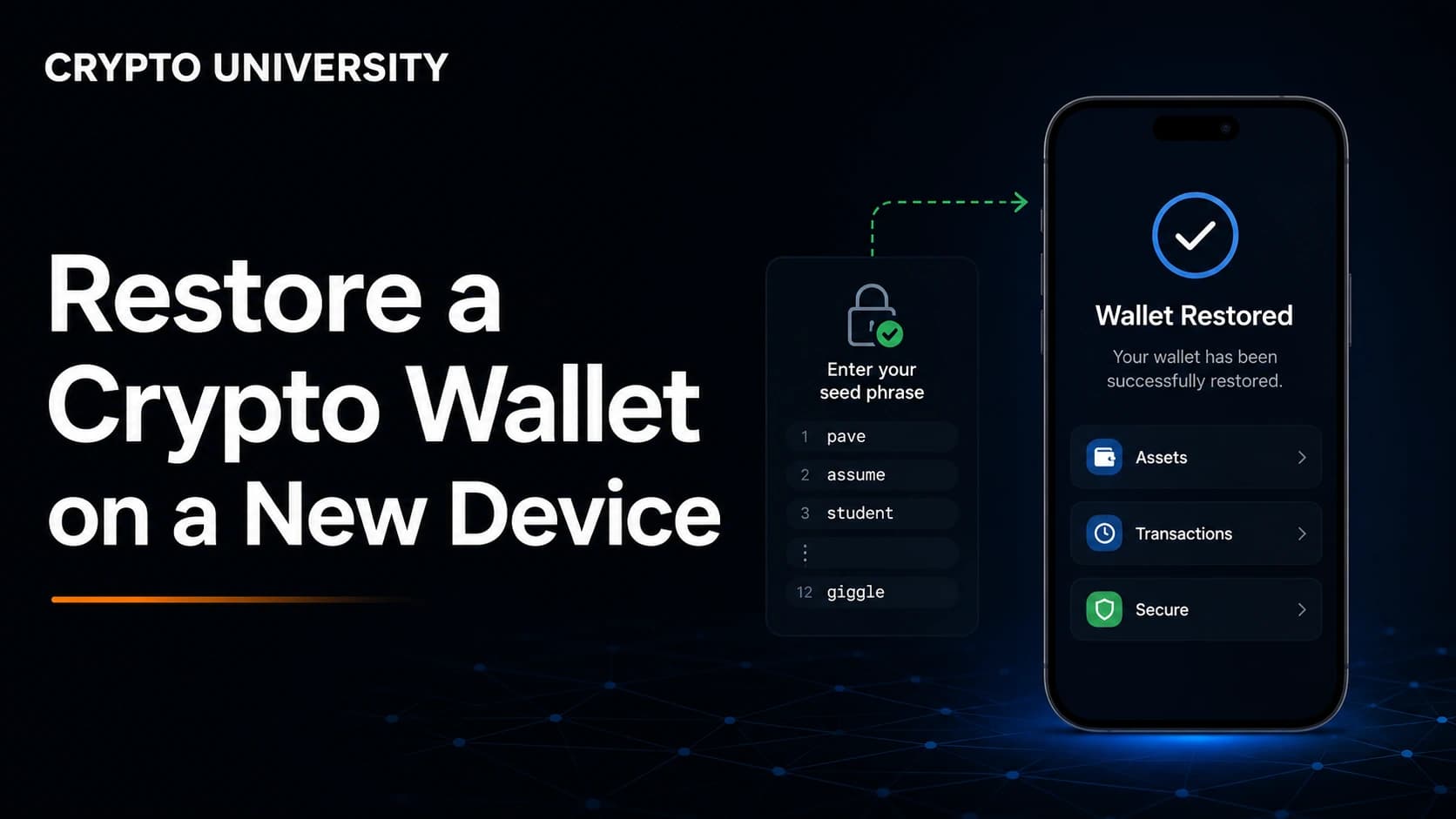
- Open the fresh install and choose the import or restore option rather than create new wallet.
- Enter the recovery phrase in the correct order, all lower case, one word per field.
- Set a new device password or PIN. This is local to the device and does not affect the phrase.
- Add the passphrase if you originally used one.
- Check the first restored address against your notes before doing anything else.
- Add your remaining accounts, then re-import private key accounts, reconnect the hardware wallet, re-add custom networks and custom tokens, and reconnect any apps you use.
Why only one account usually comes back
Modern wallets are hierarchical deterministic, which means every account is generated from the same phrase in a fixed order. Account one, two and three are always the same addresses in the same sequence, so pressing "create account" after a restore does not create anything new. It recreates what was already there.
Wallets differ in how many of those accounts they show you automatically. MetaMask checks accounts in ascending order and adds those holding a non-zero balance of ETH on Ethereum mainnet, stopping at the first empty one. Phantom restores accounts that had earlier on-chain activity and may not show empty ones. In both cases the missing accounts are not lost, only hidden until you add them back.
Address order is set by the derivation path.
| Network | Common path | Note |
|---|---|---|
| Bitcoin (legacy) | m/44'/0'/0'/0/0 | Addresses starting with 1 |
| Bitcoin (native SegWit) | m/84'/0'/0'/0/0 | Addresses starting with bc1 |
| Ethereum and EVM chains | m/44'/60'/0'/0/x | x increases per account |
| Solana | m/44'/501'/x'/0' | Path style varies between wallets |
If a correct phrase produces unfamiliar addresses, the derivation path is the usual explanation. Restoring in the wallet that originally created the phrase is the fastest way to confirm.
What a recovery phrase never restores
| Not restored | Fix |
|---|---|
| Accounts imported by private key | Import each key again |
| Hardware wallet accounts | Reconnect the device |
| Custom networks | Add the RPC details again |
| Custom tokens | Add by contract address |
| Address book, account labels, notes | Recreate manually |
| Connected apps and sessions | Reconnect and re-approve |
Token approvals you granted earlier are recorded on-chain and stay active after a reinstall. Reinstalling does not revoke anything.
If you are reinstalling because you suspect a compromise
This is the one case where a reinstall is not enough. If a phrase or key may have been exposed, reinstalling restores the same compromised keys. The safer sequence is to create a brand new wallet on a clean device, move assets to the new addresses, revoke outstanding approvals on the old ones, and retire the old wallet permanently.
Common mistakes to avoid
- Uninstalling first and looking for the backup afterwards.
- Photographing the recovery phrase or storing it in a password manager sync folder.
- Assuming an empty balance means missing funds when the network or token has not been added yet.
- Entering a phrase into a "wallet validation" or "sync" page. These are phishing pages.
- Restoring on a device you already suspect is infected.
FAQ
Does deleting a wallet app delete my crypto? No. Assets stay on the blockchain and are tied to your addresses, not to the app. The app only stores the keys, which can be regenerated from your recovery phrase.
Why is my balance zero after restoring? Usually because the network or token has not been added yet, or the app is still syncing. Check the address on a block explorer. If the explorer shows the balance, the funds are there and the display is the problem.
Why did only one of my accounts come back? Most wallets restore the first account and then look for accounts with activity or balances. Add accounts one at a time until your known addresses reappear. The order is deterministic, so they will return.
Can I restore my wallet in a different app? Often yes, if the new app supports the same coin and derivation path. If addresses do not match, the path is usually different. Try restoring in the original app first, then move funds if you want to switch.
Do I need my old password? No. The password unlocks the app on that device only. The recovery phrase is what controls the accounts, and you can set a new password during the restore.
Related terms
- Recovery phrase: The list of 12 or 24 words that regenerates every key in a wallet.
- Derivation path: The rule that decides which addresses a phrase produces and in what order.
- HD wallet: A hierarchical deterministic wallet that creates all accounts from one seed.
- Imported account: An account added by private key, which sits outside the recovery phrase.
- Token approval: On-chain permission for an app to spend a token from your address, unaffected by reinstalling.
Sources
- MetaMask Help Center, "How to restore your wallet using your Secret Recovery Phrase" and "How to add missing MetaMask accounts after restoring with Secret Recovery Phrase," support.metamask.io
- Phantom Help Center, "Import an existing wallet into Phantom," "Missing accounts after importing my wallet," and "Supported derivation paths in Phantom," help.phantom.com
- Trust Wallet Support, "Steps in Finding Missing Funds," support.trustwallet.com
- Ledger Support, "Restore your Ledger accounts with your recovery phrase," support.ledger.com
- BIP39 and BIP44 specifications, Bitcoin Improvement Proposals repository, github.com/bitcoin/bips
Further reading
- Crypto University: What Is a Seed Phrase and How Should You Store It
- Crypto University: Hot Wallets vs Cold Wallets Compared
- Crypto University: How to Revoke Token Approvals and Reduce Wallet Risk
Disclaimer: This article is educational content. It is not financial, investment, tax, or legal advice. Network behaviour, fees, and explorer interfaces change over time, so verify current details against official documentation before relying on them.
Not sure which problem you have?
Use the Fixing Crypto Mistakes hub to identify the transaction, wallet, network, or exchange issue before taking another action.
OPEN TROUBLESHOOTING HUB