Key Takeaways
- Two common threats swap addresses. Clipboard malware changes what you paste, and address poisoning plants a lookalike address in your transaction history.
- Checking only the first and last few characters is not enough. Attackers generate addresses that match the start and end, so check the middle as well.
- Verify on a screen malware cannot control. A hardware wallet display, a saved address book entry, or a second channel confirmation gives you an independent check.
Why This Guide Matters
Crypto transactions are usually final. If you send funds to the wrong address, there is no bank to call and no chargeback button. Most people copy and paste wallet addresses because they are long strings of random characters. That habit is sensible, but it also creates an opening for attackers.
This guide explains how copied addresses get replaced, how to check that the address you pasted is the one you meant, and what to do if something goes wrong. The steps work for Bitcoin, Ethereum, stablecoins, and most other networks.
Two Ways a Copied Address Gets Replaced
There are two main attack types. They look similar from the outside, but they work in very different ways.
| Threat | Where the swap happens | What the attacker needs | Main defense |
|---|---|---|---|
| Clipboard hijacker (clipper malware) | On your computer or phone, between copy and paste | Malware installed on your device | Verify on a separate trusted screen, keep devices clean |
| Address poisoning | In your wallet or block explorer transaction history | Only your public address and a small transaction | Never copy addresses from transaction history |
| Fake QR code or phishing page | On a website, email, or message you trust | A convincing fake page or message | Confirm the address through a second channel |
How Clipboard Hijackers Work
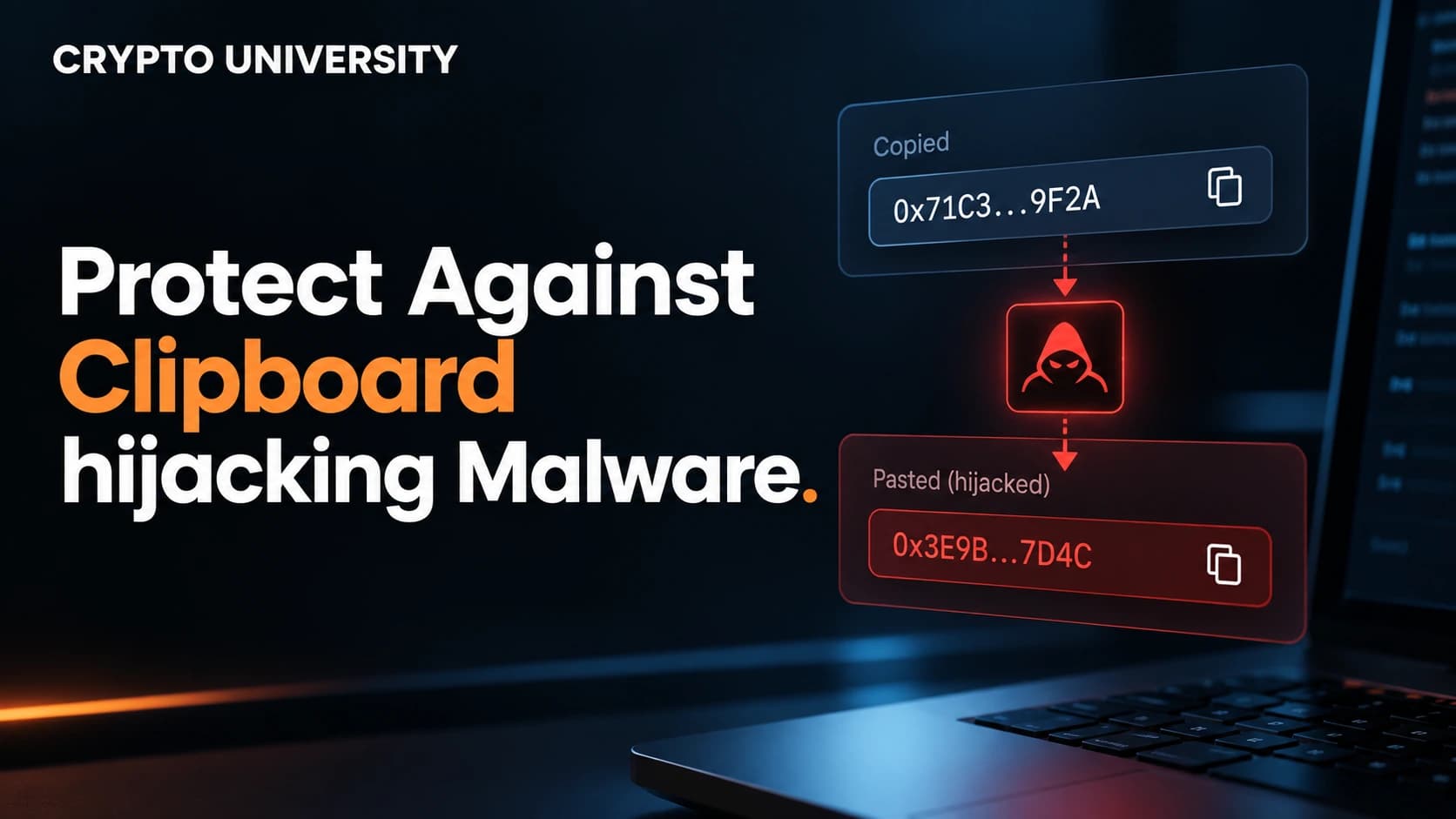
A clipboard hijacker, also called a clipper, is malware that watches everything you copy. When it detects text that looks like a crypto address, it quietly replaces it with an address the attacker controls. When you paste, you see a valid address in the right format, just not the one you copied.
This is not new. Kaspersky reported in 2023 that a clipper hidden in a fake Tor Browser installer had affected more than 15,000 users in 52 countries, with estimated thefts of around US$400,000. Clippers are commonly spread through cracked software, fake installers, pirated games, and malicious browser extensions.
Some clippers go further. BleepingComputer reported in 2023 on a clipper called Laplas that swaps in addresses designed to look similar to the one the victim copied, specifically to fool people who only glance at a few characters.
How Address Poisoning Works
Address poisoning does not need malware at all. The attacker:
- Watches the blockchain for your transactions.
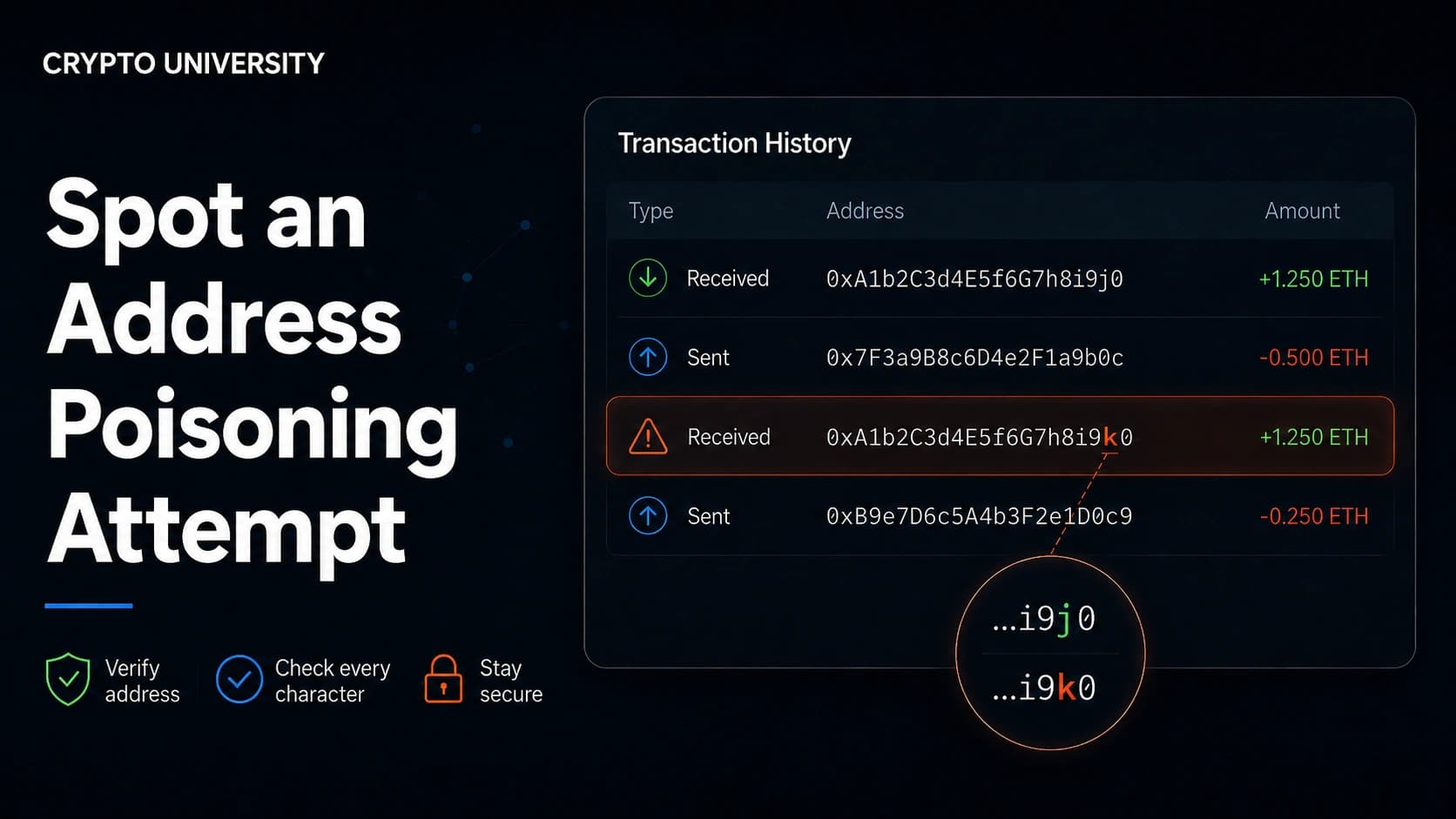
- Generates a lookalike address that matches the first and last characters of an address you use.
- Sends a tiny amount, or a zero-value token transfer, from that lookalike address to your wallet.
- Waits for you to copy the "familiar" address from your history next time.
Because many wallets shorten addresses to something like 0x7a3F...9c2B, the fake entry looks identical at a glance.
The scale is significant. Carnegie Mellon CyLab researchers identified about 270 million address poisoning attempts targeting roughly 17 million victims between July 2022 and June 2024, with confirmed losses of about US$83.8 million. Security researcher Jameson Lopp also reported around 48,000 suspected poisoning attacks on Bitcoin alone since 2023.
Notable Incidents
These widely reported cases show that even experienced users with large balances get caught.
| Date | What happened | Reported loss |
|---|---|---|
| May 2024 | A trader sent 1,155 WBTC to a lookalike address after address poisoning. Most funds were later returned. | About US$68 million |
| May 2025 | A trader lost funds in two back-to-back poisoning scams using zero-value transfers. | About US$2.6 million |
| December 2025 | A user sent a small test transaction, then copied a poisoned address from history for the main transfer of 49,999,950 USDT. | About US$50 million |
The December 2025 case is an important lesson. The victim followed a common safety habit by sending a test transaction first. Attackers reportedly spotted the test and planted a lookalike address within minutes. The test was useful, but copying the final address from history undid it.
Step by Step: How to Verify a Copied Wallet Address
Follow these steps every time you send crypto, especially for large amounts.
Step 1: Copy From the Original Source
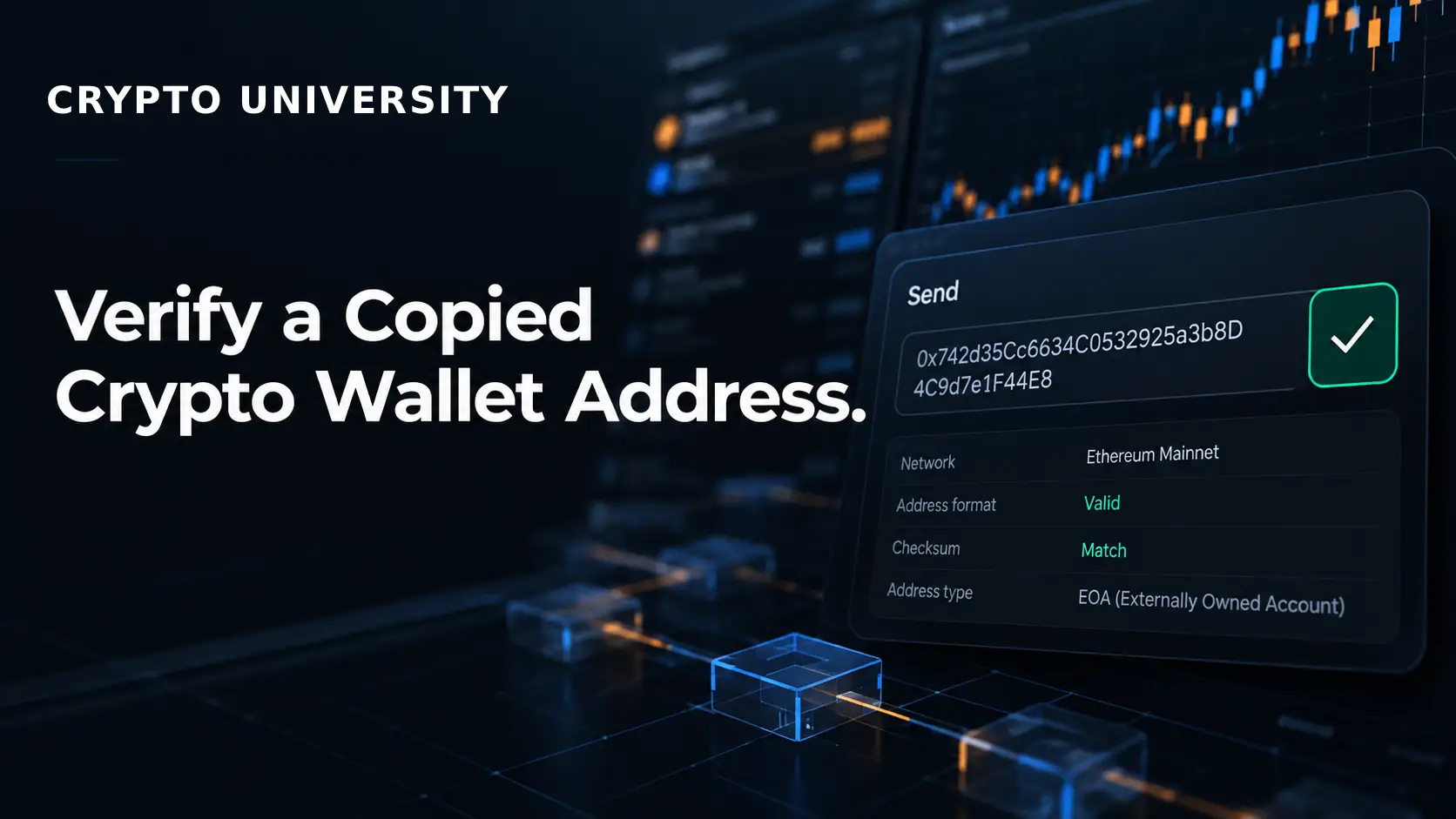
Always copy the address from the original, trusted source. That means the recipient's own wallet receive screen, your exchange's deposit page, or a saved address book entry. Do not copy addresses from your transaction history or a block explorer list. That is exactly where poisoned addresses live.
Step 2: Compare the Full Address in Chunks
After pasting, compare the pasted address with the source. Reading 42 or more characters in one go is hard, so break it into chunks:
- Check the first 6 characters.
- Check 6 to 8 characters in the middle.
- Check the last 6 characters.
Attackers can cheaply match the start and end of an address. Matching the middle as well is far harder. For large transfers, check the entire address.
Step 3: Check Again on the Confirmation Screen
Clipper malware can act at any point before you sign. Look at the address one more time on the final review screen, right before you approve the transaction.
Step 4: Verify on Your Hardware Wallet Screen
If you use a hardware wallet, the address shown on the device is the one that will actually be signed. Malware on your computer can change what the computer screen shows, but it cannot change what the hardware wallet displays. Trezor calls this a Trusted Display, and Ledger devices follow the same principle.
- When sending: compare the address on the device screen with the address from the original source.
- When receiving: use the "verify" or "show on device" option and compare it with the address you shared.
One limit matters here. A hardware wallet confirms that nothing changed between your computer and the device. It cannot tell you whether the address you started with was correct.
Step 5: Confirm Through a Second Channel
For large or first-time payments, confirm the address with the recipient through a different channel. A phone call, a video call, or an in-person check works well. Reading back a few chunks from the start, middle, and end is usually enough.
Step 6: Use an Address Book or Withdrawal Whitelist
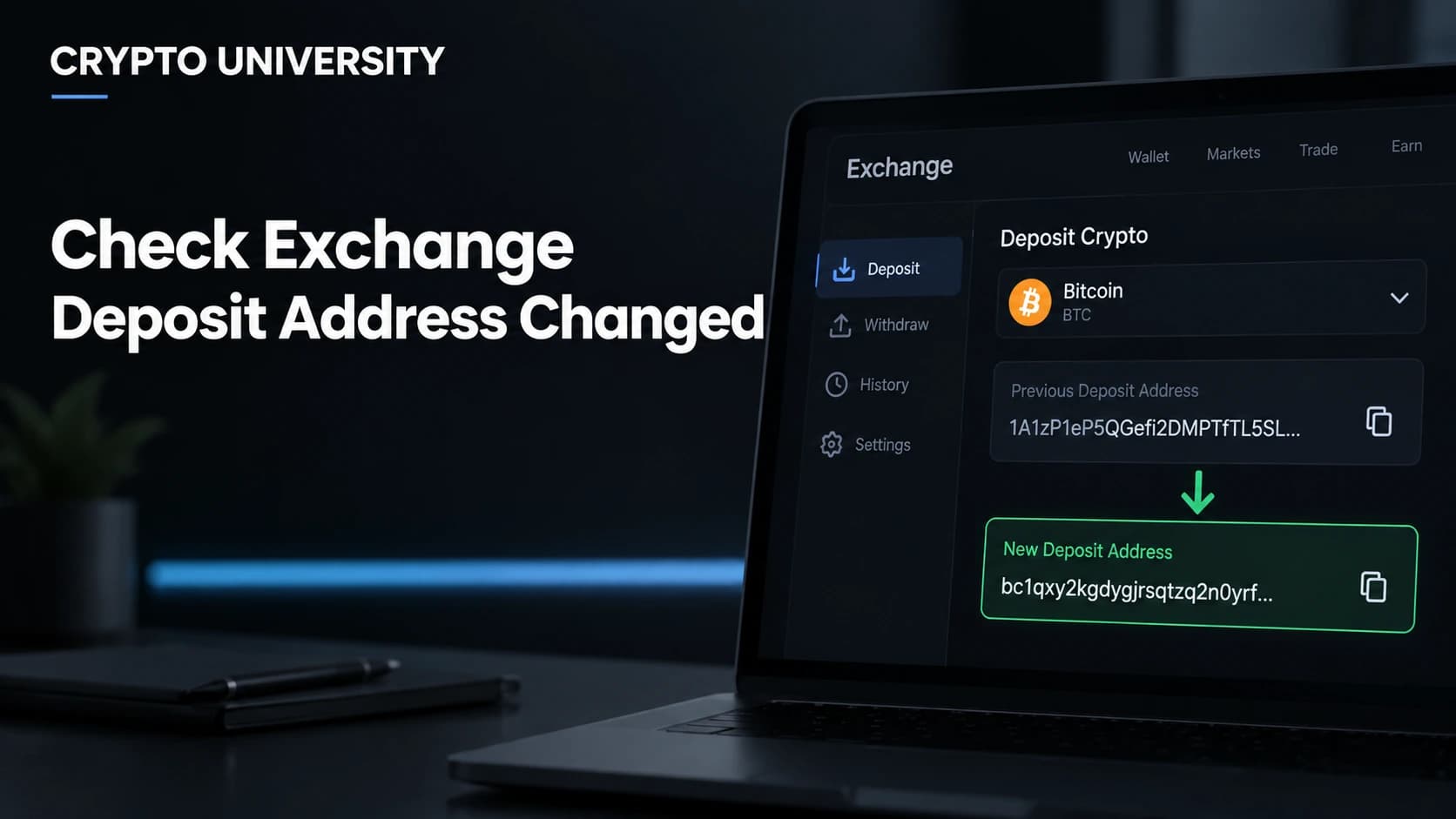
Most exchanges and many wallets let you save verified addresses. Once an address is verified and saved, select it from the address book instead of pasting it each time. Exchanges that offer withdrawal whitelists often add a waiting period for new entries, which gives you time to notice an unauthorized change.
Step 7: Send a Test Transaction, Then Re-copy From the Source
A small test transaction confirms the address works. After the test lands, copy the address again from the original source or address book for the main transfer. Never pull it from the test transaction in your history.
Quick Verification Checklist
| Check | How to do it | What it catches |
|---|---|---|
| Copy from source | Recipient's receive screen or saved address book | Address poisoning |
| Chunk comparison | Start, middle, and end characters | Clippers and lookalike addresses |
| Final screen review | Re-read before approving | Late clipboard swaps |
| Hardware wallet display | Compare device screen with source | Malware on computer or phone |
| Second channel | Call or message the recipient separately | Fake pages, hacked accounts |
| Test transaction | Small amount first, then re-copy from source | Wrong network or wrong address |
Signs Your Device May Be Compromised
Watch for these warning signs:
- The pasted address differs from the copied one, even slightly.
- Addresses paste differently in different apps.
- You recently installed cracked software, unofficial wallet apps, or unknown browser extensions.
- Your transaction history shows tiny or zero-value transfers from addresses that look like ones you use.
If the paste does not match, stop. Do not send anything from that device. Run a reputable security scan, remove suspicious software and extensions, and consider moving funds using a clean device and a hardware wallet.
What to Do If Funds Went to a Replaced Address
Blockchain transactions generally cannot be reversed, but these steps may still help:
- Stop using the affected device for any crypto activity.
- Record the details: transaction hash, amount, time, and the attacker address.
- Contact your exchange if funds passed through one. Exchanges and some stablecoin issuers have frozen funds linked to crime in some cases, though this is never guaranteed.
- Report the theft to local police and your national cybercrime reporting body.
- Beware of recovery scams. People who promise to recover stolen crypto for an upfront fee are very often scammers themselves.
FAQ
Is checking the first and last four characters of an address enough?
No. Address poisoning and some clipper malware use lookalike addresses that match the start and end. Check the middle of the address too, or check the whole address for large transfers.
Can a hardware wallet stop clipboard malware?
It helps a lot, but only if you actually compare the address on the device screen with the address from the original source. If you approve without looking, the protection is lost.
Is it safe to copy an address from my transaction history?
It is not recommended. Attackers deliberately place lookalike addresses in your history. Use the original source or a saved address book entry instead.
Do phones get clipboard hijackers too?
Yes. Clipper malware exists for both desktop and mobile systems, often hidden in unofficial apps. Install wallet apps only from official app stores and developer websites.
Does a test transaction make me fully safe?
A test transaction confirms the address works, but it does not stop poisoning on its own. Re-copy the address from the original source for the main transfer.
Related Terms
- Address Poisoning: A scam where an attacker sends small or zero-value transfers from a lookalike address so it appears in a victim's transaction history.
- Clipper Malware: Malicious software that monitors the clipboard and replaces copied crypto addresses with an attacker's address.
- Hardware Wallet: A physical device that stores private keys offline and shows transaction details on its own screen for approval.
- Address Whitelist: A list of pre-approved withdrawal addresses that restricts where an account can send funds.
- Vanity Address: A crypto address generated to contain chosen characters, a technique attackers abuse to create lookalike addresses.
Sources
- Kaspersky, "New clipper malware steals US$400,000 in cryptocurrencies via fake Tor Browser" (March 2023)
- BleepingComputer, "New clipboard hijacker replaces crypto wallet addresses with lookalikes" (February 2023)
- CoinDesk, "Crypto user loses $50 million in address poisoning scam" (December 2025)
- The Block, "Crypto trader loses $50 million in address poisoning attack" (December 2025)
- Cointelegraph via TradingView, "What are address poisoning attacks in crypto and how to avoid them"
- Tsuchiya et al., "Blockchain Address Poisoning," USENIX Security 2025
Trezor, "Trezor's Trusted Display: Verify every address on your device"
More Reading
- How to Find a Missing Crypto Transaction
- How to Find the Exact Amount Received After Network Fees
- How to Recover Access to a Hardware Wallet After Losing the Device
This article is for educational purposes only and is not financial, legal, or security advice.
Not sure which problem you have?
Use the Fixing Crypto Mistakes hub to identify the transaction, wallet, network, or exchange issue before taking another action.
OPEN TROUBLESHOOTING HUB