Key Takeaways
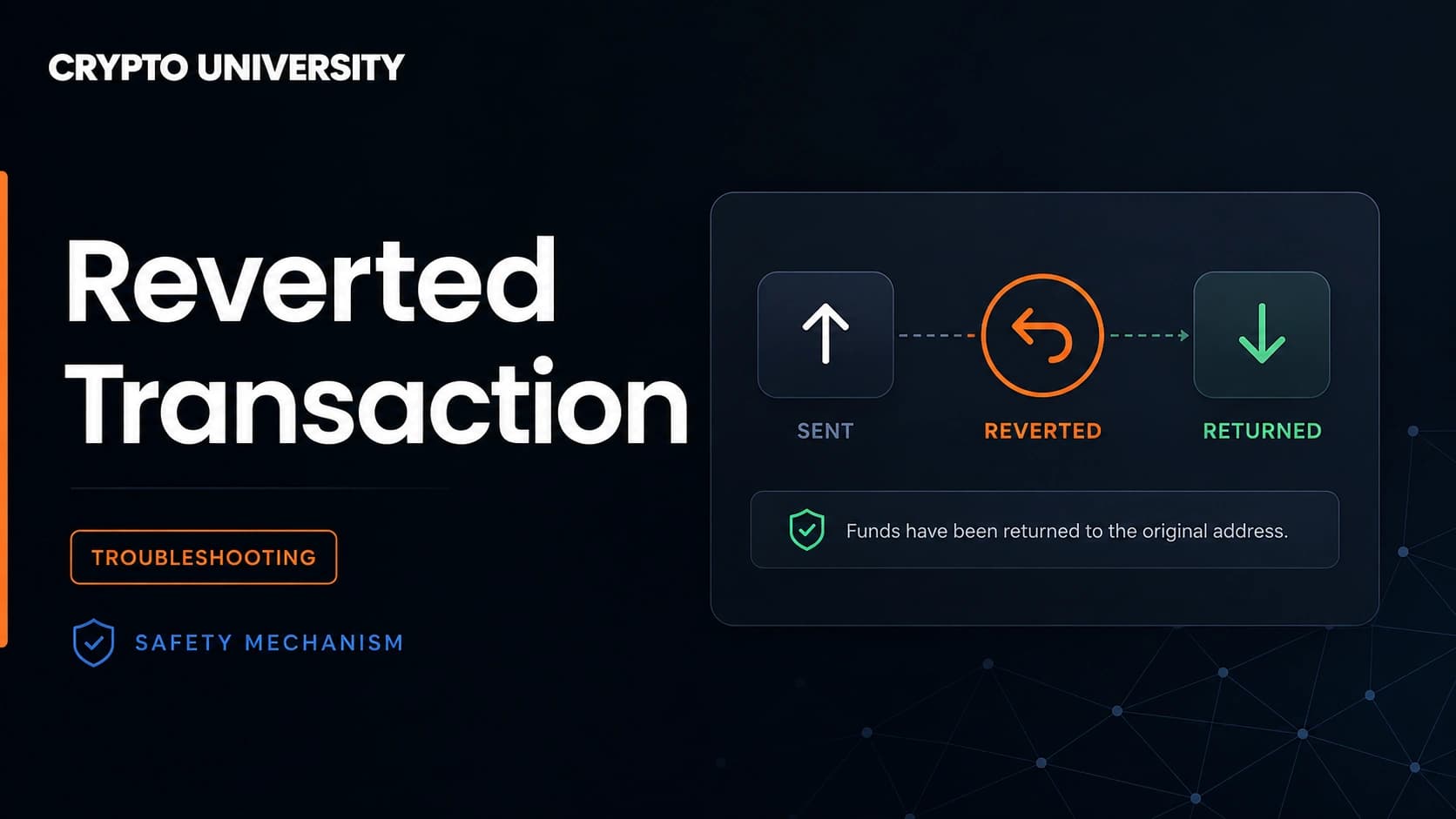
- A reverted transaction was included in a block and then rolled back, so no balances changed, but the transaction hash stays on the blockchain forever.
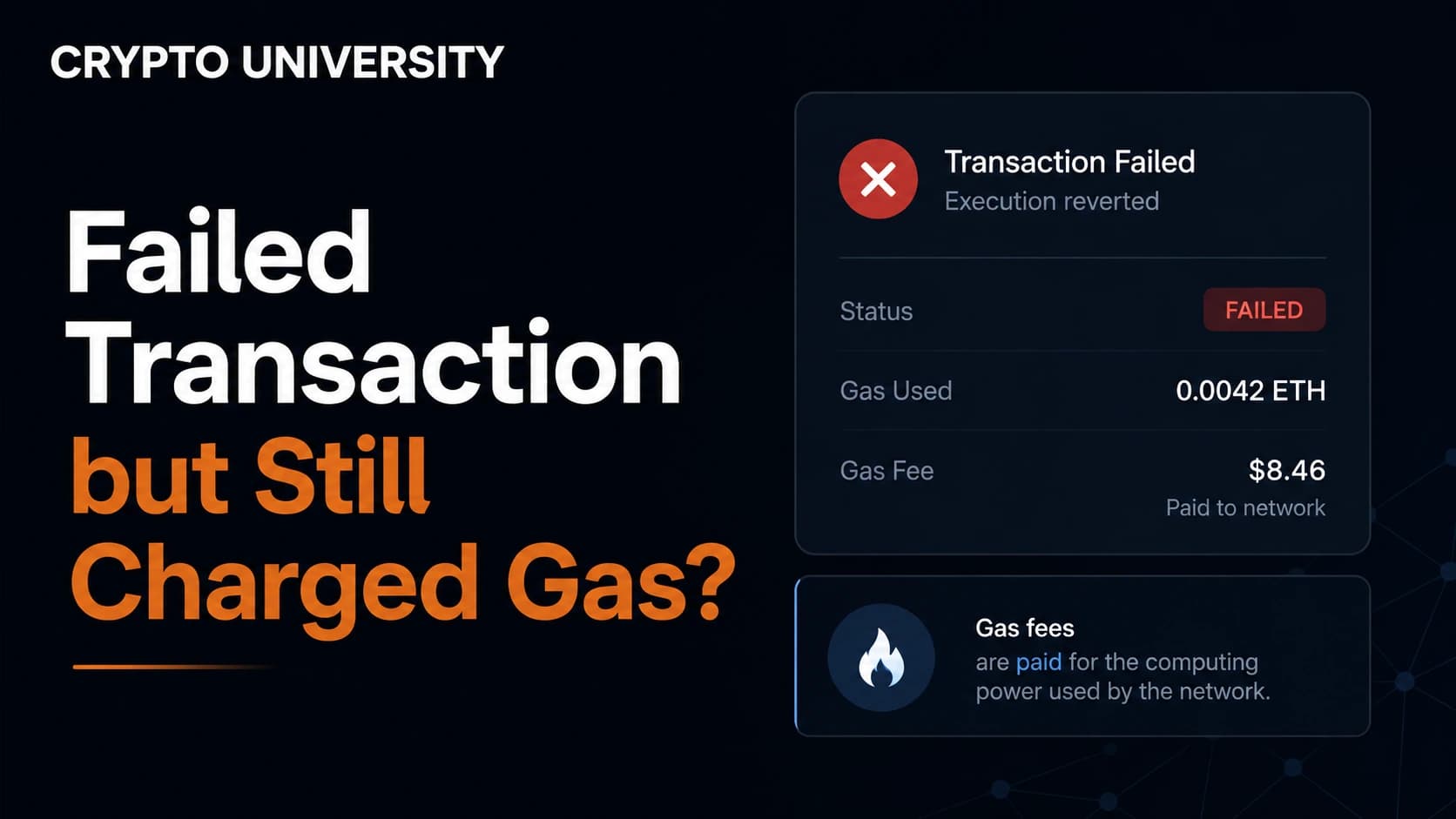
- You still pay a network fee for a reverted transaction, because validators ran the code before it failed.
- Most reverts have a readable reason such as low slippage, missing token approval, or an insufficient balance, and a block explorer will usually show it.
What a Reverted Transaction Actually Means
On Ethereum and other EVM chains, a reverted transaction is one that was accepted by the network, executed, and then undone. The virtual machine started running the smart contract code, hit a condition it could not satisfy, and rolled the state back to exactly where it was before the transaction started.
Three things are true at the same time, and beginners often find this confusing:
- Nothing moved. Your token balances are the same as before.
- The transaction is permanent. The hash exists on chain and anyone can look it up.
- You paid a fee. The network charged you for the computation it performed.
A revert is not a bug in the blockchain. It is the safety mechanism that makes blockchain transactions all or nothing. Either every step of the transaction succeeds, or none of it counts. That property is called atomicity, and it protects you from half finished operations such as tokens leaving your wallet while the swap you paid for never completes.
Since the Byzantium upgrade in 2017, every EVM transaction receipt carries a status field. A value of 1 means success and a value of 0 means failure. Block explorers turn that number into the green Success badge or the red Failed badge you see on screen.
Reverted, Pending, Dropped, and Reorged Are Not the Same
People use the word failed for several very different situations. Knowing which one you are looking at tells you what to do next.
| Status | In a block? | State changed? | Fee charged? | What to do |
|---|---|---|---|---|
| Success | Yes | Yes | Yes | Nothing |
| Reverted or Failed | Yes | No | Yes | Read the revert reason and fix the cause |
| Pending | Not yet | No | Not yet | Wait, or speed up or cancel from your wallet |
| Dropped or Replaced | No | No | No | Send it again |
| Reorged | Was in a block, then removed | Undone | Not charged unless it is included again | Wait for more confirmations before trusting it |
A dropped transaction never made it into a block, so there is nothing to pay for. A reorganised block is rarer. The block that held your transaction was replaced by a competing block, so the transaction goes back into the waiting queue and may be included again later. That is different from a revert, where the network executed your transaction and deliberately rejected the result.
Why You Still Pay a Fee
Validators and nodes cannot know whether a transaction will succeed until they run it. Once they run it, that computation has a real cost, so the fee is charged whether the outcome is success or failure.
Two details are worth understanding:
- You pay for gas used, not the gas limit. The limit is a ceiling you set. The charge is gas consumed multiplied by the price per unit.
- A clean revert returns your unused gas. The REVERT instruction introduced in EIP-140 stops execution, rolls back state, returns an error message, and leaves the remaining gas alone. Running out of gas is different. That path consumes the entire limit, which is why out of gas failures usually cost the most.
Common Reasons a Transaction Reverts
| Message you may see | What it usually means | Typical fix |
|---|---|---|
| ERC20: transfer amount exceeds balance | You do not hold as many tokens as the contract tried to move | Check the real balance, including tokens locked or staked |
| transfer amount exceeds allowance, or TRANSFER_FROM_FAILED | The contract was never approved to spend your tokens, or the approval is too small | Send a fresh approval transaction first |
| INSUFFICIENT_OUTPUT_AMOUNT, or Too little received | The price moved between signing and execution, so the trade broke your slippage limit | Raise slippage slightly, or trade a smaller size |
| EXPIRED, or deadline passed | The transaction sat unconfirmed past the deadline the app attached to it | Resubmit with a higher fee so it confirms faster |
| out of gas | The gas limit was too low for the work required | Let the wallet estimate again, or raise the limit |
| Custom errors such as SlippageExceeded() or TokenNotListed() | A named condition inside the contract was not met | Read the contract documentation for that error name |
| Panic(uint256) with code 0x11 or 0x12 | An internal maths problem such as overflow or division by zero | Usually a contract level issue, not a user setting |
| Paused, blacklisted, or not allowlisted | Transfers are restricted by the contract owner | Nothing you can change from your side |
How to Read a Reverted Transaction Step by Step
- Open the transaction hash in a block explorer. Use the explorer for the correct network, since the same hash format is used across many chains.
- Check the status field. Explorers commonly display a short revert reason next to or inside the failed status when the contract provided one.
- Confirm the To address. Make sure the transaction went to the contract you expected. A wrong or spoofed address is a red flag.
- Decode the input data. Most explorers have a decode button that shows which function was called and with what values. Compare that to what you thought you were doing.
- Look at the logs. A reverted transaction normally has no event logs, because events are rolled back along with everything else. This is why a bare revert can be hard to diagnose from the receipt alone.
- Use a debugger or simulator if you need more. Tools that replay the transaction, such as Tenderly, show the exact internal call that failed. Developers also use archive nodes to replay older transactions.
How Revert Reasons Are Encoded
If you look at raw data instead of a friendly explorer message, revert reasons arrive as return data with a four byte selector at the front.
| Format | Selector | Where it comes from |
|---|---|---|
| Error(string) | 0x08c379a0 | require with a message, or revert with a message |
| Panic(uint256) | 0x4e487b71 | assert, overflow, division by zero, bad array access |
| Custom error | Unique per error name | Named errors defined in the contract, common since Solidity 0.8.4 |
| Empty return data | None | Plain revert with no message, or an out of gas failure |
Empty return data is the frustrating case. There is no message to read, so you need a trace or a simulation to find the failing step.
What This Looks Like on Non EVM Chains
Solana. Transactions do not revert in the EVM sense, but they can fail during execution and be recorded as failed. The base fee is still charged, and any priority fee you added is generally not returned. Instead of a text message you usually get a program error code that you match against the program's error list. Solana also has an expiring blockhash rather than an ordered nonce queue, so a transaction that is not processed in time simply expires and can never be replayed.
Bitcoin. Bitcoin has no general purpose contract execution, so there is no revert. A transaction is either valid, in which case it can be mined, or invalid, in which case nodes reject it before it ever reaches a block and no fee is paid. The usual Bitcoin problem is a transaction stuck in the mempool because the fee is too low, which is solved with replace by fee or a child pays for parent transaction.
How to Reduce Reverted Transactions
- Use a wallet that simulates the transaction and shows expected balance changes before you sign.
- Check token approvals before swapping or bridging for the first time.
- Keep a small buffer of the native gas token, since a fee paid in ETH, BNB, or SOL is separate from the token you are moving.
- Widen slippage carefully for volatile or thin liquidity markets, and understand that a wider setting also exposes you to a worse price.
- Do not blindly retry a failed transaction. The same inputs will usually produce the same revert and another fee.
- Treat repeated unexplained reverts on an unfamiliar token as a warning. Some tokens restrict selling, and a revert is often the first visible symptom.
Frequently Asked Questions
Did I lose my tokens in a reverted transaction? No. The transfer never took effect, so the tokens stayed where they were. The only cost is the network fee that was spent running the code.
Can I get the gas fee back? No. The fee pays for computation that was actually performed, and no protocol level refund exists for a reverted transaction.
Does the receiver see anything? No transfer happened, so nothing arrived. The receiver can look up the hash and see a failed attempt, but their balance is unchanged.
Is a reverted transaction a sign of a scam? Usually not. Most reverts are ordinary problems such as slippage, approvals, or gas. That said, some contracts are written to block certain transfers, so repeated reverts on an unknown token deserve a closer look at the contract itself.
Can I resubmit the same transaction? Yes, but it becomes a new transaction with a new hash. Fix the cause first, otherwise it will very likely revert again and cost another fee.
Related Terms
- Transaction receipt: The record produced after execution, containing status, gas used, and event logs.
- Gas limit: The maximum amount of computation you authorise for a transaction.
- Revert reason: The error message or error code a contract returns when it rejects an action.
- Token approval (allowance): Permission you grant a contract to move a specific amount of your tokens.
- Slippage tolerance: The maximum price movement you are willing to accept between signing and execution.
Sources
- Ethereum Improvement Proposals, EIP-140: REVERT instruction, https://eips.ethereum.org/EIPS/eip-140
- Ethereum Improvement Proposals, EIP-658: Embedding transaction status code in receipts, https://eips.ethereum.org/EIPS/eip-658
- Solidity documentation, Expressions and Control Structures, https://docs.soliditylang.org/en/latest/control-structures.html
- Etherscan Information Center, Reasons for Failed Transactions, https://info.etherscan.com/reason-for-failed-transaction/
- Solana Developers, Retrying Transactions and Transaction Confirmation, https://solana.com/developers/guides/advanced/retry
More Reading
- Cyfrin, What happens when a smart contract reverts, https://www.cyfrin.io/blog/what-happens-when-a-smart-contract-reverts
- Ethereum JSON-RPC reference for eth_getTransactionReceipt, https://docs.base.org/base-account/reference/core/provider-rpc-methods/eth_getTransactionReceipt
- PancakeSwap documentation, Troubleshooting common swap errors, https://docs.pancakeswap.finance/welcome-to-pancakeswap/contact-us/faq/troubleshooting
Disclaimer: This article is educational content. It is not financial, investment, tax, or legal advice. Network behaviour, fees, and explorer interfaces change over time, so verify current details against official documentation before relying on them.
Not sure which problem you have?
Use the Fixing Crypto Mistakes hub to identify the transaction, wallet, network, or exchange issue before taking another action.
OPEN TROUBLESHOOTING HUB