Key Takeaways
- No single database sees everything. A proper check combines a block explorer, a community scam database like Chainabuse, and an official sanctions list.
- A clean result is not a guarantee. It only means the address has not been reported or listed yet in the sources you searched.
- A flag is a starting point, not a verdict. Labels can be wrong, outdated, or removed, so read what the flag actually says before acting.
Why Checking an Address Matters
Crypto transactions are usually final. Once funds land in the wrong wallet, there is typically no bank to call and no chargeback button. That makes the few seconds before you press "send" the most important moment in any transfer.
Checking an address helps you answer three practical questions:
- Has anyone reported this address as part of a scam or phishing attack?
- Is this address on a government sanctions list?
- Does the address show on-chain behavior that looks unusual or risky?
This guide explains where flags come from, which free tools you can use, and how to interpret what you find.
What "Flagged" Actually Means
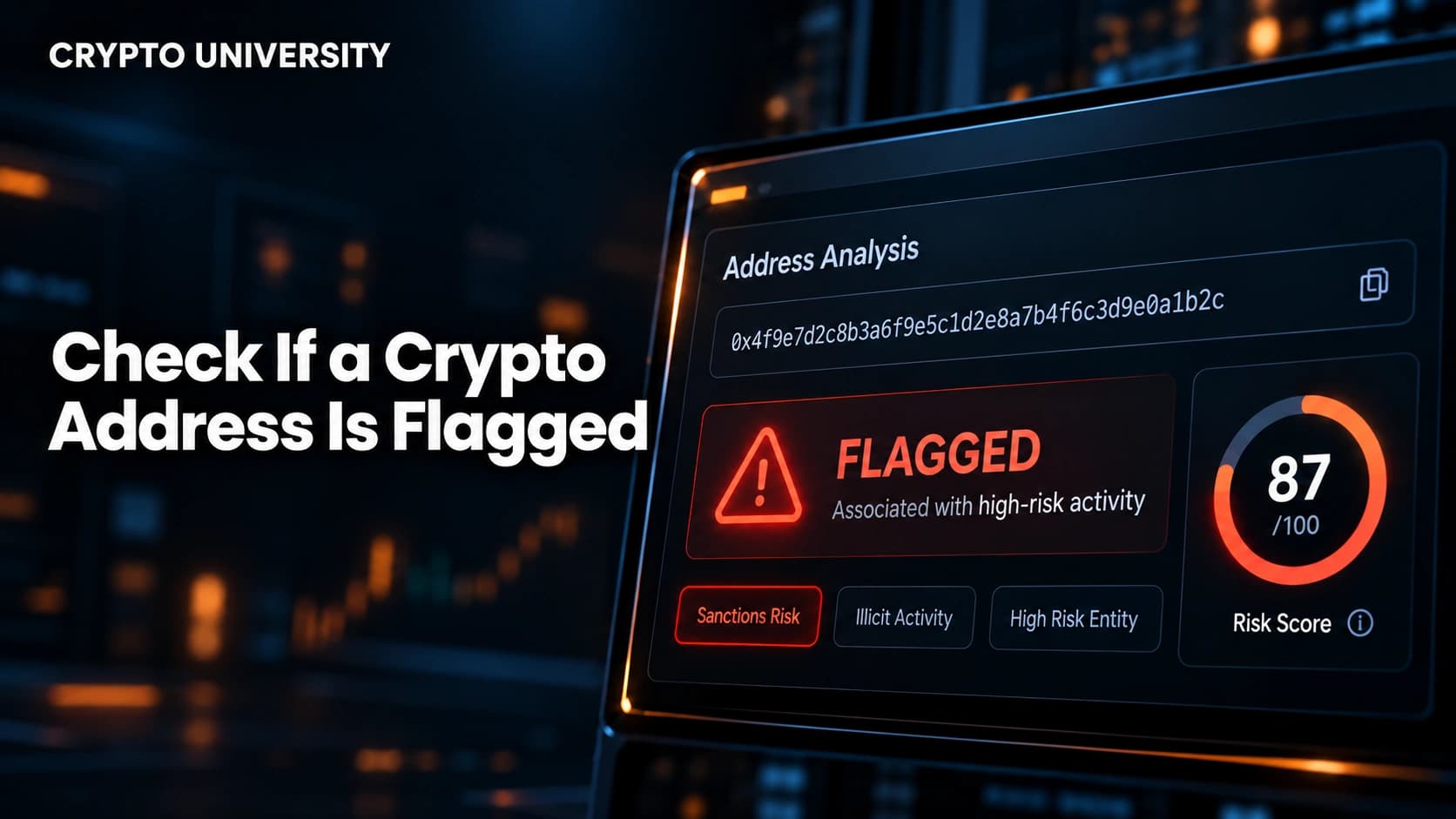
The word "flagged" covers several very different things. Some flags are legal designations. Others are crowdsourced reports that may never have been verified. Knowing the difference prevents both panic and false confidence.
| Flag Type | Who Creates It | What It Means | How Reliable |
|---|---|---|---|
| Sanctions listing | Governments (for example, the US Treasury's OFAC) | The address is tied to a designated person or entity | Official, but not exhaustive |
| Explorer warning label | Block explorers such as Etherscan | Reports link the address to phishing, hacks, or impersonation | Useful, but based on reports and partner data |
| Community scam report | Victims and researchers on platforms like Chainabuse | Someone reported the address in connection with a scam | Varies, check confidence and detail |
| Risk score | Blockchain analytics firms | Software estimated exposure to risky activity | Depends on the vendor's data and method |
| Wallet warning | Wallet apps and browser extensions | Your wallet matched the address against a threat list | Helpful, but coverage differs by wallet |
Step-by-Step: How to Check an Address
Step 1: Get the Address From a Verified Source
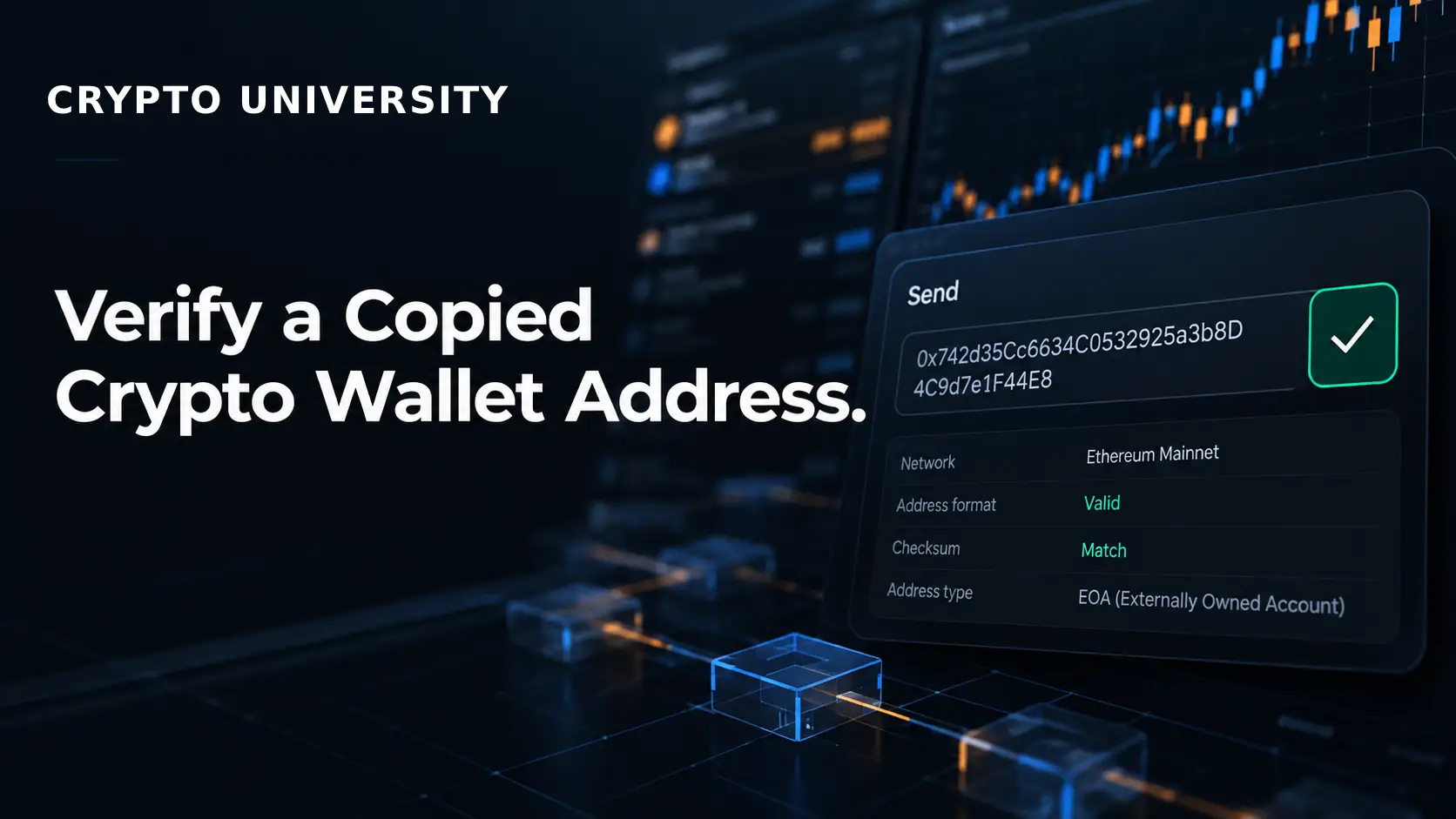
Before any lookup, make sure the address you are checking is the one you actually intend to use. Copy it from a trusted source, such as a saved address book entry or a deposit page you reached by typing the official URL yourself. Avoid copying addresses from your transaction history. That habit is exactly what address poisoning attacks exploit (more on this below).
Step 2: Search It on a Block Explorer
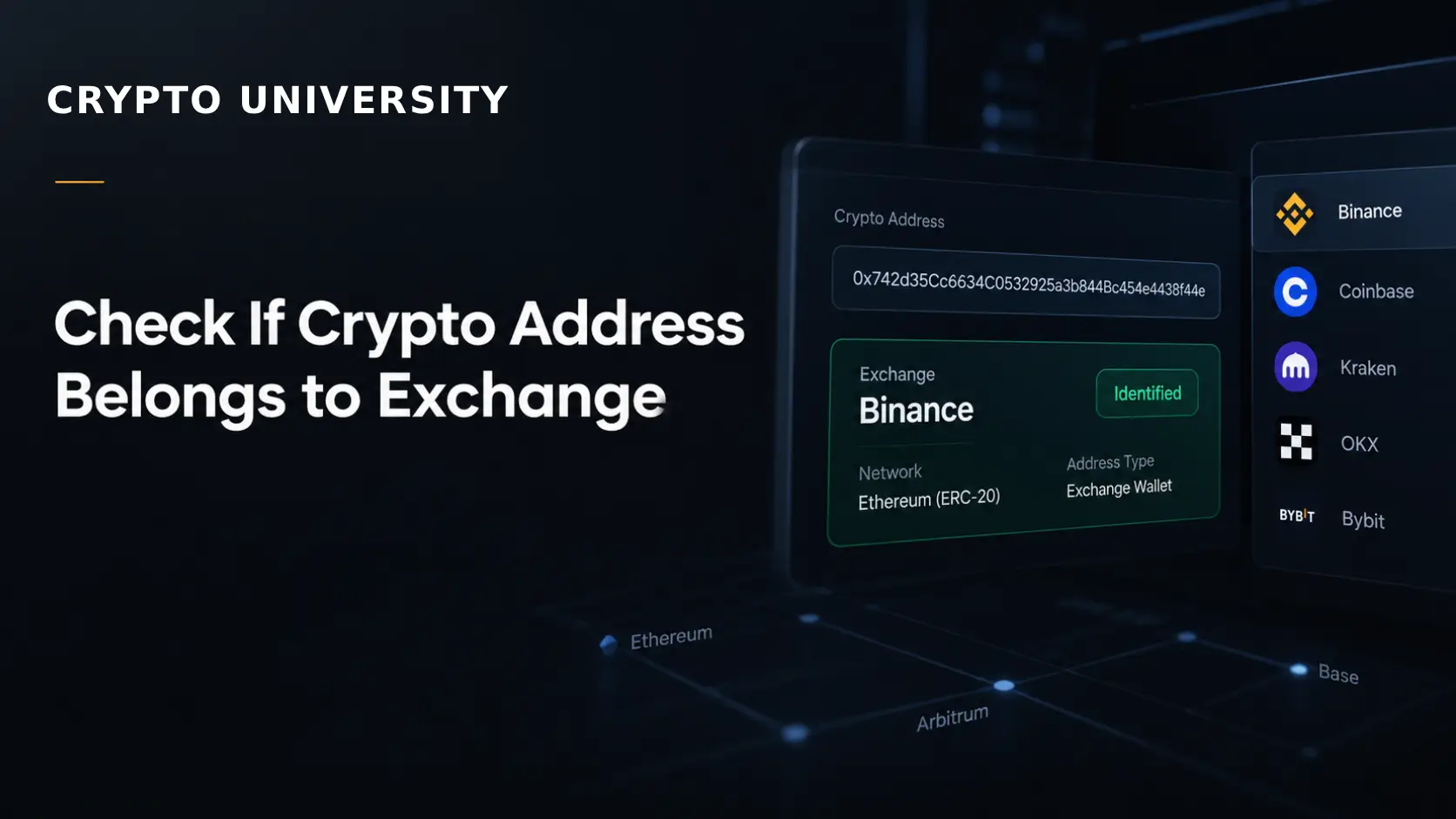
Paste the full address into the explorer for its network. Common examples include Etherscan for Ethereum, Solscan for Solana, Tronscan for Tron, and mempool.space for Bitcoin.
On Etherscan, addresses linked to scams can carry a public name tag such as "Fake_Phishing" followed by a number, along with a warning banner. Etherscan's warnings typically state that there are reports the address was used in a phishing scam and advise caution. Some labels also note the reporting source, such as ScamSniffer. Etherscan has also integrated Chainabuse, so users viewing Ethereum addresses can see whether an address has been reported there.
While you are on the explorer, look at the basics: how old the address is, how many transactions it has, and whether it receives funds from many unrelated wallets.
Step 3: Search Chainabuse
Chainabuse is a free, community-driven scam reporting database operated in partnership with the blockchain intelligence company TRM Labs. You can look up wallet addresses, transaction hashes, and URLs to see whether they have been reported.
When you find a report, read it carefully. Chainabuse uses a spam detection system and assigns a confidence score to reports, so a single unverified report deserves less weight than multiple detailed reports with transaction evidence.
Step 4: Check the Official Sanctions List
For sanctions, go to the source. The US Treasury's Office of Foreign Assets Control (OFAC) confirms that its Sanctions List Search tool can be used for digital currency addresses. Leave the name field blank, paste the address into the "ID #" field, and click search.
One detail matters here. The ID # field does not use fuzzy logic, so only exact matches are returned. A single wrong character will produce a clean result even for a listed address. OFAC also notes that its digital currency address listings are not likely to be exhaustive.
Step 5: Use a Free Multi-Source Screener (Optional)
Several free tools check an address against more than one list at once. Some examples:
- Sanction Scanner's free crypto check screens addresses against OFAC, UN, and EU sanctions lists and ransomware intelligence, and it separates legal sanctions results from ransomware results.
- GoPlus Security offers a free malicious address API and library covering scams, phishing, and other illegal activity. It is mostly used by developers and wallets, but it powers warnings in many consumer apps.
- Chainalysis launched free sanctions screening tools in 2022: an API and an on-chain oracle for smart contracts. The oracle returns only a true or false result, so it is a quick check rather than a full compliance process.
These are examples for educational purposes, not endorsements. Each tool uses different data, so results can differ.
Step 6: Read the On-Chain Behavior Yourself
Even without a flag, some patterns deserve caution:
- The address was created very recently and asks for large payments.
- It received many small payments from unrelated wallets, then quickly moved everything out.
- It interacts heavily with services known for obscuring fund flows.
- Someone is pressuring you to send quickly, often through private messages.
Comparison of Free Address Check Tools
| Tool | What It Checks | Cost | Best For | Main Limitation |
|---|---|---|---|---|
| Block explorers (Etherscan and others) | Warning labels, name tags, full transaction history | Free | First look at any address | Label coverage varies by network |
| Chainabuse | Community scam reports across many chains | Free | Checking for scam reports | Reports vary in quality |
| OFAC Sanctions List Search | US sanctions designations | Free | Official sanctions confirmation | Exact match only, US list only |
| Sanction Scanner free check | OFAC, UN, EU lists plus ransomware data | Free | Multi-list sanctions check | Exact match only |
| GoPlus Malicious Address API | Known malicious address library | Free tier | Developers and wallet integrations | Requires technical setup |
| Chainalysis free sanctions tools | Sanctions lists via API or oracle | Free | Apps and smart contracts | Returns limited detail |
How to Read Your Results
The most common mistake is treating any result as final. Use this table as a guide.
| Result | What It Likely Means | Sensible Next Step |
|---|---|---|
| Listed on OFAC or another sanctions list | The address is tied to a designated party | Do not transact; seek qualified legal guidance if you already have |
| Explorer phishing label | The address has been reported in phishing activity | Do not send funds; verify the recipient through another channel |
| One vague community report | Possible concern, unconfirmed | Look for more evidence before deciding |
| Several detailed reports | Strong warning sign | Treat as high risk |
| No results anywhere | Not reported in the sources you checked | Still verify the recipient and consider a small test transfer |
Flags can also change over time. For example, OFAC removed Tornado Cash and its associated Ethereum addresses from the SDN List on March 21, 2025, after originally designating it in August 2022. An address flagged in older data may no longer be listed, and new addresses are added regularly. Always check current sources.
A Special Case: Address Poisoning
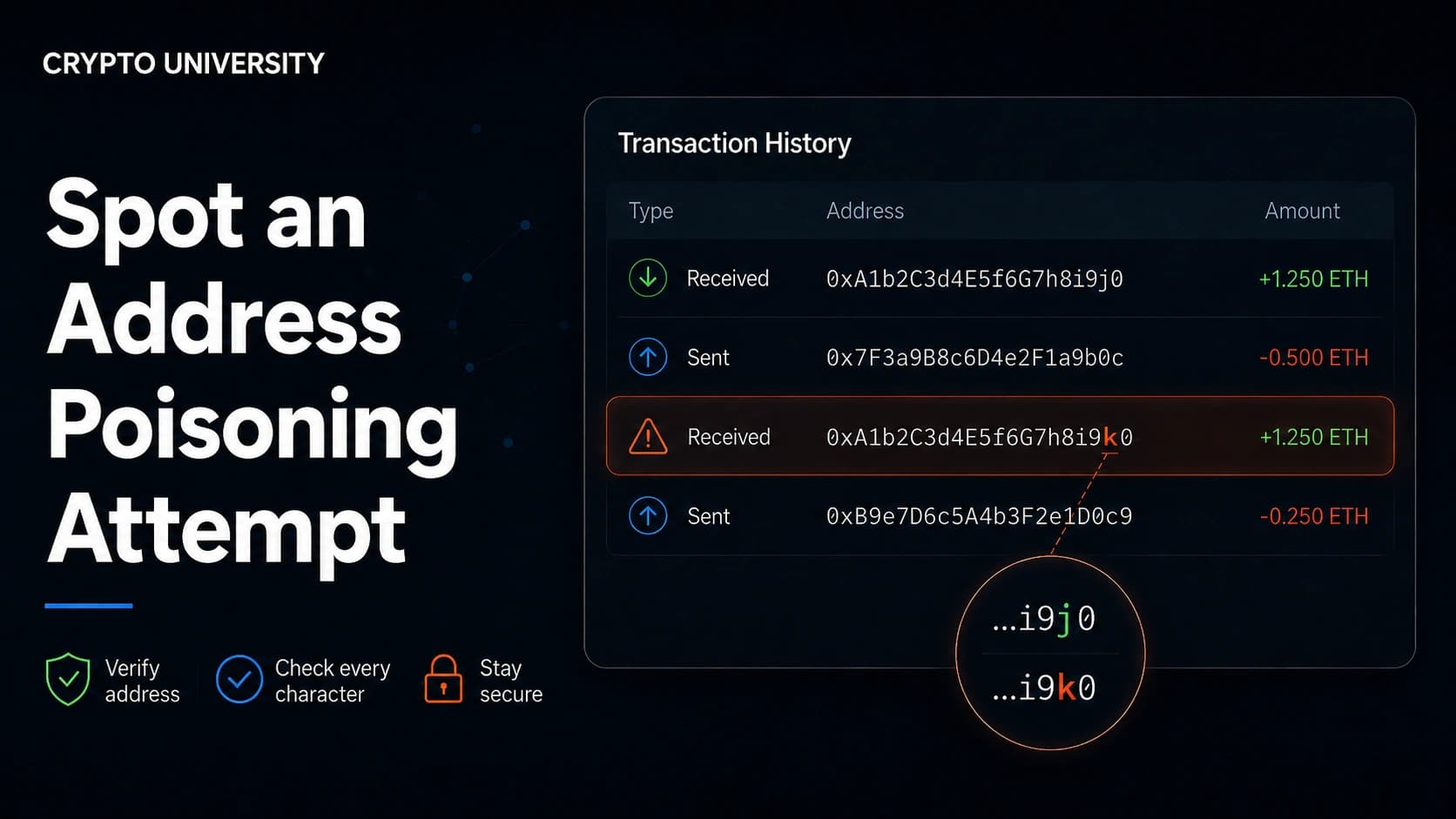
Address poisoning is a scam where an attacker plants a lookalike address in your transaction history. The attacker creates an address whose first and last characters match one you use often, then sends you a tiny or zero-value transfer. Later, you copy the fake address from your history and send funds to the attacker.
Researchers have measured the scale of this problem. One academic study reported about 270 million attack attempts targeting 17 million victims, with at least 83.8 million US dollars in losses, on Ethereum and BNB Smart Chain between 2022 and 2024.
To protect yourself:
- Never copy addresses from your transaction history.
- Use your wallet's address book for recipients you trust.
- Check characters in the middle of the address, not only the start and end.
- Send a small test amount before large transfers.
- Treat unexpected tiny deposits as a warning sign, not free money.
What to Do If an Address Is Flagged
If you have not sent anything yet: stop the transaction. Contact the recipient through a separate, trusted channel to confirm the correct address.
If you already sent funds to a flagged address:
- Record the transaction hash, the address, and any messages or screenshots.
- Report the address on Chainabuse to warn others.
- Contact the exchange you used, since exchanges can sometimes freeze funds that arrive in accounts they control.
- File a report with your local police or national cybercrime agency.
Be careful of anyone who contacts you offering to recover your funds for a fee. Chainabuse itself states that it is not a recovery service, and fake recovery offers are a common follow-up scam.
Limits of Address Checks
Address checks reduce risk, but they cannot remove it. Scammers can create new wallets in seconds, so a fresh scam address will usually have no reports at all. Databases also contain errors, and sanctions lists focus on specific designated parties rather than all criminal activity. Use address checks as one layer of protection alongside careful verification habits.
Frequently Asked Questions
Is checking a crypto address free?
Yes, for most individual users. Block explorers, Chainabuse searches, and the OFAC Sanctions List Search are all free to use.
If an address has no flags, is it safe?
Not necessarily. A clean result only means the address has not been reported or listed in the sources you searched. New scam addresses often have no history.
Can a legitimate address be flagged by mistake?
Yes. Community reports can be inaccurate, and automated labels can make errors. Read the details of any flag and look for supporting evidence.
Does OFAC list every sanctioned crypto address?
No. OFAC states that its digital currency address listings are not likely to be exhaustive.
Can I check a Bitcoin address the same way as an Ethereum address?
Mostly, yes. Chainabuse and the OFAC search both support Bitcoin addresses. Explorer warning labels are more common on Ethereum-style networks, so Bitcoin checks rely more on scam databases and sanctions lists.
Related Terms
- Block Explorer: A website that lets anyone search and view public blockchain data such as addresses, balances, and transactions.
- Address Poisoning: A scam that plants a lookalike address in a victim's transaction history so they copy it by mistake.
- OFAC SDN List: The US Treasury's list of sanctioned individuals and entities, which can include linked crypto addresses.
- Phishing: A scam that tricks people into revealing sensitive information or approving harmful transactions through fake websites or messages.
- Blockchain Analytics: The practice of analyzing on-chain data to trace fund flows and assess the risk of addresses and transactions.
Sources
- OFAC FAQ 594: Querying digital currency addresses in Sanctions List Search
- OFAC Questions on Virtual Currency
- Chainabuse official website
- Chainabuse Public API documentation
- Etherscan address label examples and API documentation
- Chainalysis free sanctions screening tools announcement (PR Newswire, March 2022)
- GoPlus Malicious Address API
- Sanction Scanner free crypto check
- Digital Policy Alert: US Treasury removed sanctions against Tornado Cash
- Blockchain Address Poisoning (academic paper, arXiv) ## More Reading
- How to Protect Yourself From QR Code Crypto Scams
- How to Verify Telegram and Discord Announcements Before Clicking This article is educational and factual. It is not financial advice and contains no price predictions. Figures cited from third party tools are point in time estimates that change continuously.
Not sure which problem you have?
Use the Fixing Crypto Mistakes hub to identify the transaction, wallet, network, or exchange issue before taking another action.
OPEN TROUBLESHOOTING HUB