Key Takeaways
- A forgotten exchange password is usually recoverable. Exchanges are custodial services with support teams and identity records, so unlike a lost self-custody seed phrase, your account is not automatically gone.
- Access to your email and your second factor matters more than the password itself. Most recovery flows send a reset link to your registered email and then ask for a two factor code, so losing those makes the process much slower.
- Expect a waiting period, and expect scammers to appear. Exchanges freeze withdrawals for roughly 24 to 48 hours after sensitive changes, and fake support agents actively target people who are locked out.
Why a Forgotten Exchange Password Is Not the End
Beginners often mix up two very different situations.
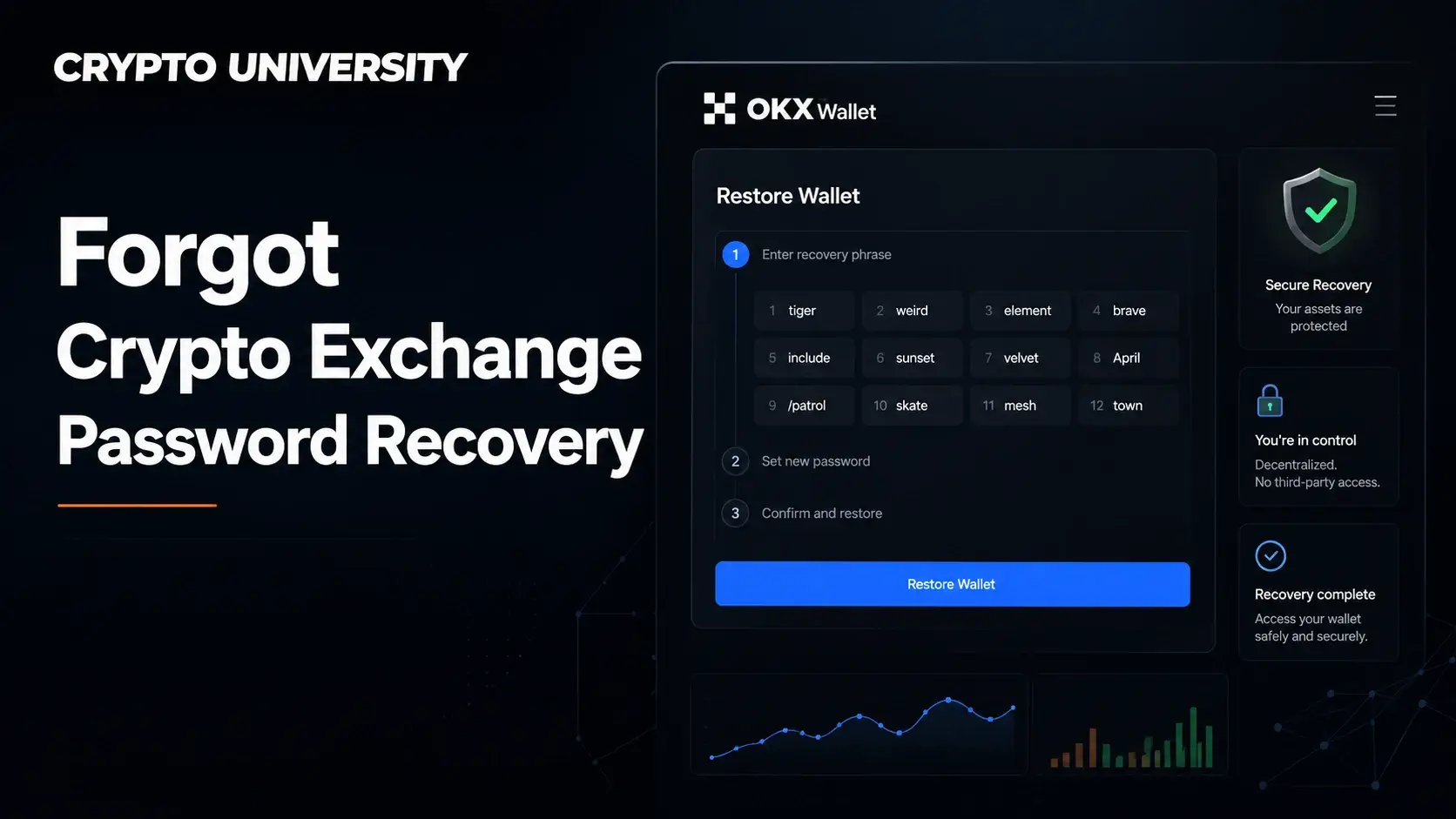
The first is losing the recovery phrase to a self-custody wallet such as MetaMask, Rabby or a hardware wallet. In that case there is no company holding a backup. The keys are yours, and if the phrase is gone the funds are unreachable.
The second is forgetting a password on a centralised exchange such as Binance, Coinbase, Kraken, OKX or Bybit. Here the exchange holds the private keys and keeps a record of who you are. Your password is simply a login credential for their database, not the key to your coins. Because of that, exchanges can and do reset it for verified users.
| Situation | Who holds the keys | Recoverable? | Typical route |
|---|---|---|---|
| Forgot exchange password | The exchange | Yes, in most cases | Password reset by email |
| Lost 2FA device on an exchange | The exchange | Usually, but slower | Identity verification with support |
| Lost self-custody seed phrase | You | No | None |
| Forgot a wallet app PIN but still have the seed phrase | You | Yes | Restore the wallet from the phrase |
This article covers the first two rows only. If you have lost a seed phrase, no support desk anywhere can restore it, and anyone who claims otherwise is running a scam.
What to Prepare Before You Start
Gather these items first. Trying to recover an account halfway through and then hunting for documents tends to fail identity checks.
- The email address used to register the account, and working access to that inbox
- The phone number on file, if you enabled SMS verification
- Your two factor method: an authenticator app, a passkey, a hardware security key or saved backup codes
- The government ID you used during KYC verification, in the same name as the account
- Rough details of your account history: approximate registration date, first deposit method, recent trades or withdrawal addresses
- A clean device and the official app or website, opened by typing the address yourself
Step by Step: The Standard Password Reset
This flow is close to identical across the major exchanges.
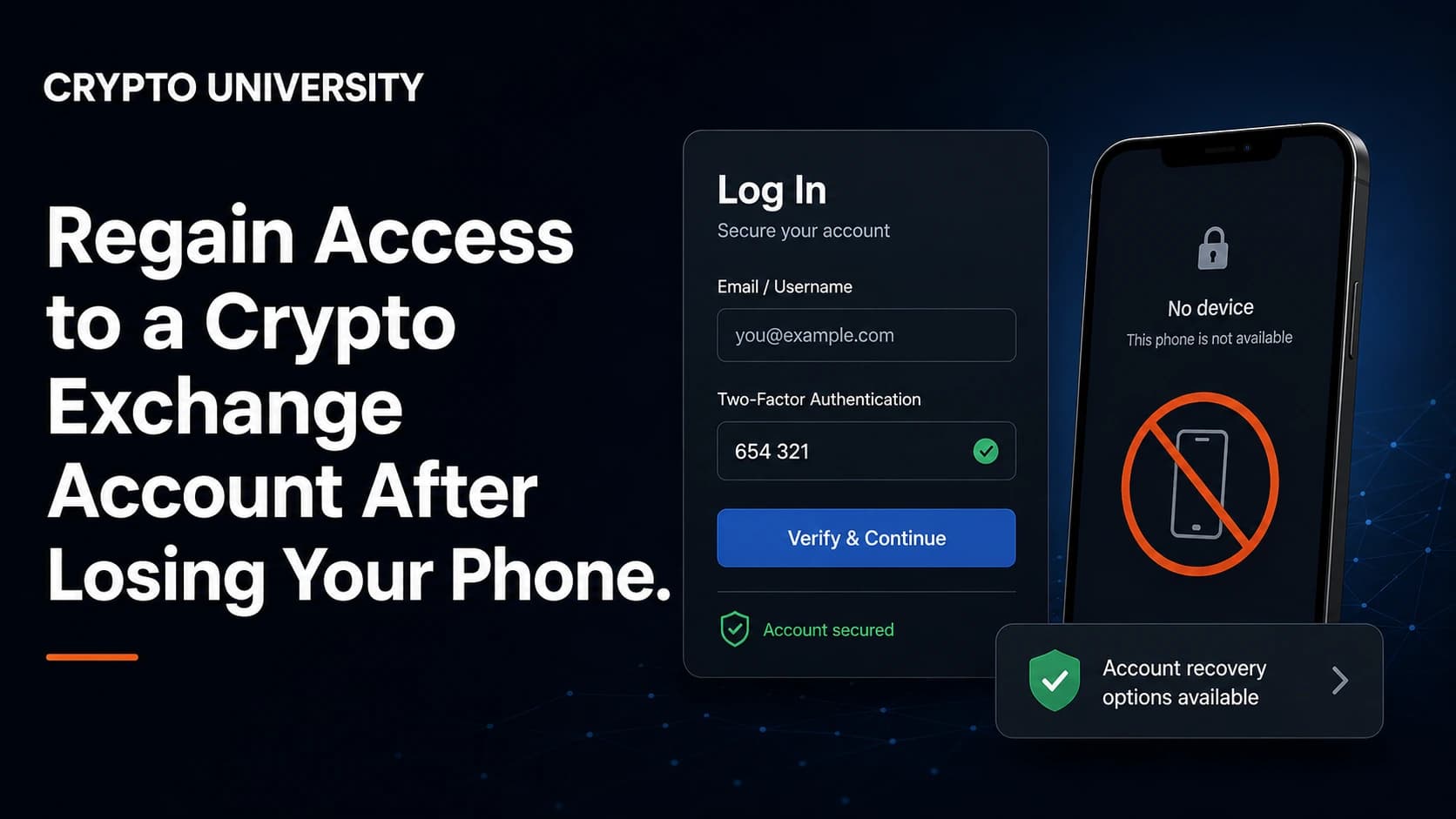
Step 1. Open the official site or app. Type the domain manually or use your own saved bookmark. Do not use a search advertisement or a link from a message. Fake login pages are the single most common way people lose funds during a reset.
Step 2. Select "Forgot password" on the sign in screen. If the account uses a passkey, you may need to choose the option that says your passkey is unavailable before the password option appears.
Step 3. Enter your registered email or username. The exchange sends a reset link. Check spam folders if it does not arrive within a few minutes. Repeatedly requesting new links can temporarily lock the reset function, so wait rather than spamming the button.
Step 4. Complete the security checks. These usually include an email code, and then a two factor code, a phone code or a face scan depending on the exchange and your settings.
Step 5. Set a new password and store it properly. Use a password manager and a long, unique password. Reusing an old one defeats the purpose of the reset.
Step 6. Wait out the security hold. Almost every exchange disables withdrawals for a period after a password change. This is deliberate and cannot be shortened by contacting support.
Typical Security Holds After a Reset
Exchanges apply cooling off periods so that an attacker who guesses a password cannot immediately drain the account. The figures below are the publicly documented policies at the time of writing and may change, so treat them as a guide rather than a promise.
| Action | Exchange | Reported hold on withdrawals |
|---|---|---|
| Password change or reset | Binance | 24 to 48 hours |
| Password change | Binance.US | 48 hours |
| Email address change | Binance.US | Up to 120 hours |
| 2FA reset via support | Binance.US | 48 hours |
| Account recovery for lost email or 2FA | Coinbase | Process takes up to 24 hours, with sending disabled for around 24 hours afterwards |
| Repeated password reset requests | Kraken | Reset ability locked, wait at least 2 hours |
The pattern is consistent. The more sensitive the change, the longer the freeze. Trading often still works during the hold, but moving funds off the platform does not.
If You Also Lost Your Two Factor Device
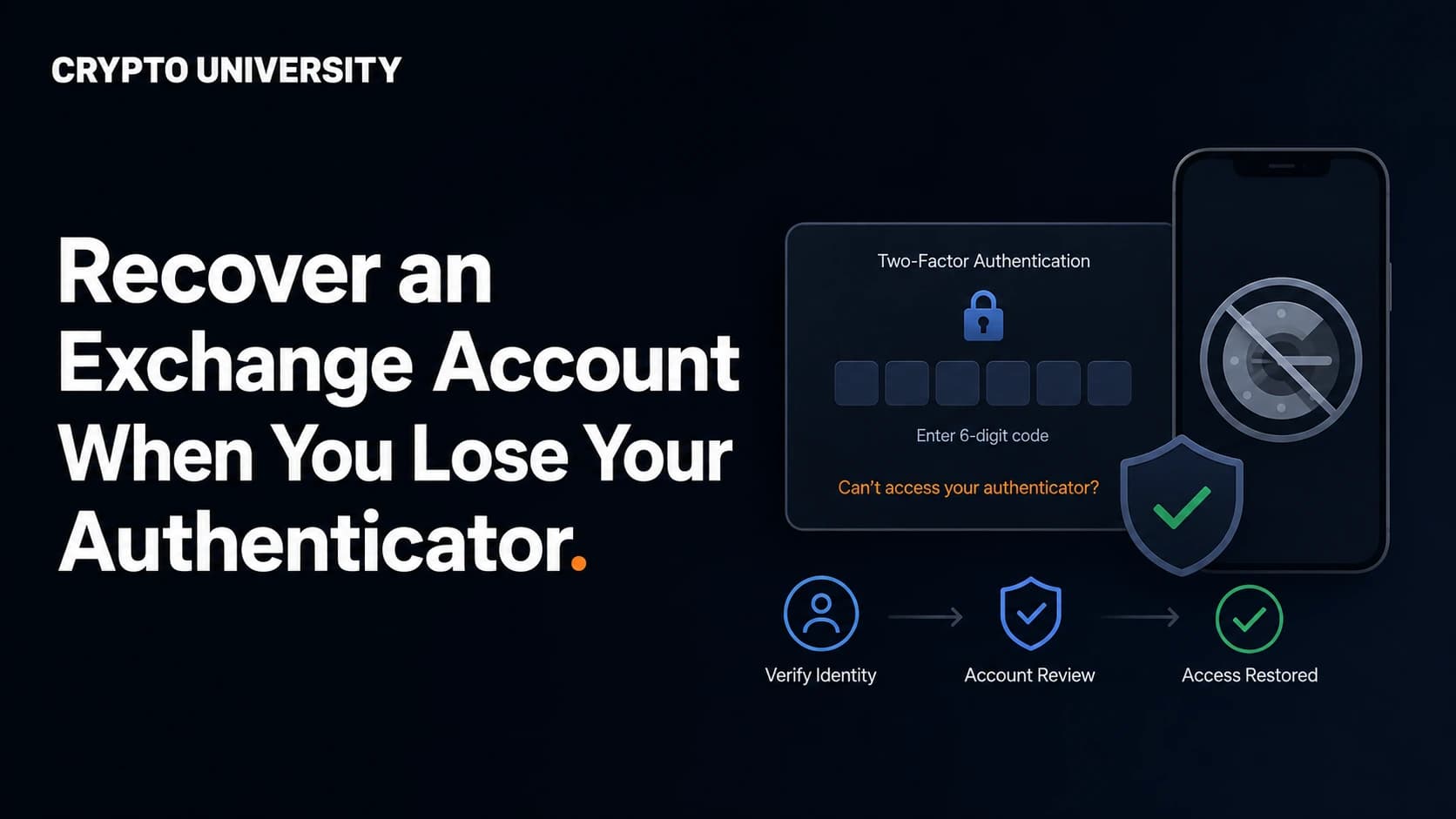
This is the harder case. A new phone, a wiped authenticator app or a lost security key means the reset link alone will not get you in.
Check for backup codes first. Most exchanges show a set of one time recovery codes when 2FA is enabled. If you saved them in a password manager or printed them, use one now.
Check for a second enrolled method. Many accounts have both an authenticator app and a passkey, or a security key registered as a backup. Kraken also offers a Master Key that can act as a sign in method when the normal 2FA is unavailable, although it must be set up in advance.
If neither exists, open a support request. Every large exchange has a dedicated flow for lost 2FA. Expect to upload a photo of your ID, take a live selfie or short video, and answer questions only the real owner would know. Coinbase, for example, runs an account recovery process that can require an ID upload and, if you enabled it, approval from trusted contacts.
Do not open multiple tickets. Duplicate requests often push you back in the queue and can look like suspicious activity.
If You Lost the Email Account Too
Losing the registered inbox turns a simple reset into a manual case.
- Try to recover the email account first with the email provider. This is faster than any exchange process.
- If the inbox is gone permanently, contact the exchange and ask for the email change or account recovery procedure. This almost always requires full identity verification.
- Be ready for the strictest checks in the whole system. Changing the email on a crypto account is exactly what an attacker would want to do, so exchanges treat it as high risk and apply the longest holds.
Why Recovery Requests Get Rejected
| Reason | What it looks like | What helps |
|---|---|---|
| Name mismatch | Account registered under a nickname or a relative's details | Nothing reliable; accounts are non transferable |
| KYC never completed | No ID on file to verify against | Provide deposit records and transaction details |
| Dormant account | Years of inactivity, old contact details | Supply the original registration email and early transaction history |
| Region exit | The exchange no longer serves your country | Ask specifically about the withdrawal only process |
| Exchange no longer operating | Site offline or in bankruptcy | Follow the official claims process, not support chat |
Scams That Target Locked Out Users
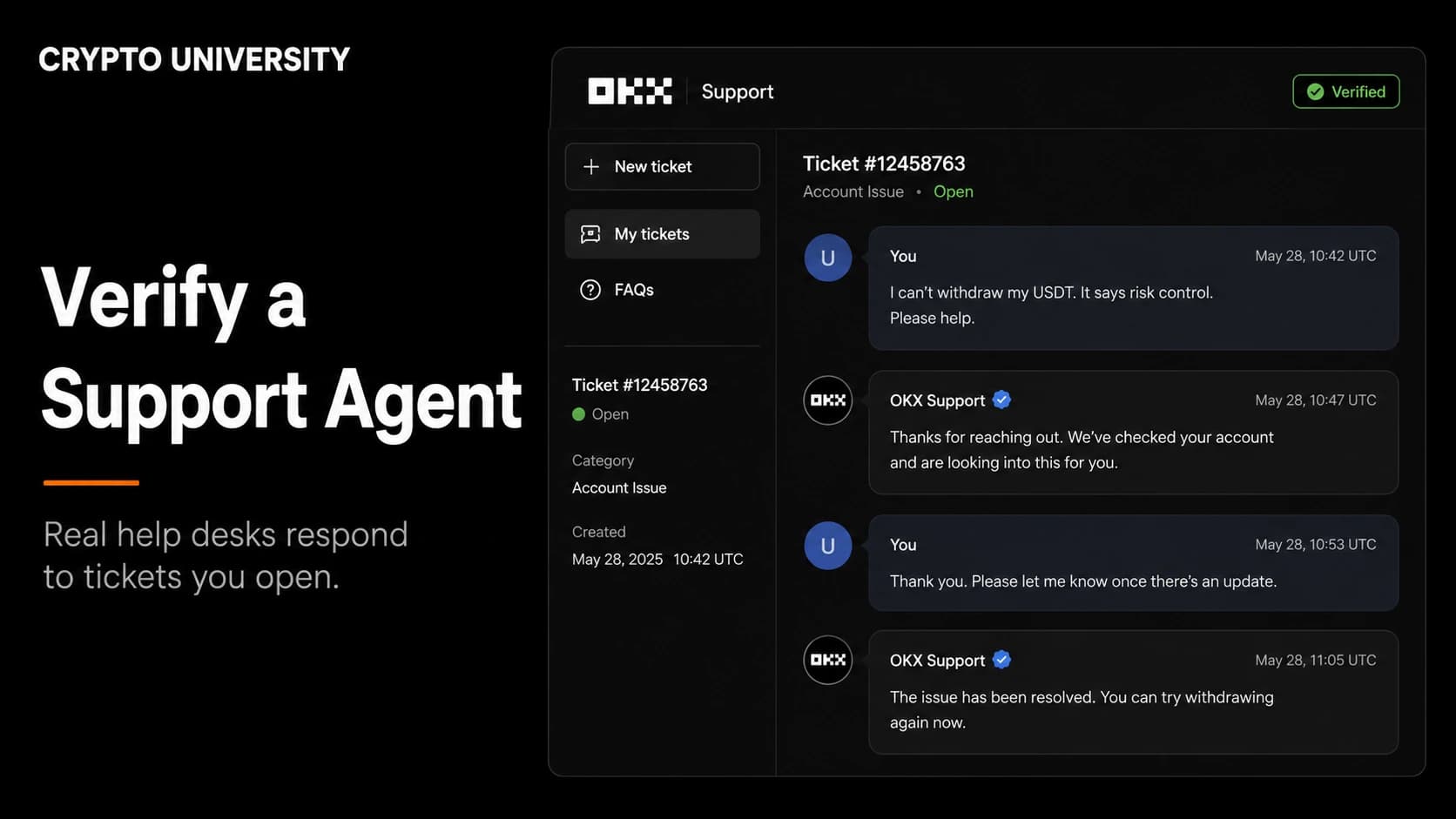
People searching for help while locked out are a prime target. The FBI's Internet Crime Complaint Center has warned about criminals impersonating cryptocurrency exchange support staff, and its guidance is direct: if you receive a call or message about an account problem, do not respond, hang up, and contact the exchange yourself using a number or link you found independently. Never hand over login details, and be very cautious of any service claiming it can recover lost cryptocurrency funds.
Practical rules for the recovery window:
- Search results are not a support directory. Many pages ranking for "exchange account recovery" are spam carrying fake phone numbers. Real exchanges rarely offer inbound phone support at all.
- No employee will ever ask for your password, your 2FA code or your seed phrase. Not to "verify" you, not to "restore" you, not ever.
- Never install remote access software such as AnyDesk or TeamViewer at the request of "support".
- Paid recovery agents are almost always fraud. The FBI has repeatedly flagged recovery schemes, including fake law firms, that re-target people who have already lost funds. Private companies cannot issue seizure orders, and exchanges only freeze accounts through their own processes or a legal order.
- Check the sender domain on every email. Reset emails come only from the exchange's own domain.
How to Avoid This Next Time
- Use a password manager. It removes the forgetting problem entirely and generates unique passwords per site.
- Enable two independent 2FA methods where supported, for example an authenticator app plus a hardware security key.
- Save your backup codes offline in a safe place, separate from the device that holds the authenticator app.
- Prefer passkeys or hardware keys over SMS. SMS can be intercepted through SIM swap attacks.
- Turn on withdrawal address whitelisting and any anti phishing code the exchange offers.
- Keep your registered email secure with its own strong password and 2FA, since it is the master key to every reset flow.
- Do not store long term holdings on an exchange at all. Self custody removes the lockout risk, but replaces it with a personal backup responsibility.
Quick Reference
| Your situation | First action | Realistic timeline |
|---|---|---|
| Password forgotten, email and 2FA fine | Use the forgot password link | Minutes, plus a 24 to 48 hour withdrawal hold |
| Password and 2FA lost, email fine | Reset password, then open a lost 2FA ticket | 1 to 7 days |
| Email lost, everything else fine | Recover the email first | Varies by provider |
| Everything lost | Full identity based account recovery with support | Often 1 to 4 weeks |
| Exchange is offline or insolvent | Official claims process | Months or longer |
FAQ
Can an exchange see or tell me my old password? No. Reputable exchanges store passwords as one way hashes, so nobody at the company can read them. The only option is a reset.
Will I lose my crypto if I reset my password? No. Your balances are unaffected. What changes is a temporary block on withdrawals, usually 24 to 48 hours, while the security hold runs.
How long does account recovery take when 2FA is lost? It depends on the exchange and how complete your KYC records are. Coinbase describes its recovery process as taking up to 24 hours, while manual reviews at other platforms commonly run several days. Complex cases involving a lost email can take weeks.
Is there any way to speed up the waiting period? No. These holds are automated anti theft measures. Support cannot lift them, and asking repeatedly does not help. Anyone offering to bypass them for a fee is a scammer.
What if I forgot the password to a self-custody wallet instead? If you still have the recovery phrase, reinstall the wallet and restore from it. If the phrase is gone as well, the funds cannot be recovered by anyone.
Related Terms
- Custodial account: an account where a third party, such as an exchange, controls the private keys on your behalf.
- Two factor authentication (2FA): a second login check, usually a rotating code, a passkey or a hardware key.
- Backup codes: single use codes issued when you enable 2FA, meant for the day your device is unavailable.
- KYC (Know Your Customer): the identity verification process regulated exchanges run on account holders.
- SIM swap: an attack where a criminal takes over your phone number to intercept SMS codes.
Sources
- Binance, "How to Reset Your Binance Account Password", binance.com/en/support/faq
- Binance, "How to Reactivate the Withdrawal Function for My Binance Account", binance.com/en/support/faq/360038583951
- Binance.US Help Center, "Why can't I withdraw?", support.binance.us
- Coinbase Help, "Account recovery for lost email or 2-step verification access", help.coinbase.com
- Kraken Support, "I can't sign in to my account!" and "How does two-factor authentication (2FA) for sign-in work?", support.kraken.com
- FBI Internet Crime Complaint Center, PSA 240801, "FBI Warns of Scammers Impersonating Cryptocurrency Exchanges", ic3.gov
More Reading
- Crypto University: Hot Wallet vs Cold Wallet, Which One Should You Use
- Crypto University: How KYC Works on Crypto Exchanges and Why It Exists
- Crypto University: A Beginner's Guide to Two Factor Authentication and Passkeys
This article is educational content. Confirm the current recovery steps and security holds on the exchange's official support pages before acting.
Not sure which problem you have?
Use the Fixing Crypto Mistakes hub to identify the transaction, wallet, network, or exchange issue before taking another action.
OPEN TROUBLESHOOTING HUB