Key Takeaways
- Your 2FA codes are stored in the app, not on your SIM card. Changing phones, keeping your number, or restoring a device backup does not automatically move your authenticator secrets.
- The five minutes you spend before the switch save days later. Enabling backup, exporting your codes, or saving fresh backup codes on the old phone is far easier than identity verification with a support team.
- If the old phone is already gone, recovery is still possible, but it is slow and it costs you access. Most crypto exchanges freeze withdrawals for roughly 48 hours after a 2FA reset and may take several days to review the request.
Why 2FA Codes Do Not Travel With Your Phone Number
Most crypto platforms use TOTP, short for time based one time password. When you first switch on two factor authentication, the service shows you a QR code. Inside that QR code is a secret value, often called a seed. Your authenticator app stores that secret and combines it with the current time to produce a six digit code every 30 seconds.
The key point is where that secret lives. By default it sits inside the app on one specific device. It is not tied to your SIM card, your phone number, or your Apple or Google account. Several authenticator apps deliberately exclude themselves from standard device backups, which is why restoring a new iPhone from iCloud or a new Android phone from Google One frequently brings back everything except your codes.
That is the reason someone can upgrade a phone on Saturday, keep the same number, and still be locked out of an exchange on Sunday.
The Easy Path: Migrate Before You Retire the Old Phone
If the old phone still switches on, you are in the best possible position. Work through this checklist before you wipe, trade in, or sell it.
- List every account that uses the app. Open your authenticator and write down every entry. Exchanges, email, cloud storage, password manager, work accounts, domain registrar.
- Turn on backup or run an export. The method depends on the app. See the table below.
- Download fresh backup codes from each critical service. These are the static one time codes that services such as exchanges, email providers and code hosts issue separately. They are not the same thing as your authenticator seed, and they are the single most common thing people forget.
- Install the authenticator on the new phone and confirm a real login. Do not assume the codes work because they appear on screen. Actually sign in to one account.
- Only then wipe the old device. Perform a factory reset rather than simply deleting the app, and remove the device from your account where the service supports it.
How Common Authenticator Apps Handle a Phone Change
| App | Backup model | How to move to a new phone | Things to know |
|---|---|---|---|
| Google Authenticator | Optional cloud sync to a Google Account, plus an offline QR export | Sign in to the same Google Account on the new phone, or use Transfer accounts and scan the export QR | Sync is off by default. End to end encryption for synced data has been publicly promised and reported as coming, so check its current status before relying on it |
| Authy (Twilio) | Encrypted backups plus multi device, tied to your phone number | Install, verify the same phone number, approve from an existing device, then enter your backup password | Desktop apps reached end of life in 2024. There is no official token export |
| Aegis (Android) | Local vault with manual encrypted export | Move the encrypted export file yourself and import it | No account and no cloud service, so backups are entirely your responsibility |
| Ente Auth | End to end encrypted sync | Sign in to your Ente account on the new device | Open source and cross platform |
| 2FAS | Encrypted backup to your own iCloud or Google Drive | Restore from your own cloud account | Your cloud provider holds the keys to that storage |
| Password manager TOTP (Bitwarden, 1Password, Proton Pass) | Syncs with your vault | Sign in to the vault on the new phone | Convenient, but it places your password and your second factor behind one login |
If the Old Phone Still Works: Three Ways to Move
Option 1: Cloud sync. The fastest route. Enable sync on the old phone, sign in on the new one, and the entries appear. The trade off is that your secrets now sit on a provider's servers, and the strength of that arrangement depends on whether the backup is end to end encrypted and on how well you have secured the account holding it.
Option 2: Direct export. Google Authenticator, Aegis and several others can produce an export, usually as one or more QR codes or an encrypted file. Nothing leaves your control. The trade off is that both devices must be working at the same time.
Option 3: Manual re-enrolment. The slowest option and often the cleanest. For each service, sign in on a computer, turn 2FA off, turn it straight back on, and scan the new QR code into the new phone. This is the only supported path out of Authy, which does not offer token export. It also gives you a natural moment to save fresh backup codes.
If the Old Phone Is Already Gone
Work in this order rather than jumping straight to support tickets.
- Check for a second device. Tablets, old spare phones and desktop authenticators often still hold working entries.
- Look for backup codes. Check your password manager, your printed notes, and your email archive.
- Check for a cloud backup you may have enabled and forgotten. Sign in to the authenticator on the new phone with the same account before assuming the worst.
- Check whether the account has a second 2FA method. Many services allow a passkey, a hardware security key, or a trusted device as a parallel method.
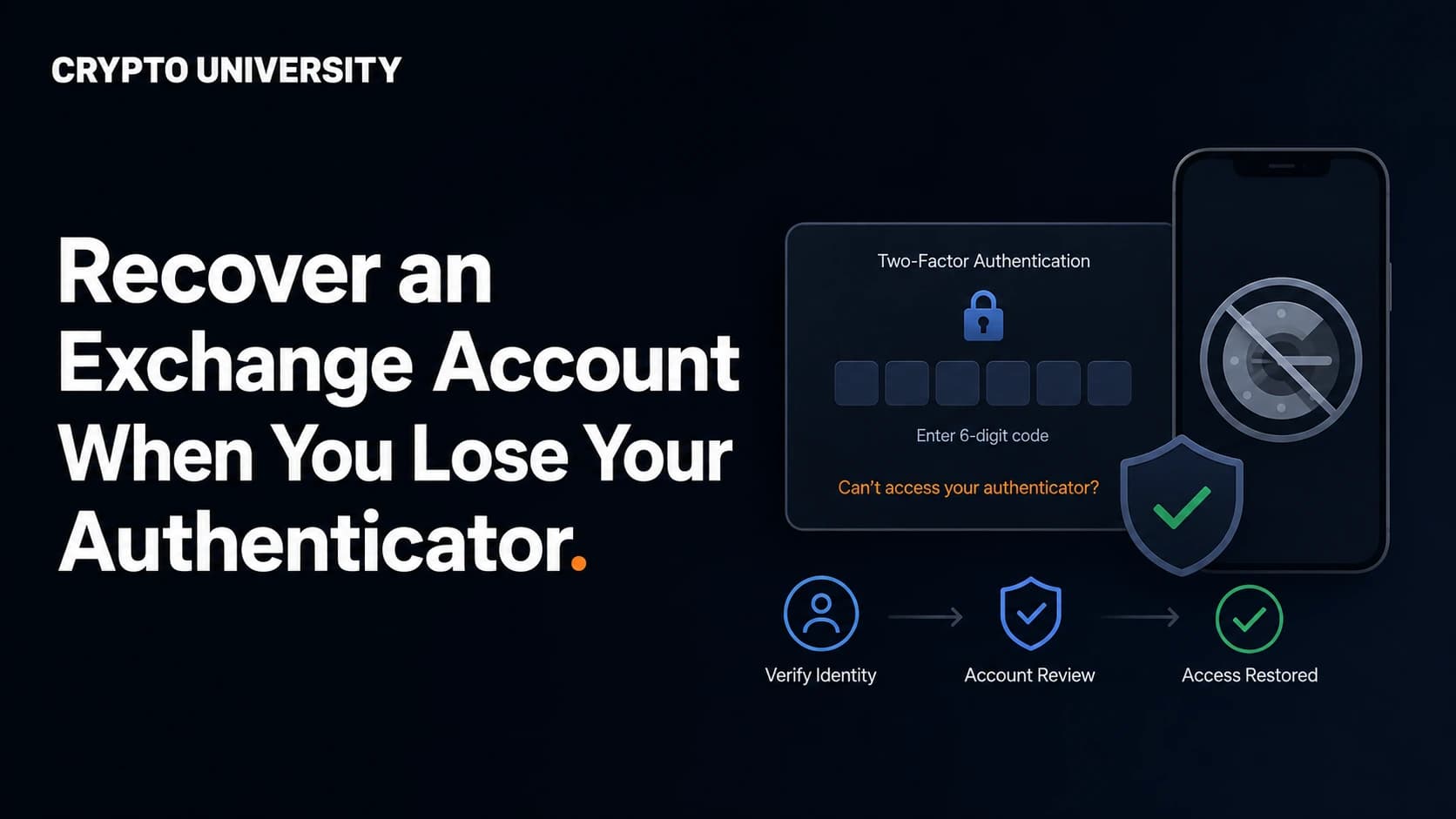
- Only then start the official reset process on the service's own website or app.
- Change passwords on anything that lived on the missing phone, starting with the email address attached to your exchange accounts.
Resetting 2FA on a Crypto Exchange
Exchanges treat a 2FA reset as a high risk event, because account takeover attacks usually begin exactly this way. Expect identity checks and a temporary freeze. The details below are drawn from the exchanges' own help documentation and can change, so always confirm on the official support page.
| Exchange | Self service path | Typical requirement | Restriction after reset |
|---|---|---|---|
| Binance | Log in, then use the "Security verification unavailable?" link to reach the reset page | Identity confirmation, in some cases including a recorded verification video holding your ID | Withdrawals, P2P selling, payment services and card services disabled for 48 hours. Manual review can take longer |
| Binance.US | On the 2FA screen choose Authenticator Issues, then "I can't access my Authenticator app anymore" | Email verification code plus identity confirmation with your original verification ID | 48 hour withdrawal hold. Review typically quoted as 48 to 72 hours |
| Coinbase | On the verification screen select "Update your 2FA" to begin account recovery | Government issued ID and a live selfie check | Withdrawal hold while the review runs. Coinbase cannot recover lost hardware security keys |
| Kraken | Master Key bypass, a saved 2FA backup code, or a support request | Identity checks for the support route | A Master Key cannot be created after you have already lost 2FA, so it only helps if set up in advance |
A note on Kraken's Master Key: it is one of the better designed safety nets in the industry, precisely because it must be created before anything goes wrong. If you use Kraken, set it up today rather than after you drop your phone.
Understand the Withdrawal Hold
The freeze that follows a 2FA reset is a feature, not a punishment. If an attacker convinces support to reset your 2FA, the hold gives you a window to notice the alert email and lock the account before funds move.
It also means a 2FA reset is a bad plan if you need access urgently. Treat authenticator migration as maintenance you schedule, not something you improvise during a market event.
Your 2FA Is Not Your Wallet Recovery Phrase
This confuses a lot of newer users, so it is worth stating plainly.
| Exchange 2FA | Self custody wallet | |
|---|---|---|
| What protects it | Password plus a 2FA code, passkey or security key | A recovery phrase, usually 12 or 24 words |
| Who can restore it | The exchange, after identity verification | Only you |
| Losing your phone means | An inconvenient recovery process | Nothing, if you still hold the recovery phrase |
Losing the phone that runs your authenticator does not put self custody funds at risk, as long as your recovery phrase is safely stored offline. Conversely, no exchange support team can restore a lost wallet recovery phrase. Different systems, different failure modes.
Watch Out for Fake Support During Recovery
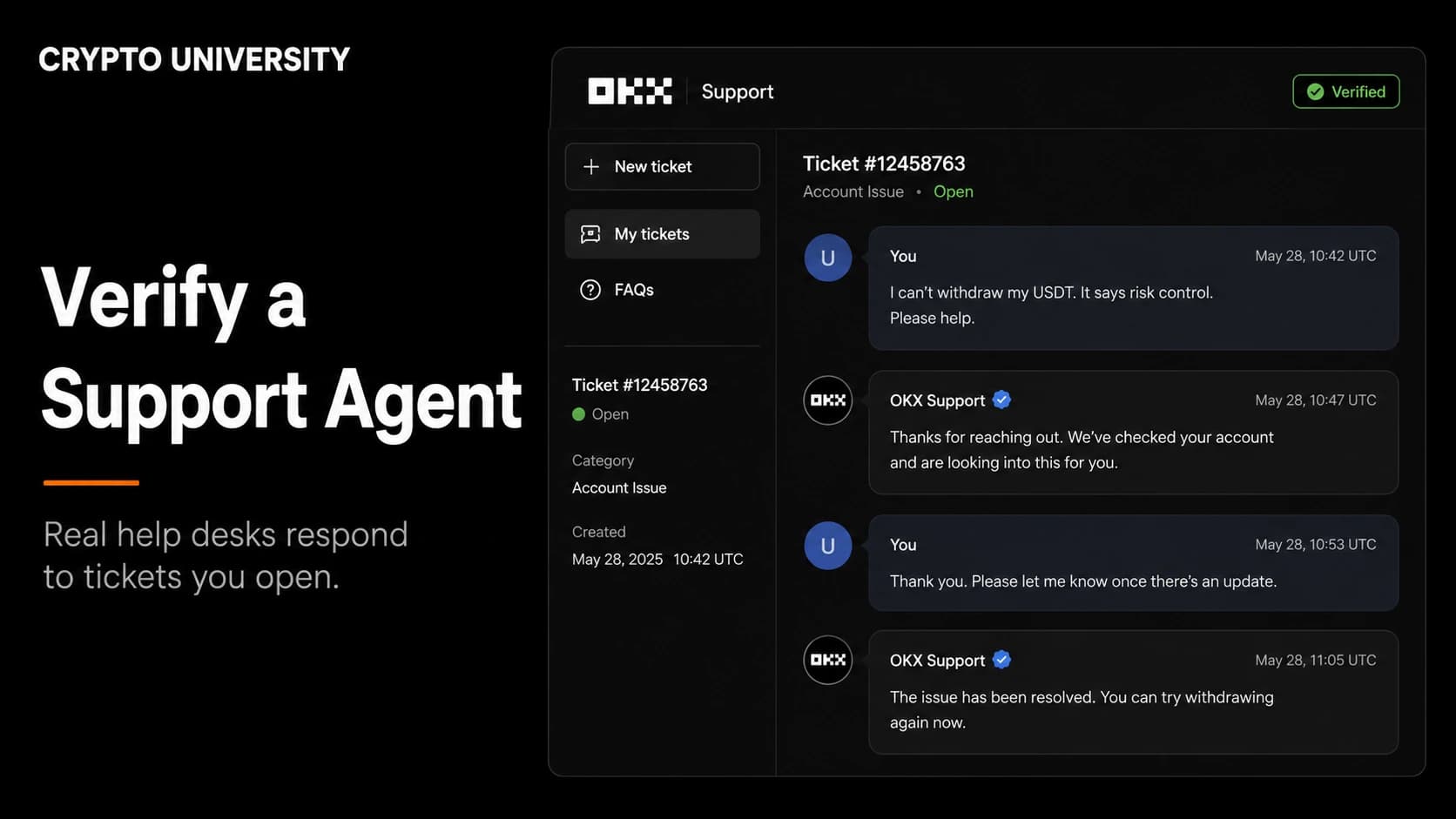
Searching for account recovery help is one of the highest risk things a crypto user can do. Search results and social media replies are flooded with pages that list phone numbers, live chat links and paid "recovery experts" that have nothing to do with the real company.
Three rules that hold up well:
- Major crypto exchanges generally do not run inbound telephone support for account recovery. A phone number in a search snippet is a warning sign.
- Start every recovery from the official domain you type yourself, not from a link.
- No legitimate recovery process ever requires your wallet recovery phrase, your private keys, or a payment sent in crypto.
How to Make the Next Phone Change Boring
- Register a second factor that is not your phone. A hardware security key or a passkey stored in a separate account is the strongest safety net.
- Store backup codes in a password manager, and keep at least one copy somewhere offline.
- Avoid SMS as your main second factor. The FBI's Internet Crime Complaint Center recorded 982 SIM swap complaints and roughly 26 million dollars in reported losses in the United States in 2024, and reported figures like these capture only a fraction of real cases.
- Do a yearly audit. Open your authenticator once a year, confirm each entry still matters, and refresh your backup codes.
- Split high value accounts from everyday accounts. Some users keep exchange and email codes in an offline authenticator and everything else in a synced one.
Frequently Asked Questions
Will restoring my new phone from an iCloud or Google backup bring my 2FA codes back? Usually not. Several authenticator apps exclude their data from standard device backups by design. Assume your codes will not survive a device restore unless the app has its own backup feature and you switched it on.
Can I keep the same 2FA on two phones at once? Yes, in most cases. You can scan the same setup QR code into two devices, or use an app that supports sync. This gives you a built in spare, at the cost of one more device an attacker could target.
I still have the old phone but I already factory reset it. Can I recover the codes? No. A factory reset destroys the stored secrets. If you did not enable cloud backup and did not export beforehand, you will need to go through each service's recovery process.
How long does an exchange 2FA reset usually take? Commonly quoted timelines run from 48 hours to several days, depending on the platform and the quality of the documents you submit. Expect a withdrawal freeze during and shortly after the review.
Is a hardware security key worth it if I already use an authenticator app? It solves a different problem. An authenticator app protects against a stolen password. A hardware key or passkey also resists phishing, because it will not produce a signature for a fake website. Many people use a key as their primary method and keep an authenticator app as the backup.
Related Terms
- TOTP (time based one time password)
- Seed value (the secret behind your 2FA codes)
- Backup codes (single use static recovery codes)
- Passkey (a phishing resistant login credential)
- SIM swap (an attack that hijacks your phone number)
Sources
- Binance Support, "How to Reset 2FA When I Can't Access My Binance Account?"
- Binance.US Help Center, "How to reset two-factor authentication"
- Coinbase Help, "Update or troubleshoot your 2-step verification"
- Kraken Support, "How to transfer authenticator app sign-in 2FA to a new phone (and bypass sign-in 2FA for a lost phone)"
- FBI Internet Crime Complaint Center, 2024 Internet Crime Report
- BleepingComputer and IT Pro reporting on the Authy desktop end of life, 2024
Further Reading
- What Is Two Factor Authentication and Why Crypto Accounts Need It (Crypto University)
- Passkeys Explained: How Passwordless Login Works (Crypto University)
- SIM Swap Attacks: How They Work and How to Reduce the Risk (Crypto University)
This article is educational content. It is not financial, legal, or security advice for your specific situation. Always confirm recovery procedures on the official support pages of the services you use, since these processes change over time.
Not sure which problem you have?
Use the Fixing Crypto Mistakes hub to identify the transaction, wallet, network, or exchange issue before taking another action.
OPEN TROUBLESHOOTING HUB