Key Takeaways
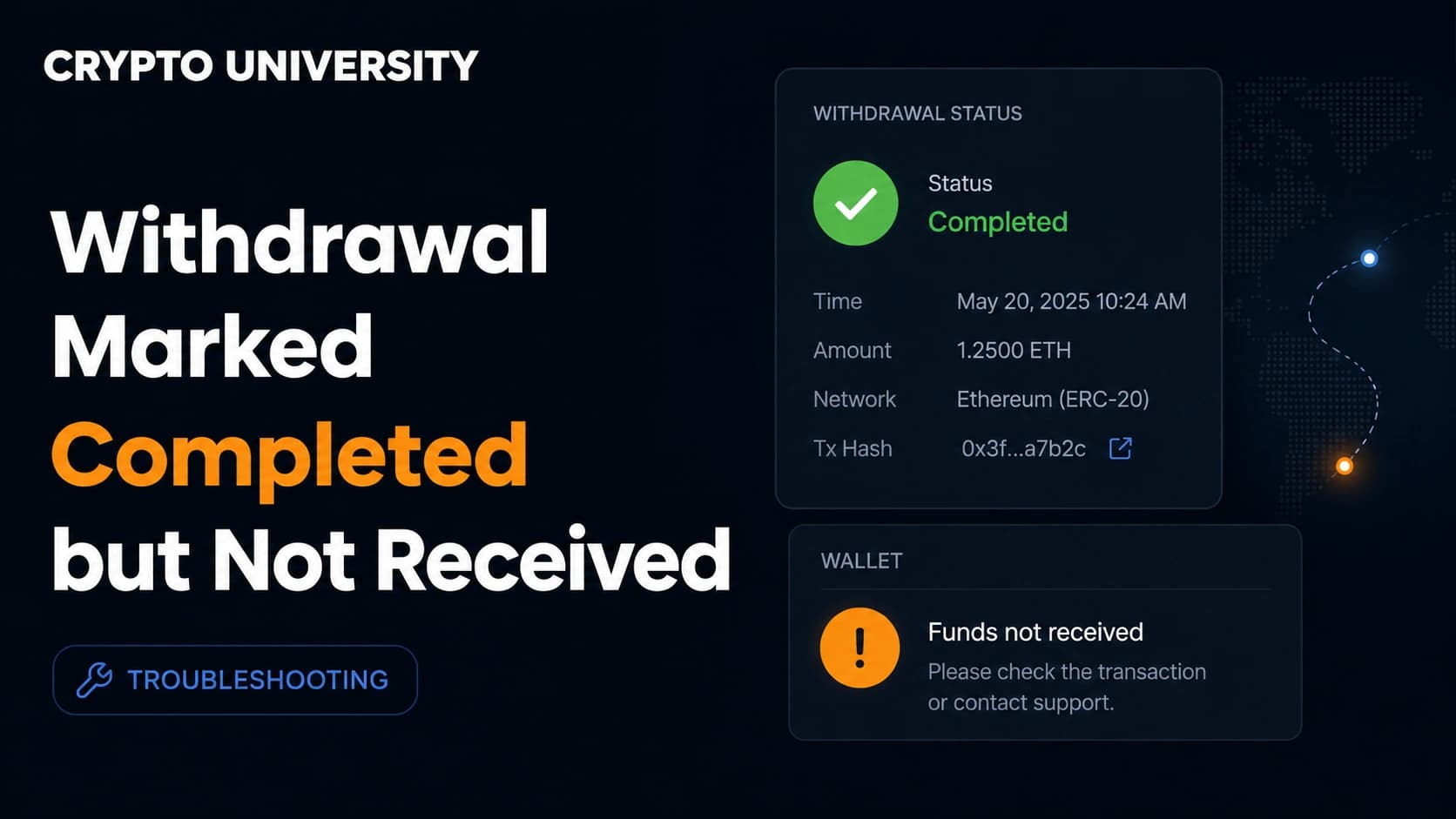
- On most exchanges, "completed" means the transaction was signed and broadcast to the blockchain. It does not mean the receiving wallet or platform has credited the funds.
- Most missing withdrawals are explained by five things: pending confirmations, the wrong network, a missing memo or tag, a token that the receiving wallet is not displaying, or a crediting rule such as a minimum deposit amount.
- The transaction ID, usually called the TXID or transaction hash, is the key piece of evidence. Without it, no support team on either side can trace anything.
What "completed" actually means
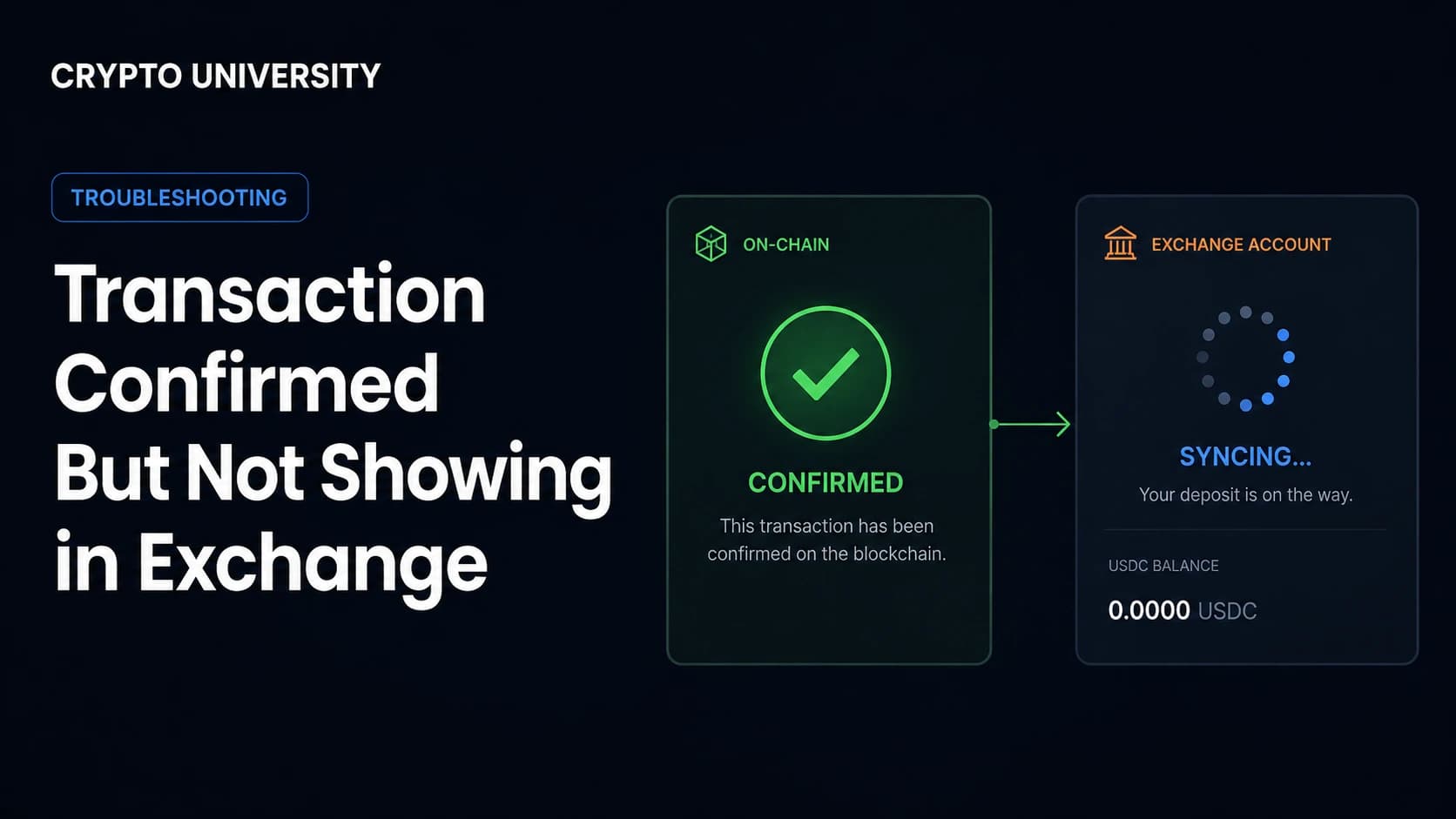
A crypto transfer between two platforms passes through three separate layers, and each one has its own status.
The sending exchange controls the first layer. It reviews the request, signs the transaction, and broadcasts it to the network. The blockchain controls the second layer. Validators or miners include the transaction in a block, and each new block adds a confirmation. The receiving wallet or exchange controls the third layer. It watches the chain, waits for a required number of confirmations, checks its own rules, and only then updates your balance.
A withdrawal marked completed has cleared the first layer only. Exchange help pages are consistent on this point. Bitget states that a completed withdrawal means funds were sent to the blockchain and can be tracked using the TXID, and that a user should contact the receiving platform if the funds are not visible. MEXC gives the same guidance and asks users to wait until the confirmation count meets the requirements of the crediting party.
| Status you may see | What it usually means | What to do |
|---|---|---|
| Pending or under review | The exchange has not broadcast anything yet | Wait, check email or SMS confirmation links, check your account verification status |
| Processing | The request is queued inside the exchange | Wait, then contact the sending exchange if no TXID appears |
| Completed or successful | Signed and broadcast to the blockchain | Check the TXID on a block explorer |
| Confirmed on chain | The network has included it in a block | Check the receiving side's crediting rules |
Step 1: Find the transaction ID
Open your withdrawal history on the sending exchange and look for a field called TXID, TxHash, or transaction hash. It is a long string of letters and numbers.
If there is no TXID at all after several hours, the problem sits with the sending exchange, not the blockchain. BitMart, MEXC, and Biconomy all publish the same rule of thumb: if no TXID has been generated after roughly six hours, contact the sending platform's support with a screenshot rather than submitting the withdrawal again.
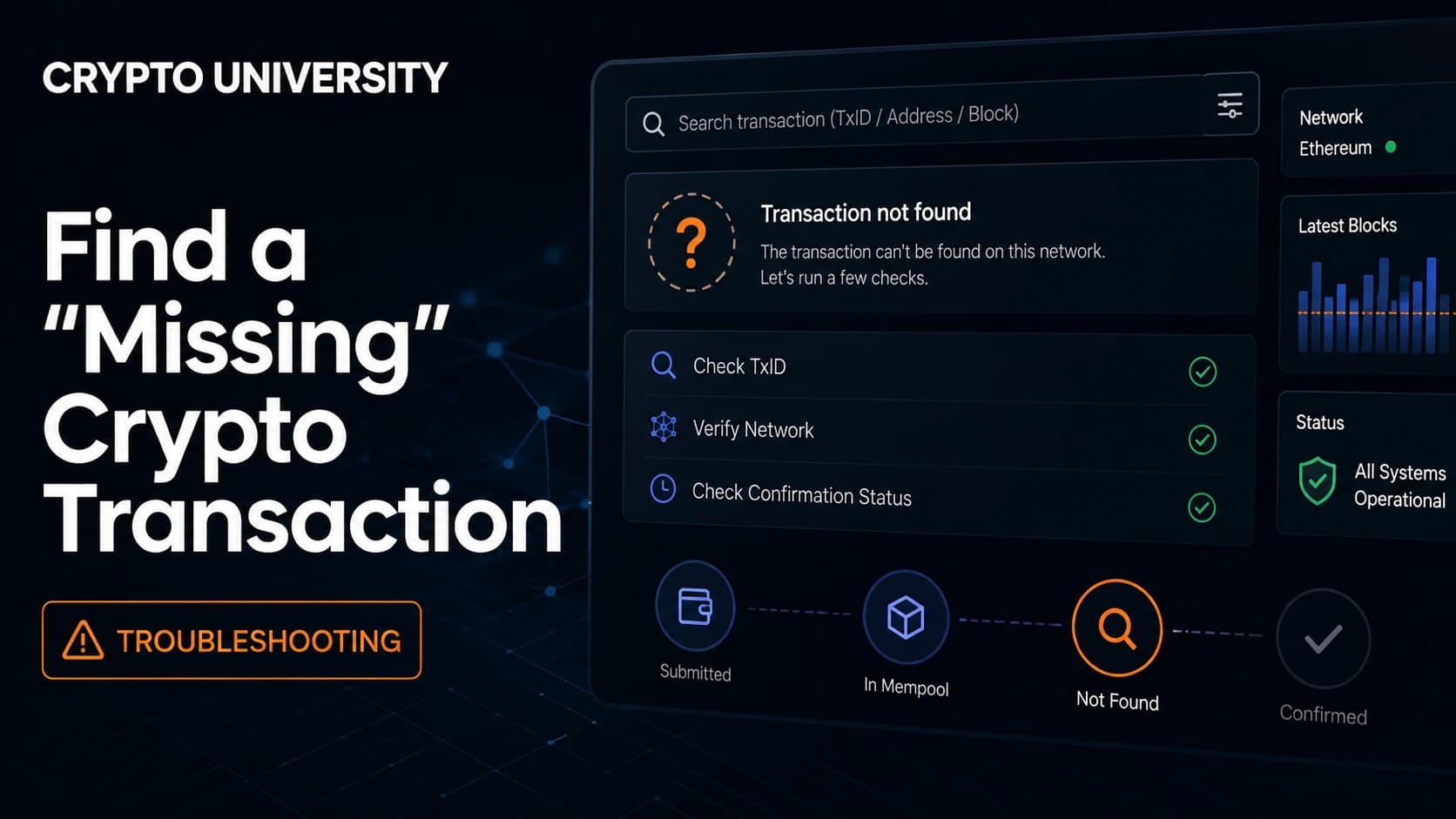
Step 2: Open the TXID in the correct block explorer
A block explorer is a public search engine for one blockchain. Each chain has its own, and a TXID from one chain will not resolve on another chain's explorer.
| Network | Commonly used explorer |
|---|---|
| Bitcoin | mempool.space, blockchain.com |
| Ethereum | Etherscan |
| BNB Smart Chain | BscScan |
| Polygon | Polygonscan |
| Arbitrum | Arbiscan |
| Tron | Tronscan |
| Solana | Solscan, Solana Explorer |
| XRP Ledger | XRPSCAN, Bithomp |
Most exchanges link the TXID directly to the correct explorer, which removes the guesswork.
Step 3: Read the four fields that matter
On the explorer page, check these fields before doing anything else.
Status. Success or failed. A failed transaction means the funds never moved to the destination.
Confirmations. Requirements vary by asset and by platform. Bitcoin deposits commonly need a small number of confirmations, while Ethereum and tokens on faster chains often need more because blocks are produced more frequently. The exact number is set by the receiving platform and is usually shown on its deposit page.
Destination address. Compare it character by character with the address you meant to use.
Asset and amount. Confirm the token contract and the amount actually delivered, since network fees and, in rare cases, transfer taxes on certain tokens can change the received amount.
Step 4: Confirm you used the right network
This is the most common cause of a genuinely missing transfer. Ethereum, BNB Smart Chain, Polygon, Arbitrum, and other EVM chains use the same address format, so an address will often look valid on a chain the recipient does not support.
If you sent tokens to an address you control in a self custody wallet, the funds are usually recoverable. Switch your wallet to the chain the tokens actually landed on and they should appear. MetaMask documents this behaviour clearly: a token only appears on the network it was sent on.
If you sent to an exchange deposit address on a network that exchange does not support for that token, recovery is not guaranteed. Some exchanges run a manual retrieval process for listed assets and charge a fee. Others state plainly that they cannot help.
Step 5: Check whether the asset needs a memo or tag
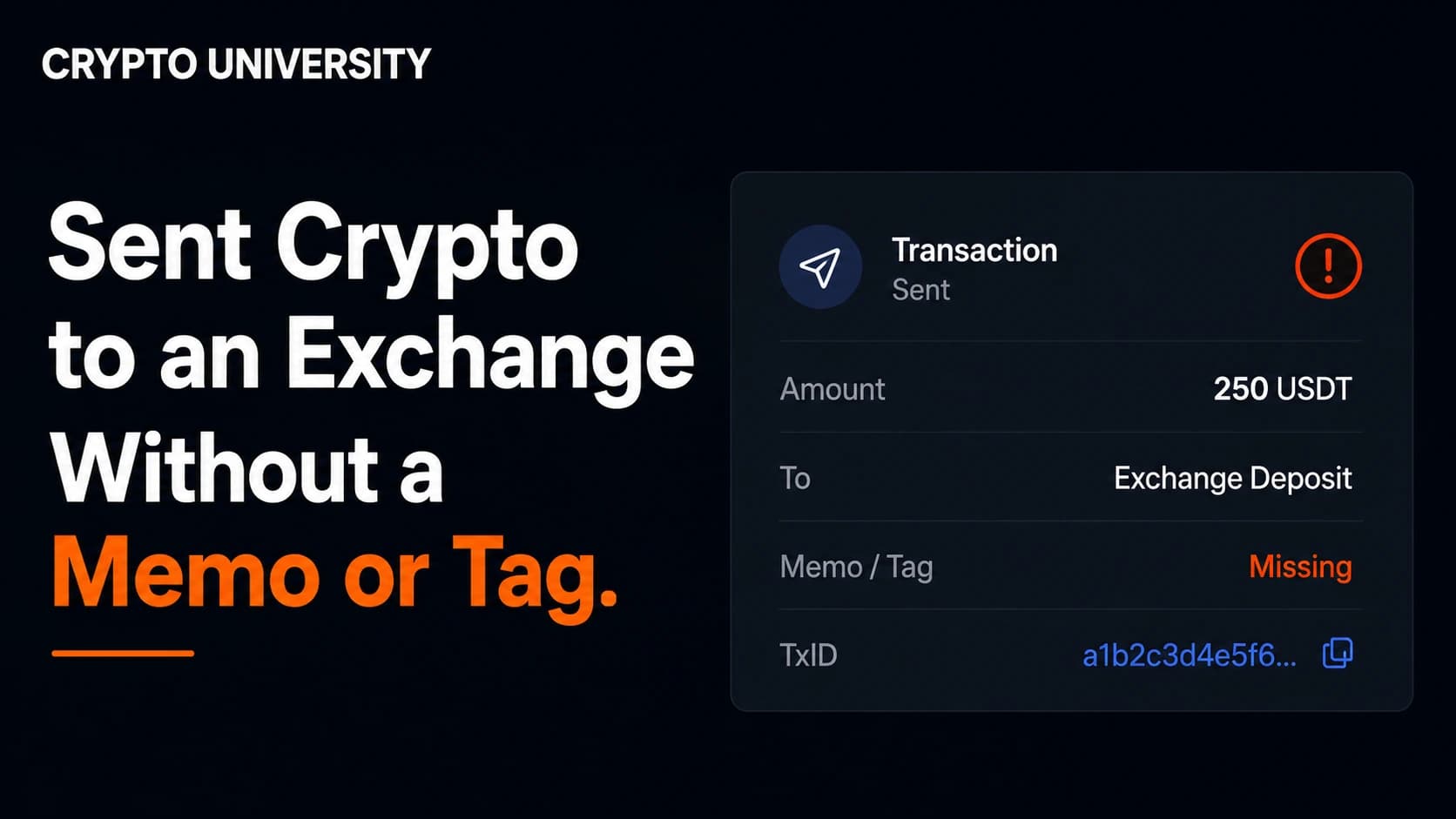
Some networks use one shared deposit address for all users and separate accounts using a memo, tag, or payment ID. XRP, Stellar, Cosmos, EOS, and several others work this way.
If the memo was missing or wrong, the transaction can be confirmed on chain and still sit uncredited. Binance operates a tag or memo recovery process for assets listed on its platform, returns retrieved funds to the original sending address, and charges the network fee for the service. It also warns that if the memo you entered happens to belong to another user, the deposit may be credited to that user and cannot be reclaimed.
Step 6: Check the receiving platform's crediting rules
A confirmed transaction can still fail to appear in an account balance for reasons that have nothing to do with the blockchain.
| Cause | Typical outcome | Practical action |
|---|---|---|
| Confirmations not yet met | Deposit shows as pending or not at all | Wait for the required count |
| Below minimum deposit amount | Not credited, sometimes permanently | Check the deposit page limits before sending |
| Token or network not supported | Not credited, may be unrecoverable | Check the deposit and withdrawal status page first |
| Wallet under maintenance | Temporary delay | Wait for the channel to reopen |
| Deposit sent through a smart contract | Needs manual crediting | Submit a support ticket with the TXID |
| Asset delisted mid transfer | Manual review needed | Contact support |
Step 7: Rule out a display problem in your own wallet
If the explorer shows the tokens sitting at your address, the funds are there even if your wallet interface shows nothing. Wallets do not always detect tokens automatically.
Check that the wallet is on the correct network, then add the token manually using its contract address, which you can copy from the explorer page for that transaction. If balances still look wrong, try a different RPC endpoint for that network, disable a VPN or ad blocker, or reload the app.
What to include in a support ticket
Support teams work from evidence. Send this in the first message rather than waiting to be asked.
- The TXID and a link to it on the explorer
- The asset, the exact amount, and the network used
- The sending address and the destination address
- The memo or tag, if the asset uses one
- The date and time of the withdrawal, with your time zone
- Screenshots of the withdrawal record
Contact the sending platform when there is no TXID. Contact the receiving platform when the TXID is confirmed on chain but the balance has not updated.
What cannot be undone
Confirmed blockchain transactions are final. There is no chargeback, no reversal, and no central authority that can claw funds back from an address you do not control. If a transfer went to a stranger's address, recovery depends entirely on that person or on a platform that controls the address choosing to cooperate.
This is also why recovery scams follow every missing transfer. Financial regulators including the CFTC and NASAA warn that anyone promising to recover lost crypto for an upfront fee is almost certainly running an advance fee fraud. Never share a seed phrase or private key with anyone, including someone claiming to be support staff. Use only the official support channel inside the exchange app or website.
A short prevention checklist
- Send a small test amount first, but keep it above the receiving platform's minimum deposit
- Copy the deposit address and memo fresh each time rather than reusing a saved one
- Match the network on both screens before confirming
- Confirm the receiving platform supports both the token and the network
- Save the TXID for every transfer
Frequently asked questions
How long should I wait before opening a ticket? If there is no TXID after about six hours, contact the sending exchange. If the TXID is confirmed on chain but nothing has been credited after the receiving platform's stated confirmation requirement plus a reasonable margin, contact the receiving platform.
The explorer says success, so where is my money? The transaction reached the destination address. From that point the issue is a crediting rule, a memo problem, or a wallet display problem, not a blockchain problem.
Can an exchange cancel a completed withdrawal? No. Once broadcast, the transaction is out of the exchange's control. Cancellation is only possible while the request is still processing internally, and only some platforms allow it.
I sent tokens on the wrong network. Are they gone? Not always. If you control the destination address, switch networks in your wallet and the tokens may appear. If the address belongs to an exchange, ask that exchange whether it runs a recovery process for that asset.
Why do fees sometimes make the received amount smaller? The withdrawal fee is deducted by the sending platform, and some networks or tokens apply their own transfer costs. Check the fee shown at the moment of withdrawal.
Five related terms
- TXID: the unique identifier of a blockchain transaction
- Confirmation: each new block added after the block containing your transaction
- Memo or tag: an identifier used by shared address networks to route deposits
- Block explorer: a public tool for reading blockchain data
- Minimum deposit: the smallest amount a platform will credit for a given asset
Sources
- Bitget Support Center, "Why Hasn't My Withdrawal Arrived?"
- MEXC, "Withdrawal Not Received" and "Troubleshooting Guide: Deposit Not Credited"
- Binance Support, "How to Retrieve Crypto Deposit with Wrong or Missing Tag/Memo" and "Why Hasn't My Deposit Been Credited?"
- MetaMask Help Center, "Why is my balance incorrect or missing a token?"
- CFTC, "Don't be Re-Victimized by Recovery Frauds" and NASAA, "Crypto Recovery Room Scams"
Three more readings
- Bitget Support Center, "Why Hasn't My Deposit Been Credited to My Bitget Account?"
- MetaMask Help Center, "Why ETH or tokens aren't showing in recipient's wallet"
- Binance Support, "Frequently Asked Questions on Incorrect Deposits"
Disclaimer: This article is educational content. It is not financial, investment, tax, or legal advice. Network behaviour, fees, and explorer interfaces change over time, so verify current details against official documentation before relying on them.
Not sure which problem you have?
Use the Fixing Crypto Mistakes hub to identify the transaction, wallet, network, or exchange issue before taking another action.
OPEN TROUBLESHOOTING HUB