Key Takeaways
- Real KYC requests almost never arrive with a countdown, a threat to freeze your funds, or a link that takes you straight to a login page. Urgency is the single most reliable warning sign.
- No legitimate exchange, wallet provider, or regulator will ever ask for your seed phrase, private key, password, or a live two factor authentication code as part of identity verification.
- The safest habit is simple. Never verify from a message. Close it, open the platform yourself through your own bookmark or app, and check whether the request exists inside your account.
What KYC Actually Is
KYC stands for Know Your Customer. It is the identity check that regulated financial platforms run before they let you deposit, trade, or withdraw. Most centralized crypto exchanges are required to do it under anti money laundering rules in the countries where they operate.
A normal KYC process asks for things like your legal name, date of birth, address, a government issued ID document, and sometimes a selfie or short video for liveness checking. Platforms also re-run these checks from time to time when a document expires, when a rule changes in your region, or when an account is flagged for review.
That last part is what scammers exploit. Re-verification is a real thing that happens to real users, so a message about it does not feel strange. The scam works because the story is plausible.
Why Fake KYC Messages Are So Common Now
Three shifts have made this attack far more effective than it was a few years ago.
Leaked customer data. Attackers no longer need to guess who uses which exchange. In May 2025 Coinbase disclosed that criminals had bribed overseas support contractors to copy customer records for roughly 69,000 people, including names, contact details, masked bank identifiers, and government ID images. Coinbase stated that no passwords, private keys, or funds were exposed. The stated goal of the theft was to build a contact list for impersonation. When a scammer already knows your name, your phone number, and which platform you use, the message reads like it came from your provider.
Generative AI. Fake emails, fake support chats, and cloned dashboards are now cheap to produce at scale and rarely carry the clumsy grammar that used to give them away. The FBI's 2025 Internet Crime Report logged 22,364 complaints with an AI element and nearly 893 million dollars in reported losses, the first time the report has broken out AI as its own category.
The size of the prize. In the same report, phishing and spoofing were the most frequently reported crime type, and complaints with a cryptocurrency link accounted for more than 11.3 billion dollars in reported losses. Crypto transactions are hard to reverse, which makes a successful lure unusually profitable.
The Main Types of Fake KYC Messages
| Message type | Typical wording | What the scammer actually wants |
|---|---|---|
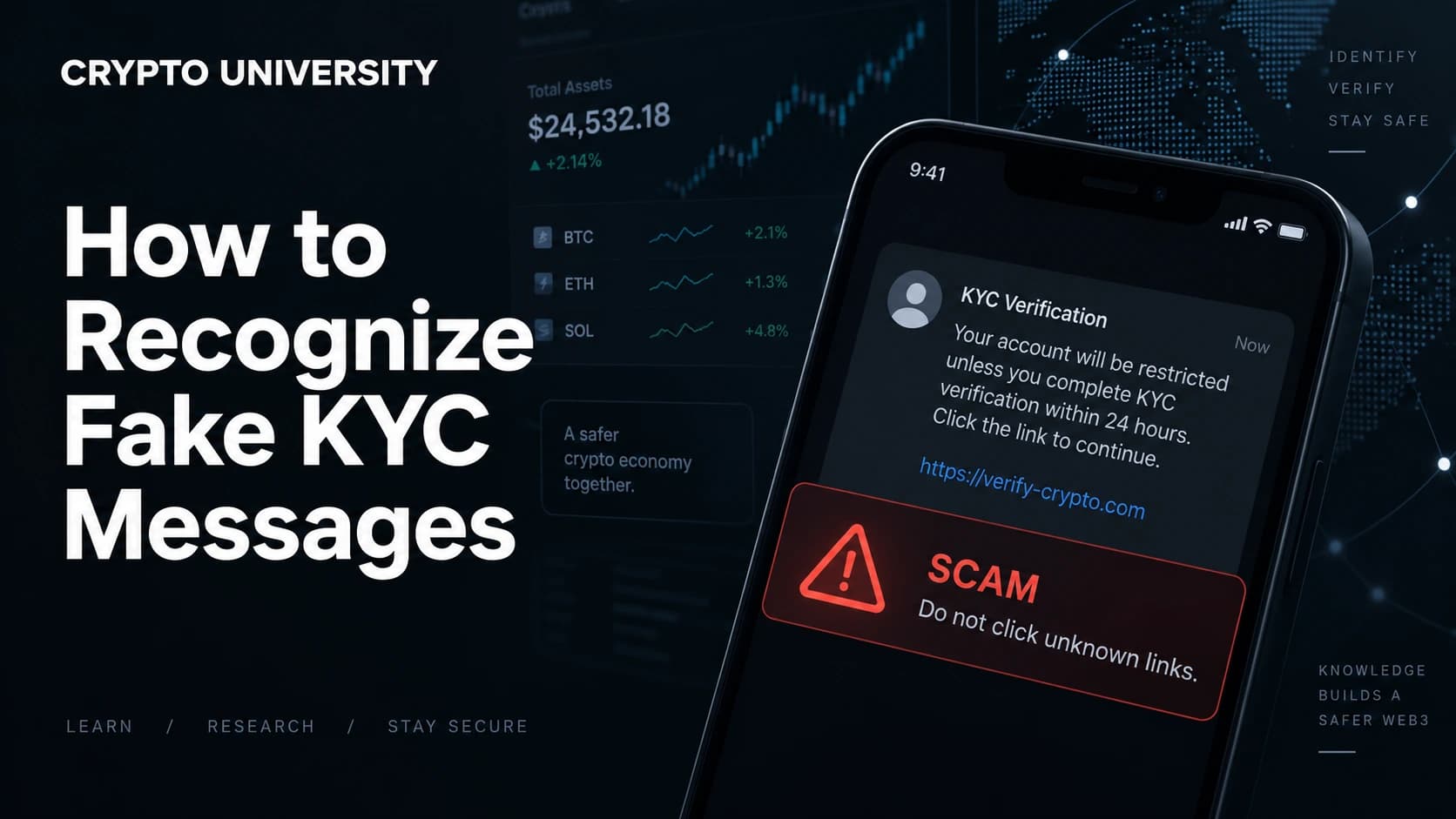
| Suspended account | Your account is restricted until verification is completed | Login credentials and a live 2FA code entered on a cloned site |
| Deadline notice | Complete KYC within 24 hours or your balance will be locked | Panic, so you skip your normal checks |
| Wallet validation | Validate your wallet to comply with new regulations | Your seed phrase or a signature that approves token transfers |
| Fake support chat | An agent on Telegram, WhatsApp, or X offers to help you re-verify | A remote access tool, screen share, or a "test deposit" |
| Unlock or verification fee | Pay a small fee to release your withdrawal | A direct payment you will never get back |
| Document collection | Upload your passport and selfie to our verification portal | Your identity documents, resold or reused for account takeover |
Note the last row. Some fake KYC campaigns are not after your crypto at all. They are harvesting identity documents that can be used later to open accounts, pass verification elsewhere, or support a SIM swap.
Seven Signals That a KYC Message Is Fake
1. It creates a deadline. Real compliance teams do restrict accounts, but they do it inside the platform, and they do not usually run a countdown clock in an email. Manufactured urgency is designed to stop you from checking.
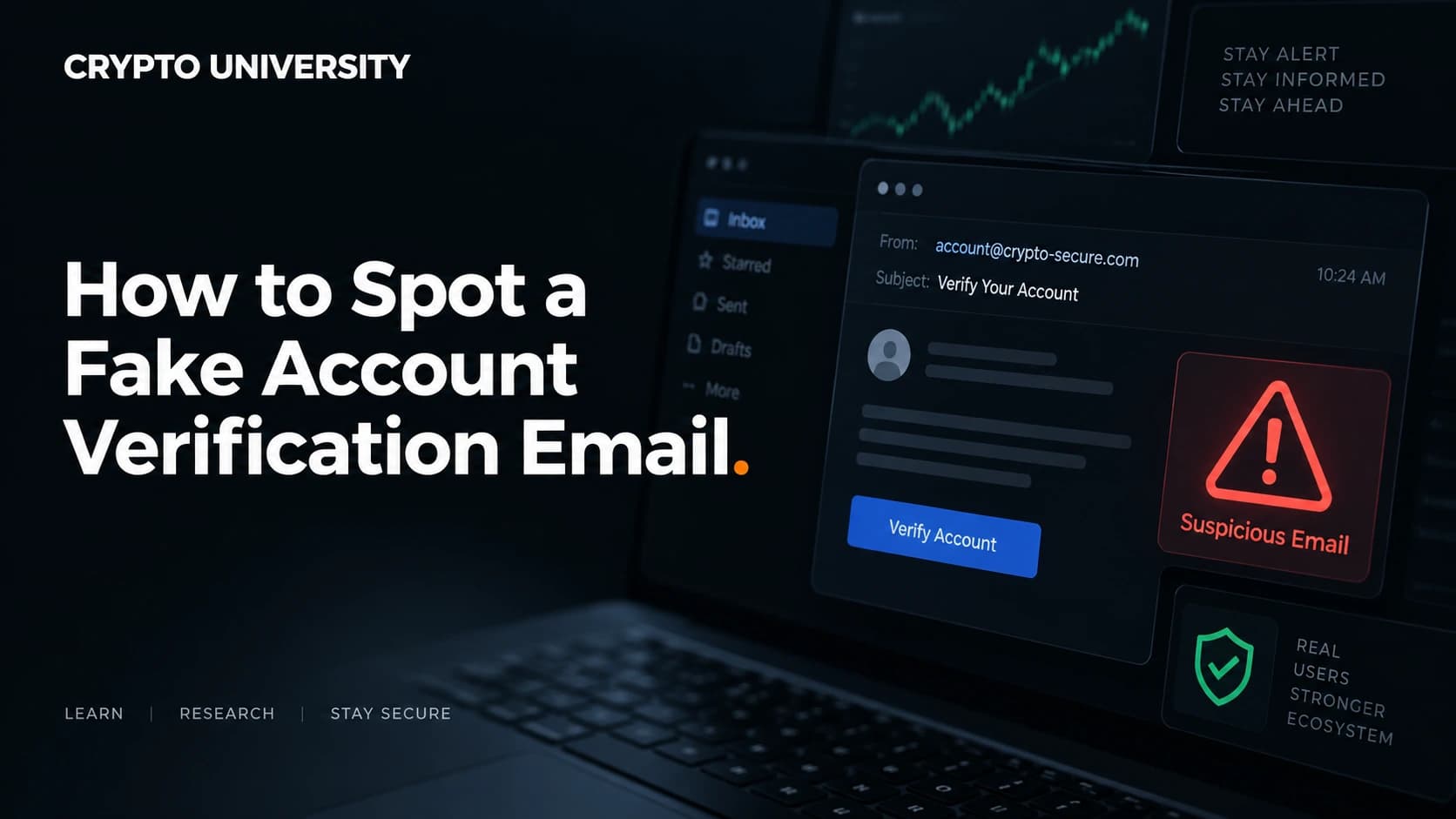
2. The link does not go where it claims. Hover over the link on desktop, or press and hold on mobile, and read the real destination. Attackers register lookalike domains such as a hyphenated version of the brand name, an extra word bolted on, or a different top level domain. Small differences are easy to miss when you are already worried.
3. Your anti-phishing code is missing. Binance, MEXC, Crypto.com, and several other exchanges let you set a custom code that appears in every genuine email they send. If you have set one and it is absent or wrong, the message is not from them. Note that the reverse is not proof of safety, since attackers can still copy the visual template.
4. It asks for a secret. Seed phrase, recovery phrase, private key, password, or a one time code read out loud. None of these are ever part of a real KYC check. A verification process asks who you are, not what unlocks your funds.
5. It asks for money. Verification fees, unlock fees, insurance deposits, and test transfers are not how regulated platforms work. Legitimate fees come out of an existing balance. Money moving toward the platform to release your own funds is a scam pattern, not a policy.
6. It arrived somewhere unofficial. Real support does not open a Telegram or WhatsApp thread with you first. Anyone who direct messages you offering verification help after you posted a complaint publicly is watching that thread on purpose.
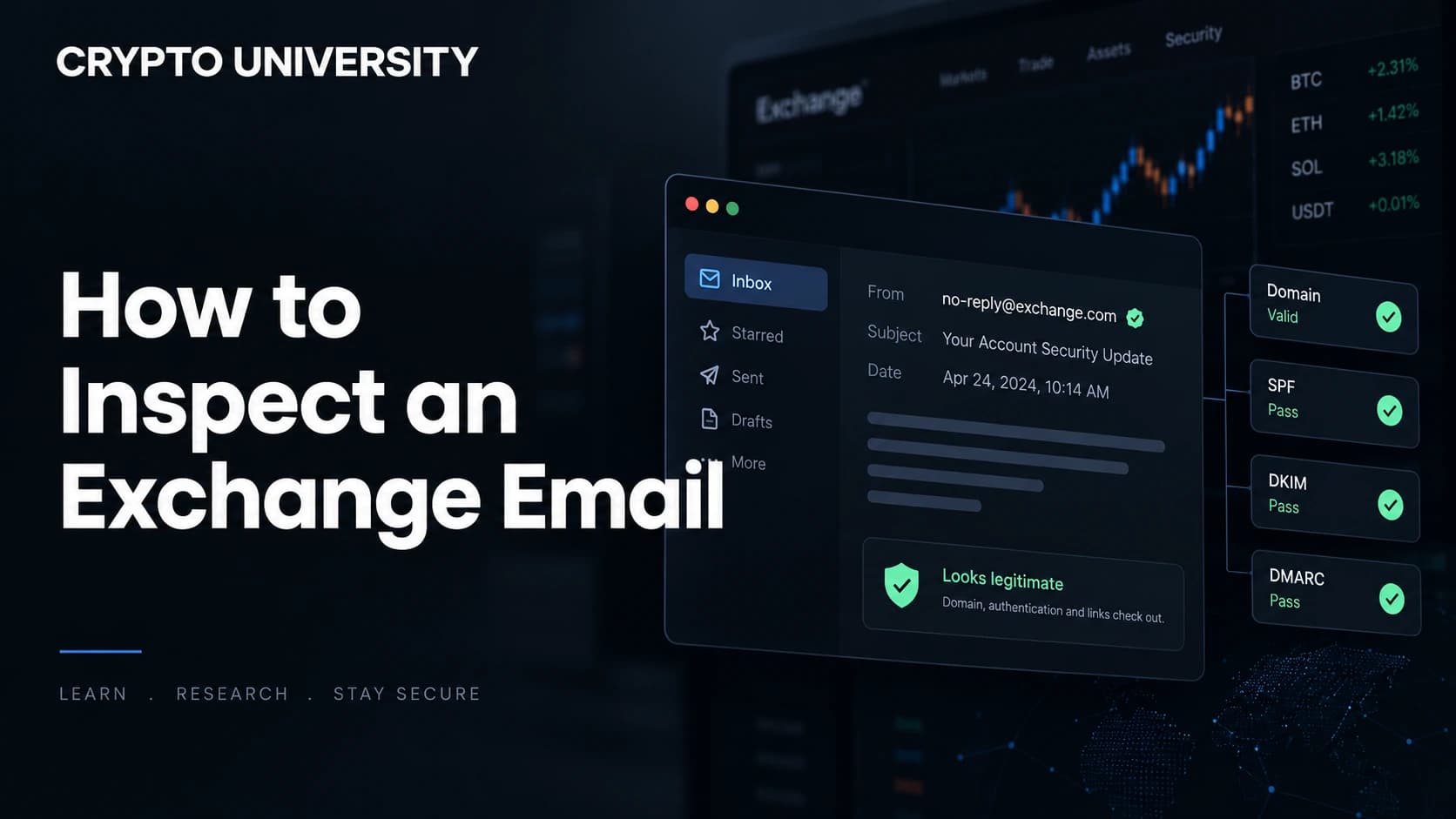
7. The sender address is close but not exact. Check the full address, not the display name. Display names are trivially forged. Sender addresses can be spoofed too, so treat this as one signal among several rather than a final verdict.
Real Request Versus Fake Request
| Signal | Legitimate KYC request | Fake KYC message |
|---|---|---|
| Where it lives | Visible inside your account dashboard | Only exists in the message |
| Tone | Neutral, procedural | Threatening or urgent |
| Contact channel | Official app, email, in-app notice | Telegram, WhatsApp, SMS, social DM |
| Asks for secrets | Never | Often |
| Asks for payment | Never | Sometimes |
| Link behaviour | Points to the official domain | Points to a lookalike domain |
| Anti-phishing code | Present, if you set one | Absent or wrong |
How to Check a KYC Message Safely
Follow the same routine every time, even when the message looks genuine.
- Do not click anything. Not the link, not the unsubscribe line, not any attachment.
- Open the platform yourself. Use your own bookmark or the app you installed. Type the address manually if you have no bookmark. Never reach the site from the message.
- Look for the request in your account. Genuine verification tasks appear in your dashboard or in the app's notification area. If there is nothing there, there is nothing to do.
- Contact support through the platform. Use the help centre inside your logged in account, not a number or address from the message.
- Report and delete. Forward the message to the platform's official phishing address if it has one, then delete it.
- If you already clicked, change your password from a clean device, revoke active sessions, reset 2FA, revoke any token approvals you signed, and check that your withdrawal address list has not been edited.
Habits That Reduce Your Exposure
- Set an anti-phishing code on every exchange that supports one.
- Use a withdrawal address whitelist, ideally with a delay on changes.
- Keep a dedicated email address for financial accounts so a message arriving at the wrong address is instantly suspicious.
- Use an authenticator app rather than SMS codes where possible.
- Store your seed phrase offline. Never photograph it, never type it into a website, never paste it into a chat.
- Bookmark the login page of every platform you use and treat the bookmark as the only valid entry point.
Frequently Asked Questions
Will a real exchange ever ask me to redo KYC? Yes. Document expiry, regional rule changes, larger withdrawal limits, and account reviews all trigger genuine re-verification. The difference is that a real request will be waiting for you inside your account when you log in yourself.
Can a fake message really come from the correct email address? The visible sender can be spoofed, and the design can be copied exactly. This is why sender address alone is not a reliable test. Combine it with the anti-phishing code, the link destination, and whether the request exists in your dashboard.
I uploaded my ID to a fake site. What now? Contact the real platform's support and tell them, so the account can be flagged. Consider a credit freeze or fraud alert if that is available where you live, watch for account opening attempts in your name, and report the incident to your national cybercrime body.
Do decentralized wallets need KYC? Self custody wallets such as browser or hardware wallets do not run identity checks. Any message telling you to verify or validate a self custody wallet is a scam by definition, and it is usually after your seed phrase or a token approval signature.
Is a padlock icon in the browser proof the site is real? No. The padlock only means the connection is encrypted. Phishing sites obtain certificates routinely. It says nothing about who owns the domain.
Related Terms
- KYC (Know Your Customer): The identity verification process regulated platforms run on their users.
- Phishing: Fraud that impersonates a trusted brand to steal credentials or data.
- Smishing: Phishing delivered by SMS or messaging apps.
- Anti-phishing code: A user set string that appears in every genuine email from a platform.
- Wallet drainer: Malicious code that empties a wallet after the owner signs an approval transaction.
Sources
- Coinbase, "Protecting Our Customers, Standing Up to Extortionists," May 2025.
- FBI Internet Crime Complaint Center, 2025 Internet Crime Report, published April 2026.
- FBI press release, "Cryptocurrency and AI Scams Bilk Americans of Billions," April 2026.
- Binance Support, "What is an Anti-Phishing Code and How to Set It Up."
- MEXC Support, "How to Set an Anti-Phishing Code on MEXC."
Further Reading
- FBI IC3, "2025 Internet Crime Report" (full PDF) for the underlying complaint and loss data.
- Binance Blog, "How to Protect Your Crypto From Phishing Emails" for platform level verification steps.
- Coinbase Blog, "Protecting Our Customers" for a first party account of how leaked support data is turned into impersonation campaigns.
Disclaimer: This article is educational and is not financial, legal or investment advice. Regulatory rules and register locations change, so verify details with the relevant authority before acting.
Not sure which problem you have?
Use the Fixing Crypto Mistakes hub to identify the transaction, wallet, network, or exchange issue before taking another action.
OPEN TROUBLESHOOTING HUB