Key Takeaways
- The blockchain is the source of truth, not your wallet screen. A wallet app shows its own view of events. A block explorer shows what the network actually recorded.
- Every real transfer has a transaction hash. If no hash exists, the transaction was probably never broadcast, which usually means your funds never moved.
- "Sent" is not the same as "settled". A transaction moves through broadcast, inclusion in a block, and confirmations. Each stage means something different for your money.
Why This Question Comes Up So Often
You press send. The app spins. The balance changes, or it does not. The person on the other side says nothing arrived. At that moment most people do one of two things: refresh the app repeatedly, or send the transaction again. Both are bad ideas, and the second one can cost real money.
There is a faster and more reliable method. Public blockchains publish every transfer, and anyone can read that record for free. This guide explains how to check whether your transaction actually left your wallet, how to read what you find, and what to do in each case.
The Three Stages of a Crypto Transaction
Understanding the stages makes every later step easier.
| Stage | What it means | Where you can see it |
|---|---|---|
| Signed but not broadcast | Your wallet created and signed the transaction, but it never reached the network. No hash exists on chain. | Wallet app only |
| Broadcast and pending | The network received the transaction and is holding it in the waiting area, often called the mempool. Funds have not moved yet. | Block explorer, marked pending or unconfirmed |
| Included in a block | A miner or validator added the transaction to a block. The transfer has happened, and confirmations start counting. | Block explorer, marked success or confirmed |
A fourth outcome exists on smart contract networks: the transaction was included in a block but failed. The network recorded the attempt, charged a fee, and did not move your tokens.
Step 1: Find the Transaction Hash
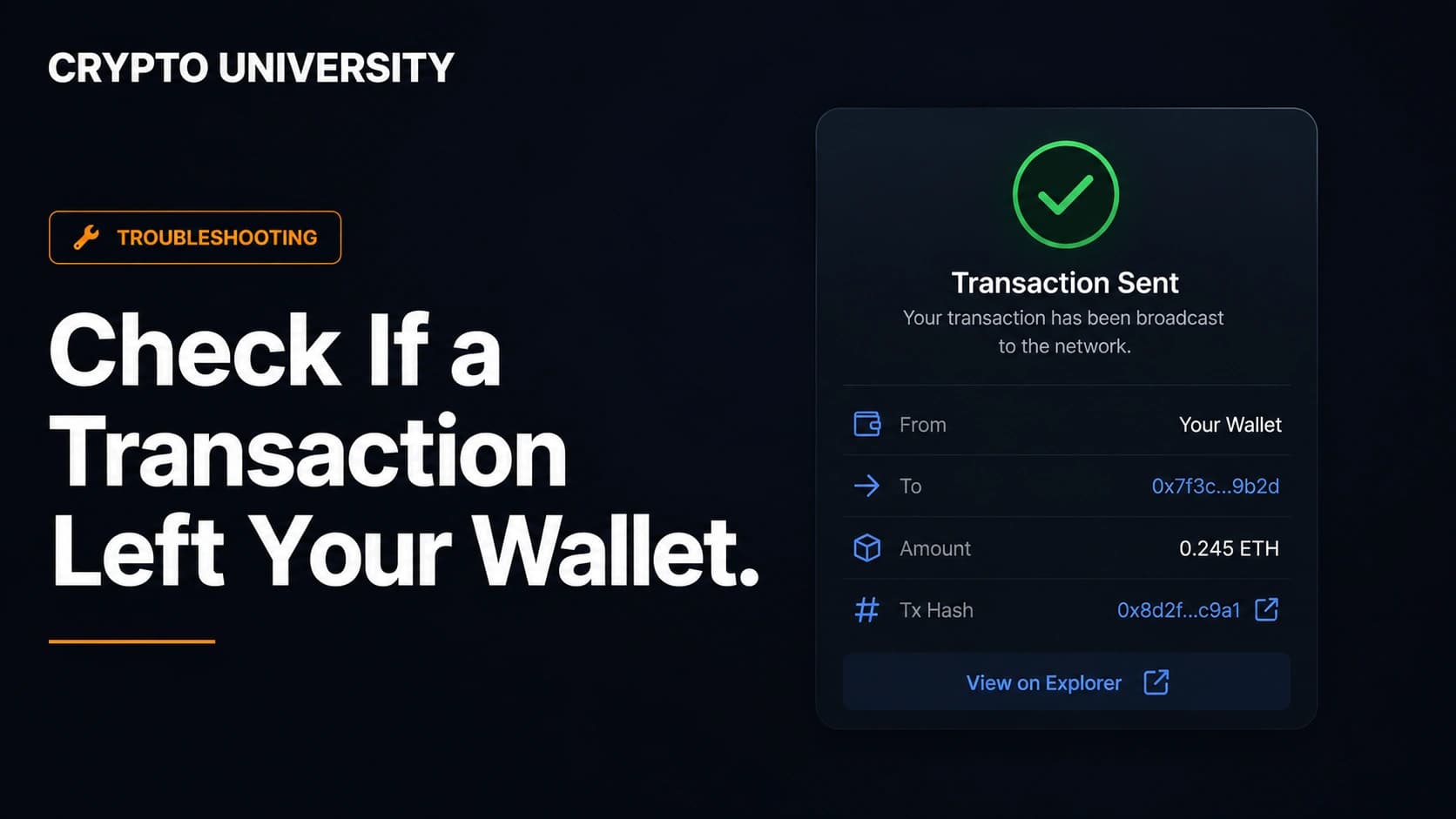
The transaction hash, also written as txid or transaction ID, is a long string of letters and numbers that identifies one specific transfer. On most networks it is around 64 characters.
Where to find it:
- Self custody wallets: open your activity or history tab, tap the transaction, and look for a copy icon next to the hash.
- Exchanges: open your withdrawal history. The hash usually appears next to the completed withdrawal, sometimes only after the withdrawal is processed.
- Confirmation emails: many platforms include the hash in the email receipt.
Always copy the hash with the copy button. Typing it by hand introduces errors.
If there is no hash at all, that is meaningful information. On an exchange it usually means the withdrawal is still in internal review. In a self custody wallet it usually means the transaction was never broadcast, and your funds are still where they were.
Step 2: Identify the Correct Network
This is where most beginners get stuck. Each blockchain has its own record and its own explorers. A Base transaction will not appear on a Bitcoin explorer. A USDT transfer sent on TRON will not appear on Etherscan, because the same token exists on several networks.
If you are unsure, go back to the withdrawal screen or the wallet detail view. The network is usually written there as ERC20, TRC20, BEP20, Solana, or similar.
| Network | Common public explorer | Approximate block time |
|---|---|---|
| Bitcoin | mempool.space, Blockchair | About 10 minutes |
| Ethereum | Etherscan, Blockscout | About 12 seconds |
| Solana | Solscan, Solana Explorer | Under one second |
| BNB Smart Chain | BscScan | About 0.45 seconds after the January 2026 Fermi upgrade |
| TRON | Tronscan | About 3 seconds |
| Base, Arbitrum, Optimism | BaseScan, Arbiscan, Optimistic Etherscan | About 0.25 to 2 seconds |
Block times are approximate and change with network upgrades.
Step 3: Search the Hash and Read the Status
Open the explorer, paste the hash into the search bar, and press enter. Explorer pages look crowded, but you only need a few fields at first.
| Result you see | What it means | What to do |
|---|---|---|
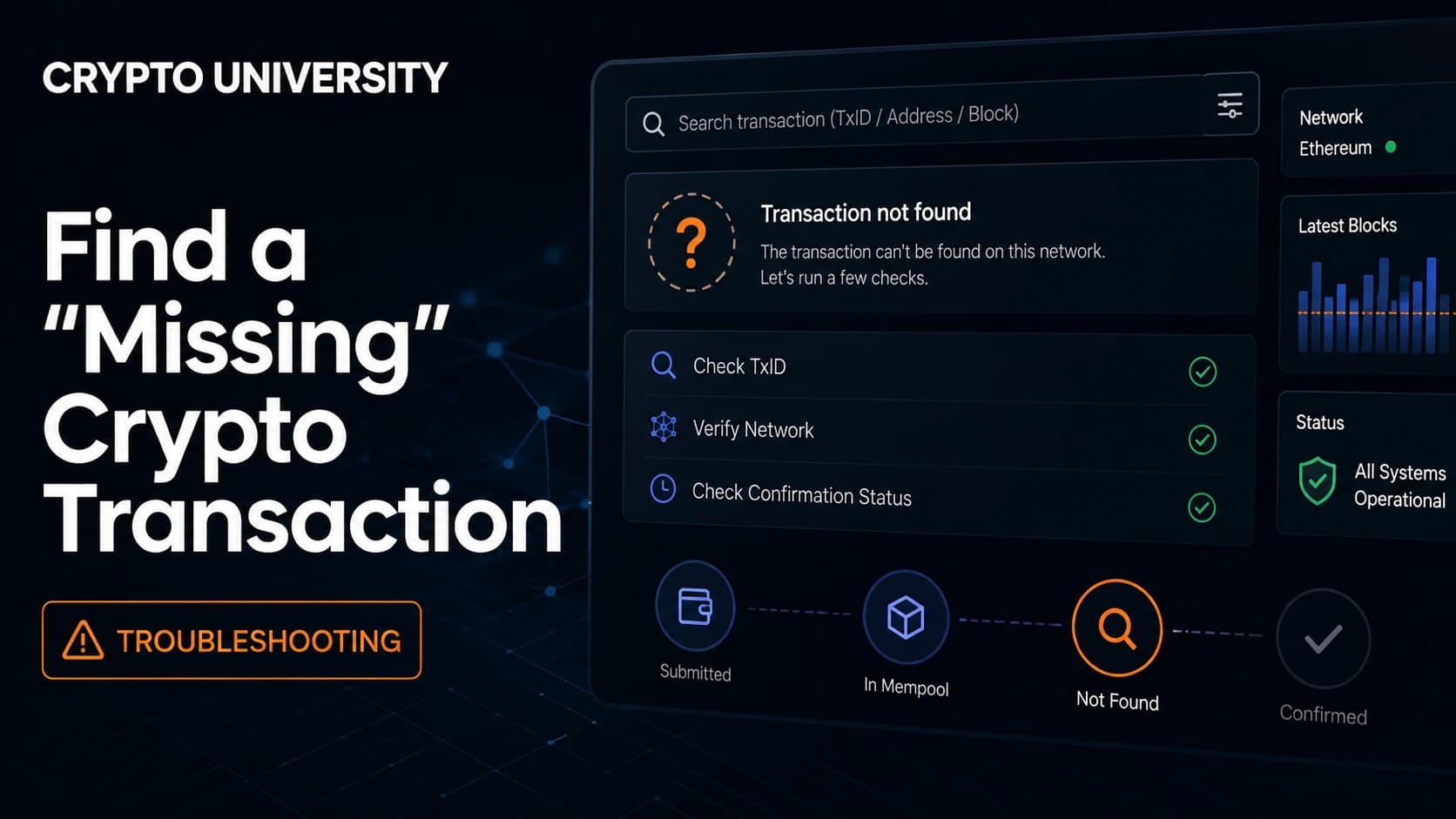
| Not found | The network has no record of this hash. The transaction was likely never broadcast, or you are on the wrong explorer. | Check the network first. If it is correct, treat the transfer as not sent. |
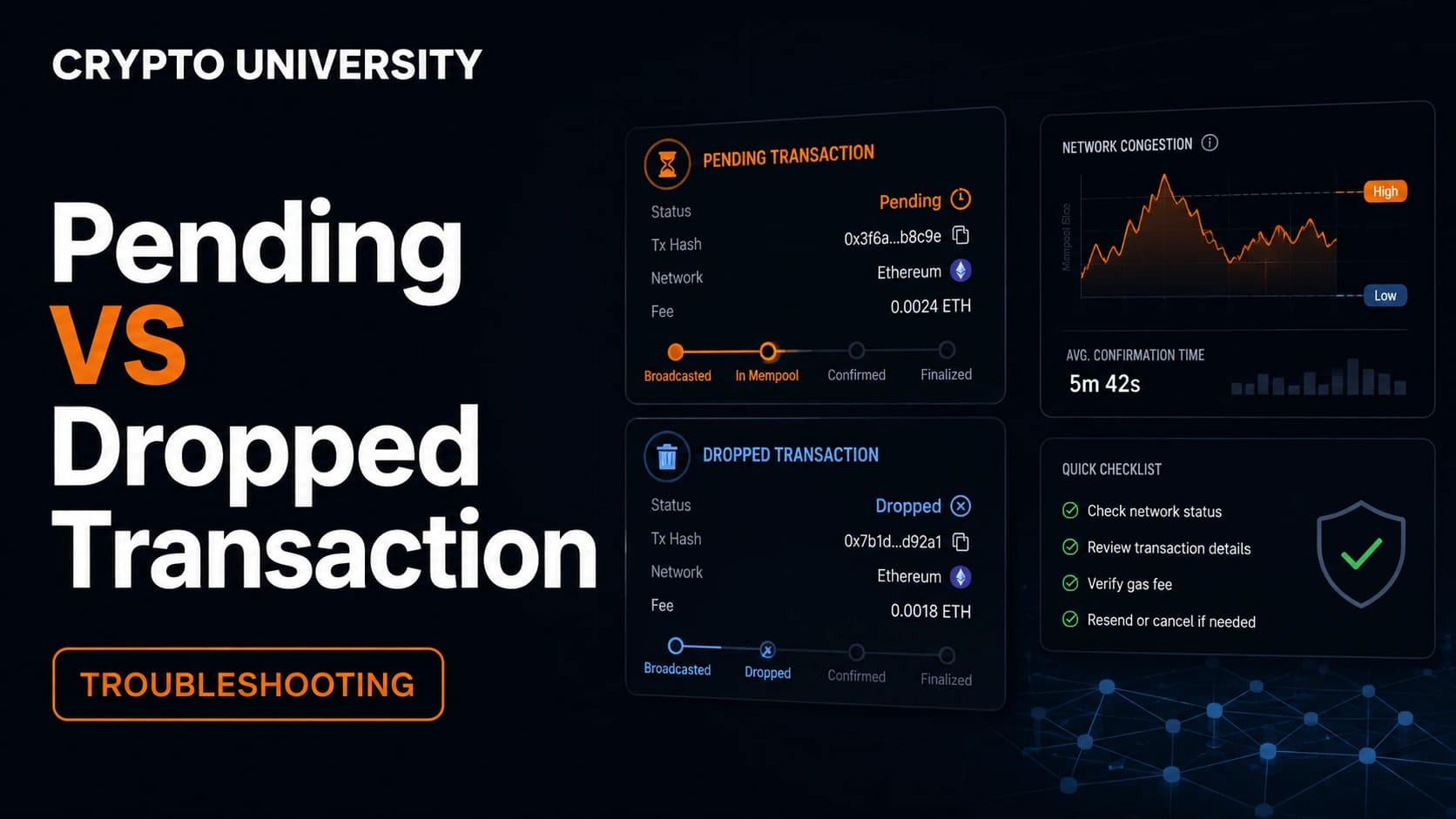
| Pending or unconfirmed | Broadcast and waiting. Money has not moved. | Wait. See the stuck transaction section below. |
| Success or confirmed | The transfer happened and is recorded. | Check the details, then count confirmations. |
| Failed or reverted | Recorded on chain, but the transfer did not execute. The fee is usually still charged. | Read the error reason, then retry with corrected settings. |
| Dropped or replaced | The transaction left the waiting area without being included, or another transaction with the same nonce took its place. | Your funds did not move. You can send again. |
Step 4: Verify the Details, Not Just the Status
A green success label only tells you something happened. It does not tell you the right thing happened. Check these fields:
- From address: does it match your wallet? A transaction you did not authorise is a different problem entirely.
- To address: compare the full address against the one you intended, not only the first and last four characters.
- Amount and asset: confirm both the number and the token. Explorers list token transfers separately from the native coin transfer.
- Fee: shows what the transfer cost.
- Timestamp: the moment the transaction entered a block.
- Nonce (Ethereum style networks): the sequence number of this transaction from your address. Useful for diagnosing stuck queues.
Step 5: Count Confirmations
Each new block added after yours is one confirmation. More confirmations means the record is harder to reverse. Different services require different amounts before they credit your funds.
| Network | Common practical wait | Notes |
|---|---|---|
| Bitcoin | 6 confirmations, roughly 1 hour | Probabilistic settlement. Exchanges may require between 1 and 6. |
| Ethereum | Full finality in roughly 13 minutes | Two epochs of validator attestations. Many services credit sooner. |
| Solana | Finalized status in about 13 seconds | 32 slots after the transaction. |
| BNB Smart Chain | A few seconds | Fast finality rules confirm within a small number of blocks. |
| TRON | About 1 minute | Roughly 19 blocks to irreversibility. |
These are widely reported figures under normal conditions. Congestion changes them.
When the Explorer Says Confirmed but the Funds Are Not Visible
This is common and rarely means the money is gone. Usual causes:
- The token is not added to the receiving wallet. Many wallets only display tokens you have imported. Add the token contract address manually.
- The exchange has not credited it yet. Platforms wait for their own confirmation count and then run internal processing.
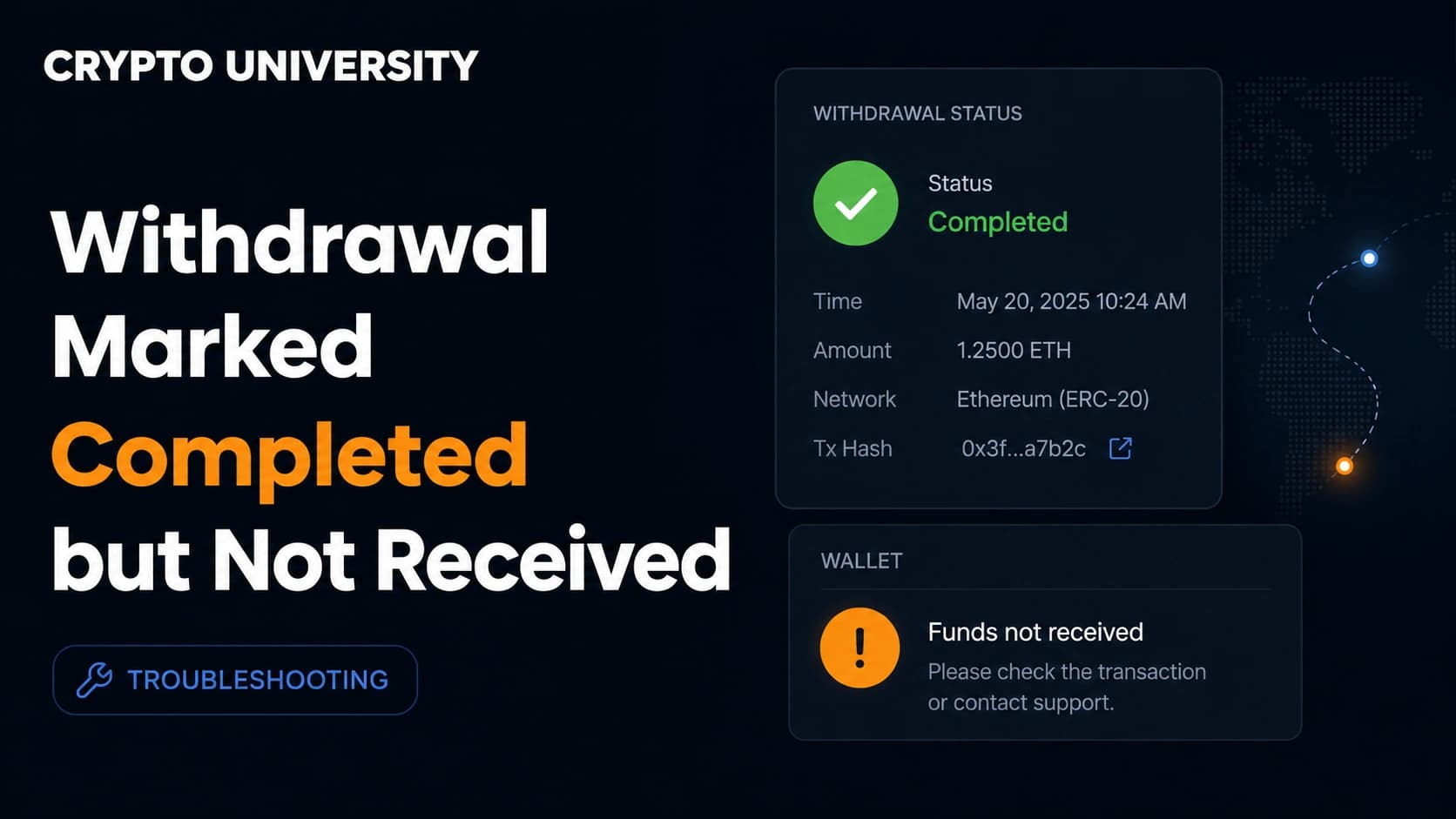
- A memo or destination tag was missing. Networks such as XRP, XLM and some exchange deposits require this extra field. The chain shows success, but the receiving platform cannot match the deposit to your account. Contact their support with the hash.
- Wrong network for the destination. Sending a token on a chain the receiving service does not support can strand the funds. Recovery depends entirely on who controls that address.
- Wallet cache or node lag. Close the app, reconnect, or switch to a different network node.
When the Transaction Is Stuck on Pending
Pending means the network has your transaction but has not prioritised it, usually because the fee was too low or traffic spiked.
Do not send the same transfer again. On Ethereum and similar networks, transactions from one address confirm in strict nonce order. One cheap transaction at nonce 11 blocks everything numbered after it, so extra sends simply extend the queue.
Practical options:
- Wait. Fees fall when traffic falls, and many pending transactions clear on their own.
- Speed up. Rebroadcast the same transaction with a higher fee. On Bitcoin this is replace by fee, and it only works if the original was marked replaceable. On Ethereum style networks, wallets such as MetaMask offer a speed up button that reuses the same nonce.
- Cancel. On Ethereum style networks, send a zero value transaction to your own address using the same nonce and a higher fee. If it lands first, it overwrites the stuck one. You still pay a small fee.
- Contact the platform. If the stuck transaction is an exchange withdrawal, the exchange set the fee and holds the keys. Only their team can act.
Using Explorers to Check Someone Else's Claim
The same skill protects you from a common scam. Anyone can produce a screenshot showing a completed payment. Nobody can fake a hash that resolves on a live public explorer with the correct amount, address, and timestamp.
Three habits worth building:
- Ask for the hash, not the screenshot. Then look it up yourself.
- Type the explorer address yourself. Cloned explorer websites exist and are built to display fake transactions to anyone arriving through a link they were sent.
- Watch for address poisoning. Attackers send tiny or zero value transfers from addresses that look almost identical to ones you use, hoping you will later copy the wrong one from your history. Always copy destination addresses from the source, never from your transaction list.
Quick Checklist
- Copy the transaction hash.
- Confirm which network was used.
- Open the matching explorer and search the hash.
- Read the status: not found, pending, success, failed, or replaced.
- Check sender, recipient, amount and asset.
- Count confirmations against the receiving service's requirement.
- Only then contact support, and include the hash.
Frequently Asked Questions
Does checking a transaction on a block explorer cost anything? No. Public explorers such as mempool.space, Etherscan and Solscan are free websites. There is no login, no fee, and no permission required to look up a hash or an address.
I do not have a transaction hash. Can I still check? Yes. Paste your wallet address into the explorer for that network. You will see every transaction that address has sent and received, newest first. If your transfer is not listed, it did not happen on that chain.
My transaction failed. Do I get my fee back? Usually not. On smart contract networks the validators still performed work to process the attempt, so the gas is consumed even when the transfer reverts. The tokens you tried to send remain in your wallet.
How long should I wait before assuming something is wrong? Compare against normal block times for the network. If a transaction is still pending after several hours on a network that usually settles in seconds or minutes, it is worth investigating rather than waiting.
Can a confirmed transaction be reversed or cancelled? No. Once a transaction is included and confirmed, no wallet, exchange, or developer can undo it. Recovery depends entirely on the person who controls the receiving address.
Related Terms
- Block explorer: a public website that lets anyone read the recorded contents of a blockchain.
- Mempool: the waiting area where broadcast transactions sit before being included in a block.
- Nonce: a sequential counter attached to each transaction sent from an account, used to enforce order.
- Replace by fee (RBF): a Bitcoin feature allowing an unconfirmed transaction to be resent with a higher fee.
- Finality: the point at which a recorded transaction is considered practically impossible to reverse.
Sources
- Etherscan Information Center, guidance on cancelling and replacing pending Ethereum transactions
- MetaMask Help Center, how to speed up or cancel a pending transaction
- Ethereum.org and Chainlink documentation on proof of stake epochs and finality timing
- BNB Chain Blog, Maxwell and Fermi hard fork block time and finality changes
- Exodus and Trust Wallet support documentation on reading transaction status on block explorers
Further Reading
- Understanding blockchain fees: why gas costs move, and how fee estimation works across networks.
- Self custody wallet basics: seed phrases, address formats, and the difference between hot and cold storage.
- Common crypto scams and how to verify claims on chain: address poisoning, fake proof of payment, and cloned websites.
Disclaimer: This article is educational content. It is not financial, investment, tax, or legal advice. Network behaviour, fees, and explorer interfaces change over time, so verify current details against official documentation before relying on them.
Not sure which problem you have?
Use the Fixing Crypto Mistakes hub to identify the transaction, wallet, network, or exchange issue before taking another action.
OPEN TROUBLESHOOTING HUB