Key Takeaways
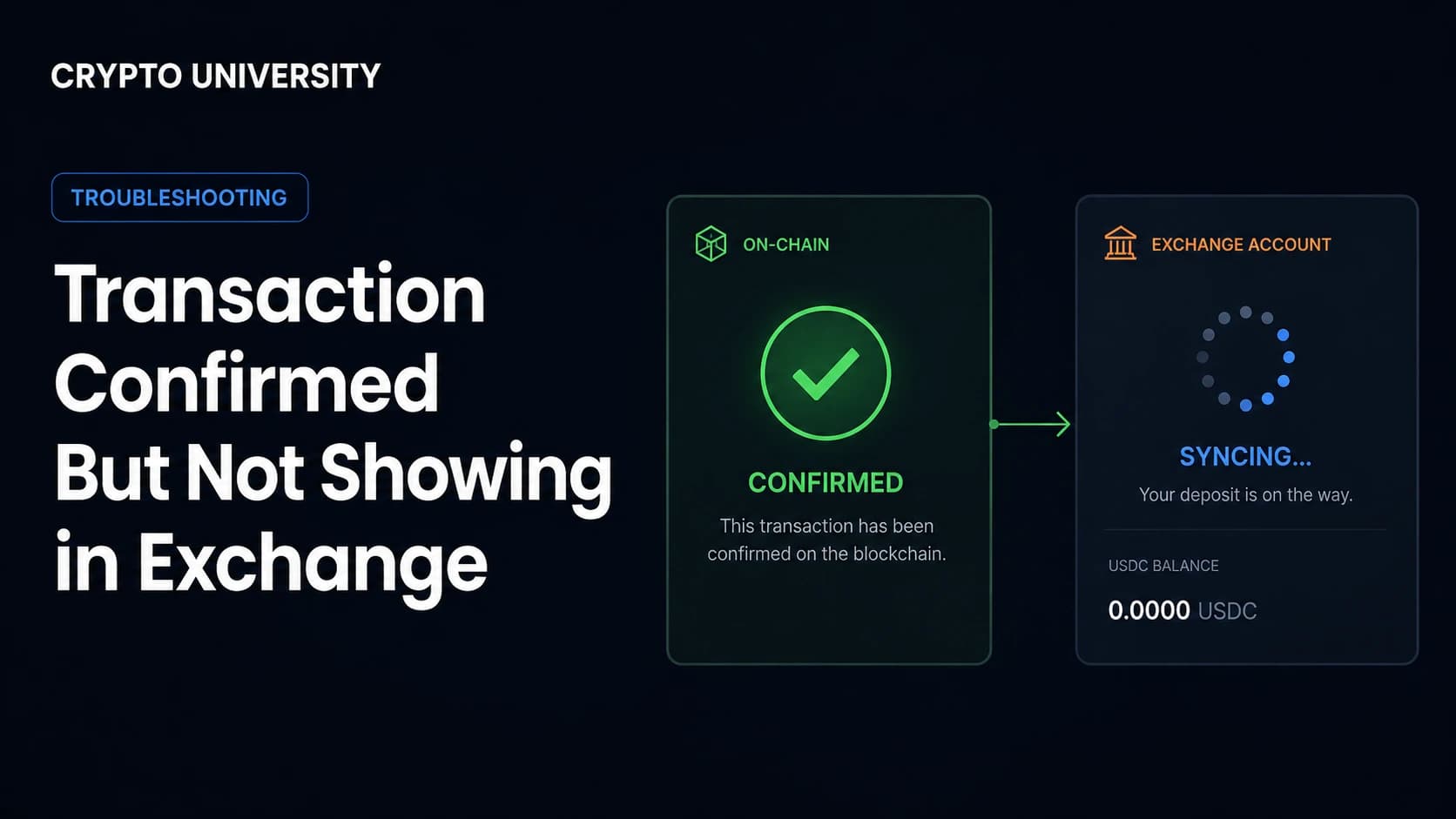
- Confirmed and credited are two different things. A block explorer only proves the network accepted your transfer. Crediting is a separate step that the receiving exchange controls.
- Most missing deposits fall into five buckets: not enough confirmations yet, a missing memo or tag, the wrong network, an unsupported token or transfer method, or a compliance hold.
- Your TxID is the single most important piece of evidence. Before you contact support, collect the transaction hash, the exact amount, the network used, and the destination address.
Confirmed Does Not Mean Credited
You send funds, the block explorer shows a green tick, and your exchange balance does not move. In almost all cases the money is still where the blockchain says it is. Two separate systems are involved, and only one of them has finished its job.
| Stage | What it means | Who controls it |
|---|---|---|
| Broadcast | Your transaction was sent to the network | Your wallet or sending platform |
| Confirmed | A block producer included it in a block | The blockchain |
| Detected | The exchange's system noticed the deposit | The receiving exchange |
| Credited | The balance appears and becomes tradable | The receiving exchange |
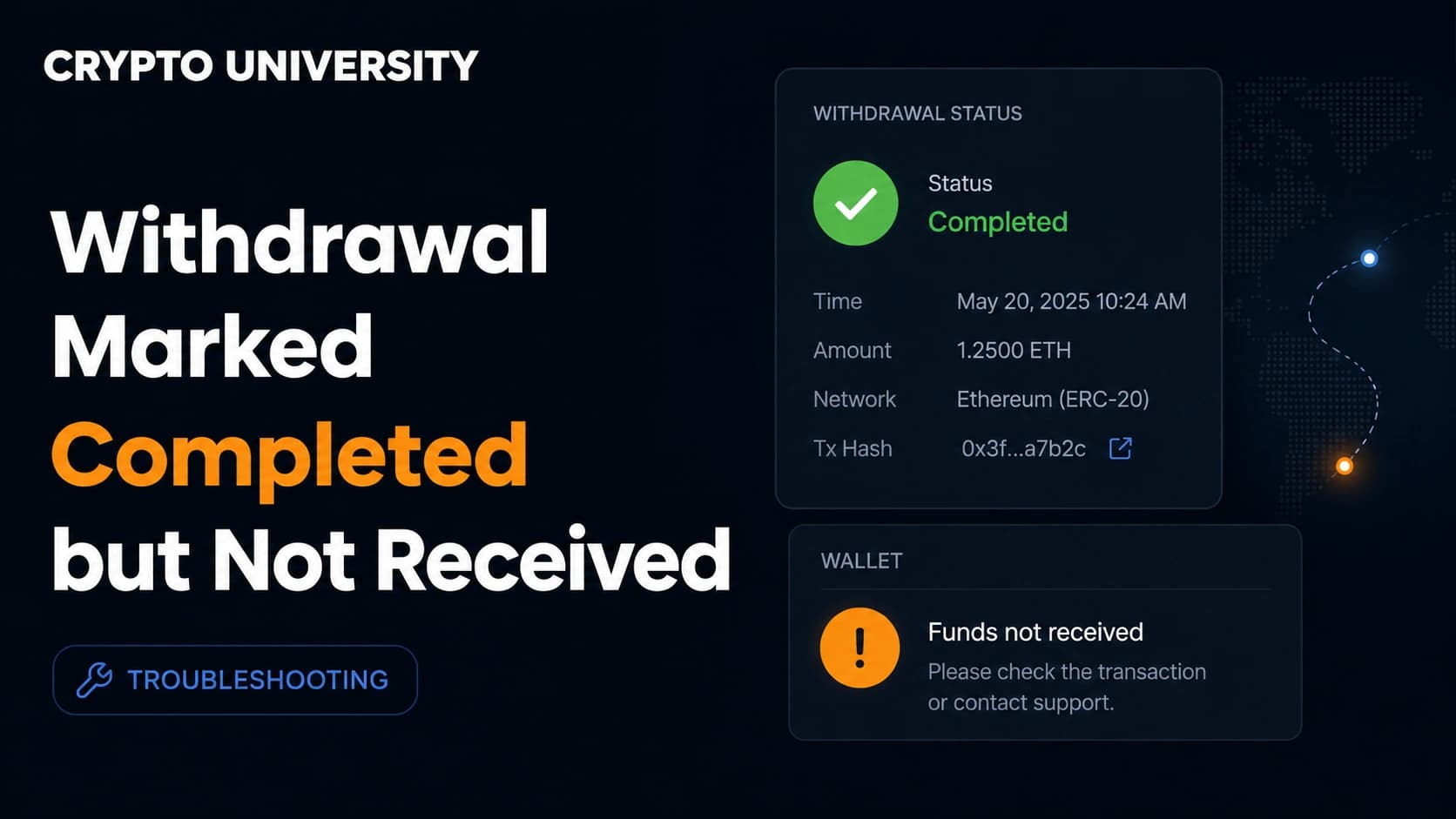
A withdrawal marked "completed" or "success" on the sending platform only means the transaction reached the network. It says nothing about whether the receiving platform has processed it.
Step 1: Read the Block Explorer Properly
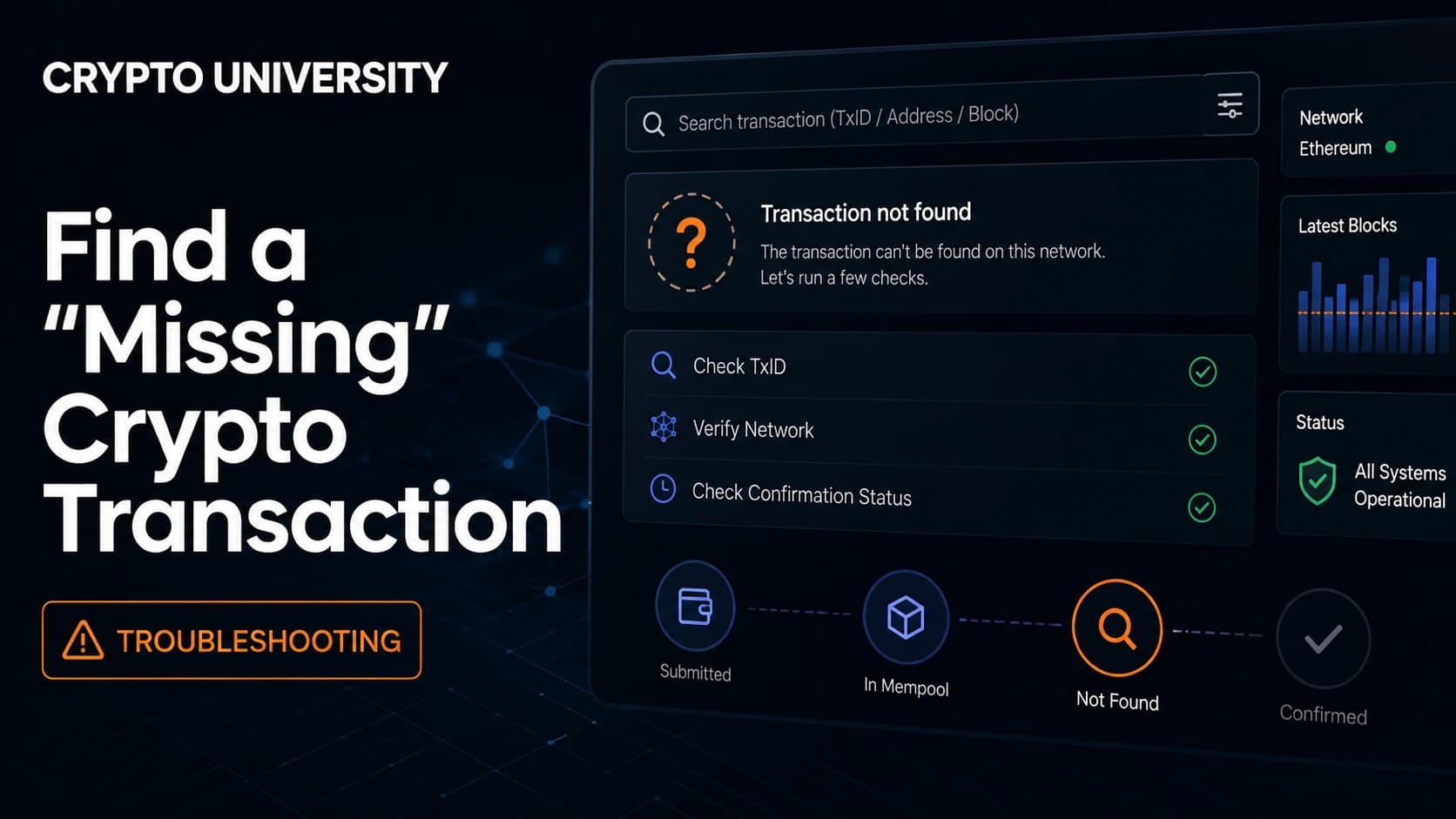
Open the correct explorer for the network you actually used. Etherscan for Ethereum, Blockchair or Mempool.space for Bitcoin, Tronscan for Tron, Solscan for Solana, BscScan for BNB Smart Chain.
Paste your transaction hash, then check four things.
- Status. Does it say success or failed? A failed transaction on an EVM chain still consumes gas but does not move your tokens.
- Confirmations. Note the current count.
- Destination address. Does it match the deposit address your exchange gave you, character for character?
- Asset and contract address. For tokens, check the contract address, not just the ticker. Many tokens share a ticker.
If the destination address is not the one from your exchange deposit page, the exchange cannot help you. The funds went somewhere else.
Step 2: Check the Confirmation Requirement
Exchanges wait for a set number of confirmations before crediting, to reduce the risk of a chain reorganisation reversing the deposit. That threshold is set by the exchange, not by the blockchain, and it varies widely by asset and platform.
As one published example, Kraken credits Bitcoin deposits after four confirmations, which takes roughly 40 minutes on average, and notes that a single block can occasionally take 30 to 60 minutes to be mined.
The practical rule: find the required confirmation count on your exchange's deposit page for that specific asset and network, then compare it to what the explorer shows. If you are below the threshold, there is nothing to fix. Wait.
Some platforms also use a two stage status. Kraken, for example, lists deposits as Pending, then Credited (tradable but not yet withdrawable), then Successful (fully available), with a separate On hold status for deposits that need manual review.
Step 3: Work Through the Common Causes
If the confirmation threshold has been met and the balance is still missing, use this table.
| Cause | What you typically see | What to do | Usually recoverable |
|---|---|---|---|
| Missing or wrong memo / tag | Confirmed on-chain, no deposit record on the exchange | Open a memo or tag recovery ticket | Often yes, sometimes for a fee |
| Wrong network chosen | Confirmed on a chain the exchange does not credit for that address | Submit a deposit recovery request | Sometimes, depends on the chain |
| Token not supported or wrong contract | No deposit record at all | Submit an unsupported asset recovery request | Case by case |
| Smart contract or internal transfer | Shows only under an "internal transactions" tab | Ask support for manual crediting | Often yes |
| Below the minimum deposit amount | Nothing credited, no error | Check the minimum on the deposit page | Often no |
| Deposit channel suspended or in maintenance | Deposit shows as pending for hours | Check the exchange status page and wait | Yes, usually automatic |
| Compliance or risk review | Status shows on hold or under review | Respond to any support request for information | Yes, after review |
| Privacy or obfuscation tooling used | Confirmed, never credited | Contact support, expect limits | Frequently no |
A few of these deserve extra explanation.
Missing Memo or Destination Tag
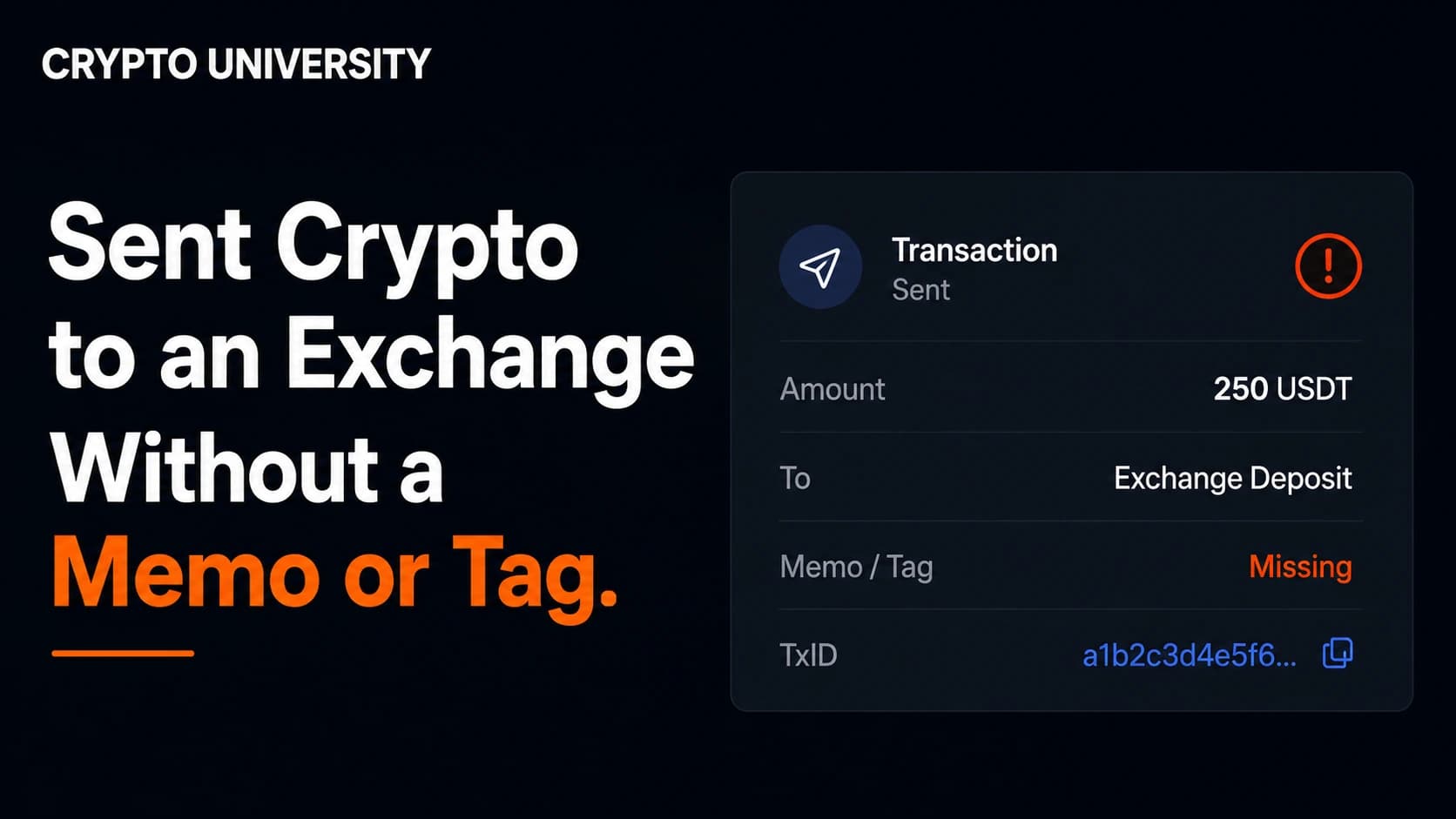
Chains such as XRP, Stellar, Cosmos, EOS, Hedera and TON often use one shared exchange address for every customer. The memo or destination tag is what tells the exchange which account the deposit belongs to. Without it, the funds sit in the exchange's pooled wallet, visible on-chain and unassigned.
Coinbase states that omitting or entering an incorrect tag or memo can delay a transaction or cause loss of funds. Binance runs a dedicated tag and memo retrieval process for listed coins including XRP, XLM, ATOM and EOS.
These mistakes are usually recoverable, but not always free and not always fast. Recovery fees in the range of 50 to 100 US dollars are widely reported across platforms, and turnaround can run from hours to several weeks. Treat any figure you read online as an estimate and check the exchange's own current fee schedule.
Wrong Network
This is the classic USDT problem. The same 0x address format is used across Ethereum, BNB Smart Chain, Polygon, Arbitrum and other EVM chains, so a transfer sent on the wrong chain will still confirm successfully. The exchange's system is simply not watching that chain for that address.
Whether it can be recovered depends on whether the exchange controls the private key for that address on the other chain. Where it does, a self service recovery request often works. Where it does not, the funds may be unreachable. Binance.US warns directly that deposits to unsupported networks often lead to irrecoverable losses.
Smart Contract and Internal Transfers
If your funds were sent by a smart contract rather than a standard transfer, for example from a bridge, a DeFi app or certain wallet features, the transfer may appear only under an "internal transactions" tab on the explorer. Many exchanges do not detect these automatically and require manual crediting instead.
Step 4: Build Your Support Ticket
Support teams handle these cases constantly. A complete first message resolves them far faster than a vague one.
| Item | Why it matters |
|---|---|
| Transaction hash (TxID) | The only unambiguous identifier for your transfer |
| Exact token amount | Distinguishes your deposit from others in a shared wallet |
| Asset and contract address | Confirms which token actually moved |
| Network actually used | Central to any wrong network case |
| Destination address and memo, if any | Confirms whether it was your deposit address |
| Screenshot of the explorer page | Evidence the transaction confirmed |
| Screenshot of the sending platform record | Proves you initiated it |
| Date and time, with timezone | Helps narrow the search |
Many large platforms now offer self service tools instead of a plain ticket. Binance and Binance.US both operate deposit recovery flows, and MEXC uses an Uncredited Deposit Return Application. Check for these before you queue for a human agent.
A safety note. Missing deposit searches attract scams. Fake support phone numbers, fake "recovery agents" on social media, and cloned help pages are common. Real exchange support will never ask for your seed phrase, your private keys, remote access to your device, or an upfront payment sent to a personal wallet. Only ever start from the official app or website.
Step 5: Prevent the Next One
- Always copy the deposit address and memo from the exchange page itself, never from an old note or chat message.
- Send a small test amount first when using a new address, a new network, or a large transfer.
- Check the network name on both sides before confirming. The sending platform's network label must match the receiving platform's.
- Check the deposit and withdrawal status page for maintenance before sending.
- Confirm the token contract address matches, especially for smaller tokens.
- Note the minimum deposit amount for that asset.
Frequently Asked Questions
Can an exchange reverse a blockchain transaction? No. Once a transaction is confirmed it cannot be reversed by anyone. What an exchange can sometimes do is locate funds that arrived at an address it controls and credit them manually.
How long should I wait before contacting support? Wait until the explorer shows more confirmations than the exchange's stated requirement for that asset, then allow a reasonable buffer for processing. Many platforms suggest waiting up to 24 hours before escalating a confirmed but uncredited deposit.
Is my money lost if I forgot the memo? Usually not. The funds are typically sitting in the exchange's pooled wallet and can be assigned to your account after verification. Recovery may involve a fee and a waiting period, and outcomes are not guaranteed.
Why does the sending exchange say completed while the receiving exchange shows nothing? "Completed" on the sending side means the transaction was broadcast to the network. Crediting is a separate process handled by the receiving platform after its own confirmation and screening checks.
What if I sent to a smart contract address by mistake? Funds sent to a contract address that is not designed to receive deposits are often unrecoverable, because no one holds a private key that can move them. This is different from sending to the wrong network, which is sometimes fixable.
Related Terms
- TxID (transaction hash): The unique identifier assigned to every blockchain transaction.
- Block confirmation: Each additional block added after the block containing your transaction.
- Destination tag / memo: A short identifier that routes a deposit to the correct account inside a shared exchange wallet.
- Internal transaction: A value transfer triggered by a smart contract rather than a direct wallet-to-wallet transfer.
- Deposit address: The address an exchange assigns to you for receiving a specific asset on a specific network.
Sources
- Kraken Support, "Cryptocurrency deposit processing times": https://support.kraken.com/articles/203325283-cryptocurrency-deposit-processing-times
- Kraken Support, "Cryptocurrency deposit statuses": https://support.kraken.com/articles/360000674066-cryptocurrency-deposit-statuses
- Kraken Support, "Cryptocurrency deposit is missing": https://support.kraken.com/articles/360001488126-cryptocurrency-deposit-is-missing
- Coinbase Help, "Destination tags and memos": https://help.coinbase.com/en/coinbase/trading-and-funding/sending-or-receiving-cryptocurrency/destination-tag-memo-faq
- Binance Support, "How to Retrieve Crypto Deposit with Wrong or Missing Tag/Memo": https://www.binance.com/en/support/faq/how-to-retrieve-crypto-deposit-with-wrong-or-missing-tag-memo-40b87335db904481888ef406b105442b
- Binance.US Help Center, "How to use the deposit recovery tool": https://support.binance.us/en/articles/9842793-how-to-use-the-deposit-recovery-tool
- Binance.US Help Center, "Unsupported asset recovery": https://support.binance.us/hc/en-us/articles/4404564207255-Unsupported-asset-recovery
- MEXC Support, "Troubleshooting Guide: Deposit Not Credited": https://www.mexc.com/support/article/troubleshooting-guide-360020367791
- Independent Reserve, "Native vs smart contract deposits explained": https://www.independentreserve.com/blog/knowledge-base/native-vs-smart-contract-deposits-explained
Further Reading
- Kraken Support, "How to deposit cryptocurrencies to your Kraken account" for a walkthrough of generating deposit addresses and reading network warnings before you send.
- Coinbase Help, "Destination tags and memos" for a plain explanation of which assets require a tag and why shared addresses exist.
- Independent Reserve, "Native vs smart contract deposits explained" for a clear breakdown of why some transfers are invisible to automated crediting systems.
Disclaimer: This article is educational content. It is not financial, investment, tax, or legal advice. Network behaviour, fees, and explorer interfaces change over time, so verify current details against official documentation before relying on them.
Not sure which problem you have?
Use the Fixing Crypto Mistakes hub to identify the transaction, wallet, network, or exchange issue before taking another action.
OPEN TROUBLESHOOTING HUB