Key Takeaways
- Exchange deposit addresses can change. Exchanges retire old addresses after system upgrades, security incidents, or network maintenance, and some old addresses stop working.
- The only trusted source is your logged-in account. Always copy your current deposit address, network, and memo from the exchange's official deposit page, never from a message or your transaction history.
- Check the full address, not just the ends. Scammers generate lookalike addresses that match the first and last few characters, so compare every character and verify again after pasting.
Why This Question Matters
Every crypto deposit to an exchange ends at a specific blockchain address. If that address is outdated, belongs to a scammer, or was swapped by malware, the blockchain will still process the transaction. It will simply deliver your funds to the wrong place. There is no bank that can reverse the payment, so the most reliable protection is checking before you send.
Many people save an exchange deposit address once and reuse it for months. That habit is convenient, but addresses do change. At the same time, scammers work hard to make fake addresses look familiar. This guide explains why addresses change, how to tell a real change from a scam, and how to confirm the correct address every time.
What an Exchange Deposit Address Is
A deposit address is a blockchain address that an exchange assigns to your account so it can recognize and credit incoming funds. Exchanges generally use one of two models.
| Model | How It Works | Common Networks | What You Must Copy |
|---|---|---|---|
| Unique address per user | The exchange generates an address linked only to your account | Bitcoin, Ethereum and ERC-20 tokens, Litecoin | The address |
| Shared address with memo or tag | Many users share one address, and a memo or tag tells the exchange which account to credit | XRP, Stellar (XLM), Cosmos (ATOM), EOS, Hedera (HBAR) | The address plus the memo or tag |
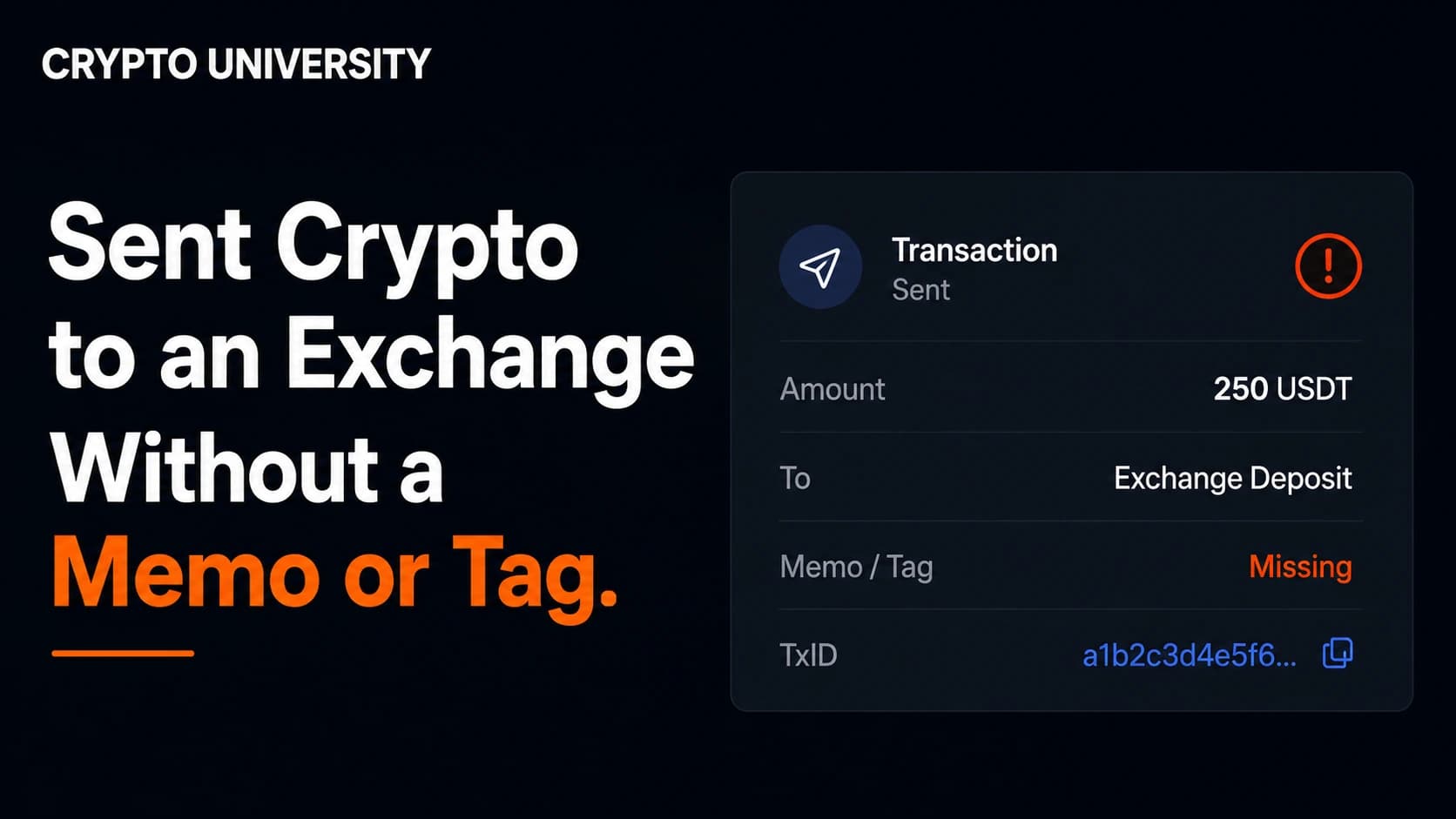
In the shared model, the memo is as important as the address. If either one changes and you keep using the old value, your deposit may be delayed or not credited at all.
The network matters too. The same token, such as USDT, can exist on several blockchains. An address shown for one network is not automatically valid on another, and Binance warns that deposits sent through an unsupported network might be lost.
Why Exchanges Change Deposit Addresses
Address changes are usually routine and not a sign of danger. Here are the most common reasons, with publicly reported examples.
| Reason | What Happens | Reported Example |
|---|---|---|
| Wallet infrastructure upgrade | The exchange moves to a new custody system and issues fresh addresses | Swyftx issued new deposit addresses for all crypto assets as part of a major system upgrade |
| Security incident | The exchange resets its wallet system and retires old addresses | Upbit deleted all existing deposit addresses after a November 2025 breach reported at about 44.5 billion won |
| Network maintenance | Addresses on specific networks are retired | Binance retired deposit addresses on several networks in April 2023 and notified affected users by email |
| Single asset change | One network's addresses are replaced | Pionex.US changed BTC network deposit addresses for users registered before December 28, 2022 |
| User action | You generate a new address yourself | Bitfinex advises users to use the newly generated address for future deposits |
The consequences of using an old address vary by platform. Upbit said old addresses could cause deposit delays. Pionex.US warned that funds sent to the old address may be lost and might not be recoverable. You cannot assume an old address will still work, so the safe approach is to check every time.
Legitimate Change or Red Flag?
A real address change always shows up inside your authenticated exchange account. A scam usually arrives from outside it. Use this table to judge what you are seeing.
| Signal | Likely Legitimate | Treat as a Red Flag |
|---|---|---|
| Where you heard about it | Official announcement page or in-app notice | Direct message, social media post, or chat group |
| Where the new address appears | Deposit page after you log in | Text, PDF, image, or QR code sent to you |
| Who made contact | You opened the app yourself | A "support agent" contacted you first |
| Tone | Clear dates and calm instructions | Pressure to act fast or lose funds |
| Consistency | Same address on web and mobile app | Address differs between devices or changes after pasting |
A simple rule helps: if an address reached you, do not use it. Go to the address. Open the exchange yourself and read it from the deposit page.
Step-by-Step: How to Check Whether Your Deposit Address Has Changed
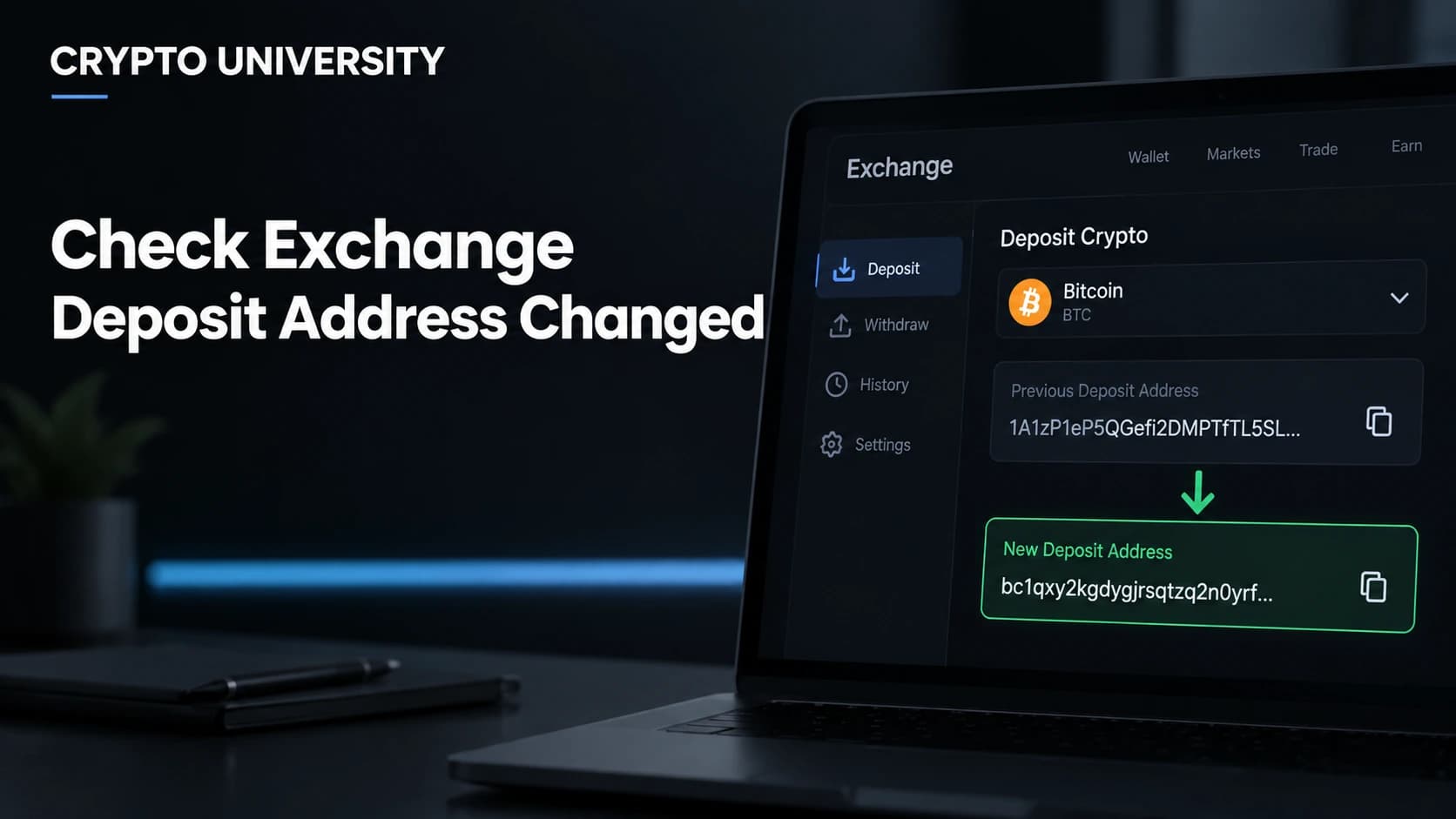
- Open the exchange directly. Use the official app or a bookmarked website. Do not click links in emails or messages. Log in and go to the Deposit section.
- Select the exact asset and network. Choose the same network you plan to send on. A BTC address and a USDT on TRON address are completely different.
- Compare the full address with your saved copy. Check every character, or compare the address in small groups of four to six characters. Do not rely on the first and last few characters, because that is exactly what scammers copy.
- Check the memo or tag. If the asset uses one, confirm it matches your records. Memos can change during wallet migrations.
- Read the official announcements page. Look for notices about deposit address changes, retired networks, or wallet maintenance.
- Update every saved copy. If the address changed, replace it everywhere: withdrawal whitelists on other exchanges, wallet address books, hardware wallet contacts, notes apps, and paper backups. Delete the old entries so they cannot be reused by accident.
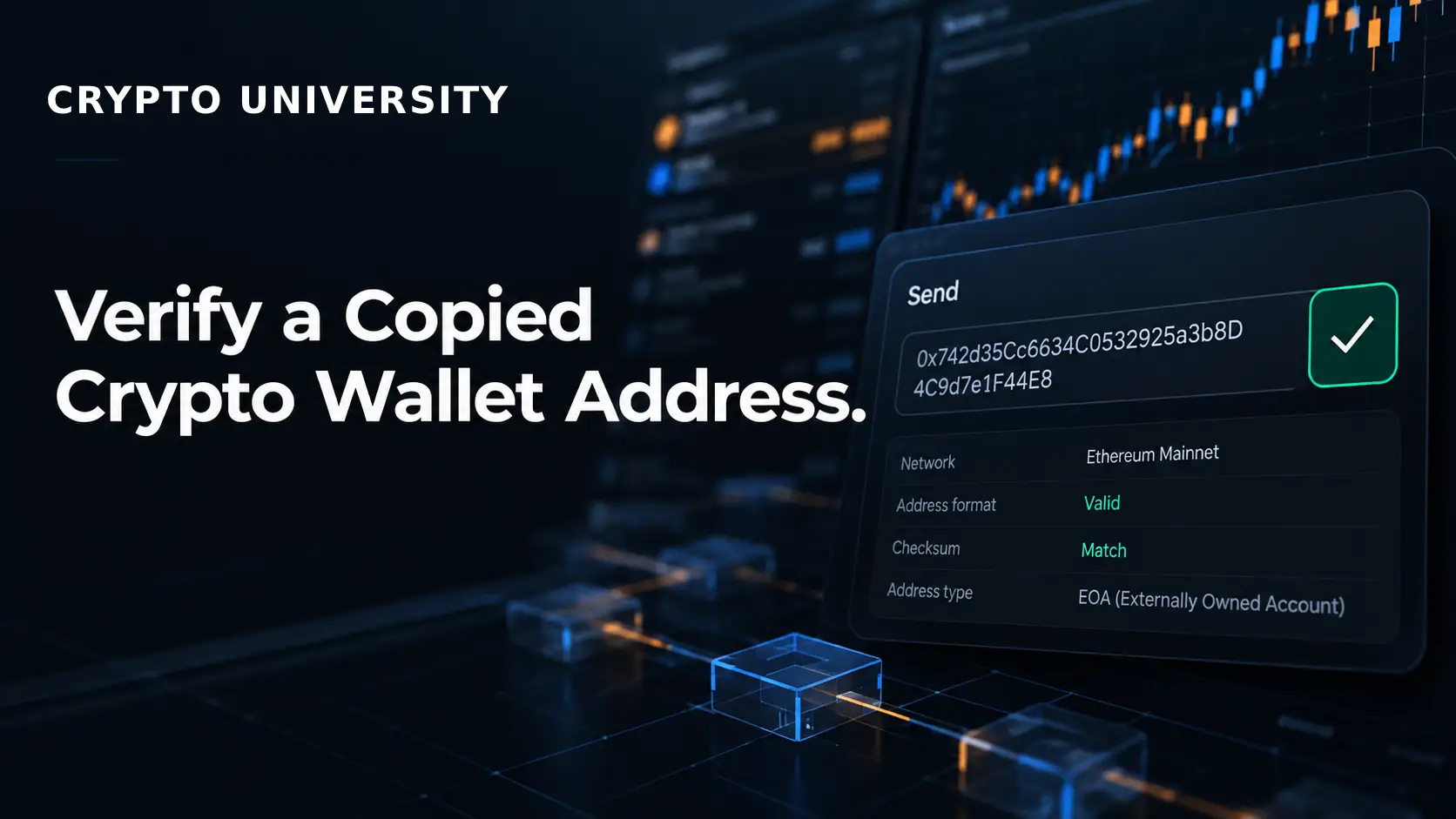
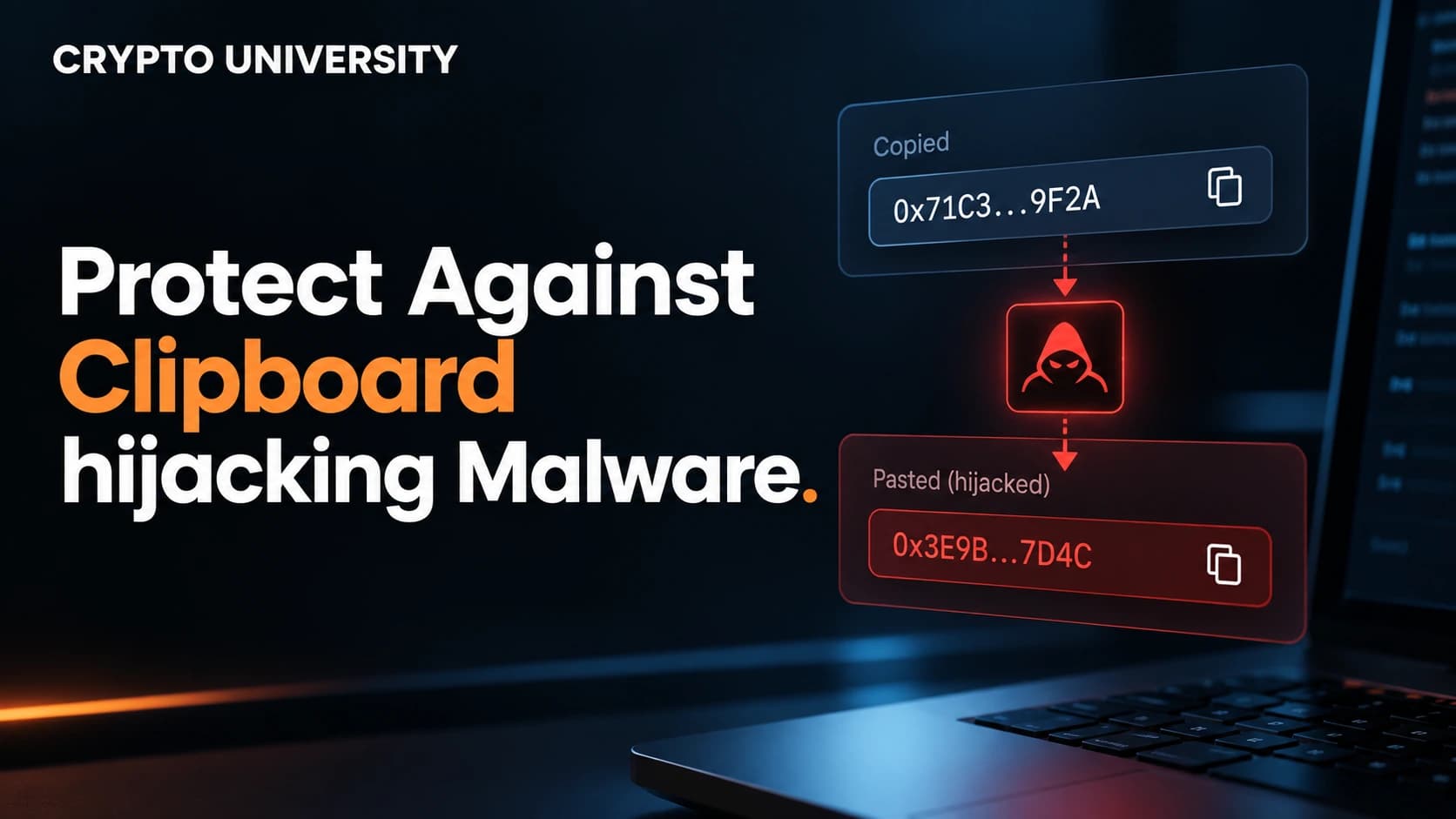
- Verify again after pasting. Clipper malware can replace a copied address with an attacker's address. Compare the pasted address with the one on the deposit page before you confirm. If you use a hardware wallet, read the address on the device screen.
- Use a small test for large transfers, then re-copy. A test transaction confirms the route works. After the test, copy the address again from the exchange, never from your transaction history.
That last step matters. In a widely reported December 2025 case, a user sent a small USDT test, an attacker quickly planted a lookalike address in the user's history, and the user then sent almost 50 million USDT to the fake address. Security firm Blockaid reported the main transfer happened just 26 minutes after the test.
Tools That Help You Verify
| Tool | What It Helps You Check | Limitation |
|---|---|---|
| Exchange deposit page | Current address, memo, and supported networks | Only trustworthy if you reached the real site or app |
| Official announcements or help center | Planned address changes and maintenance | Phishing sites can copy these pages |
| Block explorer | Whether your transaction arrived and at which address | Cannot confirm who owns an address |
| Withdrawal whitelist or address book | Restricts sending to pre-approved addresses | An outdated saved address will still receive funds |
| Hardware wallet screen | Displays the address outside your computer | Only helps if you actually read it |
| Security software | Detects clipper malware and other threats | No scanner catches everything |
Common Mistakes to Avoid
- Copying from transaction history. This is the main way address poisoning works. Researchers at Carnegie Mellon University documented about 270 million poisoning attempts on Ethereum and BNB Chain between July 2022 and June 2024, with confirmed losses above 83 million dollars.
- Checking only the start and end. Attackers use software to generate addresses that match those exact positions.
- Trusting addresses sent by chat or email. Exchanges do not need to send you a new address. It appears in your account.
- Forgetting old whitelists. Another exchange may still have your old deposit address saved as an approved withdrawal destination.
- Picking the wrong network. The address may look valid but belong to a different chain.
- Leaving out the memo. For shared address networks, the deposit may land in the exchange wallet without being credited to you.
- Installing unofficial apps or extensions. In September 2024, Binance publicly warned about a rise in clipper malware, with many victims infected through unofficial apps and plugins.
What to Do If You Already Sent Funds to an Old or Wrong Address
- Stop and do not send more. Confirm your current deposit address first.
- Find the transaction ID (TxID). Look it up on a block explorer to see where the funds went.
- Contact the exchange through official support only. Binance, for example, asked users who sent funds to expired addresses to request crediting through the transaction history page. It also offers recovery for some deposits with a wrong or missing memo, and a fee may apply.
- Watch for recovery scams. Anyone who contacts you offering to recover funds for an upfront fee is a major red flag.
- Check your device. If a pasted address did not match what you copied, treat the device as compromised and scan it before making another transfer.
If funds went to an attacker's address, recovery is usually not possible. You can still report the incident to the exchange and local authorities.
Summary
Checking whether an exchange deposit address has changed takes less than a minute. Log in directly, select the right asset and network, compare the full address and memo, update every saved copy, and verify again after pasting. These habits protect you from both routine address changes and deliberate scams.
Frequently Asked Questions
Do exchange deposit addresses change often?
Not often for most users, but it happens. Common triggers include wallet system upgrades, security incidents, and network maintenance. Exchanges usually announce these changes by email and on their official announcements page.
Can I still use my old deposit address after a change?
It depends on the exchange. Some platforms continue crediting old addresses for a period, while others warn that funds sent to retired addresses may be delayed or lost. Always use the address currently shown in your account.
Is checking the first and last four characters enough?
No. Address poisoning attacks create fake addresses that match those exact characters. Compare the full address, ideally in small groups, and use saved whitelists or address books where possible.
Should I always send a test transaction?
A test is sensible for large or first-time transfers. After the test, copy the address again from the exchange deposit page, not from your transaction history, because attackers may plant a lookalike address right after your test.
What happens if I forget the memo or tag?
Your funds usually arrive in the exchange's shared wallet without being credited to your account. Many major exchanges offer a recovery process for listed assets, often with a fee. Contact official support with your transaction ID.
Related Terms
- Deposit Address: A blockchain address an exchange assigns to your account so it can identify and credit your incoming crypto.
- Address Poisoning: A scam where an attacker sends a tiny transaction from a lookalike address so you copy the fake address from your history later.
- [Memo Tag]: An extra identifier required by some networks that tells an exchange which account should receive a deposit sent to a shared address.
- [Clipper Malware]: Malicious software that watches your clipboard and replaces a copied crypto address with one controlled by an attacker.
- Withdrawal Whitelist: An exchange security feature that only allows withdrawals to addresses you have approved in advance.
Sources
- Swyftx Support Center, "Find or generate your deposit address"
- Pionex.US Help Center, "Announcement on BTC Deposit Address Changed"
- Bitfinex Help Center, "What happens if I accidentally change my deposit address on Bitfinex"
- Cointelegraph, "Binance users get new ETH deposit addresses: Here's what to do"
- MEXC News (via BitcoinEthereumNews), "Upbit Resets All Deposit Addresses After Security Breach"
- Blockaid Blog, "Address Poisoning: The Growing Threat Draining Millions from Crypto Users"
- Spark Research, "Address Poisoning: How Scammers Exploit Transaction History"
- Binance Support, "How to Retrieve Crypto Deposit with Wrong or Missing Tag/Memo"
- Binance Blog, "Incorrect Deposits of Crypto Assets: How to Retrieve Your Funds"
- Relic, "Clipboard Hijacking (Clipper Malware): How It Works and How to Stop It"
Microsoft Security Blog, "Crypto Clipper uses Tor and worm-like propagation"
More Reading
- Halborn, "Clipper Malware: How Hackers Steal Crypto with Clipboard Hijacking": A clear technical explanation of how clipper malware reads and rewrites your clipboard
- Kerberus, "Address Poisoning Attacks: How They Scam Web3 Users": A beginner-friendly overview of poisoning campaigns and how to spot them
- Binance.US Help Center, "Memos on Binance.US": A practical explanation of memos, tags, and why some networks require them This article is educational and factual. It is not financial advice and contains no price predictions. Figures cited from third party tools are point in time estimates that change continuously.
Not sure which problem you have?
Use the Fixing Crypto Mistakes hub to identify the transaction, wallet, network, or exchange issue before taking another action.
OPEN TROUBLESHOOTING HUB