Key Takeaways
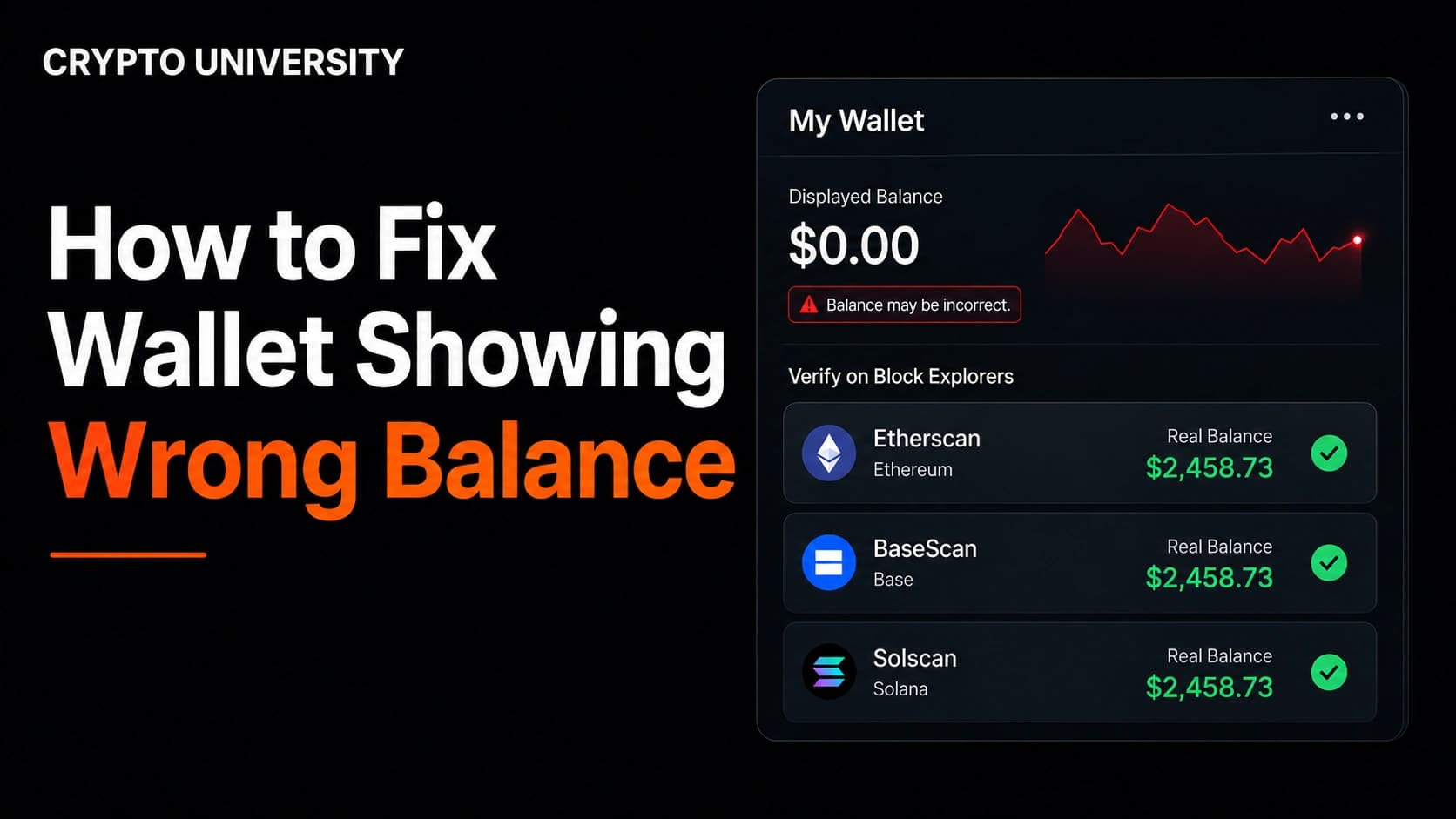
- Your token balance lives on the blockchain, not inside the app. If a block explorer shows the token at your address, nothing has been lost, and the problem is almost always a display setting on one device.
- The most common causes are a token that was never imported on the phone, the wrong network selected, a different account loaded on mobile, or a built in spam filter hiding the asset.
- No genuine fix for this problem ever requires your seed phrase. Anyone who asks for it while "helping" you is trying to steal from you.
Why one wallet can show two different balances
A self custody wallet does not store your coins. It stores your keys, works out which addresses belong to you, asks a node on the network what those addresses hold, and displays the answer.
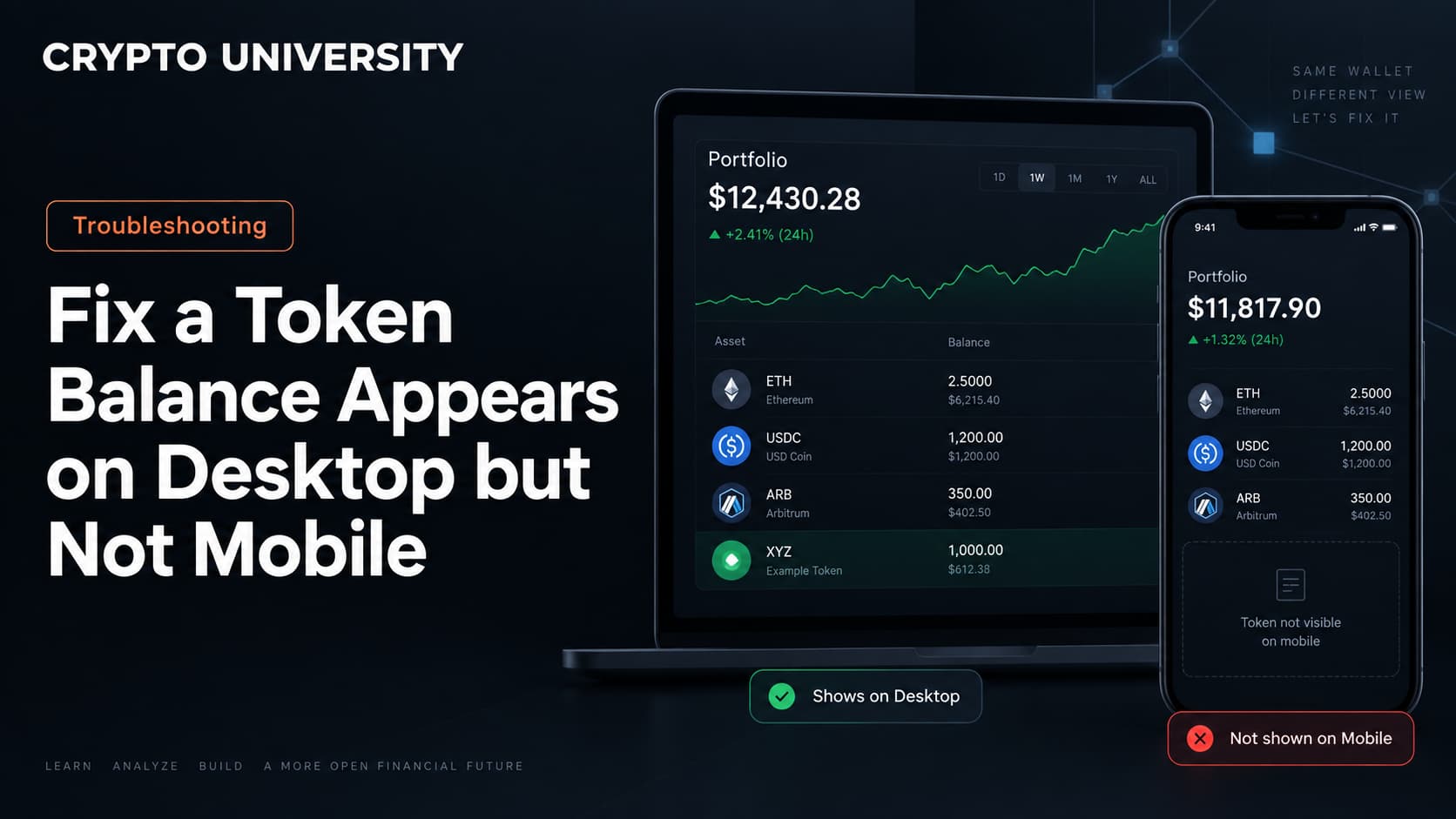
The desktop extension and the mobile app are therefore two separate programs reading the same blockchain. They share your keys, but not their settings. Each install keeps its own list of tokens to display, its own enabled networks, and its own node connection.
So when a balance appears in one place and not the other, the money has not moved. One of the two viewers has been told to look somewhere else, or has not been told to look at that token at all.
| What it is | Where it lives | Can it differ between devices? |
|---|---|---|
| Your token balance | On the blockchain | No |
| Your address | Derived from your keys | Yes, if the wrong account or path is loaded |
| Imported token list | Inside each app install | Yes |
| Enabled networks | Inside each app install | Yes |
| RPC node used | Inside each app install | Yes |
| Spam and scam filters | Inside each app install | Yes |
Step 1: Prove the balance exists on chain
Do this before changing any setting. It tells you whether you have a display problem or a real one.
- Open the wallet on your phone, not the desktop. Copy the receiving address the phone is showing.
- Open the block explorer for the network the token is on.
- Paste the address into the explorer search bar.
- Look at the token holdings section for that address.
Using the address from the phone matters. If the phone is loading a different account than the desktop, this single step exposes it immediately.
| Network | Block explorer |
|---|---|
| Ethereum | Etherscan |
| Arbitrum | Arbiscan |
| Base | Basescan |
| BNB Smart Chain | BscScan |
| Polygon | Polygonscan |
| Solana | Solscan or Solana Explorer |
| Bitcoin | Mempool.space or Blockstream.info |
If the explorer shows the token, the asset is safe and the rest of this guide applies. If the explorer shows nothing at that address, skip to the section on transfers that never arrived.
Step 2: Work through the common causes
These are ordered roughly by how often they turn out to be the answer.
| Cause | What you see | How to check | Fix |
|---|---|---|---|
| Token never imported on mobile | Native coin shows, token does not | Explorer confirms the token at your address | Import the token manually using its contract address |
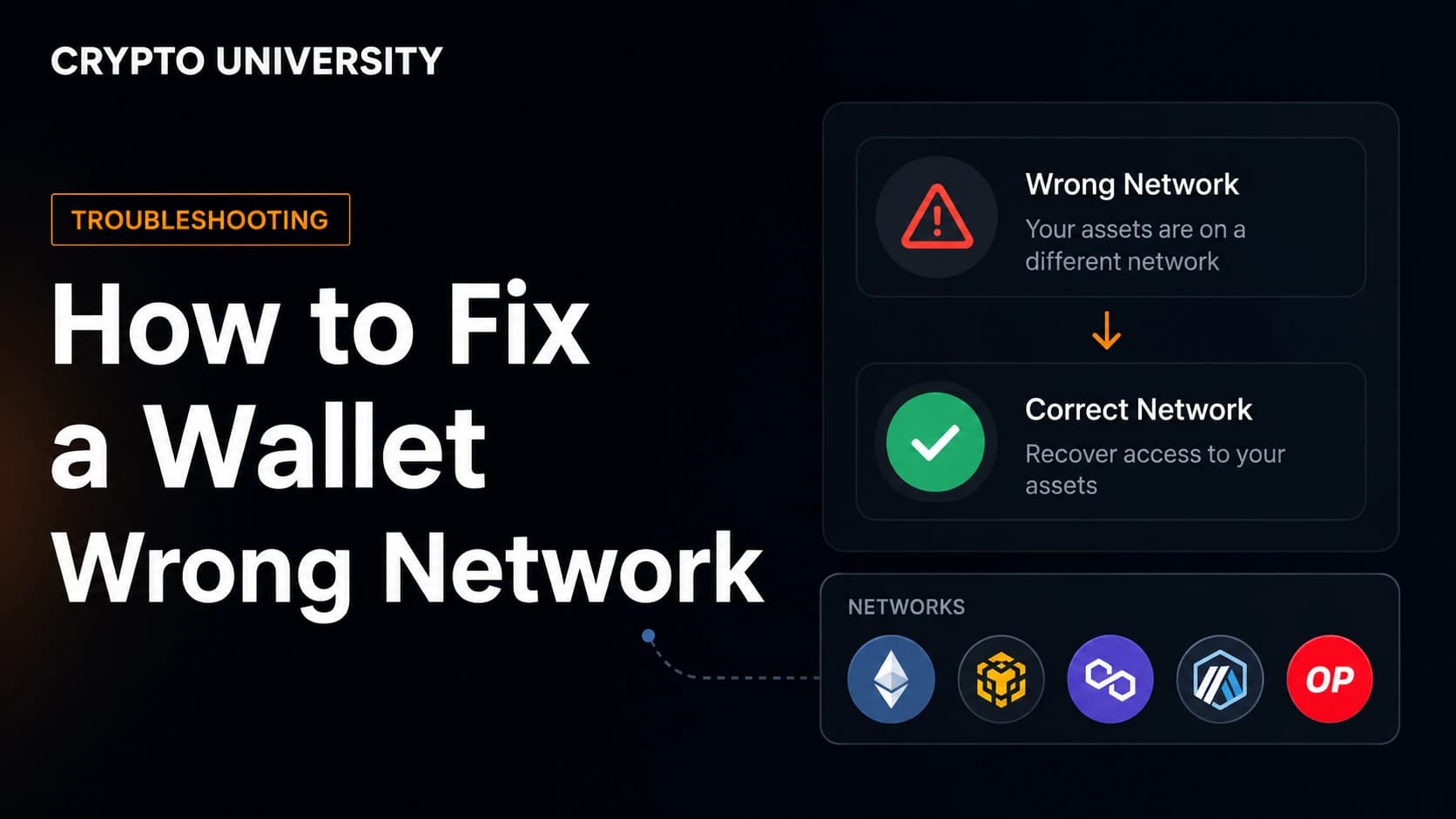
| Wrong network selected | Balance is zero on the phone | The network name at the top of the app | Switch to the network the token was sent on |
| Network not added on mobile | The network is not even in the list | Compare network lists on both devices | Add the network on mobile, then re-import the token |
| Different account selected | Wrong address, wrong history | Compare the full address on both devices | Switch accounts, or add the missing account |
| Account only exists on desktop | Address is nowhere in the mobile app | The account was added by private key, JSON file, or hardware wallet | Add that account to mobile separately. Syncing features usually do not cover these |
| Different derivation path | Same seed phrase, different address | Compare addresses character by character | Use the wallet's advanced settings to select the matching path |
| Spam or unknown token filter | Token is hidden, not missing | Open the hidden or unlisted token menu | Unhide it, and stay cautious about what it actually is |
| Stale data or a failing RPC node | Balances load slowly or not at all | Other tokens also look wrong | Switch network away and back, change RPC endpoint, restart the app |
| Old app version | Newer networks or token types unsupported | App store version number | Update the app |
Step 3: Import the token manually on mobile
Most missing token cases end here. Wallets only auto detect tokens they already know about, so newer or smaller tokens need to be added by hand.
You need the token's contract address. Get it from the block explorer entry for your own wallet, or from a reputable data site such as CoinGecko or CoinMarketCap. Never take a contract address from a direct message, a group chat, or a reply on social media, because fake contracts with the same name and logo are common.
| Wallet | Where to add a token on mobile |
|---|---|
| MetaMask | Tokens tab, then the import or plus option, then the Custom token tab, then paste the contract address |
| Trust Wallet | Manage or plus icon on the main screen, search the token or add it by contract address, then toggle it on |
| Phantom | Tokens list, open the menu in the top right, then Manage Tokens to unhide a filtered asset |
| Coinbase Wallet | Asset list, then the option to add a custom asset by contract address |
Two details cause most failed imports. First, the token symbol and decimals must match the contract, and reputable wallets fill these in for you once the address is valid. Second, the same project can deploy on several networks with different contract addresses, so you must be on the correct network before pasting anything.
Step 4: Check the address, not just the app
If the token still refuses to appear, compare the full receiving address on both devices. Do not compare only the first four characters, because fake or unrelated addresses can share a prefix. Check the first six and the last six.
If the addresses do not match, the phone is looking at a different wallet. Two things usually explain that.
A different account index. One seed phrase produces an unlimited number of accounts. If your balance sits on account three and the phone only created account one, the phone will look empty. Add accounts on mobile until the matching address appears.
A different derivation path. A derivation path is the route a wallet takes through your seed to produce keys. Standards such as BIP-44, BIP-49, BIP-84, and BIP-86 use different paths, and Ledger has historically used a legacy path in some setups. The same seed phrase with a different path gives you a completely different set of addresses, and therefore a balance of zero. This is one of the most common reasons a correctly restored wallet appears empty. Most wallets let you choose the path during import or in advanced settings.
When the wallet hides a token deliberately
Wallets increasingly filter assets they consider spam, misleading, or unsafe. Phantom, for example, automatically hides tokens flagged by its detection systems, and they can be restored from the hidden list. Some tokens are filtered so strictly that they are not shown at all, even though they remain in the wallet on chain.
Filtering rules are not published, because publishing them would help scammers work around them. And unhiding a token only changes what you can see. It is not a safety rating. If a token appeared in your wallet without you buying it, leaving it alone is usually the correct move.
Safety rules while you troubleshoot
Search results for wallet problems attract scams, because people looking for them are stressed and in a hurry.
- No self custody wallet has a phone hotline for this. Pages and PDFs that push a support number are almost always fraudulent, even when they appear on well known domains.
- Never type your seed phrase into anything except the official app. No display bug is fixed by entering it.
- Never approve a transaction to "unlock", "validate", or "sync" a balance. Balances do not require approvals.
- Do not connect to a random "wallet recovery" site. These typically request token approvals that drain the wallet.
- Download wallet apps from official links only, since fake wallet apps appear in app stores regularly.
If the explorer shows nothing at your address
Then it is not a display issue, and the questions change.
| Situation | What to do |
|---|---|
| Transaction still pending | Wait for confirmations and check the transaction hash on the explorer |
| Sent on the wrong network | The asset may be recoverable by importing the same seed into a wallet supporting that network |
| Sent to the wrong address | Blockchain transfers are final and cannot be reversed |
| Withdrawal from an exchange | Check the exchange withdrawal history for a transaction hash. No hash means it never left |
| Amount is smaller than expected | The token may apply a transfer fee, or it may be a rebase token whose supply adjusts |
FAQ
Why does my token show on my desktop wallet but not on my phone? Almost always because the token was imported on the desktop install only. Each device keeps its own token list, so the token has to be imported again on mobile using its contract address.
Does importing a token on mobile move my funds? No. Importing a token only tells the app to display an asset it already sees on chain. It creates no transaction and costs no gas.
Can my desktop and mobile wallet balances actually be different? Not on chain. The balance attached to an address is the same no matter what reads it. Any difference you see is a difference in what the two apps are configured to display.
Why is my address different after restoring the same seed phrase? Usually a different derivation path or a different account index. The seed is fine, but the wallet is deriving a different set of keys, which produces different addresses and an empty balance.
Should I contact support by phone if nothing works? No. Use the official in app help or documentation. Phone numbers advertised for crypto wallet support are a common scam pattern.
Related terms
- Block explorer. A public website that lets anyone read blockchain data such as balances and transactions.
- Contract address. The unique on chain address that identifies a specific token.
- Derivation path. The route a wallet follows through your seed to generate keys and addresses.
- RPC endpoint. The node connection an app uses to read blockchain data and send transactions.
- Token detection. A wallet feature that automatically finds and displays known tokens held by an address.
Sources
- MetaMask Help Center, "Why is my balance incorrect or missing a token?", support.metamask.io
- MetaMask Help Center, "How to display tokens in MetaMask", support.metamask.io
- MetaMask Help Center, "How to back up and sync your wallet", support.metamask.io
- Phantom Help Center, "A token is missing in my Phantom wallet" and "Manage hidden tokens in Phantom", help.phantom.com
- Trust Wallet Support, "Why your crypto isn't showing in your wallet", support.trustwallet.com
- Learn Me A Bitcoin, "Derivation Paths", learnmeabitcoin.com
Further reading
- Bitcoin derivation paths explained (Unchained). A clear breakdown of BIP-44, BIP-49, BIP-84, and BIP-86, and why the same seed can produce different addresses.
- How to check wallet activity on a block explorer (MetaMask Help Center). A practical walkthrough of reading your own transaction history.
- Verified and unverified tokens (Phantom Help Center). Useful background on how wallets classify tokens and what a warning label actually means.
Disclaimer: This article is educational and does not constitute financial, legal, or security advice. Wallet menus and settings change between versions, so confirm exact steps in your wallet's official help documentation.
Not sure which problem you have?
Use the Fixing Crypto Mistakes hub to identify the transaction, wallet, network, or exchange issue before taking another action.
OPEN TROUBLESHOOTING HUB