Key Takeaways
- A token approval is a standing permission, not a one-off payment. It lets another address move a specific token out of your wallet, and it stays active until you cancel it.
- Blockchain records never name the website you visited. To judge whether a phishing site created an approval, you combine three things: the spender address, the timestamp, and your own activity records.
- The most damaging approvals often leave no transaction history. Off-chain signatures such as Permit and Permit2 are signed for free and appear on chain only when the attacker decides to use them.
What a Wallet Approval Actually Does
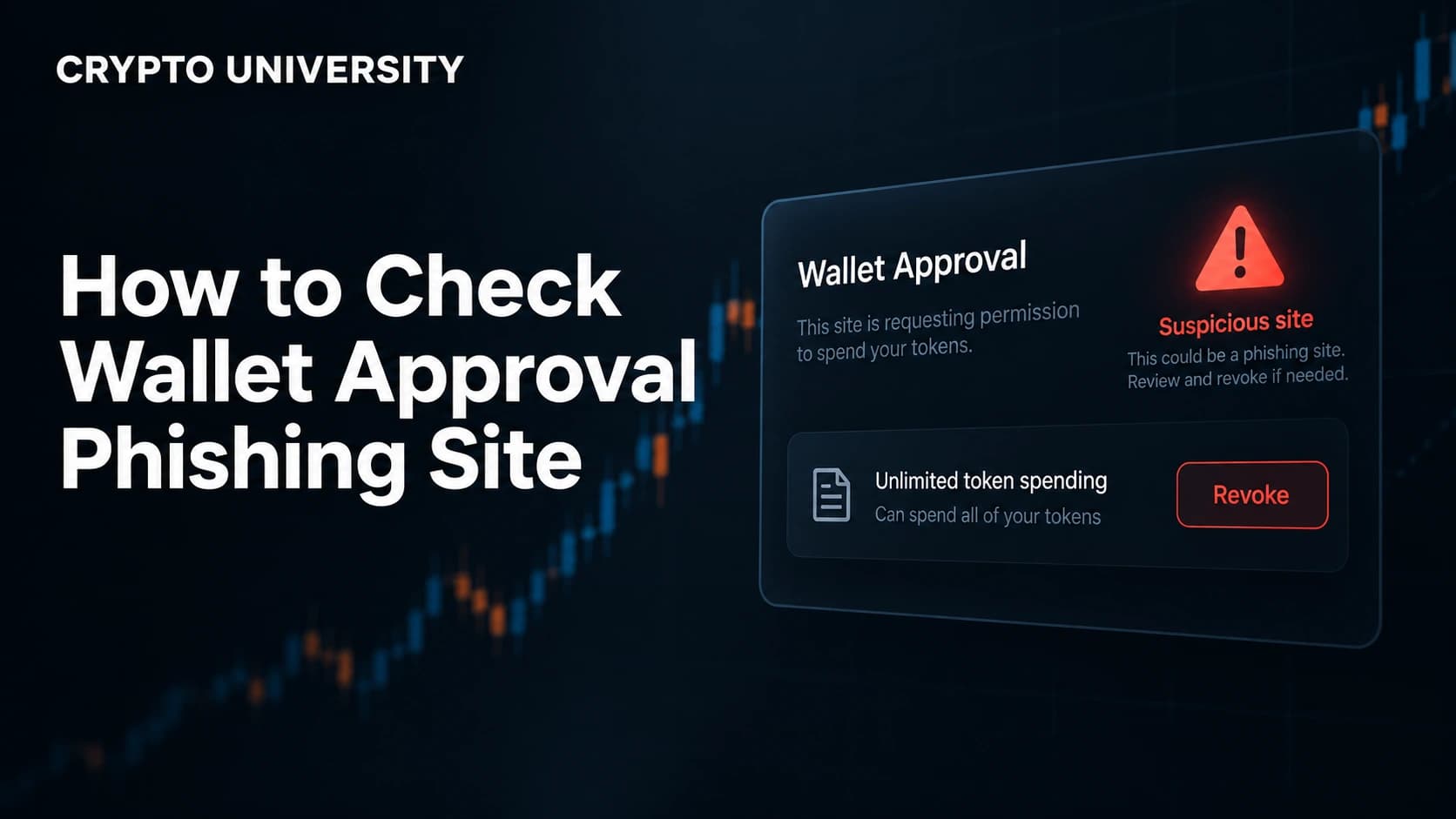
When you use a decentralised application, your wallet does not hand tokens directly to the app. You grant the app's smart contract permission to move a token on your behalf. That permission is called an approval, or an allowance.
Approvals are normal. Every swap on a decentralised exchange depends on one. The problem is that they do not expire, so a permission you granted two years ago to a project you no longer use is still live, and whoever controls that contract can still act on it.
Attackers exploit this by getting you to sign an approval you did not intend to give. Nothing is hacked in a technical sense. Your keys never leave your device and the token contract does exactly what the standard says. The permission itself is the attack.
The scale is significant. Chainalysis reported roughly 14 billion US dollars in on-chain scam losses during 2025, up from about 12 billion the year before, and CertiK recorded approximately 370 million dollars lost to phishing and social engineering in January 2026 alone. Both are widely reported estimates rather than audited totals.
Two Ways an Approval Can Be Created
Before you investigate, you need to know which of the two mechanisms you are dealing with. They leave very different evidence.
| Feature | On-chain approval transaction | Off-chain signature (Permit / Permit2) |
|---|---|---|
| What you did | Confirmed a transaction | Signed a message |
| Gas fee paid | Yes | No |
| Appears in your transaction history | Yes, immediately | No |
| Visible in an approval checker | Immediately | Only once someone submits it on chain |
| Typical wallet prompt | "Give permission to access your tokens" | "Signature request" or "Sign this message" |
| Delay before theft | Usually minutes | Can be days or weeks |
This is the row that catches people out. A signature costs nothing and sends nothing, so there is no pending transaction, no balance change, and no history entry. SlowMist and Scam Sniffer have documented victims who signed a Permit2 message, saw nothing unusual, and were drained later. One widely reported October 2024 case involved a loss of roughly 1.39 million dollars from a single signature.
Step 1: List Every Approval Your Wallet Currently Holds
Start with a full inventory rather than hunting for one suspicious entry.
- Revoke.cash covers more than 100 networks. Enter your address to view approvals in read-only mode without connecting a wallet.
- Etherscan Token Approval Checker is built into the explorer under the More menu. Enter your address, choose the token type (ERC-20, ERC-721 or ERC-1155), and enable the "Show all approvals" toggle so nothing is hidden.
- Other EVM chains use the same pattern on their own explorers, such as BscScan or Polygonscan.
- Solana works differently and is covered further below.
Always type the tool's address yourself. Fake versions of revocation sites exist, and they are aimed at exactly the person who has just realised they may have a problem.
Step 2: Find the Transaction That Created It
Approval checkers show the date each permission was last updated and link to the transaction that set it. Open that transaction on the block explorer and read the decoded input data.
You are looking for a function call named approve(address spender, uint256 amount) for fungible tokens, or setApprovalForAll(address operator, bool approved) for NFT collections. The second one is broader, because it covers an entire collection rather than a single item.
The "Interacted With" field shows the token contract, not the application you used. No part of the transaction records the website, which is the single most important thing to understand here.
Step 3: Match the Timestamp Against Your Own Records
Because the chain does not store the site, you reconstruct it yourself. Take the exact timestamp and check:
- Your browser history for that minute
- Your wallet's connected sites or trusted apps list
- Any link you clicked from social media, a direct message, or a search advertisement shortly before
If the approval was created while you thought you were claiming an airdrop, verifying a wallet, migrating tokens, or simply connecting to view a page, it was almost certainly not something you meant to grant.
Step 4: Investigate the Spender Address
Open the spender address on the block explorer and work through these checks.
| Check | Normal | Warning sign |
|---|---|---|
| Address type | Smart contract | An externally owned account (a normal wallet) |
| Source code | Verified, green tick | Unverified, contents unknown |
| Public name tag | Named protocol or router | No tag at all |
| Age | Months or years old | Deployed days before your approval |
| Explorer labels | None | Tagged as phishing, fake, or hack-related |
| Activity pattern | Many two-way interactions | Pulls tokens from many wallets into a few addresses |
An approval granted to a plain wallet address rather than a contract is the clearest signal on this list. Legitimate protocols operate through contracts.
Two cautions. A verified contract is not automatically a safe one, because verification only confirms that the published source matches the deployed bytecode and says nothing about intent. Third-party risk labels from GoPlus or Token Sniffer are useful signals rather than verdicts. Browser tools such as BlockSec MetaSuites add a diagnosis layer over Etherscan's approval page that flags known phishing spenders.
Step 5: Read the Amount, Then Judge It in Context
Many drainer approvals request an unlimited allowance, the maximum the token standard permits. On its own this proves nothing, because major decentralised exchanges use unlimited approvals routinely so users are not re-approving on every trade.
The combination is what matters: an unlimited allowance, granted to an unnamed and recently deployed contract, at a moment you cannot account for.
Step 6: Check for Permissions You Cannot See in Your History
If your history looks clean but you remember signing something odd, check the Permit2 layer directly. Revoke.cash surfaces both standard allowances and Permit2 permissions, and Scam Sniffer runs a dedicated Permit2 page.
The Permit2 contract exposes two useful functions: lockdown cancels existing allowances in a batch, and invalidateNonces kills signatures that were signed but never submitted. Let a tool call these for you rather than using the contract by hand.
What to Do If the Evidence Points to Phishing
- Revoke the approval immediately. This is an on-chain transaction and costs a network fee.
- Invalidate outstanding Permit2 nonces so any unsubmitted signature becomes worthless.
- Check every other chain you have used with the same address. Drainer kits target multiple networks.
- Move remaining assets to a fresh wallet created on a clean device if you suspect broader compromise.
- Report the site to Scam Sniffer, Chainabuse, or your wallet provider so others get a warning.
- Ignore anyone offering recovery services. Follow-up scams targeting recent victims are common.
What Revoking Does and Does Not Do
Revoking stops future use of a permission. It does not reverse anything already taken, and it cannot recover stolen funds.
It is still worth doing after a loss. Scam Sniffer documented a January 2024 case in which a victim lost around 4 million dollars in deposited assets, left the approval in place, and was drained a second time when the balance was topped back up. An unrevoked approval remains a live permission indefinitely.
A Note on Solana
Solana uses a different model. Each SPL token account holds one delegate and one delegated amount, and the Token Program's Revoke instruction clears it. Fees are a fraction of a cent, so regular cleanup is cheap. Watch also for SetAuthority, which hands over ownership of a token account outright rather than granting a spending limit. That is more severe than a normal approval.
Frequently Asked Questions
Can I prove which website created an approval? Not from chain data alone. The blockchain records the token contract, the spender, the amount, and the time. Identifying the site requires correlating that timestamp with your browser history, wallet connection log, and memory of what you clicked.
I signed something on a suspicious site but nothing was taken. Am I safe? Not necessarily. If you signed an off-chain permit, the attacker holds a valid signature they can submit whenever they choose. Check your Permit2 permissions and invalidate outstanding nonces rather than assuming the delay means you were spared.
Does a hardware wallet protect me from this? It protects your private key, which is a different problem. If you connect a hardware wallet to a phishing site and physically confirm the prompt, the device signs a valid approval. Always read the spender address and amount on the device screen itself.
Is an unlimited approval always a scam? No. Established exchanges and lending protocols use them for convenience. Treat unlimited as a factor that raises the stakes, and judge it alongside the spender's identity and reputation.
How often should I audit my approvals? A monthly review is a reasonable habit, plus an immediate check after any transaction or signature you are unsure about. On low-fee networks the cost of cleaning up is negligible.
Related Terms
- Allowance: the amount a spender address is permitted to move from your wallet for a given token.
- Spender: the address that receives permission to move your tokens.
- Externally owned account (EOA): an address controlled by a private key rather than by contract code.
- Wallet drainer: a ready-made toolkit sold to scammers that automates approval phishing and asset extraction.
- Nonce: a counter used to make each signature valid only once, which is why invalidating nonces cancels unsubmitted permits.
Sources
- Revoke.cash, "How to Revoke Token Approvals and Permissions" (https://revoke.cash/learn/approvals/how-to-revoke-token-approvals)
- Etherscan Information Center, "Token Approvals" (https://info.etherscan.com/tokenapprovals/)
- Etherscan Information Center, "How to Safely Interact with Smart Contracts on the Explorer" (https://info.etherscan.com/how-to-safely-interact-with-smart-contracts-on-the-explorer)
- MetaMask Help Center, "Signature phishing" (https://support.metamask.io/stay-safe/protect-yourself/wallet-and-hardware/signature-phishing/)
- SlowMist, "Examining Permit Signatures: Is Phishing of Tokens Possible via Off-Chain Signatures?" (https://slowmist.medium.com/examining-permit-signatures-is-phishing-of-tokens-possible-via-off-chain-signatures-bfb5723a5e9)
- Scam Sniffer, "Uniswap Permit2 Authorization Management" (https://app.scamsniffer.io/permit2)
- Decrypt, "Pepe Holder Loses $1.4 Million in Uniswap Permit2 Phishing Attack" (https://decrypt.co/286076/pepe-uniswap-permit2-phishing-attack)
- BlockSec MetaSuites documentation, "Approval Diagnosis" (https://docs.blocksec.com/metasuites/user-security-features/approval-diagnosis)
Loss figures attributed to Chainalysis, CertiK, and Scam Sniffer are widely reported industry estimates and should be treated as approximate.
Further Reading
- Revoke.cash Learn: Token Approvals (https://revoke.cash/learn/approvals/what-are-token-approvals) for a deeper explanation of how allowances are stored and updated.
- MetaMask Help Center: Signature Phishing (https://support.metamask.io/stay-safe/protect-yourself/wallet-and-hardware/signature-phishing/) for the mechanics of off-chain message scams.
- Etherscan Information Center: How to Safely Interact with Smart Contracts (https://info.etherscan.com/how-to-safely-interact-with-smart-contracts-on-the-explorer) for reading contract pages and risk labels before you sign.
Disclaimer:This article is educational and does not constitute financial, legal, or security advice. Always verify tool URLs independently before connecting a wallet.
Not sure which problem you have?
Use the Fixing Crypto Mistakes hub to identify the transaction, wallet, network, or exchange issue before taking another action.
OPEN TROUBLESHOOTING HUB