Key Takeaways
- A token symbol tells you almost nothing about its network. The pair that actually identifies a token is the contract address plus the blockchain it was deployed on.
- A block explorer is the fastest reliable check. Search the contract address on the explorer for the network you think it is on. If the token page loads with a matching name, symbol and supply, you have your answer.
- Choosing the wrong network is one of the most common ways people lose funds. Recovery is sometimes possible through an exchange support process, often for a fee, but it is never guaranteed.
Why the Network Matters
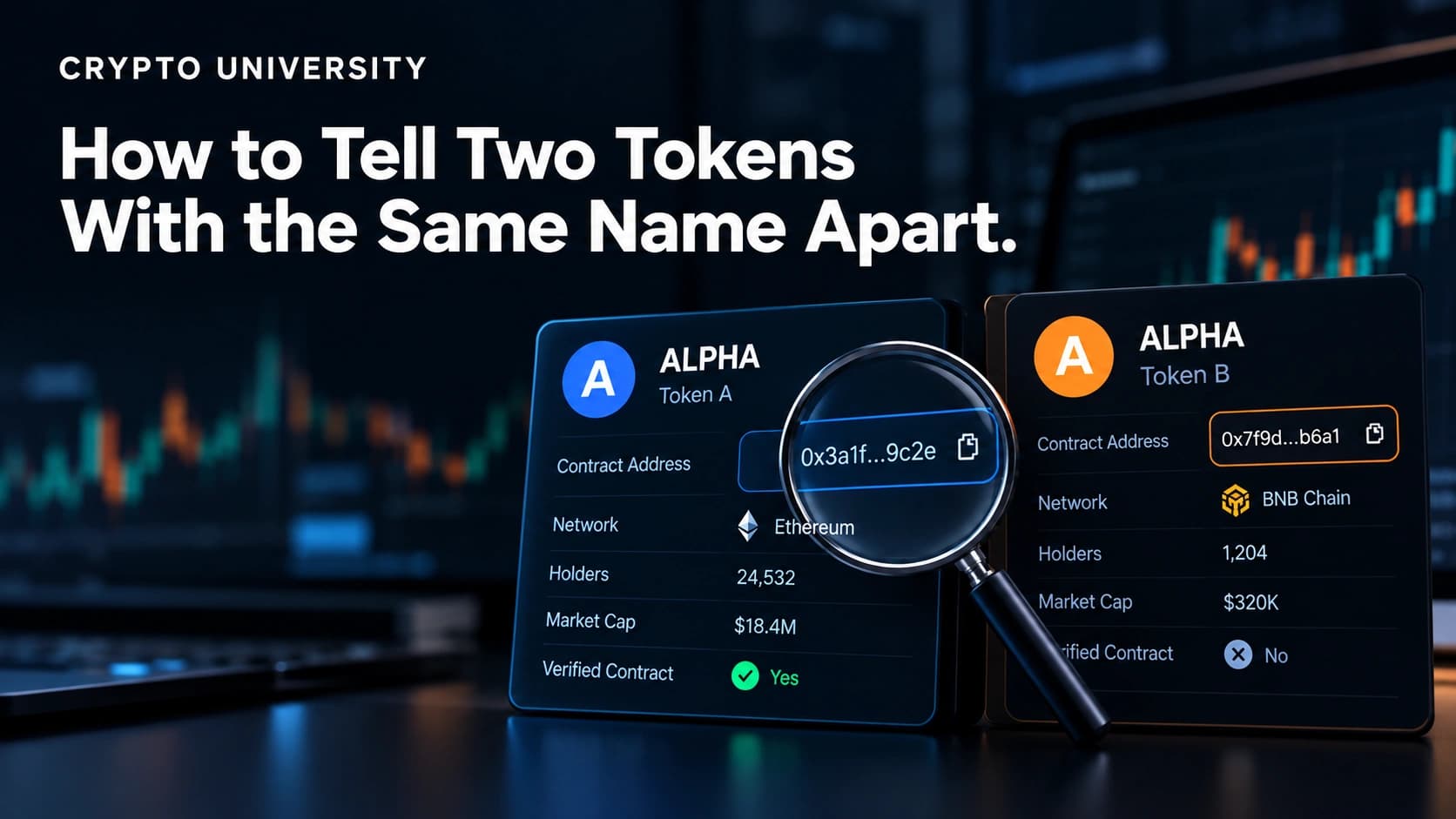
The same token name can exist on many blockchains at once. Tether (USDT) is issued on well over a dozen networks, and USDC is natively issued on more than thirty. A meme token might exist on Solana, BNB Smart Chain and Base under identical branding, with three different contracts behind it.
That creates three practical problems:
- Transfers fail or get lost. If you withdraw a token on Ethereum to an address that only exists on Tron, the funds do not arrive.
- Wallets show nothing. A token can be sitting in your wallet and stay invisible because your wallet is pointed at the wrong network.
- Scams copy real tokens. Anyone can deploy a contract called "USDC" on any chain. Only the network plus address combination proves which one is real.
Learning to check the network takes about a minute and prevents most of these problems.
First, Understand What You Are Checking
Three ideas are easy to mix up.
| Term | What it means | Example |
|---|---|---|
| Blockchain (network) | The ledger that records the token's balances | Ethereum, Solana, Tron |
| Token standard | The technical rulebook the token follows on that chain | ERC-20, BEP-20, TRC-20, SPL |
| Contract address | The unique on-chain location of that specific token | A long string starting with 0x on Ethereum |
A token standard is a strong hint about the network but not proof. ERC-20 is Ethereum's standard, yet almost every EVM-compatible chain uses the same design, so "ERC-20" is often used loosely to describe tokens on Polygon, Arbitrum or Base as well.
Method 1: Search the Contract Address on a Block Explorer
This is the most direct method and the one to trust above the others.
Steps:
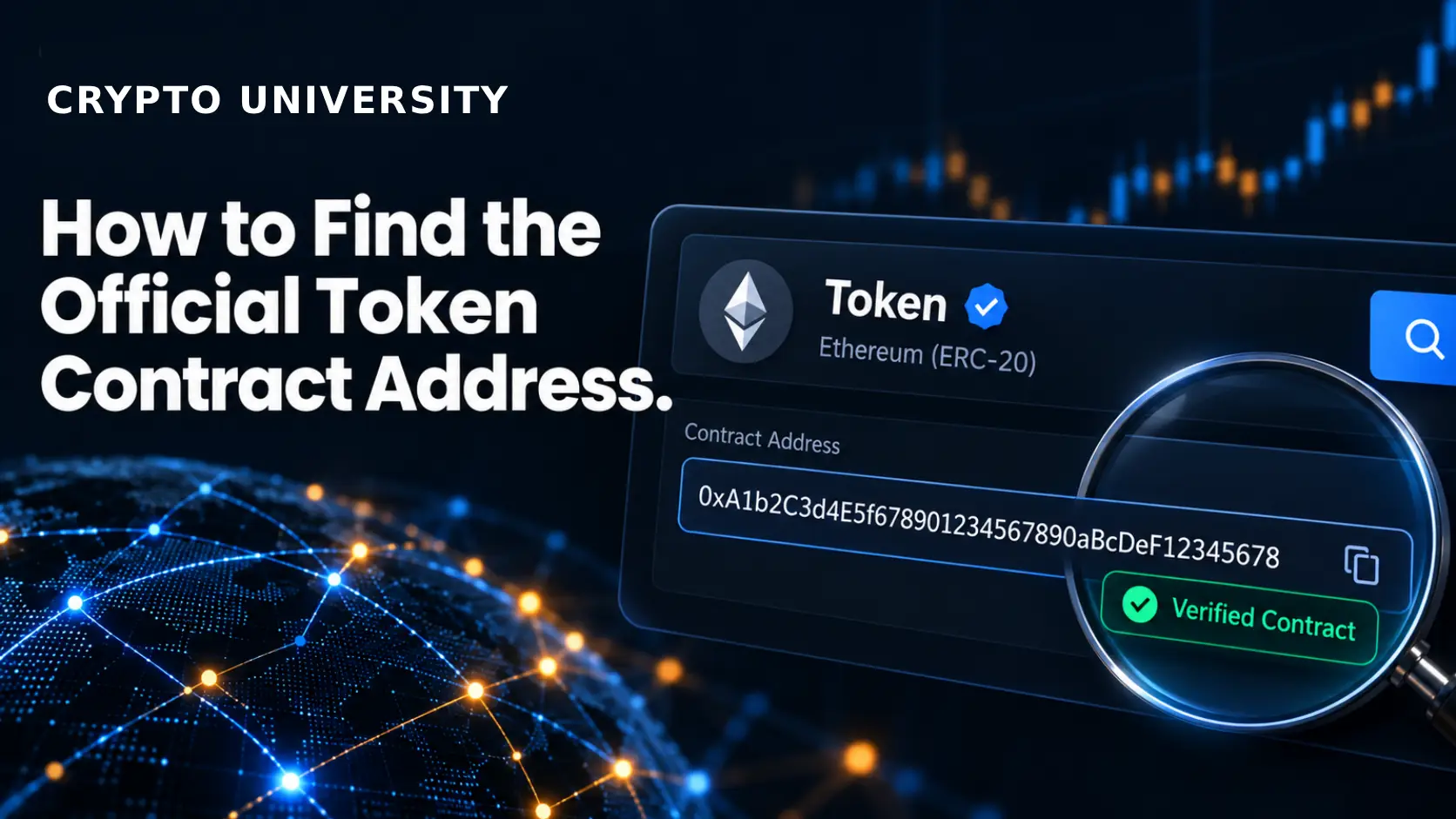
- Copy the token's contract address from an official source, such as the project's documentation, the issuer's website or the token page on a major data site.
- Open the block explorer for the network you believe it belongs to.
- Paste the address into the search bar.
- Read the result.
If the explorer returns a token page showing the expected name, symbol, decimals, holder count and transfer history, the token exists on that chain. If the explorer shows "address not found" or an empty account with no activity, it is not that chain.
| Network | Common explorer | Typical token standard |
|---|---|---|
| Ethereum | etherscan.io | ERC-20 |
| BNB Smart Chain | bscscan.com | BEP-20 |
| Polygon | polygonscan.com | ERC-20 style |
| Arbitrum | arbiscan.io | ERC-20 style |
| Base | basescan.org | ERC-20 style |
| Tron | tronscan.org | TRC-20 |
| Solana | solscan.io, explorer.solana.com | SPL, Token-2022 |
| Bitcoin | mempool.space | Native BTC and separate token layers |
Etherscan and its family of sites now run on a unified system that covers more than sixty EVM-compatible chains, so many of these explorers look and behave the same way. Blockscout is a widely used open-source alternative that many newer chains ship by default.
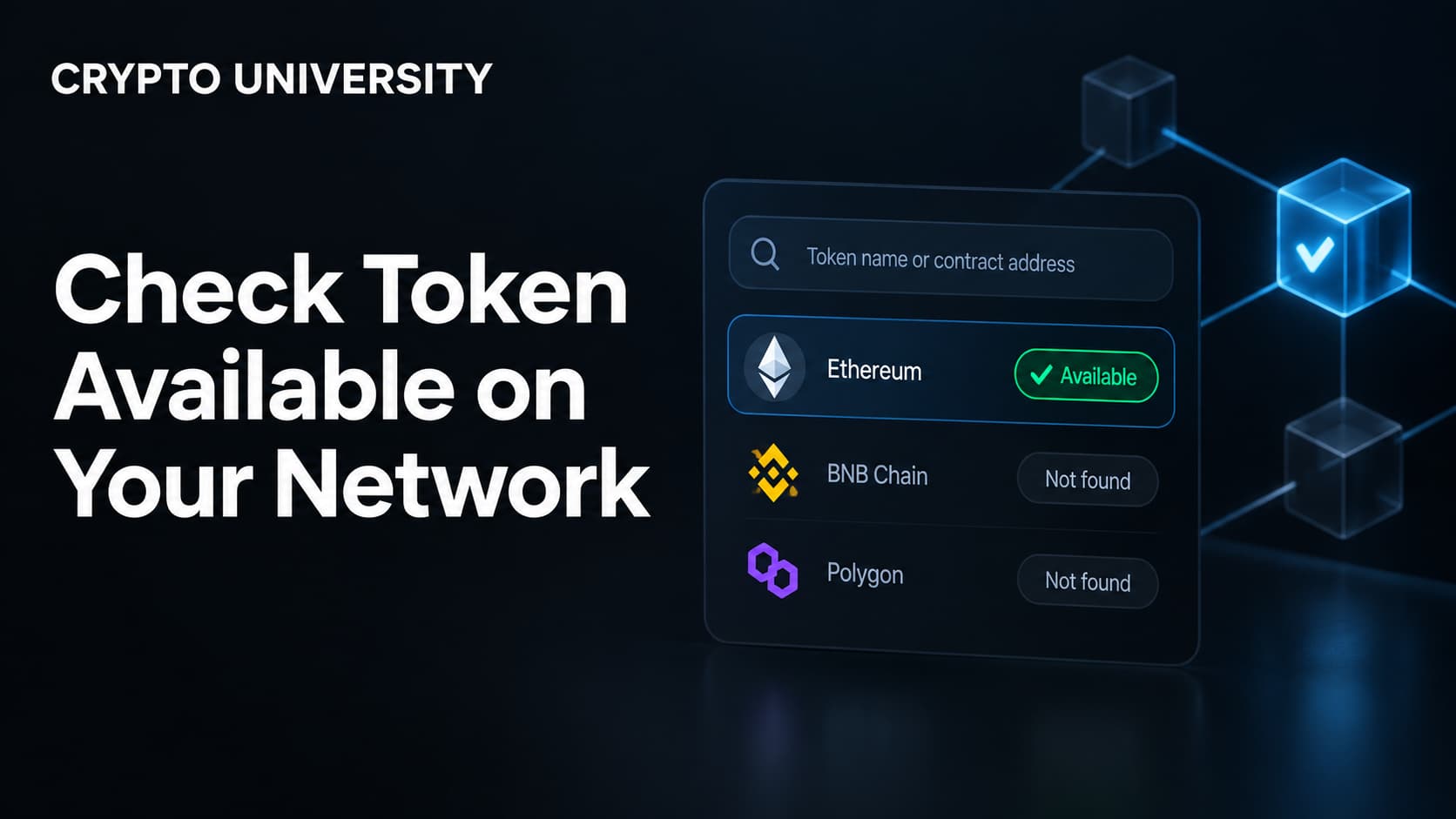
A useful trick: if you are not sure which EVM chain a 0x address belongs to, paste it into two or three explorers in a row. Only the correct chain will show real token data.
Method 2: Read the Address Format
Address shape narrows the search quickly, though it rarely gives a final answer.
| Address pattern | Likely ecosystem | What it proves |
|---|---|---|
0x followed by 40 hex characters | Ethereum, BNB Chain, Polygon, Arbitrum, Base, Avalanche C-Chain, Optimism | EVM family only, not which EVM chain |
32 to 44 characters, no 0x, mixed case | Solana | Solana |
Starts with T, 34 characters | Tron | Tron |
Starts with bc1, 1 or 3 | Bitcoin | Bitcoin |
Format like 0.0.123456 | Hedera | Hedera |
The important limitation: a single 0x address can exist on every EVM chain at once, and deployers sometimes use techniques that produce the same contract address across networks on purpose. Address format tells you the family. Only an explorer tells you the chain.
A draft standard called ERC-3770 proposes prefixing addresses with a readable chain name, such as oeth:0x.... A broader cross-ecosystem format, CAIP-2, does the same job with identifiers like eip155:1. Neither is universal yet, but both appear in developer tools and some wallets.
Method 3: Use a Data Aggregator
Sites such as CoinGecko and CoinMarketCap list contract addresses for every chain a token has been deployed on. A typical token page shows one network by default, with an expand option that reveals the rest.
This is a fast way to see the full multi-chain picture. Treat it as a starting point, not a final authority: listings can lag behind new deployments, and some metadata is pulled automatically without human review. Confirm the address on an explorer before you use it.
Method 4: Check Your Wallet
Self-custody wallets are organised by network. If a token is missing:
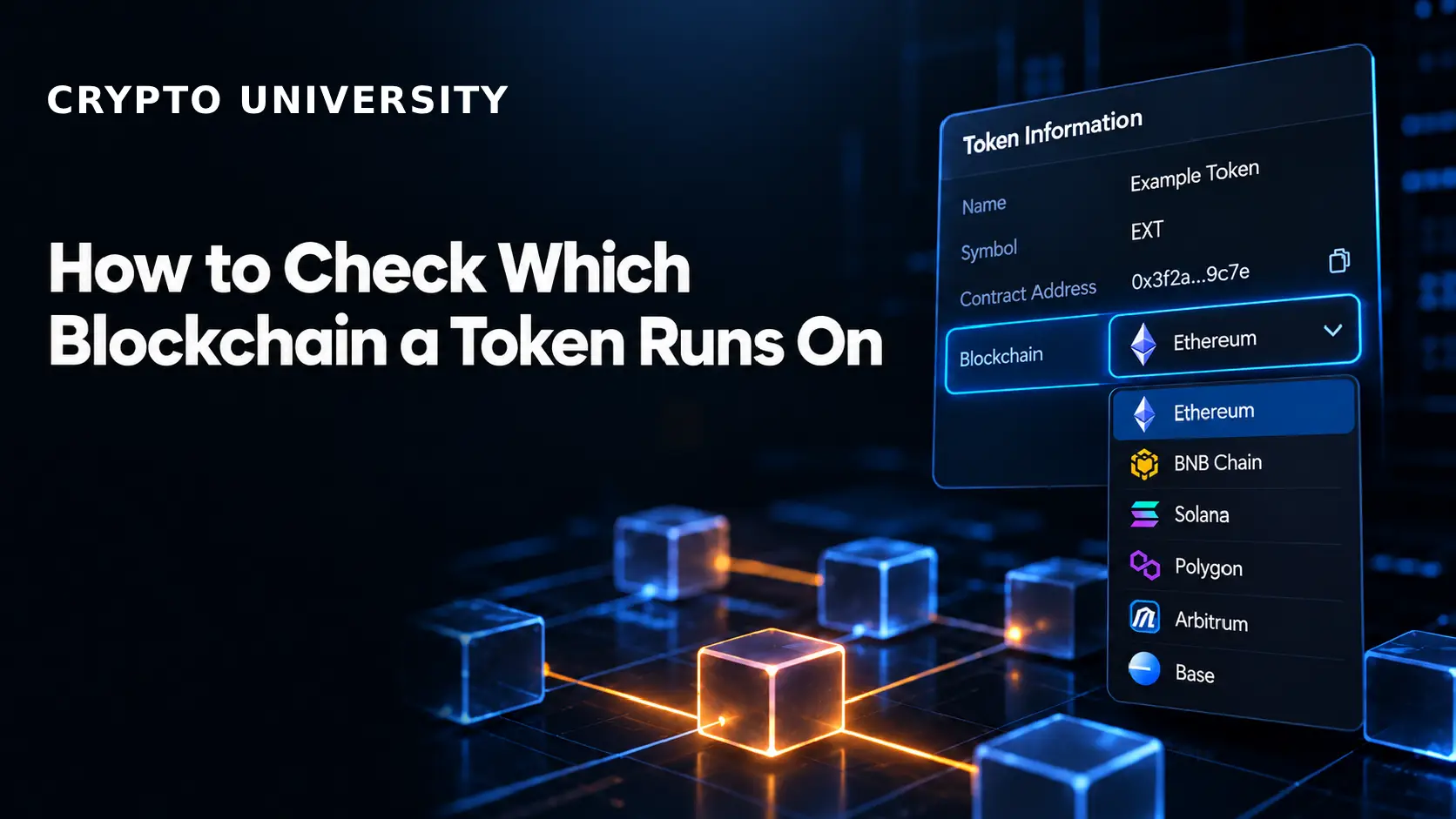
- Open the network selector in your wallet.
- Switch through the networks you have used.
- If the balance appears under one of them, that is the token's chain.
If it still does not show, add the token manually using its contract address while connected to the suspected network. A wallet will only accept a contract address that actually exists on the network you are currently connected to, which makes this a practical test in itself.
Method 5: Check the Exchange Deposit Screen
When you withdraw from a centralised exchange, the platform asks you to pick a network. That dropdown is a list of chains the exchange supports for that specific token. It is a fast reference for where a token lives, and it is also where most mistakes happen.
The rule is simple: the withdrawal network must match the network of the receiving address. If you are sending to another exchange, use the network shown on that exchange's deposit page, not the one you assume is correct.
Native, Bridged and Wrapped Versions
A token with one name can exist in several forms. Knowing which one you hold matters for liquidity, redemption and risk.
| Type | What it is | Example |
|---|---|---|
| Native | Issued directly by the issuer on that chain | USDC issued by Circle on Solana |
| Bridged | Locked on one chain, and a representative token minted on another | USDC.e on some networks |
| Wrapped | A token representing another asset in a compatible format | WBTC on Ethereum, WETH |
Bridged and wrapped tokens depend on the bridge or custodian behind them, which adds a layer of risk that native issuance does not have. Circle publishes an official list of chains where USDC is natively issued, and Tether publishes a transparency page showing USDT supply by network. Issuer pages like these are the strongest source when a stablecoin is involved.
A Five-Point Verification Checklist
Before sending, adding or trading a token, confirm all five:
- Source: the contract address came from the project's official site, documentation or issuer page.
- Explorer match: the address resolves on the explorer for the intended network.
- Metadata match: name, symbol and decimals match what you expect.
- Activity check: the token has a plausible holder count and transfer history rather than a handful of transactions.
- Network match: the sending network matches the receiving address's network exactly.
Common Mistakes
- Trusting the ticker. Symbols are not unique and are not registered anywhere.
- Copying an address from social media or a search ad. Phishing sites frequently rank for token names.
- Assuming an EVM address works everywhere. It often exists on many chains but only holds your token on one.
- Ignoring the memo or tag field. Some networks, such as XRP Ledger and Cosmos-based chains, require it for exchange deposits.
- Skipping a small test transfer. For a large or unfamiliar transfer, a small test first is cheap insurance.
If You Already Sent on the Wrong Network
Outcomes depend on where the funds went.
- Self-custody wallet: if you control the private key, the tokens usually still exist. Import or connect the same key on a wallet that supports the destination network, add the token contract manually, and the balance may appear.
- Exchange address: several major exchanges run self-service recovery tools for deposits made on the wrong or unsupported network. Fees and eligibility vary widely, processing can take weeks, and some cases cannot be recovered at all.
- Contract address or burn address: funds sent to a token contract itself or to an address nobody controls are generally unrecoverable.
None of this is guaranteed. Verification before sending is far more reliable than recovery afterwards.
FAQ
Can two blockchains have the same token contract address?
Yes. On EVM chains an identical 0x address can exist on multiple networks, and deployers sometimes create matching addresses deliberately. The address alone does not identify the chain.
Is ERC-20 the same as ERC20 or Ethereum? ERC-20 is Ethereum's fungible token standard. Other EVM chains copied the same design, so exchanges and wallets sometimes label tokens on Polygon or Arbitrum as "ERC-20" too. Always check the explicit network name, not just the standard.
How do I find the official contract address for a token? Start with the project's own website or documentation, or the issuer's page for a stablecoin. Cross-check that address against a major explorer and a data aggregator. If three independent sources agree, confidence is high.
Why does my token not show up in my wallet? The most common causes are being connected to the wrong network, or the wallet not displaying the token by default. Switch networks first, then add the token manually with its contract address.
Does the blockchain a token runs on affect its price? The price of a token generally tracks the project, not the network. However, fees, transaction speed, available liquidity and the risk profile of bridged versus native versions do differ by chain, and thin liquidity on a smaller network can produce noticeably different execution.
Related Terms
- Contract address: the on-chain location of a specific token or smart contract.
- Chain ID: a numeric identifier that distinguishes EVM networks from each other.
- Block explorer: a website for searching on-chain transactions, addresses and contracts.
- Bridged token: a representation of an asset from another chain, backed by locked collateral.
- Token standard: the shared rulebook a token follows, such as ERC-20, BEP-20, TRC-20 or SPL.
Sources
- Circle, "USDC" and "Multichain USDC", circle.com
- Etherscan Documentation, "Introduction" and supported chains, docs.etherscan.io
- Ethereum Improvement Proposals, "ERC-3770: Chain-specific addresses", eips.ethereum.org
- MetaMask Support, "How to find a token contract address", support.metamask.io
- Tether transparency page, tether.to/en/transparency
- KuCoin Support, "How to Self-Recover Deposits on Unsupported Networks or Tokens"
Further Reading
- How to Protect Yourself From QR Code Crypto Scams
- How to Verify Telegram and Discord Announcements Before Clicking
This article is educational and factual. It is not financial advice and contains no price predictions. Figures cited from third party tools are point in time estimates that change continuously.
Not sure which problem you have?
Use the Fixing Crypto Mistakes hub to identify the transaction, wallet, network, or exchange issue before taking another action.
OPEN TROUBLESHOOTING HUB