Three Key Takeaways
- Gas pays for computation, not for success. Validators execute your transaction either way, so the network keeps the fee even when the outcome is a failure.
- A failed transaction usually does not move your funds. In most cases only the gas is spent. The tokens you were trying to send or swap stay in your wallet.
- There is no refund button. No wallet company, exchange, or support agent can return gas that has already been spent. Anyone claiming they can is almost certainly running a scam.
Why a Failed Transaction Still Costs You Money
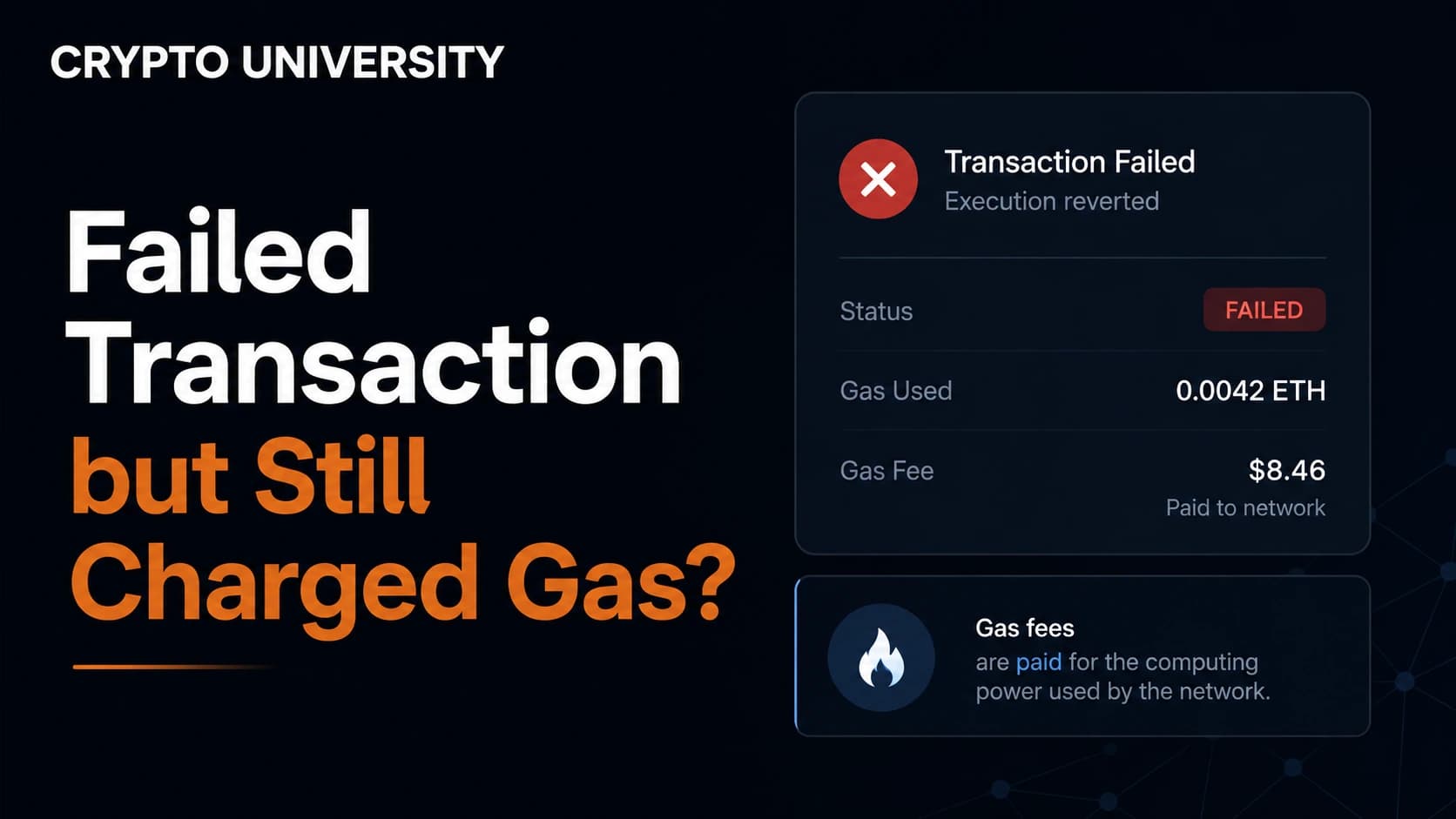
This is one of the most common frustrations for new crypto users. You click confirm, wait for the spinner, and the wallet reports a red "Failed" status. Your tokens never moved, but a fee is missing from your balance anyway.
The reason is simple once you understand what you are actually paying for. On networks like Ethereum, gas is the unit that measures computational work. When you submit a transaction, thousands of nodes receive it, validate it, and execute the instructions inside it. That work happens whether the final result is a success or an error.
MetaMask explains it directly: you are paying for the computation regardless of whether your transaction succeeds or fails, because validators must still verify and execute it. Etherscan describes the same outcome from the ledger side. When a transaction is marked as failed, the value you intended to send is not deducted and remains in your wallet, but the gas fee is still taken because a computational cost was incurred.
A useful comparison is calling out an electrician. If they drive to your house, open the panel, and discover the repair cannot be done, you still owe the call-out fee. The work was performed. The outcome was just not the one you wanted.
On Ethereum, the fee is split into two parts. The base fee is burned and removed from supply. The priority fee goes to the validator who included your transaction. Both parts apply to a failed transaction exactly as they do to a successful one.
Failed, Stuck, or Dropped: Three Different Problems
Before doing anything else, identify which of these you are actually dealing with. People often use the word "failed" for all three, but the fixes are completely different.
| Status | What it means | Was gas charged | Correct response |
|---|---|---|---|
| Failed or Reverted | The transaction was included in a block, but execution stopped with an error | Yes | Diagnose the cause, then retry with corrected settings |
| Pending or Stuck | Still waiting for inclusion | No on-chain execution fee unless it is later included | Use your wallet's official speed-up or cancel instructions, if supported |
| Dropped or Replaced | Removed from the mempool without ever being included | No | Simply submit the transaction again |
Only the first row costs you money. If your transaction is stuck or dropped, nothing has been charged yet.
Common Reasons Transactions Fail
Reading the error message is the difference between fixing the problem and paying the same fee twice. Here are the failures you are most likely to encounter.
| Error | What it means in plain English | Typical fix |
|---|---|---|
| Out of gas | The gas limit you set was lower than the work the transaction actually required | Resubmit with a higher gas limit, using your wallet's estimate as a floor |
| Reverted | The smart contract deliberately rejected the transaction because a condition was not met | Read the revert reason and fix the underlying condition |
| Slippage exceeded | The price moved between signing and execution, beyond the tolerance you allowed | Increase slippage tolerance slightly, or trade at a calmer moment |
| Deadline expired | The app's permitted execution window ended before the swap completed | Re-open the official app, review the quote and settings, then submit a fresh transaction |
| Insufficient allowance | You never approved the contract to spend that token, or approved too small an amount | Send the approval transaction first, then retry the swap |
| Insufficient funds for gas | You hold the token but not enough native coin to pay fees | Top up ETH, BNB, SOL, or whatever the network uses for gas |
| Nonce too low or nonce gap | A pending or previously confirmed transaction conflicts with the expected transaction order | Follow the wallet provider's official pending-transaction or nonce instructions; do not guess nonce values |
| Contract paused or restricted | The project has paused transfers, blacklisted an address, or added transfer taxes | Contact the project. This is not something you can fix from your side |
Etherscan also lists lower level errors such as "bad jump destination" and "bad instruction," which relate to the code of the contract itself rather than anything the user configured. These usually require contacting the contract creator.
Step by Step: What to Do Right After a Failure
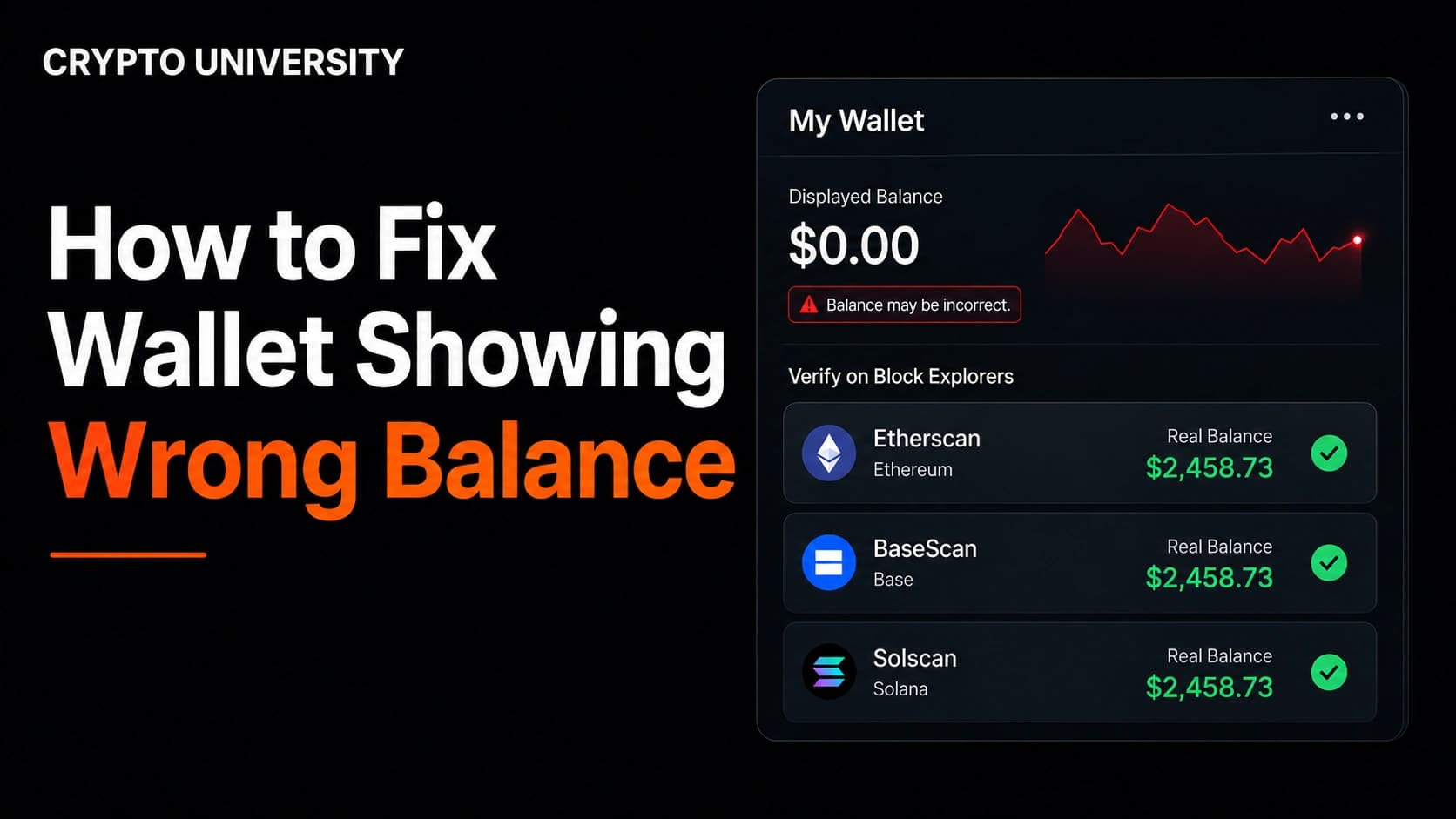
Step 1. Check your balance before panicking. In most failed transactions the intended transfer or contract state change is reverted. Confirm the result on a block explorer; if the wallet display disagrees, use our wallet balance troubleshooting guide.
Step 2. Open the transaction on a block explorer. Copy the transaction hash from your wallet history and paste it into Etherscan, BscScan, Arbiscan, Basescan, Solscan, or whichever explorer matches the network you used.
Step 3. Read the status line. The explorer will state that the transaction failed and will usually display a short reason, such as "execution reverted" followed by a message written by the contract developer.
Step 4. Look at the gas used percentage. This single number tells you a lot. If the transaction consumed close to one hundred percent of the gas limit, you almost certainly ran out of gas. If it consumed only a small fraction, the contract rejected the request early through a failed condition check.
Step 5. Match the error to the table above. Do not simply resubmit the identical transaction. Repeating an unchanged transaction usually produces an identical failure and a second fee.
Step 6. Fix the actual cause. Raise the gas limit for out-of-gas errors. Adjust slippage for price movement errors. Send the approval first for allowance errors. Top up native coin for funding errors.
Step 7. Save a record. Keep the transaction hash, the date, and the fee paid. Failed transaction fees may be relevant for your own bookkeeping, and having the hash makes it far easier to get help from a project's official support channel.
Can You Get the Gas Back? An Honest Answer
No. Once a transaction is included in a block, the fee has already been burned or paid to a validator. There is no central authority holding your money and no dispute process, because the network worked exactly as designed.
There are three narrow situations that look like exceptions but are not:
- Gas sponsorship and paymasters. Some newer smart accounts and apps cover fees for users. If the app was paying, you may not have lost anything, but that is the app's policy, not a network refund.
- Goodwill compensation. A project whose own front end or contract bug caused mass failures may voluntarily reimburse affected users. This is rare and always announced through official channels.
- Centralized exchange errors. If an exchange charged a withdrawal fee for a withdrawal that never left the platform, that is an internal accounting issue and their support team can investigate it. That is a different situation from an on-chain failure.
Not All Failures Cost the Same
There is an important technical detail that explains why one failed transaction costs a few cents and another costs a painful amount.
When a contract reverts, execution stops at the point of the error and the remaining gas is returned to you. You pay only for the work done up to that moment, which is often very little.
When a transaction runs out of gas, the entire gas limit is consumed before the failure occurs. There is nothing left to return.
This is why an early revert on a cheap network might cost almost nothing, while an out-of-gas failure on a congested network during a busy period can be genuinely expensive. Setting an extremely high gas limit "just to be safe" is not risk free, because that inflated limit becomes the maximum you can lose in an out-of-gas scenario.
How Different Networks Handle Failures
| Network | Fee on failure | Notes for users |
|---|---|---|
| Ethereum mainnet | Charged in full | The most expensive place to fail, especially during congestion |
| Ethereum layer 2s (Arbitrum, Base, Optimism) | Charged, but usually a very small amount | Same EVM rules, dramatically lower cost per failure |
| BNB Chain and Polygon | Charged | Identical mechanics to Ethereum, cheaper per transaction |
| Solana | A fee can still be charged | Fees and failure behavior differ from EVM networks; inspect the transaction in a Solana explorer before retrying |
| Bitcoin | Not applicable in the same way | Bitcoin transactions do not execute contract logic. They either confirm or remain unconfirmed. Stuck transactions are handled with replace-by-fee or child-pays-for-parent |
How to Reduce Failed Transactions
- Start with the official wallet or app estimate. Change advanced gas controls only when the explorer or official documentation identifies the problem.
- Approve tokens as a separate step and confirm the approval succeeded before swapping.
- Widen slippage slightly for low-liquidity tokens, but understand that wide slippage exposes you to worse pricing.
- Avoid transacting during peak congestion when fees and failure rates both rise.
- Always keep a small reserve of the network's native coin for gas.
- Clear stuck transactions before submitting new ones, since a low nonce transaction blocks everything behind it.
- For large or unfamiliar interactions, test with a small amount first.
A Warning About Fake Refund Support
Search for help with a failed transaction and you will find pages offering "gas refund support" with phone numbers and live chat links. These are scams. Self-custody wallets have no support hotline that can reverse blockchain transactions.
Never share your seed phrase or private key with anyone. Never connect your wallet to a site that promises to recover lost gas. Never approve a signature request from an unknown "refund" tool, because the signature can drain your remaining balance. Legitimate help comes from official documentation and verified project channels, and it will never ask for your recovery phrase.
Frequently Asked Questions
Did I lose the tokens I was trying to send? Almost always no. In a failed transaction the transferred value stays in your wallet and only the gas fee is deducted. Confirm this by checking your balance on a block explorer rather than relying on the wallet interface alone.
Why does my transaction keep failing even after I raise the gas limit? Because a higher limit only fixes out-of-gas errors. If the contract is reverting due to slippage, a missing approval, a paused contract, or a failed condition check, more gas changes nothing. Read the revert reason on the explorer to find the real cause.
Can I cancel a transaction before it fails? Only while it is still pending. You cancel by submitting a replacement transaction that uses the same nonce with a higher fee, which most wallets offer through a cancel or speed up button. Once a transaction is included in a block, it cannot be undone.
Are failed transaction fees tax deductible? Treatment varies by country and this is not tax advice. Some jurisdictions allow transaction fees to be treated as a cost, others do not. Keep your transaction hashes and consult a qualified tax professional in your jurisdiction.
Is a failed transaction a sign that the token is a scam? Not by itself. Failures are usually caused by settings or congestion. However, repeated failures with a specific token, particularly when selling but not when buying, can indicate a restricted or malicious contract. Investigate the contract before adding more funds.
Five Related Terms
- Gas limit. The maximum amount of computational work you authorize a transaction to consume.
- Nonce. A sequential counter attached to each transaction from an address, used to enforce ordering.
- Revert. A deliberate stop instruction in a smart contract that undoes all state changes when a condition is not met.
- Slippage tolerance. The maximum price movement you accept between signing a trade and its execution.
- Mempool. The waiting area where submitted transactions sit before a validator includes them in a block.
Sources
- Etherscan Information Center, "What are the Reasons for Failed Transactions"
- MetaMask Help Center, "Why did I pay gas fees for a failed transaction?"
- imToken Help Center, "Why did I have to pay gas fees for a failed transaction"
- Ethereum.org documentation on gas and fees
- Step Data / Flipside analysis of Solana base fees, priority fees, and transaction failure rates
- MyCrypto Knowledge Base, "How To Know What Gas Limit to Use"
This article is educational content. It is not financial, legal, or tax advice.
Not sure which problem you have?
Use the Fixing Crypto Mistakes hub to identify the transaction, wallet, network, or exchange issue before taking another action.
OPEN TROUBLESHOOTING HUB