Key Takeaways
- An imported wallet that shows a zero balance is usually not a lost wallet. In most cases the software is deriving keys from a different branch of the same seed, so the funds sit at addresses the app is not showing you.
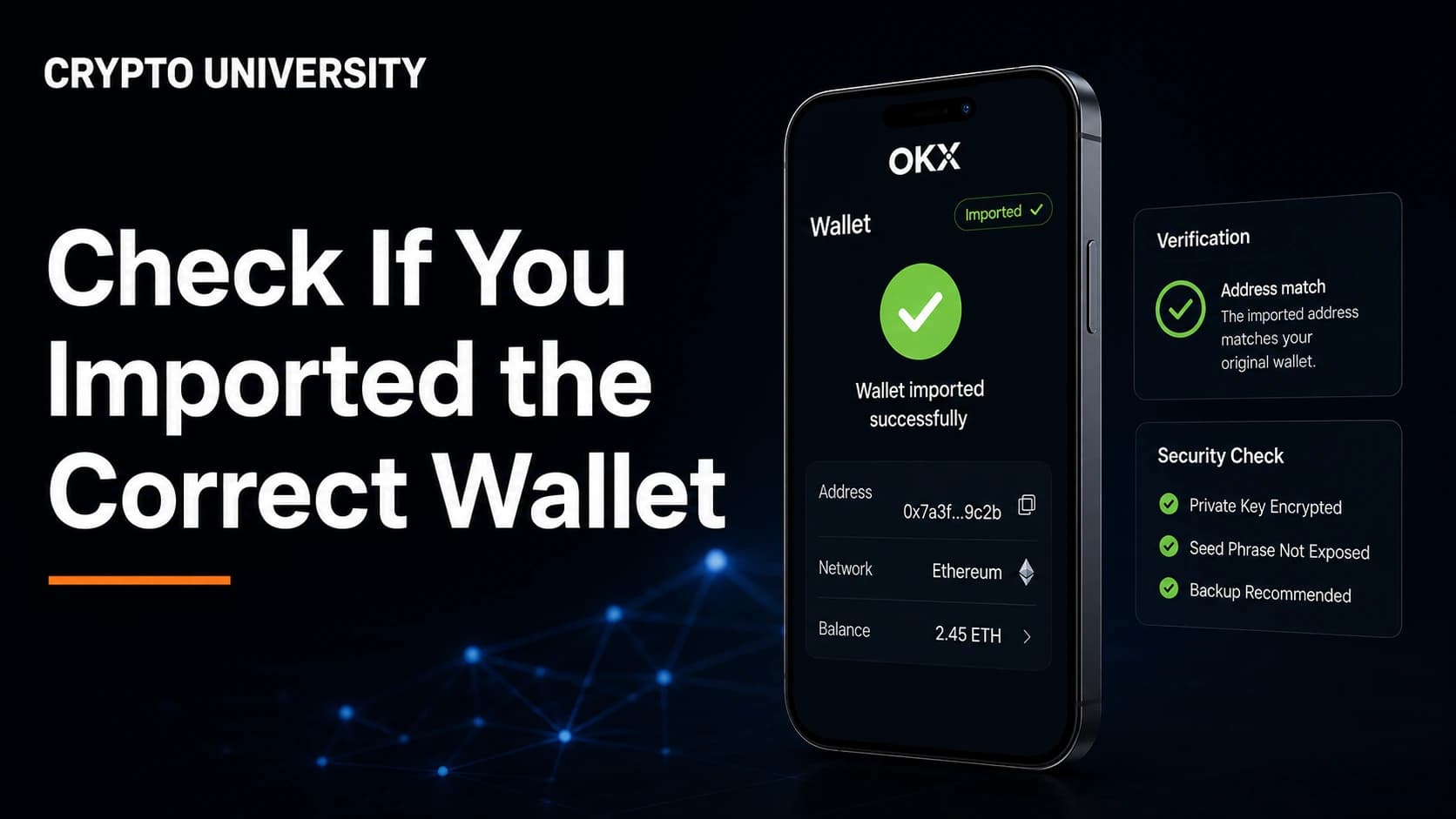
- Verify by address, not by balance. The only reliable confirmation is that the first receiving address in the new app matches the address you already know belongs to you, character for character.
- Four settings explain most import problems: the derivation path, the account index, an optional BIP39 passphrase, and the network or token display settings inside the app.
Why an Imported Wallet Can Look Wrong
Almost every modern crypto wallet is a hierarchical deterministic wallet, usually shortened to HD wallet. One recovery phrase, typically 12 or 24 words, produces a master key. That master key can generate a practically unlimited tree of private keys and addresses.
When you import a recovery phrase into a new app, the app does not receive a list of your addresses. It recalculates them. To do that it has to make several assumptions: which branch of the tree to walk down, which address format to build, which account number to start from, and whether an extra passphrase was used. If any assumption differs from the wallet that created the phrase, the app produces valid addresses that are simply not your old ones.
This is why a restored wallet can show an empty balance while the coins remain untouched on the blockchain. Nothing is lost. The app is looking in the wrong place.
Rule One: Confirm the Address, Never the Balance
A balance can be wrong for many harmless reasons, including a node that has not finished scanning. An address is deterministic and precise, so it is the only check worth trusting.
Before you import anything, write down at least one known receiving address from the original wallet. If the original wallet is gone, find a receiving address in an old transaction confirmation, an exchange withdrawal record, or a block explorer entry you can identify.
After importing, compare the full address string. Read it in blocks of four or five characters from beginning to end. Checking only the first and last few characters is a habit that address-swapping malware is designed to exploit.
If the address matches, you imported the correct wallet, even if the balance has not loaded yet.
Step by Step: Checking an Imported Wallet
Step 1: Validate the words themselves
Most recovery phrases follow the BIP39 standard, which uses a fixed list of 2,048 English words. Only words on that list are valid, so a phrase that contains "site" instead of "sight" is not a valid phrase at all. Check the word count, the spelling, the order, and any word you may have written ambiguously by hand.
If the wallet accepts the phrase without an error, the checksum passed. That means the phrase is valid. It does not yet prove it is the phrase you think it is.
Step 2: Compare the first receiving address
Open the receive screen in the new app and compare that address with your known address. A match ends the investigation. A mismatch moves you to Step 3.
Step 3: Check the derivation path and address type
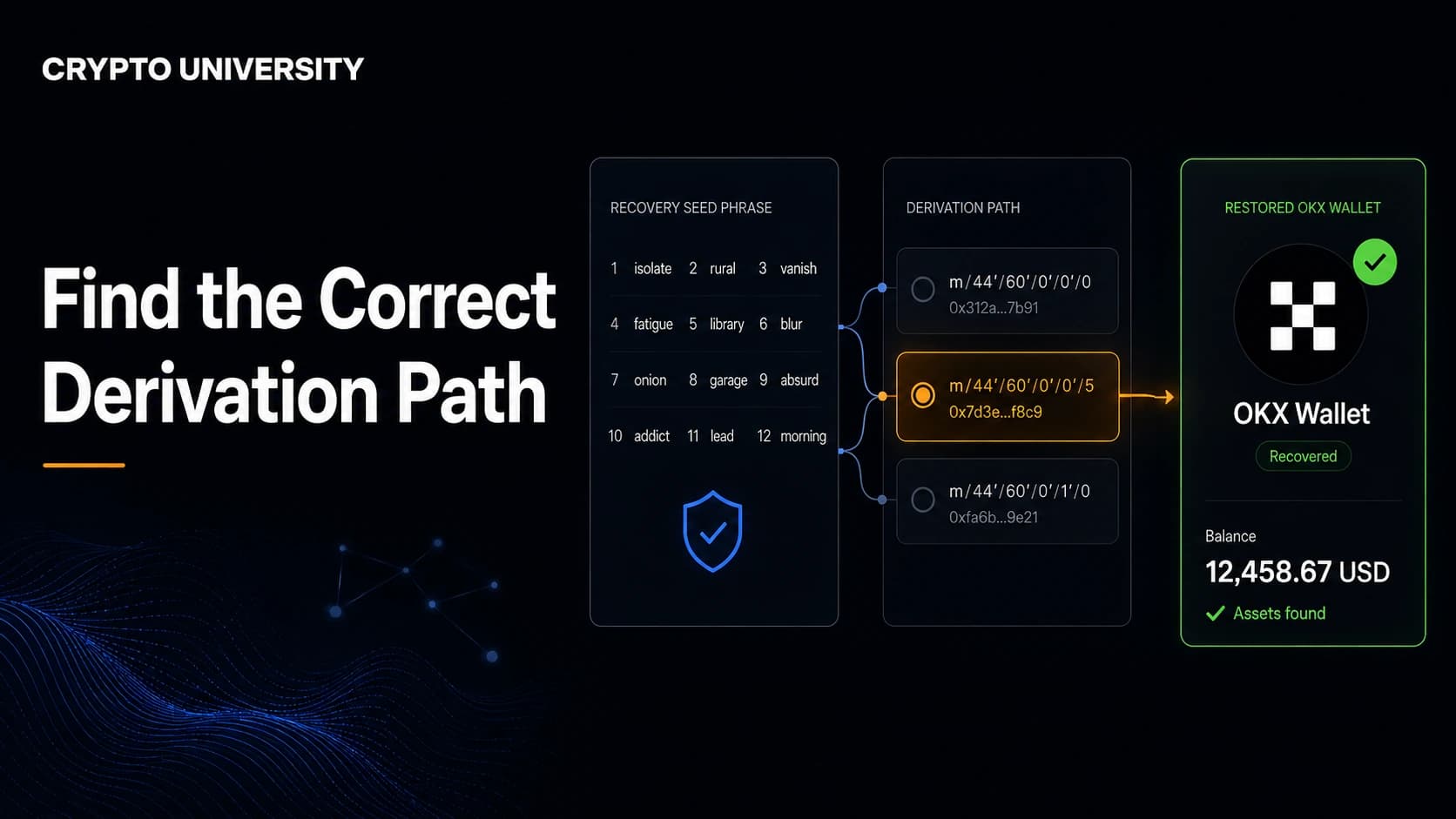
The derivation path is the route through the key tree. Bitcoin wallets use different paths for different address formats, and the same seed produces completely different addresses on each path. Neither path is wrong. They are separate branches of the same tree.
| Standard | Typical path | Address starts with | Common name |
|---|---|---|---|
| BIP44 | m/44'/0'/0' | 1 | Legacy |
| BIP49 | m/49'/0'/0' | 3 | Nested SegWit |
| BIP84 | m/84'/0'/0' | bc1q | Native SegWit |
| BIP86 | m/86'/0'/0' | bc1p | Taproot |
Most modern Bitcoin wallets default to native SegWit. Older wallets often default to legacy or nested SegWit. If you back up a wallet that used m/84' and restore it in software set to m/44', the balance will read zero until you switch the path.
Other chains have their own conventions, and wallet apps do not always agree on them.
| Chain | Widely used path | Notes |
|---|---|---|
| Bitcoin | m/84'/0'/0'/0/x | Legacy, nested SegWit and Taproot paths also exist |
| Ethereum and EVM chains | m/44'/60'/0'/0/x | Used by many browser and mobile wallets |
| Ethereum on Ledger Live | m/44'/60'/x'/0/0 | Account index moves instead of the address index |
| Solana | m/44'/501'/x'/0' | Some wallets use m/44'/501'/x' instead |
Good wallets let you choose or scan several paths during import. If your app offers an advanced or custom derivation path option, try the standard alternatives for that chain before assuming anything is missing.
Step 4: Check the account and address index
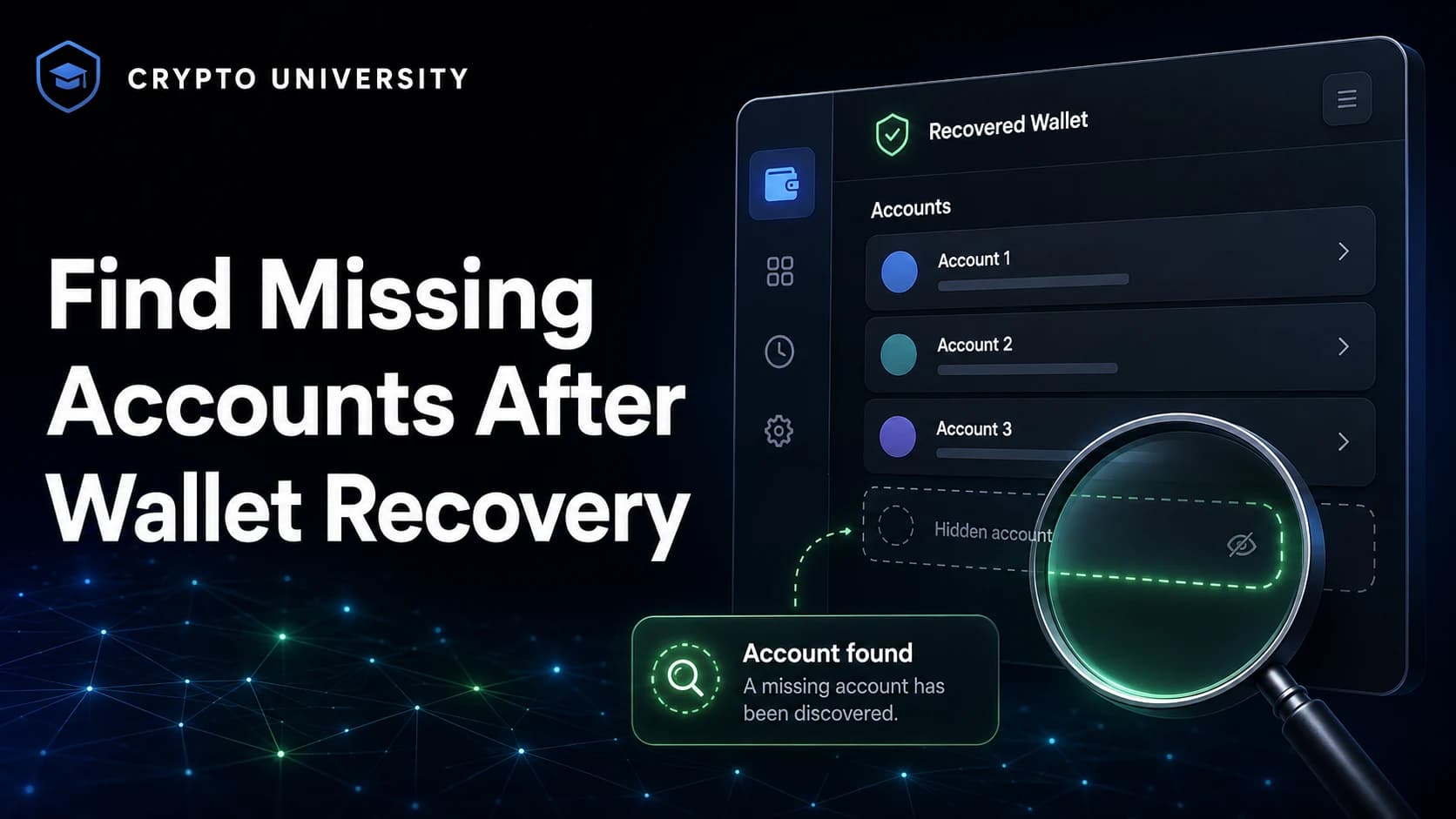
Even on the correct path, wallets differ in which account they show first. Some show only account zero. Some hide addresses that have never received funds. If your money was on the fourth account of your old wallet, a new app may need you to add accounts manually until that one appears.
Step 5: Check whether a passphrase was used
A BIP39 passphrase, sometimes called the 13th or 25th word, is an optional extra secret. It is not the app password and not the hardware wallet PIN. Adding it produces an entirely separate wallet from the same words, and changing a single character produces yet another separate wallet.
If you ever enabled a passphrase, the phrase alone will restore a valid but different wallet. Re-enter the exact passphrase, including capitalisation and spaces, to reach the intended one.
Step 6: Check the master fingerprint on hardware wallets
Hardware wallets display a short identifier for the loaded wallet, usually eight hexadecimal characters, often called the master fingerprint or XFP. Coldcard and several other devices recommend recording it when you create a wallet. If you compare the fingerprint after a restore and it matches, you are in the same wallet. This is the cleanest way to confirm a passphrase was typed correctly, because a wrong passphrase produces a different fingerprint.
Step 7: Check network and token settings
On EVM chains, one address works across Ethereum, Polygon, Base and other compatible networks, but the app only shows the networks it has enabled. Tokens often need to be added by contract address before they appear. A missing token is a display issue, not a key issue, and the block explorer will confirm it.
Step 8: Confirm on a block explorer, then test with a small amount
Paste your address, never your recovery phrase, into a block explorer and confirm the balance and history match what you expect. Advanced users can import an extended public key, an xpub, into a watch-only wallet to monitor an entire account without exposing private keys.
Only after the address checks out should you move value. Send a small test transaction first, wait for confirmation, then move the rest.
Quick Diagnosis Table
| What you see | Likely cause | What to check |
|---|---|---|
| Zero balance, but addresses look normal | Wrong derivation path or address type | Path settings, alternative BIP standards |
| Wallet shows an address you do not recognise | Passphrase in use, or wrong seed | Passphrase, master fingerprint |
| Correct address, balance missing | App still syncing, or token not added | Block explorer, token import |
| Only one account visible | Account index defaults | Add accounts manually |
| Phrase rejected during import | Typo, wrong word, wrong word count | BIP39 word list, word order |
Safety Rules While You Investigate
- Never type a recovery phrase into a website, a search bar, a chat window, or a support ticket. No legitimate support team asks for it.
- If you use a phrase-checking tool, use an offline copy on a device that is disconnected from the internet.
- Treat anyone offering paid "wallet recovery" in a comment section or direct message as a scammer.
- Prefer watch-only checks with an xpub or a single address when all you need is a balance.
- Keep the original backup untouched until the new wallet is fully verified.
If Nothing Matches
Three possibilities remain. You may be holding a backup of a different wallet than you assume, which is common when several phrases were written on similar cards. A passphrase may have been set and forgotten. Or the wallet may not use standard BIP39 derivation at all, as with some Electrum seed formats and multisignature setups, which also need co-signer keys or an output descriptor to rebuild. In that last case, the wallet vendor's own recovery documentation is the correct starting point.
FAQ
Does importing a recovery phrase move my coins? No. Importing recalculates keys locally. The coins never leave the blockchain, and nothing is transferred by the import itself.
Can I import the same phrase into two wallets at once? Yes. The same seed can be loaded into several apps, and each will show the same funds if it uses the same derivation settings. Every extra copy is another place your keys could be exposed, so keep the number small.
Why does my Bitcoin address start with bc1 in one app and 1 in another? Because the apps default to different address standards. Both are yours, derived from the same seed on different paths.
I imported a phrase and see a wallet with a small unfamiliar balance. What happened? That is often a different derivation path or a phrase you used previously. Investigate before sending anything, and never assume unexpected funds are safe to spend.
Is a test transaction necessary if the address already matches? It is not strictly required, but it is cheap insurance. A small confirmed transaction proves the wallet can sign, not just display.
Related Terms
- HD wallet: a wallet that derives many keys from one seed.
- Derivation path: the route through the key tree that decides which addresses appear.
- xpub: an extended public key used for watch-only monitoring.
- BIP39 passphrase: an optional extra word that creates a separate wallet.
- Master fingerprint (XFP): a short identifier for the loaded wallet on hardware devices.
Sources
- Coldcard, HD Wallets and Bitcoin Derivation Paths: https://coldcard.com/learn/how-bitcoin-works/bitcoin-derivation-paths
- Coldcard Documentation, BIP-39 Passphrase: https://coldcard.com/docs/passphrase/
- MetaMask Help Center, Importing a seed phrase from another wallet: https://support.metamask.io/configure/wallet/importing-a-seed-phrase-from-another-wallet-software-derivation-path/
- Phantom Help Center, Supported derivation paths in Phantom: https://help.phantom.com/hc/en-us/articles/12988493966227-Supported-derivation-paths-in-Phantom
- Ledger, Understanding Crypto Addresses and Derivation Paths: https://www.ledger.com/blog/understanding-crypto-addresses-and-derivation-paths
More Reading
- Spark, Bitcoin Key Derivation Paths Reference: https://www.spark.money/tools/bitcoin-key-derivation-paths-reference
- Guarda Academy, Understanding BIP32, BIP44, BIP49 and BIP84: https://guarda.com/academy/blockchain/bip-32-bip-44-bip-49-bip-84/
- Blockstream Help Center, Add a BIP39 passphrase: https://help.blockstream.com/blockstream-jade/add-more-security-functionality/add-a-bip39-passphrase-for-jade
This article is educational content. It is not financial advice and does not recommend any specific wallet or product.
Not sure which problem you have?
Use the Fixing Crypto Mistakes hub to identify the transaction, wallet, network, or exchange issue before taking another action.
OPEN TROUBLESHOOTING HUB