Key Takeaways
- The creation date of a domain is public information. For almost every crypto website, you can find out when the address was first registered in under two minutes, for free, using ICANN Lookup or a command line query.
- A new domain is a warning signal, not proof of fraud. Every legitimate project was new once. The signal only becomes serious when a site claims a long track record but has a domain that is days or weeks old.
- One check is never enough. Combine the registry record with certificate transparency logs and archive history, because sophisticated operators buy aged domains specifically to defeat a simple age check.
Why Domain Age Matters in Crypto
Crypto transfers are difficult to reverse. There is no chargeback department and no central authority that can undo a confirmed on-chain transaction. That makes the website itself one of the most important things to verify before you connect a wallet, deposit funds, or sign a transaction.
Blockchain analytics firm Chainalysis estimated that around 17 billion dollars was stolen globally through cryptocurrency scams and fraud in 2025. A large share of that activity runs through disposable websites: fake exchanges, cloned wallet pages, fake airdrop claim portals, and fake recovery services.
These sites are built to be temporary. Research published in the Journal of Cybersecurity analysed 15,126 newly registered phishing domains and found they had an average lifetime of about 8.6 days. Earlier work by Interisle found that 41 percent of domains reported for phishing were used within 14 days of being registered.
So checking domain age is a cheap, fast filter. It will not catch everything, but it costs you two minutes and it catches a meaningful share of throwaway scam infrastructure.
What "Newly Registered" Actually Means
Before you run the check, it helps to know what the numbers mean.
| Term | What It Means |
|---|---|
| Creation date | The date the registry first recorded the current registration of the domain |
| Domain age | The time elapsed since that creation date |
| Newly registered domain (NRD) | A domain created recently. Most security vendors use a window of 7 to 32 days |
| Aged or drop-caught domain | An expired domain re-registered by a new owner, sometimes years later |
| First seen | The first date a crawler, DNS feed, or certificate log observed the domain in use |
An important detail: if a domain expires and someone else registers it, the creation date usually resets. So an "old" looking domain can have a brand new owner, and a domain with an old creation date is not automatically trustworthy.
Method 1: ICANN Lookup (RDAP)
This is the standard method and the one most beginners should start with.
On 28 January 2025, ICANN sunset the WHOIS protocol for generic top level domains. The Registration Data Access Protocol, or RDAP, is now the definitive source for gTLD registration data such as .com, .org, .net, .xyz, and .finance.
Steps:
- Take the exact web address and strip it down to the registrable domain. From
https://app.example-swap.io/claim, the domain isexample-swap.io. Do not include the subdomain or the path. - Open
lookup.icann.orgin your browser. - Paste the domain and search.
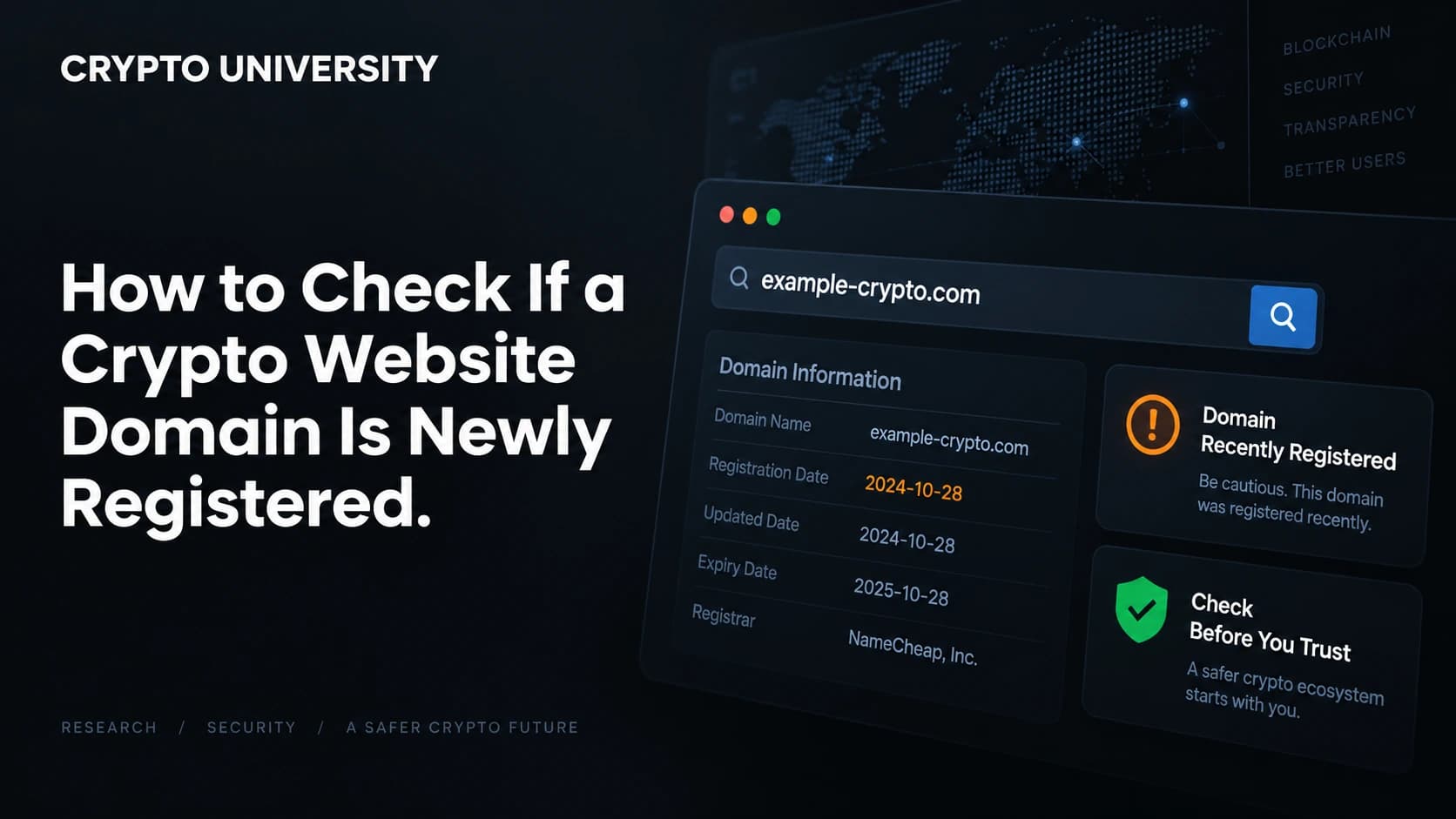
- Read the Registration or Created date, the Updated date, the Expiration date, the Registrar, and the status codes.
What you will and will not see:
Since GDPR enforcement began in 2018, the registrant name, email, phone and address are redacted for most domains. That is normal and is not a red flag by itself. Dates, registrar, nameservers, and status codes are still public in most cases.
Reading the expiry date: a domain registered for only one year is cheaper and more common with disposable sites. A ten year registration suggests longer term intent, though it proves nothing on its own.
Method 2: Command Line Lookup
If you are comfortable in a terminal, this is faster and avoids intermediary sites.
whois example.com | grep -i "creation\|created\|registered"Or query RDAP directly and read the JSON:
curl -s https://rdap.org/domain/example.comIn the RDAP response, look inside the events array for the entry with eventAction: "registration". The eventDate next to it is your creation date.
Method 3: Certificate Transparency Logs
This is the cross check most people skip, and it is the one that catches inconsistencies.
Every publicly trusted TLS certificate must be recorded in a public, append only log. That means there is an independent public record of when a domain first started serving HTTPS traffic.
Steps:
- Go to
crt.sh. - Search the domain.
- Sort by the oldest certificate and read its notBefore date.
If a platform advertises that it has served customers since 2019 but the earliest certificate for the domain was issued eleven days ago, the two stories do not match. Certificate logs also reveal subdomains, which can expose a cluster of related campaign pages.
Method 4: The Wayback Machine
Visit web.archive.org and search the domain. Look for two things:
- The date of the first capture. A site with no history before last month is young in practice, whatever the registry says.
- What the old captures show. If the domain was a furniture shop in 2016 and a crypto exchange today, it was recycled. That is a common way to acquire a domain that looks aged.
Method 5: DNS and Reputation History
Free and freemium tools such as ViewDNS, SecurityTrails, urlscan.io, and VirusTotal show hosting changes, IP history, and existing abuse reports. Rapid nameserver or hosting churn on a very young domain is a meaningful signal.
Comparing the Methods
| Method | Tells You | Cost | Difficulty | Main Weakness |
|---|---|---|---|---|
| ICANN Lookup / RDAP | Official registry creation date | Free | Very easy | Weaker coverage on some country domains |
| Command line whois or RDAP | Same data, raw and fast | Free | Medium | Requires a terminal |
| Certificate transparency (crt.sh) | When HTTPS first went live, plus subdomains | Free | Easy | Only covers publicly trusted certificates |
| Wayback Machine | Real content history and past owners | Free | Very easy | Not every site gets archived |
| DNS and reputation tools | Hosting churn and prior abuse reports | Free tier | Medium | Best data is often behind a paywall |
How to Interpret What You Find
| Finding | Concern Level | Why |
|---|---|---|
| Domain under 30 days old and site claims years of operation | High | The claim and the record contradict each other |
| Domain under 30 days old, project is openly brand new | Low to medium | Consistent, but there is no track record to check |
| Creation date is old, but first archive capture and first certificate are recent | High | Points to a recycled or drop-caught domain |
| Domain is a near copy of a well known brand, any age | High | Classic typosquatting pattern |
| Registrant details redacted | Low | Standard privacy practice since 2018 |
| Domain years old with continuous archive and certificate history | Lower | Consistent, though still not a guarantee |
The Limits of a Domain Age Check
Be honest about what this test cannot do.
Sophisticated operators buy age. Security firm Allure Security reported that in the brand impersonation campaigns it studied, only 7 percent of domains were registered within 30 days, more than 90 percent were older than 90 days, and 41 percent were more than five years old. Age thresholds are a known filter, and well funded groups plan around them.
Country code domains vary. Endings such as .io, .ai, and .co are administered by their own registries, not under ICANN gTLD rules. Some publish full dates, some publish very little.
Subdomains have no separate date. A page hosted on a free subdomain of a large platform inherits the parent domain's age, which tells you nothing about the page itself.
New does not mean bad. Legitimate launches happen every day. The check tells you how much history exists, not whether the people behind it are honest.
A Five Minute Verification Checklist
- Reduce the URL to its registrable domain and check the spelling character by character.
- Run it through
lookup.icann.organd note the creation date. - Check the oldest certificate on
crt.sh. - Check the first capture on the Wayback Machine.
- Compare all three dates against what the website claims about itself.
- Confirm the address independently through a major data aggregator or the project's long established social account, rather than a link sent to you.
- If anything is inconsistent, do not connect a wallet or deposit anything.
What to Do If a Domain Looks New
Treat it as a reason to slow down, not as a verdict. Ask whether the site is asking for a wallet signature, a deposit, or a seed phrase. No legitimate service will ever ask for a seed phrase. If you believe a domain is being used for fraud, you can report it to the registrar's abuse contact, which is listed in the RDAP record, and to your national cybercrime reporting body.
This article is educational and is not financial or legal advice.
FAQ
Does a newly registered domain always mean a scam? No. Every real project starts with a new domain. The signal matters when the domain age contradicts the site's own claims, for example a platform advertising several years of operation on a domain registered last week.
Why is the owner's name hidden in the lookup? Registrant contact details have been redacted from public queries for most domains since GDPR enforcement began in 2018, and this is now formalised under ICANN's registration data rules. Redaction is standard and applies to legitimate sites too.
Can a scammer fake the creation date? Not the registry record itself. What they can do is buy an expired domain that already has an old creation date, which is why the certificate log and archive checks matter.
What if the lookup returns no data at all? This is most common with country code domains that publish limited information. Fall back on certificate transparency logs and the Wayback Machine, which are independent of the registry.
Does the padlock icon in my browser mean the site is safe? No. The padlock only means the connection is encrypted. Certificates are free and take minutes to obtain, so scam sites have them too.
Related Terms
- RDAP (Registration Data Access Protocol)
- the current standard for querying domain registration data, replacing WHOIS for generic domains
- WHOIS privacy redaction
- the removal of personal registrant details from public records for data protection reasons
- Certificate Transparency
- a public, append only log of every publicly trusted TLS certificate issued
- Typosquatting
- registering a domain that closely resembles a well known brand to intercept mistyped traffic
- Drop-catching
- registering a domain immediately after it expires, often to inherit its age and reputation
Sources
- ICANN, "ICANN Update: Launching RDAP; Sunsetting WHOIS" (27 January 2025) - icann.org
- ICANN, "Registration Data Access Protocol (RDAP)" - icann.org
- Agarwal, S. and Vasek, M., "Examining newly registered phishing domains at scale", Journal of Cybersecurity, Volume 12, Issue 1, 2026 - academic.oup.com
- Chainalysis, "2026 Crypto Crime Report: Scams" - chainalysis.com
- Interisle Consulting Group, "Phishing Landscape 2022", cited by the DNS Research Federation - dnsrf.org
- Allure Security, "Domain Age Myth: Why Most Phishing Infrastructure Evades Detection" (2026) - alluresecurity.com
Further Reading
- ICANN Lookup (lookup.icann.org) - the official registration data lookup tool, and the first place to run any domain check.
- crt.sh Certificate Search (crt.sh) - the public certificate transparency search operated by Sectigo, useful for finding when a domain first served HTTPS and what subdomains exist.
- Internet Archive Wayback Machine (web.archive.org) - archived snapshots that reveal what a domain looked like before its current owner took it over.
- How to Verify Telegram and Discord Announcements Before Clicking: /guides/verify-telegram-discord-announcements
--- Disclaimer: This article is educational and is not financial, legal or investment advice. Regulatory rules and register locations change, so verify details with the relevant authority before acting.
Not sure which problem you have?
Use the Fixing Crypto Mistakes hub to identify the transaction, wallet, network, or exchange issue before taking another action.
OPEN TROUBLESHOOTING HUB