Key Takeaways
- Losing your authenticator app does not mean losing your funds. Every major exchange has a documented reset process, but it is slow on purpose and usually requires identity verification.
- Almost every exchange applies a temporary withdrawal hold after a 2FA reset, commonly 24 to 48 hours, to protect accounts from attackers who complete the same process.
- The biggest real risk during a lockout is not the exchange. It is the fake support agents, phone numbers, and paid recovery services that target locked-out users.
What Actually Happens When You Lose Your Authenticator
Most crypto exchanges use time-based one-time passwords, usually shortened to TOTP. When you first enable two-factor authentication, the exchange generates a secret value and shows it to you as a QR code and as a string of letters and numbers called a setup key. Your authenticator app stores that secret and uses it, plus the current time, to produce a fresh six-digit code every 30 seconds.
That secret never travels back and forth during login. This is why the system is strong, and also why losing the app is painful. If the phone is gone and the secret was never backed up, nothing on your side can regenerate those codes. The only way back in is to ask the exchange to remove the old 2FA from your account.
Your coins are not stored in the authenticator app. They are recorded on the exchange's internal ledger and tied to your account. The authenticator is a lock on the door, not the vault itself.
Before You File Anything: Five Quick Checks
Many lockouts are solved in ten minutes without contacting support. Work through this list first.
| Check | Why it matters | What to do |
|---|---|---|
| Old device still exists | A phone that is cracked, wiped or in a drawer may still open the app | Charge it, open the authenticator, look for the exchange entry |
| Cloud backup or sync | Google Authenticator, Microsoft Authenticator, Authy and most password managers can restore entries to a new device | Reinstall the app, sign in to the same account, choose restore |
| Setup key or protected QR backup | The setup secret can rebuild the exact same code generator anywhere | Check only your deliberate secure backups; treat the secret like a password and do not upload it to cloud photo storage |
| Backup codes | Many exchanges issue single-use codes at 2FA setup | Search your email and files for the exchange name plus "backup" |
| Clock drift | Codes fail if the device clock is wrong, and this looks like a lockout | Set the phone's date and time to automatic, then retry |
If any of these work, log in and immediately move your 2FA to a new device and store the new setup key somewhere safe.
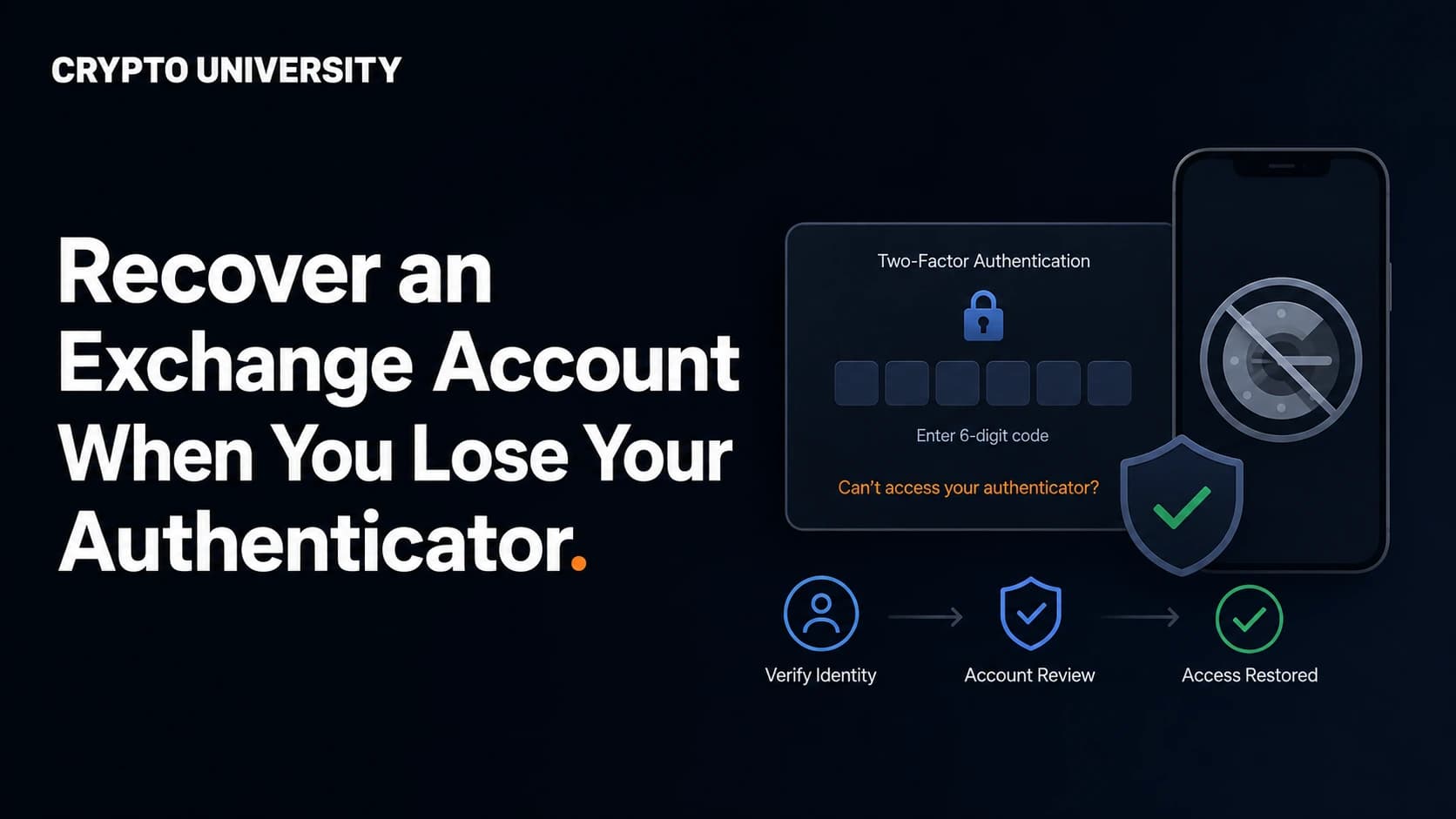
The Standard Recovery Flow
Exchange interfaces differ, but the sequence is close to identical across the industry.
Step 1: Start from the official login page. Type the address yourself or use a saved bookmark. Never reach the recovery page through a search advertisement or a link sent to you by someone offering help.
Step 2: Enter your email and password as normal. You will be stopped at the 2FA screen. Look for a link such as "Security verification unavailable", "Authenticator issues", "Lost access to your 2-step verification" or "Unable to verify".
Step 3: Select every method you have lost. If the authenticator app and the phone number are both gone, tick both. Submitting a partial request usually means the review fails and you start again.
Step 4: Complete identity verification. Depending on the platform, this can mean a government ID photo, a selfie, a liveness or facial recognition check, or a short video statement. Binance, for example, asks some users to record a video holding their ID and stating the date, the account email, and the request being made.
Step 5: Wait for review, then re-secure the account. Automated resets can complete quickly. Manual reviews commonly take up to 24 to 72 hours. When you are back in, add a new 2FA method straight away and store the backup material properly this time.
How the Major Exchanges Handle It
The table below summarises the published policies of four large platforms. Details change, so treat this as orientation and confirm on the exchange's own help centre before you start.
| Exchange | Self-service reset path | Identity check | Restriction after reset |
|---|---|---|---|
| Binance | Login screen, then "Security verification unavailable?" and tick the lost devices | ID, selfie or recorded video for full resets | Withdrawals, P2P selling, internal transfers and payment services disabled for up to 48 hours; review up to 24 hours |
| Coinbase | Account recovery page after entering email and password | ID upload, or approval from trusted contacts if enabled in advance | Process takes up to 24 hours and sending funds may be blocked for 24 hours afterwards |
| Kraken | Master Key bypass, a saved 2FA backup code, or a support request for sign-in troubleshooting | Handled by support agent over email | Set by support; re-enable 2FA immediately after access is restored |
| OKX | Reset option on the 2-step verification page, or via customer support | ID document and facial recognition in many cases | No withdrawals or P2P trading for 24 hours after resetting or changing the authenticator |
Two details are worth highlighting. Coinbase's trusted contacts route is convenient but limited: it does not let you update your email or 2FA method afterwards, and it deletes previously added payment methods. Kraken's Master Key is a bypass credential that must be created while you still have access, and it cannot be added after you are already locked out.
Why Your Account Is Frozen After the Reset
The withdrawal hold frustrates people, and it is the single most misunderstood part of the process. The reason is simple: an attacker who steals your email and password would follow the same recovery flow you just followed. The hold gives the exchange's fraud systems and the real account owner a window to notice and intervene before funds leave.
Treat the hold as a feature. If you ever receive a 2FA reset notification you did not request, contact the exchange immediately during that window, because it is the last checkpoint before withdrawal.
If You Lost the Email Account Too
This is the harder case, because password resets and recovery confirmations both land in that inbox. Two things help:
- Recover the email first. Google, Microsoft and Apple all run their own account recovery processes, and succeeding there often unblocks the exchange automatically.
- If the email is permanently gone, most exchanges can change the registered address as part of a manual review, but expect deeper identity verification and a longer timeline. Some platforms require the request to come from the same device or country you normally use, so a lockout during travel can take longer to resolve.
The Scam Layer Around Account Recovery
Search results for exchange recovery terms are heavily polluted. A quick review of public search results shows fabricated "recovery hotline" numbers posted on quote sites, job boards and even PDF files hosted on university and government domains, all styled to look like official exchange support.
Rules that keep you safe while locked out:
- Major exchanges do not resolve 2FA resets through an inbound phone hotline you found in search results.
- Real support will never ask for your password, your seed phrase, your full card number or remote access to your computer.
- No legitimate service can speed up a review for a fee. Paid "recovery experts" who contact you on Telegram, X or Reddit after you post about a lockout are close to always fraudulent.
- Start recovery only from the exchange's own domain, and check the address bar every time.
Setting Up So This Never Happens Again
| Method | Recovery strength | Trade-off |
|---|---|---|
| Setup key stored offline | High. Rebuilds the same codes on any device | Anyone who finds the paper can clone your 2FA |
| Encrypted cloud sync in the authenticator app | High convenience | Your cloud account becomes a single point of failure, so it needs strong 2FA of its own |
| Password manager with built-in TOTP | Good, syncs across devices | Password and second factor sit in one place |
| Two hardware security keys | Very strong against phishing | Costs money, and you must register the spare in advance |
| Passkeys | Strong and increasingly supported by exchanges | Support and syncing behaviour still vary by platform |
Note on cloud sync: Google added the option to back up Authenticator codes to a Google Account in 2023, which fixed the old problem of losing everything with a single phone. Security researchers pointed out at launch that those backups were not end-to-end encrypted, and Google said it planned to add that protection. If you rely on sync, harden the underlying cloud account and keep an offline copy of the setup keys as well.
The practical setup for most people: enable 2FA, write the setup key on paper, store it where you store other important documents, register a second method such as a passkey or a hardware key, and test that the backup actually works before you need it.
FAQ
Can I lose my crypto by losing my authenticator app? Not on a custodial exchange. Your balance sits with the exchange, and account recovery restores access. This is different from a self-custody wallet, where a lost seed phrase is permanent.
How long does exchange 2FA recovery take? Automated resets can finish in minutes to a few hours. Manual reviews usually run 24 to 72 hours. Expect longer if you also lost the registered email or phone number.
Will support reset my 2FA over the phone or on Telegram? No. Resets are handled inside the account interface or through an official support ticket. Anyone offering a phone or chat shortcut is impersonating the exchange.
What if my reset request is denied? Denials usually come from mismatched identity documents, an incomplete list of lost methods, or an unusual device or location. Re-read the requirements, fix the mismatch, and submit again rather than opening multiple duplicate tickets, which can push you back in the queue.
Are backup codes and the setup key the same thing? No. Backup codes are single-use passwords for one login each. The setup key is the underlying secret and can regenerate the code stream permanently, so it needs stronger protection.
Related Terms
- TOTP: the time-based one-time password standard behind six-digit authenticator codes.
- Setup key: the text version of the 2FA QR code, used to restore codes on a new device.
- Backup codes: single-use login codes issued when 2FA is enabled.
- Withdrawal hold: a temporary block on outgoing transfers after a security change.
- Passkey: a device-bound login credential that replaces passwords and resists phishing.
Sources
- Binance, "How to Reset 2FA When I Can't Access My Binance Account?", support article updated 18 March 2026.
- Binance, "How to Reset Two-Factor Authentication (2FA)", video verification requirements.
- Coinbase Help, "Account recovery for lost email or 2-step verification access".
- Kraken Support, "How to transfer authenticator app sign-in 2FA to a new phone (and bypass sign-in 2FA for a lost phone)", updated 13 June 2025.
- OKX Help Centre, "How do I link an authenticator app?" and "What should I do if my phone number, email address or authenticator app is unavailable?".
- BleepingComputer and Help Net Security reporting on Google Authenticator cloud sync and its encryption status, April 2023 onward.
This article is educational content. It is not financial, legal, or security advice for your specific situation. Always confirm recovery procedures on the official support pages of the services you use, since these processes change over time.
Not sure which problem you have?
Use the Fixing Crypto Mistakes hub to identify the transaction, wallet, network, or exchange issue before taking another action.
OPEN TROUBLESHOOTING HUB