Key Takeaways
- "Wrong network" almost always means your wallet is pointed at a different chain ID than the one the dApp's smart contracts live on. It is a safety warning, not a lost-funds event.
- The fix is usually one of four things: switch networks in your wallet, add the missing network, refresh or reconnect the session, or replace a dead RPC endpoint.
- Never add a network by clicking blind on an unknown popup. Verify the chain ID and RPC address against the project's official documentation first.
What the "Wrong Network" Message Actually Means
Every EVM compatible blockchain carries an identifying number called a chain ID. Ethereum mainnet is 1. Base is 8453. Arbitrum One is 42161. These numbers are how software tells one chain from another, because many chains share the same address format and would otherwise look identical.
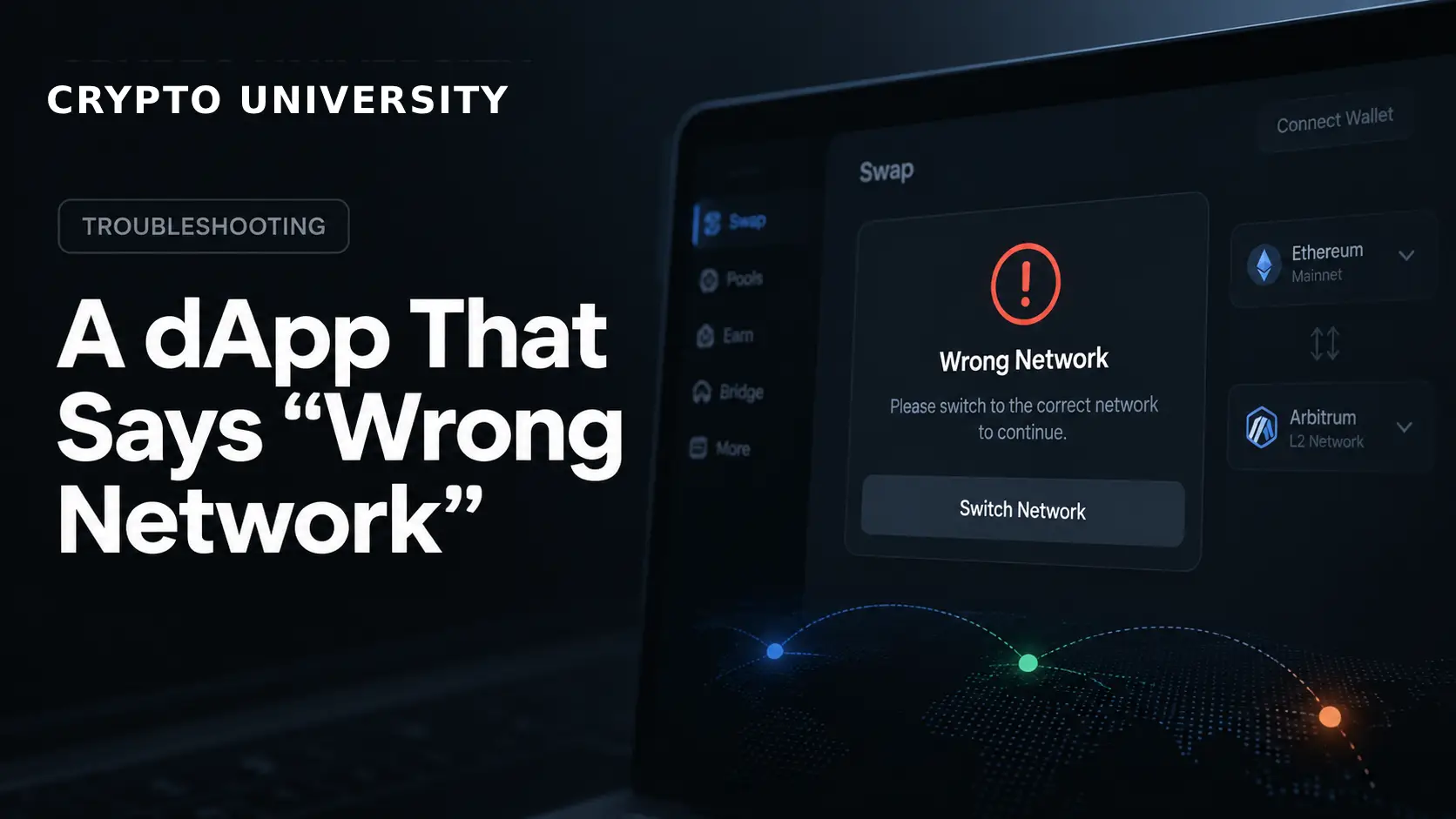
A decentralized application, or dApp, is deployed to one specific chain. Its smart contracts exist at particular addresses on that chain and nowhere else. When you connect a wallet, the dApp asks your wallet a simple question: which chain are you on right now? If the answer does not match the chain the dApp expects, the interface blocks you and displays a warning.
That warning is protective. Without it, you could sign a transaction aimed at an address that holds no contract on your current chain, or send tokens to an address controlled by somebody else on a different network.
How a Wallet and a dApp Agree on a Network
Understanding the handshake makes the error much easier to diagnose.
The dApp calls a method named eth_chainId to read your wallet's active chain. If it sees the wrong value, it can politely ask the wallet to change using wallet_switchEthereumChain, a standard defined in EIP-3326. According to MetaMask's developer documentation, that method returns null on success and can return error code 4902 when the requested chain has not been added to the wallet at all. In that case the dApp may follow up with wallet_addEthereumChain, defined in EIP-3085, which prompts you to add the network yourself.
Sessions created through WalletConnect work slightly differently. They negotiate a list of allowed chains up front using CAIP-2 identifiers such as eip155:1 for Ethereum. If the chain you need was never included in that original session, the wallet reports an unsupported chain error and the session has to be rebuilt rather than switched.
Chain ID Quick Reference
Use this table to confirm you are on the network you think you are on. Always cross check against the project's own documentation before adding anything manually.
| Network | Type | Chain ID | Native gas token |
|---|---|---|---|
| Ethereum | Layer 1 | 1 | ETH |
| OP Mainnet | Layer 2 rollup | 10 | ETH |
| BNB Smart Chain | Layer 1 | 56 | BNB |
| Polygon PoS | Sidechain | 137 | POL |
| Base | Layer 2 rollup | 8453 | ETH |
| Arbitrum One | Layer 2 rollup | 42161 | ETH |
| Avalanche C-Chain | Layer 1 | 43114 | AVAX |
| Linea | Layer 2 rollup | 59144 | ETH |
| zkSync Era | Layer 2 rollup | 324 | ETH |
| Scroll | Layer 2 rollup | 534352 | ETH |
| Sepolia | Ethereum testnet | 11155111 | Test ETH |
Chain IDs are stable, but token symbols do change. Polygon's gas token migrated from MATIC to POL.
The Fast Fix: Six Steps in Order
Work through these in sequence. Most cases resolve at step two or three.
- Read the dApp's requirement. The banner usually names the chain it wants. If it does not, check the project's documentation or footer. Guessing wastes time.
- Open your wallet's network selector and switch. In MetaMask this is the network dropdown at the top of the extension. Pick the required chain and return to the dApp.
- Refresh the page. Some dApps only read the chain ID when the page loads. A hard refresh forces a fresh read.
- Disconnect and reconnect the wallet. Use the dApp's own disconnect button, then connect again. This rebuilds the session with current values.
- Revoke the site connection in your wallet, then reconnect. In MetaMask, open the connected sites list, remove the dApp, and start a clean connection. Since MetaMask introduced per-site chain permissions, a site can remember an older network choice that no longer matches what you want.
- Add the network manually if it is missing entirely. Only do this using values from an official source.
Error Codes You May See
Developer consoles and some wallet popups expose numeric codes. This table explains the common ones.
| Code | Meaning | What to do |
|---|---|---|
| 4001 | You rejected the request | Retry and approve the network switch prompt |
| 4100 | Method not supported by the wallet | Switch networks manually inside the wallet |
| 4200 | Wallet is not connected | Reconnect the wallet to the site |
| 4902 | Unrecognized chain ID, network not added | Add the network, then switch |
| Unsupported chain | WalletConnect session excludes that chain | Disconnect and start a new session |
Cause and Fix Table
| Symptom | Likely cause | Fix |
|---|---|---|
| Wallet shows the right network but dApp still complains | Stale page state | Hard refresh, then reconnect |
| Switch button does nothing | Wallet does not support programmatic switching | Change networks by hand in the wallet |
| Popup never appears | Another wallet extension intercepted the request | Disable extra extensions, or pick your wallet from the connect list |
| Error appears only on mobile | In-app browser session locked to one chain | Reconnect inside the wallet's own browser |
| Balances show as zero and network looks wrong | Dead or rate limited RPC endpoint | Replace the RPC URL for that network |
| dApp works for others, not you | Custom network saved with a wrong chain ID | Delete the custom network and re-add it |
Special Cases Worth Knowing
Multiple wallet extensions installed. If you run two or three browser wallets, they may compete to answer the dApp. The EIP-6963 standard was created so sites can list every installed wallet and let you choose. Older dApps that do not support it may connect to whichever extension loaded first, which can be a wallet sitting on a different network than the one you were looking at.
Hardware wallets. A Ledger or Trezor signs whatever the software wallet gives it. The network is controlled by MetaMask or the companion app, not the device. Check the software layer.
Testnet confusion. Following a tutorial written for Sepolia while the live dApp runs on mainnet produces this error immediately. Confirm which environment the interface expects.
Broken RPC endpoints. An RPC endpoint is the server your wallet talks to for a given chain. Free public endpoints go down or throttle heavy users, and when that happens your wallet may fail to confirm the chain at all. Replacing the endpoint often fixes what looks like a network mismatch.
Safety Rules Before You Add Any Network
Adding a network is the one step in this guide that carries real risk, because a malicious RPC endpoint can feed your wallet false information about balances and transaction results.
- Get chain ID and RPC values from the project's official documentation, not from a search result or a message in a chat group.
- Be suspicious of any site that pushes a network popup before you clicked anything.
- A correct chain ID does not prove an RPC endpoint is safe. Both need to be right.
- If the network name and the chain ID disagree with the official source, cancel.
When It Is the dApp's Fault
Sometimes you are on the correct chain and the interface is simply wrong. Symptoms include the banner appearing on the chain the dApp itself recommends, or the error persisting across two different wallets and two browsers. In that case the front end may be misconfigured or its own RPC provider may be failing. Check the project's status page or community channels before changing anything else in your wallet.
FAQ
Does a "wrong network" error mean my funds are at risk? No. It means the dApp refused to proceed. Your assets remain where they are, on whichever chain they were already sitting on.
Why does my wallet keep switching back to the wrong network? Modern wallets remember a network per site. If a dApp previously ran on another chain, that preference can persist. Clearing the site's connection and reconnecting resets it.
Can I move tokens between networks to fix this? Switching networks does not move assets. Moving assets between chains requires a bridge, which is a separate process with its own risks and fees.
Why does the network switch prompt never appear? Either the wallet does not support the switch method, another extension intercepted the request, or the connection was made through a session that cannot change chains. Switch manually inside the wallet.
Is a custom RPC endpoint safe to use? Only if it comes from a source you trust. An RPC provider can see your requests and can return inaccurate data, so treat it as part of your security surface.
Five Related Terms
- Chain ID: The numeric identifier that distinguishes one EVM network from another.
- RPC endpoint: The server address a wallet uses to read from and broadcast to a blockchain.
- EVM: The Ethereum Virtual Machine, the execution environment shared by Ethereum and many compatible chains.
- Layer 2: A network that settles its activity back to a base chain such as Ethereum.
- Session: The connection agreement between a dApp and a wallet, including which chains and accounts are permitted.
Sources
- MetaMask developer documentation,
wallet_switchEthereumChainand add network guides, docs.metamask.io - MetaMask Help Center, "How to change networks in MetaMask Extension and Mobile," support.metamask.io
- MetaMask, "Chain Permissions" feature update, metamask.io/news
- EIP-3326 and EIP-3085, Ethereum Improvement Proposals
- Etherscan chain list API and public chain ID references for network identifiers
Further Reading
- MetaMask Help Center: adding, editing, and verifying custom networks
- Ethereum.org: introduction to layer 2 networks and how rollups relate to mainnet
- EIP-6963: multi-wallet discovery and why it reduces extension conflicts
Disclaimer: This article is educational and does not constitute financial, legal, or security advice. Wallet menus and settings change between versions, so confirm exact steps in your wallet's official help documentation.
Not sure which problem you have?
Use the Fixing Crypto Mistakes hub to identify the transaction, wallet, network, or exchange issue before taking another action.
OPEN TROUBLESHOOTING HUB