Key Takeaways
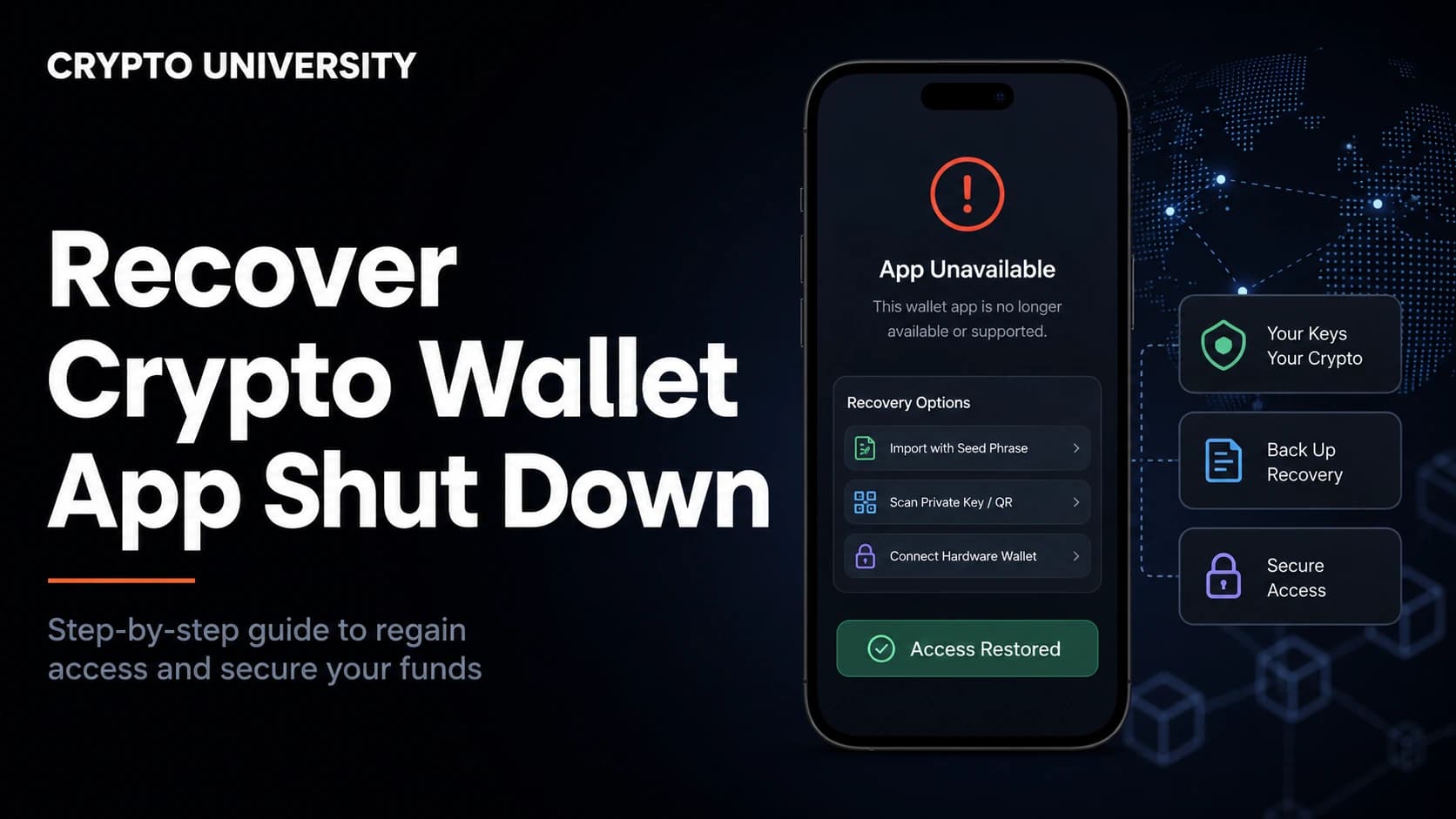
- Your coins are not inside the app. They exist on the blockchain. A wallet app only stores the keys that prove ownership, so a discontinued app does not delete your funds.
- The recovery material decides everything. If you hold a seed phrase, private key, or keystore file, you can usually import into a different wallet. If a company held the keys for you, you are dealing with a claims process instead of a technical recovery.
- A zero balance after import is usually a settings problem, not a loss. Wrong derivation path, wrong network, or an unadded token are the most common causes.
Why a Dead App Does Not Mean Dead Coins
This scenario is common. In 2026 alone, Leap Wallet closed on 28 May, and Ctrl Wallet (formerly XDEFI) ended core services on 3 August after a security incident, leaving a reported 650,000 monthly users to move on their own. Earlier examples include Jaxx Liberty, retired in March 2023, and BRD, which stopped processing transactions in 2022 and fully shut down in 2023.
In every one of those cases, the same fact applied. A self-custody wallet is an interface. Your balance lives on a public ledger, and the app is simply software that holds keys, builds transactions, and displays data. When the software disappears, the ledger entry does not move.
That is the good news. The important news is that recovery depends entirely on what you kept, and on knowing which kind of wallet you actually used.
Step 1: Identify What Type of Wallet You Had
Before touching anything, work out which category you are in. This single question determines your whole path.
| Wallet type | Who held the keys | Recovery route when the app dies |
|---|---|---|
| Standard non-custodial (seed phrase) | You | Import the 12 or 24 word phrase into another compatible wallet |
| Single private key or keystore file | You | Import the key or the encrypted file plus its password |
| MPC or seedless wallet | Split between you and the provider | Depends on the provider's export and emergency design |
| Smart contract wallet | A contract you control through signers | Use your signing key or guardian recovery, on-chain |
| Custodial app or exchange | The company | Withdraw during the wind-down, or file a claim |
Most people reading this are in the first row, which is the most recoverable position of the five.
Step 2: Locate Your Recovery Material
Search for any of the following before assuming the worst:
- A written 12 or 24 word recovery phrase, sometimes called a seed phrase or mnemonic
- A private key, usually a long string of letters and numbers
- A keystore or UTC JSON file, which needs its original password
- A hardware wallet device and its own recovery phrase
- An old phone or laptop where the app is still installed
That last point matters. Several wallets stay openable on a device after the servers close, at least for a while. Ctrl told users that recovery phrase export would remain the only working feature and warned it could not guarantee how long the app would stay usable. If the app still opens on an old device, export your phrase immediately and treat that as a lucky escape rather than a permanent solution.
If none of these exist and the wallet was self-custody, there is no reset button and no support desk. That is the defining trade-off of holding your own keys.
Step 3: Pick a Replacement Wallet
Choose a well maintained wallet that supports the same blockchain and the same standard. Most consumer wallets follow BIP39 for the recovery phrase, which is what makes phrases portable between apps.
Check three things before you import:
- Chain support. A Bitcoin only wallet will not display Ethereum tokens, and the reverse is also true.
- Standard support. Confirm the new wallet accepts BIP39 phrases and lets you pick or edit the derivation path.
- Source of download. Get it from the official site or official app store listing. Fake wallet apps target exactly this moment.
Step 4: Restore Safely
Recovery is also a security event. Anyone who sees your phrase controls your money, and shutdown announcements attract phishing. Ctrl explicitly warned that there was no migration token, airdrop, refund, or compensation program, and that scams would claim otherwise.
A safe restore looks like this:
- Use a device you trust, ideally one you have scanned or recently reset.
- Install the new wallet from the official source. Verify the developer name and download count.
- Choose the import or restore option, not the create new wallet option.
- Enter the words in exact order, all lowercase, with single spaces. Most apps will highlight a word that is not in the BIP39 word list.
- If you used an extra passphrase, sometimes called a 25th word, enter it too. Without it you will land in a different, empty wallet.
- Once restored, send a small test transaction before moving everything.
Never type a recovery phrase into a website, a support chat, a spreadsheet, or a form sent to you by anyone claiming to help.
Step 5: If the Balance Shows Zero
A zero balance after a correct import is alarming but usually fixable. Work through these causes in order.
| Symptom | Likely cause | Fix |
|---|---|---|
| Bitcoin balance empty | Wrong derivation path | Switch between BIP44, BIP49, BIP84, and BIP86 in wallet settings |
| Some addresses appear, others missing | Gap limit reached | Increase the address scan gap, often defaulted to 20 |
| Token missing on an EVM chain | Token not added | Add the contract address manually |
| Nothing on any path | Non-standard wallet format | Check the original wallet's documented path |
| Balance appears on the wrong chain | Same address, different network | Switch networks in the wallet |
Derivation paths are the top offender. A single seed produces many separate branches of addresses, and different apps default to different branches. Using the wrong one shows an empty wallet, not a lost one.
| Standard | Bitcoin path | Address type | Starts with |
|---|---|---|---|
| BIP44 | m/44'/0'/0'/0 | Legacy | 1 |
| BIP49 | m/49'/0'/0'/0 | Wrapped SegWit | 3 |
| BIP84 | m/84'/0'/0'/0 | Native SegWit | bc1q |
| BIP86 | m/86'/0'/0'/0 | Taproot | bc1p |
| BIP44 (Ethereum) | m/44'/60'/0'/0 | EVM account | 0x |
| Solana convention | m/44'/501'/0'/0' | Solana account | base58 string |
Some older apps used their own layouts. BRD is the classic example, which is why community reference sites such as walletsrecovery.org document default paths per wallet. If your old wallet is listed there, start with the path it names.
Special Cases: MPC, Smart Contract, and Hardware Wallets
MPC and seedless wallets split a key into shares. Recovery depends on how the provider designed it. Some support full key export so you can move to any standard wallet. Others leave you dependent on provider infrastructure, which is the exact thing that disappears in a shutdown. If you use one of these, confirm today that you can export and leave.
Smart contract wallets such as Safe or Argent live on-chain. The account is a contract, so it survives the app. You need a working signer, or you use guardian based recovery to rotate signing authority to a new key. The contract keeps existing even if the front end goes offline, and third party interfaces can often interact with it.
Hardware wallets are the simplest case. The device holds the keys, and its recovery phrase works in other software. If the manufacturer's desktop app is discontinued, the device usually still pairs with independent wallet software.
If the Wallet Was Custodial
This is a different problem with a different vocabulary. With a custodial app or exchange, you hold a claim against a company rather than the coins themselves.
2026 has offered several live examples, and they did not behave the same way. BitMEX announced an orderly wind-down with a staged timeline and a final date of 23 September 2026, and said users could still log in to withdraw after trading ended. BitMart announced a wind-down in July 2026, halted trading on 26 August, and users reported withdrawal problems. AscendEX ceased operations on 1 July 2026 after failing to obtain authorization under the EU's MiCA regulation, and users were left without a clear timeline for fund return.
Practical steps in a custodial closure:
- Read the official notice and note every deadline, including any fee for balances left behind
- Complete identity verification early, since manual compliance reviews are a common bottleneck
- Withdraw well before the deadline rather than on the final day
- Save transaction IDs, statements, and support tickets as evidence
- If withdrawals freeze, follow the official insolvency or restructuring process and register your claim
Historical outcomes vary widely. Celsius customers waited years after the 2022 freeze, with recovery reported at roughly 65 percent of eligible claims by August 2025. Treat those figures as widely reported estimates rather than a benchmark for any other case.
Beware of Recovery Scams
The recovery moment is heavily targeted. The FBI's Internet Crime Complaint Center has issued repeated warnings about firms falsely claiming they can recover lost crypto, including fraudsters posing as lawyers and even impersonating IC3 staff. IC3 has stated plainly that it never charges fees to recover funds and does not operate through social media messaging.
Red flags worth memorising:
- Any request for your seed phrase or private key, for any stated reason
- Guaranteed recovery, especially with an upfront fee
- Unsolicited contact by direct message after you posted about a loss
- Claims of working with a government agency on your case
- Requests for payment in crypto, gift cards, or wire transfer
Legitimate technical help never needs your phrase, because your phrase is the wallet.
Prevention Checklist
- Back up the phrase offline, on paper or metal, in at least two separate physical locations
- Record the wallet name, address type, and derivation path alongside the backup
- Save one receiving address so you can verify a future restore is correct
- Prefer wallets that follow open standards, since proprietary formats age badly
- Test a restore into a second wallet before you need it
FAQ
Does deleting or losing a wallet app lose my crypto? No, provided the wallet was self-custody and you have the recovery phrase or private key. The assets remain on the blockchain and can be restored in another compatible app.
Can I recover a wallet with no seed phrase at all? Sometimes, if another credential still exists, such as a private key, a keystore file with its password, an active installed app, an encrypted backup, or a hardware device. If all of those are gone, a non-custodial wallet is generally unrecoverable.
Why does my restored wallet show a zero balance? Most often the new app is scanning a different derivation path or a different network. Try the other standards, raise the address gap limit, and confirm you are on the right chain before assuming the funds are gone.
Is it safe to import the same phrase into several wallets? Technically yes, since the phrase derives the same keys everywhere. The risk is exposure. Every extra app and device is another place the phrase could leak, so keep the number small and the devices trusted.
What if the shut down wallet was custodial and withdrawals are frozen? That becomes a legal and administrative process rather than a technical one. Follow official announcements, complete verification, document everything, and file a claim through the official channel if the company enters restructuring or insolvency.
Related Terms
- Seed phrase: A list of 12 or 24 words that regenerates every key in a wallet.
- Derivation path: The route through a wallet's key tree that determines which addresses are produced.
- Keystore file: An encrypted file containing a private key, unlocked with a password.
- Self-custody: Holding your own keys rather than relying on a company to hold them.
- Counterparty risk: The risk that a company holding your assets fails to return them.
Sources
- Internet Crime Complaint Center (FBI), public service announcements on cryptocurrency recovery fraud and IC3 impersonation: https://www.ic3.gov/PSA/2024/PSA240624 and https://www.ic3.gov/PSA/2026/PSA260720
- Crypto.news and BitKE reporting on the Ctrl Wallet shutdown, July and August 2026: https://crypto.news/ctrl-wallet-shuts-down-after-exploit-urges-move-funds/
- Coldcard learning resource on Bitcoin derivation paths and zero balance recovery: https://coldcard.com/learn/how-bitcoin-works/bitcoin-derivation-paths
- Wallets Recovery, community database of wallet derivation defaults: https://walletsrecovery.org/
- Reporting on 2026 exchange wind-downs at BitMEX, BitMart, and AscendEX: https://coincentral.com/bitmex-to-shut-down-exchange-after-12-years-as-users-face-september-exit-deadline/
More Reading
- Coldcard, HD Wallets and Bitcoin Derivation Paths: https://coldcard.com/learn/how-bitcoin-works/bitcoin-derivation-paths
- Wallets Recovery, wallet compatibility and default path chart: https://walletsrecovery.org/
- FBI IC3, Cryptocurrency crime information and reporting guidance: https://www.ic3.gov/CrimeInfo/Cryptocurrency
This article is educational content. It is not financial, legal, or security advice for your specific situation. Always confirm recovery procedures on the official support pages of the services you use, since these processes change over time.
Not sure which problem you have?
Use the Fixing Crypto Mistakes hub to identify the transaction, wallet, network, or exchange issue before taking another action.
OPEN TROUBLESHOOTING HUB