Key Takeaways
- Being listed on the Apple App Store or Google Play is not proof that a crypto app is safe. Security researchers have repeatedly found fake wallet apps inside both official stores.
- Verification is a process, not a single check. You confirm the download source, the publisher, the listing history, the permissions, and, for desktop software, the cryptographic signature.
- No legitimate wallet app ever asks you to type your recovery phrase into a website, a chat box, a support form, or a pop-up notification.
Why This Check Matters
A crypto app is different from a normal app. A fake photo editor might show you ads. A fake wallet can move every coin you own to a stranger in one click, and blockchain transactions cannot be reversed or charged back.
The scale of the problem is public record. The FBI Internet Crime Complaint Center recorded 181,565 cryptocurrency related complaints in 2025 with reported losses of about $11.37 billion, out of roughly $20.88 billion in total reported internet crime losses. Not all of that came from malicious apps, but fake wallets and fake trading apps are a steady part of the mix.
App stores are not a reliable filter either. In April 2026, Kaspersky reported 26 fraudulent wallet apps on the Apple App Store, active since at least autumn 2025, imitating names and icons of MetaMask, Ledger, Trust Wallet, Coinbase, TokenPocket, imToken and Bitpie. In 2025, Cyble Research and Intelligence Labs found more than 20 phishing apps on Google Play impersonating wallets and exchanges such as PancakeSwap, SushiSwap, Raydium and Hyperliquid, several of them published from developer accounts that had once hosted normal software.
The lesson is simple. The store does some filtering. You do the rest.
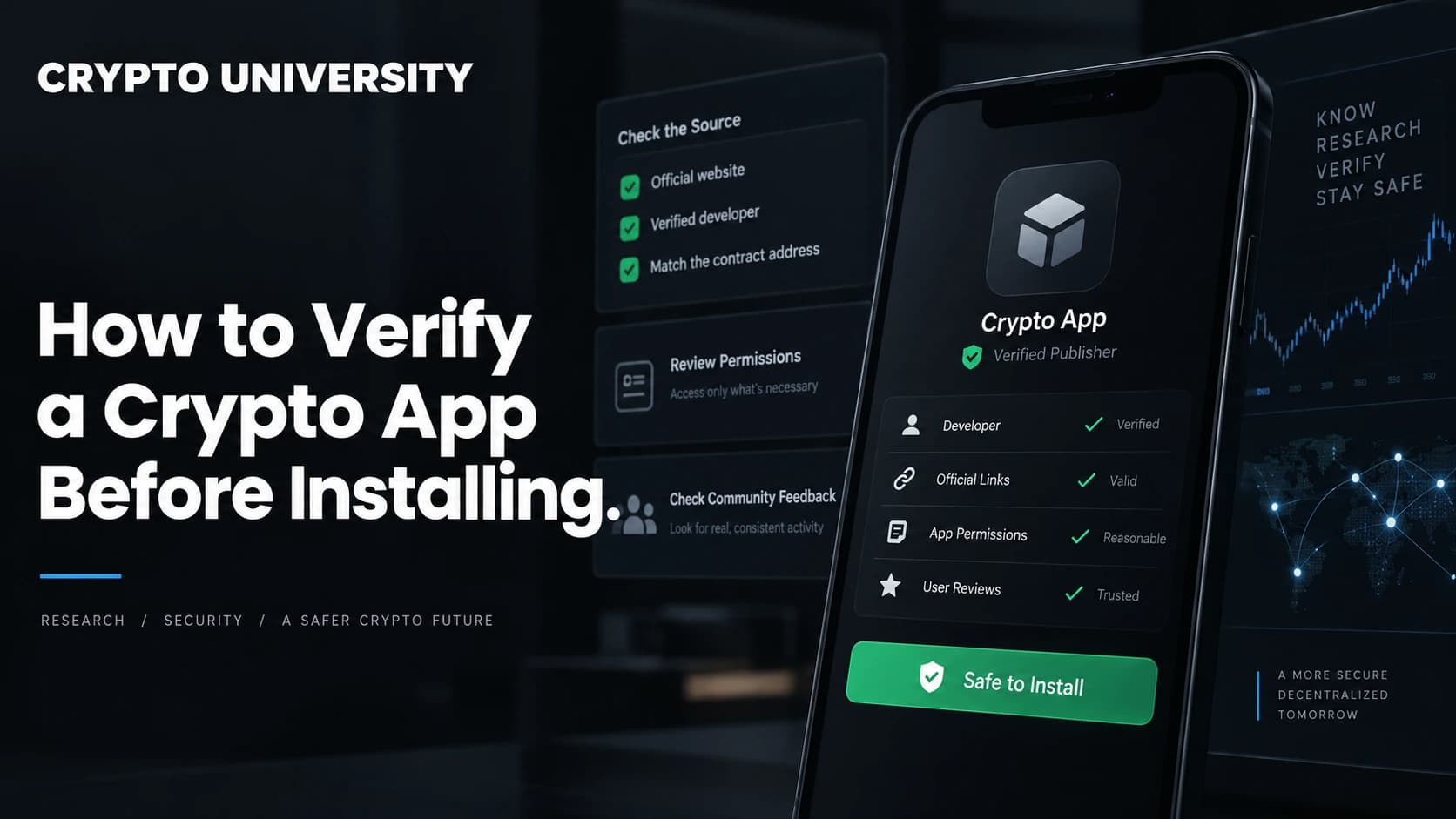
Step 1: Get the Download Link From the Official Source
Most fake app installs start with the wrong first click: a search result, an ad, a Telegram message, a YouTube description, or a QR code.
A safer order of operations:
- Find the project's official website through a source you already trust, such as its verified social account, its GitHub organisation, or a well known aggregator listing.
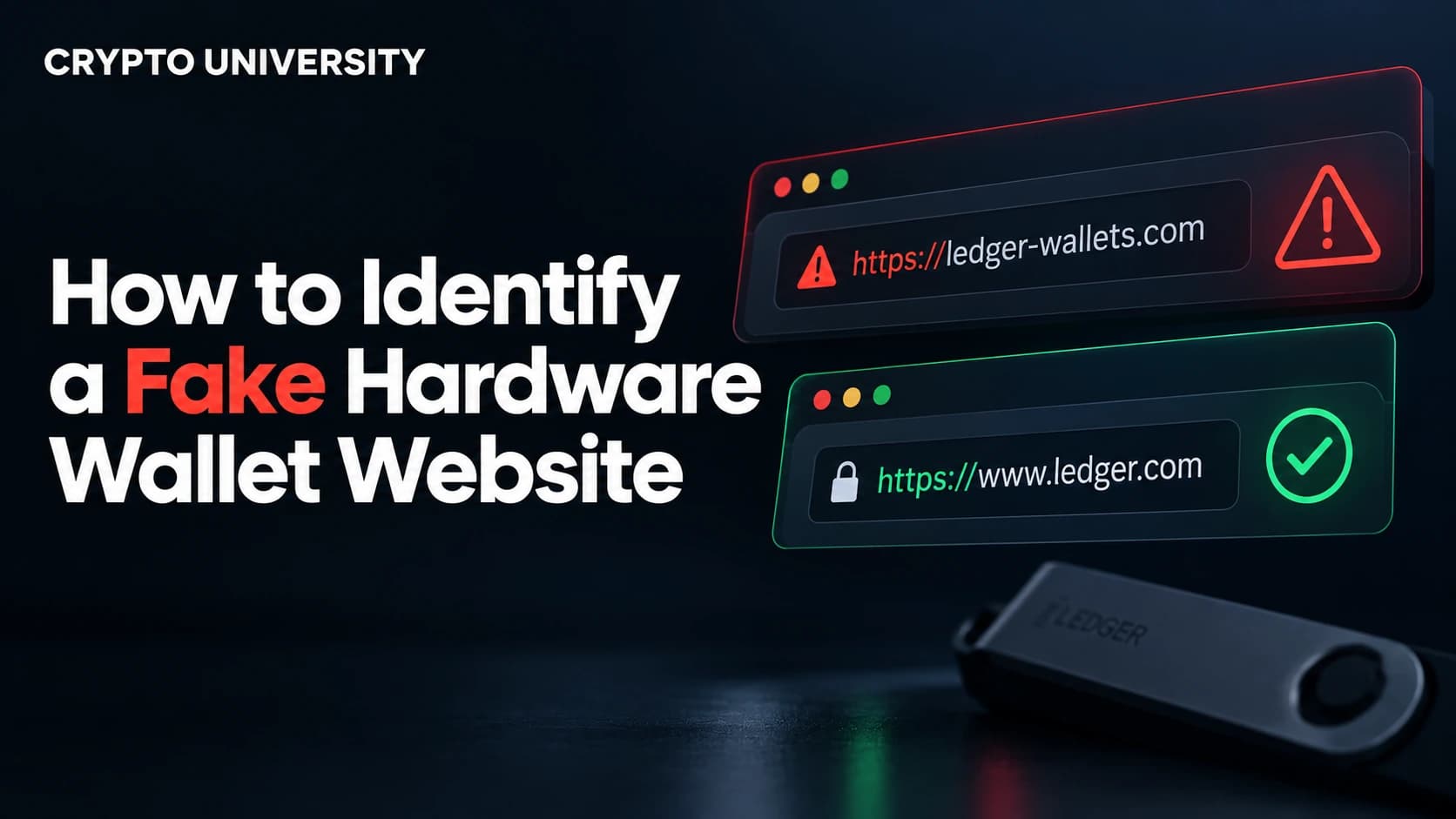
- Confirm the domain spelling character by character. Attackers register lookalike domains that swap letters or add words.
- Follow the store link published on that official site instead of searching the store yourself. That single habit removes almost all typosquatting risk.
If a project has no official app, no store link will make one appear. In the 2024 Check Point case, a fake WalletConnect app sat on Google Play for around five months and collected over 10,000 downloads while the real WalletConnect protocol had no Play Store app at all.
Step 2: Inspect the Store Listing Like an Investigator
Once you are on the listing, slow down for sixty seconds and read it properly.
| What to check | Healthy sign | Warning sign |
|---|---|---|
| Developer name | Matches the company named on the official website | Generic name, personal name, or a studio you cannot find anywhere |
| Developer's other apps | Related products from the same brand | Games, VPNs, or wallpaper apps beside a "wallet" |
| Install count and age | Large install base, long version history | Brand new listing claiming a famous brand |
| Reviews | Detailed, mixed, mentions real features | Short five star reviews posted in bursts, plus a few panicked one star reviews |
| Support links | Working site, real privacy policy | Dead links, or a policy hosted on a free generator page |
| Screenshots | Match the current product | Low quality, mismatched fonts, or stock brand images |
Fake reviews are cheap, so treat the negative reviews as the more informative ones. In the WalletConnect case, roughly 150 people lost about $70,000 in total, yet only around 20 of them left a negative review, which let fake praise dominate the page.
Step 3: Read the Permissions and What the App Asks For
After install, and ideally before, look at what the app requests.
Reasonable requests for a wallet include network access, camera access for scanning QR codes, and biometric unlock. Requests that should stop you include full photo library access, accessibility services, SMS reading, and device administrator rights.
Photo access deserves special attention. Malware families documented by Kaspersky have used optical character recognition to scan a phone's image gallery for screenshots of recovery phrases. This is one reason a recovery phrase should never exist as a photo or screenshot in the first place.
On iPhone, treat any request to install a configuration or provisioning profile as an immediate stop signal. The FakeWallet campaign used exactly that route: the store app itself looked harmless, then pushed users to a web page that installed a modified wallet outside the App Store.
Step 4: Verify Desktop Downloads Cryptographically
Desktop wallets are usually distributed as files from a website, so you can check them properly. Serious Bitcoin projects publish a checksum file plus a detached signature.
The general process:
- Download the application file, the checksum manifest, and the signature file from the official site.
- Import the developer's public key from the source the project documents.
- Verify the signature on the manifest, for example
gpg --verify manifest.txt.asc. - Calculate the hash of your downloaded file, for example
sha256sum wallet-installer.exe. - Compare that hash with the line for your file inside the manifest.
Two checks are happening here. The signature proves the checksum list came from the developer's key. The hash proves your file matches what the developer built. Bitcoin Core ships a helper script for this, and projects such as Sparrow Wallet publish a manifest with a matching signature file for every release.
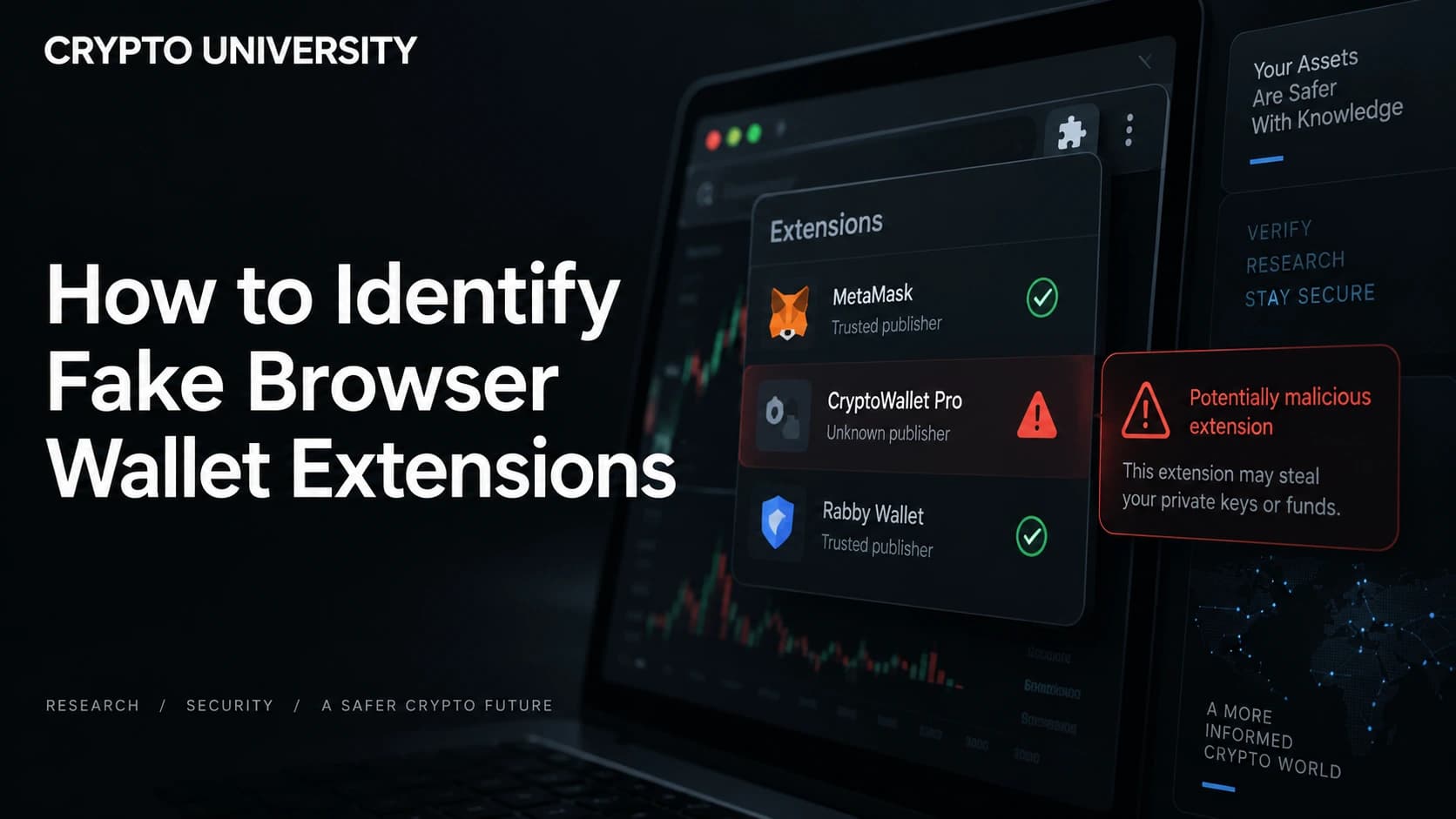
Step 5: Treat Browser Extensions as High Risk
Extensions sit inside the browser where you sign transactions, and they update themselves silently.
On 27 August 2026, Socket published research on a group of Chrome and Edge extensions running a shared malware framework built to empty crypto wallets. Fourteen were malicious from the start. Five began as genuine tools and turned hostile after the original developers sold them, with the payload arriving through an automatic update. One of them had roughly 70,000 Chrome users. The modules targeted wallet extensions including MetaMask, Phantom, Coinbase Wallet, Trust Wallet, Solflare and Exodus, replacing wallet pages with phishing overlays.
Practical rules for extensions:
- Install wallet extensions only from the link on the official project site.
- Keep the number of installed extensions small, because every extension is a potential entry point.
- Review your extension list monthly and remove anything you no longer use.
- Be suspicious when a simple utility suddenly requests broader permissions after an update.
- Use a separate browser profile, or a separate browser, for wallet activity.
Step 6: Test Before You Trust
Even after everything checks out, stage your risk.
| Stage | What to do |
|---|---|
| First run | Create a fresh, empty wallet instead of importing your main recovery phrase |
| Small test | Send a small amount, then send it back out to confirm the app really controls the keys |
| Observation | Use the app for a few days and watch for odd prompts, pop-ups, or notifications |
| Migration | Move larger balances only after the app behaves normally, ideally with a hardware wallet holding the keys |
For meaningful balances, a hardware wallet changes the equation, because a compromised phone app cannot sign a transaction on its own. Even then, always confirm the destination address on the hardware device screen.
Rules That Never Change
- No real wallet, exchange, or support agent needs your recovery phrase. Any request for it is theft in progress.
- Never enter a recovery phrase into a browser window, even one that looks like your wallet.
- Never store a recovery phrase as a photo, screenshot, note, or cloud document.
- Never install a wallet from a file sent by a person, including someone claiming to be support.
If You Think You Installed a Fake App
Move fast and assume the keys are gone. Create a new wallet on a clean device, transfer any remaining assets to it, delete the suspect app, and revoke token approvals granted from the exposed address. Change passwords for exchange accounts used on that device, enable app based two factor authentication, and report the listing to the store so others see it removed.
FAQ
Is an app safe just because it is on the App Store or Google Play? No. Both stores review submissions, but researchers keep finding malicious wallet apps that slipped through, sometimes for months. Store presence lowers risk. It does not remove it.
How can I tell a fake wallet app from the real one quickly? Compare the developer name on the listing with the company named on the official website, and reach the listing through the link on that website rather than through store search.
Do I need to verify checksums as a beginner? For mobile apps you cannot, and you rely on store checks instead. For desktop wallets holding real value, learning the signature and checksum process is one of the highest value skills in self custody.
Are browser extension wallets safe to use? They are convenient and widely used, but they carry extra risk because extensions update automatically and can change ownership. Keep balances modest and pair the extension with a hardware wallet where possible.
What if the app asks for my recovery phrase during setup? Only when you deliberately choose to import an existing wallet. If a phrase request appears in a notification, a support chat, a web page, or after setup was already finished, it is a scam.
Related Terms
- Seed phrase: the list of words that can restore a wallet and all of its funds.
- Wallet drainer: malicious code that tricks a user into approving transfers of their assets.
- Typosquatting: registering names or domains that look almost identical to a real brand.
- Checksum: a fingerprint of a file used to confirm it has not been altered.
- Token approval: permission given to a smart contract to spend tokens from your wallet.
Sources
- Federal Bureau of Investigation, 2025 Internet Crime Report (IC3), reported April 2026. https://www.ic3.gov
- Kaspersky, "FakeWallet cryptostealer propagating via iOS App Store applications", Securelist, April 2026. https://securelist.com/fakewallet-cryptostealer-ios-app-store/119474/
- Cyble Research and Intelligence Labs, "Crypto Phishing Applications On The Play Store", 2025. https://cyble.com/blog/crypto-phishing-applications-on-the-play-store/
- Check Point Research via Cointelegraph, "Crypto wallet drainer was on Google Play for months, stole $70K", September 2024. https://cointelegraph.com/news/crypto-wallet-drainer-google-play-stole-70k-check-point
- Socket research via BleepingComputer, "Chrome Web Store extensions caught stealing crypto, browser data", August 2026. https://www.bleepingcomputer.com/news/security/chrome-web-store-extensions-caught-stealing-crypto-browser-data/
- Bitcoin Core, "Verify binaries" documentation. https://github.com/bitcoin/bitcoin/blob/master/contrib/verify-binaries/README.md
Further Reading
- Bitcoin Core release verification guide, for the full signature and checksum workflow.
- Kaspersky Securelist reporting on SparkCat and SparkKitty, for how image based seed phrase theft works.
- Socket's write-up on malicious browser extensions, for how extension ownership transfers are abused.
Disclaimer: This article is educational and is not financial, legal or investment advice. Regulatory rules and register locations change, so verify details with the relevant authority before acting.
Not sure which problem you have?
Use the Fixing Crypto Mistakes hub to identify the transaction, wallet, network, or exchange issue before taking another action.
OPEN TROUBLESHOOTING HUB