Key Takeaways
- A wallet holds keys, not coins. Your balance always stays on the blockchain, so the real task is finding the key material that controls it, or proving that no such balance exists.
- Records answer two questions in order: which platform or software you used, and which address the funds ended up at. Confirm a balance on a public block explorer before spending days on recovery work.
- Most "lost" wallets are locked, not gone. A forgotten password, the wrong derivation path, or an unopened old device explains far more cases than permanent loss. Never share a seed phrase, and treat any unsolicited recovery offer as fraud.
What Finding an Old Wallet Actually Means
Coins are never stored inside a wallet. Balances sit on a public ledger, and a wallet is only the software or hardware holding the private keys that can move them. That distinction splits your search into two separate questions.
The first is where the coins went. That is an address on a blockchain, and anyone can look it up. The second is where the keys to that address are now. Those keys may exist as a seed phrase on paper, a wallet file on an old drive, an app on a phone in a drawer, or an account at a company that held the keys for you.
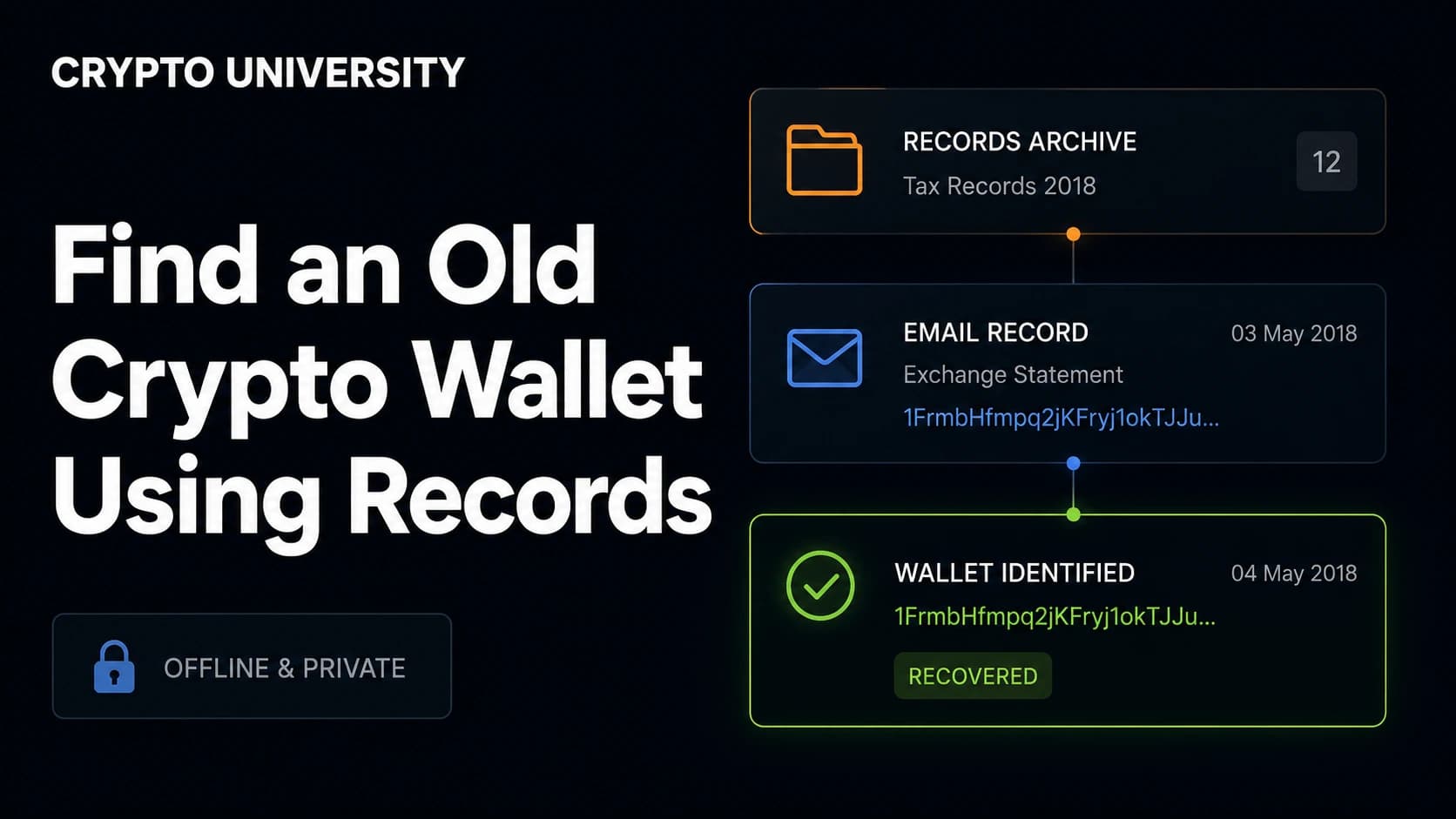
Old records help with both questions. A billing email names the exchange. A withdrawal confirmation contains the destination address. A dusty laptop may contain the file itself. Work through them in that order rather than jumping straight to recovery software.
Step 1: Build a Records Inventory Before You Search Anything
Recovery work is slow, so start by listing what still exists. Each type of record proves a different thing.
| Record you may still have | What it can tell you |
|---|---|
| Emails from an exchange or wallet provider | Which platform you used and roughly when |
| Withdrawal or send confirmation emails | A transaction ID and often the destination address |
| Bank card or bank transfer statements | The date and the name of the company you paid |
| Photos or scans of a paper backup | Seed words, an address, or a wallet name |
| Old phones, laptops, USB sticks, external drives | The wallet file, app, or browser profile |
| Password manager entries and their creation dates | Wallet passwords, exchange logins, a timeline |
| Browser history, bookmarks, saved logins | Which web wallet or software you installed |
| App Store or Google Play purchase and download history | Which mobile wallet you ran |
| Old tax filings and spreadsheets | Addresses, amounts, and dates you recorded at the time |
| Printed receipts from a Bitcoin ATM | The address the machine sent funds to |
Write down every date you find. A rough timeline of when you bought, when you moved funds, and when you last logged in tells you which software versions and address formats were in use, which matters later.
Step 2: Work Out Which Wallet or Platform You Used
Search your email archive instead of relying on memory. Include spam, archive, and deleted folders, and search every address you used at the time.
Useful search terms:
- Names of exchanges and brokers you might have signed up for
- wallet, backup, recovery phrase, seed, private key
- withdrawal, confirmation, deposit, receipt
- verify your account, welcome to, password reset
- bitcoin, ethereum, or the ticker of any coin you bought
Then check the places people forget: browser history and bookmarks, app store download history, password manager entries sorted by creation date, and old cloud backups on iCloud, Google Drive, or Dropbox where wallet backup files were commonly saved.
Step 3: Confirm There Is Something to Recover
If any record contains an address, look it up on a public block explorer before doing anything else. Explorers are read only and require no login, no keys, and no personal information.
Three outcomes are possible:
- A balance appears. Recovery is worth the effort, and you now know which chain and address format you are dealing with.
- Zero balance with outgoing transactions. The funds were moved. Follow the outgoing transaction to the next address. That address may be another wallet you control or an exchange deposit address, which turns this into an account recovery problem instead.
- No transactions at all. Either the address was never funded, or you are looking at the wrong address or the wrong network. Check the same address on other chains it could exist on before concluding anything.
If a record contains an extended public key, which starts with xpub, ypub, or zpub, you can load it into a watch-only wallet and see the balance of an entire account without exposing any private key. Only paste an extended public key into software you trust, because it reveals every address in that account and links them to each other.
Step 4: Search Your Devices for Wallet Files
Most desktop wallets store their data in predictable locations.
| Wallet software | File to look for | Default location |
|---|---|---|
| Bitcoin Core | wallet.dat | Windows: %APPDATA%\Bitcoin\ , macOS: ~/Library/Application Support/Bitcoin/ , Linux: ~/.bitcoin/ |
| Electrum | default_wallet, usually with no file extension | Windows: %APPDATA%\Electrum\wallets , macOS and Linux: ~/.electrum/wallets |
| MetaMask extension | Encrypted vault inside the browser profile | Chrome and Brave: the Local Extension Settings folder of the browser profile |
| MultiBit Classic | .wallet file plus a key-backup folder | Wherever the user installed it, often Documents |
| Ethereum keystore wallets | UTC JSON keystore file | The application data folder of the wallet that created it |
Two practical notes. First, if the drive was reformatted or the files were deleted, stop using that drive immediately, because writing new data destroys deleted files. Where the amount matters, make a full image of the drive and search the copy rather than the original. Second, search by pattern as well as by name: look for wallet.dat, *.wallet, default_wallet, keystore, and JSON files created around the dates in your timeline.
Step 5: Partial Seeds, Wrong Paths, and Forgotten Passwords
Two situations account for most failed recoveries.
The wallet restores but shows zero. This is usually a derivation path mismatch rather than a lost wallet. The same seed phrase produces completely different addresses depending on which standard the wallet uses.
| Standard | Bitcoin path | Address starts with | Address type |
|---|---|---|---|
| BIP44 | m/44'/0'/0' | 1 | Legacy |
| BIP49 | m/49'/0'/0' | 3 | Wrapped SegWit |
| BIP84 | m/84'/0'/0' | bc1q | Native SegWit |
| BIP86 | m/86'/0'/0' | bc1p | Taproot |
If your old wallet used legacy addresses beginning with 1 and your new wallet defaults to native SegWit, the balance shows as zero even though the seed is correct. Many modern wallets scan several paths automatically, but older and lighter wallets do not. Restoring in a wallet that lets you set the path manually resolves most of these cases.
The file exists but the password fails. BTCRecover is a free, open source tool built for this exact situation. It supports Bitcoin Core, Electrum, MultiBit, Blockchain.com, BIP39 seeds and passphrases, and Ethereum keystore files, and it can search several derivation paths at once. It also has an offline mode that extracts only the data needed to test passwords, so the private keys never leave your machine. It is a command line tool and it works best when you already remember most of the password or most of the seed. Download it only from its official repository, and only run it against wallets you own. Attempting this against someone else's wallet is unauthorized access in most jurisdictions.
Step 6: If It Was an Exchange Account, Not a Wallet
Custodial accounts follow a different process entirely, because the company holds the keys.
| Situation | What to do | Realistic outcome |
|---|---|---|
| Exchange still operating | Use the official account recovery flow and complete identity verification | Usually recoverable with matching identity documents |
| Exchange acquired or rebranded | Contact the successor company named in the acquisition notice | Often recoverable, sometimes with delays |
| Exchange collapsed or is in bankruptcy | Check whether a court-supervised claims process exists and whether the deadline has passed | Partial recovery at best, and only through the official process |
| Company vanished entirely | File a report with your national fraud or cybercrime reporting body | Recovery is unlikely |
For an estate, where the wallet belonged to someone who has died, exchanges have a separate deceased-account process that requires legal documents. Self-custody wallets in an estate cannot be unlocked by anyone, including the exchange or the wallet developer, without the seed phrase or file.
Safety Rules That Apply at Every Step
- Never type a seed phrase into a website, a form, a chat window, or a support agent's screen share. No legitimate company will ask for it.
- Do the sensitive work offline on a machine that is not connected to the internet where practical.
- Treat unsolicited help as fraud. The FBI has repeatedly warned about fake recovery services and fictitious law firms that target people who have already lost funds, charge upfront fees, and deliver nothing. Real professionals do not cold-message victims on social media, and none of them can guarantee an outcome.
- Be careful with search results. Fake versions of recovery tools and cloned websites of well-known analytics firms are common. Verify the domain against the project's official repository or documentation.
- Move funds after recovery. If a seed or key has ever been typed into a computer you do not fully trust, transfer the balance to a newly generated wallet.
When to Stop Looking
Not every search ends in recovery. If the address shows a zero balance and no outgoing transactions, if the drive has been reformatted and overwritten many times, or if the seed phrase never existed anywhere outside a lost device, there is no technical step remaining. In that case the honest answer is that the keys are gone, and no service can bring them back. Recognizing that early protects you from the second loss that recovery scams are designed to cause.
FAQ
Can I find an old wallet if I only remember the exchange I used? Often yes, if the exchange still operates. Start with its account recovery process using the email address you had at the time. If you withdrew the funds to a personal wallet, the exchange's withdrawal history or confirmation emails will contain the destination address, which is the thread to follow next.
Does a zero balance mean my coins are gone? Not necessarily. A zero balance with no transactions usually means you are looking at the wrong address, the wrong account, or the wrong chain. A zero balance with an outgoing transaction means the funds were moved, and the explorer will show you where they went.
Is it safe to use an online tool to check my seed phrase or derivation path? Entering a seed phrase into any website is unsafe. If you need to test derivation paths, do it inside wallet software you installed yourself, ideally on an offline machine. Checking an address or an extended public key on a block explorer is safe by comparison, though extended public keys have privacy costs.
Are paid crypto recovery services worth using? Some legitimate forensic and legal firms exist, but the category is heavily targeted by fraud. Warning signs include unsolicited contact, guaranteed results, large upfront fees, and requests for your seed phrase. Law enforcement never charges a fee to investigate, and no private company can seize funds on your behalf.
How long does wallet recovery take? Anything from minutes to never. Restoring a seed with the correct derivation path takes minutes. A password search depends entirely on how much you remember, and can take days or fail outright. Custodial account recovery is usually a matter of weeks.
Related Terms
- Seed phrase: A list of 12 or 24 words that regenerates every key in a wallet.
- Derivation path: The route through a wallet's key tree that determines which addresses a seed produces.
- Extended public key (xpub): A key that generates receiving addresses and shows balances without allowing spending.
- Watch-only wallet: A wallet loaded with public keys only, used to monitor a balance safely.
- Block explorer: A public search tool for reading blockchain data such as addresses, balances, and transactions.
Sources
- Bitcoin Core documentation, data directory and wallet file locations: https://github.com/bitcoin/bitcoin/blob/master/doc/files.md
- Electrum documentation, frequently asked questions on wallet files and seeds: https://electrum.readthedocs.io/en/latest/faq.html
- MetaMask Help Center, how to recover your Secret Recovery Phrase: https://support.metamask.io/configure/wallet/how-to-recover-your-secret-recovery-phrase/
- BTCRecover documentation, supported wallets and recovery modes: https://btcrecover.readthedocs.io/en/latest/
- FBI public service announcement on fictitious law firms targeting cryptocurrency scam victims: https://www.fbi.gov/investigate/cyber/alerts/2025/fictitious-law-firms-targeting-cryptocurrency-scam-victims-combine-multiple-exploitation-tactics-while-offering-to-recover-funds
- FBI San Diego, seizure of fraudulent cryptocurrency recovery websites: https://www.fbi.gov/contact-us/field-offices/sandiego/news/fbi-san-diego-seizes-cryptocurrency-recovery-websites
More Reading
- BTCRecover documentation for password and seed recovery workflows, including offline extract scripts: https://btcrecover.readthedocs.io/en/latest/
- Wallets Recovery for a community-maintained reference of derivation paths used by specific wallet brands: https://walletsrecovery.org/
- FBI Internet Crime Complaint Center (IC3) for reporting fraud and reading current advisories: https://www.ic3.gov
Disclosure: Crypto University may earn a commission from some links below. We do not recommend paid recovery services, and nothing here is financial advice.
Not sure which problem you have?
Use the Fixing Crypto Mistakes hub to identify the transaction, wallet, network, or exchange issue before taking another action.
OPEN TROUBLESHOOTING HUB