Key Takeaways
- Clipboard malware (also called a "clipper") watches what you copy and silently swaps a crypto address for one the attacker controls. Because blockchain transfers cannot be reversed, one missed check can mean a permanent loss.
- Checking only the first and last few characters is no longer enough. Security researchers have documented clippers that pick replacement addresses matching the start or end of your real one.
- The best defense is a habit, not a single tool. Download software only from official sources, verify the full address on a trusted screen, use saved address books, and send a small test amount before large transfers.
What Is Clipboard Malware?
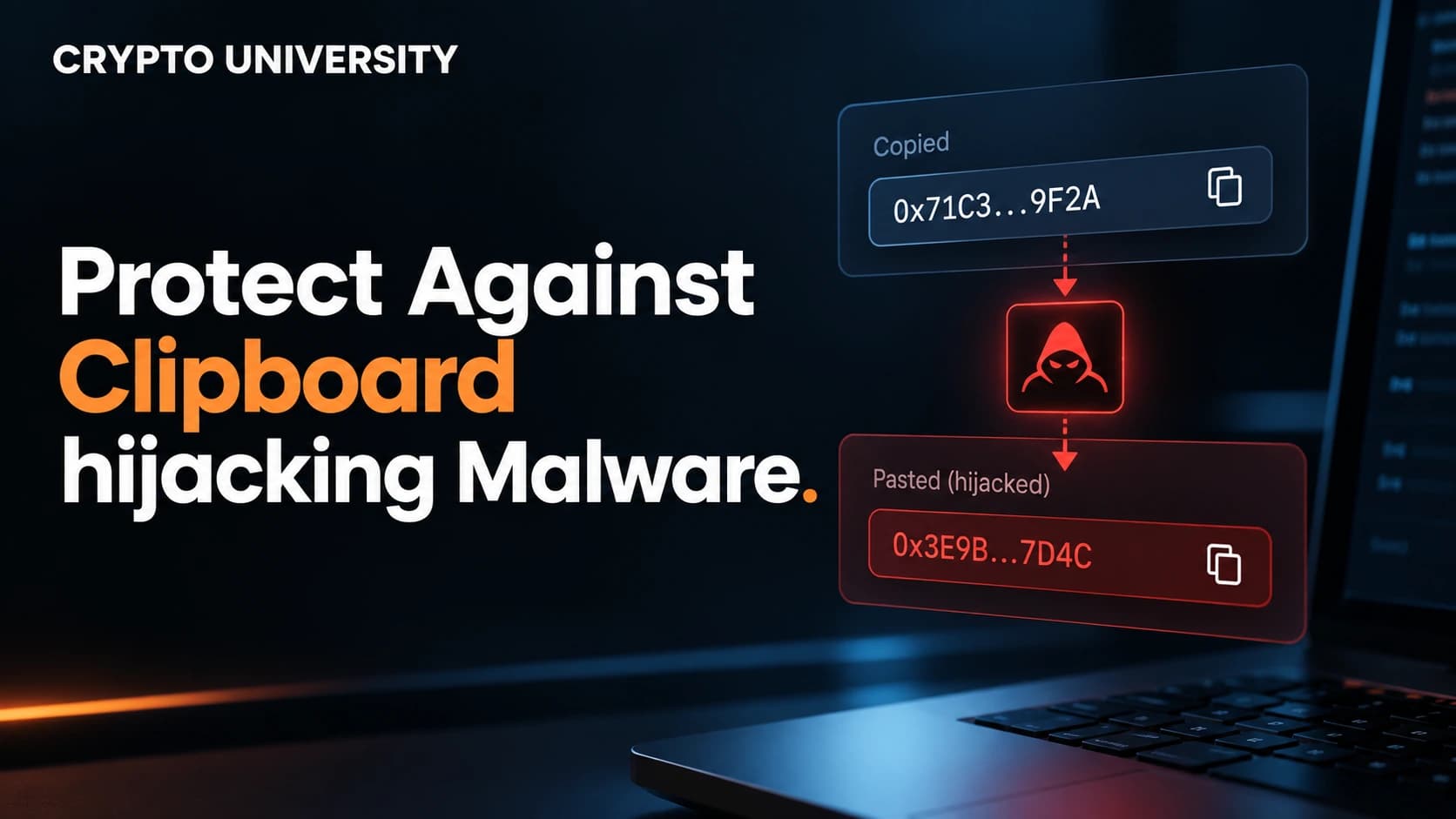
Your clipboard is the temporary memory your device uses when you copy and paste. Clipboard malware is malicious software that monitors that memory. When it sees text that looks like a cryptocurrency address, it replaces it with an address belonging to the attacker.
Security firms usually call this type of malware a clipper or clipboard hijacker. The attack is simple, but it works because crypto addresses are long strings of letters and numbers that most people do not read closely.
According to ESET, this type of malware first appeared on Windows in 2017. It later spread to Android and macOS. It remains active today, with several new campaigns reported by major security companies in 2026.
How a Clipper Attack Works
A typical attack follows five steps:
- Infection. You install something that carries hidden malware, such as a cracked app, a fake trading bot, or a malicious browser extension.
- Monitoring. The malware runs quietly in the background and checks your clipboard every time it changes.
- Detection. It uses pattern matching to spot text shaped like a Bitcoin, Ethereum, Tron, Monero, or other address.
- Replacement. It swaps your copied address for an attacker address from a built-in list.
- Transfer. You paste, confirm, and send. The funds go to the attacker, and the transaction cannot be undone.
The malware does not need to break your wallet or guess your password. You sign a valid transaction yourself. The only thing that changed is the destination.
Why Quick Visual Checks Fail
Many people check the first four and last four characters of an address. Attackers know this. Microsoft's June 2026 analysis of a clipper campaign found that the malware chose replacement addresses to match parts of the original. For some Bitcoin and Tron formats it matched the first two characters. For some newer Bitcoin formats it matched the last character.
Clippers also use large address lists to improve the odds of a close match. Check Point Research reported in June 2026 that one Windows sample carried more than 15,500 attacker addresses, most of them for Bitcoin.
Real Examples of Crypto Clipper Campaigns
| Year | Campaign | How It Spread | Reported Details |
|---|---|---|---|
| 2017 | Early Windows clippers | Malicious downloads | ESET says the malware type first appeared on Windows this year |
| 2019 | Android/Clipper.C | Fake MetaMask app on Google Play | ESET found it and Google removed the app |
| 2023 | Fake Tor Browser | Trojanized installers on third-party sites | Kaspersky reported over 15,000 users in 52 countries and estimated losses of at least $400,000 |
| 2026 | "Crypto Clipper" (Microsoft) | Malicious shortcut files on USB drives | Also stole seed phrases, private keys, and screenshots |
| 2026 | Rust clipper (Check Point) | Fake sniper bots and crash game "predictors" | Used fake GitHub stars and reviews to look trustworthy |
| 2026 | "Silent Swap" (McAfee) | Malicious Chromium browser extension | Assigned attacker addresses per victim from a server |
Loss figures in reports like these are estimates based on what researchers could observe. Actual totals are often higher.
How Clippers Get Onto Your Device
Understanding the entry points helps you avoid them.
| Entry Point | Common Example | Safer Practice |
|---|---|---|
| Cracked or pirated software | "Free" premium tools, game cracks | Do not install cracked software on any device that touches crypto |
| Fake trading tools | Sniper bots, signal bots, "profit predictors" | Treat any tool promising easy gains as high risk |
| Unofficial app stores and mirrors | Wallet or browser installers from third-party sites | Download only from the official website or official app store |
| Browser extensions | Lookalike wallet or productivity extensions | Install few extensions and review them regularly |
| Removable media | Infected USB drives with shortcut files | Disable autorun and avoid unknown USB drives |
| Phishing | Email attachments posing as invoices or airdrops | Do not open unexpected attachments |
A key lesson from the 2026 Check Point report is that popularity signals can be faked. Stars, download counts, and positive reviews do not prove a download is safe.
Step by Step: How to Send Crypto Safely
Build these steps into every transfer, especially large ones.
Step 1: Get the Address From a Trusted Source
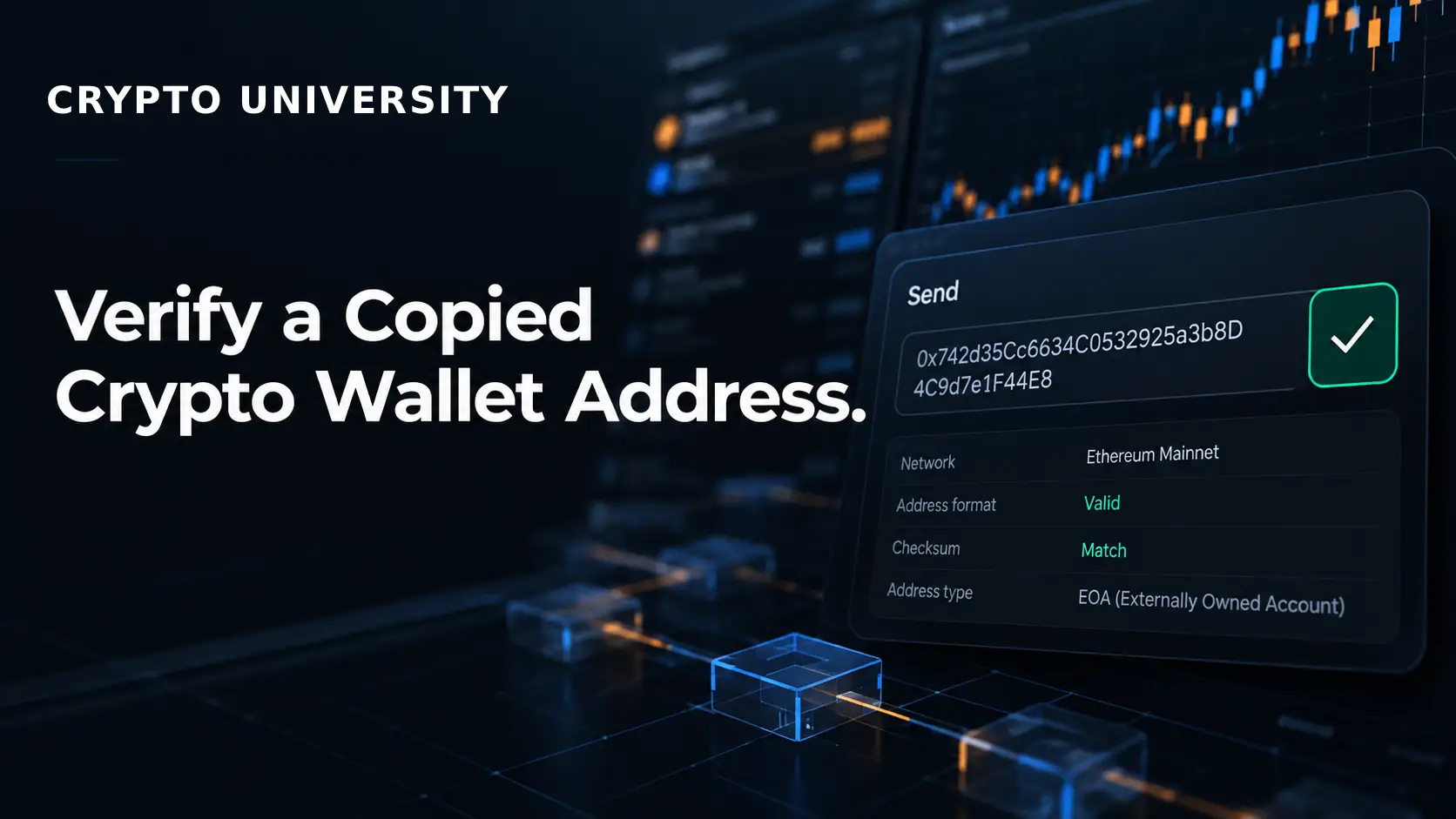
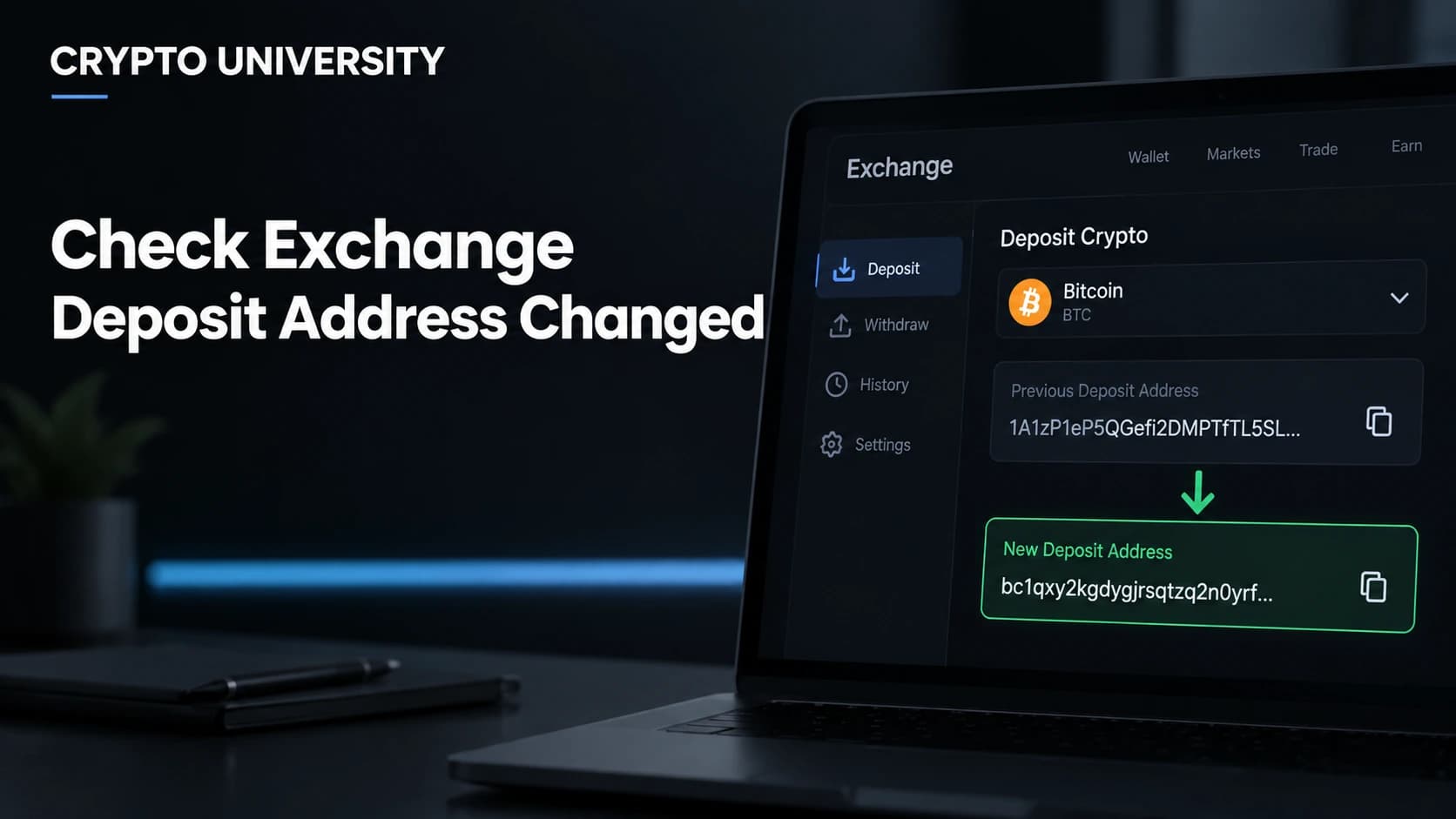
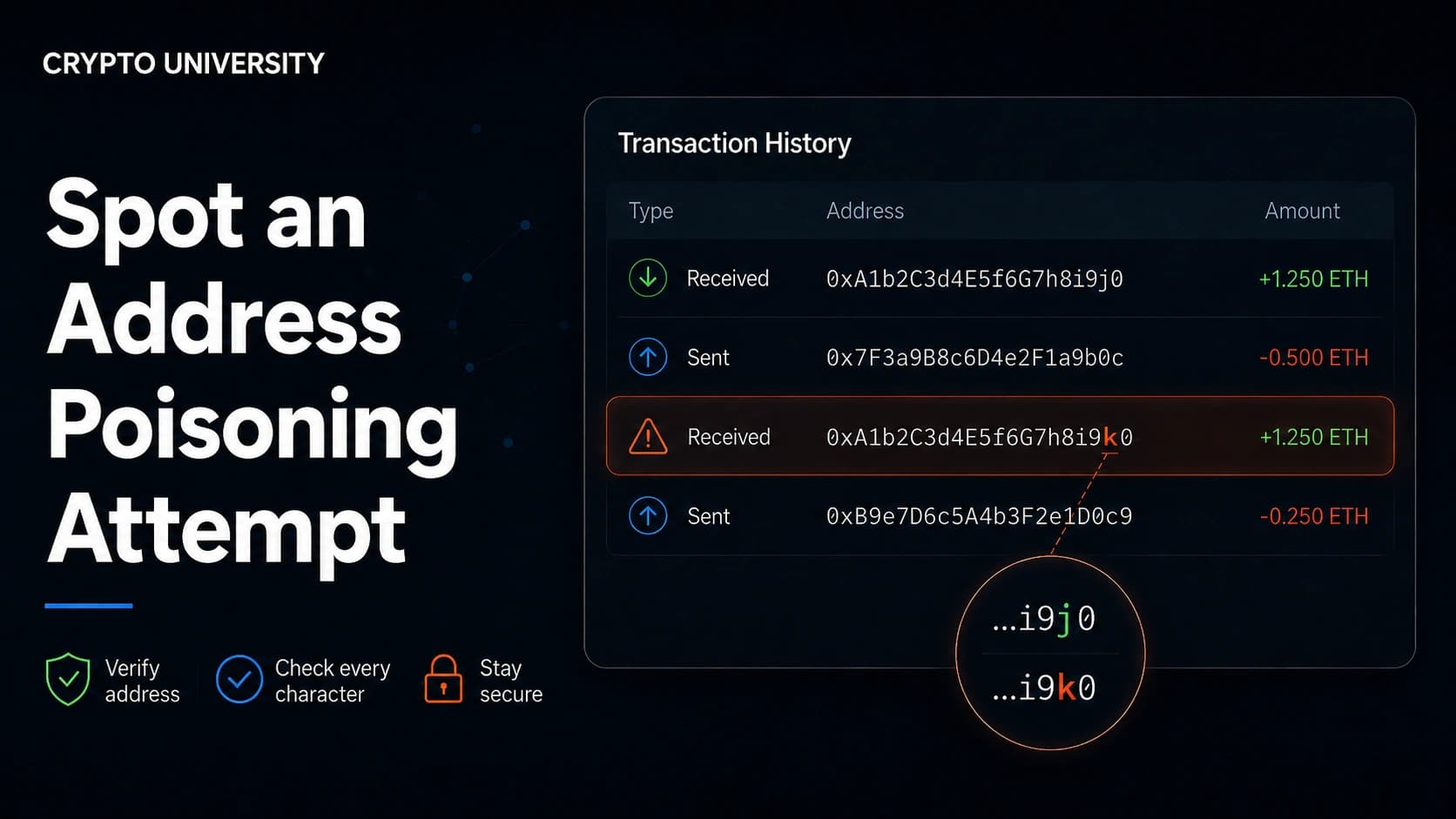
Copy the address directly from the recipient's wallet, your exchange's deposit page, or a message you have verified through a second channel. Never pull an address from your transaction history without checking it. That is a common trap in address poisoning attacks.
Step 2: Paste, Then Compare the Whole Address
After pasting, compare the full address against the source. If that is too slow, compare it in chunks, including the middle. A simple method is to read it aloud in groups of four characters.
Step 3: Confirm on a Hardware Wallet Screen
A hardware wallet shows the destination address on its own screen before you approve. Compare that address with the original source, not with the pasted text on your computer. A hardware wallet protects your keys, but it cannot know which address you meant to use.
Step 4: Use Saved Address Books and Withdrawal Whitelists
Most exchanges and many wallets let you save verified addresses. Once an address is saved and checked, you can select it instead of pasting. Some exchanges also offer withdrawal whitelists that only allow transfers to pre-approved addresses.
Step 5: Send a Small Test Transaction
For a new address or a large amount, send a small amount first. Ask the recipient to confirm they received it, then send the rest. The extra network fee is a small cost for the added certainty.
Step 6: Use QR Codes or Naming Services Carefully
Scanning a QR code with your phone avoids your computer clipboard entirely. Human readable names such as ENS names can also reduce copying. Still verify the resolved address, because QR codes and names can be spoofed too.
Device Hygiene Checklist
| Action | Why It Helps |
|---|---|
| Keep your operating system and browser updated | Closes known security holes |
| Run reputable security software | Many clipper families are detected by major antivirus tools |
| Remove unused browser extensions | Reduces the number of programs that can read page content |
| Disable autorun for USB drives | Blocks one infection route seen in 2026 |
| Turn off clipboard sync if you do not need it | Limits where copied data travels across devices |
| Use a dedicated device for large holdings | Keeps crypto activity away from risky downloads |
| Watch for clipboard alerts on mobile | Android 12 and later, and iOS 14 and later, show a notice when an app reads the clipboard |
Clipboard Malware vs. Address Poisoning
These two threats are often confused. Both aim to make you send funds to a lookalike address, but they work differently.
| Feature | Clipboard Malware | Address Poisoning |
|---|---|---|
| Needs malware on your device | Yes | No |
| Where the fake address comes from | Swapped into your clipboard | Planted in your transaction history with tiny or zero value transfers |
| Main mistake it exploits | Trusting pasted text | Copying from past transactions |
| Best defense | Clean device and full address checks | Saved address books and never copying from history |
What to Do If You Suspect an Infection
- Stop all transfers from the affected device immediately.
- Test the clipboard safely. Copy one of your own addresses into a text editor and compare. If it changes, the device is compromised. A clean result does not prove the device is safe, because some clippers only target certain formats.
- Assume your seed phrase may be exposed if you ever copied, typed, or stored it on that device. Several 2026 clippers also stole seed phrases and private keys.
- Move funds from a clean device to a new wallet with a new seed phrase.
- Clean or reinstall the system. A full operating system reinstall is the most reliable option.
- Report the theft. If funds went to an exchange address, contact that exchange. You can also report to local police or a national cybercrime unit. Recovery is uncommon, but reports help investigators track attacker wallets.
Final Thoughts
Clipboard malware is one of the oldest crypto threats, and it keeps evolving. Attackers now use address matching, large address lists, fake reputations, and browser extensions. The defense stays the same: install software carefully, verify the full address on a trusted screen, and test before large transfers. These habits take seconds and protect against mistakes that cannot be reversed.
Frequently Asked Questions
Can clipboard malware steal crypto from a hardware wallet?
It cannot extract keys from a hardware wallet. However, it can swap the destination address before you sign. If you approve the transaction without comparing the address on the device screen to the original source, the funds can still be lost.
Is it safe to copy and paste crypto addresses at all?
Copying and pasting is common and usually fine on a clean device. The risk comes from pasting without checking. Always verify the full pasted address, or use saved address books and QR codes where possible.
Does clipboard malware affect phones?
Yes. ESET found a clipper on Google Play in 2019 that posed as MetaMask. Modern Android and iOS versions show alerts when apps read the clipboard, which helps, but you should still install apps only from official stores and trusted developers.
Can a stolen transaction be reversed?
Blockchain transactions are generally final. There is no bank to reverse them. In some cases, if funds reach a regulated exchange, that exchange may freeze them after a report, but this is not guaranteed.
Does an address checksum protect me?
Not against clippers. Checksums, such as the mixed case format used for Ethereum addresses, catch typing errors. A clipper inserts a different valid address, so the checksum still passes.
Related Terms
- Clipper Malware: Malicious software that monitors the clipboard and replaces copied crypto addresses with attacker addresses.
- Address Poisoning: A scam that plants lookalike addresses in your transaction history so you copy the wrong one later.
- Hardware Wallet: A physical device that stores private keys offline and shows transaction details on its own screen for approval.
- Seed Phrase: A list of 12 or 24 words that can restore a wallet and must be kept private and offline.
- Address Whitelisting: A security setting that only allows withdrawals to addresses you have approved in advance.
Sources
- Microsoft Security Blog, "Crypto Clipper uses Tor and worm-like propagation for persistence and control," June 17, 2026
- Check Point Research, "From Stars to Upvotes: Fake Reputation Fueling a Crypto Clipboard Hijacker," June 17, 2026
- McAfee Labs, "Silent Swap: A Crypto Clipper Extension Campaign," July 2026
- Kaspersky, "New clipper malware steals US$400,000 in cryptocurrencies via fake Tor Browser," March 28, 2023
- ESET WeLiveSecurity, "First clipper malware discovered on Google Play," February 8, 2019
- Android Developers, "Secure Clipboard Handling." ## Further Reading
- How to Protect Yourself From QR Code Crypto Scams
- How to Verify Telegram and Discord Announcements Before Clicking
This article is educational and factual. It is not financial advice and contains no price predictions. Figures cited from third party tools are point in time estimates that change continuously.
Not sure which problem you have?
Use the Fixing Crypto Mistakes hub to identify the transaction, wallet, network, or exchange issue before taking another action.
OPEN TROUBLESHOOTING HUB