Key Takeaways
- Most wallet losses start with a link, not a hack. Attackers rarely break cryptography. They build a convincing copy of a real website and wait for you to approve a transaction on it.
- Connecting a wallet and signing a message are two different actions. Connecting usually only reveals your public address. Signing is where funds actually move or where permissions are granted.
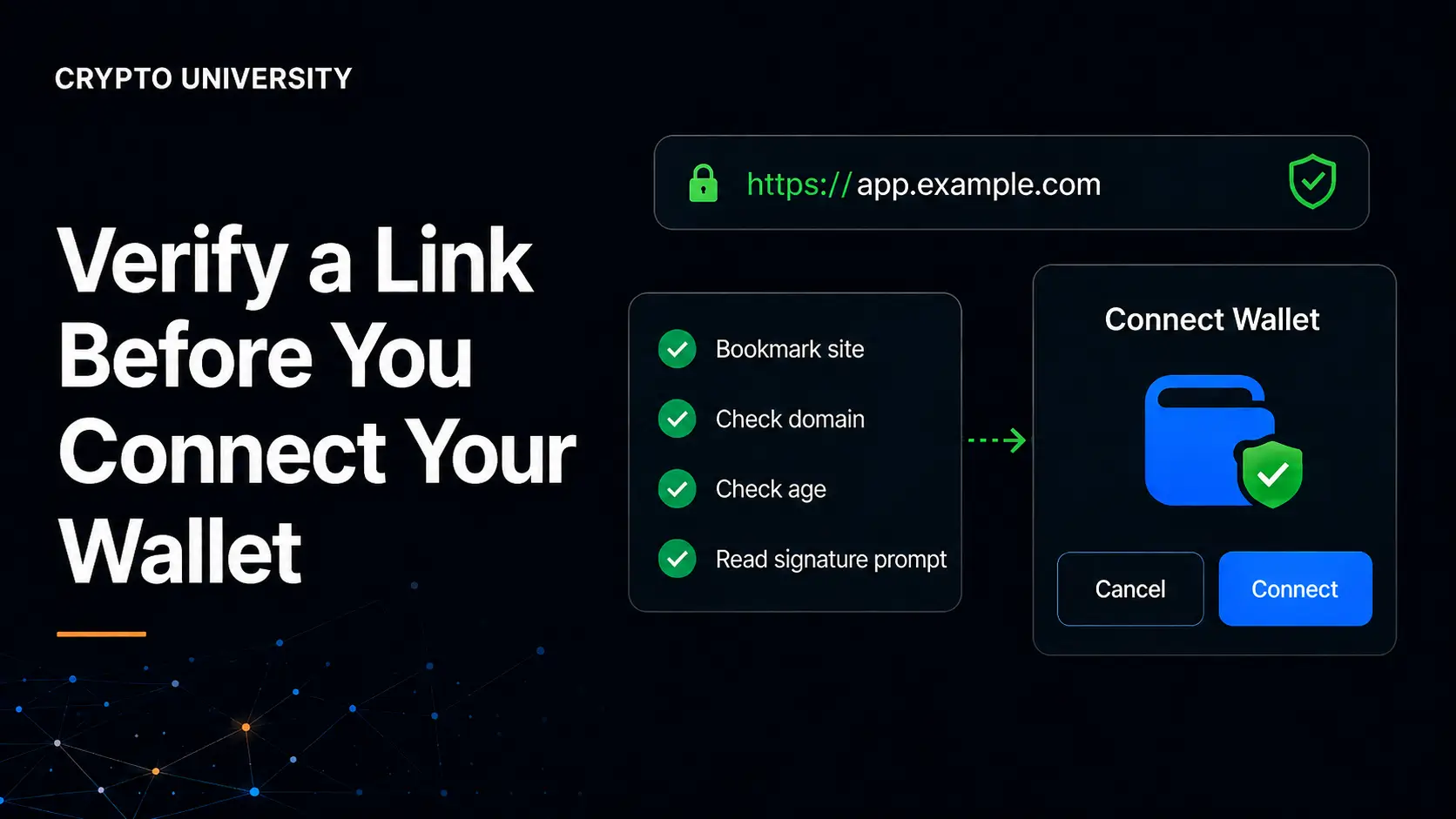
- A 60 second checklist prevents most of these attacks. Reach the site through your own bookmark, read the domain carefully, check the domain age and reputation, and read every signature prompt before approving it.
Why the Link Is the Real Attack Surface
Wallet theft aimed at individuals is mostly a social engineering problem. A phishing site steals what you type. A wallet drainer steals what you sign. That difference is why link checking matters more than almost any other habit in self custody.
The scale is well documented. Security firm Scam Sniffer, which tracks wallet drainer activity across Ethereum compatible chains, recorded roughly 494 million dollars in observed losses across more than 332,000 affected wallets in 2024, then a sharp fall to about 83.85 million dollars across roughly 106,106 wallets in 2025. These are observed figures for one category of attack on one family of chains, not a complete global total, and the firm itself has noted that part of the decline may reflect a shift toward attacks that are harder to track.
The infrastructure behind these attacks is industrial. Group-IB's investigation into the Inferno Drainer toolkit identified more than 16,000 domains impersonating over 100 crypto brands. A peer reviewed study presented at the ACM Internet Measurement Conference in 2025 mapped drainer as a service operations on Ethereum and found roughly 135 million dollars taken from 76,582 victim wallets between March 2023 and April 2025.
The practical lesson is simple. You are not being asked to outsmart a hacker. You are being asked to notice a wrong domain name.
Connecting Versus Signing
Before checking a link, it helps to know what a website can and cannot do once you press connect.
| Action | What it usually does | Risk level |
|---|---|---|
| Connect wallet | Shares your public address and lets the site read your balances and history | Low on its own, but it puts you inside the attacker's workflow |
| Sign a message | Proves you control the address, or authorises an off chain permission | Medium to high, depending on the message type |
| Approve a token | Gives a smart contract permission to move a specific token from your wallet | High if the amount is unlimited or the contract is unknown |
| Sign a delegation | Under EIP-7702, hands control of your account's execution logic to a contract | Very high, treat an unknown delegation as a compromised wallet |
Connecting is the doorway. Signing is the loss. Fake sites are designed to make step one feel routine so that step two feels routine too.
The 60 Second Link Check
Step 1: Do not start from the link you were sent
The safest link is the one you already saved. Build a bookmark folder for every protocol, exchange and wallet you use, and navigate from there. Links arriving through direct messages, comment replies, sponsored search results, email, QR codes or airdrop notifications should be treated as untrusted by default, even when they come from an account you recognise. Compromised project accounts are a standard part of the attack playbook.
Step 2: Read the domain from right to left
Browsers show the full URL, but only one part decides where you are: the registrable domain, which sits immediately to the left of the top level domain. In app.uniswap.org.secure-claim.cc, the real domain is secure-claim.cc, not Uniswap. Everything to the left of it can be anything the attacker wants.
Step 3: Look for lookalike characters and punycode
Homograph attacks use characters from other alphabets that render like Latin letters, such as a Cyrillic "a" in place of a Latin "a". Modern browsers usually defend against this by displaying the encoded form instead. If a domain in your address bar starts with xn--, stop. That is punycode, and outside of genuine non Latin script websites it is a strong warning sign. Also watch for simple typosquats: swapped letters, a hyphen inserted into a brand name, a capital "I" standing in for a lowercase "l", or an unusual top level domain attached to a familiar brand.
Step 4: Expand short links and trace redirects
Shortened links hide the destination. Paste the link into a scanner rather than clicking it, and check where the redirect chain ends. Any chain that passes through several unrelated domains before landing on a claim page deserves suspicion.
Step 5: Check domain age and reputation
Most phishing domains are used within days of registration. A WHOIS lookup that shows a domain registered last week, attached to a protocol that has existed for years, is close to conclusive. Reputation services add a second signal.
Step 6: Confirm the official link from two independent sources
Cross check the URL against the project's documentation, its verified social profile, a major data aggregator such as CoinGecko or DefiLlama, and the contract address on a block explorer. Agreement across two independent sources is a reasonable bar. Search engine results alone are not, because paid placements have repeatedly been used to promote phishing pages above genuine ones.
Step 7: Ignore the padlock
HTTPS certificates are free and automated. A padlock means the connection is encrypted, not that the operator is honest. Nearly every phishing site has one.
Red Flags and What They Mean
| Signal | Why it matters |
|---|---|
Domain starts with xn-- | Punycode encoding of non Latin characters, a classic homograph attack |
| Domain registered within the last 30 days | Most drainer domains are consumed quickly and replaced |
| Urgency or a countdown timer | Deadline pressure is the core technique in nearly every drainer lure |
| A wallet connect popup that is not from your wallet | Fake popups harvest seed phrases, real wallets never ask for one |
| Any request for your seed phrase or private key | Always a scam, with no exceptions |
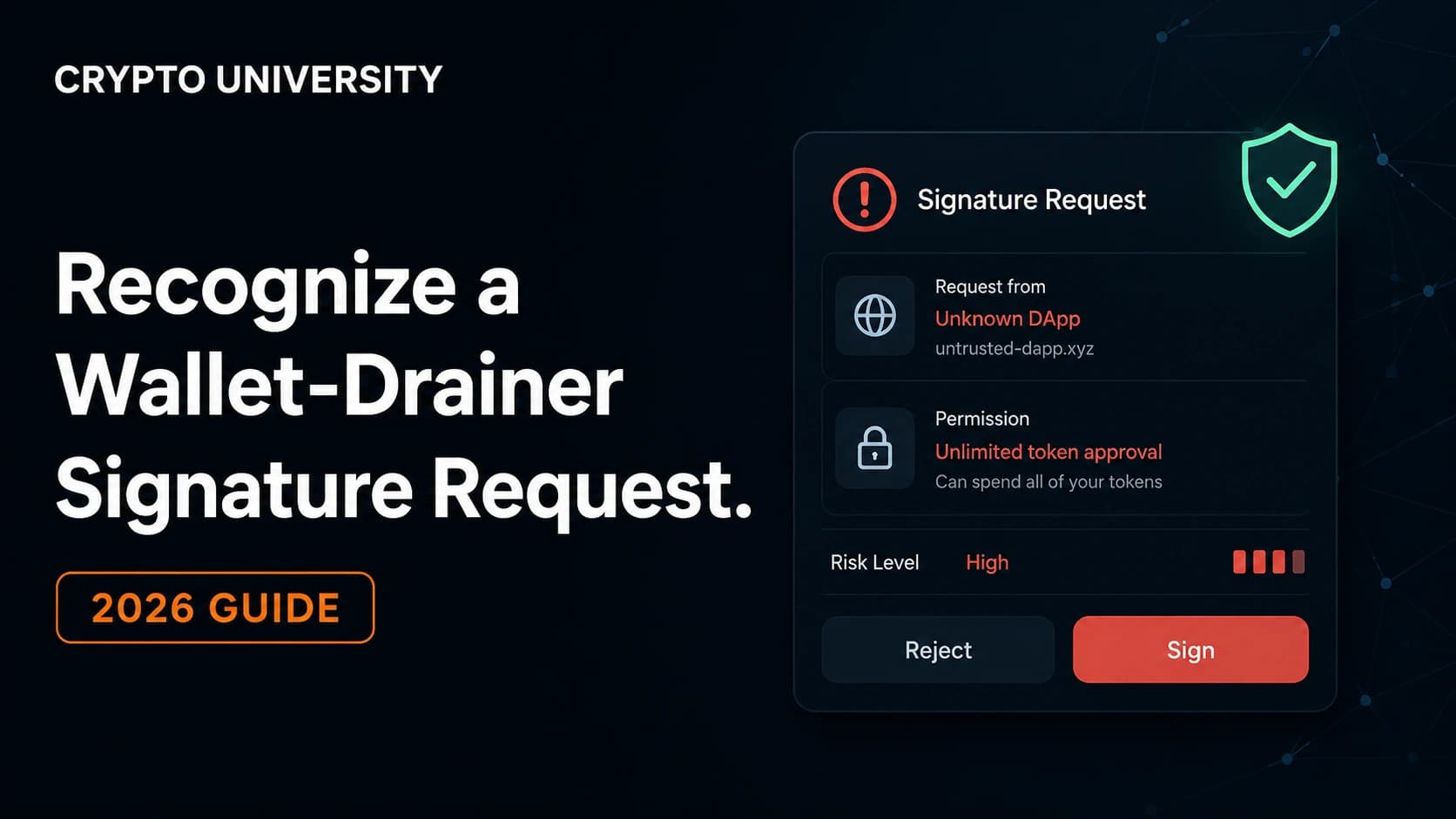
| Unlimited approval requested for a token you are not trading | A standing permission that survives long after you leave the site |
| Site works only through a specific referral or ad link | Cloaking is used to hide phishing pages from scanners |
| Contract unverified on the block explorer | You cannot read what the code does |
Tools You Can Use
| Tool type | Examples | What it tells you |
|---|---|---|
| URL scanners | urlscan.io, VirusTotal, Google Safe Browsing | Vendor detections, redirect chains, page screenshots without visiting |
| Domain records | Any public WHOIS lookup, DNS records | Registration date, registrar, hosting patterns |
| Crypto specific phishing feeds | Scam Sniffer, PhishDestroy, Chainabuse | Whether the domain or address is already reported |
| Browser security extensions | Scam Sniffer, Wallet Guard, Blockaid powered wallet features | Warnings at the moment of connection or signing |
| Block explorers | Etherscan, Solscan and equivalents | Contract verification status, holder data, warning labels |
| Approval managers | Revoke.cash, Etherscan token approvals | Existing permissions you have granted and can withdraw |
No single tool is authoritative. A clean scan lowers risk but does not prove safety, especially for a domain that went live hours ago.
Read the Signature Prompt, Not Just the Site
Once you connect, your wallet becomes the last line of defence. Learn what the prompts mean.
| Request | What it does | How to treat it |
|---|---|---|
personal_sign | Signs readable text, common for login or "sign in with Ethereum" | Read the text, refuse if it does not match the action |
eth_signTypedData_v4 (EIP-712) | Signs structured, displayable data | Check the spender, amount and deadline fields |
eth_sign | Signs a raw hash with no context, effectively blind signing | Treat as hostile, major wallets disable it by default |
approve / increaseAllowance | Grants a contract permission to move a token | Set a limited amount where the wallet allows it |
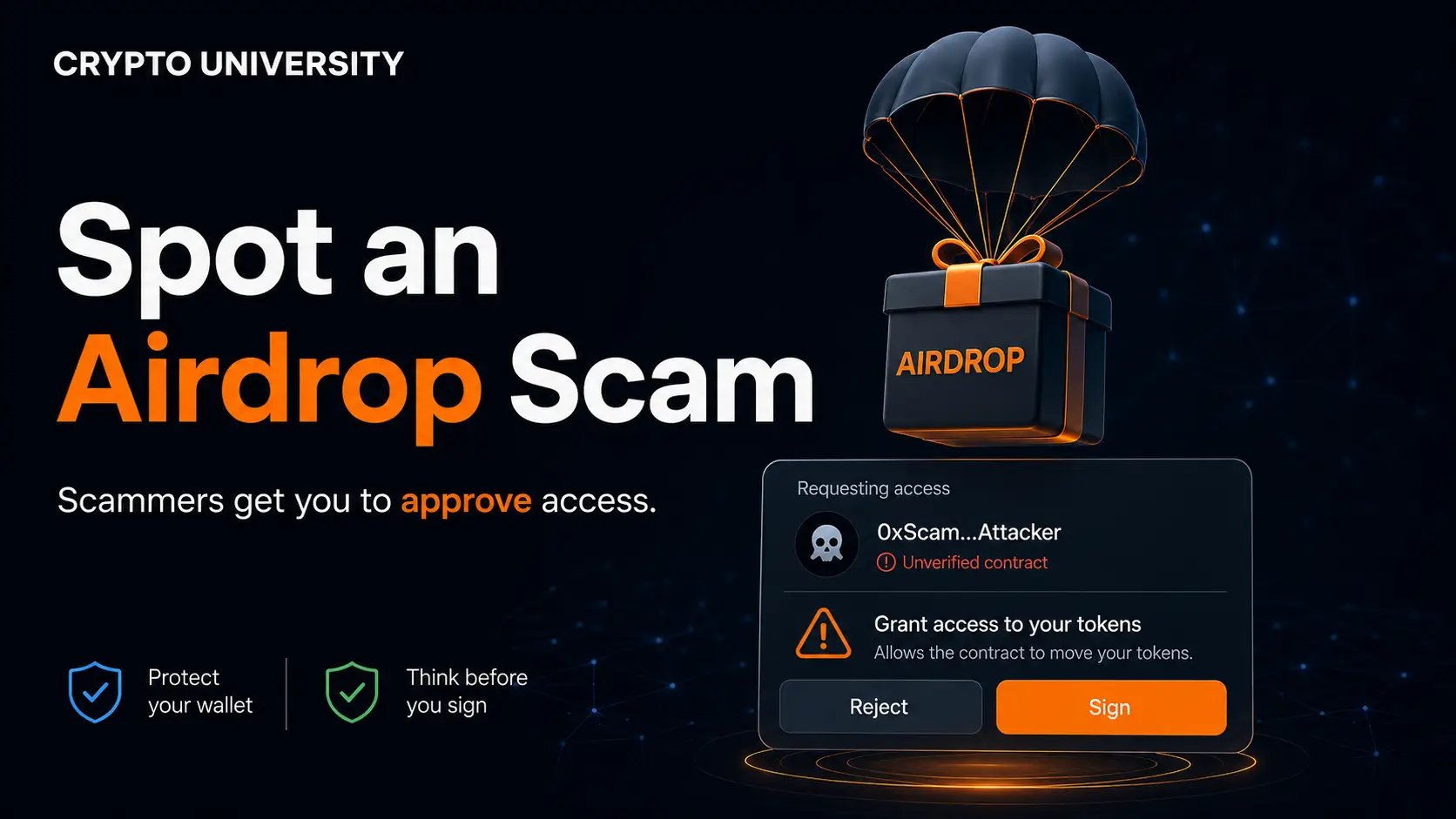
setApprovalForAll | Grants access to an entire NFT collection | Only for marketplaces you deliberately chose |
| Permit / Permit2 | Gasless off chain approval with an expiry | Verify spender and expiry, note that Permit2 has two revocation layers |
| EIP-7702 authorisation | Delegates your account's execution logic | Do not sign from an untrusted site under any circumstances |
If your wallet cannot show you what a request does, that is a reason to reject it, not a reason to proceed.
Habits That Reduce the Damage
- Keep long term holdings in a hardware wallet that never connects to new sites.
- Use a separate low value "hot" wallet for minting, testing and anything unfamiliar.
- Review and revoke old approvals on a schedule, for example once a month.
- Use a dedicated browser profile for crypto with no unnecessary extensions.
- Bookmark official sites the first time you verify them, then never search for them again.
If You Have Already Connected
- Disconnect the site and go offline from it, but understand that disconnecting does not remove approvals.
- Move remaining assets to a wallet whose keys have never touched the site.
- Check and revoke token approvals for the affected address.
- Check for unexpected account delegations if you use an Ethereum compatible wallet.
- Report the domain and the receiving address to a service such as Chainabuse.
- Never engage with anyone offering paid recovery. Follow up scams targeting victims are common.
Assume compromise rather than hoping otherwise. A wallet that signed an unknown delegation should be retired, not cleaned.
Frequently Asked Questions
Is connecting a wallet to a website dangerous by itself? Connecting usually only exposes your public address and balances, which are already public on chain. The danger begins at the next step, when the site asks you to sign something. Treat connection as low risk but not zero risk, because it places you inside a flow designed to produce a signature.
Can a website drain my wallet without me approving anything? Not through a normal browser connection. Losses generally require a signature or an approval from you. The exceptions involve malware, a leaked seed phrase, a compromised wallet application or a browser extension update that has been tampered with, which are different attack paths from a phishing link.
Does a padlock icon or HTTPS mean the site is legitimate? No. Certificates are issued automatically and free of charge, so almost all phishing sites use HTTPS. The padlock confirms encryption in transit and nothing about the identity or intent of the operator.
How do I find the genuine URL for a project? Cross check the project's own documentation, its verified social account, a major data aggregator such as CoinGecko or DefiLlama, and the official contract address on a block explorer. When two independent sources agree, bookmark the link and use the bookmark from then on.
Do security extensions make link checking unnecessary? No. Extensions such as Scam Sniffer or Wallet Guard catch many known phishing domains and flag dangerous transactions, which is valuable. They cannot guarantee coverage of a domain that was registered hours earlier, so they work best as a second layer on top of your own checks.
Related Terms
- Wallet drainer: A prewritten toolkit that empties a wallet once the victim signs a malicious approval or transfer.
- Approval phishing: An attack that tricks a user into granting a contract permission to move tokens rather than stealing keys.
- Punycode: An encoding that represents non Latin characters in domain names, visible as an
xn--prefix and often used in lookalike domains. - Blind signing: Approving a request your wallet cannot decode into readable terms.
- Token approval: A standing permission that lets a smart contract move a specified amount of a token from your wallet.
Sources
- Scam Sniffer, annual crypto phishing and wallet drainer reports (2023, 2024, 2025 datasets)
- Group-IB, Inferno Drainer investigation and crypto wallet drainer knowledge hub
- Xia et al., drainer as a service measurement study, ACM Internet Measurement Conference, 2025
- Revoke.cash Learn, "What Is Permit2?" and token approval documentation
- Ledger Academy, "Ethereum Token Approvals Explained" and EIP-7702 security guidance
- Huntress, punycode and homograph attack reference
- Chainabuse, community scam reporting database
This article is educational and does not constitute financial, investment or security advice. Figures cited are observed or widely reported estimates from third party researchers and may be revised.
Not sure which problem you have?
Use the Fixing Crypto Mistakes hub to identify the transaction, wallet, network, or exchange issue before taking another action.
OPEN TROUBLESHOOTING HUB