Key Takeaways
- Your wallet app does not hold your coins. It reads the blockchain and displays what it finds, so a wrong balance is almost always a display or sync problem rather than a loss of funds.
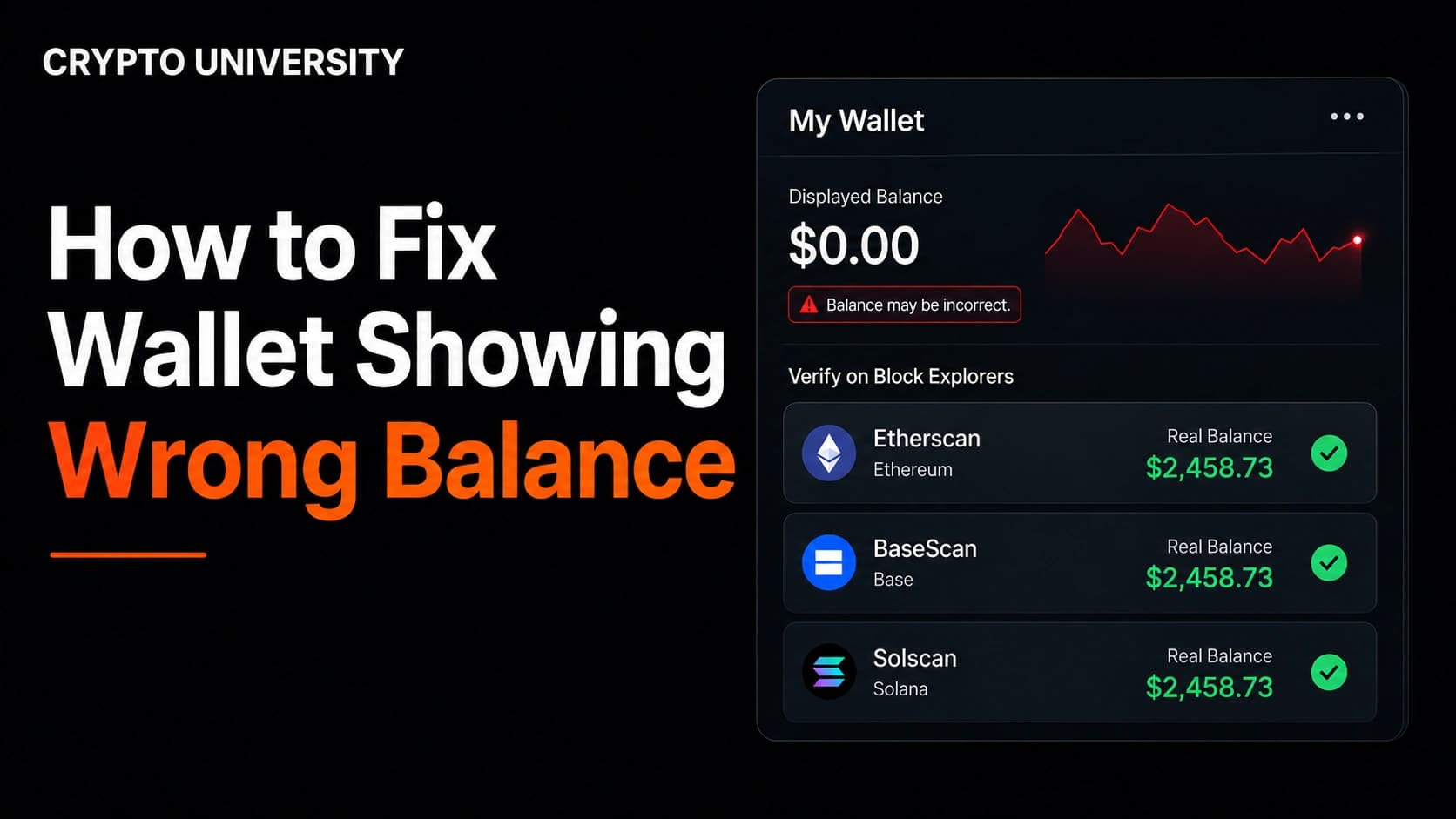
- A block explorer is the source of truth. Before you troubleshoot anything, paste your public address into the explorer for that network and compare the real on chain balance with what your app shows.
- No legitimate fix ever requires your seed phrase. Any website, chat agent, or "wallet validation" tool that asks for your recovery words is a theft attempt.
Why Wallet Balances Show the Wrong Number
A crypto wallet is not a container. It is a key manager plus a viewer. Your coins and tokens live as records on a blockchain, and your wallet simply proves you control the keys to certain addresses.
To show you a balance, most wallets stack three separate systems on top of each other:
- A network connection, usually an RPC endpoint or a node, which asks the blockchain what your address holds.
- An indexer or token detection service, which decides which assets to display and in what quantity.
- A price feed, which converts the token amount into your local currency.
Any one of those three can fail while your funds remain untouched. That is why a wallet can show zero, show a stale number, or show a fiat value that looks completely wrong while the blockchain itself is perfectly fine.
Safety rule before you begin: Do not uninstall or reset any wallet until your Secret Recovery Phrase is written down and verified offline. Do not paste that phrase into any website, form, or chat. Real support teams for self custody wallets cannot recover funds and will never ask for it.
Step 1: Verify the Real Balance on a Block Explorer
This is the step most people skip, and it decides everything that follows.
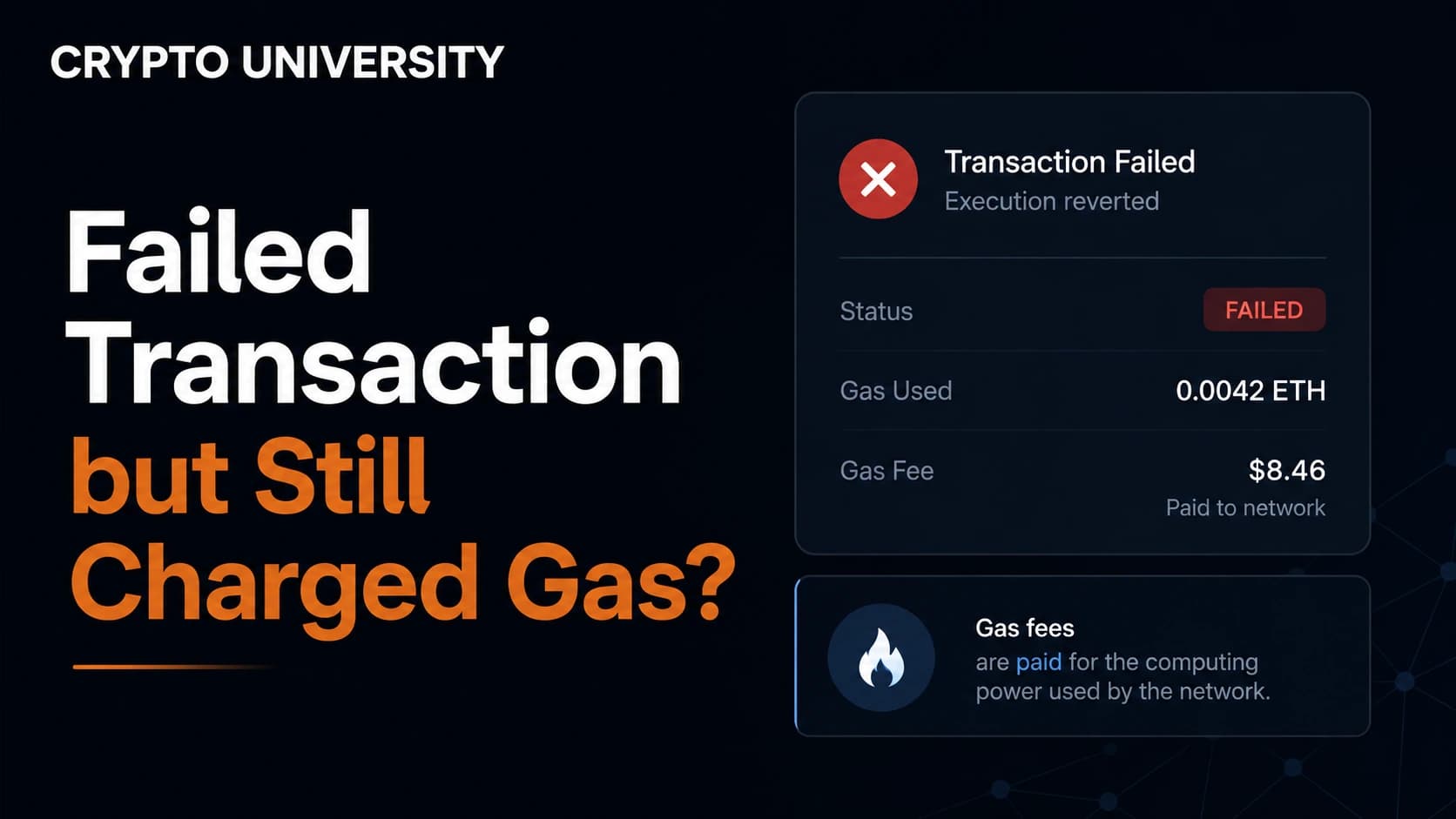
Copy your public wallet address, then paste it into the block explorer for the network you used. If the explorer shows the asset, your funds exist and you have a display problem. If the explorer shows nothing, you have a transaction problem instead. If a recent transaction failed but still used gas, check the failed-transaction guide before retrying.
| Network | Common Explorer |
|---|---|
| Bitcoin | mempool.space, blockstream.info |
| Ethereum | Etherscan |
| BNB Smart Chain | BscScan |
| Arbitrum | Arbiscan |
| Polygon | Polygonscan |
| Base | Basescan |
| Solana | Solscan, Solana Explorer |
| Tron | Tronscan |
MetaMask support gives the same instruction: compare the balance shown by the explorer for your network against the balance shown in the app before trying any other fix.
Step 2: Check Whether the Transaction Actually Confirmed
Blockchain transfers are fast but not instant, and they are not guaranteed. If you recently received or sent funds, look up the transaction hash and check its status.
- Pending: the network has the transaction but has not included it in a block yet. Wait.
- Dropped or replaced: the transaction left the mempool, often because the fee was too low. The funds never moved.
- Failed: on smart contract chains, a transaction can fail and still consume gas. The transfer did not happen.
- Confirmed: the transfer is final and your balance should update once your app resyncs.
If you sent from an exchange, also confirm the exchange actually broadcast the withdrawal. Exchanges sometimes hold withdrawals for review, and no on chain transaction exists yet.
Step 3: Confirm You Are on the Right Network and the Right Account
Two of the most common causes look identical to a user: the money is there, but you are looking in the wrong place.
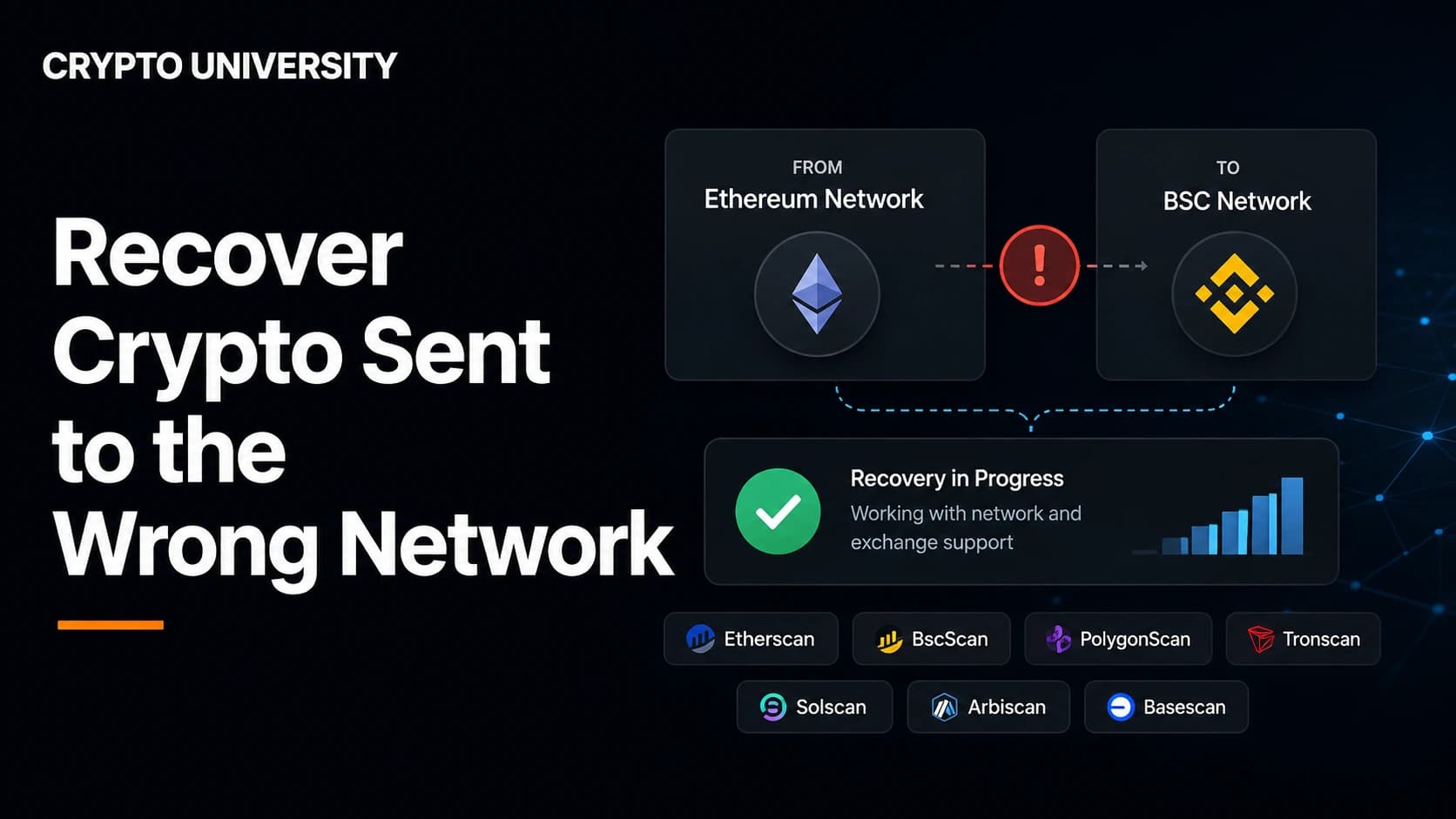
Wrong network. An asset only appears on the chain it was sent on. The same-looking address on different networks can show different balances. If the transfer used another chain, follow the wrong-network guide before trying to move anything.
Wrong account. Wallet apps can hold many accounts under one recovery phrase. Funds sent to Account 3 will not appear while you are viewing Account 1. Hardware wallet apps can also create a second, empty account that sits above the funded one in the list.
Optional passphrase. If you set up an extra word, sometimes called a 25th word or hidden wallet, restoring without it produces a completely different and empty set of addresses. The wallet is not broken. It is a different wallet.
Step 4: Add the Token Manually
If the explorer shows the token but your wallet does not list it, automatic token detection may not have picked it up. Most wallets let you import a token by contract address; use the missing-token guide and verify the contract from an official source.
How to do it safely:
- Open the explorer and find the token in your address holdings.
- Copy the contract address directly from that page.
- In your wallet, choose the option to import or add a custom token and paste the address.
- Check that the symbol and decimals fill in automatically.
Never search a search engine for a contract address. Phishing sites publish lookalike contracts, and importing the wrong one will show a fake balance for a worthless copy.
Step 5: Force the Wallet to Resync
If the explorer and your wallet disagree, the app is showing cached or stale data. Work through these in order.
- Check your internet connection. A weak connection stops the wallet from loading balances.
- Close the browser or app completely and reopen it.
- Turn off ad blockers and VPNs temporarily, since both can block the wallet's data requests.
- Switch to a different network in the app, then switch back. This forces a fresh query.
- Update the wallet to the latest version.
- Clear the app cache. In desktop hardware wallet apps this is usually under Settings and Help, and it triggers a full resync without touching your keys.
- Change the RPC endpoint. If the default node is lagging or offline, a different endpoint for the same network often fixes the balance instantly.
Step 6: Check the Derivation Path and Gap Limit
This step matters when you restore a seed phrase into a different wallet app and the balance comes back as zero.
A seed phrase can generate many different sets of addresses depending on the derivation path used. If your original wallet used one standard and the new app defaults to another, it will scan the wrong addresses and honestly report an empty wallet.
| Path | Address Type | Bitcoin Addresses Start With |
|---|---|---|
| m/44'/0'/0' | Legacy | 1 |
| m/49'/0'/0' | Nested SegWit | 3 |
| m/84'/0'/0' | Native SegWit | bc1q |
| m/86'/0'/0' | Taproot | bc1p |
| m/44'/60'/0'/0 | Ethereum and most EVM chains | 0x |
The second issue is the address gap limit. Wallets stop scanning after a set number of consecutive unused addresses, and the standard limit is 20. If you received funds at an address beyond that gap, a restored wallet will not find it. The coins are not lost, they are just outside the search window. Wallets such as Electrum and Sparrow let you raise the gap limit to 100 or more and rescan.
Step 7: Separate the Token Amount From the Fiat Value
Sometimes the token quantity is correct and only the currency value looks wrong. That is a price feed issue, not a balance issue.
- Small or new tokens often have no reliable price source, so the wallet shows zero value next to a real balance.
- Staked, locked, or delegated assets are frequently displayed separately from your spendable balance.
- Some tokens change by design. Rebase tokens adjust supply periodically, and fee on transfer tokens deduct a percentage on every transaction, so the amount you receive is legitimately lower than the amount sent.
Check the project documentation before assuming an error.
Quick Diagnosis Table
| Symptom | Most Likely Cause | First Fix |
|---|---|---|
| Balance shows zero after restoring a seed phrase | Wrong derivation path or gap limit | Try alternate paths, raise gap limit, rescan |
| Token missing but visible on explorer | Token not auto detected | Import token by contract address |
| Balance frozen at an old number | Stale cache or failing RPC | Restart app, switch networks, change RPC |
| Nothing on the explorer either | Transaction pending, failed, or never sent | Check transaction hash and exchange status |
| Correct token amount, wrong dollar value | Price feed gap | Ignore, or switch price provider if available |
| Received less than expected | Fee on transfer or rebase token | Read the token documentation |
| Unknown tokens inflating your total | Scam airdrop or dust | Hide the token and do not interact |
When the Balance Is Higher Than It Should Be
Unexpected tokens appearing in your wallet are not a gift. Attackers mass send worthless tokens with inflated display values to bait you into visiting a claim site or approving a malicious contract. Security researchers call the small value version a dust attack, and it is also used to link addresses to identities.
Unexpected tokens can be spam or phishing bait. Do not visit a URL embedded in a token name, description, or NFT, and do not sign a transaction to "verify" or "unlock" it. Hide the asset in the wallet and use official security guidance if you interacted with it.
The safe response is always the same: do not swap it, do not send it anywhere, do not visit any link attached to it. Hide the token in your wallet interface and move on.
What Not to Do
- Do not type your seed phrase into any "balance recovery", "wallet sync", or "node validation" tool.
- Do not accept help from someone who contacts you first in a Telegram, Discord, or X reply.
- Do not call phone numbers found in search results claiming to be wallet support. Self custody wallet providers do not run recovery hotlines.
- Do not uninstall the wallet before confirming your recovery phrase works.
- Do not approve or sign a transaction just to "unlock" a balance.
Prevention Checklist
- Record the wallet name, version, and derivation path alongside your recovery phrase.
- Send a small test amount first when using a new address or a new chain.
- Bookmark the official wallet site and the correct block explorer.
- Keep a second RPC endpoint saved for networks you use often.
- Review and revoke old token approvals periodically.
FAQ
Does a wrong balance mean my crypto is gone? Usually no. If a block explorer shows the funds at your address, they exist on the blockchain regardless of what your app displays. The wallet is only a viewer.
Why does my wallet show zero after I restored my seed phrase? The most common reasons are a mismatched derivation path, a missing optional passphrase, or funds sitting beyond the address gap limit. Test the standard paths in a wallet that lets you choose one manually before assuming anything is lost.
I sent tokens to the right address but on the wrong network. Can I fix it? Sometimes. On EVM chains, the same address is usually controlled by the same key, so importing that account on the destination chain may reveal the tokens. If the destination is an exchange or a chain you do not control keys for, recovery depends entirely on that platform.
Why does my wallet show the correct tokens but the wrong dollar amount? That is a price feed problem. Wallets pull market data from third party sources, and thinly traded tokens often have no reliable price. The token quantity is what matters.
Should I contact wallet support? Yes, but only through the official help centre listed on the wallet's verified website. Provide your public address, network, and transaction hashes. Never provide your recovery phrase or private key.
Related Terms
- Block explorer: a public website that lets anyone look up addresses, balances, and transactions on a blockchain.
- RPC endpoint: the server address a wallet uses to read from and broadcast to a blockchain network.
- Derivation path: the formula that turns one seed phrase into a specific set of addresses.
- Address gap limit: how many unused addresses a wallet checks before it stops scanning for funds.
- Token contract address: the unique on chain identifier of a token, used to import it into a wallet manually.
Sources
- MetaMask Help Center, "Why is my balance incorrect or missing a token?" support.metamask.io
- MetaMask Help Center, "Display tokens in MetaMask" support.metamask.io
- Ledger Support, "Balance issues in Ledger Live" and "Clear cache in Ledger Live" support.ledger.com
- Learn Me A Bitcoin, "Derivation Paths" learnmeabitcoin.com
- Jameson Lopp, "Mind the Bitcoin Address Gap" blog.lopp.net
- Electrum documentation and repository, spesmilo/electrum on GitHub
- Wikipedia, "Dusting attack"
- FBI New York Field Office public warning on fake Tron tokens, March 2026, as reported by crypto news outlets
This article is educational information only. It is not financial, legal, or security advice.
Not sure which problem you have?
Use the Fixing Crypto Mistakes hub to identify the transaction, wallet, network, or exchange issue before taking another action.
OPEN TROUBLESHOOTING HUB