Key Takeaways
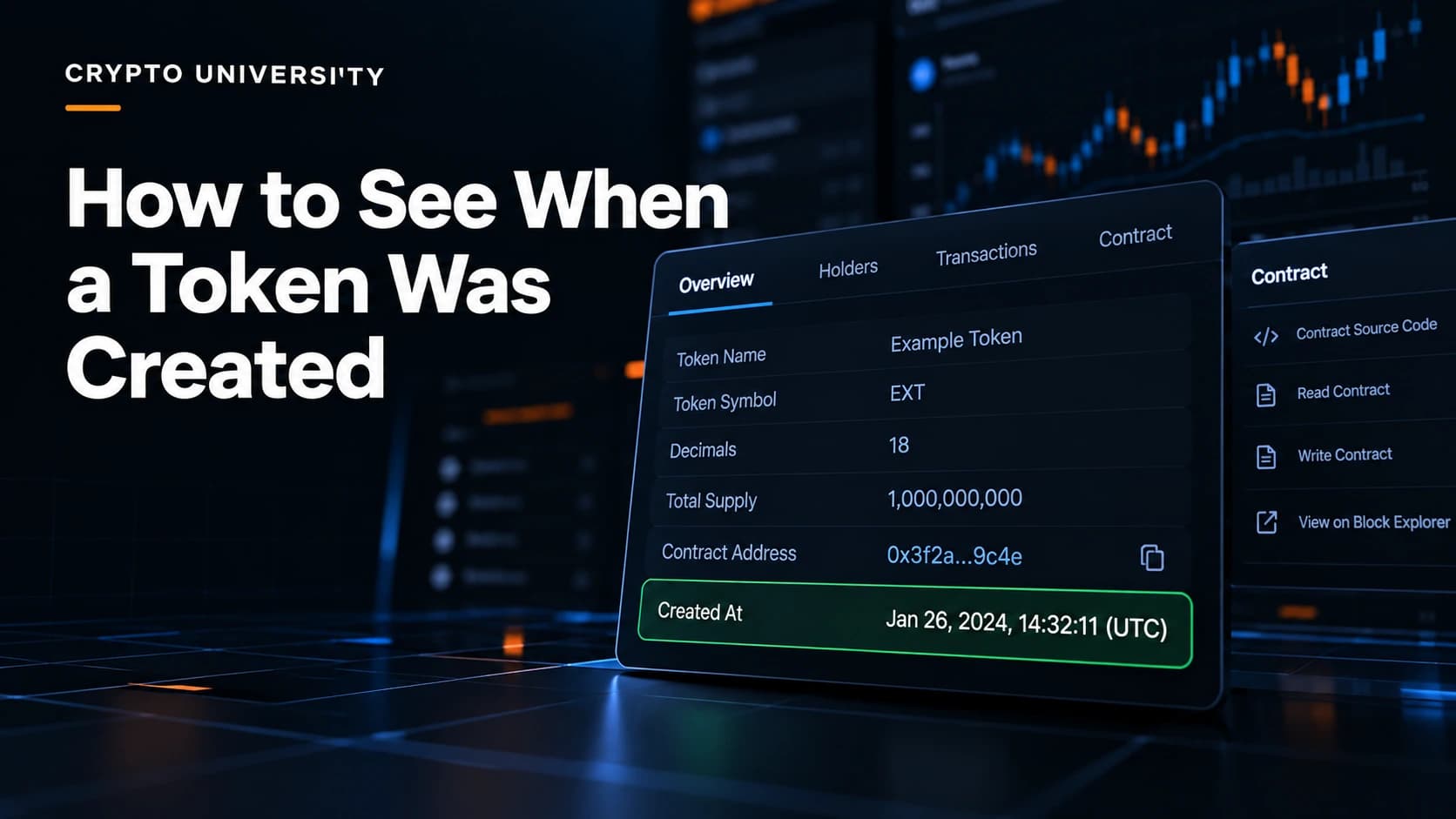
- A token's creation date is the timestamp of the transaction that deployed its smart contract (on Ethereum and other EVM chains) or that initialized its mint account (on Solana). That timestamp is public and permanent.
- Token creation date, liquidity pool creation date and exchange listing date are three different dates. Many tools show one and people assume it is another.
- You can find the creation date in a few clicks on a block explorer, and you should always confirm you are looking at the correct contract address before you trust the answer.
What the "Token Creation Date" Actually Means
Every token starts life as a transaction. Someone paid a network fee, submitted code or an instruction to the chain, and from that block onward the token existed.
On Ethereum and other EVM networks such as BNB Chain, Base, Arbitrum and Polygon, a token is a smart contract. The moment it was created is recorded in a contract creation transaction. That transaction has a block number and a timestamp.
On Solana, tokens work differently. A token is represented by a mint account that is created and then initialized by one of the token programs. The transaction that does this carries the timestamp you are looking for.
This is where beginners get confused, because at least five different dates get called "the launch date."
| Date | What it means | Where you find it |
|---|---|---|
| Contract or mint creation | The token first existed on-chain | Block explorer, contract creation transaction |
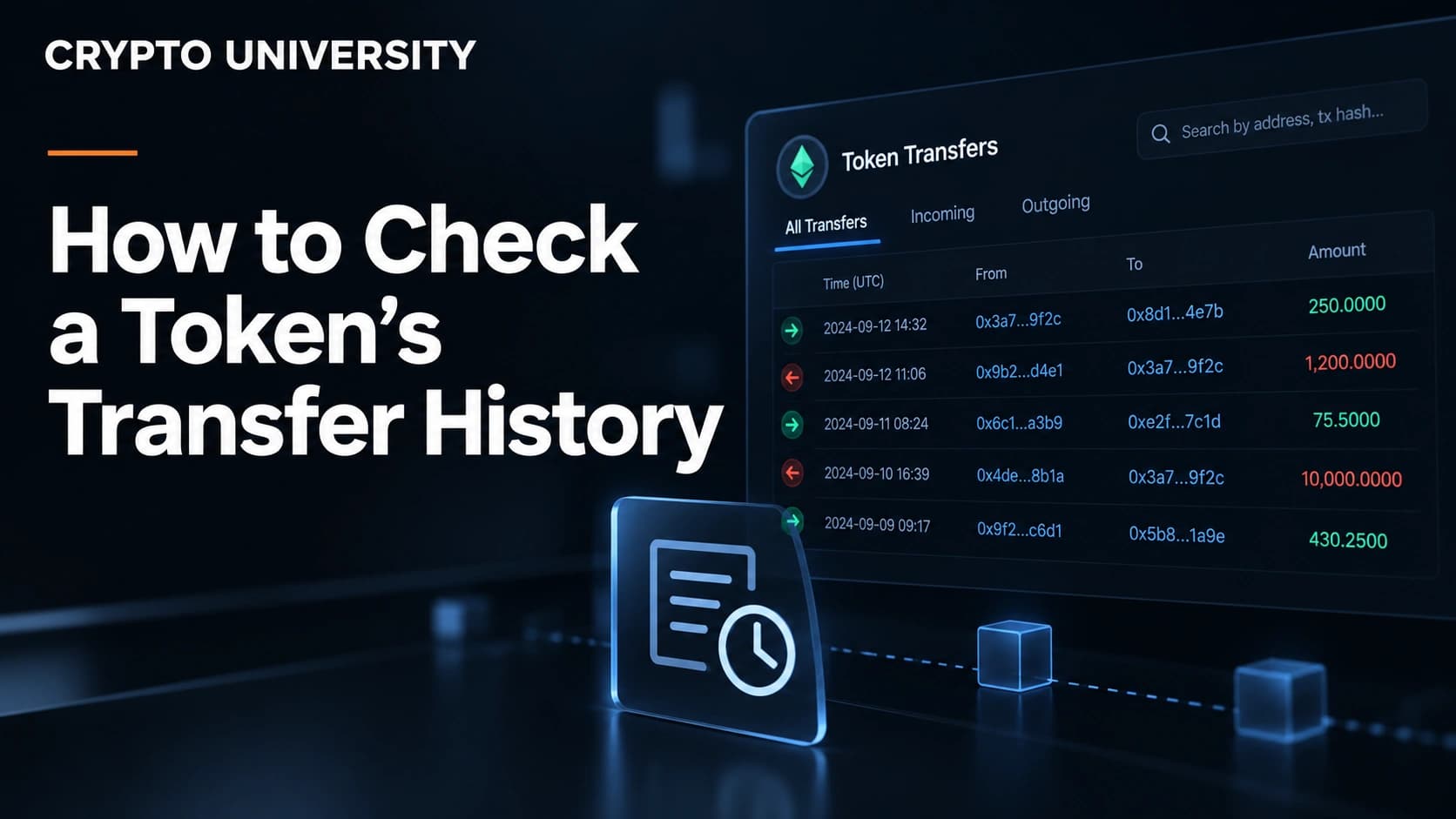
| First mint or first transfer | Supply was issued or first moved | Explorer transfers tab, oldest page |
| Liquidity pool creation | The token could first be traded on a decentralized exchange | DexScreener, GeckoTerminal, DEX explorer |
| First centralized exchange listing | The token could be bought on a company-run exchange | Exchange announcements |
| Project founding date | When the team or idea started | Project website, whitepaper |
A token contract can sit unused for months before trading starts, or be deployed minutes before a pool opens. Neither pattern proves anything on its own, but knowing which date you are reading keeps your research honest.
Why the Creation Date Is Worth Checking
The creation date is one of the cheapest and most reliable pieces of research you can do. It is useful for several reasons.
Checking claims. If a project says it has been running since 2021 but the contract was deployed last week, the two statements do not match. There may be an innocent explanation such as a migration, but you now know to ask.
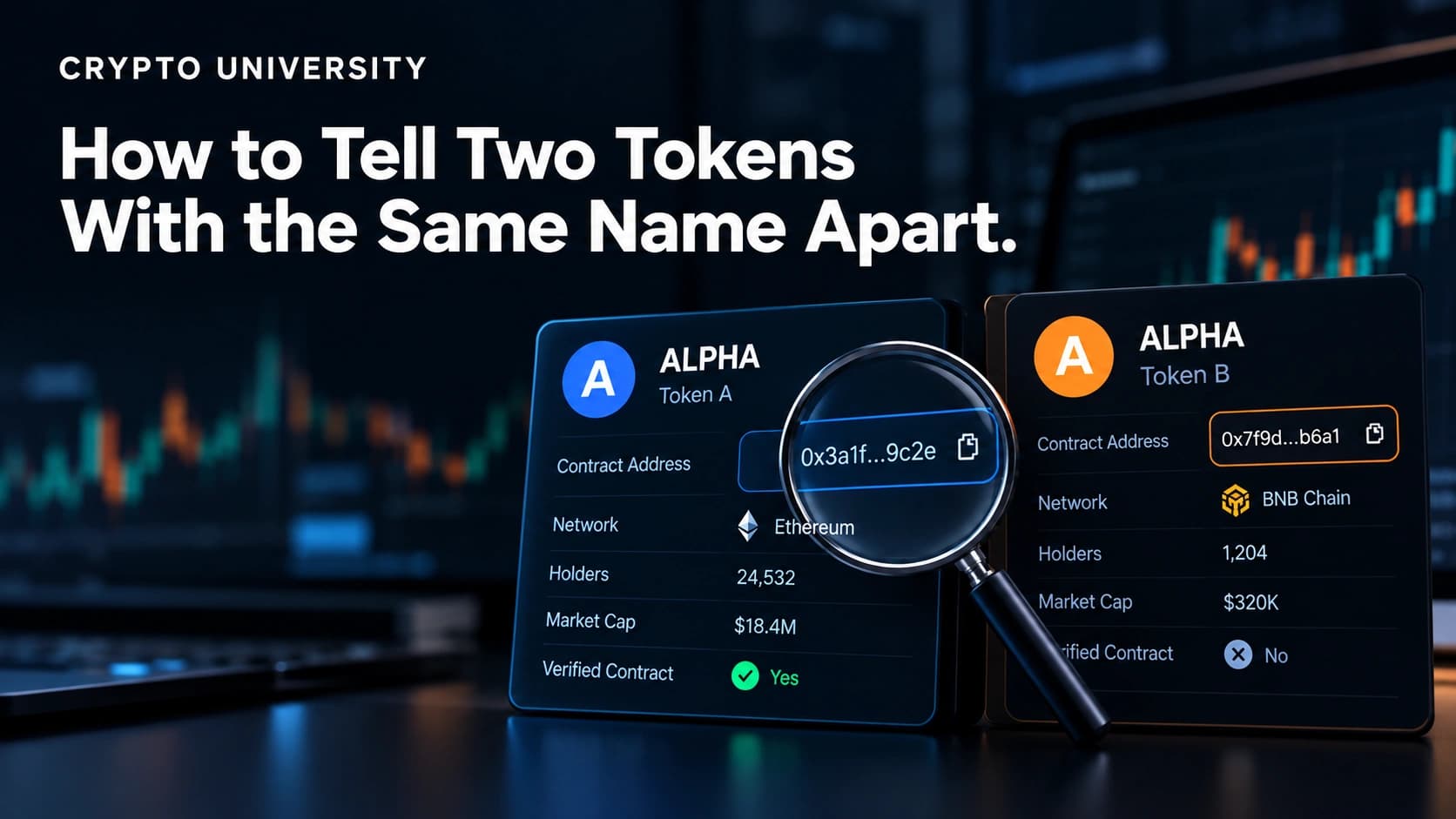
Spotting impersonators. Scam tokens often copy the name and ticker of a well known project. The real token usually has years of history and the copy was created recently, so comparing dates separates them quickly. It should never be your only check.
Understanding context. A token created on the same day as a hundred similar tokens from the same deployer tells you something about how it came to exist.
Record keeping. Analysts, journalists and tax filers often need the exact block and timestamp rather than a rounded "about two years ago."
Method 1: EVM Chains Using a Block Explorer
This works on Etherscan and the explorers built on the same software, plus open source explorers such as Blockscout.
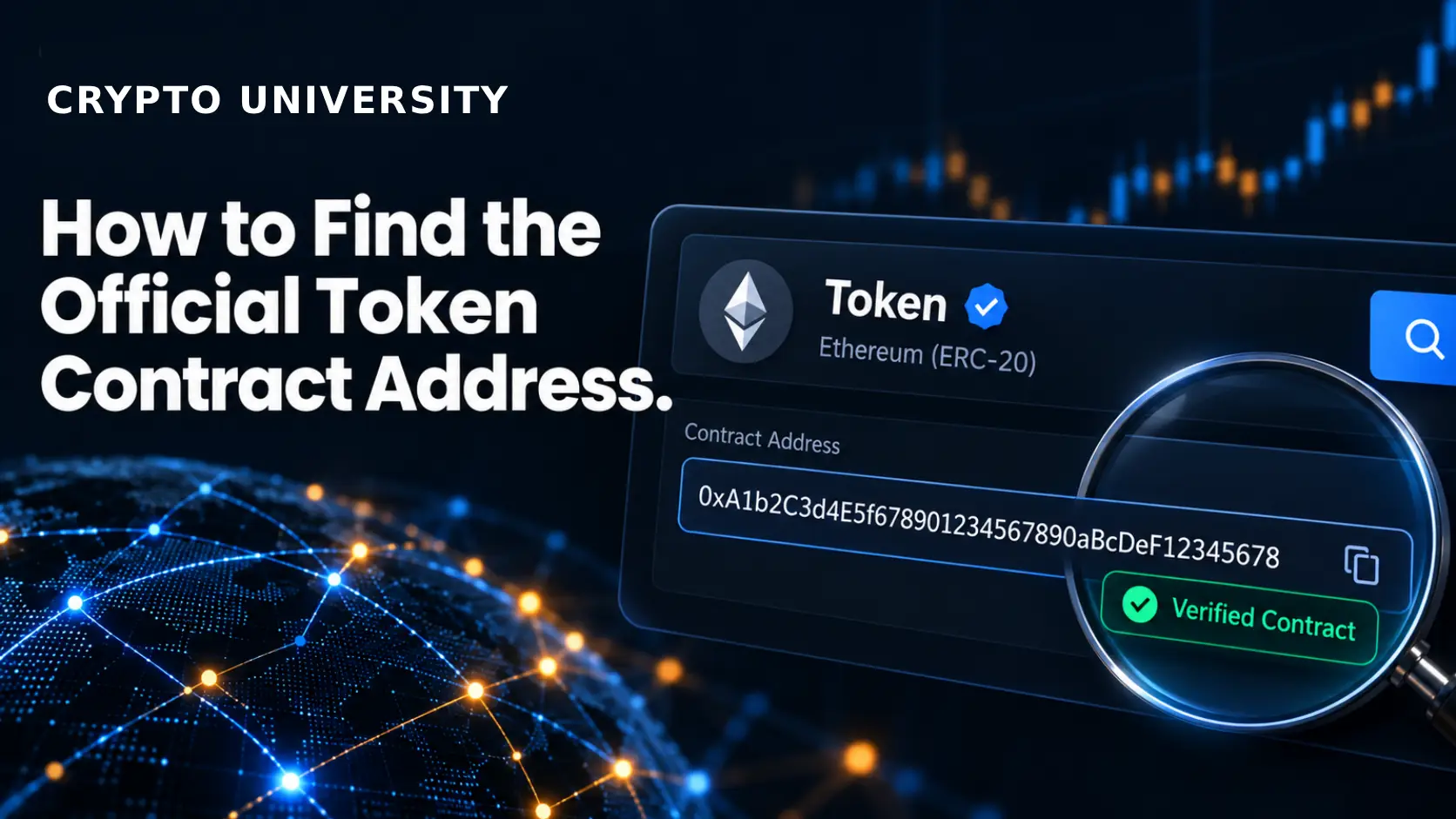
Step 1. Get the token's contract address from a source you trust, such as the project's official documentation or an established data site. Do not copy it from a social media reply.
Step 2. Paste the address into the explorer's search bar. You will land on the token page, which shows supply, holders and transfers.
Step 3. Click through to the contract address page and read the information panel near the top. Etherscan shows a Contract Creator field with the deploying address and a link to the transaction that created the contract. It often displays a relative age next to the deployer, for example "8 yrs 266 days ago."
Step 4. Open that creation transaction. The transaction page gives you the exact timestamp and block number. Note whether the explorer is showing UTC or your local time, since that setting can usually be changed.
Alternative: filter the address page's transaction list to show only the contract creation entry, which leads to the same transaction.
Method 2: Solana Using Solscan
Step 1. Copy the token's mint address, which is the Solana equivalent of a contract address.
Step 2. Search for it on Solscan or another Solana explorer. The token page will display metadata for the token along with the time it was created.
Step 3. For the raw evidence, open the mint account's oldest transaction. The instruction that created and initialized the mint account is the moment the token came into existence.
One warning for Solana. Standard public nodes do not keep the full history of every account forever, so a direct node query may not reach back to the first transaction. Indexed explorers store this history for you, which is why they are the practical tool for older tokens.
Solscan also runs a paid API endpoint that lists the most recently created tokens on Solana, sorted by creation time, with a filter for the launchpad used. That suits anyone studying launch activity rather than a single token.
Method 3: DEX Tools and Why "Pair Age" Is Not the Same Thing
Trading dashboards such as DexScreener and GeckoTerminal show a value usually labelled pair age or pool age. In DexScreener's public data this field appears as pairCreatedAt, an ISO timestamp for when the trading pool was created.
This is useful, because in most short-lived launches the pool is created within minutes of the token. But it is a proxy, not the same fact. An older token can open a brand new pool on a new exchange, and the dashboard will then show a pool that is hours old. If someone says a token is "one day old" based on a screener, check which date they actually read.
Method 4: APIs for Bulk or Repeat Checks
If you are checking many tokens, clicking through pages becomes slow. Etherscan's API has an endpoint that returns a contract's deployer address, the creation transaction hash, the block number and the creation timestamp in one response. It also returns a factory field, which tells you whether the token was produced by a deployment factory rather than deployed directly by a person.
| Tool | Chains | What it gives you | Access |
|---|---|---|---|
| Etherscan and family | Ethereum, BNB Chain, Base, Arbitrum, Polygon and more | Contract creator, creation transaction, timestamp | Free web, API key for programmatic use |
| Blockscout | Many EVM and layer 2 networks | Same contract creation data, open source | Free web and API |
| Solscan | Solana | Token creation time, mint account history, latest created tokens | Free web, paid pro API |
| DexScreener | Most chains with DEX activity | Pool creation time and pool age | Free web and public API |
| GeckoTerminal | Most chains with DEX activity | Pool creation and early trading data | Free web and API |
What Can Make the Date Misleading
The blockchain does not lie about timestamps, but the date can still mislead you if you do not know the context.
Upgradeable proxy contracts. Many serious projects use a proxy. The proxy address may be old while the logic contract behind it was replaced last month, or the reverse.
Migrations and version two relaunches. Projects sometimes deploy a new contract and ask holders to swap. The new contract is young even though the project is not.
Bridged and wrapped versions. The same token on a different chain is a different contract with its own, usually later, creation date.
Factory deployments. Tokens launched through a launchpad are created by a factory contract. The factory can be old while the individual token is minutes old, so read the token's own creation transaction, not the factory's.
Vanity addresses. Some deployment methods let a creator choose part of an address in advance. This does not change the timestamp, but a good looking address is not evidence of age or legitimacy.
Quick Checklist
- Confirm the contract or mint address from an official source.
- Open the address on a block explorer for the correct chain.
- Find the contract creation or mint initialization transaction.
- Record the timestamp and the block number, and note the time zone.
- Check whether the address is a proxy, a bridged version or a factory product.
- Compare the token creation date with the pool creation date before drawing conclusions.
Frequently Asked Questions
Can a token's creation date be changed or faked? No. The timestamp is part of the block that contains the creation transaction, and rewriting it would mean rewriting the chain. What can be misleading is which address or which date a person shows you.
Why do two websites show different ages for the same token? Usually because one is showing contract creation and the other is showing pool creation, or because they are tracking the same token on different chains. Check the field label and the chain.
Does an old creation date mean a token is safe? No. Age is one weak signal among many. Old contracts can still have hidden permissions, concentrated ownership or dormant risks. Treat the creation date as a starting point for research, not a verdict.
How do I find the creation date if the project has deleted its website? You do not need the project at all. If you have the contract address, the explorer has everything. If you only have a ticker, search the ticker on an explorer or data site and verify carefully, because tickers are not unique.
Is the timestamp shown in my local time or UTC? It depends on the explorer and your settings. Most explorers let you switch between UTC and local time, and many show a relative age such as "3 yrs 12 days ago" as well. For anything you publish, record the UTC value.
Related Terms
- Contract address: The unique on-chain address where a token's code lives.
- Mint account: The Solana account that defines a token, including its supply and decimals.
- Deployer address: The wallet that submitted the transaction creating the contract.
- Liquidity pool: A smart contract holding two assets that lets people trade one for the other on a decentralized exchange.
- Proxy contract: A contract that forwards calls to a separate logic contract so the logic can be upgraded.
Sources
- Etherscan API documentation, "Get Contract Creator and Creation Tx Hash"
- Etherscan Information Center, "Understanding the Token page"
- Solscan Knowledge Base, "How to Fetch the Latest Tokens Created on Solana Using Solscan Pro API"
- Solana Developer Cookbook, "How to Create a Token" (mint account creation)
- DexScreener public API pair fields, including
pairCreatedAt, as documented by third party API clients and integrations
More Reading
- Explore Best Platforms to Buy Tokenized Stocks Worldwide
- Robinhood Wallet vs MetaMask on Robinhood Chain
- How to Buy Strategy Tokenized Stock: MSTR Tokens, Platforms and Risks
This article is educational and factual. It is not financial advice and contains no price predictions. Figures cited from third party tools are point in time estimates that change continuously.
Not sure which problem you have?
Use the Fixing Crypto Mistakes hub to identify the transaction, wallet, network, or exchange issue before taking another action.
OPEN TROUBLESHOOTING HUB