Key Takeaways
- The gas price you set is a ceiling, not a bill. Under the EIP-1559 fee model you set a maximum. The network charges you the base fee plus the tip that was actually needed, and the rest is never taken from your wallet.
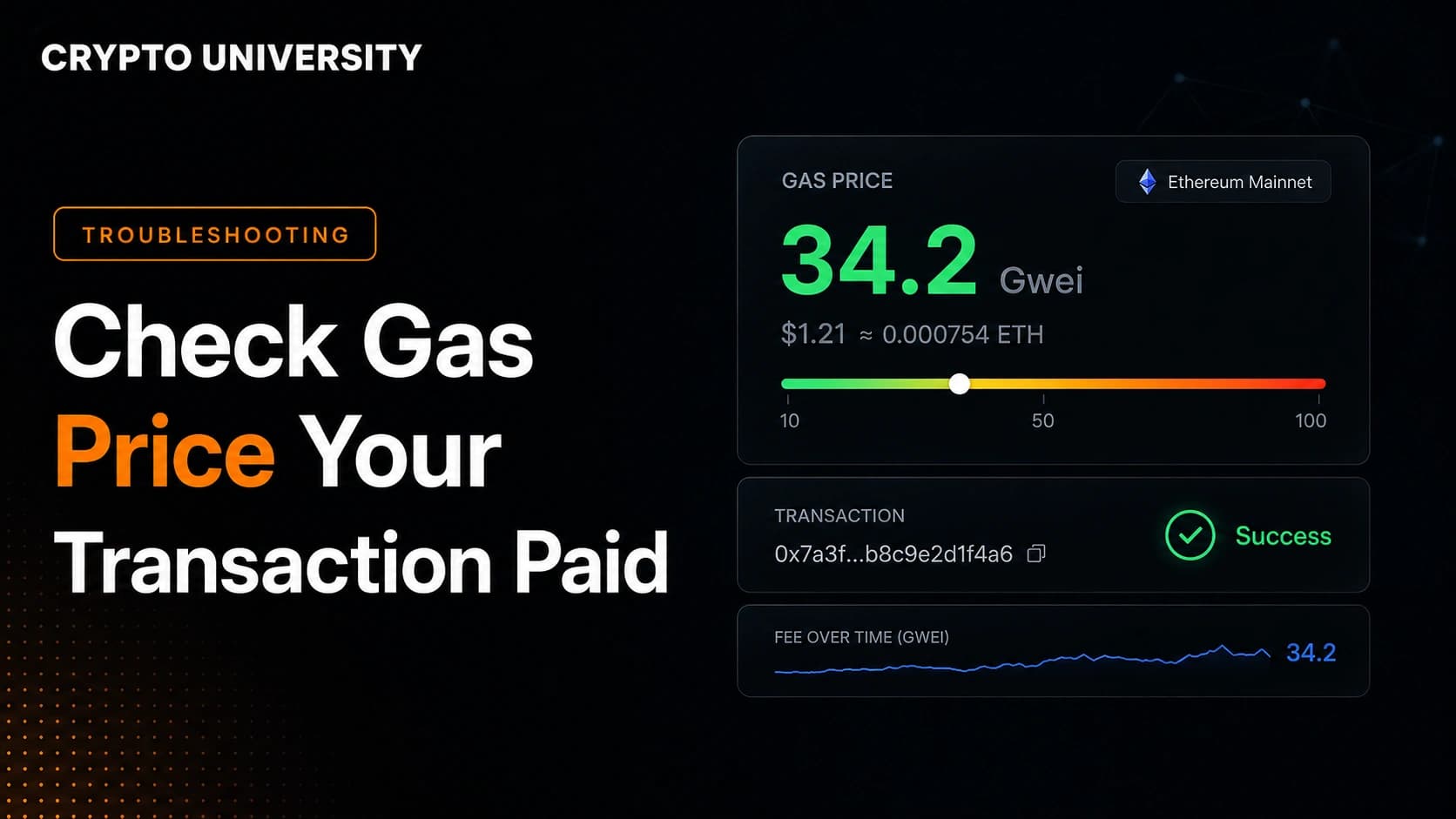
- The number you want is called the effective gas price. It is the real price per unit of gas your transaction paid. Block explorers display it in the "Gas Price" field, and nodes return it as
effectiveGasPricein the transaction receipt. - Total fee equals gas used multiplied by effective gas price. Gas used is almost always lower than your gas limit, which is another reason the final cost is usually less than the estimate your wallet showed.
Why the Gas Price You Chose Is Not the Gas Price You Paid
Most people check a gas tracker, confirm a transaction, and assume the number on the screen is what left their wallet. It usually is not. Wallets show an estimate built from a worst case, and the network settles on a different number once the transaction is included in a block.
Since the London upgrade in 2021, Ethereum and most EVM compatible networks use the EIP-1559 fee model. In that model your wallet sets two values:
- Max fee per gas: the absolute highest price per unit of gas you are willing to pay.
- Max priority fee per gas: the highest tip you are willing to add on top for the block proposer.
The network then adds its own value, the base fee per gas, which is set by the protocol for each block based on how full recent blocks were. Your transaction pays the base fee plus whatever part of your tip was actually applied. The unused difference is not spent and not sent back in a separate refund. It is simply never charged.
The three numbers that decide your final cost
Effective gas price = base fee per gas + priority fee actually paid
Priority fee actually paid = the lower of (max priority fee) or (max fee - base fee)
Transaction fee = gas used x effective gas price
Gas used is the second place people get surprised. Your gas limit is a budget, not a charge. A simple ETH transfer uses 21,000 gas. A token swap might have a 300,000 gas limit but only consume 180,000. You pay for what was consumed.
Field Glossary: What Each Number on the Screen Means
| Field | What it means | Do you pay it? |
|---|---|---|
| Gas limit | The maximum units of gas you allowed the transaction to use | No, it is a cap |
| Gas used by transaction | The units of gas actually consumed | Yes, this is the quantity you are billed for |
| Base fee per gas | Protocol set minimum price for that block | Yes, and it is burned |
| Max priority fee per gas | The highest tip you offered | Only the part that was needed |
| Max fee per gas | Your ceiling on total price per unit of gas | No, it is a cap |
| Gas price (on explorers) | The effective gas price, the real price you paid per unit | Yes, this is the answer you are looking for |
| Burnt fees | Base fee multiplied by gas used, permanently removed from supply | Yes, part of your fee |
| Transaction savings | The gap between your ceiling and what you paid | No, this is money you kept |
Method 1: Check It on a Block Explorer
This is the fastest route and works for anyone.
Step 1. Copy the transaction hash from your wallet history. It is a long string starting with 0x.
Step 2. Paste it into the search bar of the explorer for that network. Etherscan for Ethereum, Arbiscan for Arbitrum, Basescan for Base, and so on.
Step 3. Read the Transaction Fee row. This is the total amount of native token that left your wallet for gas.
Step 4. Read the Gas Price row. Despite the label, this is the effective gas price, meaning the price you actually paid per unit of gas.
Step 5. Click "More Details" or "Show more" to expand the breakdown. You will see the base fee, your max fee, your max priority fee, the burnt amount, and the savings figure.
A worked example
Assume a swap with these values:
| Input | Value |
|---|---|
| Gas limit | 250,000 |
| Gas used | 120,000 |
| Base fee per gas | 8 gwei |
| Max priority fee per gas | 1 gwei |
| Max fee per gas | 30 gwei |
The results:
| Output | Calculation | Result |
|---|---|---|
| Effective gas price | 8 + 1 | 9 gwei |
| Transaction fee | 120,000 x 9 gwei | 0.00108 ETH |
| Burnt | 120,000 x 8 gwei | 0.00096 ETH |
| Tip to block proposer | 120,000 x 1 gwei | 0.00012 ETH |
| Savings versus your ceiling | 120,000 x (30 - 9) gwei | 0.00252 ETH |
The wallet may have quoted something close to 0.0075 ETH before you signed, because it multiplied the gas limit by the max fee. The real cost was about one seventh of that.
Method 2: Check It in Your Wallet
Wallet history is convenient but less detailed. In MetaMask, open the Activity tab, select the transaction, and look for the network fee section. Most wallets show the total paid and some show the base fee and priority fee separately.
Two things to keep in mind:
- Anything shown before you sign is an estimate. Anything shown after confirmation is the settled amount.
- The fiat value displayed is converted using a token price at some point in time, so two tools can show slightly different dollar amounts for the same fee.
If your wallet only shows a rounded total, use the explorer for the precise breakdown.
Method 3: Query the Node Directly
For developers, analysts, or anyone reconciling many transactions, the authoritative source is the transaction receipt returned by a node.
curl -X POST https://your-rpc-endpoint \
  -H "Content-Type: application/json" \
  -d '{"jsonrpc":"2.0","id":1,"method":"eth_getTransactionReceipt","params":["0xYOUR_TX_HASH"]}'
Two fields matter:
effectiveGasPrice: the real price per unit of gas, returned as a hexadecimal value in wei.gasUsed: the units consumed, also hexadecimal.
Convert both from hex to decimal, multiply them together, and divide by 1,000,000,000,000,000,000 to get the fee in the native token. To read the gas price in gwei, divide the decimal value of effectiveGasPrice by 1,000,000,000.
For older legacy transactions that predate EIP-1559, effectiveGasPrice simply returns the flat gas price that was set, so the same method works across transaction types.
Layer 2 Networks Have Two Fees Inside One Number
On rollups such as Arbitrum, Base, and Optimism, the fee you see is usually a combination of two separate costs:
| Component | What it covers | Where it appears |
|---|---|---|
| L2 execution fee | Running your transaction on the rollup | gasUsed and effectiveGasPrice |
| L1 data fee | Posting the data to Ethereum for security | Fields such as l1Fee, l1GasPrice, l1BlobBaseFee, or gasUsedForL1 |
This is why dividing the total fee by gas used on a rollup can produce a gas price that looks strange. The division only reflects the execution part. Since blob transactions were introduced in 2024, the data portion of rollup fees has generally fallen, but it still moves with Ethereum mainnet conditions.
Five Reasons the Number Looks Wrong
- The transaction failed but still cost money. Failed transactions consume real computation, so gas used is charged even when nothing succeeded.
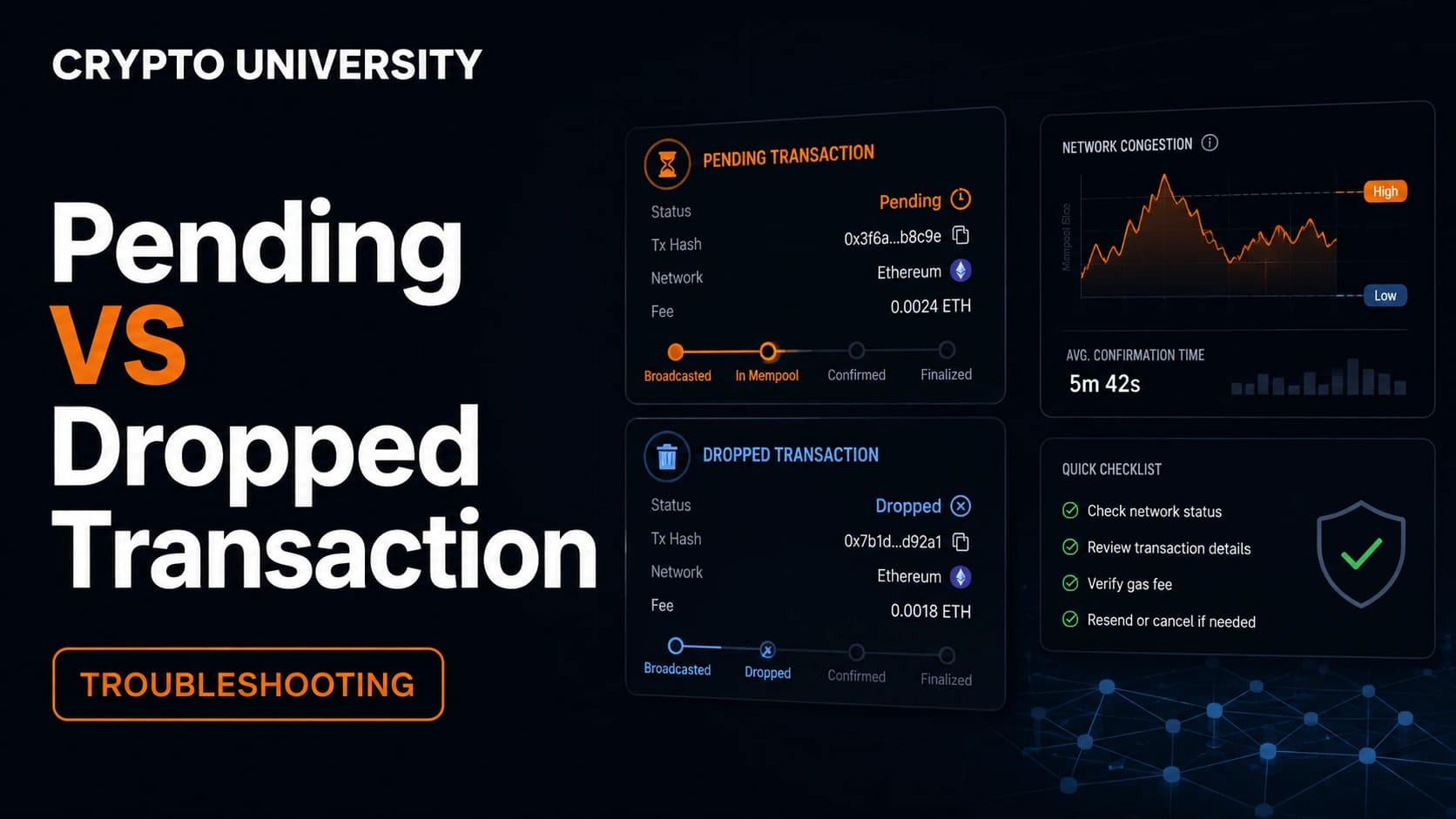
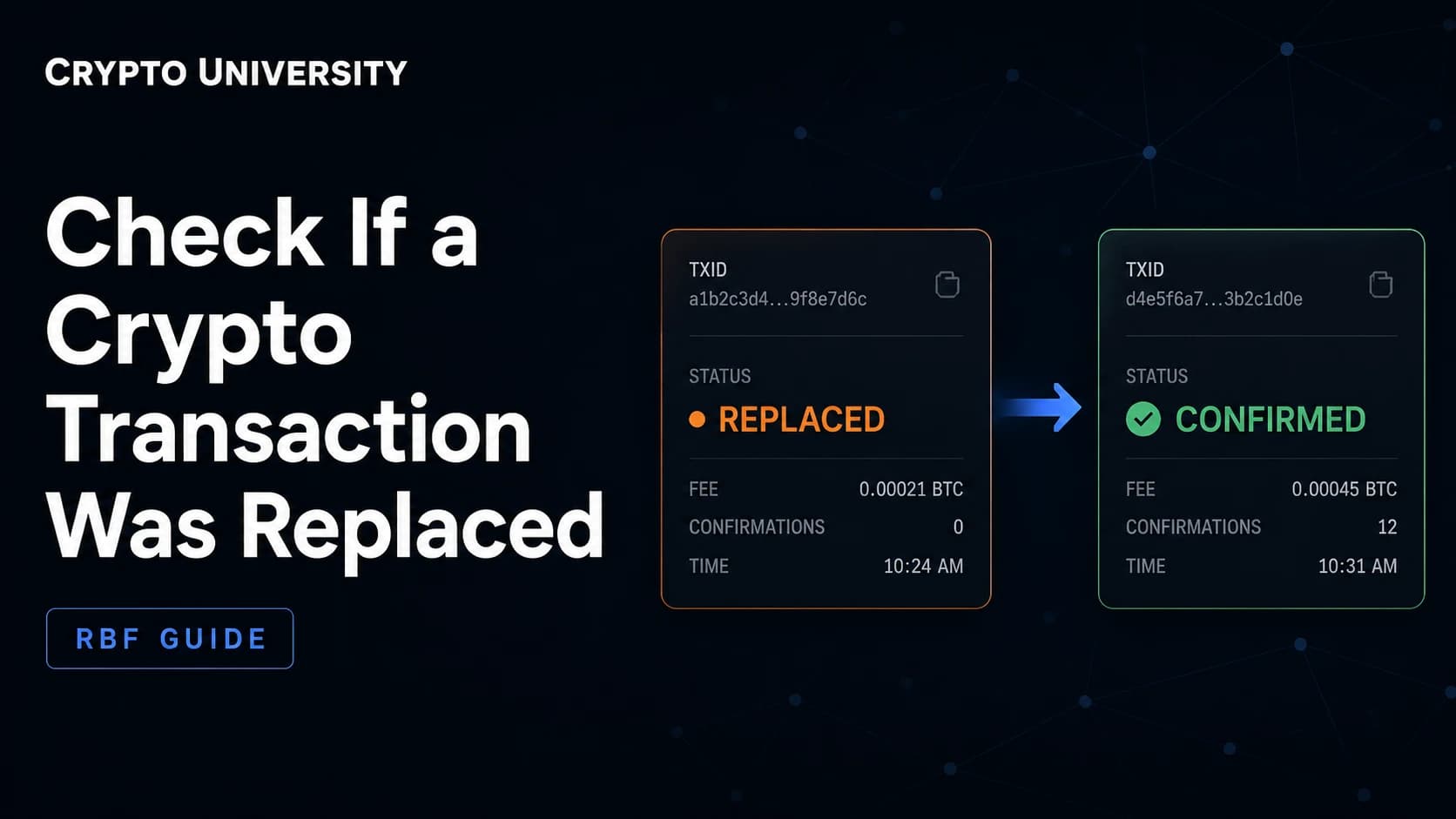
- You used speed up or cancel. That creates a replacement transaction with a new hash. The original hash may show as dropped while the replacement carries the fee.
- A token approval was bundled in. First time interactions with a contract often require an extra approval transaction with its own fee.
- You are comparing gwei to dollars. Gas price is denominated in gwei, and the fiat cost swings with the token price even when the gas price is identical.
- A private relay was used. Some wallets route through private order flow, where tips and rebates can differ from the public mempool picture.
Quick Checklist
- Find the transaction hash.
- Open the correct explorer for that network.
- Note the Transaction Fee and the Gas Price fields.
- Expand the details for base fee, max fee, and savings.
- On a rollup, check whether an L1 data fee is listed separately.
FAQ
Is gas price the same as the transaction fee? No. Gas price is the price per unit of gas, usually shown in gwei. The transaction fee is the gas price multiplied by the units of gas consumed.
Why did I pay less than my wallet estimated? Wallets estimate using the gas limit and the max fee, which are both ceilings. The network charges the gas actually used at the effective gas price, which is normally lower.
Do I get a refund if I set a high max fee? There is no refund transaction. The unused portion is never deducted in the first place, so nothing needs to be returned.
Do I pay gas on a failed transaction? Yes. Validators still executed the work, so the gas consumed up to the point of failure is charged.
Where do I check gas on a network that is not Ethereum? Every EVM network has an explorer with the same fields. On Bitcoin, the equivalent is the fee rate in satoshis per virtual byte, found by dividing the total fee by the transaction size. On Solana, fees are split into a small fixed base fee and an optional priority fee.
Related Terms
- Gwei: a unit of ether equal to one billionth of one ETH, used to quote gas prices.
- Base fee: the protocol set minimum price per unit of gas for a given block, which is burned.
- Priority fee: the optional tip paid to the block proposer to encourage faster inclusion.
- Gas limit: the maximum units of gas a transaction is allowed to consume.
- Transaction receipt: the record a node returns after execution, containing gas used and effective gas price.
Sources
- Etherscan Information Center, "What is Gas Fee": https://info.etherscan.com/what-is-gas-fee/
- Ethereum Improvement Proposals, EIP-1559 Fee Market Change: https://eips.ethereum.org/EIPS/eip-1559
- Ethereum Foundation developer documentation, Gas and Fees: https://ethereum.org/en/developers/docs/gas/
- Nethermind documentation, eth JSON-RPC namespace including
effectiveGasPrice: https://docs.nethermind.io/interacting/json-rpc-ns/eth/ - MetaMask Help Center, "How gas fees, limits, and network fees work": https://support.metamask.io/more-web3/learn/user-guide-gas/
- The Block, "Ethereum raises block gas limit to 60M", November 2025: https://www.theblock.co/post/380687/ethereum-block-gas-limit-fusaka
Figures for network conditions and upgrade timelines are widely reported estimates and change over time. Always confirm against a live explorer.
More Reading
- Ethereum Foundation, Transactions overview: https://ethereum.org/en/developers/docs/transactions/
- Ethereum Improvement Proposals, EIP-4844 Shard Blob Transactions: https://eips.ethereum.org/EIPS/eip-4844
- Ethereum Foundation, Layer 2 networks explained: https://ethereum.org/en/layer-2/
Disclaimer: This article is educational content. It is not financial, investment, tax, or legal advice. Network behaviour, fees, and explorer interfaces change over time, so verify current details against official documentation before relying on them.
Not sure which problem you have?
Use the Fixing Crypto Mistakes hub to identify the transaction, wallet, network, or exchange issue before taking another action.
OPEN TROUBLESHOOTING HUB