Key Takeaways
- Your coins are never stored on the device. They live on the blockchain. Restoring a wallet rebuilds the keys that prove ownership, which is why a broken or lost phone does not mean lost funds.
- The backup type decides the process. A 12 or 24 word seed phrase, a set of Shamir shares, a passkey and a custodial exchange account each recover in a completely different way.
- A zero balance after a restore is usually a settings problem, not a loss. Wrong derivation path, wrong account index or a missing passphrase are the most common causes.
What Restoring a Wallet Actually Means
A crypto wallet does not hold coins. It holds keys. Balances and transaction history sit on a public blockchain, and the wallet is simply the tool that proves you control a given address.
That distinction matters because it explains why recovery is possible at all. When you restore a wallet on a new phone or laptop, you are not downloading your money from anywhere. You are feeding a backup into wallet software so it can recreate the same private keys, derive the same addresses, and then read the balances that were already there.
Most self custody wallets follow a shared standard called BIP39, which turns a random secret into a human readable list of words. Those words are the master backup. Any wallet that supports the same standard can rebuild the same keys from them.
The practical consequence is simple. If you have your backup, the device is replaceable. If you do not have your backup, no company, support agent or recovery service can create one for you.
Before You Start: A Short Checklist
Recovery failures are rarely dramatic. They usually come from rushing. Spend five minutes on this before you type anything.
| What to confirm | Why it matters |
|---|---|
| Which wallet created the backup | Different wallets scan for addresses differently, so restoring in the original brand is the safest first attempt |
| Your backup format | 12 words, 24 words, 20 word shares, a private key or a passkey each follow a different path |
| Whether you set a passphrase | An extra word or password creates an entirely separate wallet, and it will not be recoverable from the seed alone |
| How many accounts you created | Many wallets only scan the first account during a restore |
| That the new device is clean | Update the operating system, and install the wallet only from the official website or an official app store listing |
| That you are somewhere private | No cameras, no screen sharing, no cloud clipboard tools running |
Know Your Backup Type
| Backup type | What it looks like | How recovery works |
|---|---|---|
| BIP39 seed phrase | 12 or 24 common English words | Restore only in verified wallet software that explicitly supports the backup and network |
| SLIP39 multi share backup | Several 20 word shares from a different word list | Enter the required number of shares, called the threshold |
| Private key | A long string of letters and numbers | Import a single account, not a whole wallet |
| Keystore or JSON file | An encrypted file plus a password | Import the file and enter the password that encrypts it |
| Passkey smart wallet | No words at all, a credential stored in your device or password manager | Sign in with the synced passkey, or use a separately generated recovery phrase |
| Custodial exchange account | Email, password and two factor authentication | Account recovery through the company, since the company holds the keys |
Trezor devices now default to SLIP39 style backups on newer models, while Ledger devices use a 24 word BIP39 phrase. Both approaches recover the same underlying wallet, but the words and the process are not interchangeable.
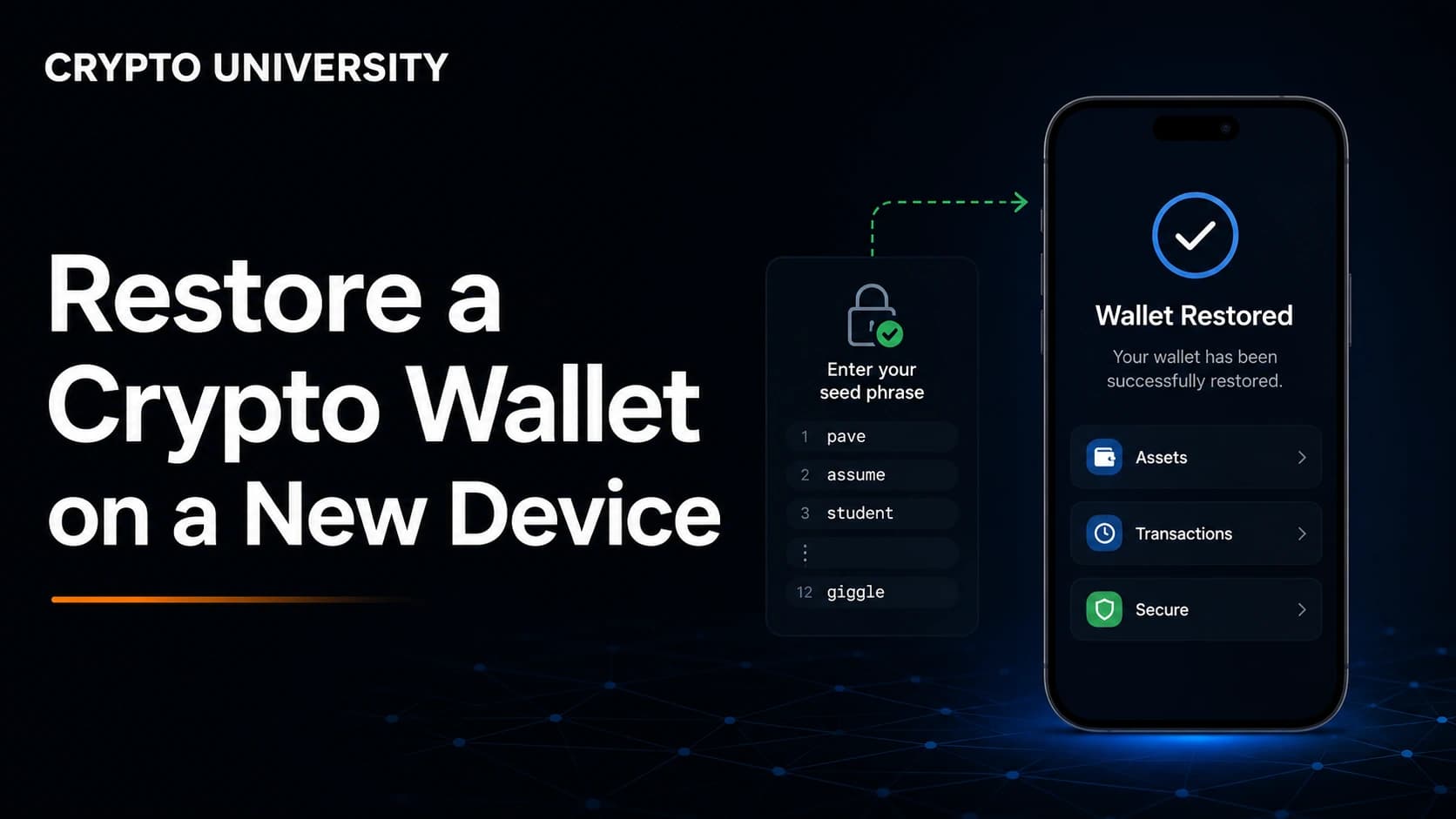
Step by Step: Restoring a Software Wallet
This covers browser extensions and mobile apps such as MetaMask, Trust Wallet, Phantom and similar products.
- Install the official app. Go to the wallet's official website first and follow its link to the store listing. Search results and sponsored ads are a common source of fake wallet apps.
- Choose the import option. Look for wording such as "I already have a wallet", "Import using Secret Recovery Phrase" or "Restore from backup". Do not create a new wallet, since that generates a fresh unrelated seed.
- Enter the words carefully. Type them in lowercase, in the exact original order. Word suggestions can help, but read each one back before moving on. A single wrong word produces a valid but completely different wallet.
- Add your passphrase if you used one. Some wallets call this an optional password or an extra word.
- Set a new local password. This password only encrypts the wallet on this device. It does not need to match your old one, and it is not part of your backup.
- Wait for the wallet to sync. Balances are read from the blockchain, so this can take a moment.
- Re-add what is local. Custom networks, imported tokens, extra accounts and address book entries are stored on the device, not in the seed phrase. You will often need to add them again.
MetaMask now also supports signing in on a new device with a linked Google, Apple or Telegram account and password, which restores networks and tokens automatically. The recovery phrase route remains the fallback that works even if that account is lost.
Step by Step: Restoring a Hardware Wallet
- Use a device bought from the manufacturer or an authorised reseller. Never use a pre-configured device or one that arrives with a seed phrase already written down.
- Select the restore option during setup. This is usually shown as "Restore from recovery phrase" or "Recover wallet".
- Enter the words on the device itself where the model allows it. Keeping the phrase off the computer screen and keyboard is the main security benefit you paid for.
- For multi share backups, enter the threshold number of shares. Trezor supports staggered recovery, meaning you can disconnect between shares and continue later.
- Set a new PIN. The PIN protects the physical device and is not part of the backup.
- Re-enter your passphrase if you used a hidden wallet. Without it, the device will show the standard wallet instead and the hidden accounts will look empty.
- Reinstall coin apps and re-add accounts in the companion software such as Ledger Live or Trezor Suite.
A 24 word phrase from one brand can usually be restored on another brand, because both follow BIP39. Features layered on top, such as hidden wallets or Shamir shares, do not always transfer cleanly.
Restoring Wallets That Have No Seed Phrase
Newer smart contract wallets replace the seed phrase with other recovery mechanisms.
- Passkey wallets store a credential in your device keychain or password manager. If the passkey syncs through iCloud Keychain, Google Password Manager or a password manager, signing in to that account on the new device restores access.
- Device bound passkeys do not sync. A hardware security key or a Windows Hello credential stays on that machine, so losing the device can mean losing access unless a separate recovery phrase was created in advance.
- Social recovery wallets let chosen guardians approve a new signing key, usually after a delay of hours or days.
- Multi party computation wallets split the key into shares held across your device and a provider, so recovery depends on that provider's process.
Because these wallets are smart contracts, changing the signer is an on chain action. That means a network fee, though some providers cover it. The key practical warning is that any recovery phrase for a passkey wallet must be generated while you still have access. It cannot be created after the device is gone.
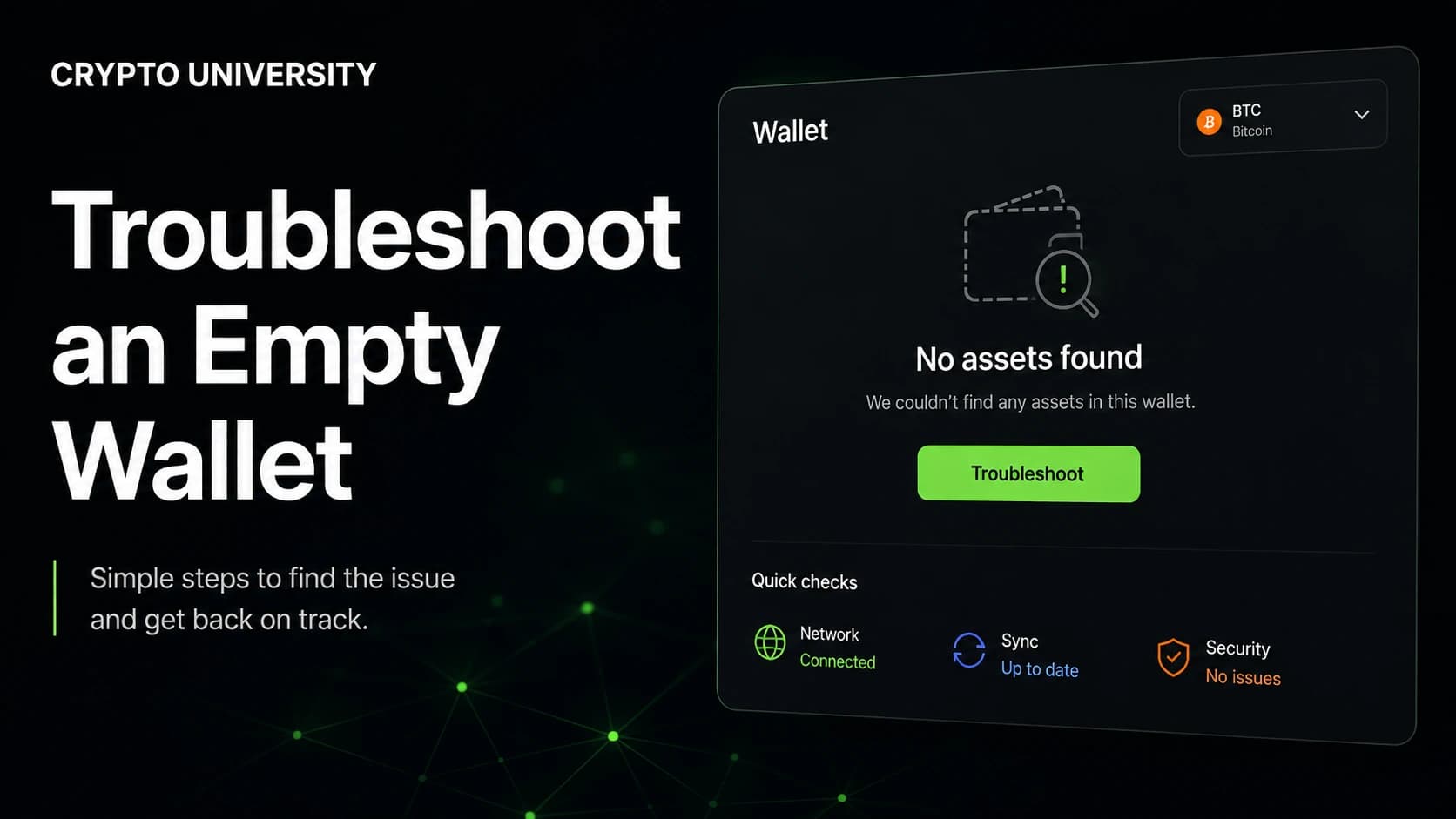
Troubleshooting: "My Balance Shows Zero"
This is the most common panic moment, and it almost always has a technical explanation.
| Symptom | Likely cause | What to check |
|---|---|---|
| Bitcoin balance is zero but addresses look valid | Wrong derivation path | Try legacy, nested SegWit, native SegWit and Taproot paths in wallet settings |
| Only one account appeared | Account index | Add or scan additional accounts, since many wallets only restore account zero |
| Some funded addresses are missing | Gap limit | Wallets usually stop scanning after around 20 unused addresses in a row |
| Addresses are completely unfamiliar | Missing or mistyped passphrase | A passphrase creates a separate wallet, so even a small typo changes everything |
| The right coins show but tokens do not | Tokens are local settings | Import the token using its contract address, or add the network first |
| Nothing matches at all | Wrong seed or wrong wallet standard | Restore in the original wallet brand before trying alternatives |
Different address styles come from different branches of the same key tree. Restoring a wallet on a path it did not use shows an empty balance, not a lost wallet. The funds stay where they are until the correct path is selected.
Security Rules for the Restore Itself
The recovery moment is when users are most vulnerable, because they are stressed and searching for answers.
- Never type your seed phrase into a website, a form, a chat window or a support ticket. Legitimate wallet software asks for it only inside the app during setup.
- Ignore phone numbers and "24/7 recovery agents" in search results. These are a known scam pattern, and no wallet company runs a phone line that asks for your words.
- Treat paid "recovery services" with heavy skepticism. Nobody can recover a lost phrase, and anyone claiming otherwise is either guessing or stealing.
- Verify the app publisher before installing. Fake wallet apps exist in official stores and reach the top of paid search.
- If your backup may have been exposed, move the funds. Restore the wallet, then create a brand new wallet with a new phrase and transfer the assets to it. A compromised seed phrase cannot be changed.
What to Do After a Successful Restore
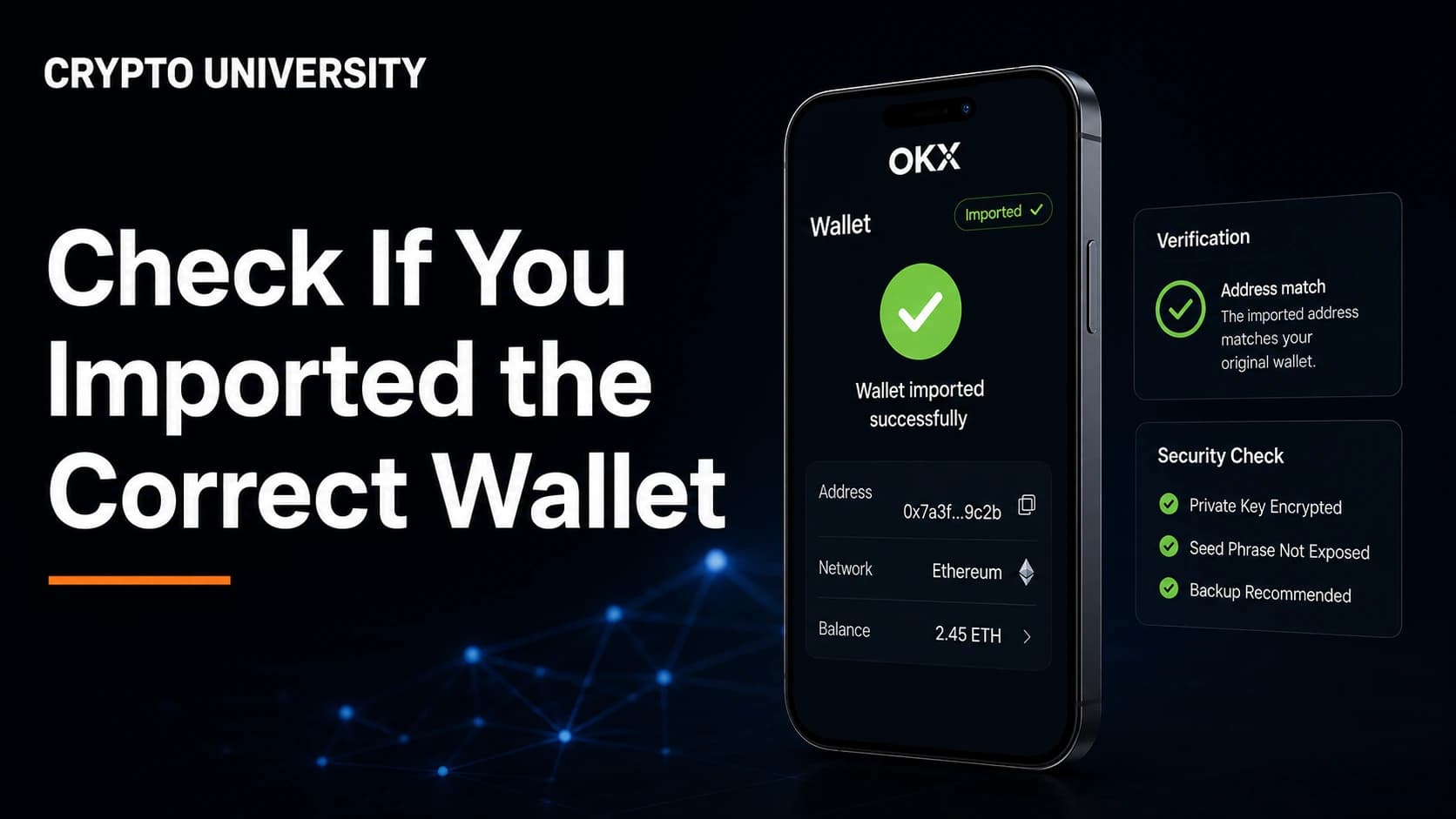
- Compare a receive address against one you already know, to confirm you are in the right wallet.
- Review and revoke old token approvals if the wallet interacted with decentralised applications.
- Re-add networks, tokens and staking positions that were local settings.
- Refresh your backup. Paper degrades, and a metal backup plate survives fire and water better.
- Store the passphrase separately from the seed phrase, since keeping both together removes the benefit.
The strongest habit is to test recovery before you need it. Restore your phrase onto a spare device or a fresh wallet install with a small amount of value, confirm the addresses match, then wipe it. A backup you have never tested is an assumption, not a plan.
Frequently Asked Questions
Can I restore my wallet on a different brand of wallet? Usually yes, if both follow the BIP39 standard. The addresses may look different at first because of derivation path defaults, which you can adjust in settings. Shamir style backups need a wallet that supports SLIP39.
Do I need to wipe the old device first? No. The same wallet can exist on several devices at once. Wipe the old device only if you are selling it, giving it away, or you suspect it was compromised.
What happens if I enter one word incorrectly? Most wallets will reject the phrase because of the built in checksum. If the wrong word still forms a valid phrase, the wallet will load an empty account instead. Re-enter the phrase carefully rather than assuming the funds are gone.
I lost my seed phrase but the old phone still works. What now? Open the wallet, view the recovery phrase in the security settings, write it down offline, and confirm it. Then consider moving to a new wallet if you think the old backup was exposed.
Is it safe to store my recovery phrase in a password manager? It is more convenient and more secure than a photo or a notes app, but it links your crypto backup to a single online account. Many people keep an offline written or metal copy as the primary backup and treat anything digital as secondary.
Related Terms
- Seed phrase: the human readable list of words that backs up a wallet
- Derivation path: the route a wallet uses to generate addresses from one seed
- Passphrase: an optional extra secret that creates a separate hidden wallet
- Self custody: holding your own keys rather than trusting a company
- Gap limit: how many unused addresses a wallet scans before it stops looking
Sources
- MetaMask Help Center, "How to restore your wallet using your Secret Recovery Phrase"
- Ledger Support, "Restore your Ledger accounts with your Secret Recovery Phrase"
- Trezor, "Recovering a wallet with Multi-share Backup" and "SLIP39 FAQs"
- Coinbase Help, "Recover your smart wallet"
- Bitcoin Improvement Proposals BIP39, BIP44, BIP49, BIP84 and BIP86
- Trust Wallet, "Backing Up and Restoring Your Wallet"
Further Reading
- What Is a Seed Phrase and How Does It Work for the cryptography behind wallet backups
- Hot Wallets vs Cold Wallets Compared for choosing where to hold long term funds
- How to Revoke Token Approvals for cleaning up permissions after a recovery
--- This article is educational content. It is not financial, legal, or security advice for your specific situation. Always confirm recovery procedures on the official support pages of the services you use, since these processes change over time.
Not sure which problem you have?
Use the Fixing Crypto Mistakes hub to identify the transaction, wallet, network, or exchange issue before taking another action.
OPEN TROUBLESHOOTING HUB