Key Takeaways
- Your crypto never actually moves. Coins stay on the blockchain. What you are transferring to the new phone is access, which usually means a recovery phrase, a key share, or an account login.
- Do not wipe or trade in the old phone until the new one is fully tested. Wallets, two factor codes, passkeys and email recovery can all be tied to the device you are about to erase.
- The method depends on the wallet type. Seed phrase wallets restore from words, seedless wallets restore from cloud or passkey backups, and exchange apps restore from a login plus two factor authentication.
What Actually Moves When You Change Phones
A common beginner assumption is that crypto is stored inside the wallet app, the way photos are stored in a gallery. It is not. Balances live on public blockchains. A wallet app is a viewer and a signing tool. It holds the keys that prove you control an address, and it displays what those addresses own.
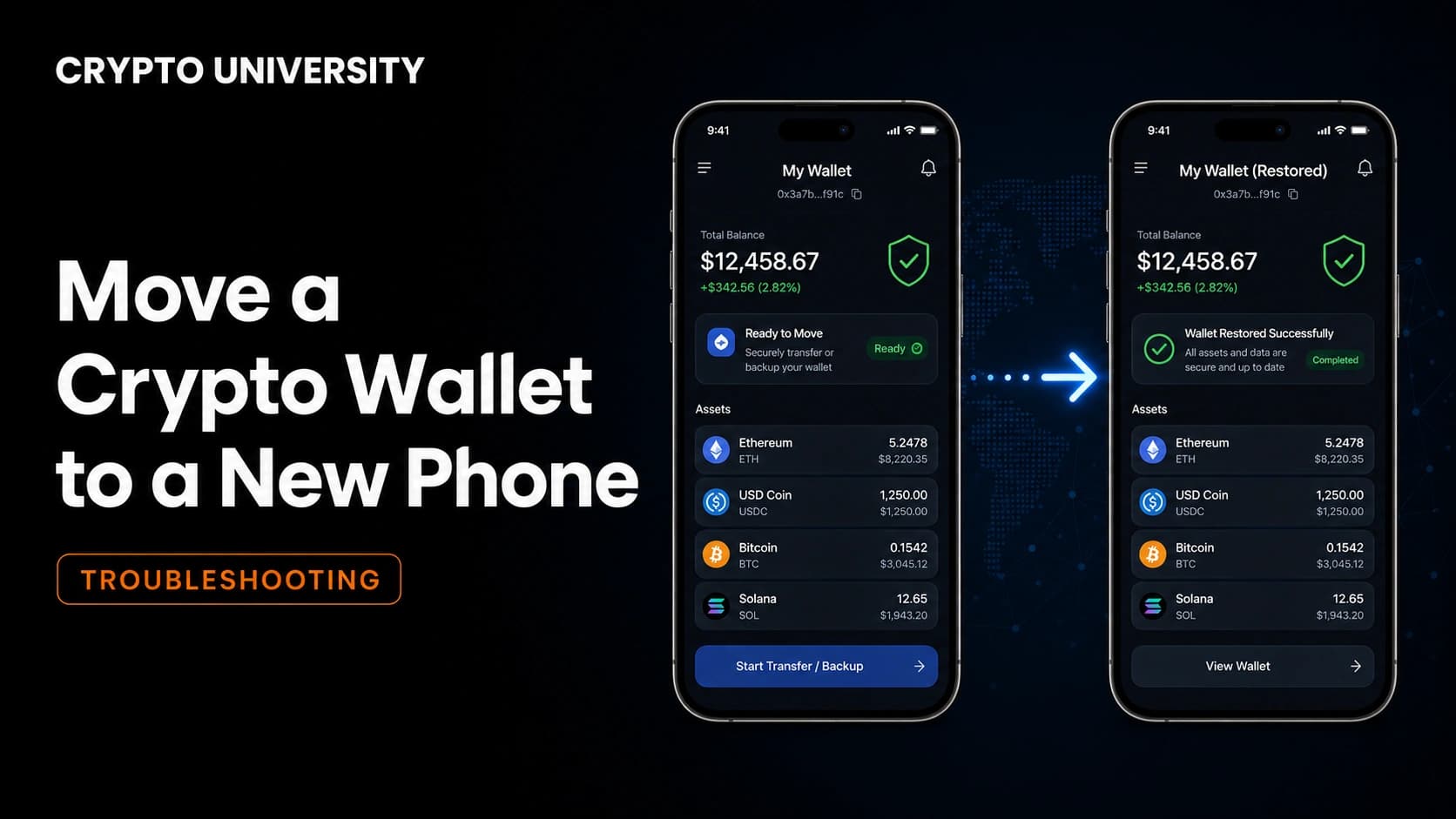
That single fact shapes the whole migration. You are not sending funds anywhere and you are not paying network fees to change devices. You are re-creating the same keys, or logging back into the same account, on new hardware. If the restore works, the balances appear again exactly as they were.
It also explains the main risk. If nobody can re-create your keys, including you, the funds stay visible on-chain forever and stay unreachable forever. There is no support desk in self custody that can reset a lost recovery phrase.
Step 1: Do Not Wipe the Old Phone Yet
Treat the old phone as your safety net until the new phone has proven itself. A phone often holds far more than a wallet app. It may store authenticator codes, passkeys, an email account used for password resets, exchange session approvals and SMS verification.
Erase it too early and a failed restore turns into a lockout. Keep the old device charged, offline if you prefer, and untouched until every item on your checklist works on the new phone.
Step 2: Identify What Kind of Wallet You Have
Migration steps differ by wallet model. Check which row below describes your setup before you start.
| Wallet type | Examples of the model | What you need to migrate | What breaks the restore |
|---|---|---|---|
| Seed phrase self custody | Standard 12 or 24 word mobile wallets | The recovery phrase, plus any optional passphrase | Lost, misspelled or reordered words |
| Seedless MPC or passkey wallet | Key shares split between device and provider, or a passkey in the secure enclave | Provider login, cloud passkey sync, backup share or recovery kit | Passkey not synced to the new device or platform |
| Custodial exchange app | Centralised trading apps | Account email, password and two factor method | Losing the authenticator without backup codes |
| Hardware wallet companion app | Mobile app paired to an offline device | The hardware device itself, plus its own recovery sheet | Nothing on the phone, keys stay on the device |
If you are unsure, look for what the app asked you to back up on day one. If it showed you words, it is a seed phrase wallet. If it asked for an email, social login or Face ID and never showed words, it is likely a seedless or custodial model.
Step 3: Verify the Backup Before You Touch the New Phone
Do not assume the backup is valid. Open your written recovery phrase and confirm three things: every word is legible, the order is numbered correctly, and the number of words matches what the wallet expects.
Recovery words come from a fixed public list of 2048 English words used by the BIP-39 standard, so a misspelling is usually detectable, but a swapped word order is not. Also confirm whether you set an extra passphrase, sometimes called a 25th word or hidden wallet. A passphrase is not part of the phrase and is usually not written next to it. Without it, the correct words restore a different, empty wallet.
For seedless wallets, check that your passkey or key share backup is genuinely synced to your cloud account and not only stored on the old device.
Step 4: Install the Real App on the New Phone
Fake wallet apps are one of the most reliable ways people lose funds during a device change. Search results, sponsored ads and links sent by messaging apps are all common attack surfaces.
- Install only from the official app store listing, and check the developer name, not just the icon.
- Cross-check the store link from the wallet's official website rather than from a search ad.
- Ignore any pop-up, email or direct message that offers migration help.
- Never install a wallet from a file sent to you, even by someone you trust.
Step 5: Restore a Seed Phrase Wallet
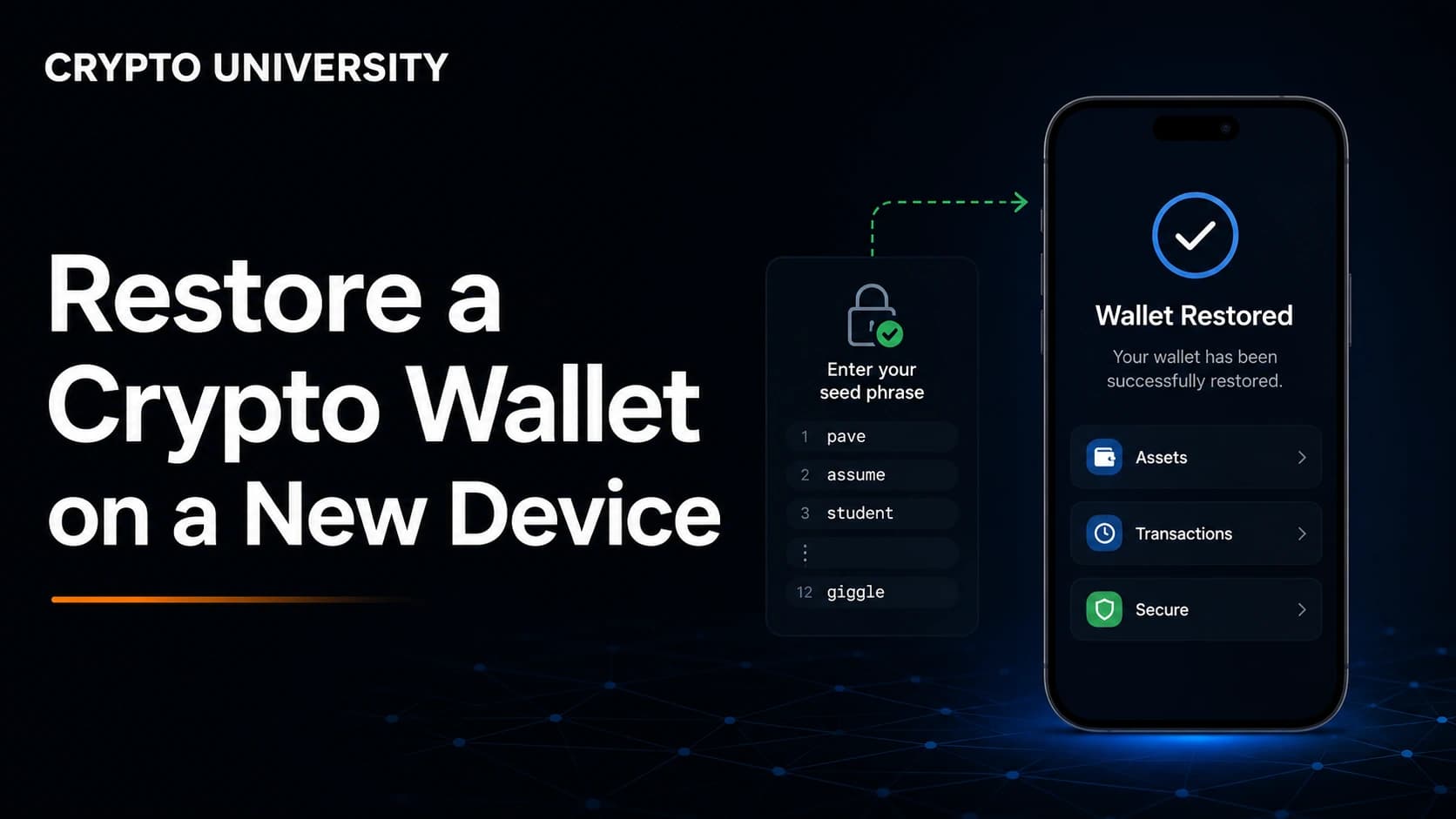
- Open the newly installed app and choose the option to import or restore an existing wallet, rather than create a new one.
- Enter the recovery phrase in the exact original order. Type it manually if possible, since clipboard contents can be read by other apps.
- Set a new PIN, password or biometric lock. This protects the app on this device only and is not a backup.
- Wait for the app to sync, then compare balances against a public block explorer.
- Re-add any networks, custom tokens or additional accounts that do not appear automatically.
- Reconnect the apps and sites you use, since connection sessions do not transfer between devices.
The wallet on the old phone is not deleted by this process. Both installs now control the same keys until you remove one.
Step 6: Restore a Seedless, MPC or Passkey Wallet
Seedless wallets replace the recovery phrase with other mechanisms: key shares split across parties, passkeys stored in the device secure enclave, guardians who can approve recovery, or a smart contract account with recovery rules built in.
The practical steps are usually simpler, but the failure points are different. Sign in with the same method you used originally, then complete whatever verification the provider requires. The most common problem is platform lock-in. A passkey created on one operating system may not be available if you switch to a different one, so check portability before you migrate between platforms, not after.
Step 7: Move Exchange Apps and Two Factor Authentication
Custodial exchange accounts are ordinary online accounts, so the account itself is safe on the server. The risk is the second factor.
| Item | Action before switching | Common failure |
|---|---|---|
| Authenticator app | Use the official transfer or encrypted backup, or re-add accounts one by one | Deleting the app before codes are moved |
| Backup codes | Print or write them and store offline | Codes saved only inside the old phone |
| SMS verification | Confirm the SIM or eSIM is active on the new phone | Number ported later than expected |
| Exchange app settings | Log in on the new phone, check withdrawal settings and anti-phishing code | Assuming a login means everything transferred |
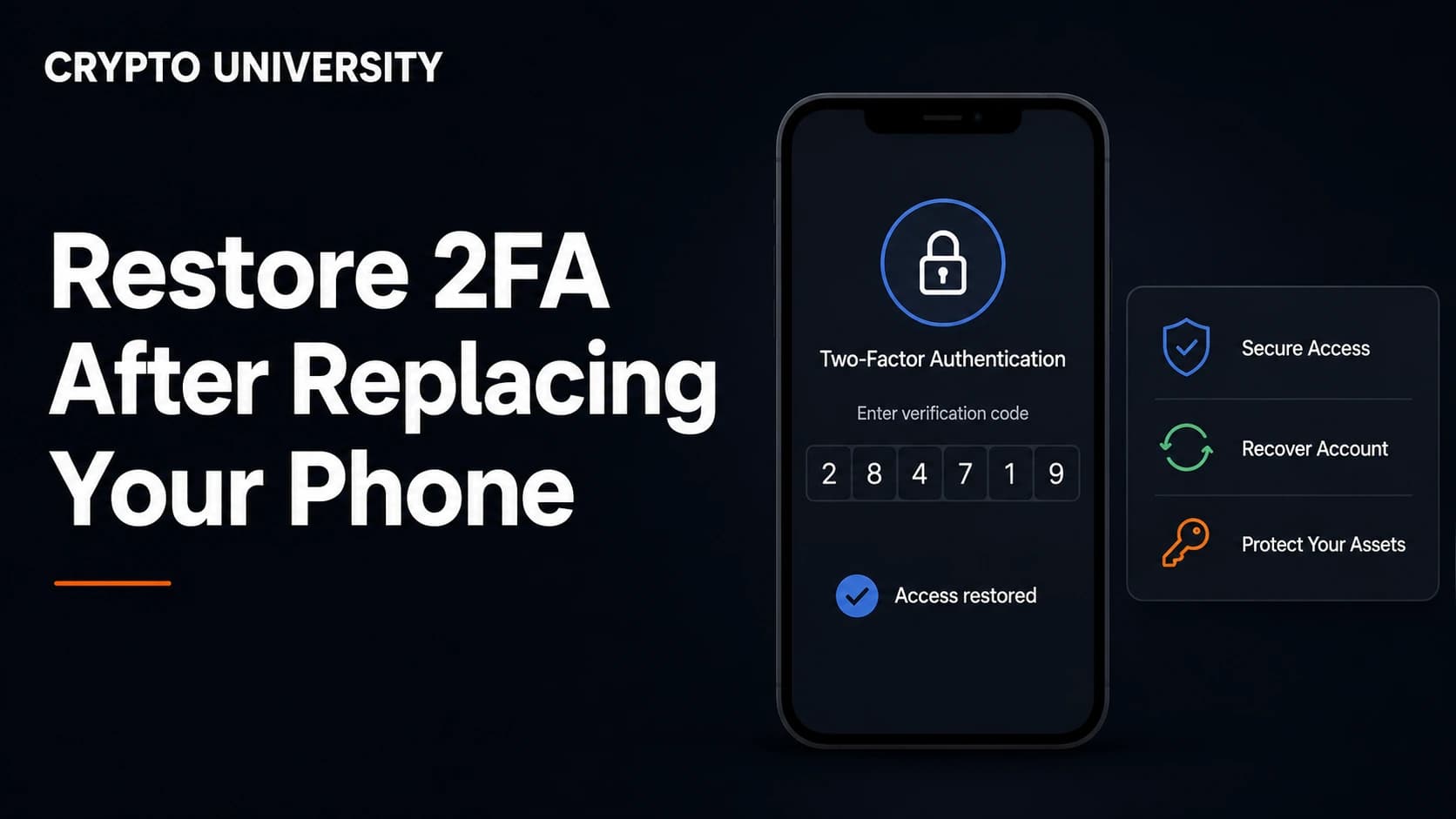
Do the authenticator transfer while both phones still work. That single sequencing choice prevents most lockouts.
Step 8: Hardware Wallet Users
If you use a hardware wallet, the migration is the easiest of all. Your keys never lived on the phone. Install the companion app on the new device, pair the hardware wallet again, and your accounts reappear. The recovery sheet for the hardware device stays offline and untouched.
Common Problems After Restoring
| What you see | Usual explanation |
|---|---|
| Balance shows zero | The app is still syncing, or you are viewing the wrong network |
| One account restored, others missing | Extra accounts must be re-added, since only the first is derived by default |
| Correct words, unfamiliar addresses | A passphrase is missing, or the app uses a different derivation path |
| Tokens missing but native coin present | Custom tokens need to be added manually by contract address |
| An imported account is gone | Accounts imported by private key are not covered by the recovery phrase |
Derivation path mismatches confuse many intermediate users. Different apps can generate different addresses from the same phrase, which is why an app may offer advanced options to select a path.
Security Rules During a Phone Migration
- Type your recovery phrase only into the official wallet app during a restore. Never into a website, form, chat or support ticket.
- Do not photograph, screenshot or email the phrase. Camera rolls sync to the cloud.
- Assume anyone offering urgent migration support is an attacker.
- Only after the new phone is fully verified, remove app connections and sessions from the old device and factory reset it.
Frequently Asked Questions
Does moving a wallet to a new phone cost anything? No. Restoring a wallet is an offline action on your device. No blockchain transaction is created, so there is no network fee. Fees only apply if you deliberately send funds to a different wallet.
Can I use the same wallet on two phones at once? Yes. The recovery phrase can be restored on multiple devices, and each one will control the same addresses. It is convenient but it increases exposure, because a compromise of either device puts the same keys at risk.
What happens if I lose the old phone before backing up? If you still have the recovery phrase or seedless backup, the phone itself is irrelevant and you can restore anywhere. If the only copy of the keys was on that device, recovery is generally not possible. For custodial exchange accounts, standard account recovery through the provider usually still applies.
Should I create a new wallet instead of restoring the old one? Restoring is normal for a routine phone upgrade. Creating a new wallet and sending funds to it is the better choice if you suspect the old phrase was exposed, since restoring a compromised phrase carries the compromise with it.
Do NFTs and staked assets transfer automatically? They are tied to the address, not the app, so they reappear once the correct account and network are loaded. Some items may need the network or collection to be added manually before they display.
Related Terms
- Seed phrase: A list of 12 or 24 words that can regenerate every private key in a wallet.
- Derivation path: The rule an app uses to generate addresses from one recovery phrase.
- Passphrase: An optional extra secret that turns one recovery phrase into a separate hidden wallet.
- MPC wallet: A design that splits a key into shares so no single seed exists in one place.
- Custodial wallet: A wallet where a company holds the keys and account recovery works like a normal online service.
Sources
- Trust Wallet, Backing Up and Restoring Your Wallet: Step-by-Step Guide, https://trustwallet.com/blog/security/backing-up-and-restoring-your-wallet-step-by-step-guide
- MetaMask Help Center, Secret Recovery Phrase, password, and private keys, https://support.metamask.io/start/user-guide-secret-recovery-phrase-password-and-private-keys/
- MetaMask Help Center, How to restore your wallet using your Secret Recovery Phrase, https://support.metamask.io/configure/wallet/how-to-restore-your-metamask-wallet-from-secret-recovery-phrase/
- Coin Wallet, How to Import an Existing Wallet Using a Seed Phrase, https://coin.space/how-to-import-an-existing-wallet-using-a-seed-phrase/
- Eco Support, Smart Wallet Recovery 2026: Social, Multisig, Passkey Options, https://eco.com/support/en/articles/15254048-smart-wallet-recovery-2026-social-multisig-passkey-options
Further Reading
- Crypto Adventure, Moving To A New Phone Without Losing Crypto Access: A Step-By-Step Migration Guide, https://cryptoadventure.com/moving-to-a-new-phone-without-losing-crypto-access-a-step-by-step-migration-guide/
- Bitget Wallet, Old Wallet New Wallet Guide: How to Migrate Crypto Safely, https://web3.bitget.com/crypto-news/old-wallet-new-wallet-crypto-migration-guide
- Shepley Capital Cryptopedia, How to Import a Wallet Using a Seed Phrase, https://shepleycapital.com/wallets/import-wallet-seed-phrase/
Disclaimer: This article is educational content. It is not financial, investment, tax, or legal advice. Network behaviour, fees, and explorer interfaces change over time, so verify current details against official documentation before relying on them.
Not sure which problem you have?
Use the Fixing Crypto Mistakes hub to identify the transaction, wallet, network, or exchange issue before taking another action.
OPEN TROUBLESHOOTING HUB