Key Takeaways
- The messenger is not the proof. Project Telegram channels and Discord servers are compromised regularly, so a link posted inside an official community is not automatically an official link.
- Verify the destination, not the message. Confirm any announcement from a second independent source, then reach the site by typing the domain yourself instead of tapping the posted link.
- Urgency is the tell. Claims that a claim window is closing, that funds must be migrated, or that approvals must be revoked immediately are the standard setup for wallet drainer pages.
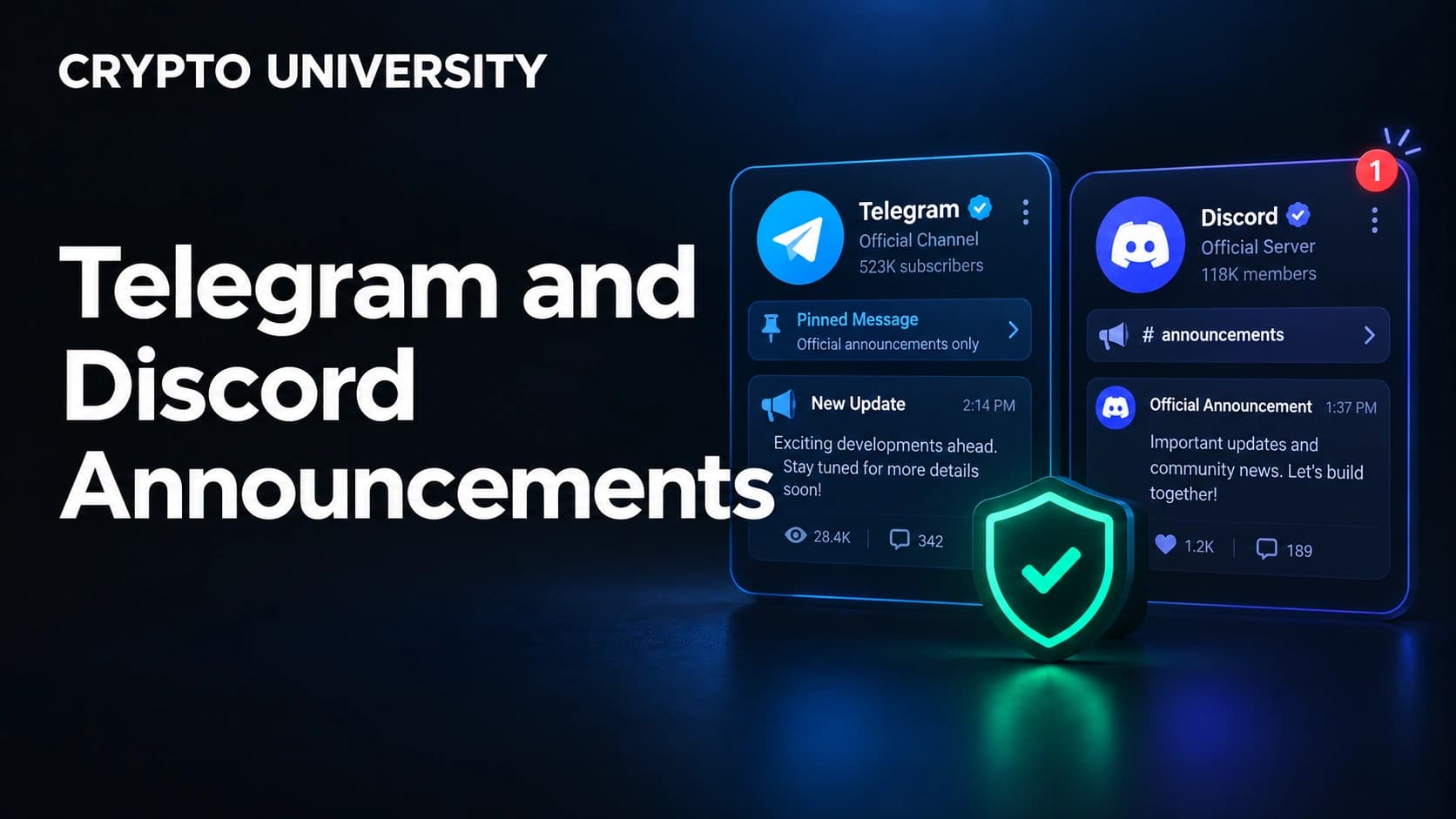
Announcement channels are where crypto communities get their news, and also where a large share of crypto theft begins. One pinned message in a busy Telegram channel or Discord announcement feed reaches thousands of people in seconds, and attackers know most of them click first and think second.
This guide covers how fake announcements are built, what platform verification actually proves, and a routine you can run in under a minute before clicking.
Why fake announcements work so well
Fake announcements do not rely on advanced hacking. They rely on trust that has already been earned by someone else.
Chainalysis reported that the average scam payment grew from 782 dollars in 2024 to 2,764 dollars in 2025, an increase of 253 percent, while impersonation tactics drove roughly 1,400 percent year over year growth in scam inflows. Its 2026 report put on-chain scam losses for 2025 at a minimum of 14 billion dollars, with the figure expected to rise above 17 billion dollars as more addresses are identified. These are estimates based on identified wallets, not exact totals, and the firm describes them as lower bounds.
Attackers get their message in front of you in three main ways:
- Account takeover. A moderator or admin account is stolen, then used to post from a real, trusted profile. Security researchers tracking Discord in 2026 documented waves of account takeovers used to spread crypto scam links from accounts that friends already trusted.
- Bot and webhook abuse. Many project Discords have been compromised through a bot with wide permissions rather than through the owner account. The scam message appears in the real announcement channel.
- Cloned communities. Attackers copy the name, logo, pinned messages, and even the admin usernames of a real Telegram channel or Discord server, then buy visibility or seed invite links.
The second stage is the same in almost every case. The link leads to a page that asks you to connect a wallet and sign something. Signature phishing works by luring users to malicious applications that request off-chain messages which look harmless, such as approving a token deposit, but which actually authorise unlimited token spending or NFT transfers. There is no password to steal and no reversal once you sign.
What a verified badge actually proves
Beginners often treat a checkmark as proof. It is weaker evidence than most people assume, and the rules differ sharply between the two platforms.
| Signal | Telegram | Discord |
|---|---|---|
| Official platform verification | Available to notable public figures and organisations through @VerifyBot, and requires verified accounts on at least two other major platforms plus press coverage | The Verified Server Program is now exclusively for fully released games claimed through Steam. The older program covering companies and brands has been discontinued |
| Does a crypto project usually have it | Sometimes, for large exchanges and well known projects | Almost never, so its absence tells you nothing |
| Can it be faked visually | Yes. Custom emoji can imitate a checkmark next to a name | Server badges cannot be faked, but role colours, nicknames, and "Admin" style tags inside a server can be |
| What it proves about a message | That the channel is official, not that the current message is trustworthy | That a game studio owns the server, nothing about link safety |
| What it never proves | That the account is uncompromised | That the announcement channel has not been hijacked |
The important conclusion is simple. Verification says something about who owns an account. It says nothing about who is typing today.
The one-minute verification routine
Run these five steps in order. If any step fails, stop.
Step 1: Add a delay. Genuine airdrops, migrations, and security notices do not expire in ten minutes. Deadline pressure is a manufactured constraint designed to stop you from completing the remaining steps.
Step 2: Inspect the poster, not the badge. On Telegram, open the profile and check the @username character by character, since lookalike names using extra underscores or swapped letters are the most common trick. On Discord, click the name and confirm the account is an actual server member with a moderator role in the member list, not a recently joined account using a stolen avatar.
Step 3: Read the real link. Hover on desktop or long press on mobile to reveal the destination before it opens. Check the registered domain, the part immediately before the first single slash. Watch for extra words joined to a real brand name, unusual endings, and shortened links that hide the destination.
Step 4: Confirm from a second independent channel. This is the step that catches almost everything. A real announcement of any significance appears in more than one place: the project website, its documentation, its X account, its blog, or a governance forum. One channel can be compromised. Three simultaneously is rare.
Step 5: Navigate manually. Even after the announcement checks out, do not use the posted link. Type the domain yourself or use a saved bookmark. This habit defeats lookalike domains completely, because a fake site cannot be reached from a correct address.
Red flags ranked by risk
| Signal | Risk level | What it usually means |
|---|---|---|
| A direct message from "support" you did not contact | Very high | Real teams almost never message first. Support impersonation is one of the largest scam categories |
| Any request for a seed phrase or private key | Very high | Always a scam, with no exception on any platform |
| A "revoke approvals now" or "migrate funds now" link after a hack makes the news | Very high | Attackers register lookalike domains within hours of a major exploit and post them into panicking communities |
| Wallet connection required to claim a reward | High | Standard drainer flow, usually ending in an approval or permit signature |
| Announcement posted only once, in one channel | High | Legitimate announcements are usually cross-posted |
| Comments disabled or critical replies deleted | Medium | Common in cloned channels that need to suppress warnings |
Common fake announcement formats
| Format | The hook | What it wants |
|---|---|---|
| Airdrop or claim window | Free tokens for early users, closing soon | A connected wallet and one approval signature |
| Emergency migration | Contract exploit found, move assets now | A signature that transfers or approves tokens |
| Fake revoke tool | Security notice telling you to clear approvals | The same signature it claims to protect you from |
| Support ticket in DM | Your account or wallet is flagged | Seed phrase, recovery file, or screen sharing |
| Verification bot | Join the server by verifying your wallet | Wallet connection during onboarding, before you are alert |
| Partnership or listing news | New exchange listing with a bonus | Deposits into an attacker controlled address |
If you already clicked
Clicking a link is not the same as losing funds. The damage usually happens at the signature. Work through this in order:
- Close the page immediately and do not sign anything, including anything labelled cancel, verify, or reject inside the page itself. Only use your wallet interface.
- Check whether you signed. Review your wallet activity for recent approvals, permit signatures, or contract interactions.
- Revoke open approvals using a revocation tool that you reach by typing the address yourself. Approvals can sit unused for a long time before being exercised, so old ones matter.
- Move assets to a fresh wallet if you signed anything you cannot identify. Creating a new wallet is cheaper than assuming the old one is safe.
- Report it. Notify the real project through a channel you verified independently, and warn the community so moderators can remove the message.
- Check your device if you downloaded a file, since some campaigns deliver credential stealing malware rather than a phishing page.
Habits that lower risk permanently
- Bookmark the official domains of every project you use, and treat bookmarks as the only valid entry point.
- Keep a separate wallet with small balances for claiming, testing, and interacting with new applications.
- Use a hardware wallet for long term holdings so a signature request must be confirmed on a second device.
- Turn off direct messages from server members on Discord and restrict who can add you to groups on Telegram.
- Review and revoke token approvals on a schedule rather than only after a scare.
- Assume any announcement channel you follow could be compromised, and keep a routine that survives it.
Frequently asked questions
Does a blue checkmark mean a Telegram channel is safe? No. It means Telegram approved the channel as the official account for that person or organisation. Telegram grants it to accounts that are already verified on at least two other major platforms and can show press coverage. It says nothing about the safety of an individual message, and custom emoji can imitate a checkmark visually.
Why do Discord crypto servers rarely show a verified badge? Because that program no longer applies to them. Discord's Verified Server Program is now limited to fully released games claimed through Steam, and the earlier version covering companies and brands has been discontinued. For crypto communities, a missing badge is normal and carries no meaning either way.
Is it dangerous just to open a phishing link? Opening a page is usually low risk on its own. The loss almost always happens when you connect a wallet and approve or sign a request. Downloads are the other risk, since some campaigns deliver malware instead of a signature prompt.
How do attackers get into official announcement channels? Most commonly through a compromised moderator account or an over-permissioned bot or webhook, rather than through any weakness in Telegram or Discord itself. This is why the message can appear in a real channel with correct branding.
What if the announcement really is genuine and I miss the window? That is the acceptable outcome. Legitimate projects extend deadlines, repost announcements, and answer questions publicly. A missed airdrop is recoverable. A signed approval is usually not.
Five related terms
- Signature phishing: tricking a user into signing a message or transaction that grants asset access rather than performing the action shown.
- Token approval: permission given to a smart contract to spend tokens from your wallet, which can remain active indefinitely until revoked.
- Wallet drainer: a ready-made phishing kit that converts a single signature into an automated transfer of a wallet's assets.
- Lookalike domain: a web address built to resemble a real one closely enough to pass a quick glance.
- Webhook: an automated posting method that lets an external service publish messages into a channel, and a common route into compromised announcement feeds.
Sources
- Chainalysis, 2026 Crypto Crime Report: Scams. https://www.chainalysis.com/blog/crypto-scams-2026/
- Discord Support, Discord Verified Server Program FAQ, updated June 2026. https://support.discord.com/hc/en-us/articles/360001107231-Discord-Verified-Server-Program-FAQ
- Telegram, Page Verification Guidelines. https://telegram.org/verify
- Decrypt, Signature Phishing Up 200% As January Losses Pass $6M, February 2026. https://decrypt.co/357450/signature-phishing-up-200-as-january-losses-pass-6m
- Blockaid, How Wallet Drainers Use Fake Revoke Sites and Twitter Phishing to Exploit Victims, 2026. https://blockaid.io/blog/how-wallet-drainers-use-fake-revoke-sites-and-twitter-phishing-to-exploit-victims
Three more reading
- Chainalysis, 2026 Crypto Crime Report Introduction, for context on how illicit on-chain estimates are produced and revised. https://www.chainalysis.com/blog/2026-crypto-crime-report-introduction/
- Discord Support, Partnered vs Verified Servers, for how the badge programs differ. https://support.discord.com/hc/en-us/articles/360047236171-Partnered-vs-Verified-Servers
- Cointelegraph, Crypto victim loses $908K in sophisticated phishing attack, on why old approvals stay dangerous. https://cointelegraph.com/news/crypto-victim-loses-908k-in-sophisticated-phishing-attack
Disclaimer: This article is educational and is not financial, legal or investment advice. Regulatory rules and register locations change, so verify details with the relevant authority before acting.
Not sure which problem you have?
Use the Fixing Crypto Mistakes hub to identify the transaction, wallet, network, or exchange issue before taking another action.
OPEN TROUBLESHOOTING HUB