Key Takeaways
- No legitimate exchange or wallet provider will ever ask for your recovery phrase, password, or two-factor code, whether by email, chat, or phone. That single request is enough to confirm a scam on its own.
- A verification email that passes technical security checks can still be fake. Attackers have delivered messages that pass SPF, DKIM, and DMARC, so authentication badges and professional design prove nothing.
- Never act from inside the email. Close it, open the app or type the official web address yourself, and check whether the alert exists in your real account.
What a Fake Account Verification Email Is
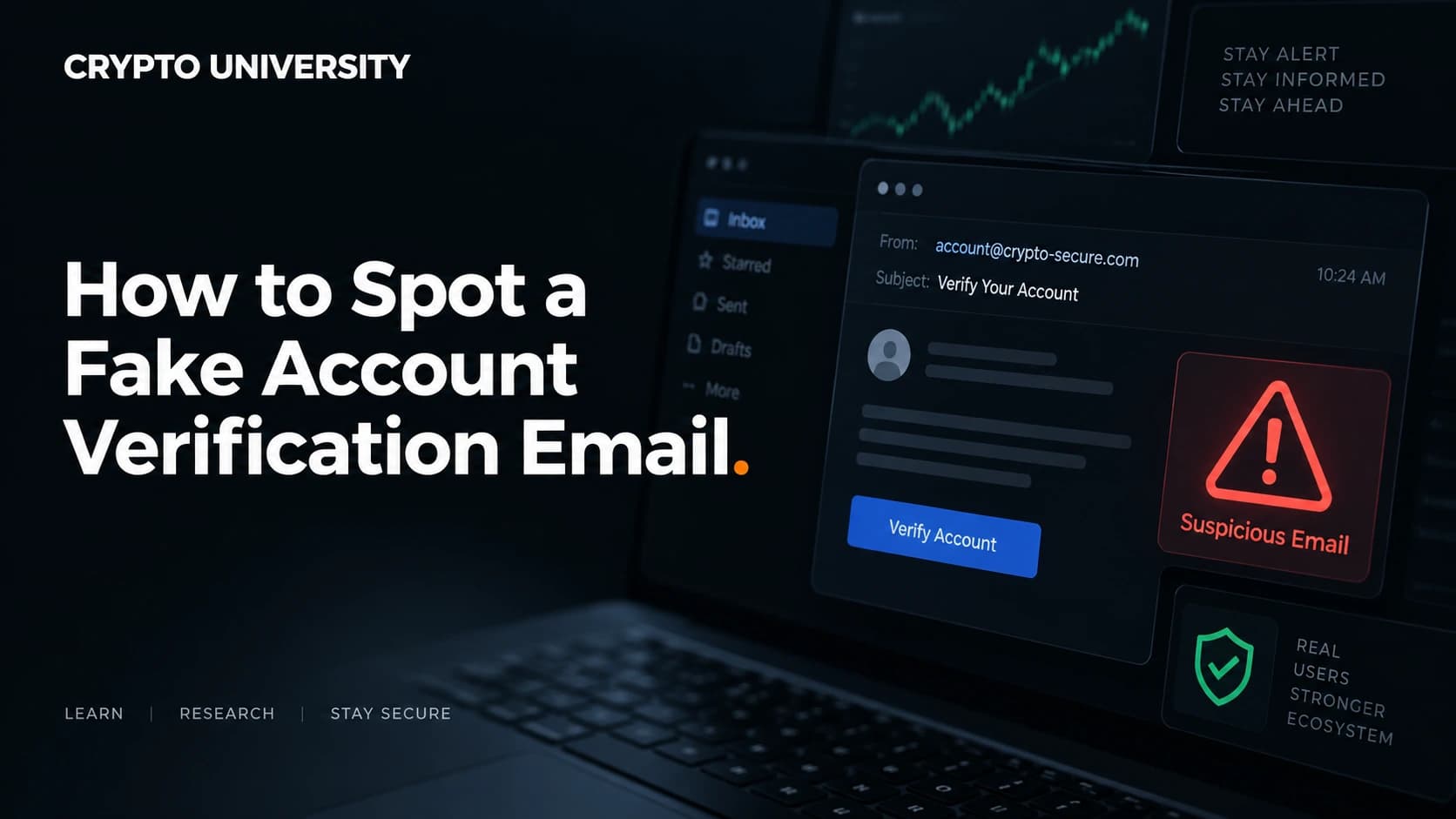
A fake account verification email is a phishing message built to look like routine housekeeping from a service you already use. It might claim to be from a crypto exchange, a hardware wallet maker, a bank, or your email provider. The story is almost always the same: your account must be confirmed, re-verified, re-activated, or checked because of a security problem.
The goal is not the email itself. The goal is to move you onto a web page the attacker controls, where you type something valuable. That might be a password, a one-time login code, or in the worst case a wallet recovery phrase.
This works because verification emails are genuinely normal. Exchanges really do run identity checks, really do email about new device logins, and really do freeze accounts. Attackers borrow that familiarity and add pressure.
Why Crypto Users Get Targeted
Two things make crypto holders attractive targets. First, most on-chain transfers cannot be reversed, so a successful theft is usually final. Second, the personal data needed to write a convincing message is widely available after company data breaches.
The scale is well documented. The FBI Internet Crime Complaint Center reported that phishing and spoofing was the most frequently filed complaint category in 2025, with 191,561 complaints, and that complaints with a cryptocurrency link totalled 181,565 and roughly 11.4 billion US dollars in reported losses. The same report noted more than 22,000 complaints referencing artificial intelligence, which is one reason the old advice about spotting bad grammar no longer works.
Breach data feeds this directly. After Coinbase disclosed in 2025 that contractors had improperly accessed data belonging to a reported 69,461 customers, users began receiving calls and emails containing accurate personal details. No passwords or recovery phrases were taken, but names, contact details, and partial account information are enough to make an impersonation attempt sound real.
Ledger customers have faced the same pattern since a 2020 breach exposed customer contact data. Campaigns since then have included fake breach notifications, fake firmware updates, and even physical packages containing tampered devices.
Seven Checks That Expose Most Fake Verification Emails
1. Look at what is actually being requested
This is the fastest test. Sort every request into one of two boxes.
| Reasonable to ask by email | Never asked by a real provider |
|---|---|
| Confirm your email address | Your 12 or 24 word recovery phrase |
| Upload ID through the official app | Your account password |
| Review a login you do not recognise | A live two-factor or SMS code |
| Complete tax or residency forms in-app | Remote access to your screen or device |
| Read a notice with no action required | A transfer to a "safe" or "vault" wallet |
Anything in the right column ends the conversation. A recovery phrase is not a password and is never needed for verification. It restores an entire wallet, which means whoever holds it controls the funds.
2. Read the sender domain, not the sender name
The display name in your inbox is free text. Anyone can set theirs to "Coinbase Security". Expand the header and read the address after the @ symbol.
Watch for lookalike domains such as an added word, a hyphen, or a different ending. Reported phishing infrastructure has used addresses in the style of coinbase-support.com, which is not coinbase.com. Also watch for messages sent through bulk mail platforms while claiming to be from a support address.
3. Check where the link really goes
Hover over the button on desktop, or press and hold on mobile, and read the destination before you tap anything.
To read a web address, find the part immediately to the left of the ending such as .com, then read backwards.
| What you see | The real owner | Verdict |
|---|---|---|
| ledger.com/verify | ledger.com | Genuine domain |
| ledger.secure-check.com | secure-check.com | Not Ledger |
| ledger-recovery.info | ledger-recovery.info | Not Ledger |
| xn--ledgr-9za.com | A punycode lookalike | Not Ledger |
That last row matters. Punycode is a system for writing non-English characters in domain names, and attackers use it to register addresses that display almost identically to real ones. Anything starting with xn-- deserves suspicion.
4. Notice the pressure
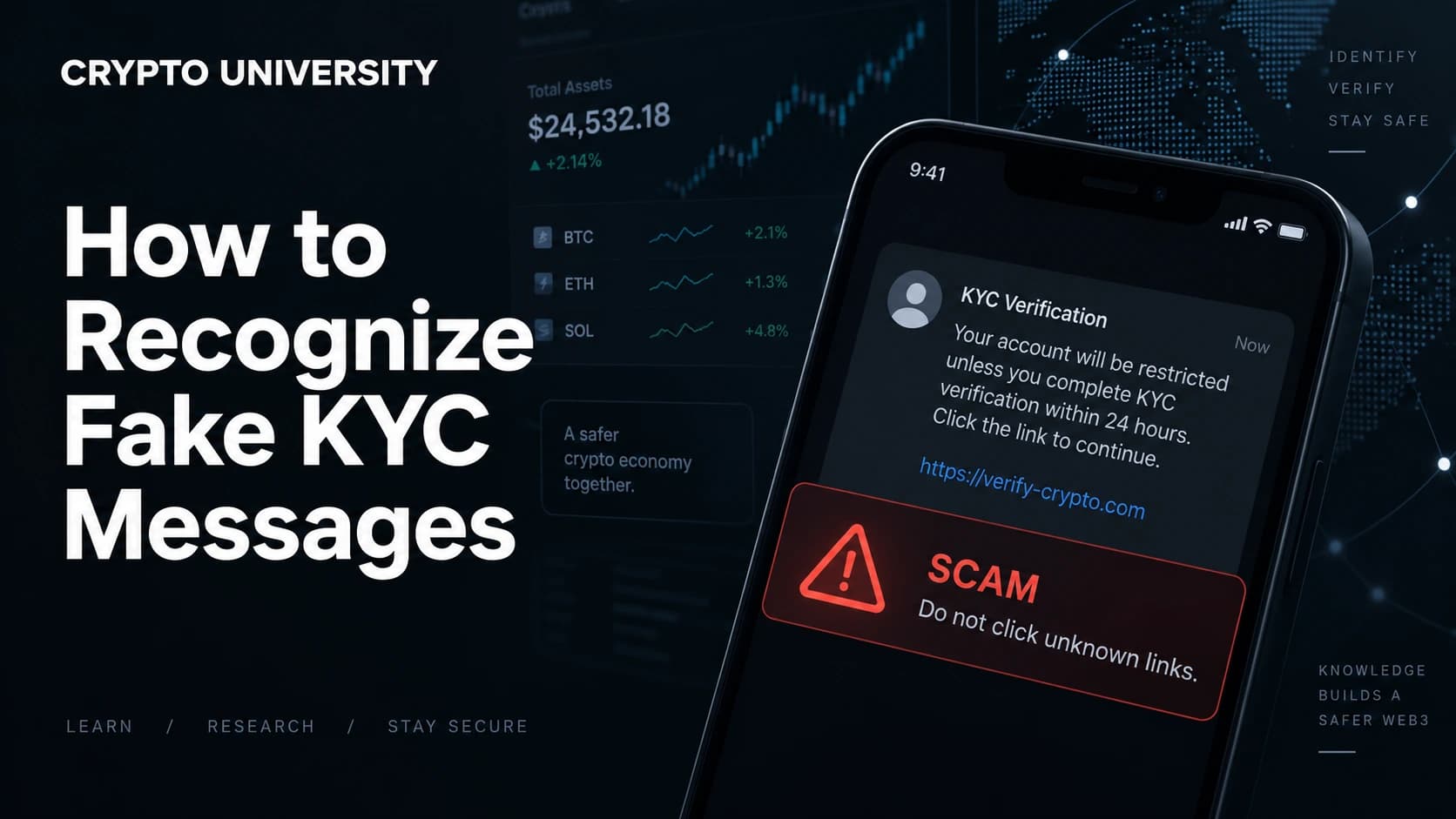
Phishing depends on speed. Common devices include a short deadline, a threat of account closure, a claim that funds are already being withdrawn, or a legal notice. Real providers rarely give you minutes to respond, and they do not punish you for logging in through the front door instead of their link.
5. Treat attachments as hostile
Verification almost never requires an attachment. Security researchers have tracked large volumes of phishing messages using SVG image attachments, because that format can carry embedded code. HTML attachments that open a login form on your own device are another common pattern.
6. Correct personal details prove nothing
Many people assume a message that knows their name, phone number, or last four account digits must be genuine. After a breach, that information is exactly what attackers hold. Accurate details raise the quality of the lure. They do not verify the sender.
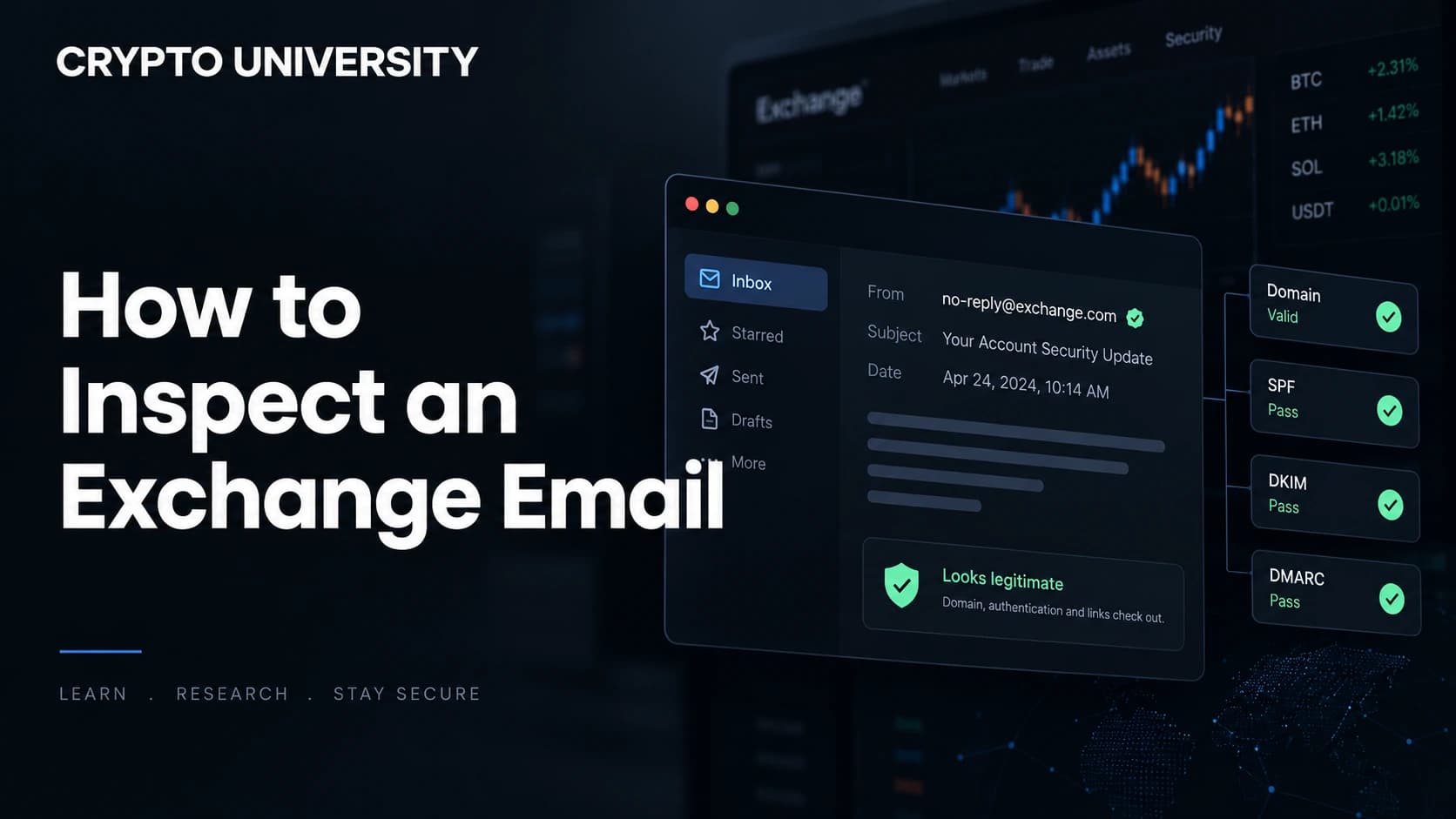
7. Passing security checks proves nothing either
In 2025 a widely reported campaign delivered messages that genuinely came from a Google address and passed DKIM, SPF, and DMARC checks. The attackers embedded their phishing text inside an OAuth application name, triggered a real automated alert from Google, then forwarded that signed message unchanged. The phishing page was hosted on a Google Sites address.
The lesson is not that email authentication is useless. It is that authentication answers only one narrow question, which is whether the message was signed by the domain it claims. It cannot tell you the content is trustworthy.
What To Do When a Verification Email Arrives
- Do not click anything. Not the button, not the unsubscribe link, not an image.
- Open the service independently. Use the official app, a saved bookmark, or type the address by hand.
- Check your real notification centre. Genuine account alerts almost always appear inside the account as well.
- Contact support through the official site if you are unsure. Never through a number or link in the email.
- Report and delete. Use your mail client's phishing report option so the pattern gets blocked for others.
If You Already Clicked
Act in this order, and do not stop to work out how it happened.
| Situation | Immediate action |
|---|---|
| Entered a password | Change it on the real site, then change it anywhere it was reused |
| Entered a 2FA code | Sign out all sessions, reset 2FA, contact support |
| Entered a recovery phrase | Move funds to a brand new wallet with a fresh phrase, immediately |
| Installed a suggested app | Disconnect the device from the internet and scan it before signing in anywhere |
| Sent a transfer | Save the transaction hash and all correspondence, then report it |
A wallet whose recovery phrase has been exposed cannot be repaired. The phrase is the wallet, so the only remedy is to create a new one and move everything across.
Where to report
| Region | Channel |
|---|---|
| United States | FBI IC3 at ic3.gov, and the FTC at reportfraud.ftc.gov |
| United Kingdom | Action Fraud |
| European Union | Your national police cybercrime unit |
| Elsewhere | Your national anti-fraud hotline or police cybercrime unit |
Also report to the impersonated company. Exchanges and wallet makers maintain phishing report addresses and can request takedowns of the fake domains.
Building Habits That Outlast Any Single Scam
Detection is useful, but structural habits protect you when detection fails. Use app-based or hardware two-factor authentication rather than SMS, since SMS can be intercepted through SIM swapping. Consider passkeys where offered. Keep a bookmark folder for every financial service you use, and treat it as the only route in. Keep large balances in a wallet whose recovery phrase has never been typed into any internet-connected device.
Verification emails will keep arriving, and they will keep improving. The reliable defence is not spotting every fake. It is never letting an email decide where you log in.
FAQ
Do real crypto exchanges ever email asking you to verify your account? Yes, but the verification happens inside the app or on the official website after you log in yourself. Real requests survive being ignored. If you open the app directly and see nothing, the email was almost certainly fake.
Is an email safe if it shows a verified sender or passes spam filters? No. Filters catch most bulk phishing, but targeted messages get through, and attackers have delivered fully authenticated messages from genuine provider domains. Treat delivery as neutral information.
Can opening a phishing email harm me? Simply reading a message is usually low risk on a modern, updated client. The danger lies in clicking links, opening attachments, and enabling remote images that confirm your address is active. Delete rather than explore.
Why do these emails know my name and phone number? Most likely from a past data breach at a company you used. Breached contact data is traded and reused for years, which is why personalisation is a poor test of authenticity.
Should I reply to ask if it is genuine? No. A reply confirms your address is monitored and starts a conversation on the attacker's terms. Verify through the official website or app instead.
Related Terms
- Phishing: Fraud that impersonates a trusted organisation to obtain credentials or funds.
- Spoofing: Faking the apparent origin of a message, such as the display name or sender domain.
- Punycode domain: A web address using encoded non-English characters, often used to imitate a real brand name.
- Credential harvesting: Collecting usernames, passwords, and codes through a fake login page.
- Seed phrase (recovery phrase): The word list that restores an entire crypto wallet, and therefore controls all funds in it.
Sources
- FBI Internet Crime Complaint Center, 2025 Internet Crime Report (ic3.gov)
- FBI press release, "Cryptocurrency and AI Scams Bilk Americans of Billions", April 2026
- Coinbase data breach notification and public reporting, 2025
- Proofpoint, "Persistent Actor Targets Ledger Cryptocurrency Wallets"
- BleepingComputer, reporting on fake Ledger data breach emails and on the Google OAuth DKIM replay campaign
- Kaspersky research on SVG attachments used in phishing campaigns
Figures cited are as reported by the named organisations at the time of publication and may be revised.
Further Reading
- FBI Internet Crime Complaint Center annual reports, for current fraud trend data.
- Ledger and Coinbase official security and phishing awareness pages, for provider-specific policies on what they will never ask for.
- The FIDO Alliance introduction to passkeys, for a stronger alternative to password and SMS-based login.
Disclaimer: This article is educational and is not financial, legal or investment advice. Regulatory rules and register locations change, so verify details with the relevant authority before acting.
Not sure which problem you have?
Use the Fixing Crypto Mistakes hub to identify the transaction, wallet, network, or exchange issue before taking another action.
OPEN TROUBLESHOOTING HUB