Key Takeaways
- In most cases the account is not lost. The wallet app is simply looking in the wrong place, usually because of a derivation path, a passphrase, or an early stop in account scanning.
- Balances live on the blockchain, not inside the app. If you can find the address, you can confirm the funds on a public block explorer before you change anything.
- Never enter a seed phrase into a website, a support agent chat, or a paid recovery service. That single step causes more permanent losses than the original problem.
Why accounts disappear after a restore
A modern crypto wallet does not store coins. It stores a secret, and it uses that secret to calculate addresses. When you type a 12 or 24 word recovery phrase into a new device, the app rebuilds the master key and then walks through a list of positions to produce your addresses. Every balance sits on the blockchain and stays there whether the app displays it or not.
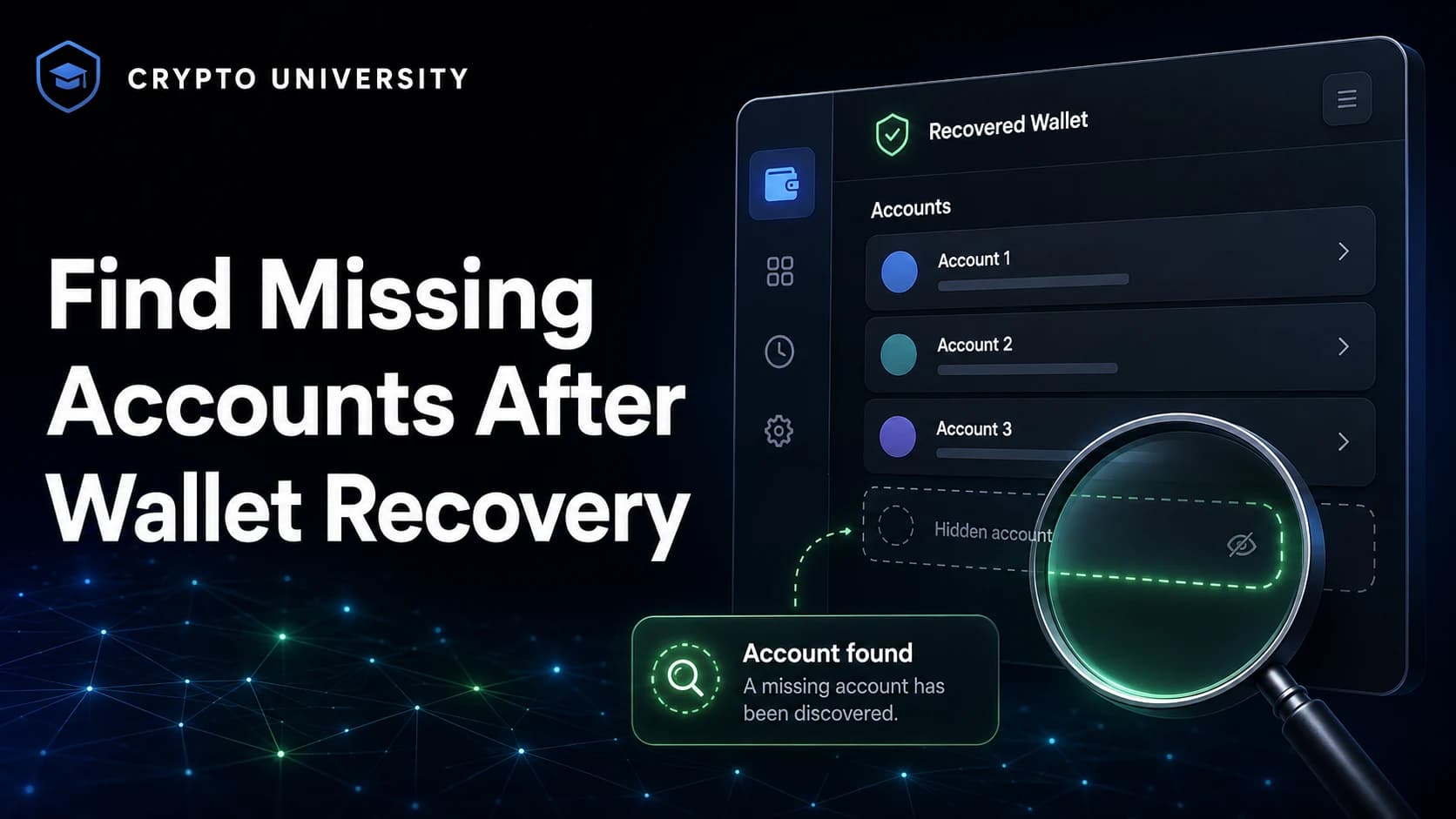
So a missing account is usually a display problem, not a loss. The app calculated a set of addresses and the one you care about was not in that set. Your job is to work out which position was skipped and tell the wallet to look there. This guide covers the causes in the order you should test them.
Before you start: five safety rules
Recovery moments are when people are most easily scammed. Follow these rules first.
- Never type your recovery phrase into a website. No legitimate wallet asks for it in a browser form, a chat window, or an email.
- Ignore anyone offering to recover your wallet for a fee. Fake recovery services are a well documented scam category and often appear in search ads and social replies.
- Write down what you know. Which wallet created the account, which coin, and any address you remember. This narrows the search fast.
- Use a block explorer first. If an old address still shows a balance, the coins exist and this is a display problem.
- Do not move funds until you understand the setup. Rushed transfers are irreversible.
Reason 1: The wallet stopped scanning too early
Wallets do not scan an unlimited number of accounts. The BIP44 standard tells software to start at account zero and keep going until it finds an account with no transaction history, then stop. That keeps restores fast, but it hides accounts sitting behind an empty one.
Two examples show how this plays out.
- MetaMask states in its help centre that after a Secret Recovery Phrase restore it checks accounts in ascending order and adds those with a non-zero balance on Ethereum Mainnet. When it reaches an account with a zero balance, the process stops. If your funds were in account 5 and accounts 2 to 4 were empty, account 5 will not appear on its own.
- Ledger documents a wider rule for Ethereum. Its scanning logic keeps counting past several empty accounts before giving up, because older tools let users pick addresses out of order.
What to do: add or create accounts one at a time until you pass the gap. Creating a new account simply moves to the next position under the same phrase, so it re-derives the old address. Add several and compare each one against your records.
Bitcoin style wallets have a matching rule called the address gap limit. Trezor Suite and Electrum both default to 20 consecutive unused addresses before scanning stops. Electrum's documentation warns that addresses beyond the gap limit are not recovered automatically from the seed, and that you have to raise the limit or generate addresses until the used ones appear.
Reason 2: The derivation path does not match
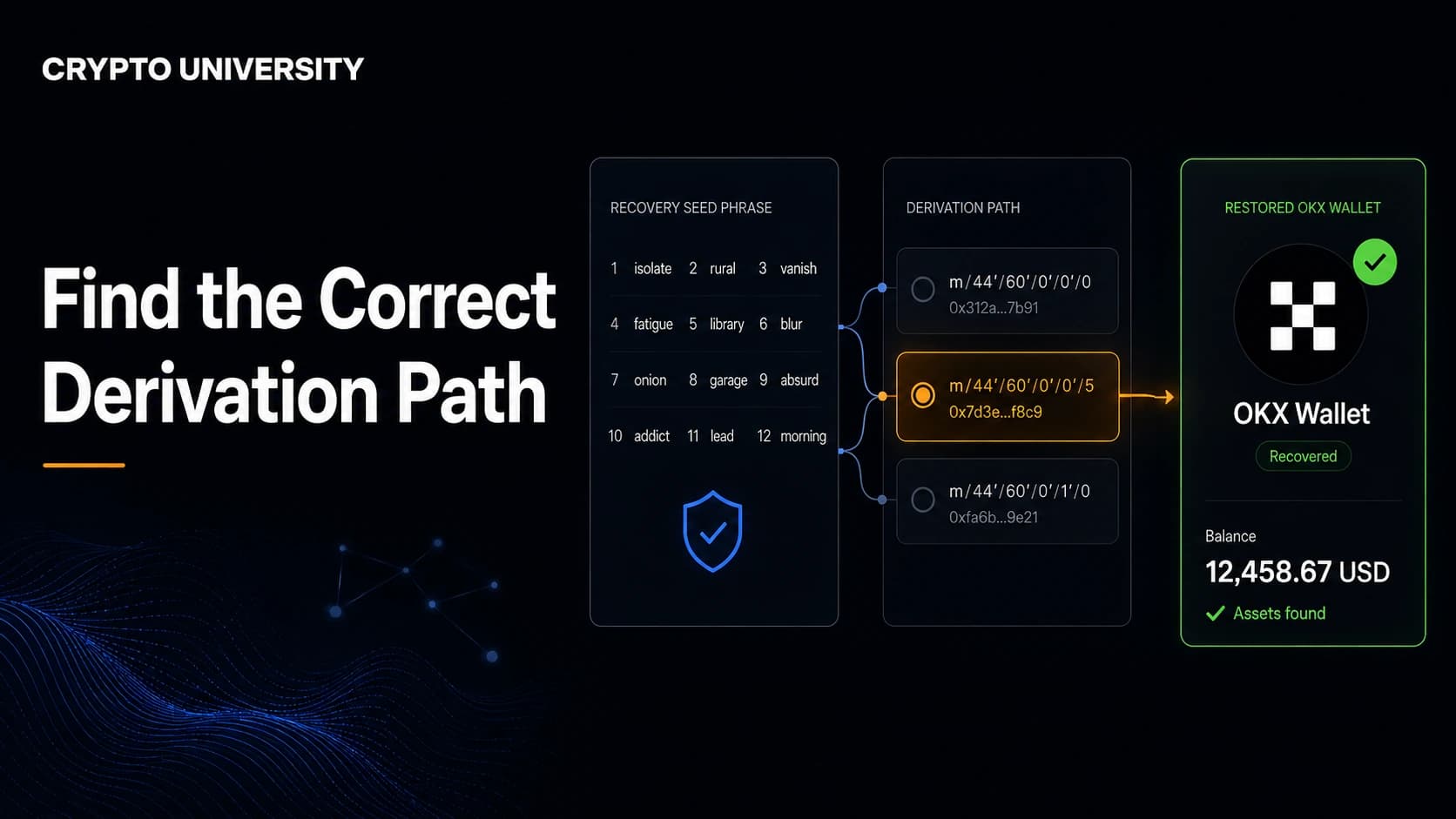
A derivation path is the route the wallet takes from your seed to a specific key. It is written as a chain of numbers, and each standard produces completely different addresses from the same words. Use the wrong one and the wallet shows a zero balance rather than an error message.
| Standard | First account path | Address type | Bitcoin address starts with |
|---|---|---|---|
| BIP44 | m/44'/0'/0'/0/0 | Legacy | 1 |
| BIP49 | m/49'/0'/0'/0/0 | SegWit inside a script hash | 3 |
| BIP84 | m/84'/0'/0'/0/0 | Native SegWit | bc1q |
| BIP86 | m/86'/0'/0'/0/0 | Taproot | bc1p |
| Ethereum, common | m/44'/60'/0'/0/x | Account model | 0x |
| Ethereum, Ledger style | m/44'/60'/x'/0/0 | Account model | 0x |
| Solana, common | m/44'/501'/x'/0' | Account model | Base58 string |
Notice the two Ethereum rows. Many wallets increase the last number to create new accounts, while Ledger increases the account field instead. The first address is identical in both, which is why people often see account 1 restore correctly and everything after it vanish.
Solana has a similar split. A public issue filed against Trust Wallet's core library reported that the app defaulted to m/44'/501'/0' and would only surface the more common m/44'/501'/0'/0' path when a balance already existed there. Phantom documents several path groupings for exactly this reason.
What to do: find the advanced or custom derivation path setting in your wallet and try the standard paths for your coin. Bitcoin wallets often expose this as an address type choice rather than a raw path.
Reason 3: A passphrase is missing
A BIP39 passphrase, often called the 25th word or a seed extension, is an optional secret added on top of the recovery phrase. It is not chosen from the wordlist. Adding one produces an entirely separate wallet with different keys and addresses.
The important detail is that there is no error state. Every passphrase, including a typo, produces a valid wallet. So a restore without the passphrase looks like a fully working but empty wallet.
What to do: if you ever enabled a hidden wallet, a passphrase, or a seed extension on a hardware device, re-enter it exactly, including capital letters and spaces. If the passphrase is genuinely lost, the funds behind it cannot be recovered by any support team.
Reason 4: The account was imported, not derived
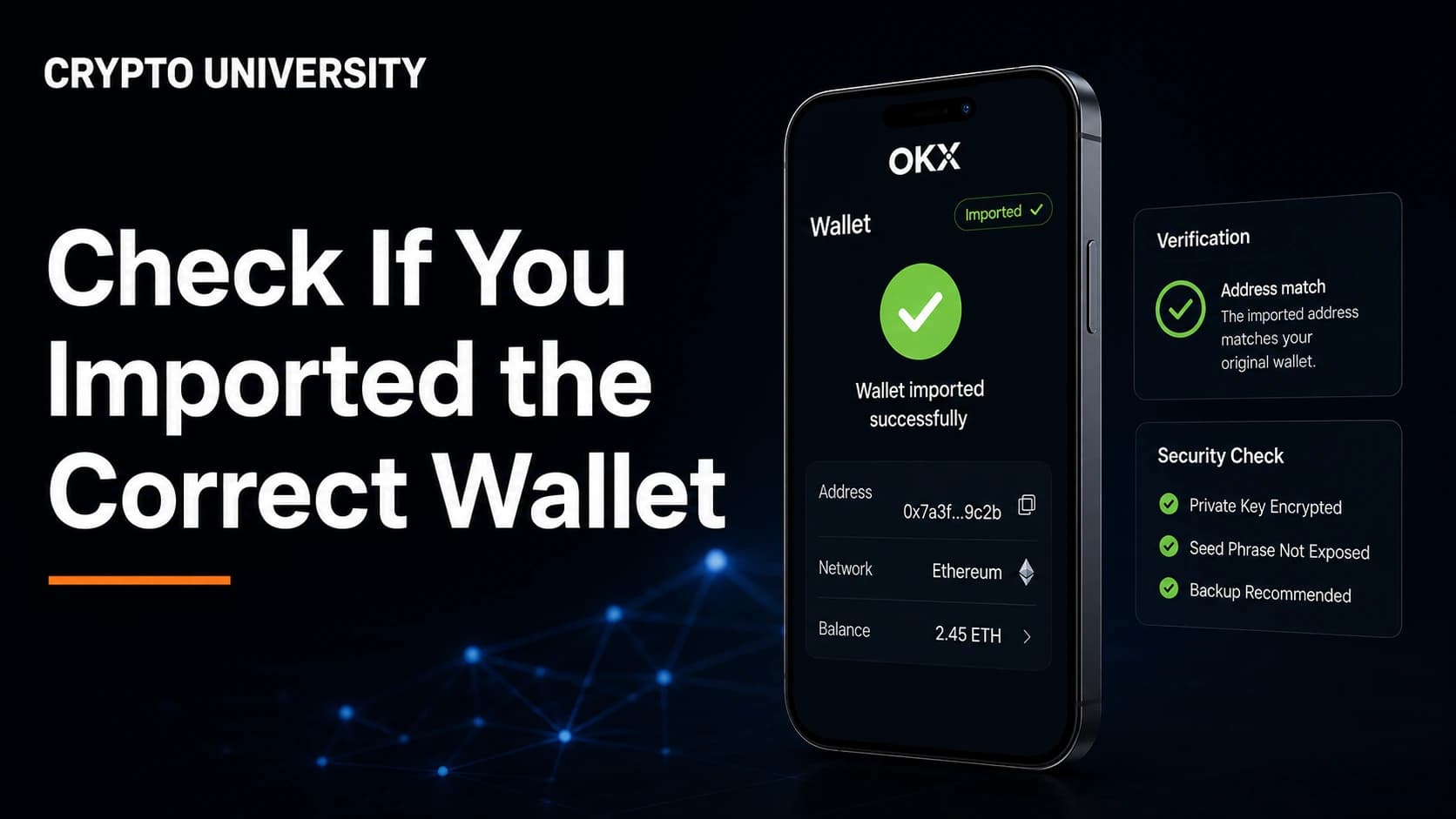
Wallets let you add accounts in two ways. Derived accounts come from the recovery phrase. Imported accounts come from a raw private key or a keystore file and have no mathematical link to the phrase at all.
MetaMask's guidance is explicit here: accounts imported by private key or JSON file, and hardware wallet accounts, do not sync from a Secret Recovery Phrase restore and must be re-added the same way they were added the first time.
What to do: dig out the private key or keystore file and import it again. If neither exists, that specific account cannot be restored from your seed phrase.
Reason 5: The account is there but the assets are invisible
Sometimes the address is correct and the screen still looks empty. This is a token and network problem, not an account problem.
| What is missing | Likely cause | Fix |
|---|---|---|
| Tokens | Custom tokens must be added again after a restore | Add the token contract address manually |
| A whole balance | Wrong network selected | Switch networks, for example from Ethereum to Arbitrum or Polygon |
| NFTs | Collection not auto detected | Import manually or check the address on an explorer |
| Staked or locked funds | Held in a contract, not the wallet | Reconnect to the original app or protocol |
Check the address on a block explorer before assuming anything is missing. If the explorer shows the balance, the asset is fine and the wallet interface just needs configuring.
Reason 6: The account was never seed based
Smart contract wallets and multisignature setups do not come from a recovery phrase. A shared treasury wallet, for example, is a contract with its own address, and your seed only controls one of the signing keys. Restoring the seed restores the signer, not the vault.
What to do: re-add the contract wallet by its address inside the app that manages it, then confirm your restored signer is one of the owners.
Reason 7: The phrase itself is not what you think
Two quiet causes sit at the bottom of most support queues.
- Transcription errors. A misread word, two words swapped, or a word from the wrong language produces a different valid wallet. Handwriting is the usual culprit.
- Non standard seed formats. Electrum uses its own seed format that is not BIP39, so a phrase from another wallet may be rejected or restore to a different wallet than expected.
A diagnostic checklist
Work through this table in order.
| Symptom | Most likely cause | First check |
|---|---|---|
| Account 1 is correct, later accounts missing | Scanning stopped early | Add accounts one by one past the gap |
| Every address is unfamiliar | Wrong phrase or missing passphrase | Re-enter the passphrase, verify word order |
| Bitcoin balance shows zero | Wrong address type or path | Switch between Legacy, SegWit, and Taproot |
| Addresses match but no tokens | Tokens not imported | Add token contracts, check the network |
| Old address has funds on the explorer | Display or path issue | Identify the path used by the original wallet |
| Account came from a private key | Imported, not derived | Re-import the key or keystore file |
Step by step: finding the account
- Confirm the funds exist. Search any old address on a public block explorer and note the balance and last transaction date.
- Identify the original wallet. The app that created the account determines the path.
- Restore in that same wallet first. A wallet almost always finds its own accounts. Move to another app only after this fails.
- Add accounts past the gap. Reveal at least ten sequential accounts and compare addresses.
- Change the derivation path or address type. Use the wallet's advanced settings, not an external tool.
- Test the passphrase. Enter it exactly as originally typed, then try known variations one at a time.
- Raise the gap limit for Bitcoin. Advanced desktop wallets allow this.
- Re-import private keys. Handle any account that was never derived from the phrase.
If all eight steps fail and the explorer still shows funds at an address you cannot reach, the question becomes which secret is missing. That is a different problem from a display bug, and no wallet company can solve it for you.
How to stop this happening again
Store the derivation path and the wallet name alongside the recovery phrase. A phrase without context is still recoverable, but it costs hours of searching. Test your backup on a spare device soon after setup, while you still remember every choice you made. Back up imported private keys separately, because the seed phrase does not cover them.
Frequently asked questions
Can a missing account mean my crypto was stolen? Not usually. A theft leaves a visible outgoing transaction on the block explorer. An account that never appears in the app but still holds a balance on chain is a derivation or display issue.
Is it safe to use an online tool to generate addresses from my seed phrase? Treat any tool that asks for a seed phrase as high risk. Prefer the advanced settings inside the wallet itself. If an offline tool is genuinely required, it should be run on a device that is disconnected from the internet and wiped afterwards.
How many accounts should I add before giving up? Ten to twenty sequential accounts is a reasonable test for most account based chains. For Bitcoin style wallets, raising the address gap limit is the equivalent step.
Does a different wallet app always show the same addresses? No. The first address is often identical across apps, but later accounts frequently differ because wallets increment different parts of the derivation path.
Can customer support restore a lost passphrase? No. A BIP39 passphrase is part of the key derivation itself. Nobody holds a copy, so there is no reset process.
Related terms
- HD wallet: a wallet that derives all keys from one master secret.
- Derivation path: the route from a seed to a specific key, written as m/44'/0'/0'/0/0.
- Gap limit: the number of consecutive unused addresses a wallet scans before stopping.
- Extended public key (xpub): a key that generates receiving addresses for monitoring without spending rights.
- Account discovery: the process a wallet uses to find which accounts under a seed have history.
Sources
- MetaMask Help Center, How to add missing accounts after restoring with Secret Recovery Phrase: https://support.metamask.io/configure/accounts/how-to-add-missing-accounts-after-restoring-with-secret-recovery-phrase/
- MetaMask Help Center, My Secret Recovery Phrase or private key restored the wrong account: https://support.metamask.io/configure/accounts/my-secret-recovery-phrase-private-key-restored-the-wrong-accounts/
- Ledger, LLC derivation documentation: https://github.com/LedgerHQ/ledger-live/wiki/LLC:derivation
- Ledger, Understanding Crypto Addresses and Derivation Paths: https://www.ledger.com/blog/understanding-crypto-addresses-and-derivation-paths
- Trezor Knowledge Base, Addresses and transaction history: https://trezor.io/guides/trezor-suite/addresses-transaction-history
- Electrum documentation, Frequently Asked Questions: https://electrum.readthedocs.io/en/latest/faq.html
- Phantom Help Center, Supported derivation paths in Phantom: https://help.phantom.com/hc/en-us/articles/12988493966227-Supported-derivation-paths-in-Phantom
- Trust Wallet wallet-core, issue 4446 on Solana derivation paths: https://github.com/trustwallet/wallet-core/issues/4446
- BIP44, Multi-Account Hierarchy for Deterministic Wallets: https://github.com/bitcoin/bips/blob/master/bip-0044.mediawiki
More reading
- Wallets Recovery, a community maintained chart of wallet derivation paths and recovery compatibility: https://walletsrecovery.org/
- Ledger, Understanding Crypto Addresses and Derivation Paths, for how UTXO and account models differ: https://www.ledger.com/blog/understanding-crypto-addresses-and-derivation-paths
- Trezor Knowledge Base, Addresses and transaction history, for how the address gap limit works in practice: https://trezor.io/guides/trezor-suite/addresses-transaction-history
This article is educational and does not constitute financial or legal advice.
Not sure which problem you have?
Use the Fixing Crypto Mistakes hub to identify the transaction, wallet, network, or exchange issue before taking another action.
OPEN TROUBLESHOOTING HUB