Key Takeaways
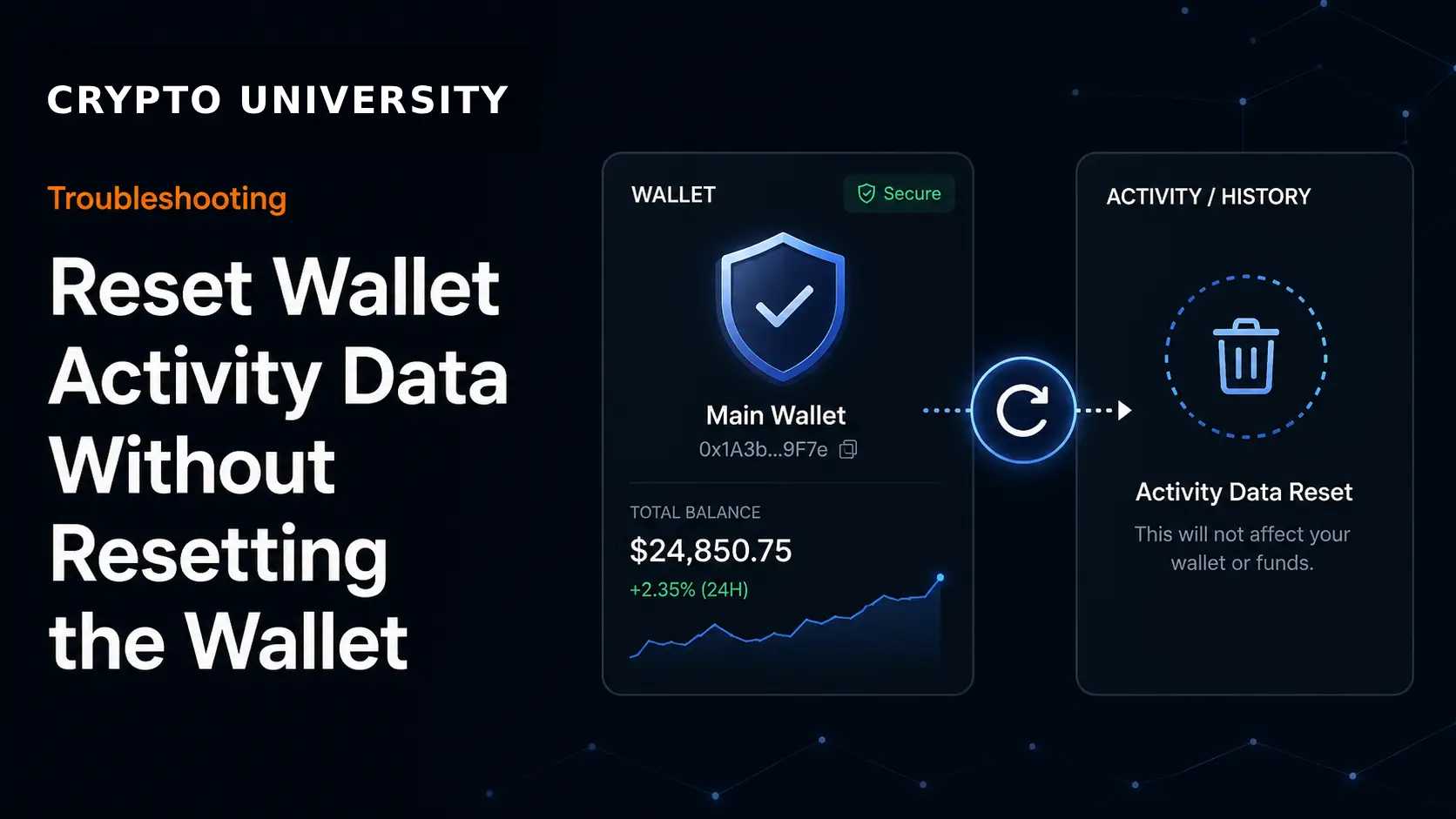
- Activity data is local, not on-chain. Your wallet app keeps a cached copy of transaction history and a counter called a nonce. Clearing that cache does not delete anything from the blockchain and does not touch your keys or balances.
- Clearing activity is not the same as resetting a wallet. A full reset removes the wallet from the app and forces you to restore it with your secret recovery phrase. Clearing activity keeps the wallet in place and only forgets local records.
- It fixes a narrow set of problems. Stuck pending transactions, wrong nonce values and stale history are the main use cases. It will not cancel a transaction that is already broadcast, revoke token approvals or recover lost funds.
What Wallet Activity Data Actually Is
When you open a crypto wallet and look at the activity or history tab, you are usually not looking at the blockchain directly. You are looking at a local copy that the wallet app builds and stores on your device.
That local copy normally includes:
- A list of transactions the wallet has seen or sent
- The status label attached to each one, such as pending, confirmed or failed
- A cached nonce value for account based networks such as Ethereum
- Cached token balances, token lists and hidden or spam filtered items
- Recently used addresses and connected application permissions
The blockchain itself keeps a permanent public record. Wallet software keeps a convenience layer on top of it. Those two things can fall out of sync, and that is the real problem most people are trying to solve when they search for a way to reset activity.
| Data type | Where it lives | Removed by clearing activity |
|---|---|---|
| Confirmed transactions | Blockchain | No |
| Local transaction list | Your device | Yes |
| Cached nonce counter | Your device | Yes, on supported wallets |
| Private keys and recovery phrase | Your device or hardware signer | No |
| Token balances | Blockchain, re-read by the wallet | No |
| Connected app permissions | Wallet settings | Usually no |
Activity Reset Versus Full Wallet Reset
These two actions sound similar and carry very different risk levels.
| Clear activity data | Full wallet reset | |
|---|---|---|
| What it removes | Local history and cached nonce | The entire wallet entry in the app |
| Recovery phrase needed | No | Yes, to restore afterwards |
| Risk of losing funds | Low | High if the phrase is not backed up |
| Affects other devices | No | No, but the app is emptied on this one |
| Typical use case | Stuck transactions, stale history | Corrupted install, moving devices, forgotten password |
The short rule is simple. If you cannot produce your secret recovery phrase right now, do not perform a full reset. Clearing activity data does not carry that requirement, but backing up the phrase before any maintenance step is still good practice.
When Clearing Activity Data Helps
| Symptom | Does clearing help | Better first step |
|---|---|---|
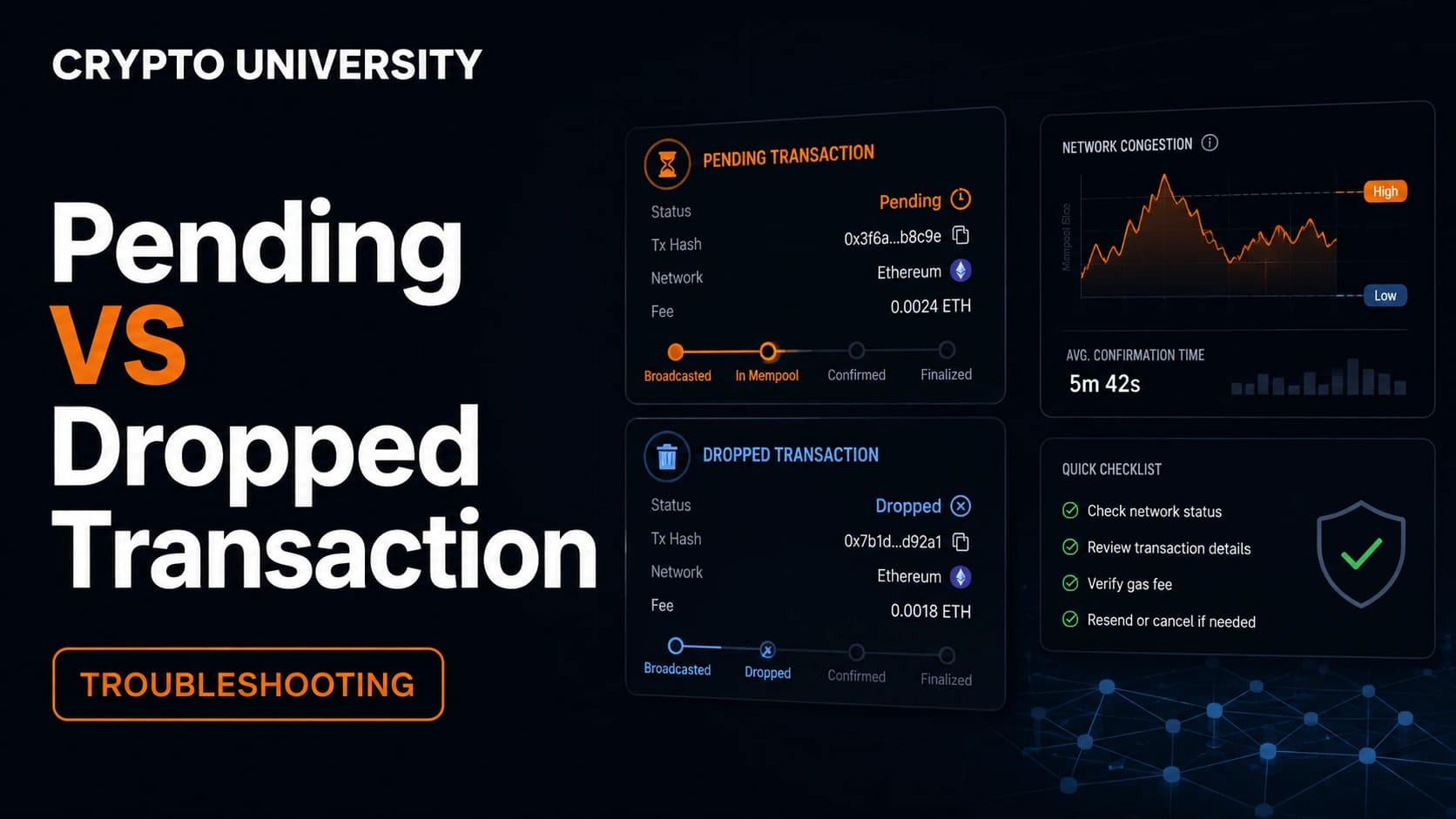
| Transaction stuck as pending for hours | Sometimes | Use speed up or cancel with a higher fee |
| Wallet shows a nonce that is too high | Yes | Clear activity and nonce data |
| History looks stale after a test network reset | Yes | Clear activity and nonce data |
| Balance appears wrong | Rarely | Refresh or resync, check a block explorer |
| Spam tokens or unwanted NFTs in the list | No | Hide or filter the asset in the wallet |
| Worried about old approvals | No | Review and revoke approvals separately |
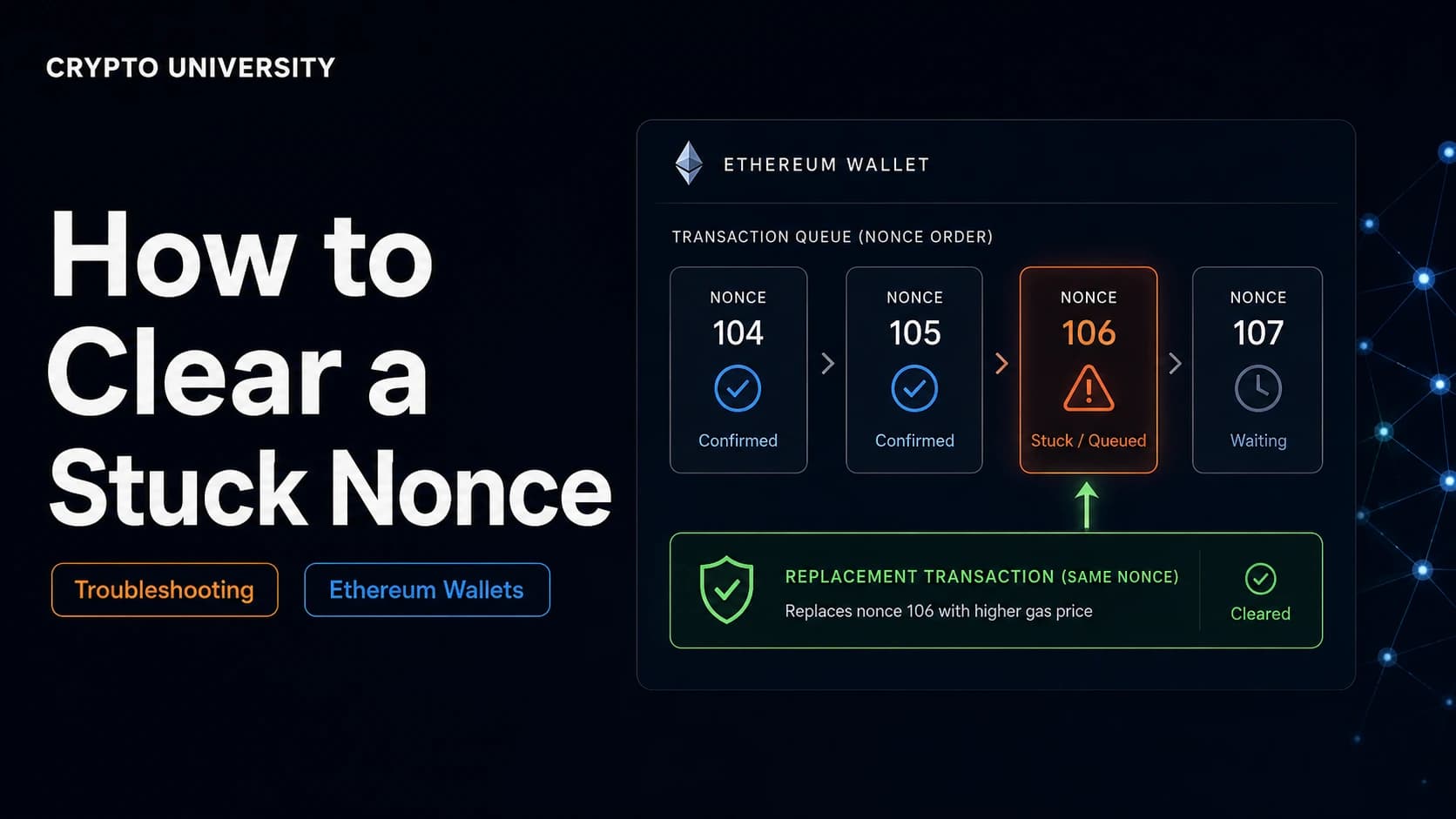
The most common legitimate use is a nonce mismatch. On Ethereum and other account based networks, every transaction from an address carries a sequential number. If the wallet believes the next number is 57 while the network has only recorded 54, new transactions sit in a queue and never confirm. Clearing the cached nonce forces the wallet to read the true value from the network again.
Note that Bitcoin and Solana do not use nonces in this way, so the fix is less relevant there. Bitcoin uses unspent outputs, and Solana transactions reference a recent blockhash.
How to Clear Activity Data in MetaMask
MetaMask calls this feature Clear activity and nonce data on the browser extension. Older versions and some mobile builds label the same function Reset account. MetaMask changed the extension wording in version 10.28.1, and both names perform the same job.
Step by step:
- Open the extension and select the account you want to fix.
- Switch to the network where the problem is happening.
- Open the menu, then go to Settings, then Advanced.
- Scroll to Clear activity and nonce data and select the button.
- Confirm in the dialog, then reload any application tab you had open.
Three points worth knowing before you press it:
- The action only affects the network you are currently on. Clearing while connected to BNB Chain leaves Ethereum records untouched.
- MetaMask describes the action as irreversible and mainly aimed at developers, so it is not a routine maintenance step.
- MetaMask suggests downloading your state logs first, which gives support staff something to work with if the underlying issue continues.
You will not lose value in the account. Tokens that disappear from view after the action have not moved. They usually just need to be imported to the display list again using the contract address.
Equivalent Options in Other Wallets
Menu names change often, so treat the table below as a map rather than a fixed script. Check the wallet's own help centre for the current wording.
| Wallet | Closest option | Notes |
|---|---|---|
| MetaMask | Settings, Advanced, Clear activity and nonce data | Per account and per network |
| Rabby | Settings, Clear Pending Locally | Optional tick box also resets local nonce and signature record |
| Ledger Wallet, formerly Ledger Live | Settings, Help, Clear cache | Resyncs accounts from the blockchain, keys stay on the device |
| Exodus | Refresh or rescan the blockchain for an asset | Resync rather than delete |
| Trust Wallet | Settings, Preferences, clear the in-app browser cache | Aimed at the dapp browser, not the history list |
| Phantom | No separate cache setting | Resetting the app is the documented equivalent, and you sign back in afterwards |
Phantom is a useful example of the limits here. Its help pages state that on-chain transactions are permanently recorded and cannot be deleted from history, and that resetting the app is what clears local cache. If your wallet has no partial option, a reset means you need your recovery method ready first.
What to Do Before You Clear
- Export or screenshot your transaction history if you need it for tax records. Local history is not always rebuilt in full.
- Copy the transaction hash of anything still pending so you can track it on a block explorer.
- Confirm you have a working backup of your secret recovery phrase, stored offline.
- Check the transaction on an explorer first. If it already confirmed, the issue is display only and a refresh may be enough.
What Clearing Does Not Do
This is where most confusion happens, so it is worth stating plainly.
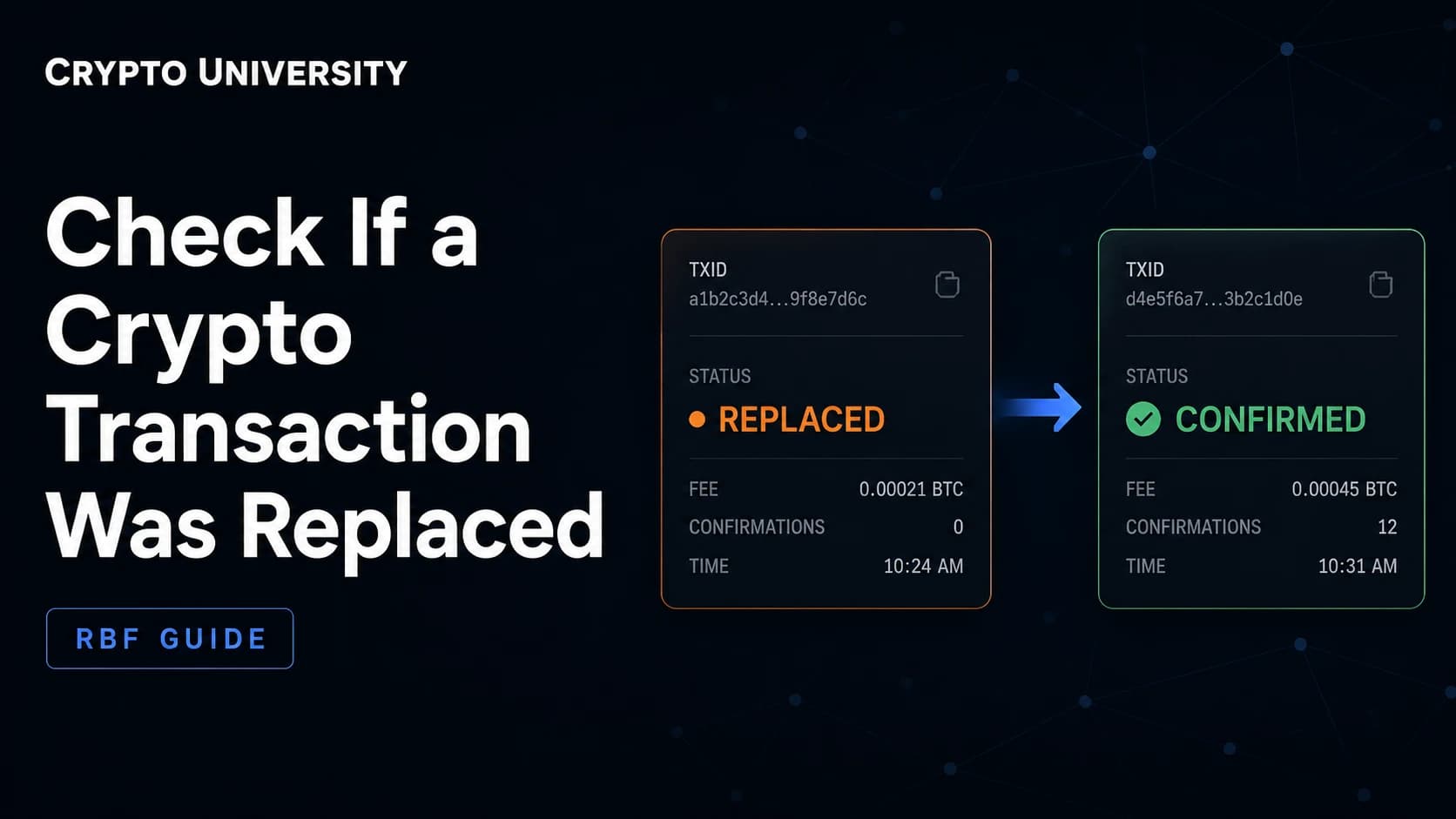
It does not cancel a transaction. Once a transaction is broadcast, it sits in the network mempool. Removing it from your local list does not remove it from the network, and it may still confirm later. Cancelling means sending a replacement transaction with the same nonce and a higher fee.
It does not revoke token approvals. Permissions you granted to smart contracts live on-chain. They must be revoked through an approval checker tool or the wallet's own permissions screen.
It does not improve privacy. Anyone with your public address can read your full history on a block explorer at any time.
It does not repair a compromised wallet. If you suspect your recovery phrase was exposed, clearing local data changes nothing. Move assets to a newly generated wallet instead.
A Note on Support Scams
Search results for wallet troubleshooting are heavily targeted by fraud. Fake help pages, forum posts and phone numbers claim to offer live wallet support and then request your recovery phrase or a remote screen session.
Reputable wallet providers do not operate phone support lines for recovery, and no legitimate agent needs your recovery phrase. Reach help centres through the app itself or through the official domain you typed yourself, not through a search advertisement.
FAQ
Will clearing activity data delete my crypto? No. Balances are recorded on the blockchain and controlled by your keys. Clearing local activity removes a cached record only.
Do I need my seed phrase to clear activity data? No. That is the main difference from a full wallet reset. You should still keep a backup, because good maintenance habits start there.
Why did my tokens disappear after clearing? They were removed from the display list, not from your account. Add them back using the token contract address, then verify the balance on a block explorer.
Can I get my old transaction history back after clearing? Not from the wallet itself in every case. The permanent record stays on the blockchain, so you can rebuild it from an explorer or a portfolio tracking tool.
Does this work for a stuck Bitcoin or Solana transaction? Not in the same way. Those networks do not use a sequential nonce. For Bitcoin, fee bumping tools apply. For Solana, a fresh blockhash and a higher priority fee are the usual approach.
Related Terms
- Nonce: A sequential counter attached to transactions from an account based address.
- Mempool: The waiting area where broadcast transactions sit before confirmation.
- Secret recovery phrase: The word list that restores control of a wallet on any compatible app.
- Block explorer: A public website for reading blockchain records directly.
- Token approval: A permission granted to a smart contract to move a specific token on your behalf.
Sources
- MetaMask Help Center, How to clear your account activity and reset account: https://support.metamask.io/managing-my-wallet/resetting-deleting-and-restoring/how-to-clear-your-account-activity-reset-account/
- Phantom Help Center, How to reset your Phantom app: https://help.phantom.com/hc/en-us/articles/18827673580563-How-to-reset-your-Phantom-app
- Phantom Help Center, View your wallet history in Phantom: https://help.phantom.com/hc/en-us/articles/35862137120019-View-your-wallet-history-in-Phantom
- Exodus Support, How do I refresh my wallet: https://www.exodus.com/support/en/articles/8598625-how-do-i-refresh-my-wallet
- Ledger Support, Clear cache in Ledger Wallet, formerly Ledger Live: https://support.ledger.com/article/4404381846929-zd
- Pod Network Documentation, Reset your wallet after a testnet reset, Rabby steps: https://docs.v2.pod.network/home/support/reset-wallet
- Flashbots Documentation, Fixing stuck transactions: https://docs.flashbots.net/flashbots-protect/stuck_transactions
More Reading
- MetaMask Help Center, Resetting, deleting and restoring: https://support.metamask.io/managing-my-wallet/resetting-deleting-and-restoring/
- Phantom Help Center, Why is my transaction still pending: https://help.phantom.com/hc/en-us/articles/10500478712083-Why-is-my-transaction-still-pending
- Flashbots Documentation, Fixing stuck transactions: https://docs.flashbots.net/flashbots-protect/stuck_transactions
Disclaimer: This article is educational and does not constitute financial, legal, or security advice. Wallet menus and settings change between versions, so confirm exact steps in your wallet's official help documentation.
Not sure which problem you have?
Use the Fixing Crypto Mistakes hub to identify the transaction, wallet, network, or exchange issue before taking another action.
OPEN TROUBLESHOOTING HUB