Key Takeaways
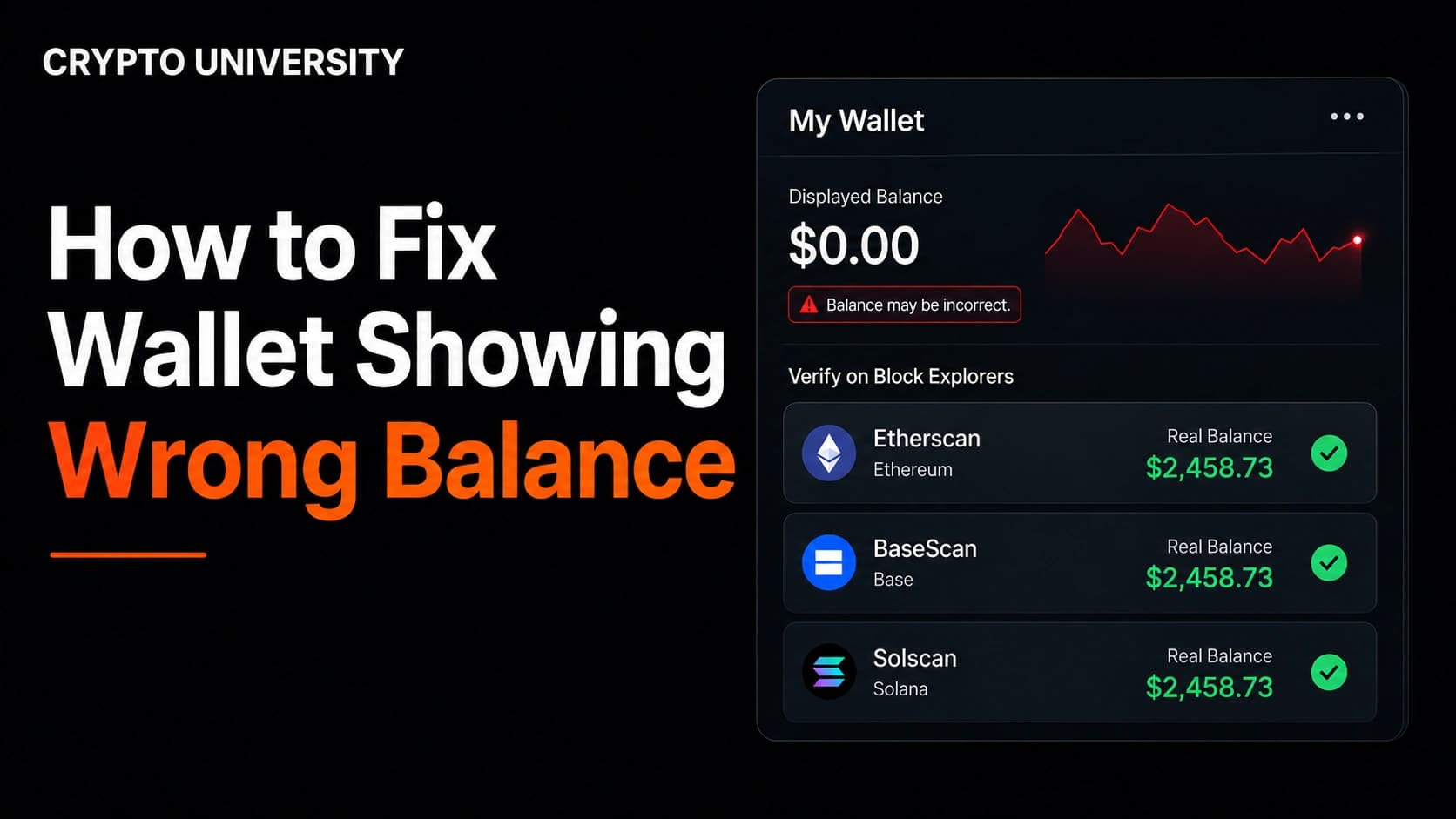
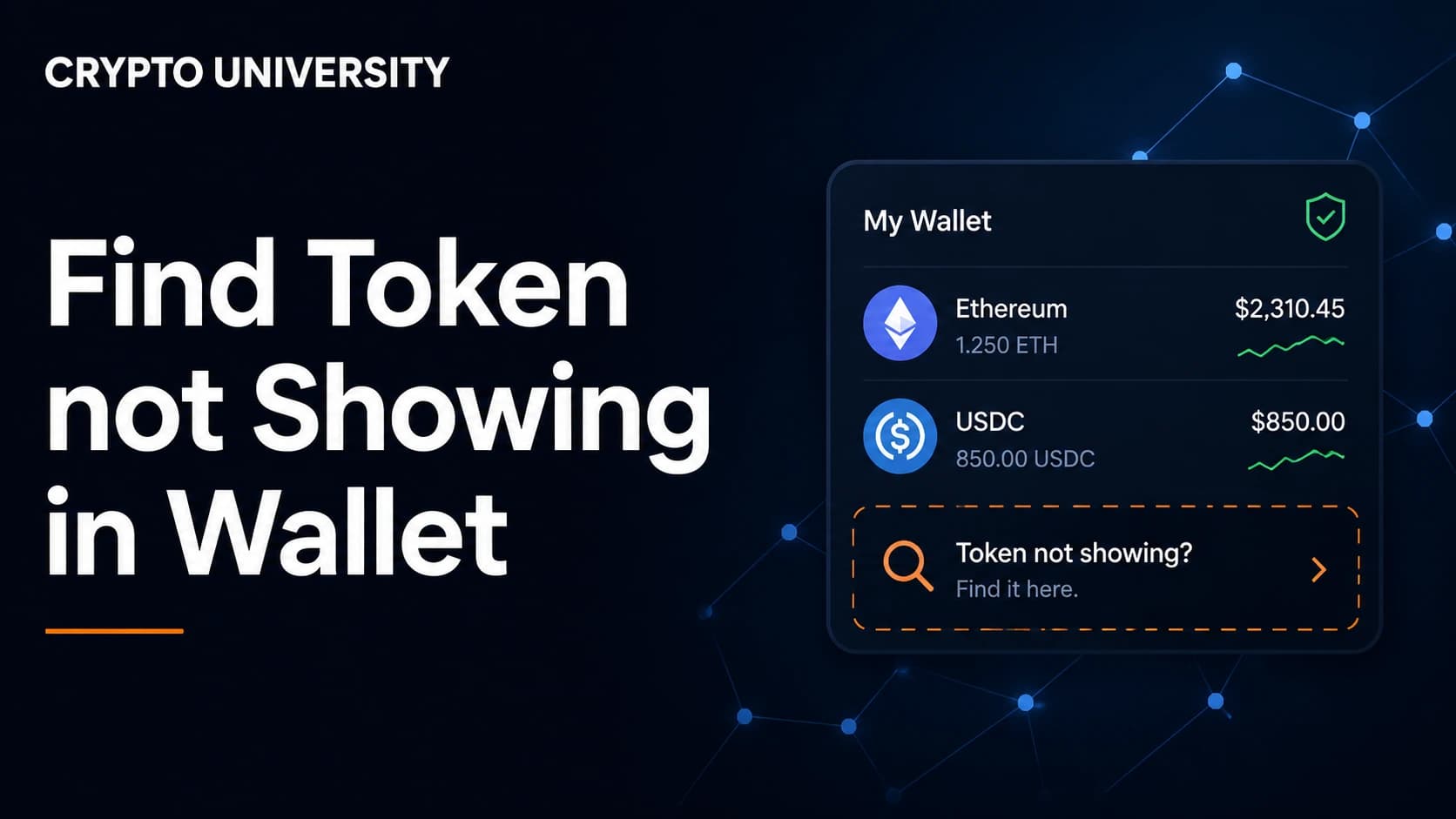
- A missing token is almost always a display problem, not a lost token. The blockchain records what you own. Your wallet app only shows the tokens it has been told to look for.
- The two most common causes are the wrong network and a token that was never imported. Both are fixable in a few minutes if you control the wallet's recovery phrase.
- Never interact with a token you did not expect to receive. Unsolicited tokens are frequently bait for wallet-draining scams, and no legitimate recovery process ever requires your recovery phrase.
Why Your Token Is Missing in the First Place
New users often assume a wallet holds coins the way a physical wallet holds cash. It does not. Your tokens live on the blockchain, recorded against your public address. The wallet app is a viewer and a key manager that reads the chain and displays a balance.
That distinction matters because there are millions of tokens across dozens of networks. No wallet can scan and display all of them by default. Wallets instead show a shortlist of well-known tokens, use automatic detection for popular assets, and expect you to add anything unusual by hand. MetaMask's own documentation tells users to add a token by search or by contract address whenever automatic detection misses it.
So the correct first question is not where your token went. It is whether your wallet is looking in the right place.
Step 1: Confirm the Transfer Actually Happened
Before changing any settings, verify the transaction exists on-chain.
- Get the transaction hash from whoever sent the tokens, or from your exchange withdrawal history.
- Open the block explorer for the network the tokens were sent on.
- Paste the transaction hash or your wallet address into the search bar.
- Check three things: the status is confirmed, the destination address matches yours exactly, and the network is the one you expected.
If your exchange shows the withdrawal as complete but nothing appears on the blockchain, the issue sits with the exchange, so contact their support.
If a person says they sent tokens but cannot produce a transaction hash or a contract address, treat that as a warning sign. MetaMask's support pages make the same point: without those details, the transfer may never have happened.
Block Explorers by Network
| Network | Explorer | Address Format |
|---|---|---|
| Ethereum | Etherscan | 0x followed by 40 characters |
| BNB Smart Chain | BscScan | 0x followed by 40 characters |
| Polygon | Polygonscan | 0x followed by 40 characters |
| Arbitrum | Arbiscan | 0x followed by 40 characters |
| Base | Basescan | 0x followed by 40 characters |
| Solana | Solscan or Solana Explorer | Base58 string |
| Tron | Tronscan | Starts with T |
Step 2: Check That You Are on the Right Network
This is the single most common cause of a missing token.
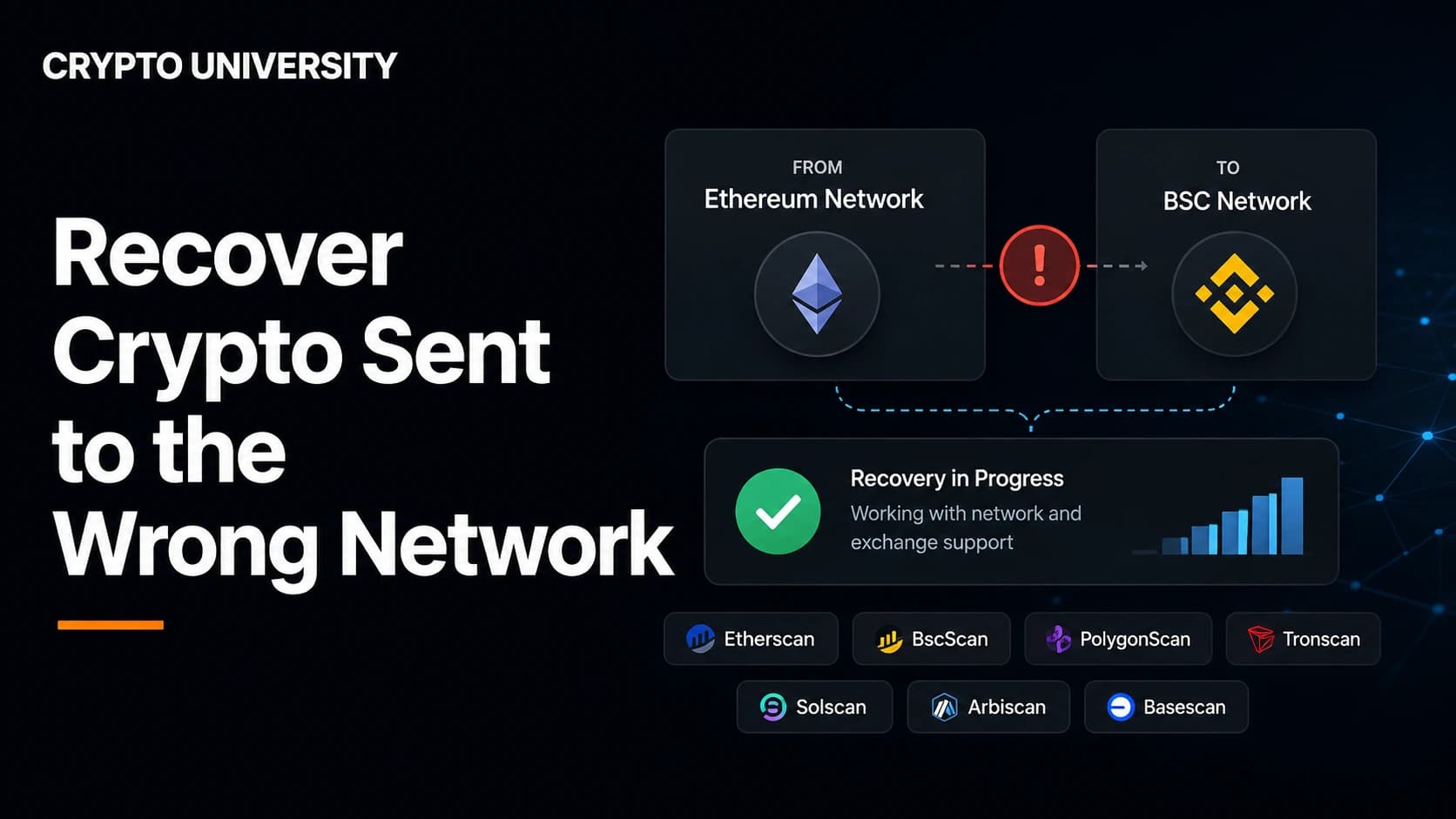
Ethereum, BNB Smart Chain, Polygon, Arbitrum, Optimism, Avalanche C-Chain, and Base are EVM-compatible and use the same 0x address format. For a normal self-custody account derived from the same key, the address is usually controlled across those networks. That does not automatically apply to exchange deposits or smart-contract wallets. Confirm the address and network on the correct explorer before following the wrong-network recovery guide.
How to fix it:
- Open your wallet's network selector.
- Switch to the network the transaction actually settled on, based on what you saw in the explorer.
- If that network is not listed, add it using official network details from the chain's documentation, never from a random website.
- Refresh the wallet and check the token list again.
- If you want to move the tokens afterwards, you will need the native gas coin of that network. BNB for BNB Chain, ETH for Ethereum and most rollups, MATIC-style gas on Polygon.
Step 3: Check That You Are Looking at the Right Account
One recovery phrase can generate many accounts, so it is easy to receive tokens on Account 2 while staring at Account 1.
- Compare every account address in your wallet against the destination address shown in the explorer.
- On hardware wallets, confirm the derivation path matches the one used when the address was created.
- If you restored a wallet on a new device, generate a few extra accounts and check each one.
Step 4: Import the Token Manually
If the explorer shows the balance at your address on the correct network, the token simply needs to be added to your wallet's display list. This is a local change. It does not touch the blockchain and it does not cost gas.
In MetaMask: open the tokens section, choose Manage tokens or Import tokens, switch to the Custom token tab, paste the contract address, then confirm. The symbol and decimals usually fill in automatically. Confirm and import.
In Trust Wallet: open the token management screen, choose to add a custom token, select the correct network, then paste the contract address.
In most other EVM wallets: the flow is the same. Find Add token or Import token, choose custom, then paste the address.
If the symbol and decimals do not fill in automatically, that is a signal in itself. It usually means you are on the wrong network or using the wrong address.
Step 5: Unhide Filtered and Spam-Flagged Tokens
Modern wallets filter aggressively to protect users from scam airdrops, and legitimate tokens sometimes get caught in that net.
Phantom automatically hides tokens it flags as misleading, unsafe, or spammy, and its support documentation notes that some tokens are filtered out entirely and cannot be unhidden. Trezor Suite blurs suspected scam airdrop tokens into a separate Hidden section. On Solana, a token with missing or broken metadata may show as an unknown token even though the balance is visible on an explorer such as Solscan.
What to check:
- Look for a hidden tokens or unknown tokens setting and review what is in there.
- Confirm you are on mainnet and not a test network.
- Check the token's page on an explorer to see whether its metadata is populated.
Symptom and Cause Reference Table
| What You See | Most Likely Cause | What to Do |
|---|---|---|
| Explorer shows the balance, wallet shows nothing | Token not imported | Import the contract address manually |
| Nothing on the explorer for your address | Wrong network used | Switch or add the network and re-check |
| Balance appears on a different chain | Wrong-network transfer | Switch networks, import token, then move funds |
| Token shows but with no name or logo | Missing token metadata | Cosmetic only, verify the contract on an explorer |
| Token shows but cannot be sent | No native gas coin | Fund the wallet with that network's gas coin |
| A token you never bought appears | Spam or scam airdrop | Do not interact, hide it |
| Exchange says sent, nothing on-chain | Exchange-side issue | Contact exchange support with the withdrawal ID |
How to Find a Contract Address Safely
Importing the wrong contract address is how a display problem becomes a real loss.
Safe sources:
- The project's official website or documentation
- The token's page on a major data site such as CoinGecko or CoinMarketCap
- The verified token page on the network's block explorer
Unsafe sources:
- Direct messages
- Replies and comments on social media
- Sponsored search ads
- Any link sent by someone offering to help you recover funds
Cross-check the address against at least two independent sources before pasting it anywhere.
When Tokens Genuinely Cannot Be Recovered
Not every case has a fix, and knowing that in advance prevents a second loss.
| Scenario | Realistic Outlook |
|---|---|
| Compatible EVM chain, your own externally owned account | Often visible after switching networks or adding the token; verify the address type first |
| Wrong network, sent to an exchange deposit address | Depends entirely on the exchange, may involve a fee and a wait |
| Sent across incompatible ecosystems, for example EVM to Solana | Usually not recoverable |
| Sent to someone else's address | Needs their cooperation |
| Sent to a smart contract by mistake | Rarely recoverable unless the contract has a rescue function |
Where an exchange is involved, the only correct step is a support ticket through its official app or website.
If a Token Appeared That You Never Bought
Unsolicited tokens are common, and they are usually not gifts.
Wallet providers including Phantom, Trezor, and MyEtherWallet publish the same guidance: do not interact with unexpected tokens. Trying to sell or move them can route you into a malicious contract, a failed transaction can send gas to the attacker, and token names sometimes carry phishing links.
Practical rules:
- Leave the token alone. Holding it does no harm on its own.
- Use your wallet's hide function instead of trying to sell or burn it.
- Review and revoke old token approvals periodically.
- Never enter your recovery phrase anywhere. No legitimate airdrop, wallet, or support agent will ask for it.
Quick Troubleshooting Checklist
- Find the transaction hash and confirm it on a block explorer.
- Identify which network actually received the tokens.
- Confirm the destination address matches an account you control.
- Switch your wallet to that network.
- Copy the contract address from a trusted source.
- Import the token as a custom token.
- Check hidden and filtered token settings.
- Fund the wallet with the native gas coin if you plan to move the tokens.
Frequently Asked Questions
Why can I see my token on a block explorer but not in my wallet? Because the explorer reads the entire blockchain while your wallet only displays a curated list of tokens. The balance is real. The wallet simply has not been told to display that token. Importing it with the contract address fixes the view.
Does importing a token cost gas? No. Importing a token changes a setting inside your wallet app. It is not a blockchain transaction, so there is no network fee.
I sent USDT on BNB Chain to an address I was using for Ethereum. Are the tokens gone? Probably not, if you control the recovery phrase for that address. EVM chains share the same address format and the same key. The tokens are sitting at that address on BNB Chain. Switch your wallet to BNB Chain and import the token contract for that network.
My token appears but shows no value. Is it fake? Not necessarily. Price data comes from third-party market feeds, and small or new tokens often have no feed at all. A missing price is a data issue. It says nothing about whether the token is legitimate, so verify the contract separately.
Can I permanently delete a spam token from my wallet? No. Balances are recorded on the blockchain and cannot be erased from your address. Wallets let you hide unwanted tokens from view, which is the safe option.
Related Terms
- Contract address: the unique on-chain address of the smart contract that governs a token.
- Block explorer: a public website for searching transactions, addresses, and balances on a blockchain.
- Token decimals: the number of decimal places a token uses, which wallets need in order to display a balance correctly.
- Derivation path: the rule a wallet uses to generate multiple addresses from one recovery phrase.
- Dusting attack: sending tiny amounts of tokens to many addresses, often to track users or bait them into interacting.
Sources
- MetaMask Support, "How to display tokens in MetaMask" (support.metamask.io)
- Phantom Help Center, "What to do if you haven't received your tokens" and "An unfamiliar token or collectible appeared in my wallet" (help.phantom.com)
- BNB Chain Documentation, "Recovering Tokens Sent to the Wrong Chain or Address" (docs.bnbchain.org)
- Trezor Support, "Dusting attacks and airdrop scam tokens" (trezor.io)
- MyEtherWallet Help Center, "Why are Random Tokens Appearing in my Wallet?" (help.myetherwallet.com)
- CoinJar, "Common Airdrop Scams and How to Avoid Them" (coinjar.com)
This article is educational and does not constitute financial advice. Wallet interfaces change over time, so confirm exact menu names in your wallet's official documentation.
Not sure which problem you have?
Use the Fixing Crypto Mistakes hub to identify the transaction, wallet, network, or exchange issue before taking another action.
OPEN TROUBLESHOOTING HUB