Key Takeaways
- Most "missing" crypto is not lost. It is usually pending, sitting on a different network, or simply not displayed by your wallet. A block explorer will normally tell you which of these it is within a minute.
- The transaction ID is the single most useful piece of evidence you have. Without it you are guessing. With it you can prove what happened, when, and to which address.
- Blockchain transfers cannot be reversed by anyone. No wallet provider, exchange or government agency can undo a confirmed transaction, and any service that promises to do so for a fee should be treated as a scam.
What "Missing" Usually Means
A transfer feels lost when the sender's balance has dropped and the receiver sees nothing. In most cases the money is in one of a small number of states:
- Still waiting to be confirmed by the network
- Confirmed, but on a different blockchain than expected
- Confirmed and delivered, but not displayed by the receiving wallet
- Confirmed and delivered to an address the sender did not intend
- Never broadcast at all, because the sending app failed
Working out which state applies is a process of elimination. The steps below follow the order a support agent would use.
Step 1: Find the Transaction ID
Every broadcast transaction gets a transaction ID, also called a TXID or transaction hash. It is a long string of letters and numbers that works like a parcel tracking number.
| Source | Where the TXID appears |
|---|---|
| Self custody wallet | Transaction history, then the detail view of the transfer |
| Centralised exchange | Withdrawal history, usually shown as a clickable link |
| Email receipt | Withdrawal confirmation emails often include the hash |
| Recipient | If you are the receiver, ask the sender to send you their TXID |
Always use the copy button rather than selecting the text by hand. A TXID with one missing character will return no results, which makes a healthy transaction look like a lost one.
If no TXID exists anywhere, the transaction was probably never broadcast. In that case the funds are still in the sending account and the issue sits with the app, not the blockchain.
Step 2: Open the Right Block Explorer
A block explorer is a free public website that reads the blockchain. No login, no fee. The catch is that each explorer covers one network, so you must match the explorer to the chain you actually used.
| Network | Commonly used explorers |
|---|---|
| Bitcoin | mempool.space, Blockstream.info, Blockchain.com |
| Ethereum | Etherscan |
| BNB Smart Chain | BscScan |
| Polygon, Arbitrum, Base, Optimism | Polygonscan, Arbiscan, Basescan, Optimistic Etherscan |
| Solana | Solscan, Solana Explorer |
| Tron | Tronscan |
| XRP Ledger | XRPSCAN, Bithomp |
| Multiple chains at once | Blockchair, Blockscan |
Paste the TXID into the search bar. If you no longer have it, paste the sending or receiving address instead and read the history from the top.
Step 3: Read the Six Fields That Matter
Explorer pages look dense, but beginners only need a handful of fields.
| Field | What it tells you |
|---|---|
| Status | Success, pending or failed |
| Confirmations | How many blocks have been built on top of the transaction |
| From and To | The exact addresses involved |
| Amount | The value that actually moved, and the asset it moved in |
| Timestamp | When the network accepted it |
| Fee | What was paid, which explains most delays |
Compare the "To" address on screen against the address you meant to use, character by character at the start and the end. This one check catches a large share of real losses.
Step 4: Match the Symptom to the Cause
| Symptom | Most likely cause | What you can do |
|---|---|---|
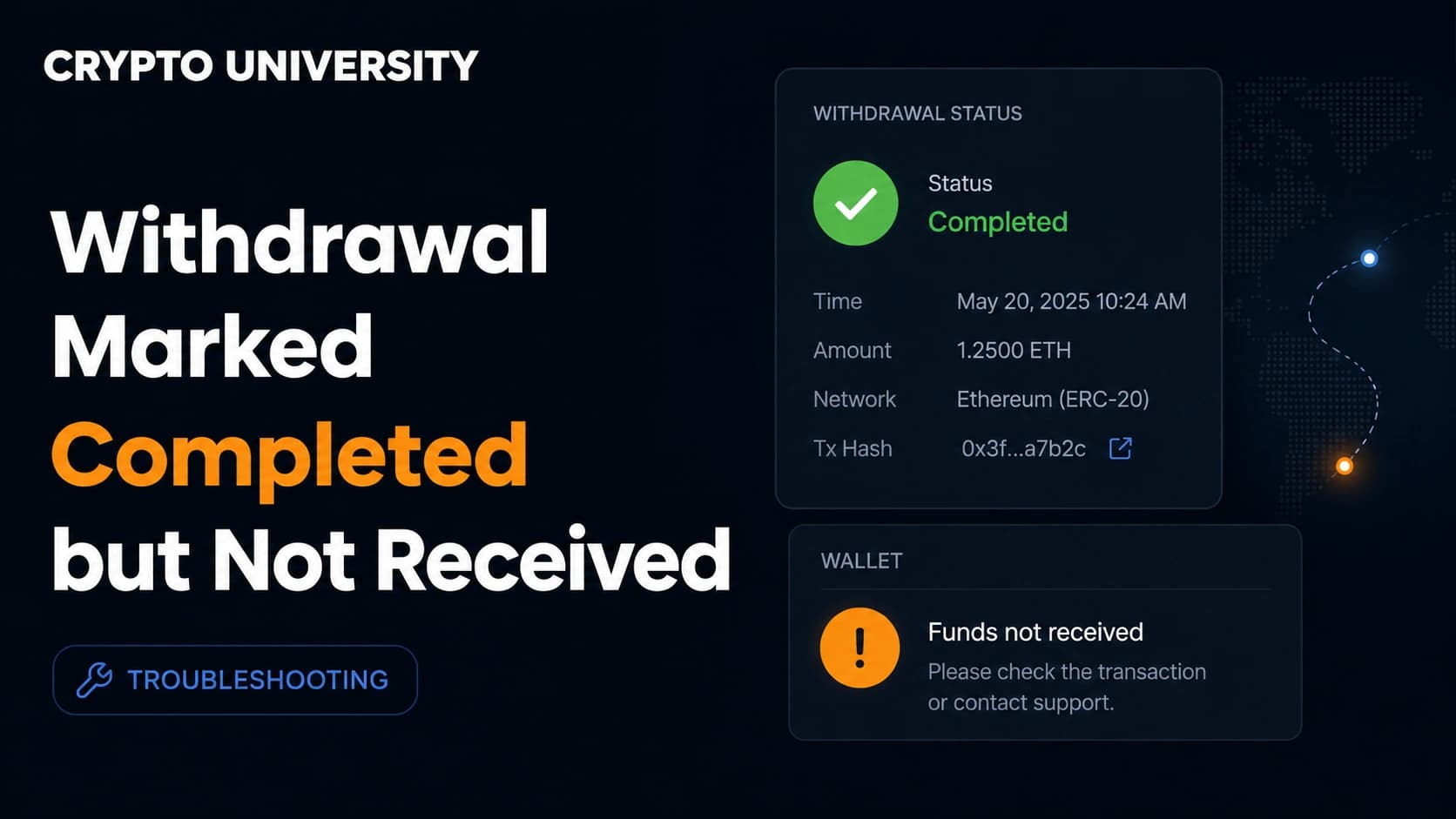
| Explorer shows success, wallet shows nothing | Wallet has not refreshed, or the asset is not on your token list | Resync the wallet, then add the token manually using its contract address |
| Status is pending for hours | Fee too low for current network demand | Use fee bumping if your wallet supports it, otherwise wait |
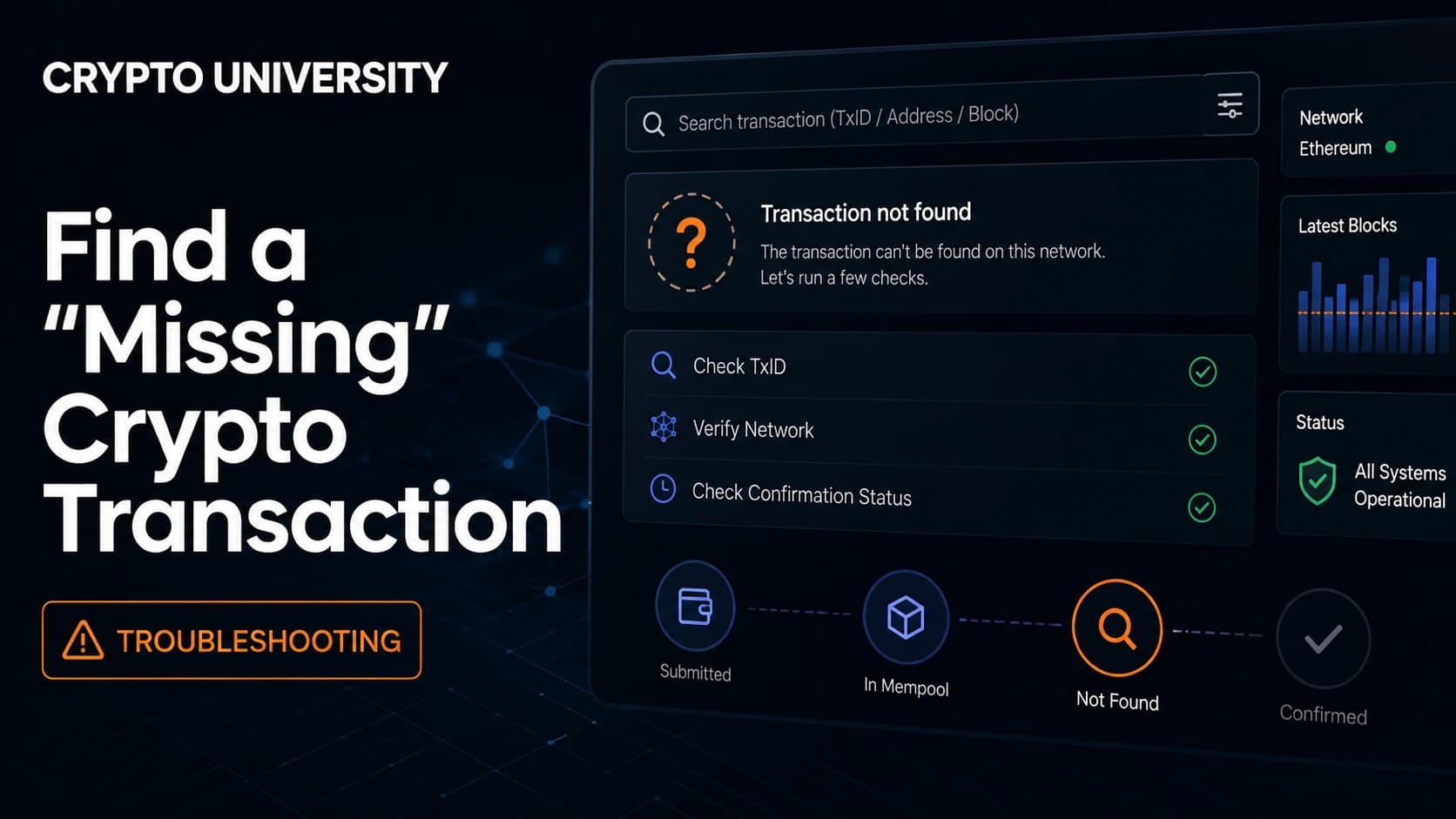
| Explorer returns "not found" | Not yet broadcast, wrong explorer, or an incomplete TXID | Recheck the network, recopy the hash, wait 60 seconds and refresh |
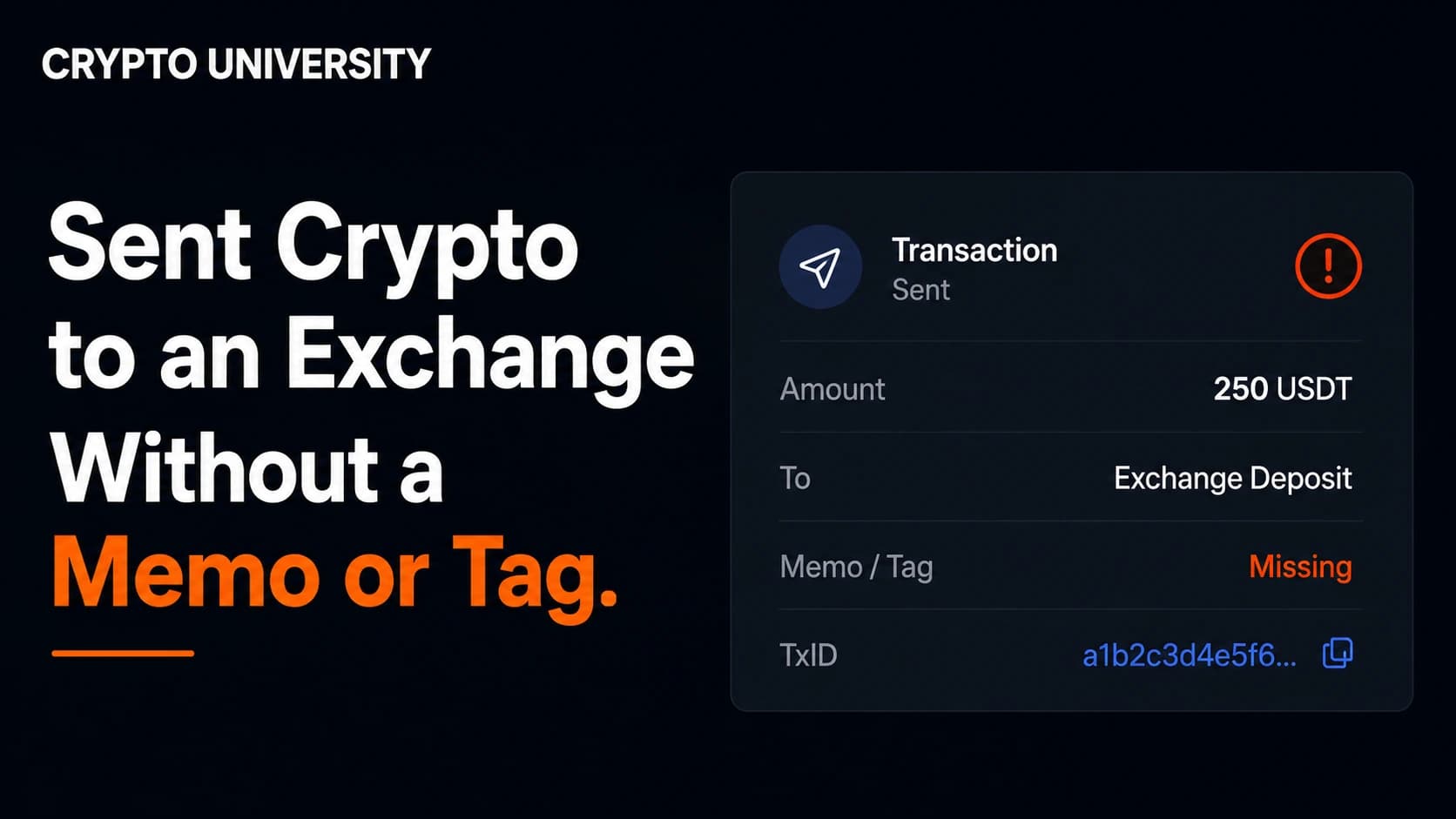
| Funds arrived at an exchange but were not credited | Missing memo or destination tag, or the coin is not supported on that network | Open a support ticket with the TXID and exact amount |
| Status is "failed" but the fee was still taken | The transaction ran out of gas or the contract rejected it | The transferred value stays with you, the fee does not |
| Sent on the wrong network | The address exists on several chains | See the section below |
Pending Transactions
On Bitcoin, an unconfirmed transaction waits in the mempool, a holding area for transactions that have been broadcast but not yet mined. If the fee is below what miners are currently accepting, it waits. Two standard tools exist: replace by fee, where the sender rebroadcasts the same transfer with a higher fee, and child pays for parent, where the receiver spends the incoming coins with a high fee so miners confirm both together.
Most nodes drop an unconfirmed transaction after roughly two weeks, although some clear their queue sooner. Being dropped does not destroy the coins. They return to the sender's control and can be sent again.
On Ethereum and similar networks, a stuck transaction can usually be cancelled or sped up by broadcasting a new transaction with the same nonce and a higher fee. Most wallets show this as a "speed up" or "cancel" button.
Wrong Network Transfers
This is the most common expensive mistake. Sending a token on BNB Smart Chain to an address expecting the Ethereum version destroys nothing. The transaction exists and can be found on the other network's explorer. Whether it can be recovered depends on who holds the keys:
| Situation | Recoverable? |
|---|---|
| You control the receiving address in a self custody wallet | Usually yes. Add the other network in your wallet and the balance appears |
| The address belongs to an exchange | Only the exchange can help. Some offer paid recovery, many cannot help at all |
| The address belongs to a stranger | Only if they choose to return it |
Missing Memo or Destination Tag
Some networks, including the XRP Ledger, Stellar, Hedera, Cosmos and TON, use one shared deposit address plus a memo or destination tag to identify the account. Exchanges rely on that tag to know whose balance to credit. Without it, the deposit lands in the exchange's pooled wallet and belongs to nobody in particular.
This is a bookkeeping problem, not a blockchain problem, and only the receiving exchange can fix it. Recovery is often possible, can take several working days, and is never guaranteed.
Step 5: What to Send Support
If the problem sits with an exchange, a complete first message saves days. Include:
- The TXID
- The exact amount and asset
- The network used
- The sending address and the receiving address
- The date and time, with your time zone
- A screenshot of the transaction in your sending wallet
Send it once, through the official app or website, never through a link someone messages you.
When Crypto Is Genuinely Unrecoverable
Some outcomes cannot be fixed:
- Funds sent to an address controlled by someone else, including scam addresses
- Funds sent to an address that nobody holds the keys for
- Tokens sent to a smart contract with no recovery function
- Assets lost along with the private keys or recovery phrase
A confirmed transaction is final by design. That property is what makes the system work, and it applies to mistakes as well as to payments.
Warning: Recovery Scams
People searching for lost crypto are actively targeted. Fraudsters advertise "fund recovery" services, impersonate law firms, and impersonate government agencies and their staff. The FBI's Internet Crime Complaint Center has issued repeated public warnings about this pattern and states plainly that it never charges anyone a fee to recover stolen funds.
Treat these as red flags:
- An upfront fee, a "tax", or a "release fee" before anything is returned
- Contact through Telegram, WhatsApp or social media direct messages
- Any request for your seed phrase, private keys or remote access to your device
- A promise to reverse a confirmed blockchain transaction
Nothing on a public blockchain can be unwound by paying a stranger.
How to Avoid This Next Time
- Send a small test amount first when using a new address, exchange or network
- Copy the deposit address and the memo or tag separately, and paste both
- Check that the network selected on the sending side matches the receiving side
- Save the TXID after every withdrawal
- Use your wallet's address book rather than copying an address out of your history. That habit protects against address poisoning, where an attacker sends a tiny transaction from a lookalike address hoping you copy it later
Frequently Asked Questions
How long should I wait before treating a transaction as a problem? Give it an hour on a busy network before doing anything. Many transfers confirm in seconds, but congestion and low fees can stretch that considerably.
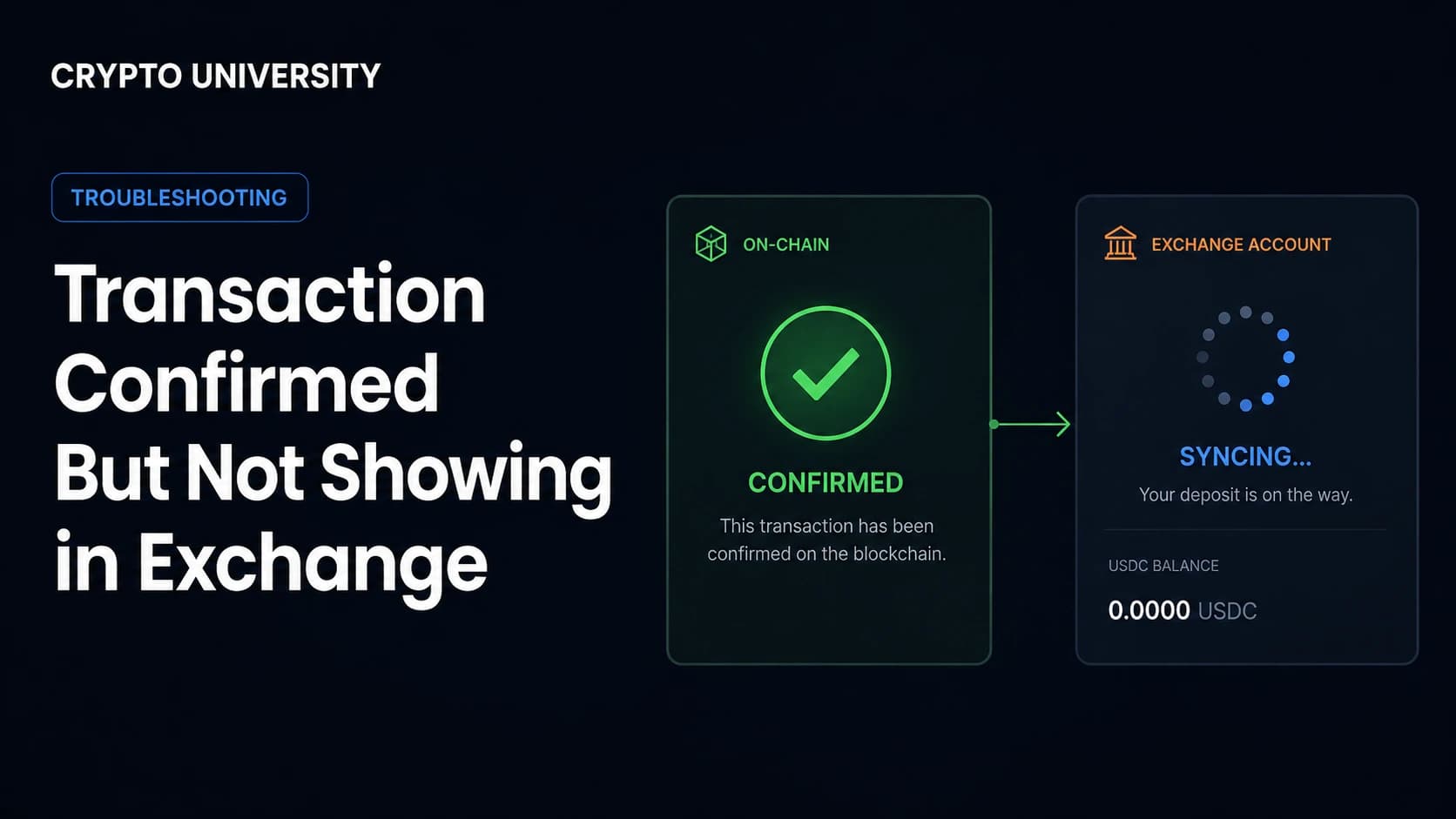
My transaction is confirmed on the explorer but the exchange has not credited me. Why? Exchanges require a set number of confirmations before crediting a deposit, and that number differs by platform and by asset. If the count on the explorer is already above their threshold, contact support with your TXID.
Can a wallet provider reverse a transaction I sent by mistake? No. Self custody wallet providers do not hold your funds and cannot alter the blockchain. Only the person controlling the receiving address can send the money back.
I cannot find my TXID anywhere. What now? Search the sending address on the correct explorer and read its history. If the transfer is not there, it was never broadcast, and the funds should still be in your account.
Does it cost anything to look up a transaction? No. Public block explorers are free to use and do not require an account.
Related Terms
- Transaction hash (TXID): the unique identifier assigned to every broadcast transaction
- Mempool: the waiting area for transactions that have been broadcast but not yet confirmed
- Confirmation: a block added on top of the block containing your transaction
- Destination tag or memo: a secondary identifier used by exchanges on shared deposit addresses
- Replace by fee (RBF): a Bitcoin method for rebroadcasting a stuck transaction with a higher fee
Sources
- Internet Crime Complaint Center (FBI), public service announcements on cryptocurrency recovery fraud and IC3 impersonation, ic3.gov
- Bitcoin Core documentation and mempool policy notes on default transaction expiry and replacement rules
- Etherscan and mempool.space public documentation on transaction status, confirmations and fee estimation
- Trezor Learn, "Destination Tags (Memos) explained for XRP, XLM and more"
- Crypto.com Help Center, guidance on sending XRP and XLM with a destination tag or memo
Further Reading
- What Is a Block Explorer and How Do You Use One? A beginner walkthrough of reading on chain data.
- Gas Fees Explained: Why Crypto Transfers Cost What They Cost. How fee markets decide the order of transactions.
- Self Custody vs Exchange Custody: Who Actually Controls Your Crypto? Why the answer decides who can help when something goes wrong.
Disclaimer: This article is educational content. It is not financial, investment, tax, or legal advice. exchange policies, recovery procedures and fee levels change over time. Figures and timeframes in this article are widely reported estimates and should be checked against current provider documentation.
Not sure which problem you have?
Use the Fixing Crypto Mistakes hub to identify the transaction, wallet, network, or exchange issue before taking another action.
OPEN TROUBLESHOOTING HUB