Key Takeaways
- Almost every fake wallet app wants one thing: your recovery phrase. A real wallet never asks you to type an existing seed phrase to verify, sync, unlock or upgrade an account.
- A store listing is not proof of authenticity. Both Apple's App Store and Google Play have hosted wallet impersonators, so the safest path is always the download link published on the wallet's own website.
- Most fakes fail a two minute check. Developer name, platform availability, package name, review pattern and requested permissions will usually expose a counterfeit before you install it.
Why fake wallet apps keep appearing
A crypto wallet is not like a bank app. If someone gets your recovery phrase, they get the funds, and there is no support desk that can reverse it. That makes wallet users a high value target, and it makes app stores an attractive distribution channel for attackers because a store listing carries built in trust.
The scale is not small. The FBI's Internet Crime Complaint Center recorded 181,565 cryptocurrency related complaints in 2025, with reported losses above 11.3 billion US dollars. That figure covers all crypto fraud, not only fake apps, but it shows how much money moves through this category of crime.
Recent research shows the problem reaching official stores repeatedly:
- In April 2026, Kaspersky reported a campaign it named FakeWallet, involving 26 apps on the Apple App Store that impersonated wallets including MetaMask, Ledger, Trust Wallet, Coinbase, TokenPocket, imToken and Bitpie. The apps had been live since at least autumn 2025.
- In June 2025, Cyble Research and Intelligence Labs found more than 20 phishing apps on Google Play imitating SushiSwap, PancakeSwap, Hyperliquid, Raydium and others, published through developer accounts that had previously hosted normal apps.
- In 2025, Koi Security documented two browser extension campaigns, FoxyWallet and GreedyBear, involving dozens and then roughly 150 fake wallet add ons on the Firefox store.
There is also a well known case where the wallet had no mobile version at all. Sparrow Wallet is desktop only software, yet counterfeit iOS versions appeared on the App Store. Three Bitcoin holders filed a lawsuit in 2026 claiming they lost about 1.8 million US dollars combined after entering recovery phrases into one of those fakes.
The lesson from all of these cases is the same. Review processes catch a lot, but they do not catch everything, so the final check has to be yours.
The five ways a fake wallet takes your money
Understanding the mechanism makes the warning signs obvious.
| Method | How it works | What it looks like to you |
|---|---|---|
| Recovery phrase phishing | The app or extension shows an import screen and sends the words you type to a remote server | A normal looking "import existing wallet" or "restore wallet" prompt |
| Trojanized redirect | A clean looking app opens a web page that copies the store interface and installs a modified build of a real wallet | An "update required" or "install full version" page after first launch |
| Photo gallery scanning | Malware reads your images with text recognition, hunting for screenshots of a seed phrase | An app asking for photo library access for no obvious reason |
| Address swapping | Malware alters the wallet address you paste into the send field | Funds arrive at an address that is not the one you copied |
| Malicious approvals | A fake wallet or dApp asks you to sign a transaction that grants unlimited spending permission on your tokens | A confirmation prompt you do not fully understand |
The photo scanning method deserves attention because it does not need you to make a mistake inside the wallet at all. Kaspersky documented this in February 2025 with a stealer called SparkCat, which reached both Google Play and the App Store and used optical character recognition to find recovery phrases saved as screenshots. Infected Android apps in that campaign passed 240,000 downloads. A related family, SparkKitty, used the same idea in 2025. If your seed phrase exists as an image on your phone, a fake wallet is not the only app that can steal it.
Warning signs to check before you install
| Warning sign | What to look for | Why it matters |
|---|---|---|
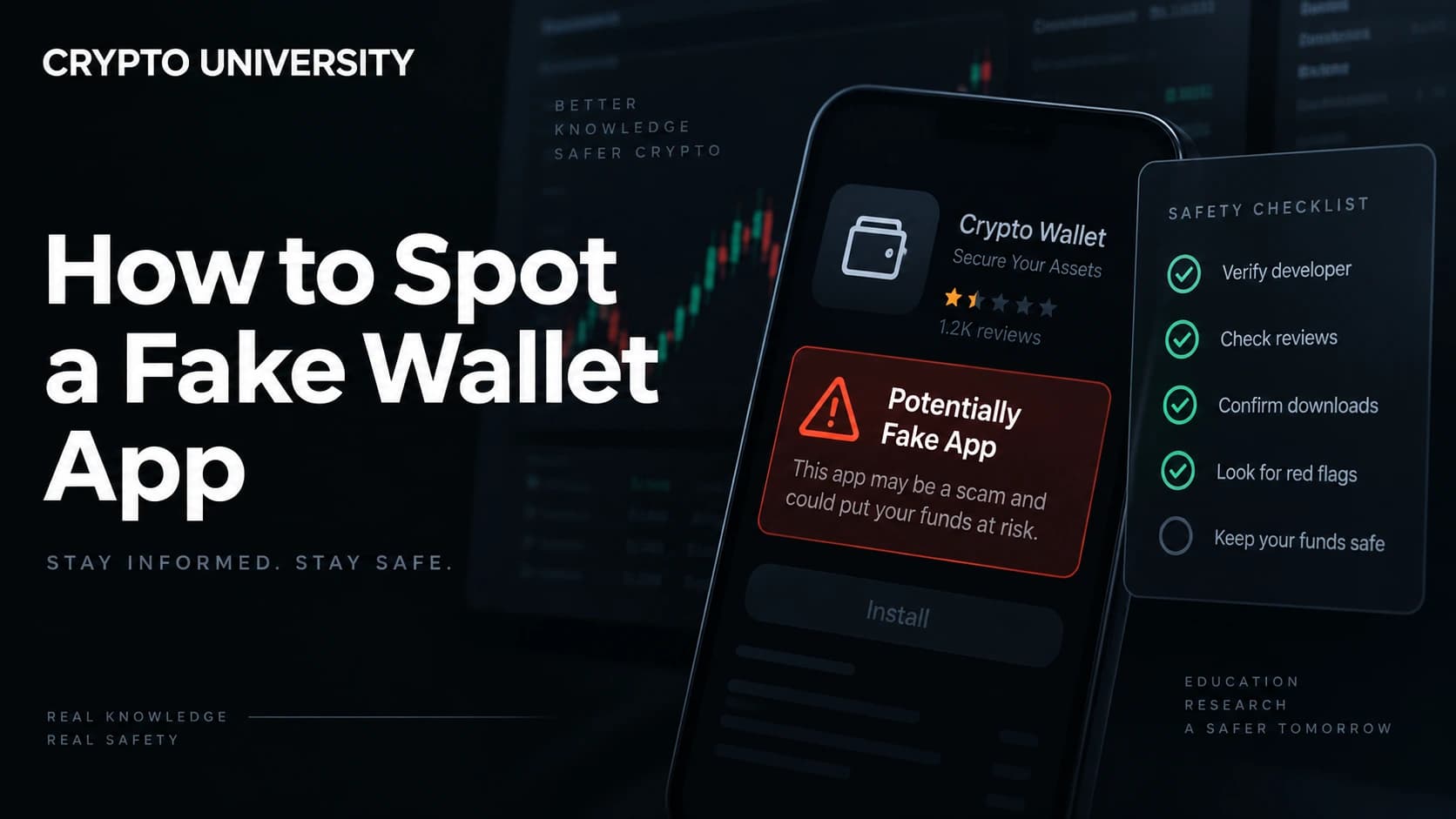
| Developer name mismatch | The publisher listed in the store does not match the company named on the official website | The single most reliable tell, and the easiest to check |
| Wrong platform | A mobile listing for a wallet that only ships desktop software | Impersonators create listings for platforms the real project never launched |
| Name spelling variants | Extra or swapped letters, such as an added or doubled character in a familiar brand | Attackers need a unique name to pass store checks |
| Odd review pattern | Hundreds of short five star reviews on an app with few installs, or reviews that never mention features | Fake review inflation was documented in both the Firefox extension campaigns |
| Thin or borrowed history | A brand new developer account, or one that previously published unrelated games or utilities | Attackers buy, hijack or repurpose accounts with existing reputation |
| Strange permissions | Photo library, accessibility services, SMS or notification access | A non custodial wallet does not need your camera roll to function |
| Seed phrase on first launch | The app requests your existing phrase before it will show you anything | Real wallets let you create a new wallet without importing anything |
| Support links that do not match | Privacy policy or help links pointing to unrelated domains | Cyble found phishing URLs hidden inside app privacy policies |
| Sponsored placement | You found the app through an advertisement or a link in a video description | Paid placement is a common delivery route for counterfeits |
None of these signs is conclusive on its own. Two or more together should stop the install.
A step by step verification routine
Use this every time you install or reinstall a wallet.
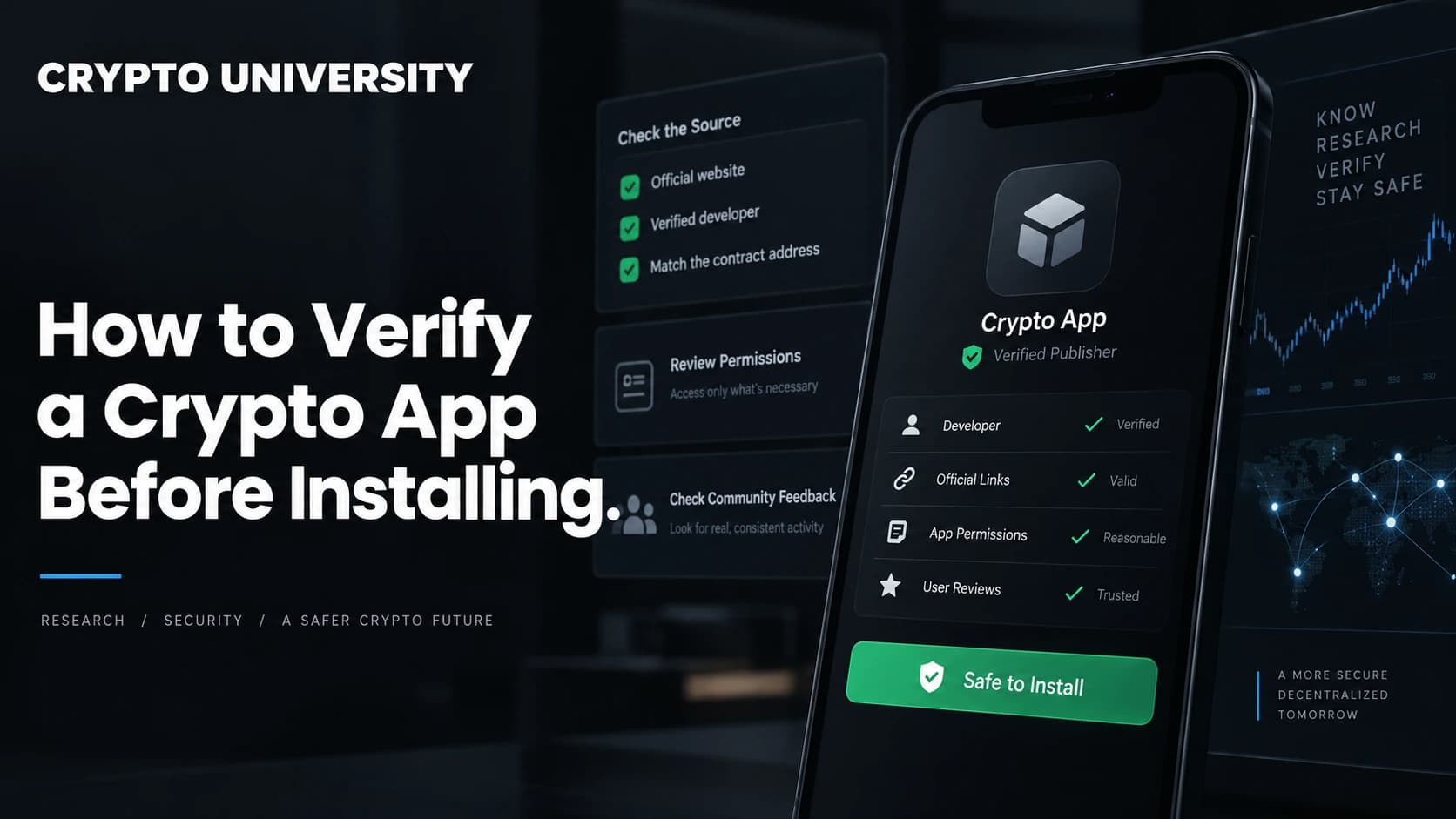
- Start at the official website, not the store search bar. Use a saved bookmark or a link from documentation you already trust, then follow the download button that site provides.
- Confirm the platform exists. Check that the project actually publishes an app for your device. If the website only offers desktop downloads, a mobile listing is a red flag by definition.
- Match the publisher name. Compare the developer or seller name in the store against the entity named on the official site.
- Check the package or bundle identifier. On Android, the package name appears in the Play Store listing URL after
id=. Real projects publish theirs in their documentation. Compare the two strings character by character. - Read the one star reviews first. Victims tend to report theft in low ratings while inflated five star reviews sit at the top.
- Check the update history. A wallet holding real value should have a visible record of version updates and a support channel that answers.
- Test before you trust. Install, create a brand new wallet inside the app, send a small amount, and confirm it arrives and can be sent back out before moving anything meaningful.
Platform specific notes
| Platform | Extra checks that matter |
|---|---|
| iOS | Apple's review process has been bypassed repeatedly, so never treat a listing as verification. Check the seller name and whether an iOS version is officially announced. Avoid installing anything through a configuration or provisioning profile. |
| Android | Keep Play Protect enabled and avoid sideloaded APK files from chat groups, forums or download mirrors. Verify the package name. Note that since late 2025 Google Play has required licensing documentation from custodial wallet and exchange apps in more than 15 jurisdictions, while Google clarified that non custodial wallets are outside that policy. |
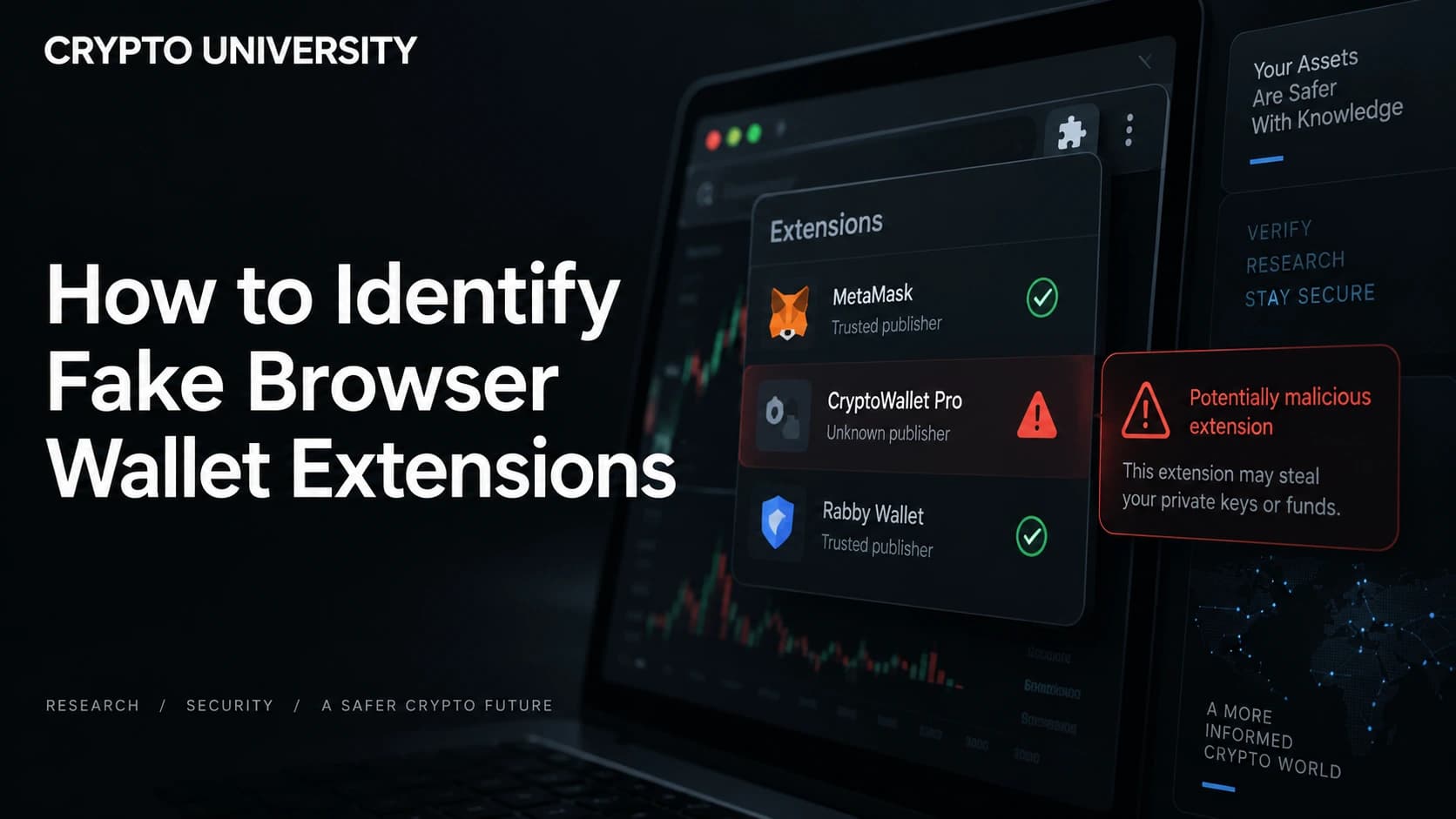
| Browser extensions | Install only from a link published on the wallet's own site. Extension stores allow updates after approval, so a clean extension can turn malicious later. Review your installed extensions periodically. |
| Desktop | Check the file signature or published checksum where the project provides one, and download over the official domain rather than a mirror. |
What to do if you already installed a suspicious wallet
Move fast, and assume the worst.
- Assume the recovery phrase is compromised if you typed it anywhere in that app. There is no way to un share it.
- Move funds from a different, clean device to a wallet whose phrase has never been typed into software. A hardware wallet is the strongest option here.
- Never reuse the exposed phrase, even after deleting the app.
- Revoke token approvals for the affected address using a reputable approval checker, since a drainer may retain spending permission.
- Delete the app, run a security scan, and remove any related profiles or extensions.
- Report the listing to the app store and to the real wallet provider so it can be taken down faster for others.
- Ignore recovery services that contact you afterwards. The FBI logged more than 10,500 complaints about recovery scams in 2025, some involving people impersonating officials.
Habits that keep this from happening again
- Keep your recovery phrase offline. Never as a screenshot, photo, note app entry, email draft or cloud document.
- Use a hardware wallet for long term holdings, and keep a small hot wallet for daily activity.
- Bookmark the official site of every wallet and exchange you use, and reach them only through those bookmarks.
- Treat urgency as a warning sign. Messages demanding you back up, migrate or verify a wallet within a deadline are a standard pressure tactic.
- Review installed apps and browser extensions every few months and remove anything you no longer use.
Frequently asked questions
Can a fake wallet app steal my crypto if I never enter my seed phrase? Yes, though it is harder for the attacker. Some fakes swap the destination address when you paste it, some scan your photo gallery for saved recovery phrases, and some push you to sign an approval transaction that lets them move tokens later. Not typing your phrase removes the biggest risk, not all of it.
Are apps in the App Store and Google Play checked for safety? Both stores run review processes and remove malicious apps when they are reported. Both have also hosted wallet impersonators that stayed live for months. Store review reduces risk but does not confirm that a specific app is genuine.
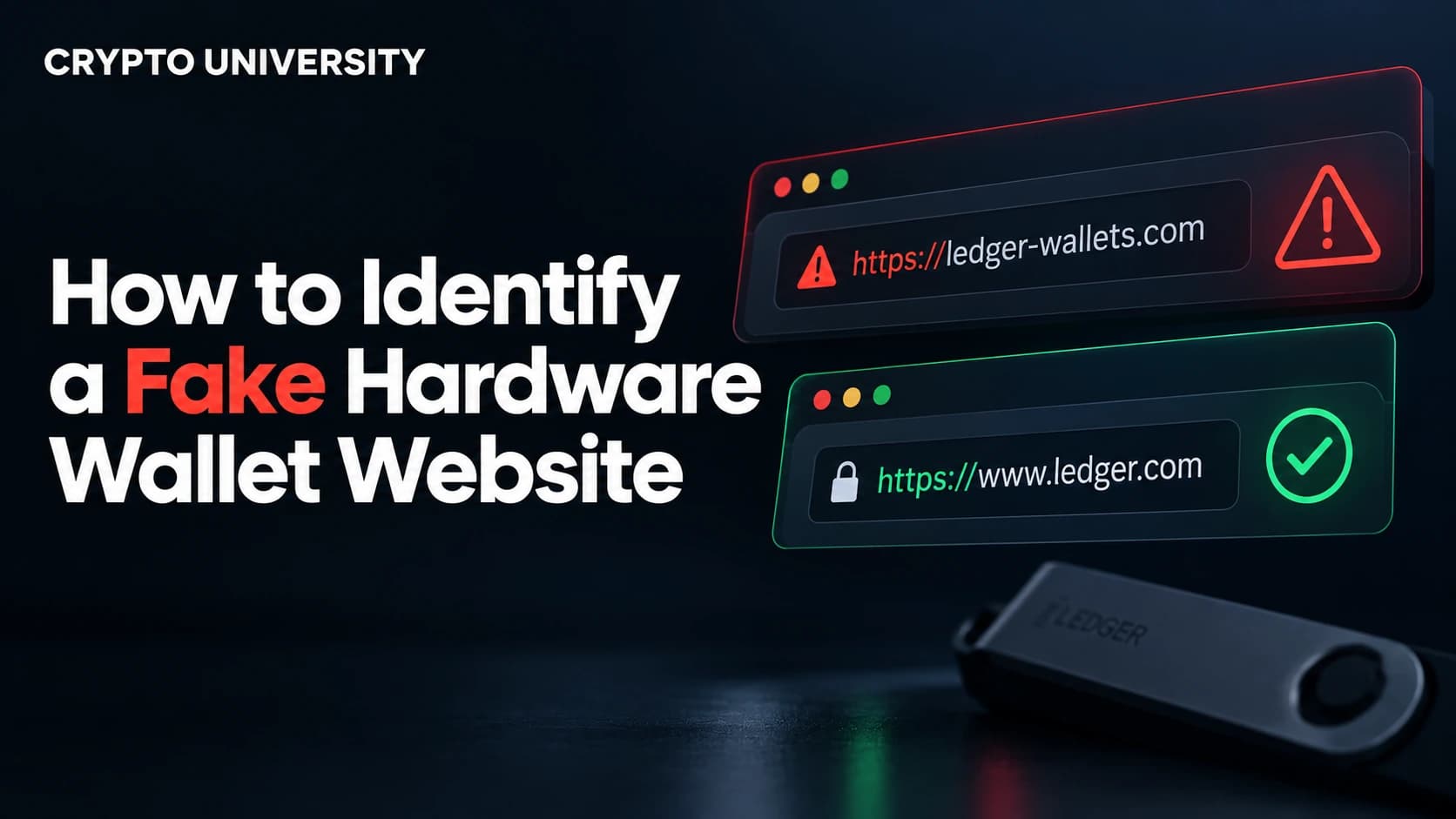
How do I tell a fake wallet website from a real one? Check the exact domain spelling, arrive through a bookmark or official documentation rather than a search advertisement, and confirm the download link points to the project's own domain. Note that a padlock icon only means the connection is encrypted, not that the site is legitimate.
Is a hardware wallet immune to this? The device protects your keys from software on your phone or computer, which is a major improvement. It does not protect you from typing your recovery phrase into a fake companion app or a phishing page, which is exactly how many hardware wallet users lose funds.
What if the fake app looks identical to the real one? Assume it can. Attackers clone open source wallet code, copy icons and screenshots, and buy fake reviews. Appearance is not evidence. The download path and the publisher name are.
Five related terms
- Recovery phrase (seed phrase): the ordered list of 12 or 24 words that can restore full control of a wallet.
- Non custodial wallet: a wallet where you alone hold the private keys, with no company able to freeze or recover funds.
- Wallet drainer: malicious code that empties a wallet, usually after tricking the user into an approval or key disclosure.
- Package name (bundle ID): the unique identifier of a mobile app, such as the string after
id=in a Play Store URL. - Token approval: permission granted to a smart contract to spend tokens from your address, which stays active until revoked.
Sources
- FBI Internet Crime Complaint Center, 2025 Internet Crime Report, April 2026: https://www.ic3.gov/AnnualReport/Reports/2025_IC3Report.pdf
- Kaspersky Securelist, FakeWallet crypto stealer spreading in the App Store, April 2026: https://securelist.com/fakewallet-cryptostealer-ios-app-store/119474/
- Kaspersky Securelist, SparkCat crypto stealer in Google Play and App Store, February 2025: https://securelist.com/sparkcat-stealer-in-app-store-and-google-play/115385/
- Cyble Research and Intelligence Labs, Crypto phishing applications on the Play Store, June 2025: https://cyble.com/blog/crypto-phishing-applications-on-the-play-store/
- Koi Security, FoxyWallet: 40+ malicious Firefox extensions exposed, July 2025: https://www.koi.ai/blog/foxywallet-40-malicious-firefox-extensions-exposed
- CoinDesk, Apple kept fake bitcoin wallet on App Store after theft report, lawsuit alleges, July 2026: https://www.coindesk.com/business/2026/07/28/apple-kept-fake-bitcoin-wallet-on-app-store-after-usd875-000-theft-report-lawsuit-alleges
More reading
- The Hacker News, 26 FakeWallet apps found on Apple App Store targeting crypto seed phrases: https://thehackernews.com/2026/04/26-fakewallet-apps-found-on-apple-app.html
- Kaspersky blog, SparkCat, the first OCR trojan stealer to infiltrate the App Store: https://www.kaspersky.com/blog/ios-android-ocr-stealer-sparkcat/52980/
- FBI IC3 public service announcement on cryptocurrency kiosk fraud, May 2026: https://www.ic3.gov/PSA/2026/PSA260515-2
This article is educational content. It is not financial, legal or security advice for any specific situation. Figures cited are as reported by the named sources at the time of publication.
Not sure which problem you have?
Use the Fixing Crypto Mistakes hub to identify the transaction, wallet, network, or exchange issue before taking another action.
OPEN TROUBLESHOOTING HUB