Key Takeaways
- A contract address is the only reliable identity a token has. Names, tickers, and logos can be copied by anyone in minutes, but the contract address is unique on each blockchain.
- Always start from the project's own website or documentation, then confirm the same address on a block explorer and a data aggregator before you use it.
- A "verified contract" badge means the source code is public, not that the token is safe. Verification and legitimacy are two separate things.
What a Contract Address Actually Is
Most crypto assets are not independent coins with their own blockchain. They are tokens created by a smart contract that runs on top of an existing network such as Ethereum, BNB Chain, Solana, or Base. That contract records who holds the token, how many exist, and how transfers work.
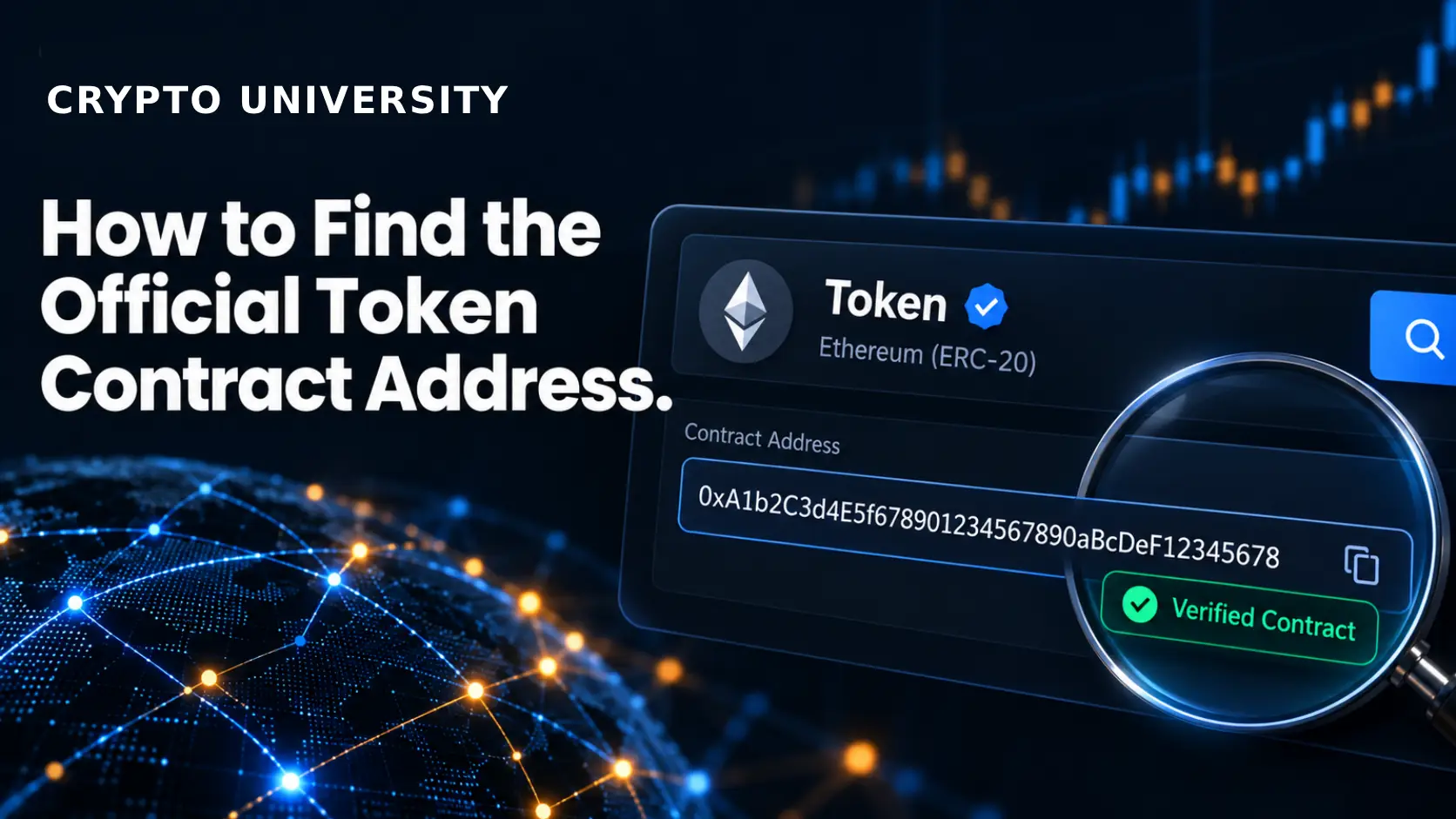
The contract address is the location of that code on the blockchain. On Ethereum and other EVM networks it looks like a 42 character string starting with 0x. On Solana the same idea is called a mint address, and it uses a different character format. Whatever the chain calls it, the function is the same: it is the token's permanent, unique on-chain identity.
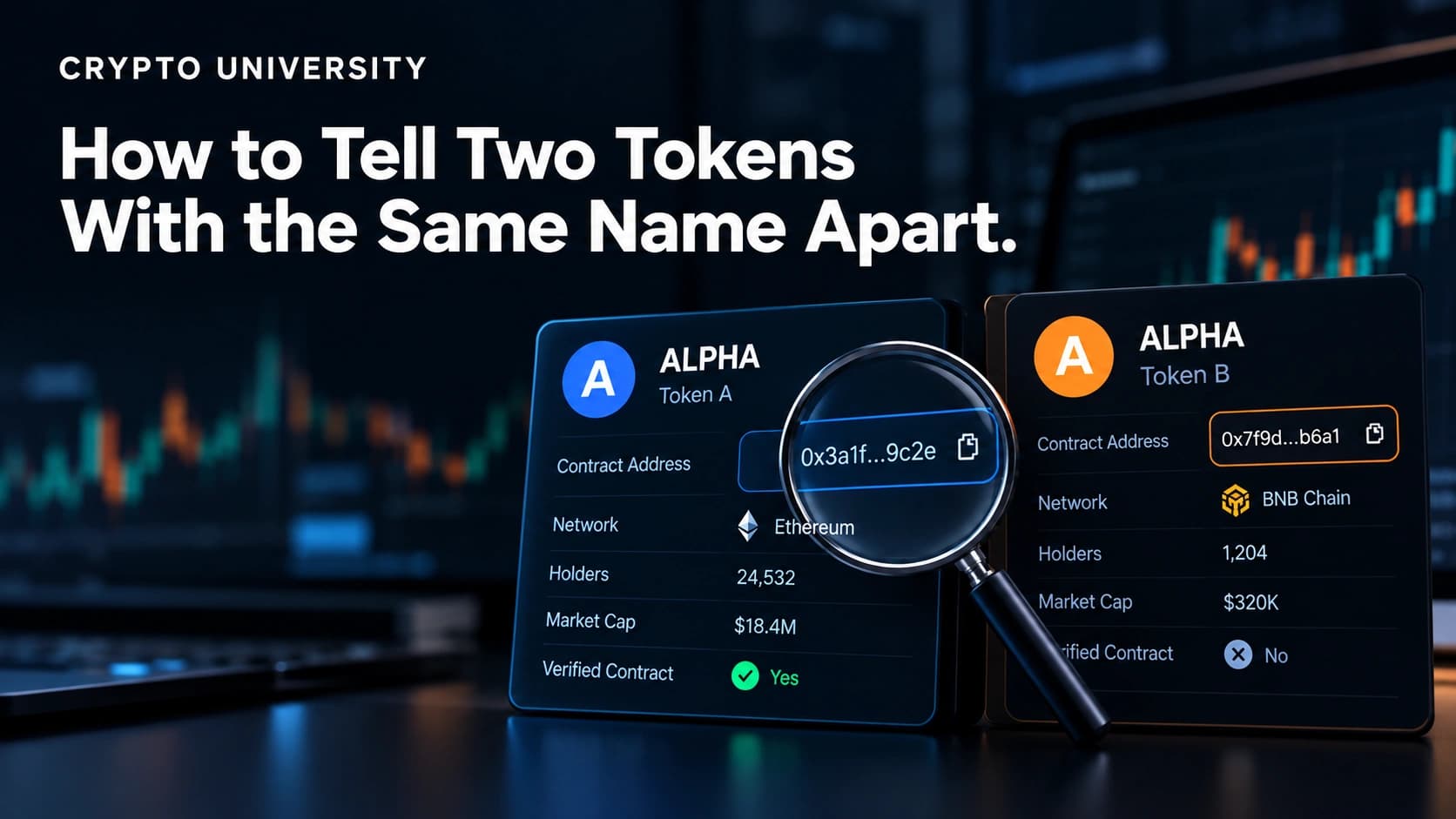
This matters because the parts of a token you actually see in a wallet or a swap interface are the weakest part of it. Name, symbol, and image are just metadata. Anyone can deploy a new contract called "USD Coin" with the ticker USDC and the correct logo. The address is what tells the two apart.
Why Copycat Tokens Are So Common
Creating a token is permissionless on every major smart contract chain. So is creating a trading pair for it on a decentralised exchange. Scammers use both facts together: they deploy a lookalike token, pair it with a small amount of real liquidity, and wait for people to search by name instead of by address.
Ethereum.org points out that ERC-20 contracts can share a name and symbol with any other contract, so those fields cannot be treated as a security signal. Some fake tokens go further and send balances to well known wallets so the holder list looks credible at a glance.
This is why a search-by-name habit is risky and a check-the-address habit is not.
The Five Step Verification Method
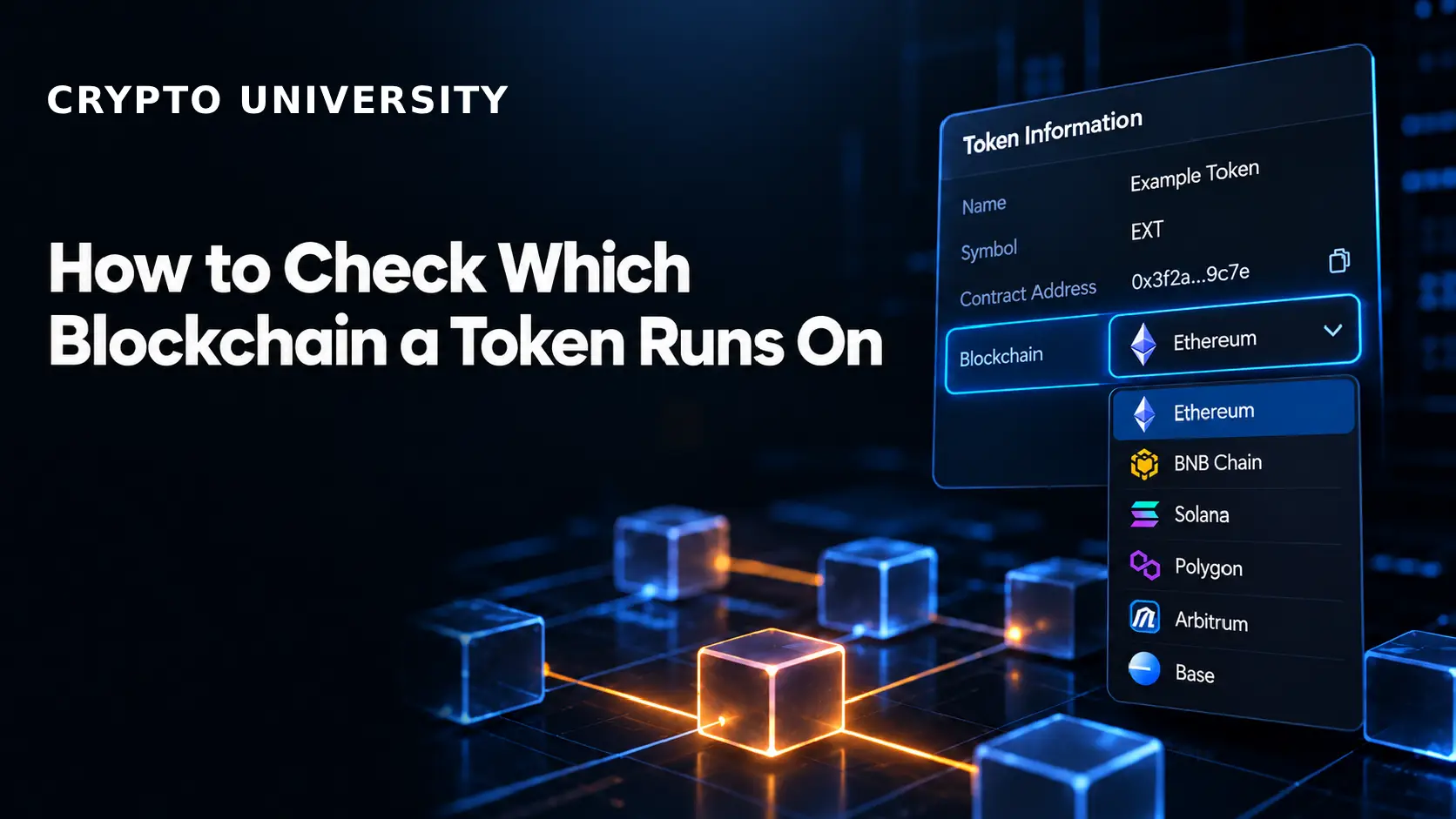
Step 1: Confirm which blockchain you are on
The same project often has different contract addresses on different networks. A token on Ethereum, Arbitrum, and Polygon usually has three separate addresses. Adding an Ethereum address to a Polygon wallet will simply fail or, worse, point you at an unrelated contract.
Decide the network first. Everything after this step depends on it.
Step 2: Start from the project's own source
The strongest starting point is the issuer itself. Look for a page in the official documentation, a "contracts" or "developers" section, or an official GitHub repository. Large issuers publish these deliberately: Circle maintains a public page of USDC contract addresses per network, and Tether lists its contracts on its transparency page.
Reach these sites through a bookmark or an established reference, not through an advertisement, a direct message, or a reply on social media. A cloned website with a swapped address is a common attack.
Step 3: Cross-check on the correct block explorer
Open the explorer for that specific network, for example Etherscan for Ethereum, BscScan for BNB Chain, or Solscan and Solana Explorer for Solana. Paste the address you found and look at the token page.
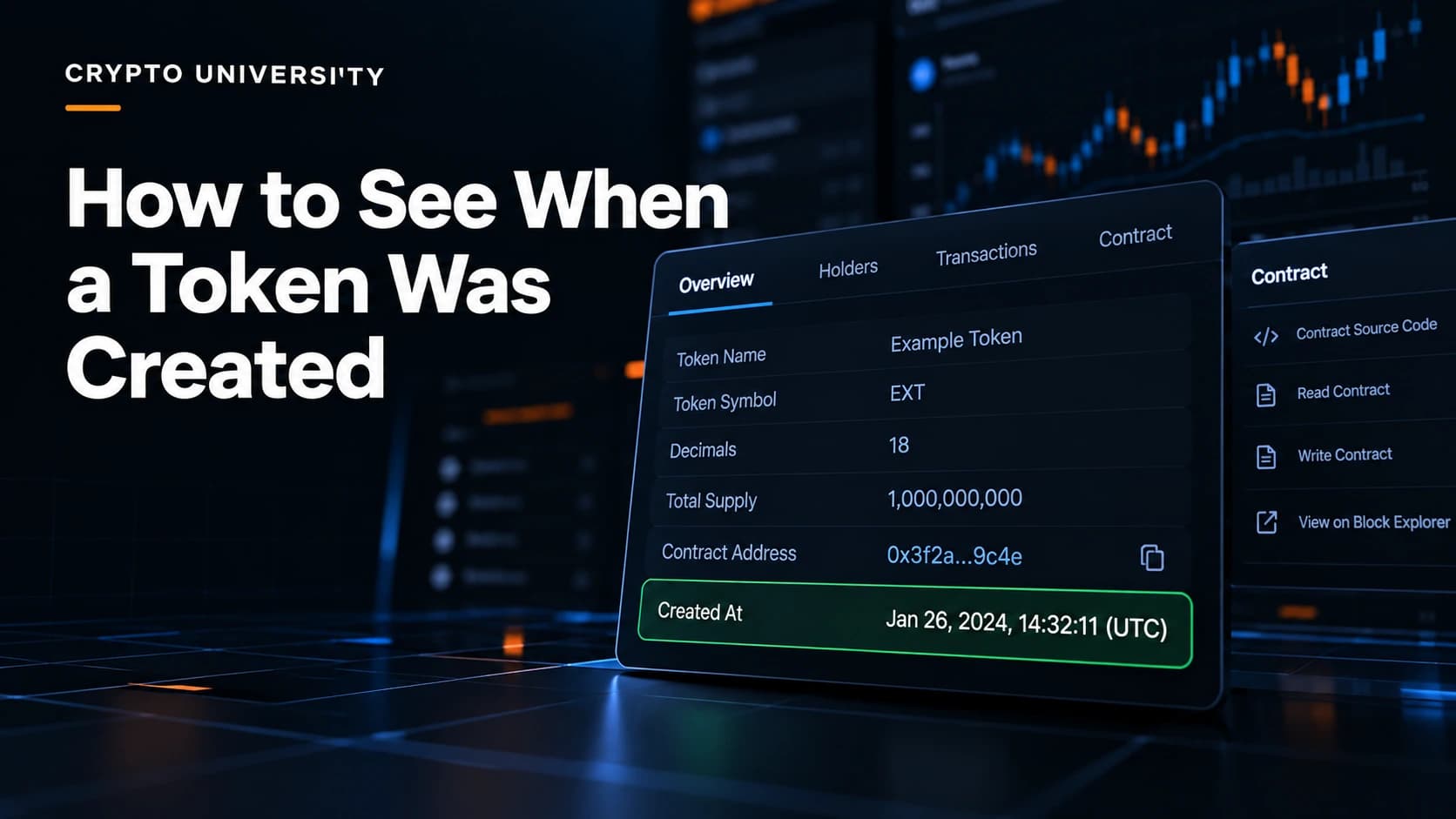
According to Etherscan's own documentation, a token page shows the contract address, the token standard, transfer history, holder distribution, official links, and any public note about migrations or rebrands. If the explorer page contradicts what the website told you, stop and investigate.
Step 4: Cross-check on a data aggregator
CoinGecko and CoinMarketCap list contract addresses for each supported network on a token's profile page, usually with a copy button. Use them as a second opinion, not as the primary source. Aggregators are useful because they cover many chains at once, but listings can lag behind migrations.
Two independent sources agreeing is a reasonable bar for most users. Three is better when significant money is involved.
Step 5: Compare the full string, then save it
Compare the whole address, not the first and last four characters. Address poisoning attacks specifically produce lookalike strings with matching ends. Capitalisation does not matter on EVM chains, since mixed case is only a checksum, but every character in sequence does.
Once confirmed, save the address in a personal note or a wallet's saved token list so you never have to search for it again.
Where to Look and What Each Source Proves
| Source | What it gives you | What it does not prove |
|---|---|---|
| Project website or docs | The issuer's own declared address | Nothing if the site itself is a clone |
| Official GitHub or audit report | Deployment records and history | That the address is still current after a migration |
| Block explorer token page | On-chain facts: holders, transfers, code | That the project behind it is legitimate |
| CoinGecko or CoinMarketCap | Cross-chain address list, market context | That a new or unlisted token is a scam |
| Wallet or DEX token list | Convenience and a default safe set | That an unlisted token is fake |
Chain by Chain Differences
| Network type | What the identifier is called | Typical explorer | Common trap |
|---|---|---|---|
| Ethereum and EVM chains | Contract address, starts with 0x | Etherscan, BscScan, Arbiscan, Basescan | Same ticker deployed on many chains |
| Solana | Mint address | Solana Explorer, Solscan | Anyone can mint any name, so lists matter |
| Tron | Contract address, starts with T | Tronscan | Fake stablecoin contracts |
| Layer 2 and bridged assets | Bridged or wrapped contract | Chain specific explorer | Bridged versions such as USDC.e differ from native |
On Solana, the ecosystem leans on verification lists because minting is so easy. Solana's documentation explains that verification confirms a token is the canonical one for a given name and symbol, and it is explicitly not an endorsement of the project. Jupiter, which maintains one of the most used lists, makes the same point and recommends that projects display their mint address on their own website.
What "Verified" Really Means
This is the single most misunderstood signal in the space.
Contract verification on an explorer means the published source code was recompiled and matched against the bytecode deployed on chain. Ethereum.org describes it as making the contract open source and auditable. It tells you what the code does. It does not tell you the code is fair, safe, or run by honest people. Scammers verify their contracts too, precisely because the badge looks reassuring.
Listing verification by an aggregator, wallet, or DEX list is a different thing: an editorial or automated review that a token is the canonical one for its name. That is closer to what most users want, but it is still not a safety guarantee, and new legitimate tokens are often unlisted.
Red Flags Worth Stopping For
- The address was given to you in a direct message, a comment, or a paid advertisement.
- The website URL is slightly misspelled or uses an unusual domain ending.
- The token appeared in your wallet without you buying it. Unsolicited airdrops are frequently bait.
- Holder distribution is extremely concentrated, or the contract was deployed a few hours ago.
- Liquidity is very thin, which is common for scam tokens because the deployer will not risk real assets.
- The explorer shows a warning label or a public note about a migration you have not read about.
A Practical Habit
Verifying an address takes about a minute. Recovering funds sent to a fake contract is usually impossible, because the transaction is final and the contract was designed to keep them. Treat address checking the same way you treat checking an IBAN before a bank transfer: a small, boring step that is always worth doing.
FAQ
Is a contract address the same as a wallet address? No. They look similar on EVM chains, but a wallet address is controlled by private keys and holds assets, while a contract address holds code that runs on the blockchain. Sending tokens directly to a token's own contract address usually means losing them.
Does a token have one contract address or several? One per network. A multi-chain project can have a separate address on Ethereum, BNB Chain, Base, and others, plus bridged versions. Always match the address to the chain you are transacting on.
Can a project change its contract address? Yes. Migrations, rebrands, and upgrades happen. Explorers often display a public note when this occurs, and the project should announce it on official channels. Re-check the address if a token has been dormant in your portfolio for a long time.
Is a token safe if the contract is verified on Etherscan? No. Verification only confirms that the published source code matches what is deployed on chain. It is a transparency signal, not a safety rating.
What should I do if I already interacted with a fake token? Do not try to sell or transfer it, since some contracts are built to block or trap that action. Review and revoke any token approvals you granted, and consider moving remaining assets to a fresh wallet if you signed anything unfamiliar. This is general information, not financial or legal advice.
Related Terms
- Smart contract
- self-executing code deployed on a blockchain that defines how a token behaves.
- ERC-20
- the token standard used by most fungible tokens on Ethereum and EVM compatible chains.
- Mint address
- the Solana equivalent of a token contract address.
- Token list
- a curated file of approved token addresses used by wallets and decentralised exchanges.
- Token approval
- permission you grant a contract to spend tokens from your wallet, which can be reviewed and revoked.
Sources
- Ethereum.org, "How to identify scam tokens"
- Ethereum.org, "Verifying smart contracts"
- Etherscan Information Center, "Understanding the Token page"
- Etherscan Information Center, "Types of Contract Verification"
- Solana Documentation, "How to verify a token"
- Jupiter, "Verified token list FAQ"
- Avalanche Support, "What are fake tokens?"
More Reading
- Explore Best Platforms to Buy Tokenized Stocks Worldwide
- How to Check Whether You Imported the Correct Wallet
- How to Restore a Crypto Wallet on a New Device
This article is educational and factual. It is not financial advice and contains no price predictions. Figures cited from third party tools are point in time estimates that change continuously.
Not sure which problem you have?
Use the Fixing Crypto Mistakes hub to identify the transaction, wallet, network, or exchange issue before taking another action.
OPEN TROUBLESHOOTING HUB