Key Takeaways
- Losing the device is not the same as losing your crypto. Coins live on the blockchain. The device only stores the keys that prove ownership, and those keys can be rebuilt from your backup.
- Your recovery backup is the whole game. With the correct backup and any passphrase, you can usually restore on a compatible device. Without them, and without a recovery feature enabled in advance, access is usually gone for good.
- Recovery is when scammers strike. No legitimate company, support agent, or recovery expert ever needs your recovery phrase. Anyone who asks for it is trying to steal from you.
What You Actually Lost
A hardware wallet is a signing device, not a vault. Your bitcoin, ether, and tokens are recorded on public blockchains. They are not stored inside the object you dropped in a taxi.
What the device holds is a set of private keys, and all of those keys are generated from one secret: your recovery phrase, also called a seed phrase or wallet backup. Feed that phrase into any compatible wallet and you rebuild the same keys, the same addresses, and the same balances.
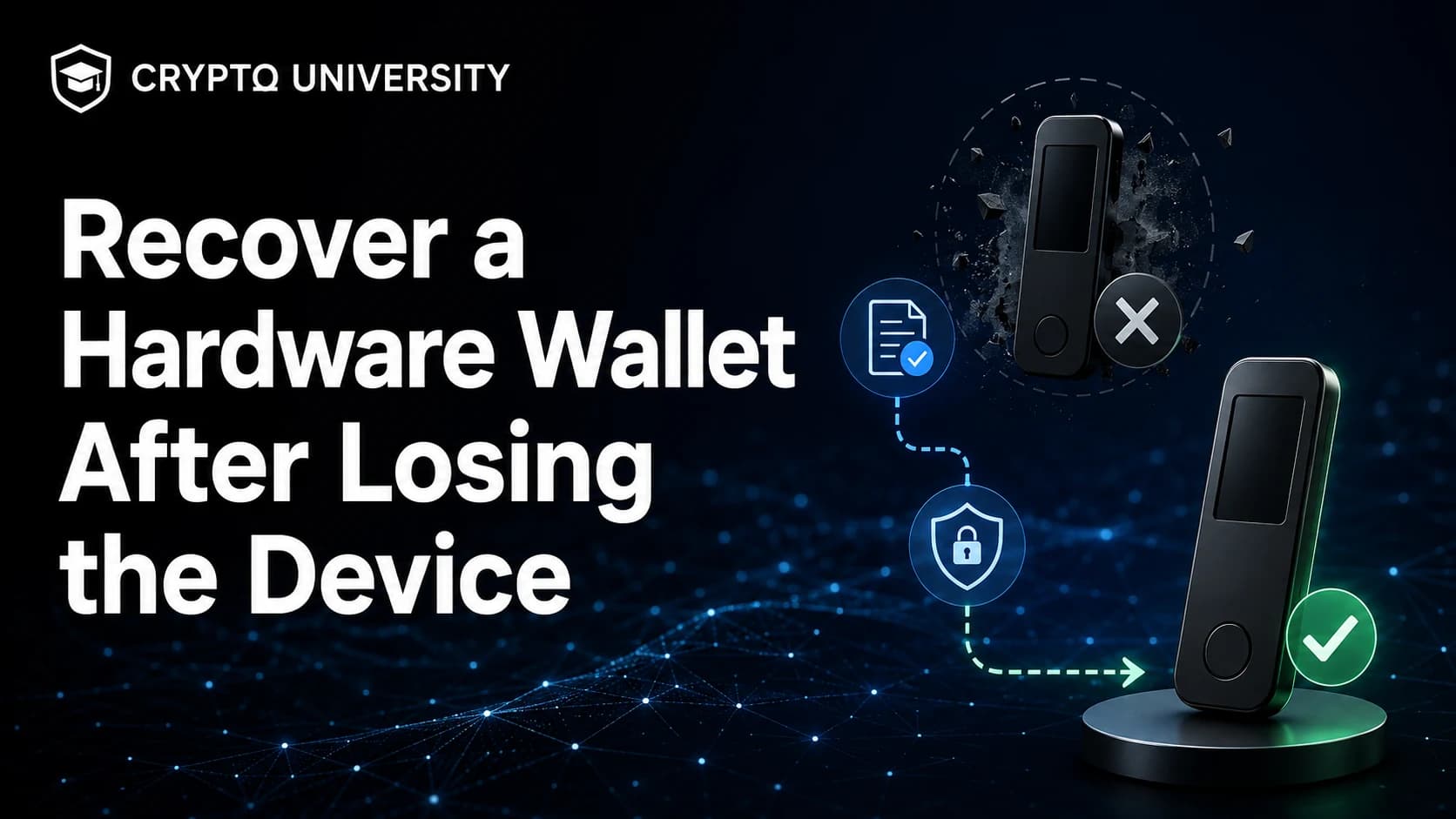
So the honest framing is this. You did not lose your crypto. You lost one of the tools that reaches it. Whether that matters depends on whether you still have your backup.
| What you lost | What it means |
|---|---|
| The physical device | An inconvenience and a replacement cost |
| The device and the recovery phrase | Access is very likely lost permanently |
| The recovery phrase only, device in hand | Move funds to a new wallet immediately |
| Only the PIN, device in hand | Wipe the device and restore from backup |
First: Assess Lost Versus Stolen
The two situations look similar and call for different responses.
If the device is simply lost, for example left in a hotel room, the risk is moderate. Hardware wallets are PIN protected, and repeated wrong guesses trigger a wipe. Ledger devices factory reset after three consecutive incorrect PIN entries. Trezor devices lengthen the delay between attempts and erase themselves after sixteen incorrect attempts on most models, or ten on the Trezor Safe 7.
If the device was stolen, or if someone may have watched you enter your PIN, treat it as an active threat. Restore on a new device, then move the funds to a completely new wallet with a brand new recovery phrase. Treat the old phrase as burned.
That second step matters. Restoring gives you access again. It does not remove access from anyone else who may hold a copy of your backup.
Step by Step: Restoring on a New Device
The process is more boring than people expect, which is a good sign.
Step 1. Gather your backup. Locate the recovery phrase, whether that is words on paper, stamped metal, or Shamir shares kept in separate places. Check that every word is legible and in order.
Step 2. Get a genuine replacement device. Buy from the manufacturer or an authorised reseller. Never buy a used hardware wallet, and never use one that arrives with a recovery phrase already printed inside the box. That is a known scam.
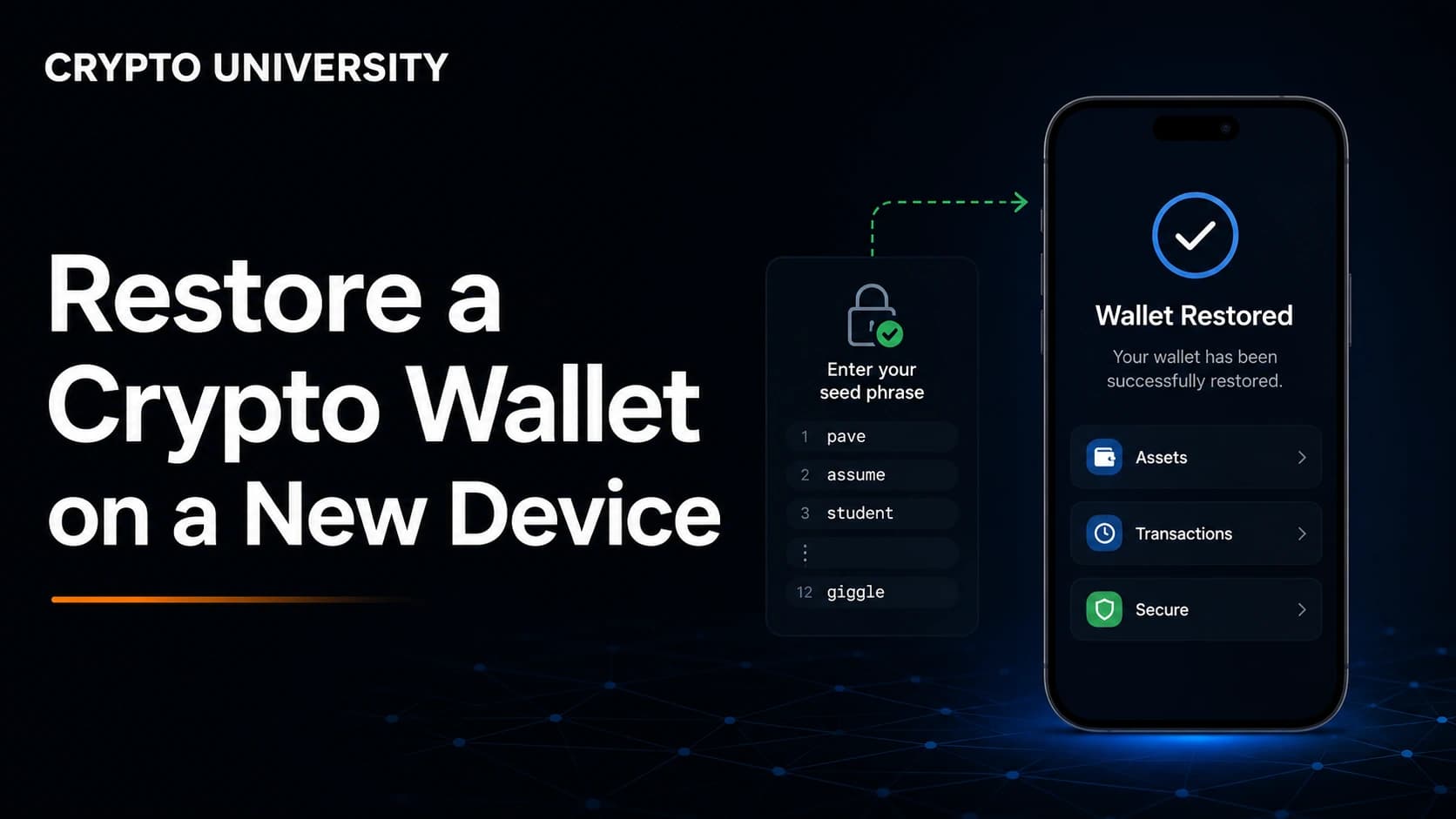
Step 3. Choose Restore, not Create new wallet. This is the most common mistake in the whole process. Creating a new wallet generates a fresh, unrelated seed and shows you an empty balance.
Step 4. Enter the phrase on the device itself. Type the words using the device screen and buttons. Never enter them on a computer keyboard, a phone, or a website.
Step 5. Set a new PIN. The PIN belongs to the device, not the wallet. A new PIN on a new device is normal.
Step 6. Add your accounts and let the wallet sync. In Ledger Live, Trezor Suite, or your chosen app, add each coin account you held before. Balances appear as the software scans the chain.
Step 7. Verify with a block explorer. Copy a receiving address and check its history on a public explorer. If it matches what you remember, the restore worked.
Recovery Options by Backup Type
Knowing which backup type you hold saves a lot of confusion.
| Backup type | What it looks like | Where it can be restored |
|---|---|---|
| BIP39 phrase | 12, 18, or 24 words from a 2,048 word list | Almost any hardware or software wallet |
| SLIP39 single share | 20 words from a different 1,024 word list | Trezor devices and a growing set of third party wallets |
| SLIP39 multi share (Shamir) | Several 20 word shares, a threshold needed | Trezor, plus Electrum, Sparrow, BlueWallet, Rabby, Wasabi, NuFi, OneKey, Keystone |
| Phrase plus passphrase | Words plus an extra secret word or sentence | Any wallet supporting BIP39 passphrases, with the exact passphrase |
| Ledger Recover subscription | Encrypted fragments held by three companies | A Ledger device, after identity verification |
Shamir backups split the secret into shares with a threshold such as 2-of-3 or 3-of-5. Losing one share is survivable. Falling below the threshold is not, and the wallet becomes unrecoverable.
Passphrases need a specific warning. A passphrase, sometimes called a hidden wallet or a twenty fifth word, creates an entirely separate wallet from the same words. If you forgot it, entering your phrase alone opens a real but empty wallet. The funds are not gone. They sit behind a secret you cannot reproduce, and there is no reset.
Ledger Recover, provided by Coincover, is an optional paid subscription. When active, the device encrypts and splits a version of the recovery phrase into three fragments, each stored by a separate company using hardware security modules. Restoring requires two of the three fragments plus identity verification. The critical detail is timing: it only helps if you subscribed before the device was lost.
If the Balance Shows Zero After Restoring
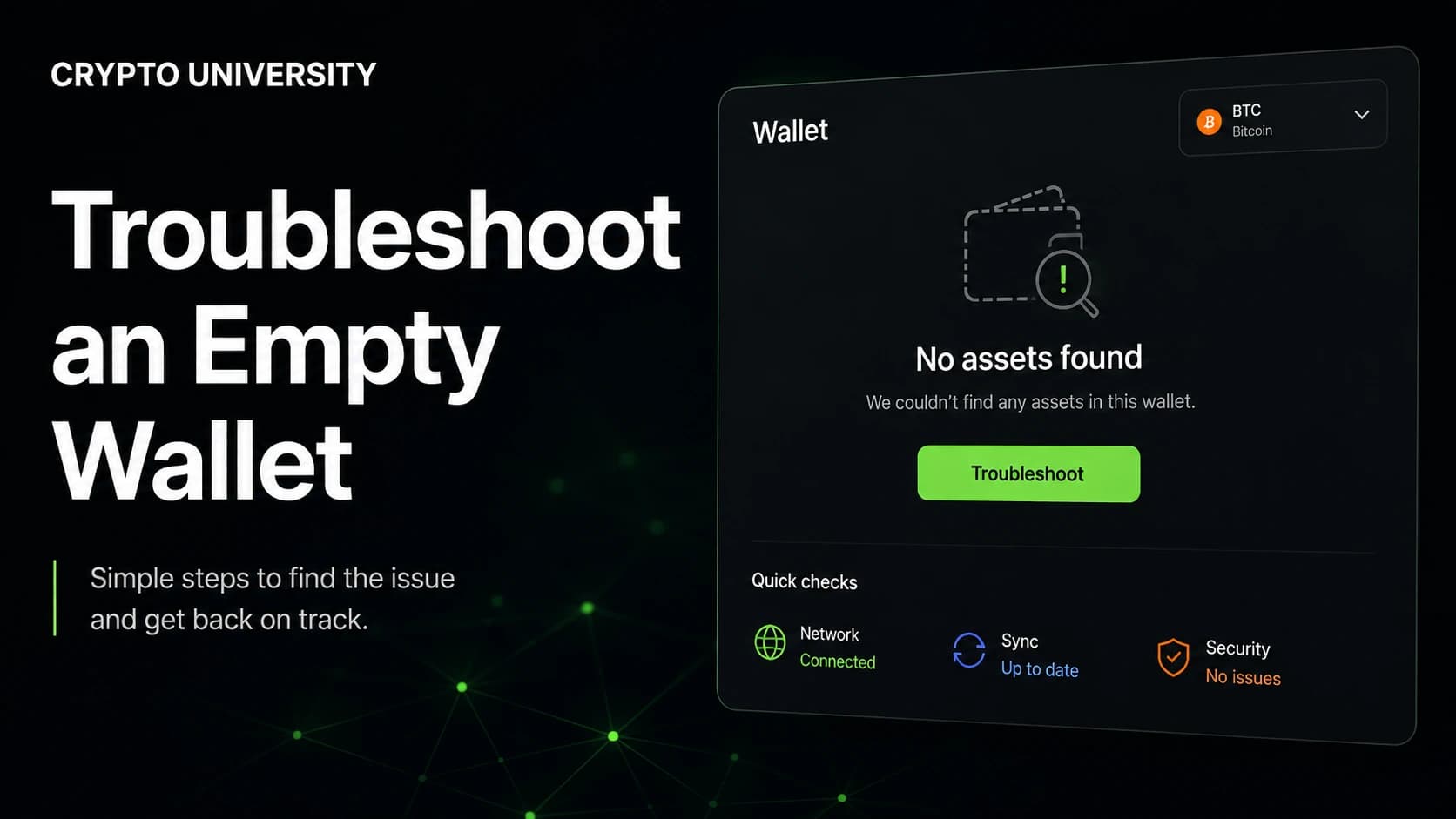
This is common, and it is almost never a real loss. Work through the causes in order.
Accounts have not been added. Wallet software often starts empty. Add each coin account manually and let it scan.
A passphrase was used. A hidden wallet stays hidden until the exact passphrase is entered.
The derivation path is wrong. Different address types come from different branches of the same seed, so the wrong branch shows an empty wallet.
| Standard | Path | Address type | Bitcoin address starts with |
|---|---|---|---|
| BIP44 | m/44'/0'/0' | Legacy | 1 |
| BIP49 | m/49'/0'/0' | Nested SegWit | 3 |
| BIP84 | m/84'/0'/0' | Native SegWit | bc1q |
| BIP86 | m/86'/0'/0' | Taproot | bc1p |
Wallets such as Electrum and Sparrow let you set the path manually. Most wallets built after 2018 default to native SegWit, while older ones defaulted to legacy.
The gap limit stopped the scan. Wallets typically stop looking after twenty unused addresses in a row. Raise the gap limit in a wallet that allows it.
The seed standard is mismatched. A SLIP39 share will not import into a BIP39 only wallet, and an Electrum native seed will not import into a BIP39 wallet either.
If You Do Not Have the Recovery Phrase
This is the section people hope to skip, so it should be plain.
If you lost both the device and the backup, and you never enabled a recovery service in advance, the funds are almost certainly unreachable. A 12 or 24 word phrase represents a number so large that guessing it is not a practical exercise now or with any realistic future hardware. There is no customer service line, no master key, and no override.
The one genuine exception is partial information. If most words survive and only a small part is damaged, unclear, or out of order, advanced offline tools can sometimes search the remaining possibilities. This work can expose every asset derived from the backup: keep it on a disconnected device you control, never send the words to anyone, and move recovered funds to a fresh wallet afterwards.
The Recovery Scam Pattern
Loss makes people easy to target, and a whole fraud industry sits around this moment. Red flags:
- Anyone asking for your recovery phrase, private keys, or remote access to your computer
- Claims of reverse blockchain technology, proprietary hacking tools, or quantum decryption, none of which exist
- Upfront fees, then new fees, then one final fee before release of funds
- Contact that comes to you first, through direct messages, group chats, or comment replies
- Impersonation of exchanges, law firms, or agencies such as the FBI or FTC
- Downloadable seed phrase finder tools, which are typically malware that harvests files and browser passwords
Law enforcement bodies including the FBI have repeatedly warned about fake recovery businesses, including copycat versions of official reporting sites. If you report fraud, type the official address into your browser rather than clicking a sponsored search result.
Reducing the Risk Next Time
Recovery is straightforward when the backup was done properly.
- Test the backup before funding. Restore the phrase on a second device and confirm the same addresses appear.
- Use metal, not paper. Fire and water destroy paper backups routinely.
- Separate the copies. Two locations beat one. A 2-of-3 Shamir setup formalises this.
- Store any passphrase apart from the words, and make sure a trusted person knows a recovery process exists.
- Never photograph or type the phrase. No cloud storage, no password manager, no email to yourself.
- Keep a small hot wallet for experiments so the main backup is rarely handled.
The goal is a setup where losing any single object, the device included, is an inconvenience rather than a disaster.
FAQ
Can the manufacturer recover my wallet if I lost the device? No. Ledger, Trezor, and other manufacturers do not hold your recovery phrase and cannot regenerate it. The only exception is an opt in service such as Ledger Recover, which must be activated before the loss.
Do I have to buy the same brand to restore? Usually not. Standard BIP39 phrases restore on most wallets from any brand. SLIP39 and Shamir backups need a wallet that supports that standard, which is a shorter list.
Can someone drain my wallet using the device they found? Not without your PIN. Devices are PIN protected and wipe themselves after a set number of wrong attempts. The real risk is a stolen recovery phrase, not a stolen device.
Is it safe to restore my phrase into a software wallet on my phone? It is possible, but a phone or computer is a far weaker environment than a dedicated device. If you do it as a temporary measure, treat the phrase as exposed afterwards and move funds to a fresh wallet.
What happens if I only remember some of the words? Recovery may still be possible if very few words are unknown. Difficulty rises sharply with each missing word, and the order matters as much as the words themselves.
Related Terms
- Recovery phrase: the list of words that regenerates every private key in a wallet.
- BIP39: the standard defining how recovery phrases are created and converted into keys.
- SLIP39 (Shamir backup): a standard that splits a backup into multiple shares with a recovery threshold.
- Derivation path: the route from a master seed to a specific set of addresses.
- Passphrase (hidden wallet): an optional extra secret that creates a separate wallet from the same recovery phrase.
Sources
- Trezor, "Recovering a wallet with Multi-share Backup" and "SLIP39 FAQs," trezor.io
- Trezor, "PIN protection on Trezor devices," trezor.io
- Ledger, "What Is Ledger Recover?" and Ledger Support documentation, ledger.com
- Coldcard, "HD Wallets and Bitcoin Derivation Paths," coldcard.com
- Bitcoin Improvement Proposals BIP39, BIP44, BIP49, BIP84, BIP86, github.com/bitcoin/bips
- US Federal Bureau of Investigation public advisories on cryptocurrency recovery fraud, ic3.gov
Device wipe thresholds and wallet compatibility reflect manufacturer documentation available at the time of writing and may change with firmware updates.
Further Reading
- Trezor guides on backup standards and multi-share recovery, trezor.io/guides
- Wallets Recovery, a community reference of default derivation paths by wallet brand, walletsrecovery.org
- The BIP39 specification, for readers who want the underlying mechanics, github.com/bitcoin/bips
Not sure which problem you have?
Use the Fixing Crypto Mistakes hub to identify the transaction, wallet, network, or exchange issue before taking another action.
OPEN TROUBLESHOOTING HUB