Key Takeaways
- A zero balance after a restore usually means the wallet is looking in the wrong place, not that the coins are gone. Your coins live on the blockchain, not inside the app or the device.
- Most cases come down to five things: a missing account, a forgotten passphrase, the wrong derivation path or address type, an unsynced wallet, or the wrong network selected.
- Confirm the situation on a public block explorer before doing anything else. If an old address still holds funds, the problem is a settings issue. Never type your recovery phrase into a website, a form, or a support chat.
Why a Restored Wallet Can Show Zero
Crypto is not stored inside your wallet app or your hardware device. The blockchain holds the record of ownership, and the wallet holds the private keys that prove that record belongs to you. Restoring from a recovery phrase rebuilds those keys on a new device.
A modern wallet is a hierarchical deterministic wallet, usually shortened to HD wallet. It generates a large tree of addresses from one recovery phrase. Settings such as the derivation path, the account number, and the address type decide which branch of that tree the app looks at. Point it at a different branch than the original wallet used and it finds real, valid, completely empty addresses.
That is the whole problem in most recovery panics. The phrase is correct. The branch is wrong.
Step 1: Do Not Panic and Do Not Share Your Phrase
Recovery forums and social media replies are heavily targeted by scammers, so protect yourself before troubleshooting.
- No legitimate wallet company can look up, validate, restore, or synchronise your recovery phrase. They do not have it.
- Anyone offering to check your phrase in a chat, a form, or a "wallet validation" page is trying to steal your funds.
- Do not enter your phrase into a website. Run recovery tools offline only, and understand what they do first.
Step 2: Check a Block Explorer
Look up one of your old receiving addresses on a public explorer for that chain. If you saved an address, a transaction ID, or an old receipt, this takes one minute and answers the biggest question.
| What you see on the explorer | What it means |
|---|---|
| Balance is still there | The coins are fine. You have a wallet settings or derivation issue. |
| Balance left in an outgoing transaction you do not recognise | The wallet may have been compromised. Recovery settings will not bring it back. |
| Address has no history at all | You may be checking an address from a different wallet, chain, or phrase. |
If you do not have an old address saved, work through the steps below anyway, then keep a record next time.
Step 3: Add the Missing Accounts
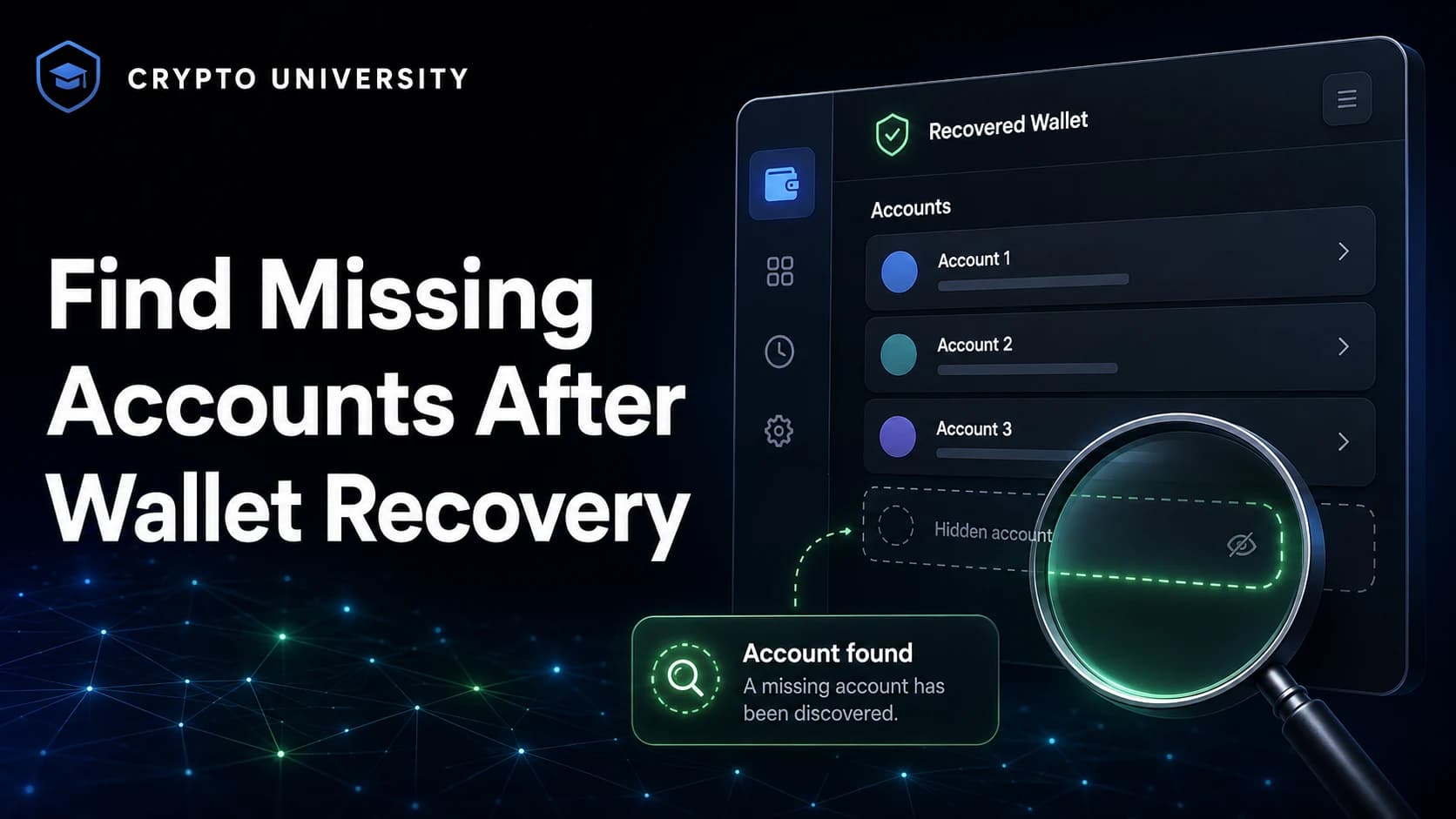
One recovery phrase can generate many accounts. Wallet apps do not always rebuild all of them automatically.
MetaMask, for example, restores accounts in ascending order and adds them while they hold a non-zero main-asset balance on the main network, then stops. An account that only ever held tokens may not be re-added on its own. The fix is to add accounts repeatedly until the missing one appears, since each new account is derived from the same phrase in the same order. Hardware wallet apps behave in a similar way.
Step 4: Check for a Passphrase
A BIP39 passphrase, sometimes called the 25th word or a hidden wallet, is an extra secret added on top of the recovery phrase. It does not unlock the standard wallet. It creates a completely separate one.
Key points to understand:
- Every different passphrase produces a different wallet. There is no "wrong passphrase" error, only a new empty wallet.
- Passphrases are case sensitive, and every character counts, including spaces.
- Trezor documents a maximum length of 50 characters and treats all ASCII characters as valid input.
- If you added funds before enabling a passphrase, an empty passphrase opens the original wallet.
- Neither the device nor the manufacturer stores the passphrase. If it is forgotten, there is no reliable recovery method.
If you ever set one, re-enter it carefully from your written copy, one character at a time, and check the keyboard layout on the device you are using.
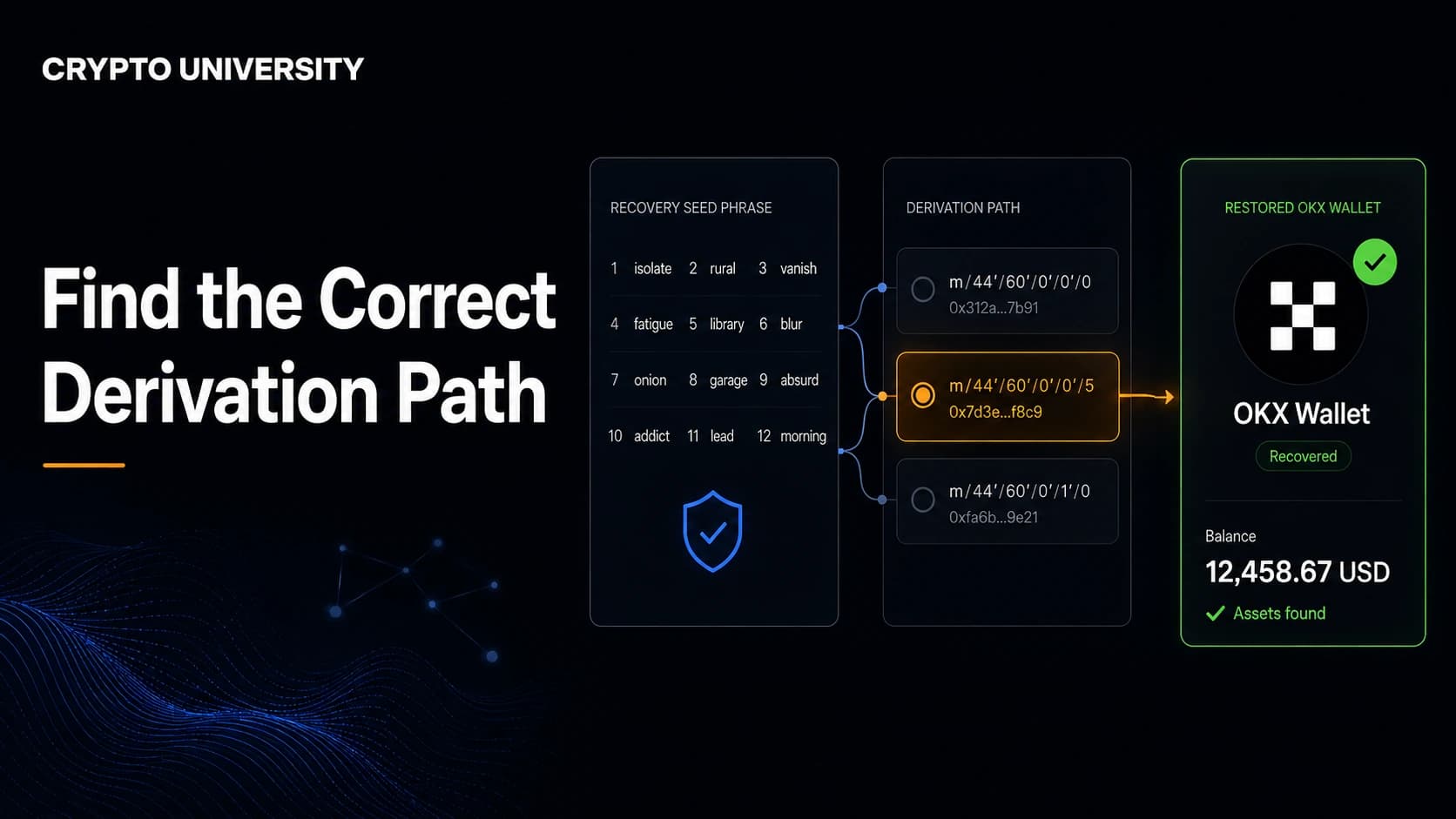
Step 5: Check the Derivation Path and Address Type
This is the most common technical cause. Bitcoin wallets in particular can use several standards, and each one produces a different set of addresses from the same phrase.
| Standard | Path (account 0) | Address type | Starts with |
|---|---|---|---|
| BIP44 | m/44'/0'/0' | Legacy, P2PKH | 1 |
| BIP49 | m/49'/0'/0' | Wrapped SegWit, P2SH | 3 |
| BIP84 | m/84'/0'/0' | Native SegWit, P2WPKH | bc1q |
| BIP86 | m/86'/0'/0' | Taproot, P2TR | bc1p |
The structure is the same in each case: purpose, coin type, account, change, address index. Only the purpose number changes, and that alone sends the wallet down a different branch. Ethereum and EVM wallets commonly use m/44'/60'/0'/0/0, and other chains use their own coin type numbers.
How to work through it:
- Check the first characters of your old address. On Bitcoin that identifies the address type.
- During import, open the advanced or custom derivation path setting in the restoring wallet.
- Try the matching standard first, then the others in turn.
- If the wallet hides the setting, use one that exposes it, such as Electrum or Sparrow for Bitcoin.
- Check the original wallet brand's documentation for its default path.
Step 6: Let the Wallet Sync, and Raise the Gap Limit
A freshly restored wallet may report zero while it is still scanning. Light wallets usually take minutes, full node wallets can take far longer, and a pruned node may skip old history. Check the sync indicator before drawing conclusions.
If part of your balance appears but some is missing, the gap limit may be the cause. The gap limit is the number of consecutive unused addresses a wallet checks before it stops looking, and Electrum documents a default of 20. A deposit that landed beyond that gap stays invisible until the limit is raised. Electrum exposes this in the console with wallet.change_gap_limit(N), and wallets such as Sparrow offer it in settings. Larger values scan more slowly but reach further.
Step 7: Check the Network and Token Visibility
On EVM chains and multi-chain wallets, an empty screen is often a display setting.
- The correct network may not be enabled or added yet. Trezor Suite, for example, reports a wallet as empty when the networks holding your funds are switched off.
- Custom tokens usually have to be added again by contract address after a restore. The balance is on chain either way.
- Check that you are on mainnet and not a test network.
Step 8: Check the Seed Format Itself
Not every recovery phrase is a BIP39 phrase.
| Format | Typical look | Note |
|---|---|---|
| BIP39 | 12, 18, or 24 words | The most widely supported standard |
| SLIP39 | Multiple share sets of 20 or 33 words | Restoring as BIP39 will not work |
| Electrum seed | 12 or 13 words | Electrum's own format, not BIP39 |
If a wallet rejects the phrase outright with an invalid mnemonic or checksum error, that is a different problem: a wrong word, a wrong order, a wrong word count, or a format mismatch. If the wallet accepts the phrase and shows zero, the phrase is mathematically valid and the issue is one of the settings above.
A Checklist in Order of Likelihood
| Order | Check | Time needed |
|---|---|---|
| 1 | Look up an old address on a block explorer | 1 minute |
| 2 | Enable the right network and re-add tokens | 5 minutes |
| 3 | Add missing accounts one by one | 5 minutes |
| 4 | Re-enter any passphrase you used | 5 minutes |
| 5 | Try each derivation path and address type | 15 minutes |
| 6 | Let the wallet finish syncing or rescan | Varies |
| 7 | Raise the gap limit and rescan | 15 minutes |
| 8 | Confirm the seed format | 5 minutes |
How to Avoid This Next Time
Write down more than the words. Record the wallet brand, the derivation path, the address type, the number of accounts you used, and the first receiving address of each. Store any passphrase separately from both the recovery phrase and the device.
Then test the backup. Restore it on a spare device, confirm the first address matches your record, and only then rely on it. A backup you have never tested is an assumption, not a backup.
Frequently Asked Questions
Does a zero balance mean my crypto was stolen? Usually not. Check a block explorer first. If the funds are still sitting at the address and there is no outgoing transaction you did not make, nothing was stolen and the issue is a wallet setting. If there is an outgoing transaction you do not recognise, treat the phrase as compromised and do not send new funds to it.
Can wallet support recover my funds if I get this wrong? No. Self-custody wallets never hold your recovery phrase or passphrase, so support can explain the software but cannot access or restore your wallet. Anyone claiming otherwise is running a scam.
How do I find the derivation path my old wallet used? Start with the address prefix, which tells you the address type on Bitcoin. Then check the original wallet's own documentation, since most publish their default path. Community-maintained reference lists of wallet defaults also exist.
I restored my hardware wallet on a new device. Are my coins inside the old device? No. The device stores keys and signs transactions. The assets stay on the blockchain, so a correct restore on a new compatible device gives you access again.
How long should I wait before assuming something is wrong? Let the wallet finish its initial sync first. Light wallets normally settle within minutes, while full node wallets can take much longer. Only start changing derivation settings after the sync indicator shows the wallet is up to date.
Related Terms
- HD wallet: a wallet that generates a whole tree of addresses from one recovery phrase.
- Derivation path: the route a wallet follows from the seed to a specific set of addresses, written like m/84'/0'/0'/0/0.
- BIP39 passphrase: an optional extra secret that creates a separate hidden wallet from the same recovery phrase.
- Gap limit: how many unused addresses in a row a wallet will check before it stops scanning.
- Block explorer: a public website for viewing addresses, balances, and transactions on a blockchain.
Sources
- Electrum documentation, Frequently Asked Questions, gap limit behaviour: https://electrum.readthedocs.io/en/latest/faq.html
- BIP84 specification, derivation path for native SegWit: https://github.com/bitcoin/bips/blob/master/bip-0084.mediawiki
- Trezor Knowledge Base, what a passphrase is and hidden wallet issues: https://trezor.io/guides/backups-recovery/advanced-wallets/what-is-a-passphrase
- Trezor Support, passphrase and hidden wallet troubleshooting: https://trezor.io/support/troubleshooting/trezor-suite-issues/passphrase-hidden-wallets-issues
- MetaMask Help Center, adding missing accounts after restoring with a Secret Recovery Phrase: https://support.metamask.io/configure/accounts/how-to-add-missing-accounts-after-restoring-with-secret-recovery-phrase/
- Coldcard Learn, HD wallets and Bitcoin derivation paths: https://coldcard.com/learn/how-bitcoin-works/bitcoin-derivation-paths
More Reading
- Bitcoin Improvement Proposals repository for the underlying standards BIP32, BIP39, BIP44, BIP49, BIP84, and BIP86: https://github.com/bitcoin/bips
- Trezor Suite passphrase wallet guide, for how hidden wallets are opened and verified before funding: https://trezor.io/guides/trezor-suite/using-a-passphrase-wallet-in-trezor-suite
- "Mind the Bitcoin Address Gap" by Jameson Lopp, a practical look at how gap limits cause apparently missing balances: https://blog.lopp.net/mind-the-bitcoin-address-gap/
This article is educational and is not financial, legal, or security advice. Verify steps against your wallet's official documentation before acting.
Not sure which problem you have?
Use the Fixing Crypto Mistakes hub to identify the transaction, wallet, network, or exchange issue before taking another action.
OPEN TROUBLESHOOTING HUB