Key Takeaways
- Networks are separate systems. A token that exists on Ethereum does not automatically exist on BNB Smart Chain or Tron, even when the receiving address looks identical.
- Most wrong network mistakes can be confirmed in about two minutes. You only need the transaction ID and the correct block explorer to see which chain the transfer actually settled on.
- Recovery depends on who controls the receiving address. If you control the private key, the funds are usually still reachable. If an exchange or a smart contract controls it, the outcome depends on their policy or on the contract code.
What "Network" Actually Means When You Send Crypto
Every crypto transfer has two separate parts: the asset you are sending and the network it travels on. Beginners often check only the first one.
Tether (USDT) is the clearest example. USDT is issued on many different blockchains. The version on Ethereum, the version on Tron, and the version on BNB Smart Chain share a name and a price, but they are different tokens on different ledgers. They are not interchangeable in transit. If you send the Tron version to an address that is only monitored on Ethereum, nothing arrives, even though your wallet says the transfer succeeded.
| Network | Common token label | Address format | Native gas token |
|---|---|---|---|
| Ethereum | ERC-20 | 0x followed by 40 characters | ETH |
| BNB Smart Chain | BEP-20 | 0x followed by 40 characters | BNB |
| Tron | TRC-20 | Starts with T | TRX |
| Solana | SPL | Base58, roughly 32 to 44 characters | SOL |
| Polygon PoS | ERC-20 style | 0x followed by 40 characters | POL |
| Arbitrum One | ERC-20 style | 0x followed by 40 characters | ETH |
Notice the pattern. Chains that use the Ethereum Virtual Machine (EVM) all share the same address format, which is exactly why the mistake is so common.
Why the Same Address Can Exist on Several Chains
An address on an EVM chain is derived from your private key, not from the chain. The same key produces the same 0x address on Ethereum, BNB Smart Chain, Polygon, Arbitrum, Base, Optimism, and Avalanche C-Chain.
This has two consequences worth understanding:
- Bad news: nothing stops you from sending to a valid address on the wrong chain. The transaction is technically correct, so no error is shown.
- Good news: if you hold the private key or seed phrase for that address, your funds are usually still under your control. They are simply sitting on a chain you were not looking at.
Non-EVM chains behave differently. Sending a Bitcoin transaction to a Tron address is normally blocked by the wallet because the address format fails validation. That check is a useful safety net, but it does not exist between EVM chains.
Check Before You Send: A 60 Second Routine
Prevention is far cheaper than recovery. Run this short routine every time.
- Read the receiving side first. Whether it is an exchange deposit page or a friend's wallet, note both the asset and the network label, for example "USDC (Base)".
- Match the network on the sending side. Exchanges and wallets show a network selector. Select the exact same label. Do not assume the default is right.
- Compare address formats. A 0x address on the receiving side and a T address on the sending side is an immediate stop signal.
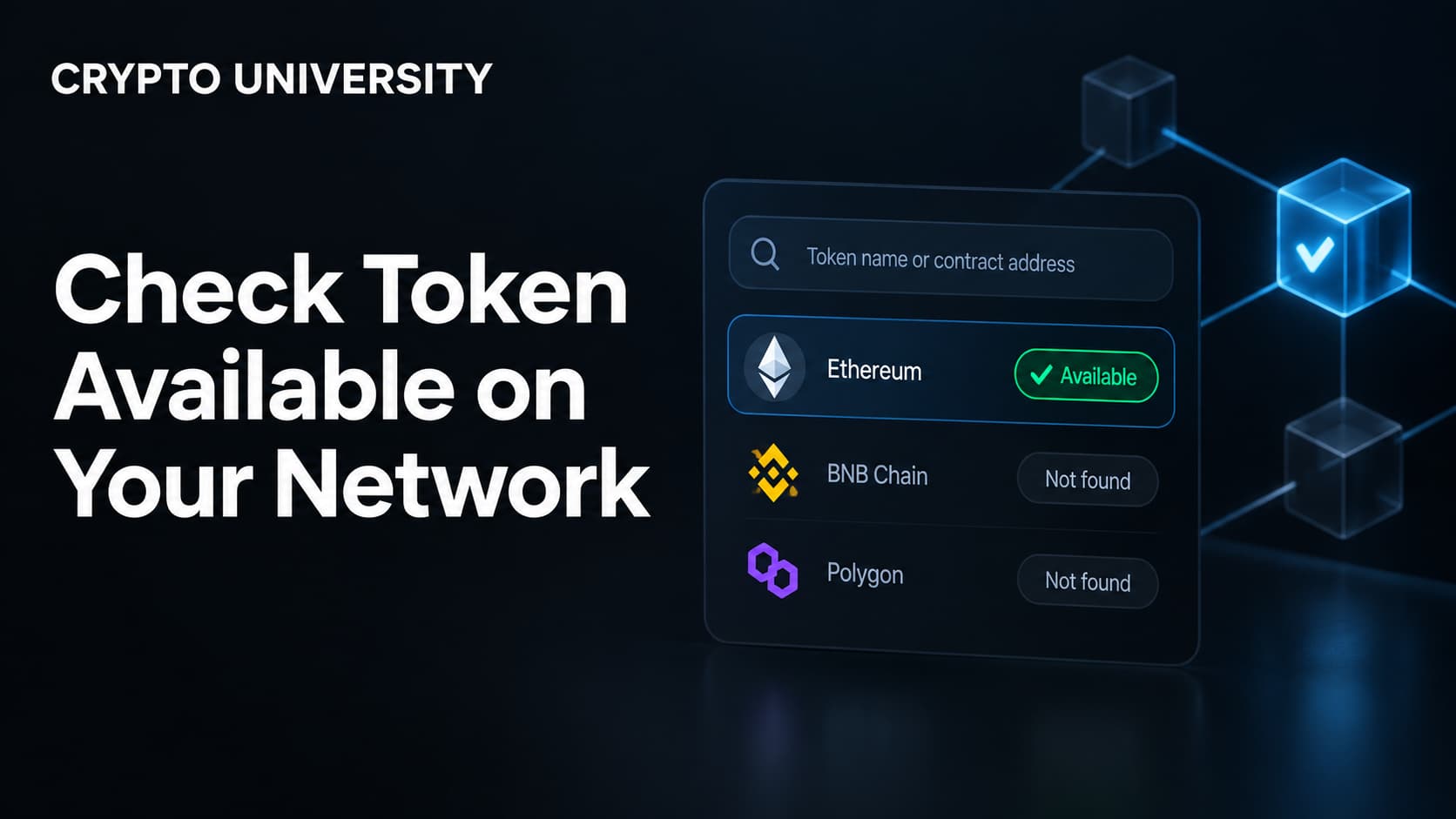
- Confirm the destination supports that network. Exchanges only credit networks they list. If the network is not in the dropdown, they may not credit it at all.
- Check the fee currency. If a wallet asks you to pay gas in BNB, you are on BNB Smart Chain, not Ethereum. The fee token tells you the chain.
- Send a small test amount first for any new address, large transfer, or unfamiliar network. Wait for it to arrive before sending the rest.
How to Confirm Which Network Your Wallet Is On
Self-custody wallets identify chains with a number called a chain ID. It appears in wallet network settings and in the network details of any custom RPC. If the chain ID does not match the chain you expected, you are on the wrong network.
| Network | Chain ID | Gas token | Block explorer |
|---|---|---|---|
| Ethereum mainnet | 1 | ETH | Etherscan |
| Optimism | 10 | ETH | Optimistic Etherscan |
| BNB Smart Chain | 56 | BNB | BscScan |
| Polygon PoS | 137 | POL | Polygonscan |
| Base | 8453 | ETH | Basescan |
| Arbitrum One | 42161 | ETH | Arbiscan |
| Avalanche C-Chain | 43114 | AVAX | Snowtrace |
Common warning signs that a wallet or app is on the wrong network:
- Your token balance shows as zero even though you know you hold it
- The token does not appear in the asset list at all
- The gas fee is quoted in an unexpected currency
- A decentralized application shows an "unsupported network" or "switch network" prompt
- The estimated fee is far higher or far lower than you expected for that chain
How to Check After You Have Already Sent
If a transfer has not arrived, do not repeat it. Investigate first.
Step 1: Find the transaction ID. Also called a TXID or transaction hash, it is in your wallet history or in the withdrawal record of the exchange you sent from.
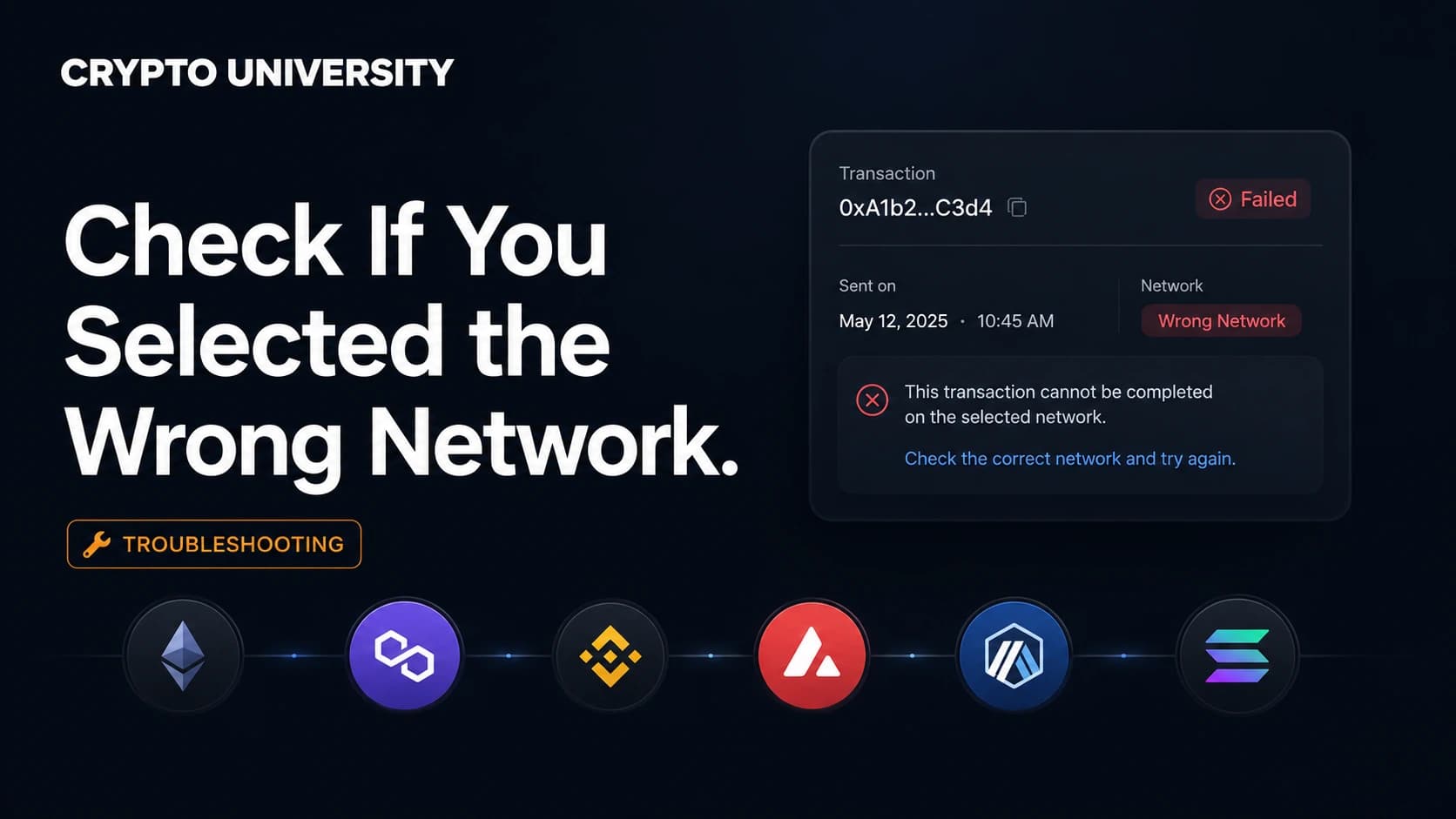
Step 2: Search it on the explorer for the chain you intended to use. For example, paste it into Etherscan if you believed you sent on Ethereum.
Step 3: Read the result.
| What the explorer shows | What it means | What to do next |
|---|---|---|
| Transaction not found | The transfer settled on a different chain | Try the explorers for other likely chains, especially BNB Smart Chain, Polygon, Arbitrum and Base |
| Confirmed, correct address, correct token | The network was right. The delay is elsewhere | Check the receiving platform's crediting time and deposit status page |
| Confirmed, but the token contract is unfamiliar | You sent a bridged or lookalike version of the token | Compare the contract address against the issuer's official documentation |
| Confirmed, but the receiver is a contract address | Funds went to a token contract, not a wallet | Recovery is usually not possible |
| Confirmed, no memo or tag attached | The chain required one | Contact the receiving platform immediately with the TXID |
Step 4: Check the receiving address type. Explorers label whether an address is a normal wallet or a smart contract. That single label often decides whether recovery is realistic.
The Memo and Destination Tag Problem
Some networks route deposits using an extra identifier attached to the transaction. Missing it produces the same result as choosing the wrong network: the transaction confirms, but nothing is credited.
Networks that commonly require a memo, tag, or note include XRP, Stellar, Cosmos, Hedera, and TON. If a deposit page shows a memo field, treat it as mandatory.
What Is Usually Recoverable
| Situation | Typical outcome |
|---|---|
| EVM to EVM, you hold the seed phrase | Recoverable. Add the correct network in your wallet and the balance appears. You may need to add the token contract manually and fund the address with a small amount of the native gas token |
| Sent to an exchange on an unsupported network | Sometimes recoverable through the exchange's deposit recovery process. Not guaranteed, often subject to a fee and a review period |
| Sent to a token contract address | Usually permanent loss |
| Withdrawn from an exchange to a wrong external address | The exchange normally cannot reverse this |
| Missing memo or destination tag on an exchange deposit | Often recoverable through support with the TXID |
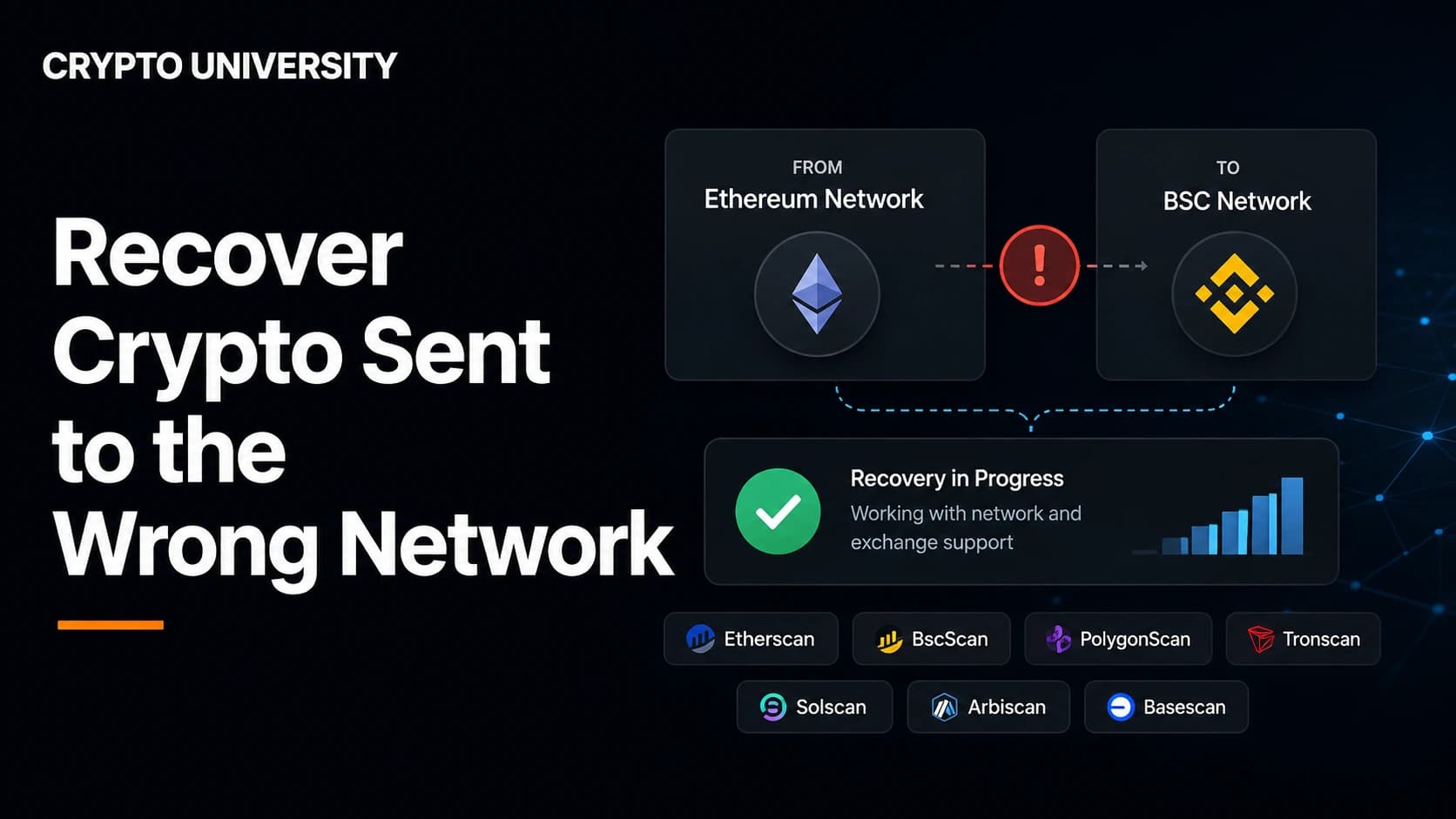
Major exchanges publish their own procedures. Binance operates a self-service recovery flow that requires the transaction hash and states that success is not guaranteed. Coinbase offers an asset recovery tool that walks you through selecting the network, entering the transaction ID, connecting a self-custodial wallet, and reviewing the associated fees before completing the transfer. Always read the current help page for the platform you used, because supported assets and fees change.
Be Careful With "Recovery Services"
Searches about lost crypto attract fraud. Treat these as red flags:
- Anyone asking for your seed phrase or private key
- Accounts that message you first after you post about a lost transfer
- Upfront payment demanded before any work is done
- Phone numbers or agents claiming to be official exchange support outside the official app or website
Legitimate recovery, when it exists, happens inside the exchange's own support system or through your own wallet.
Building a Habit That Prevents This
Save each verified address in an address book with the network written into the label. Send a test amount for anything new. Keep a small balance of the native gas token on every chain you use, because a stranded token still needs gas to move. These three habits remove most of the risk.
FAQ
Can a blockchain transaction be reversed if I picked the wrong network? No. Confirmed transactions are final. What varies is whether the party who controls the receiving address can move the funds back to you.
My exchange shows the deposit as missing but the explorer shows it confirmed. What now? That combination usually means the network was unsupported, the memo was missing, or the token contract is not the one the exchange credits. Submit a support or recovery request with the TXID rather than sending again.
Are ERC-20 and BEP-20 versions of a token the same thing? No. They share a name and a price reference but are separate tokens on separate ledgers. Moving between them requires a bridge or a trade.
Why does my wallet show nothing after I added the correct network? Custom tokens are not always detected automatically. Add the token contract address manually, and make sure you have a small amount of the native gas token for fees.
Is a test transaction worth the extra fee? On low fee networks it costs a fraction of a cent. Compared with the cost of an unrecoverable transfer, it is one of the cheapest checks in crypto.
Related Terms
- Chain ID: the numeric identifier that uniquely distinguishes one EVM network from another.
- TXID: the unique hash that identifies a transaction on a blockchain.
- Block explorer: a public search tool for reading blockchain data such as transactions, addresses, and contracts.
- Native gas token: the asset used to pay transaction fees on a given network, such as ETH on Ethereum or BNB on BNB Smart Chain.
- Destination tag or memo: an extra identifier some networks require so a shared deposit address can route funds to the correct account.
Sources
- Binance Support, "How to Retrieve a Deposit That Hasn't Arrived With Self-Service Recovery": https://www.binance.com/en/support/faq/how-to-retrieve-a-deposit-that-hasn-t-arrived-with-self-service-recovery-4d1347b4d6d44564ba44ea785703a4fd
- Coinbase Help, "Recover unsupported crypto": https://help.coinbase.com/en/coinbase/trading-and-funding/sending-or-receiving-cryptocurrency/recover-unsupported-crypto
- Polygon, "MATIC to POL Migration Is 99% Complete": https://polygon.technology/blog/matic-to-pol-migration-is-99-complete-everything-you-need-to-know
- Ethereum documentation, networks and chain identifiers: https://ethereum.org/en/developers/docs/networks/
Further Reading
- Ethereum.org, "Bridges": an explanation of how assets move between networks and what risks bridging introduces.
- Binance Academy, "What Is a Block Explorer and How Does It Work": a beginner walkthrough of reading transaction data.
- Coinbase Learn, "What is a crypto wallet": background on seed phrases, private keys, and why one key can control addresses on several chains.
Disclaimer: This article is educational content. It is not financial, investment, tax, or legal advice. Network behaviour, fees, and explorer interfaces change over time, so verify current details against official documentation before relying on them.
Not sure which problem you have?
Use the Fixing Crypto Mistakes hub to identify the transaction, wallet, network, or exchange issue before taking another action.
OPEN TROUBLESHOOTING HUB