Key Takeaways
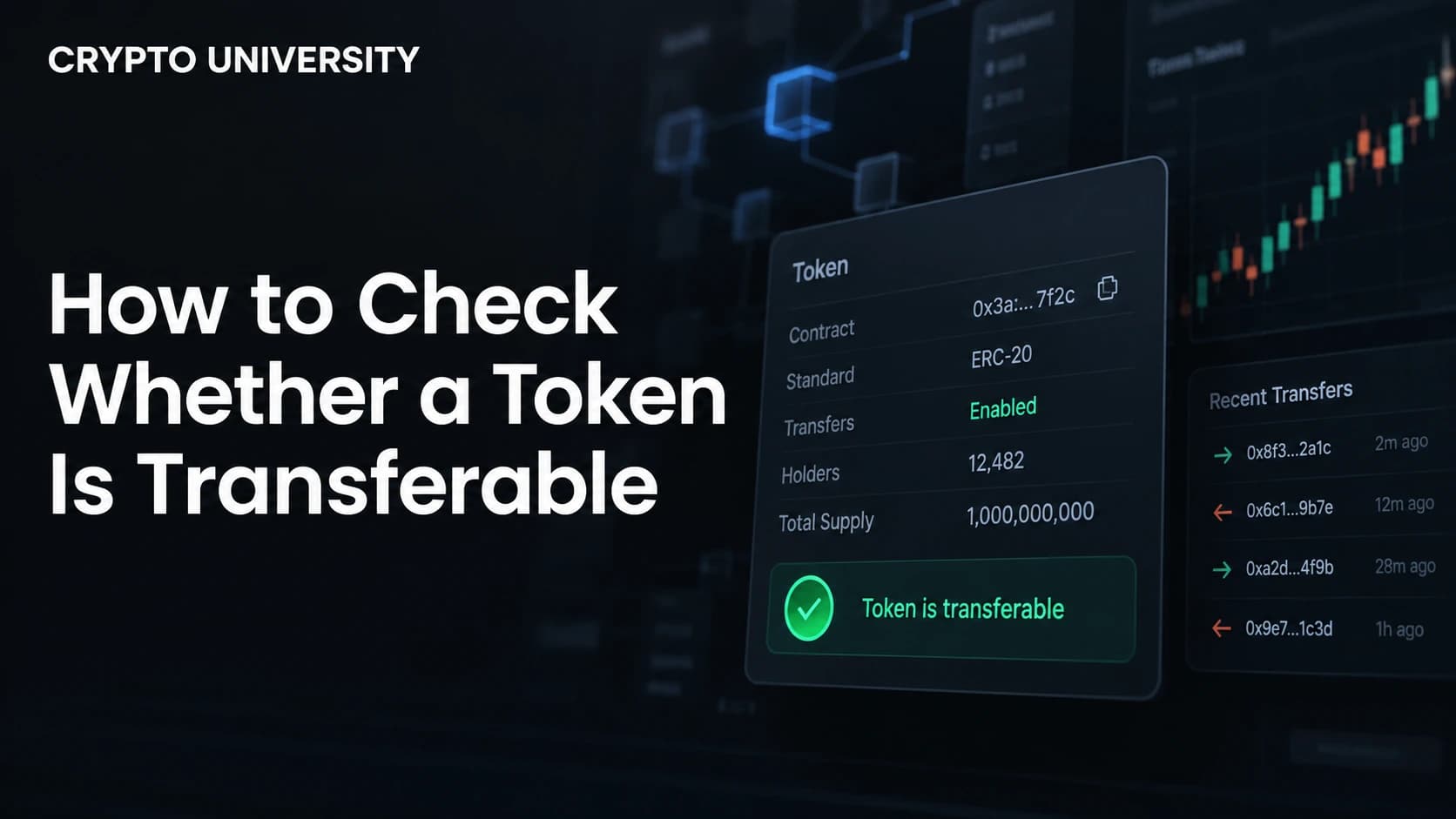
- A token being visible in your wallet does not mean it can be moved. Transferability is decided by the token contract or the token mint, not by the wallet app.
- Most transfer blocks come from a small set of causes: soulbound design, frozen or blacklisted accounts, paused contracts, compliance whitelists, vesting locks, and honeypot scam code.
- You can check transferability in minutes using a block explorer, a free token security scanner, and a small test transaction, but no check is permanent because many contracts can be changed later by their owner.
What "Transferable" Actually Means
A transferable token is one you can send from your address to another address without the transaction failing. On Ethereum and other EVM chains, this is handled by the transfer and transferFrom functions in the token contract. On Solana, it is handled by the token program that controls the mint.
The important idea for beginners is this: your wallet is only a viewer and a signer. It shows a balance and it signs transactions. It does not control the rules. The rules live in the smart contract or the mint account. If those rules say no, the transaction reverts and your tokens stay where they are, even though the balance still appears on screen.
Non-transferability is not always a scam. Some of it is intentional and useful. Certificates, credentials, membership passes, and regulated securities are often designed to stay with one holder on purpose. The problem is when a holder does not know which category their token falls into.
Why a Token Might Not Be Transferable
| Cause | What it looks like | Common context |
|---|---|---|
| Soulbound or non-transferable by design | Every transfer reverts for everyone | Credentials, badges, proof of attendance, reputation tokens |
| Frozen or blacklisted account | Transfers work for others but not for one address | Stablecoins, sanctioned or flagged wallets |
| Paused contract | All transfers stop at the same time | Emergency response, exploits, upgrades |
| Compliance whitelist | Transfer works only between approved wallets | Tokenized securities and real world assets |
| Vesting or staking lock | Balance is held by a locking contract, not by you | Team allocations, airdrop lockups, staked positions |
| Honeypot code | Buying works, selling fails | Scam tokens on decentralized exchanges |
| Transfer fee or hook logic | Transfer succeeds but behaves unexpectedly | Tokens with taxes or custom transfer programs |
| Wrong network or wrong token account | Transaction fails or funds appear missing | User error after bridging or copying an address |
The last row matters more than people expect. A large share of "my token will not move" reports are not restrictions at all. They are the result of holding a bridged version of a token on a chain where no liquidity exists, or paying gas in the wrong asset.
Step 1: Identify the Exact Contract Address
Start with the contract address, not the token name. Names and symbols can be copied freely, and fake versions of well known tokens are common.
Get the address from the project documentation, from a major data aggregator, or from the token page your wallet links to. Then paste it into the relevant block explorer. On Ethereum that is Etherscan, on BNB Chain it is BscScan, on Solana it is Solscan or Solana Explorer. Confirm that the holder count, the transfer history, and the official links look consistent with the project you think you are dealing with.
Step 2: Read the Contract on EVM Chains
Open the contract page on the explorer and check whether the source code is verified. Unverified code is a warning sign on its own, because nobody outside the deployer can see what the transfer logic does.
If the code is verified, look for these patterns.
| What to look for | Why it matters |
|---|---|
paused or whenNotPaused | An owner can stop all transfers at any time |
blacklist, isBlackListed, blocked | An owner can stop a specific address from sending or receiving |
whitelist, isVerified, canTransfer | Transfers are limited to approved identities |
onlyOwner on transfer related settings | Rules can be changed after you buy |
maxTxAmount, maxWallet, cooldown | Limits on how much can move and how often |
| Proxy or upgradeable pattern | The logic you read today can be replaced tomorrow |
Two shortcuts are useful. In the Read Contract tab you can call view functions directly without spending gas. For example, calling paused returns true or false, and calling a blacklist function with your own address tells you whether you are blocked.
For NFTs, there is a formal standard. EIP-5192 defines a minimal interface for soulbound tokens with a locked(tokenId) function, and a contract implementing it must return true when supportsInterface is called with the interface ID 0xb45a3c0e. If a collection supports that interface and reports a token as locked, the token is intentionally non-transferable.
For regulated assets, the pattern is different again. ERC-3643, formerly known as T-REX, is a permissioned token standard where the token contract runs eligibility checks before any balance moves, typically calling isVerified on an identity registry and canTransfer on a compliance contract. A transfer to an unapproved wallet is supposed to fail. That is the design working correctly, not a bug.
Step 3: Check the Mint on Solana
Solana tokens do not usually hide restrictions inside custom contract code. The restrictions sit in the mint account's authorities and extensions, which makes them faster to check.
| What to check | Meaning |
|---|---|
| Freeze authority | Whoever holds it can freeze a token account, after which the tokens cannot be sold or transferred |
| Mint authority | New supply can be created at any time |
| Non-transferable extension | A Token-2022 mint extension that creates soulbound tokens which cannot be transferred to other accounts |
| Default account state | A mint can be created so that every new token account starts frozen until the issuer thaws it |
| Transfer hook | Custom program logic that runs on every transfer, which can enforce allowlists or other conditions |
| Transfer fee | A percentage is taken on each transfer |
Context decides whether a flag is bad. Freeze authority is expected on regulated stablecoins, which retain it for sanctions compliance and fraud recovery, but it is a serious warning sign on a memecoin because the deployer could freeze buyer wallets before selling.
Step 4: Use a Token Security Scanner
Automated scanners save time, especially for newly launched tokens. Treat them as a first filter, not as a verdict.
| Tool type | What it checks | Limitation |
|---|---|---|
| Token security APIs such as GoPlus | Honeypot status, buy and sell taxes, owner privileges such as mint, blacklist, whitelist and pausable transfers, plus proxy and open source status | Coverage varies by chain and new tokens may not be indexed |
| Honeypot simulators | Simulate a buy and a sell transaction to determine whether a token traps buyers | Only tests the path it simulates, on the pool it picks |
| Solana risk scanners such as RugCheck | Authority status, holder concentration, liquidity locks | Scores are opinions, not audits |
| Transaction simulators such as Tenderly | Whether your specific transfer would succeed | Reflects current state only |
| Wallet warnings | Known scam lists and simulation previews | Reactive and incomplete |
Step 5: Simulate or Test Before You Commit
The most reliable check is the one that matches what you actually plan to do.
- Simulate first. Many wallets and explorer tools preview the result of a transaction before you sign it. A simulation that reverts is a clear signal.
- Send a small test amount. Move a tiny quantity to a second address you control. Pay attention to gas cost, since some restricted tokens consume unusually high gas or fail late.
- Test the exit, not just the entry. For traded tokens, being able to transfer is not the same as being able to sell. Test a small sell if selling is your goal.
- Check other holders. On the explorer, look at recent transfers. If dozens of buys appear with almost no sells, treat that as a red flag.
What These Checks Cannot Tell You
Be honest about the limits.
- Rules can change. If the contract is upgradeable or the owner keeps privileged functions, a token that is transferable today can be paused or restricted tomorrow.
- Clean code is not a clean project. Transferability says nothing about liquidity, team quality, or long term value.
- Scanners disagree. Different tools use different heuristics, so a green score on one site and a warning on another is normal.
- Restrictions can be legal. Compliance driven freezes exist and have been used. The first publicly reported USDC blacklisting took place in June 2020, when the issuer froze an address in response to a law enforcement request.
Nothing in this guide is financial advice. It is a research process for understanding how a token behaves before you rely on it.
FAQ
Can a token be non-transferable on purpose? Yes. Soulbound tokens, certificates, membership passes, and many compliance tokens are designed to stay with one holder. This is a feature, not a defect, and standards exist specifically so wallets can detect it.
Why does my token show a balance but fail to send? The balance display comes from reading the contract, while sending requires the contract to approve the transfer. A frozen account, a paused contract, a blacklist entry, or a missing gas asset can all block the transaction while the balance still appears.
Is a token with a blacklist function always a scam? No. Major regulated stablecoins include freeze and blacklist functions for legal compliance. The question is who controls the function, whether that control is disclosed, and whether it fits the type of asset.
What is the fastest single check I can run? For EVM tokens, run a security scanner and then confirm the flags on the explorer. For Solana tokens, check whether freeze authority is renounced and whether any restrictive Token-2022 extensions are present.
Does a locked staking position mean my token is non-transferable? Usually not. In most staking systems, the token itself remains transferable, but your specific balance has been deposited into a contract until the lock expires.
Related Terms
- Soulbound token: A token permanently bound to one account and not designed to be transferred.
- Freeze authority: The Solana permission that allows a designated party to freeze a token account.
- Honeypot token: A token that allows buying but blocks selling for ordinary holders.
- Pausable contract: A contract that includes a switch to halt transfers across all holders.
- Permissioned token: A token that only allows transfers between wallets that pass identity or compliance checks.
Sources
- Ethereum Improvement Proposals, "ERC-5192: Minimal Soulbound NFTs" (ercs.ethereum.org and eips.ethereum.org)
- QuickNode, "ERC-3643 Guide to Permissioned Tokens" (quicknode.com)
- Solana Documentation and Chainstack, Token-2022 extension guides covering non-transferable mints and default account state
- Neodyme, "SPL Token-2022: Don't shoot yourself in the foot with extensions" (neodyme.io)
- GoPlus token security API documentation, token security and honeypot check fields
- DEXTools, "How to Check If a Token Is a Honeypot" tutorial (dextools.io)
- The Block, coverage of the first reported USDC address blacklisting, July 2020 (theblock.co)
More Reading
- How to Troubleshoot an Empty Wallet After Restoring It
- How to Check Whether You Imported the Correct Wallet
- How to Restore a Crypto Wallet on a New Device
This article is educational and factual. It is not financial advice and contains no price predictions. Figures cited from third party tools are point in time estimates that change continuously.
Not sure which problem you have?
Use the Fixing Crypto Mistakes hub to identify the transaction, wallet, network, or exchange issue before taking another action.
OPEN TROUBLESHOOTING HUB