Key Takeaways
- The display name means nothing. Anyone can put "Coinbase Security" or "Binance Support" in the sender name field. Only the full email address, the sending domain, and the message headers carry evidence.
- Authentication results are a filter, not a verdict. A message that fails SPF, DKIM, or DMARC is almost certainly fake, but a message that passes all three can still be a scam sent from a domain the attacker owns.
- Never act inside the email. Close it, open the exchange app or type the official web address by hand, and check whether the alert, request, or withdrawal actually exists in your account.
Why Exchange Impersonation Emails Work
Fake exchange emails are effective because they arrive at a believable moment: after a login, after a withdrawal, or during a period of market volatility. They copy the real brand's logo, footer, and tone, and they usually ask for one small action such as "confirm your identity" or "cancel this withdrawal."
The scale is documented. In its 2025 Internet Crime Report, the FBI's Internet Crime Complaint Center recorded 1,008,597 complaints and roughly $20.8 billion in reported losses, with phishing and spoofing the single most reported crime type at 191,561 complaints. Complaints with a cryptocurrency element totalled 181,565 and more than $11 billion in reported losses.
These emails are also better targeted than they used to be. In May 2025, Coinbase disclosed in a filing with the US Securities and Exchange Commission that criminals had bribed overseas customer support contractors to copy customer records. Names, addresses, phone numbers, email addresses, masked bank details, and government ID images were taken for a small share of users. No passwords, private keys, or funds were accessed, but Coinbase stated the goal of the attackers was to build a contact list they could use while pretending to be Coinbase.
That is the practical lesson. An email that already knows your name, your city, and your approximate balance is not proof of authenticity. It may simply mean the sender bought your leaked data.
Step 1: Slow Down Before You Touch Anything
Urgency is the attacker's main tool. Almost every fraudulent exchange email carries a deadline, a suspension threat, or a withdrawal you did not make.
Opening an email is generally low risk. Clicking links, opening attachments, scanning QR codes, and calling phone numbers inside the email are where the damage begins. Real security alerts remain valid five minutes later.
Step 2: Read the Full Sender Address, Not the Display Name
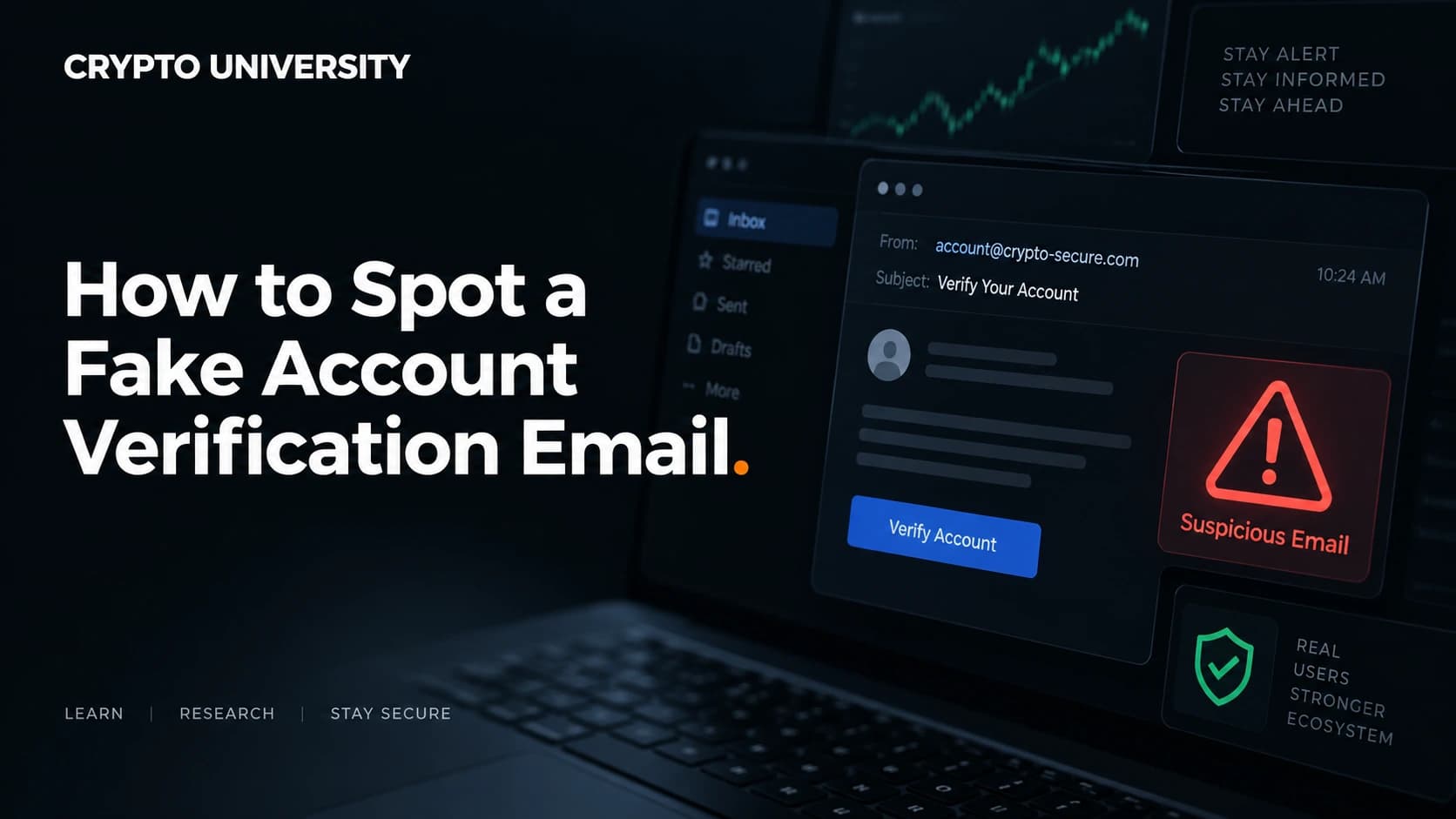
The sender name is free text chosen by whoever sent the message. Expand the header in your email client and read the actual address after the "@" symbol.
Work from right to left. The registrable domain is the part immediately before the top level domain, such as the "binance" in mail.binance.com. Everything to the left of it can be invented by the sender.
| Trick | Example pattern | Why it fools people |
|---|---|---|
| Subdomain bait | binance.security-check.net | The brand appears first, so the eye stops reading early |
| Extra word | coinbase-support.com | Looks like an official support division |
| Character swap | krakem.com, binancc.com | A single letter is easy to miss at small font sizes |
| Top level domain swap | kraken.app, coinbase.info | The name is correct but the domain is not the official one |
| Punycode homograph | An address starting with xn-- | Non-Latin characters that render as familiar letters |
Also check the Reply-To field. A common pattern is a convincing From address paired with a Reply-To address on a free mail provider or a throwaway domain.
Step 3: Open the Raw Headers and Read the Authentication Results
Every email carries technical headers your client hides by default.
- Gmail: open the message, click the three dot menu, choose "Show original"
- Outlook web: three dot menu, then "View", then "View message source"
- Apple Mail: View, then Message, then Raw Source
- Thunderbird: View, then Message Source
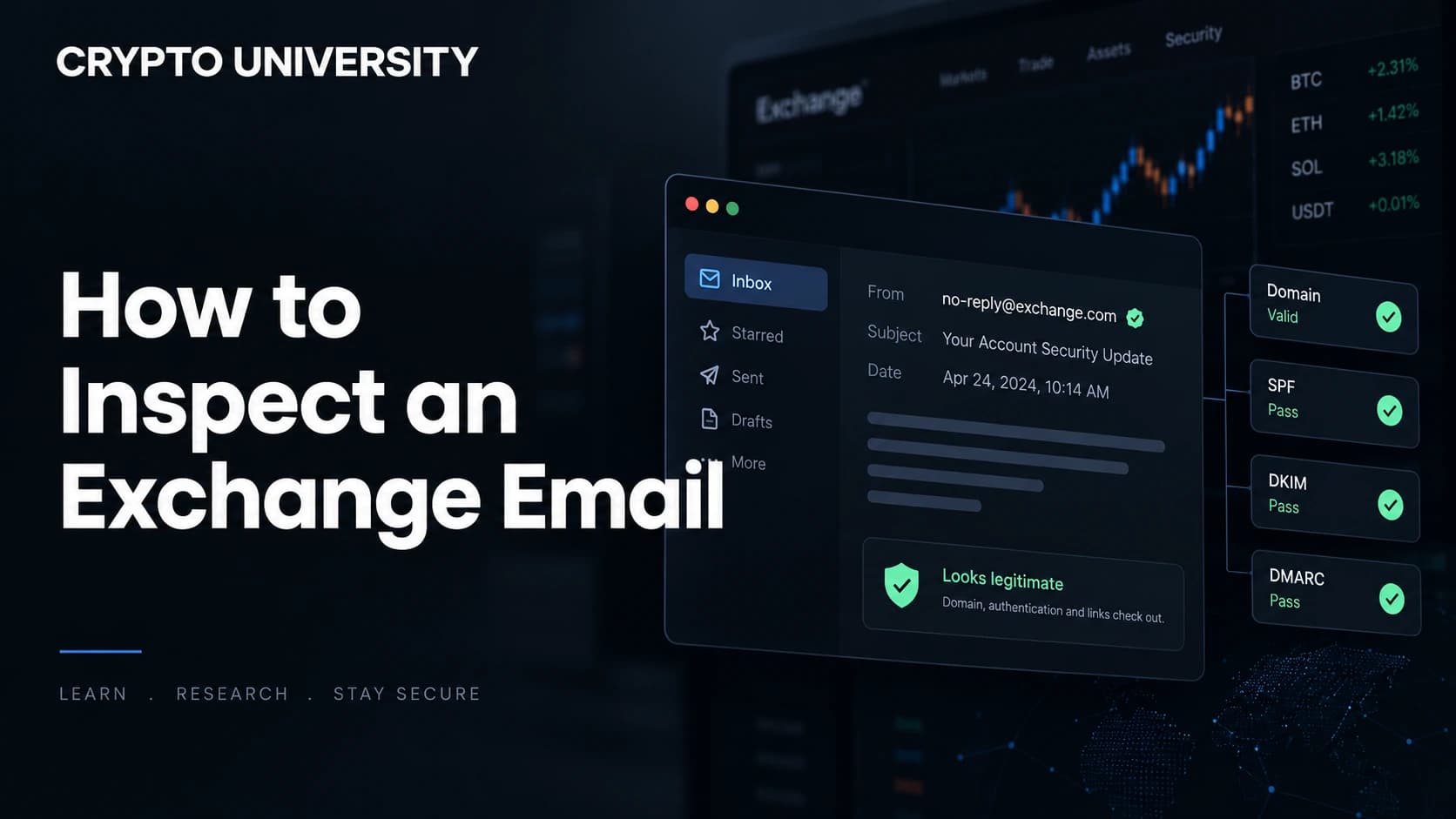
The header to find is Authentication-Results, which is stamped by your own mail provider.
| Header | What it means | What to check |
|---|---|---|
From | The visible sender identity | Does the domain match the exchange's official domain? |
Return-Path | The envelope sender used for SPF checks | A mismatch with From is worth a second look |
Authentication-Results | Your provider's SPF, DKIM, and DMARC verdicts | Look for dmarc=pass and the domain in header.from |
Received | The chain of servers that handled the message | Read from the bottom up to see the true origin |
Reply-To | Where your reply is actually sent | Should sit on the same official domain |
In plain terms:
- SPF checks whether the sending server was authorised to send for that domain.
- DKIM checks a cryptographic signature proving the message was not altered and came from the signing domain.
- DMARC ties the two together and requires them to align with the visible From domain.
| Result | Reasonable reading |
|---|---|
dmarc=fail or spf=fail on a major exchange domain | Treat as fake. Large exchanges publish strict policies |
| All checks pass, but on a lookalike domain | Fake. The attacker authenticated their own domain correctly |
| All checks pass on the official domain | Consistent with a real email, but still verify the request in-app |
That last row matters. Authentication proves which domain sent the message. It does not prove the message is honest.
Step 4: Inspect Links Without Clicking Them
On desktop, hover over a link and read the status bar. On mobile, press and hold to preview the destination. Never tap first and read later.
Compare the visible link text with the real destination. Text can read coinbase.com while the link points anywhere. Watch for URL shorteners and login pages hosted on cloud storage or form building services.
Buttons deserve the same treatment. "Cancel this withdrawal" is the most productive button in modern crypto phishing because it converts fear into a click.
QR codes are links in visual form. Treat any code promising verification or account recovery as a link you cannot inspect.
Step 5: Look for Account Specific Proof
Many exchanges let you set an anti-phishing code, a private word or phrase that is inserted into every genuine email they send you. Binance, for example, offers this feature and has extended it to SMS. If you have set a code and the email does not contain it, the email is not genuine. If it contains the wrong code, the same conclusion applies.
Step 6: Judge the Request Itself
Some requests are illegitimate regardless of how perfect the email looks.
| The email asks you to | Verdict |
|---|---|
| Share a seed phrase or recovery phrase | Always fraud. No exchange needs it |
| Provide a password or a two factor code | Always fraud |
| Move funds to a "safe" or "vault" wallet | Always fraud. This is the standard support impersonation script |
| Install remote access software | Always fraud |
| Approve a wallet signature to "verify" or "unlock" | Almost always a wallet drainer |
| Confirm a withdrawal within minutes | Manufactured urgency, verify in-app instead |
Wallet drainer phishing remains a live category even as it shrinks. Security firm Scam Sniffer reported that signature based phishing losses across EVM chains fell to about $83.85 million in 2025 across roughly 106,000 affected wallets, down from about $494 million in 2024.
Step 7: Verify Through a Channel You Control
This is the step that makes the previous six optional. Close the email. Open your exchange app, or type the official domain into your browser by hand, or use a bookmark you created yourself. Then check your notification centre, security log, and withdrawal history.
If the event is real, it will appear in your account. If it does not appear, the email was fake and no further analysis is needed.
If You Already Clicked
- Do not enter anything else on the page. Close it.
- From a separate, trusted device or a clean browser session, sign in to your exchange and change your password.
- Reset two factor authentication and revoke active sessions and API keys.
- Review withdrawal address whitelists and remove anything unfamiliar.
- If you connected a self custody wallet, revoke token approvals and move assets to a new wallet if a signature was approved.
- Report the email to the exchange's official fraud reporting page, and to your national cybercrime body such as IC3 in the United States.
Frequently Asked Questions
Can a fake email really show the exchange's exact domain in the From field? It can be attempted, but whether it reaches your inbox depends on the brand's DMARC policy and your provider's enforcement. Most major exchanges publish strict policies, which is why lookalike domains are more common than exact spoofs.
If SPF, DKIM, and DMARC all pass, is the email safe? No. Those checks confirm that the sending domain is who it claims to be. An attacker who registers their own domain can pass all three. Always confirm which domain passed, not just that something passed.
Is it dangerous to simply open the email? Opening a message is usually low risk in a modern mail client with remote images blocked. The risk sits in links, attachments, QR codes, and phone numbers.
What is an anti-phishing code? It is a private phrase you configure in your exchange account settings. The exchange includes it in genuine emails, so a message without it can be discarded quickly.
Why do these emails know my real name and details? Customer data leaks and third party breaches are common. Personal detail in an email is evidence that data exists somewhere, not evidence that the sender is legitimate.
Related Terms
- Phishing: Fraud that uses a fake but familiar identity to obtain credentials, funds, or approvals.
- Display name spoofing: Setting a sender name that mimics a brand while using an unrelated email address.
- DMARC: A policy standard that tells receiving servers what to do when SPF and DKIM do not align with the visible sender domain.
- Punycode: An encoding that allows non-Latin characters in domain names, sometimes used to build visually identical lookalike domains.
- Wallet drainer: Malicious code on a phishing site that steals assets once a user approves a transaction or signature.
Sources
- FBI, "Cryptocurrency and AI Scams Bilk Americans of Billions", 2025 Internet Crime Report press release. https://www.fbi.gov/news/press-releases/cryptocurrency-and-ai-scams-bilk-americans-of-billions
- FBI Internet Crime Complaint Center, 2025 IC3 Annual Report. https://www.fbi.gov/file-repository/2025_ic3report.pdf
- Help Net Security, "Coinbase suffers data breach, gets extorted (but won't pay)", May 2025. https://www.helpnetsecurity.com/2025/05/15/coinbase-suffers-data-breach-gets-extorted/
- Cointelegraph, "Crypto phishing losses fell 83% in 2025, but drainer ecosystem remains active". https://drops.scamsniffer.io/scam-sniffer-2025-crypto-phishing-losses-fall-83-to-84-million/
- Binance.US, "Anti-Phishing Code". https://www.binance.us/security/anti-phishing-code
More Reading
- How wallet drainers work and how signature phishing steals funds. A deeper look at approvals, permit signatures, and revoking access.
- Two factor authentication compared: SMS, authenticator apps, and hardware keys. Why phishing resistant methods matter for exchange accounts.
- Exchange account security checklist for beginners. Whitelists, API key hygiene, session management, and withdrawal controls.
Disclaimer: This article is educational and is not financial, legal or investment advice. Regulatory rules and register locations change, so verify details with the relevant authority before acting.
Not sure which problem you have?
Use the Fixing Crypto Mistakes hub to identify the transaction, wallet, network, or exchange issue before taking another action.
OPEN TROUBLESHOOTING HUB