Key Takeaways
- Wallet drainers do not break cryptography. They break attention. Almost every drained wallet was emptied by a signature the owner approved, not by a stolen seed phrase or a cracked private key.
- The dangerous prompts are the ones that grant permission rather than move money. An approval, a Permit message, or a delegation can look harmless on screen because no balance changes at the moment you sign.
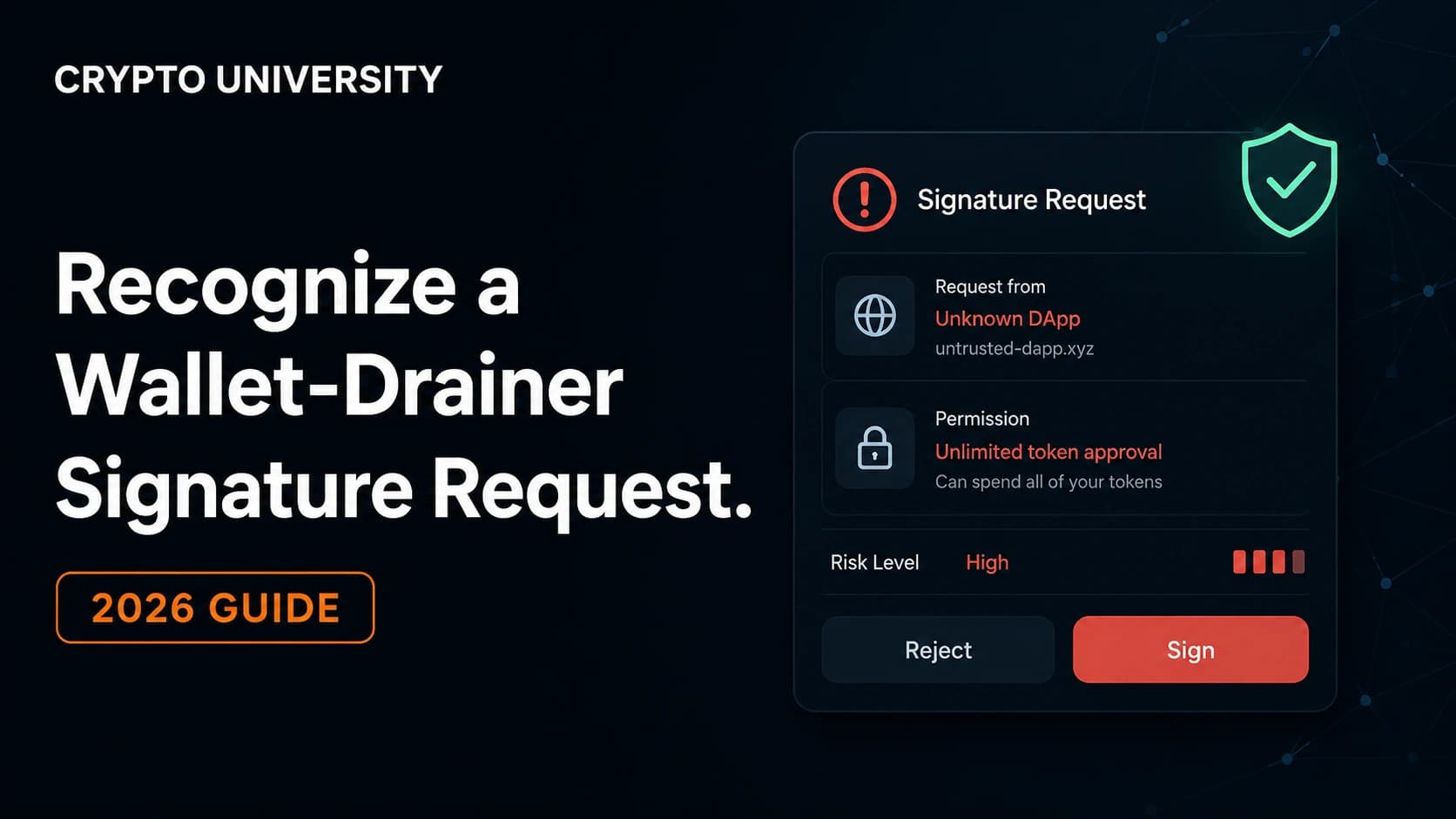
- Reading three fields stops most attacks: the website domain, the action being authorized, and the address receiving the permission. If any of the three is unfamiliar, reject the request.
A wallet drainer is a phishing script that empties a crypto wallet after the owner approves something. It does not need your password, your seed phrase, or your exchange login. It needs one click on a signing prompt that you did not read closely.
This matters because the losses are large and recurring. Chainalysis has estimated that more than 2.7 billion US dollars has been lost to approval phishing since it began tracking the category in 2021, a figure it restated in June 2026. Security firm Scam Sniffer recorded roughly 494 million US dollars in wallet-drainer losses across more than 332,000 wallets in 2024, falling to approximately 83.85 million US dollars across 106,106 wallets in 2025. These are estimates based on observed on-chain patterns, not complete industry totals, but the direction is clear. Signature phishing is now a bigger consumer threat than most protocol hacks.
This guide explains what these prompts look like, which ones are genuinely dangerous, and how to check a request in under a minute.
Why Signatures Are the Attack Surface
Blockchains treat a valid authorization as a valid authorization. There is no fraud department and no chargeback. If you sign something, the network assumes you meant it.
Most people expect a scam to look like a theft. Drainer prompts do not. They look like a claim, a login, a verification step, or a routine swap. The critical distinction is this:
- A transfer moves assets now. You can usually see the amount leaving.
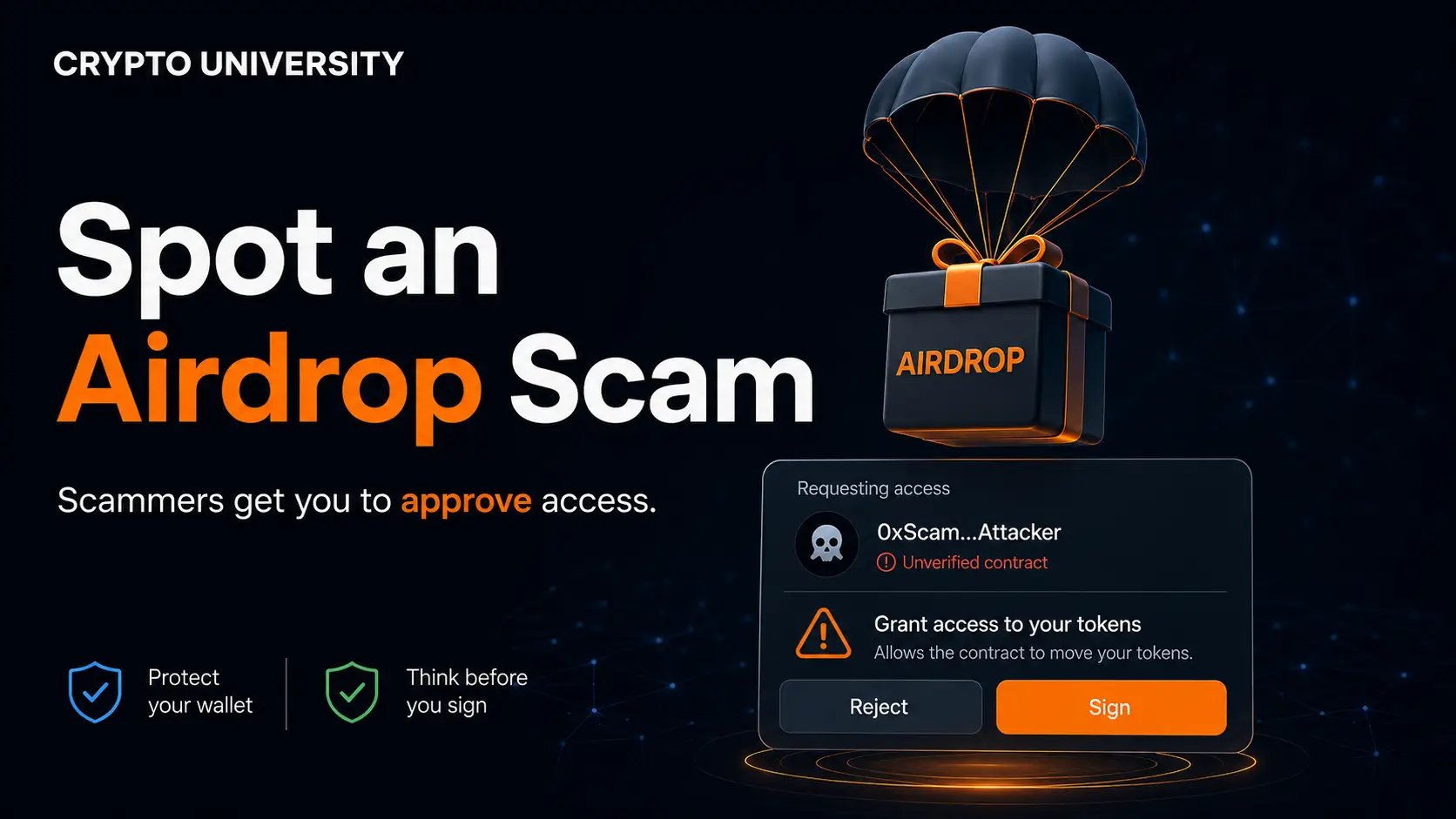
- An approval, permit, or delegation grants permission for someone to move assets later. Nothing leaves your wallet at the moment you sign.
That second category is where the money goes. The attacker collects the permission, waits hours or days so you do not connect the loss to the click, then calls a function such as transferFrom from a separate wallet and takes the tokens.
The Signature Types Drainers Actually Use
Different chains and standards produce different prompts. Learning the names is the fastest way to build instinct.
| Signature or call | What it really does | Typical disguise | Risk level |
|---|---|---|---|
approve with an unlimited amount | Lets a contract spend one token forever | "Enable trading" or "Approve token" | High |
increaseAllowance | Raises an existing spending cap, sometimes silently | Routine DeFi step | High |
setApprovalForAll | Hands over an entire NFT collection in one click | Fake mint, fake listing, "cancel listing" | Very high |
Permit (EIP-2612) | Off-chain, gasless message that authorizes spending | "Free claim, no gas needed" | Very high |
Permit2 | Broad, time-bound spending rights across many tokens | Swap or bridge confirmation | Very high |
Raw hash signing (eth_sign style) | Signs data you cannot read at all | "Verify wallet" | Critical |
| EIP-7702 delegation (SET_CODE) | Turns your ordinary account into one controlled by an attacker contract | Wallet upgrade, gas sponsorship, batch swap | Critical |
| Solana account owner change | Transfers control of the account itself | Airdrop claim showing no balance change | Critical |
Scam Sniffer's breakdown of 2024 cases above one million US dollars found that permit signatures accounted for roughly 56.7 percent of losses by value, with setOwner at 31.9 percent, plain transfers at 4.5 percent, and increaseAllowance at 3.5 percent. In 2025, permit and Permit2 together accounted for about 8.72 million out of 22.98 million US dollars lost in cases above one million.
The newer problem: delegation phishing
Ethereum's Pectra upgrade activated on 7 May 2025 and introduced EIP-7702, which lets a normal wallet temporarily behave like a smart contract. It is a genuine convenience feature. It is also a single-signature account takeover if you sign the wrong delegation.
Wintermute's research team reported that within the first month after Pectra, more than 97 percent of all mainnet EIP-7702 delegations pointed to a small family of near-identical sweeper contracts designed to automatically drain incoming funds. Separate research presented at the USENIX Security Symposium found that 63 percent of the authorization transactions in its sample were connected to malicious contracts, tied to more than 2.3 million US dollars in confirmed thefts. Neither finding is a bug in EIP-7702 itself. Both describe users being tricked into signing.
On Solana, the parallel risk is an ownership or delegate change. SlowMist documented a case where a user lost more than 3 million US dollars because the malicious transaction changed the account's owner permission and displayed no balance movement at all, which made it look safe.
Red Flags on the Signing Screen
Before you approve anything, look for these signals.
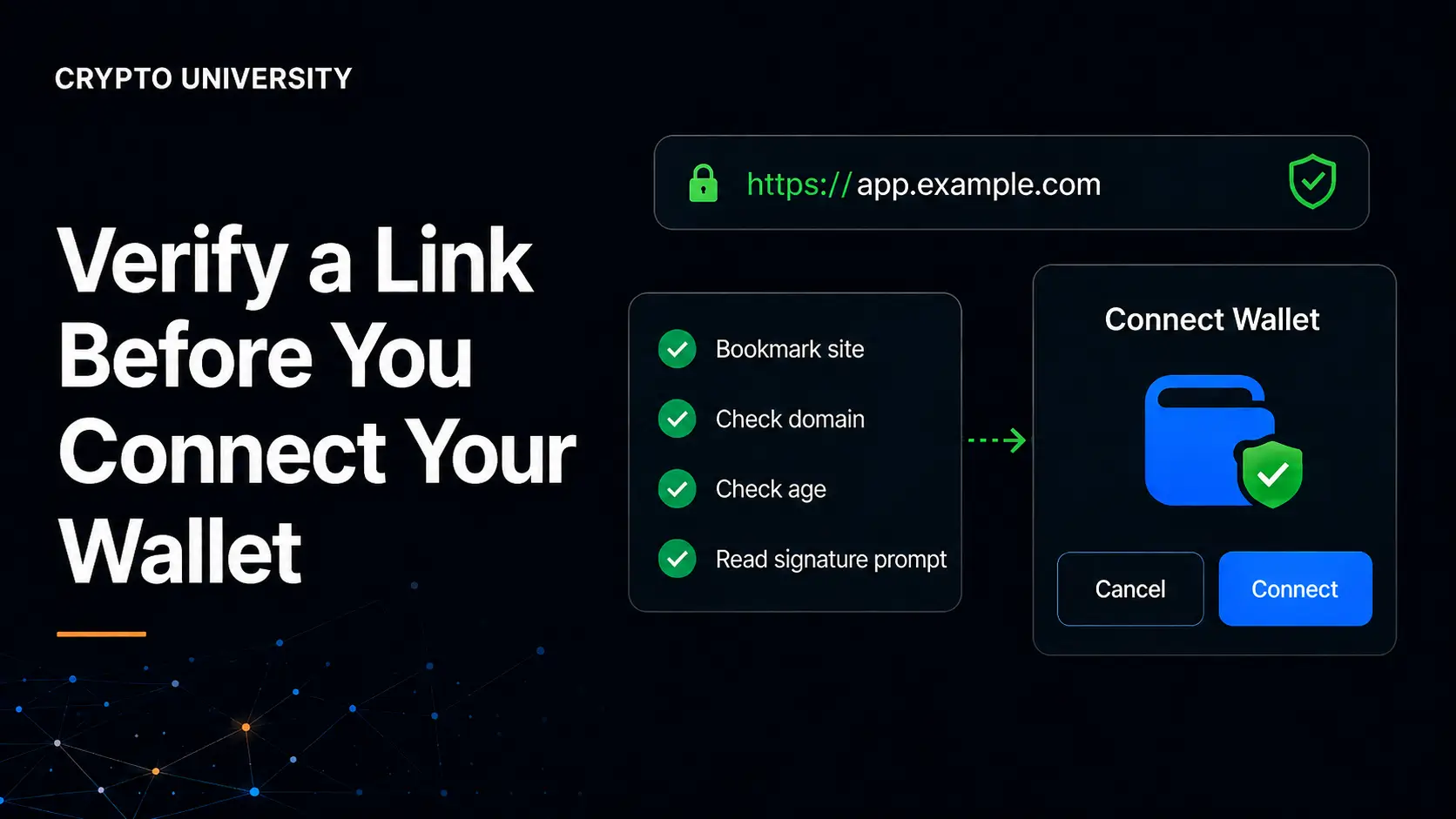
1. The domain is close but not exact. Poisoned search ads and cloned mint pages are the most common delivery route. Check the URL character by character. Reach sites through a saved bookmark, not a search result or a Discord link.
2. The prompt says signing is free or gasless. Off-chain Permit messages cost nothing to sign, which is exactly why drainers prefer them. "No gas required" is a feature of the most dangerous signature type, not proof of safety.
3. The spender address is unfamiliar. Every approval names an address that receives the permission. If you cannot identify it, do not grant it.
4. The amount is unlimited. Some wallets display "Unlimited." Others show a very long number beginning with 115792089. Both mean the same thing. Set a custom cap where your wallet allows it.
5. Nothing appears to move. A prompt that shows no balance change is not automatically safe. Permission changes, delegations, and Solana ownership transfers all look like this.
6. The wallet shows a warning and the site tells you to ignore it. Modern wallets flag risky methods and known phishing domains. A site that explains away a red banner is the scam.
7. There is artificial urgency. Countdown timers, "last 50 spots," and weekend flash mints exist to stop you from reading.
8. You were contacted first. Support agents do not reach out in Discord replies or X comments. Nobody legitimate asks you to sign a message to prove wallet ownership for support.
How to Check a Request in 60 Seconds
- Stop. Nothing legitimate expires while you verify.
- Read the domain in the wallet popup, not in the browser tab.
- Identify the method. Is it a plain transfer, an approval, a permit, or a delegation?
- Find the spender or delegate address and confirm you recognize it or can match it to the protocol's published contract.
- Check the amount and reduce it to what you actually need.
- Reject anything unreadable. If the wallet shows raw hex and cannot describe the action, that is blind signing. Refuse it.
Tools That Help
| Tool type | Purpose | Limitation |
|---|---|---|
| Approval checkers such as Revoke.cash or block explorer approval tabs | Review and cancel existing permissions | Revocation is preventive only. It cannot undo a completed transfer |
| Transaction simulation and phishing detection built into wallets | Preview outcomes and flag known bad domains | Drainer kits actively build simulation evasion into their templates |
| Hardware signers with a trusted screen | Show the real payload on a device the website cannot alter | Only helps if you read the device screen |
| Clear Signing (ERC-7730) support | Translates contract calls into plain language | Needs support from both the wallet and the application |
Clear Signing deserves a note. Ledger introduced it in 2023 and formalized it as ERC-7730. On 12 May 2026, stewardship moved to the Ethereum Foundation under its Trillion Dollar Security Initiative, with support announced from Ledger, Trezor, MetaMask, and WalletConnect. It does not change how Ethereum works. It adds a verified display layer so the prompt describes what the transaction will do. It reduces blind signing. It does not make a signed transaction safe.
If You Already Signed
Move quickly and in this order.
- Move remaining assets to a fresh wallet created on a clean device. Containment first.
- Revoke approvals tied to the suspicious site, including both Permit2 allowances and downstream spender approvals.
- Check for a delegation. If your account was upgraded under EIP-7702, revoking token approvals alone is not enough.
- Preserve evidence: domain, transaction hashes, attacker address, screenshots.
- Report it to your wallet provider and to phishing databases so the domain can be blocked for others.
Treat a compromised wallet as retired. Do not keep using it.
Practical Habits That Reduce Damage
Use separate wallets for separate risk levels. A hot wallet for mints and experiments, a hardware wallet for long-term holdings, and no bridge between them. Keep balances low in the wallet you connect to unfamiliar sites. Review approvals monthly. Assume every unsolicited link is hostile until proven otherwise.
The defence is not technical sophistication. It is refusing to sign anything you cannot explain out loud in one sentence.
Frequently Asked Questions
Is signing a message always dangerous? No. A simple login signature, such as Sign In With Ethereum, proves you control an address and cannot move funds. The problem is that a login prompt and a Permit prompt can look similar at a glance. Read the content, not the shape of the popup.
Can a drainer steal from my wallet just because I connected to a site? Connecting alone shares your public address and lets the site read your balances. It does not authorize transfers. The risk begins at the signing step, though connecting does tell an attacker what you hold and therefore what to target.
Why did my wallet drain days after I signed something? Approvals and permits do not expire when you close the tab. Attackers frequently wait before redeeming them, which makes it harder for victims to identify the moment of compromise.
Does a hardware wallet make me immune? No. A hardware wallet protects your private key from being extracted. It does not stop you from approving a malicious permission on the device. It helps only if you read what the screen displays.
Can I reverse a malicious approval after funds are gone? Revoking prevents future transfers under that permission. It cannot recover assets already moved. Recovery is occasionally possible through exchanges or law enforcement when funds pass through centralized services, but it should never be assumed.
Related Terms
- Approval phishing: a scam that obtains permission to move your assets rather than stealing your keys.
- Blind signing: approving a payload the wallet cannot display in readable form.
- Permit2: a Uniswap-developed approval system allowing shared, time-bound spending rights across tokens.
- Drainer-as-a-Service: phishing kits rented to affiliates in exchange for a share of stolen funds.
- Token allowance: the amount a smart contract is permitted to spend from your balance.
Sources
- Chainalysis, approval phishing research and updated cumulative loss estimates, 2023 to 2026
- Scam Sniffer, annual wallet drainer and signature phishing reports, 2024 and 2025
- Wintermute research on EIP-7702 delegation patterns following the Pectra upgrade, May 2025
- USENIX Security Symposium research on EIP-7702 authorization transactions, 2026
- SlowMist incident analysis on Solana account ownership phishing
- Ethereum Foundation and Ledger announcements on Clear Signing and ERC-7730, May 2026
- MetaMask documentation on token approvals and revoking smart contract allowances
- Three Sigma research on drainer infrastructure and Inferno Drainer Reloaded
Educational content only. Not financial, legal, or security advice. Figures cited are widely reported estimates.
Not sure which problem you have?
Use the Fixing Crypto Mistakes hub to identify the transaction, wallet, network, or exchange issue before taking another action.
OPEN TROUBLESHOOTING HUB