Key Takeaways
- A ticker is not a token. The same symbol can exist on many blockchains, and each version is a separate contract with a separate address. Matching the name is not a safety check.
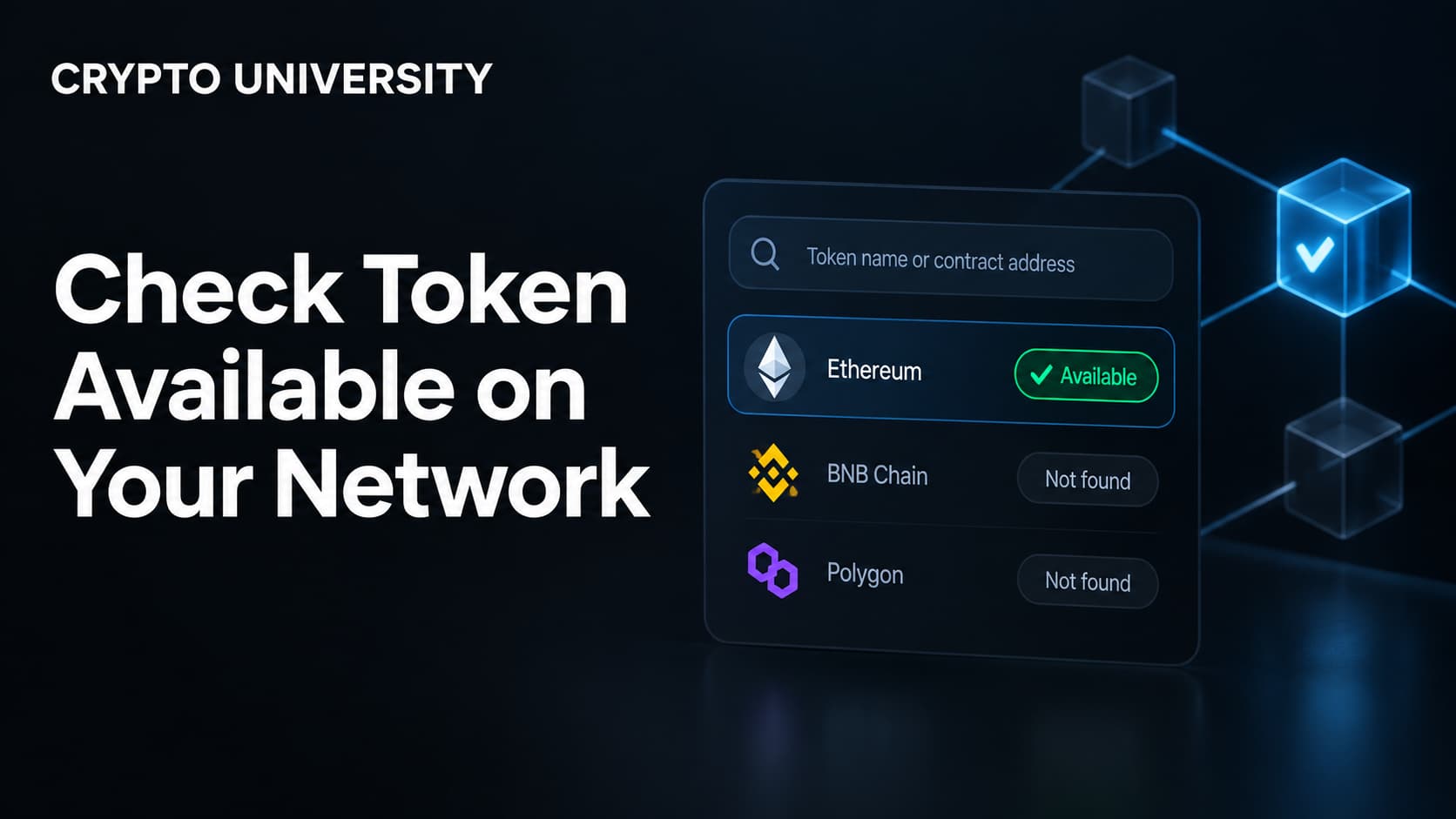
- Availability has four parts: the contract must exist on your network, it must have real liquidity there, your wallet must be switched to that network, and you must hold the network's gas token.
- Verification takes about two minutes. Copy the contract address from an official or trusted source, confirm it on that network's block explorer, and check that a live trading pair exists before you commit funds.
Why This Question Matters
Crypto no longer runs on one chain. The same asset can appear on Ethereum, Solana, BNB Chain, Base, Arbitrum, Polygon, Tron, and dozens of newer networks. Wallets and exchanges usually show only the token symbol, so a buyer sees "USDC" or "PEPE" and assumes there is a single version of it. There is not.
Every token on a smart contract network has a contract address, which is the token's real on-chain identity. The symbol is only a human-friendly label. Anyone can deploy a contract, call it USDC, upload the same logo, and list it on a decentralized exchange within minutes. The address is what separates the real asset from the copy.
This is also why deposits and withdrawals fail. Sending a token over a network that the receiving platform does not support can leave funds stuck, and recovery is not guaranteed. Checking availability first is one of the cheapest habits in crypto.
What "Available on Your Network" Actually Means
People usually mean one thing when they ask this question, but four separate conditions have to be true.
| Condition | What it means | How you check it |
|---|---|---|
| Deployment | The token contract exists on that specific chain | Search the contract address on that chain's block explorer |
| Liquidity | There is a real market to trade against on that chain | Check pool size and 24 hour volume on a DEX data site |
| Wallet network | Your wallet is connected to the matching network | Open the network selector and confirm the chain ID |
| Gas | You hold the network's fee token | Check your balance of ETH, BNB, SOL, MATIC, and so on |
A token can be deployed on your network and still be effectively unavailable. If the only pool holds a few thousand dollars, a normal-sized trade will move the price against you badly. Deployment without liquidity is a technicality, not a market.
Step by Step: How to Verify a Token Before Buying
Step 1: Start from an official source, not a search ad
Get the contract address from the project's own website, documentation, or verified social account. Scam sites buy search ads and clone real project pages, so arrive through a link you already trust rather than the first result you see.
Step 2: Cross-check on a major listing site
Open the token page on CoinGecko or CoinMarketCap and find the contracts section. These pages list one address per supported network, which is the fastest way to see where a token officially exists. If your network is not in that list, the token is probably not deployed there in any official form.
Step 3: Confirm the address on the right block explorer
Each network has its own explorer: Etherscan for Ethereum, BscScan for BNB Chain, Basescan for Base, Arbiscan for Arbitrum, Polygonscan for Polygon, Solscan for Solana. Paste the address into the explorer that matches the chain you plan to trade on. Look for:
- Verified source code, usually shown with a check mark on the contract tab
- Holder count and distribution, since one wallet holding almost all supply is a warning sign
- Token name and symbol matching what you expected
- Age of the contract and whether transfers look organic
If the explorer says the address does not exist, you are on the wrong network or the address is wrong.
Step 4: Check the address character by character
Compare the first six and last six characters, then scan the middle. Scammers deploy vanity addresses that copy the opening and closing characters of a real contract. Copy and paste rather than typing by hand.
Step 5: Confirm a live market exists
Use a DEX data site such as DEX Screener or GeckoTerminal, filter by your network, and look at the pool. Check the liquidity value, 24 hour volume, and the number of buyers and sellers. A pool with almost no volume means you may be able to buy and unable to sell at a reasonable price.
Step 6: Screen the contract for basic risk flags
Automated scanners like GoPlus Security, Honeypot.is, and TokenSniffer check for honeypot behavior, unusual buy and sell taxes, mint functions, blacklists, and pausable transfers. They are useful filters, not guarantees. Some contracts are written to behave normally when a scanner tests them.
Step 7: Set the network and send a test amount
Switch your wallet to the correct network before you connect to any application. If you are moving funds from an exchange, choose the withdrawal network that matches your destination. Send a small test transaction first, confirm it arrives, then move the rest.
Native, Bridged, and Wrapped Versions
Many tokens exist on a chain in more than one form. The clearest example is USDC. Circle issues native USDC directly on supported networks, while bridged USDC, often labeled USDC.e, is a wrapped version created by a third-party bridge that locks the original elsewhere. The tickers look nearly identical, but they are different assets with different risks. Native USDC is redeemable with the issuer; a bridged wrapper depends on the bridge that minted it.
| Type | Who issues it | Typical label | Main consideration |
|---|---|---|---|
| Native | The original issuer, on that chain | USDC | Backed and redeemable by the issuer |
| Bridged | A third-party bridge | USDC.e, wUSDC | Adds bridge and custody risk |
| Wrapped native coin | A wrapper contract | WETH, WBNB | Needed for trading pairs, unwrappable |
The practical rule is simple. When both versions exist, know which one you are buying, and check the address against the issuer's published contract list rather than trusting the wallet label.
Common Mistakes and How to Avoid Them
| Mistake | Result | Prevention |
|---|---|---|
| Buying by ticker alone | Purchase of a copycat token | Always verify the contract address |
| Using an address from the wrong chain | Explorer shows nothing, or a different token | Match the explorer to the chain |
| Withdrawing to an unsupported network | Funds stuck or lost | Check the deposit network first |
| Ignoring liquidity | Cannot exit the position | Review pool depth and volume |
| No gas token on the destination chain | Cannot move or sell anything | Keep a small gas balance on each chain you use |
If you have already sent funds over the wrong network, stop and gather details: the transaction hash, the network used, the token contract, and the receiving address. If the destination is a centralized exchange, contact support with that information. Some recoveries are possible, many are not, and no honest service can promise a result. Ignore anyone in a chat group offering paid recovery.
Where Address Standards Are Heading
The industry recognizes that a bare address is no longer enough information. ERC-3770 proposed prefixing addresses with a short chain name. More recently, ERC-7930 defines a binary format that packs the chain identifier together with the address, and ERC-7828 builds a human-readable naming layer on top of it. The goal is that a wallet can detect a chain mismatch before a transaction is sent rather than after.
These standards are still being adopted. Until they are common in wallets, the manual check described above remains the reliable method.
Quick Pre-Purchase Checklist
- Contract address taken from an official or trusted listing source
- Address confirmed on the block explorer for the exact network
- Source code verified and holder distribution reasonable
- Live pool with meaningful liquidity and volume on that network
- Wallet switched to the correct network and chain ID confirmed
- Gas token available on that network
- Test transaction completed before the full amount
Frequently Asked Questions
Does the same token have the same contract address on every chain? No. Each deployment is separate, so each network has its own address. Some deployers use tools that produce the same address on multiple EVM chains, but you should never assume this. Verify per chain.
What happens if I send a token to the right address on the wrong network? On EVM chains the funds usually exist at that address on the other network and can be recovered if you control the keys. If the address belongs to an exchange or a contract, recovery depends entirely on that party. Treat it as uncertain.
Is a verified contract on a block explorer the same as an audited or safe token? No. Verification only means the published source code matches the deployed bytecode. It says nothing about the team, the tokenomics, or whether the contract contains harmful functions.
How do I find my network's chain ID? Your wallet shows it in the network settings. Public references such as Chainlist list chain IDs, currency symbols, and public RPC endpoints for EVM networks. Ethereum is 1, OP Mainnet is 10, BNB Chain is 56, Polygon is 137, Base is 8453, and Arbitrum One is 42161.
Can a centralized exchange handle this for me? Partly. Exchanges restrict deposits and withdrawals to networks they support, which removes some risk. You still choose the network at withdrawal time, and that choice must match the destination.
Related Terms
- Contract address: the unique on-chain address that identifies a token on a specific network
- Chain ID: the numeric identifier a wallet uses to distinguish one EVM network from another
- Liquidity pool: the reserve of paired assets a decentralized exchange trades against
- Bridged token: a representation of an asset minted on one chain while the original is locked on another
- Honeypot: a contract designed to allow buying but restrict or block selling
Sources
- MetaMask Help Center, "How to find a token contract address"
- Bitget Support Center, "How to Find a Token Contract Address?"
- Circle documentation and USDC contract address listings for native and bridged USDC
- Ethereum Improvement Proposals, ERC-7930 (Interoperable Addresses) and ERC-7828 (Interoperable Names)
- Chainlist, EVM chain ID and RPC reference
- GoPlus Security token security documentation
Further Reading
- How to Recover an Exchange Account When You Lose Your Authenticator https://cryptouniversity.network/guides/how-to-recover-exchange-account-lost-authenticator
- How to Spot an Airdrop Scam https://cryptouniversity.network/guides/how-to-spot-an-airdrop-scam
Disclaimer: This article is educational and is not financial, legal or investment advice. Regulatory rules and register locations change, so verify details with the relevant authority before acting.
Not sure which problem you have?
Use the Fixing Crypto Mistakes hub to identify the transaction, wallet, network, or exchange issue before taking another action.
OPEN TROUBLESHOOTING HUB