Key Takeaways
- Verified means the published source code compiles to the code running on chain. It is a transparency check, not a safety rating or an endorsement.
- Not all verification badges are equal. Etherscan uses four tiers, and Sourcify separates an exact match from a looser match. Reading which badge you got matters more than seeing a green tick.
- For upgradeable tokens, the proxy and the implementation are two different contracts. A verified proxy tells you almost nothing if the logic contract behind it is unverified or can be swapped.
What "Verified" Actually Means
A token on an EVM chain is a smart contract. What lives on the blockchain is compiled bytecode, which is unreadable to almost everyone. The human readable Solidity or Vyper source code is not stored on chain at all.
Contract verification closes that gap. The deployer submits the source code, the exact compiler version, and the compiler settings to a verification service. The service recompiles that source and compares the result against the bytecode already sitting at the address. If they line up, the contract is marked as verified and the source code is published for anyone to read.
So the badge answers one narrow question: does the code the team published match the code actually executing?
That is genuinely useful. Verification is what allows a block explorer to decode transactions into readable function names, show event logs in plain language, and give you the Read Contract and Write Contract tabs. Wallets, security scanners and analytics tools all lean on verified source code too, so an unverified token often looks broken or suspicious across the whole ecosystem.
What Verification Does Not Prove
This is the part beginners get wrong most often.
Verification is not an audit. It is not a security review. Nobody at Etherscan or Sourcify read the code and decided it was fair. A contract can be fully verified and still contain a 99 percent sell tax, a hidden blacklist, an unlimited mint function, or an owner switch that pauses every transfer.
In fact, scam tokens are frequently verified on purpose, because the green badge buys credibility. The malicious behavior is often written openly into functions with names like setFee or pauseTransfers, and controlled by a single owner wallet.
Treat verification the way you would treat a company publishing its accounts. Publishing is better than hiding. It still does not tell you whether the numbers are good.
| Verification tells you | Verification does not tell you |
|---|---|
| The source code matches the deployed bytecode | Whether the code is safe or fair |
| The compiler version and settings used | Whether the owner can mint or freeze tokens |
| The exact functions that exist | Whether liquidity is locked |
| The ABI, so tools can decode activity | Whether the team is who they claim to be |
Step by Step: Checking Verification on an EVM Chain
This works the same way on Etherscan, BscScan, BaseScan, Arbiscan, PolygonScan and other explorers built on the same software.
Step 1: Get the contract address from an official source
Start from the project's own website, its documentation, or a listing page you already trust. Never copy an address from a reply on social media, a Telegram group, or a paid search advert. Copycat tokens with identical names and tickers are one of the most common traps in crypto.
Step 2: Paste the address into the block explorer
Use the explorer for the correct chain. The same token name can exist on ten different networks, and only one of them may be the real deployment.
Step 3: Open the Contract tab
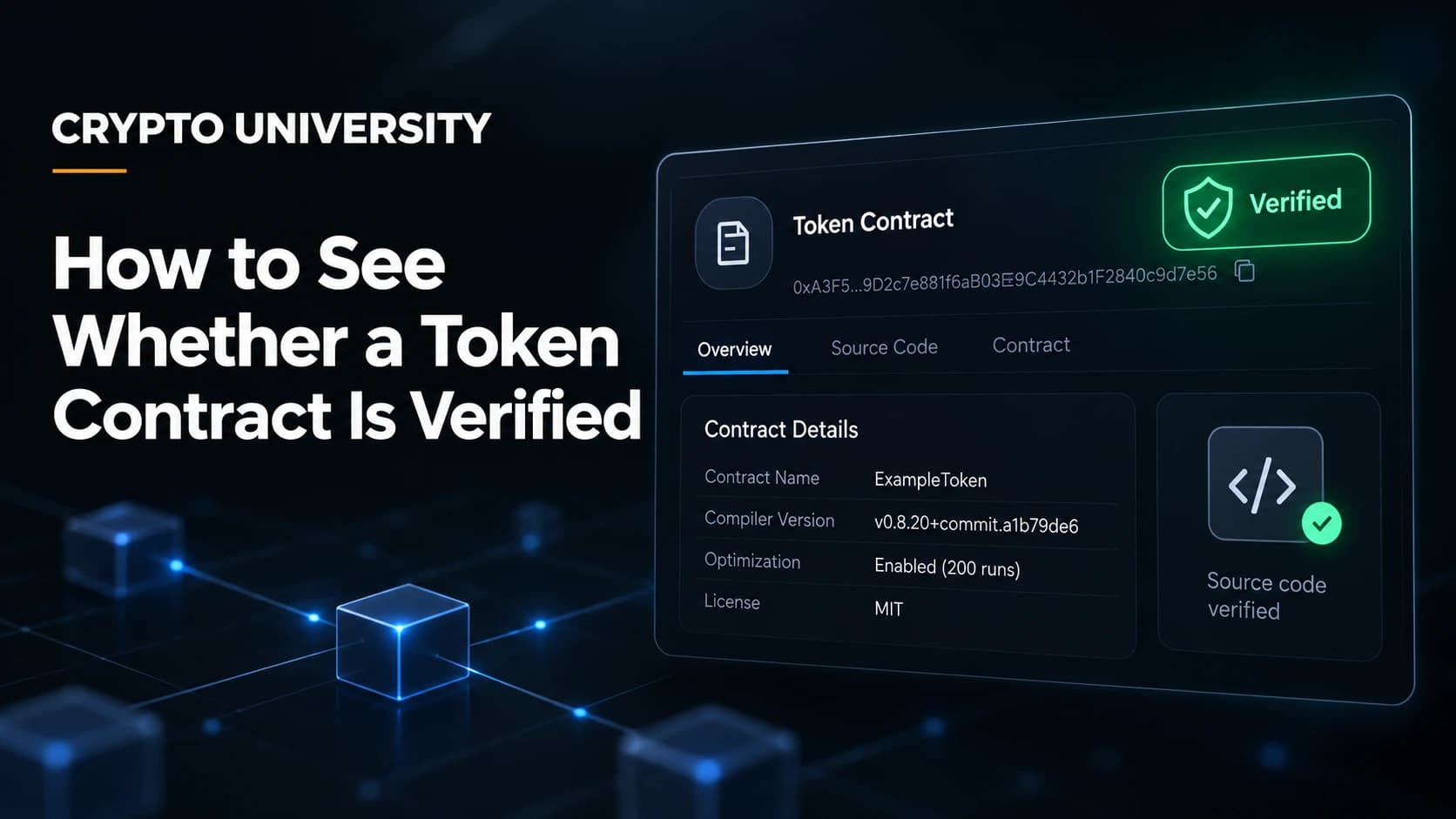
If the contract is unverified, the tab shows raw bytecode and an option for the owner to verify and publish. If it is verified, you get a badge, the full source code, the compiler details, and the Read and Write Contract sections.
Step 4: Read which badge you got
Etherscan uses four levels, and the difference between them is real.
| Tier | What it means | How much it tells you |
|---|---|---|
| Unverified | Default state. Only creation bytecode is shown. | Nothing readable |
| Similar Match | The creation bytecode matched an already verified contract. Constructor arguments are not checked. Shown with a yellow badge. | The logic is probably the same, the setup values may differ |
| Exact Match | The exact deployed code plus the constructor arguments were verified. Shown with a green badge. | Strongest standard tier |
| Runtime Match | The runtime bytecode matches the source, but deployment bytecode and constructor arguments were not checked. | Logic matches, deployment details may differ |
Constructor arguments are the starting settings baked in when a contract is deployed, such as an initial owner address or a fee value. A Similar Match will not confirm those, which is why the green Exact Match badge is the one worth looking for.
Step 5: Cross-check on a second service
Explorers are not the only source of truth. Two useful second opinions:
- Sourcify is an open source, multi-chain verification service, not an explorer. It publishes verified contract metadata to a public repository. It labels results as an exact match or simply a match. A match means everything lines up except the metadata hash, which usually reflects differences in comments, variable names or file paths. These labels were previously called perfect and partial. Note that Vyper contracts cannot reach exact match status, because Vyper does not embed the metadata hash in the bytecode.
- Blockscout is an open source explorer with its own verification service, used as the default explorer on many newer chains.
If an explorer shows a token as verified but no independent service holds the same source, that is worth a second look.
The Proxy Trap
Many modern tokens are upgradeable. That means two contracts are involved:
- the proxy, which holds the token balances and the address users interact with
- the implementation, which holds the actual logic
Calls hit the proxy and get forwarded to the implementation. This matters because the proxy can be verified while the implementation is not, and the implementation can be replaced later by whoever holds the upgrade rights.
On Etherscan, a detected proxy shows Read as Proxy and Write as Proxy sections once the link is established, and the implementation address is displayed. Etherscan added a Historical Proxy tab in 2026 that lists past implementation addresses and the upgrade transactions, and proxy detection is now largely automatic. In edge cases you may still need to trigger it manually through the "Is this a proxy?" option.
Two caveats from Etherscan's own documentation are worth remembering:
- A contract flagged as a possible proxy may not be one. Contracts that use libraries also rely on the same low level
delegatecallinstruction. - Etherscan does not automatically confirm that the code shown under Read as Proxy is what actually executes, so a malicious implementation could sit out of plain sight.
Practical rule: when a token is upgradeable, check that the implementation contract is verified too, and check who controls upgrades.
Checking Verification on Solana
Solana works differently. Programs are compiled to BPF bytecode, and there is no Etherscan style source upload.
Instead, Solana uses verified builds. A developer rebuilds the program in a fixed Docker environment using the solana-verify CLI, and the hash of that build is compared with the hash of the program on chain. Build data is written into an on chain account signed by the program's upgrade authority, and a remote verification job can be submitted to the OtterSec API.
Verified status then surfaces in Solana Explorer, Solscan and SolanaFM. As Solana's own documentation states, a verified build is not inherently more secure than an unverified one. It simply lets anyone confirm that the deployed program came from the published source.
Checking Verification Programmatically
If you need to check many addresses at once, the explorer API is faster than clicking.
Etherscan's V2 API covers dozens of chains from a single endpoint and a single key. The getsourcecode action returns the source, ABI and compiler settings for a verified contract, and an empty source field is the signal that an address is unverified.
https://api.etherscan.io/v2/api
  ?chainid=1
  &module=contract
  &action=getsourcecode
  &address=YOUR_CONTRACT_ADDRESS
  &apikey=YOUR_API_KEY
Change chainid to switch networks. The legacy V1 endpoints were deprecated in August 2025, so older tutorials pointing at api.bscscan.com or api.polygonscan.com will now return an error. Sourcify also exposes a public API for checking whether an address is verified across chains.
Red Flags Checklist
| Signal | Why it matters |
|---|---|
| No verified source days or weeks after launch | The team is choosing opacity |
| Verified proxy, unverified implementation | The logic you actually call is hidden |
| Similar Match only, no Exact Match | Deployment settings were never confirmed |
| Owner can mint, pause, blacklist or change fees without limits | Verified code can still be hostile |
| Address found only in a social media reply | Most likely a lookalike scam contract |
| Verified on the explorer but absent from any independent source | Worth cross-checking before acting |
Quick Workflow to Remember
- Get the address from an official source.
- Open the right explorer for the right chain.
- Open the Contract tab and read the badge, not just the color.
- If it is a proxy, check the implementation and the upgrade authority.
- Cross-check on Sourcify or Blockscout.
- Read the owner functions before deciding anything.
Verification is step one of research, not the end of it. It gets you a readable contract. Everything after that is your own reading.
Frequently Asked Questions
Does a green checkmark mean a token is safe? No. It means the published source code matches the deployed bytecode. Plenty of scam tokens are verified, because the badge helps them look legitimate.
Can a contract be unverified after it has been verified? Generally no. Etherscan treats verified contracts as permanently open sourced. What can change is the implementation behind a proxy, which is a separate contract.
Why do some verified contracts show a yellow badge instead of green? That is a Similar Match. The creation bytecode matched a contract already verified on the explorer, but constructor arguments were not checked, so the deployment settings are unconfirmed.
What is the difference between an exact match and a match on Sourcify? An exact match means the recompiled bytecode is identical byte for byte, including the metadata hash. A plain match means everything is functionally identical but the metadata hash differs, usually because of changed comments, variable names or file paths.
Is an unverified contract always a scam? No, but it is a significant red flag for a public token, especially after launch. Without source code, ordinary users have no practical way to see what the contract can do.
Related Terms
- Bytecode: the compiled machine level code stored at a contract address on chain.
- ABI: the interface description that lets wallets and explorers decode a contract's functions.
- Constructor arguments: the initial values set when a contract is deployed.
- Proxy contract: a contract that forwards calls to a separate implementation contract, allowing upgrades.
- Metadata hash: a compiler generated fingerprint appended to bytecode, used to distinguish an exact match from a looser one.
Sources
- Etherscan Information Center, "Types of Contract Verification": https://info.etherscan.com/types-of-contract-verification/
- Etherscan Information Center, "Proxy Contracts": https://info.etherscan.com/what-is-proxy-contract/
- Etherscan Docs, "Get Verified Source Code" and V2 Migration: https://docs.etherscan.io/contract-verification/get-source-code
- Sourcify Docs, "Exact Match vs Match": https://docs.sourcify.dev/docs/exact-match-vs-match/
- Ethereum.org, "Verifying smart contracts": https://ethereum.org/developers/docs/smart-contracts/verifying/
- Solana Docs, "Verifying Programs": https://solana.com/docs/programs/verified-builds
More Reading
- How To Verify A Smart Contract On Etherscan: A Beginner's Walkthrough (Crypto University) - the deployer side of the same process.
- Ethereum.org: Smart Contract Verification
- the neutral technical reference on how bytecode matching works.
- Sourcify Documentation
- how open, multi-chain verification differs from explorer verification.
--- Disclaimer: This article is educational and does not constitute financial, legal, or security advice. Wallet menus and settings change between versions, so confirm exact steps in your wallet's official help documentation.
Not sure which problem you have?
Use the Fixing Crypto Mistakes hub to identify the transaction, wallet, network, or exchange issue before taking another action.
OPEN TROUBLESHOOTING HUB