Key Takeaways
The coin name is not enough. USDT, USDC, and many other tokens exist on several blockchains at once, and each version lives only on its own chain.
The receiver decides the network. You pick the network the receiving wallet or exchange supports, not the one that looks cheapest or fastest.
Matching addresses do not mean matching networks. Ethereum, BNB Smart Chain, Arbitrum, Base, and Polygon all use the same address format, so a wrong choice can look perfectly valid until the funds go missing.
What “Network” Means When You Send Crypto
A network is the blockchain that records and processes your transfer. Bitcoin runs on the Bitcoin network. ETH runs on Ethereum. But many tokens, especially stablecoins, are issued on more than one blockchain.
Take USDT. There is USDT on Ethereum, USDT on TRON, USDT on Solana, USDT on BNB Smart Chain, and more. A familiar ticker does not guarantee identical issuance, backing, price or receiver support. These are separate tokens on separate ledgers. A TRON ledger cannot see an Ethereum balance, and the reverse is also true.
So when an exchange or wallet asks you to “select a network,” it is asking: which ledger should this transfer be written on? The sender and receiver must both be using the same one.
Token Standards vs. Network Names
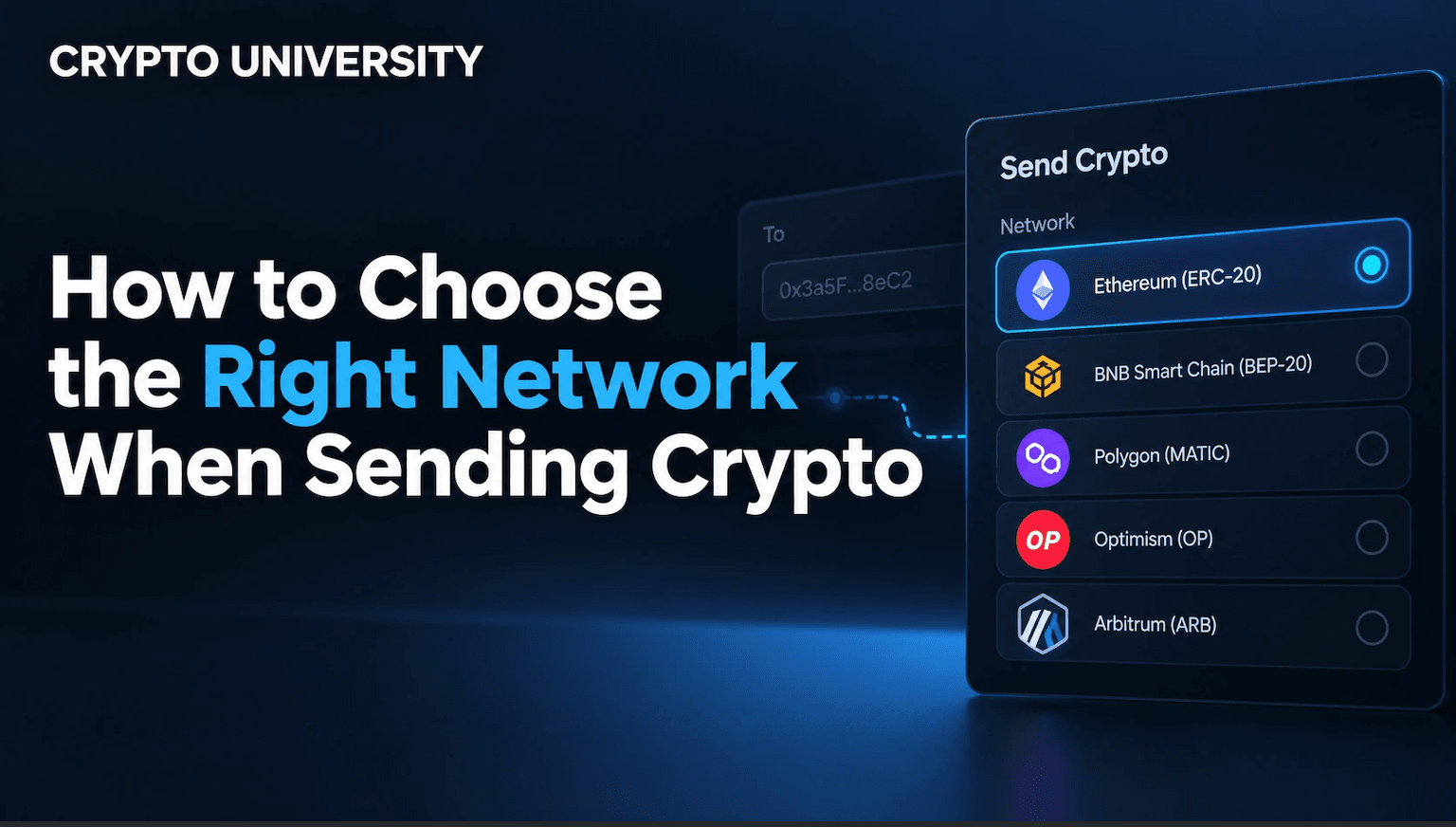
You will often see labels like ERC-20 or TRC-20 instead of network names. These are token standards, the technical rules a token follows on a given chain. A token standard is not a unique network identifier: ERC-20-compatible tokens also exist on other EVM networks. Confirm the full network name and the exact token contract accepted by the receiver.
Label you see | Network it refers to | Fee (gas) coin | Typical address format |
ERC-20 | Ethereum | ETH | Starts with 0x, 42 characters |
TRC-20 | TRON | TRX (or staked energy and bandwidth) | Starts with T, 34 characters |
BEP-20 | BNB Smart Chain | BNB | Starts with 0x |
SPL | Solana | SOL | Base58 string, usually 32 to 44 characters |
Arbitrum One / Base / Optimism | Ethereum Layer 2 networks | Usually ETH | Starts with 0x |
Polygon PoS | Polygon | POL | Starts with 0x |
BTC / SegWit / Taproot | Bitcoin | BTC | Starts with 1, 3, bc1q, or bc1p |
Notice how many rows start with 0x. These are EVM compatible networks, meaning they run the Ethereum Virtual Machine and share one address format. This is where most wrong-network mistakes happen, because your wallet will accept the address without complaint.
Why the Wrong Network Is Such a Common Mistake
Exchanges warn about this on every deposit and withdrawal page. KuCoin’s help center compares it to emailing the wrong address, and Binance.US notes that the network you select must match the network of the receiving address. Here is why it trips people up:
The address passes validation. A 0x address is valid on Ethereum, BNB Smart Chain, Base, and Arbitrum. The app has no way to know which one the receiver monitors.
Defaults vary. One exchange might default to TRC-20 for USDT withdrawals while another lists ERC-20 first.
Cheaper is tempting. Users pick the lowest-fee option without checking whether the receiver supports it.
Network support changes. A network that worked for a previous deposit may no longer be accepted. Check the receiver’s current deposit screen and the issuer’s current supported-chain information for the exact token.
What Happens If You Pick the Wrong Network
The outcome depends on who controls the receiving address, not on luck.
Situation | Likely outcome |
You sent to your own self-custody wallet on another EVM network (for example BEP-20 instead of ERC-20) | For an ordinary externally owned account you control, the same key can control the same address on compatible EVM networks. Confirm the successful transfer on the actual chain and the token contract. Smart-contract wallets and exchange addresses require provider-specific recovery checks; matching address text alone does not establish control or recoverability. |
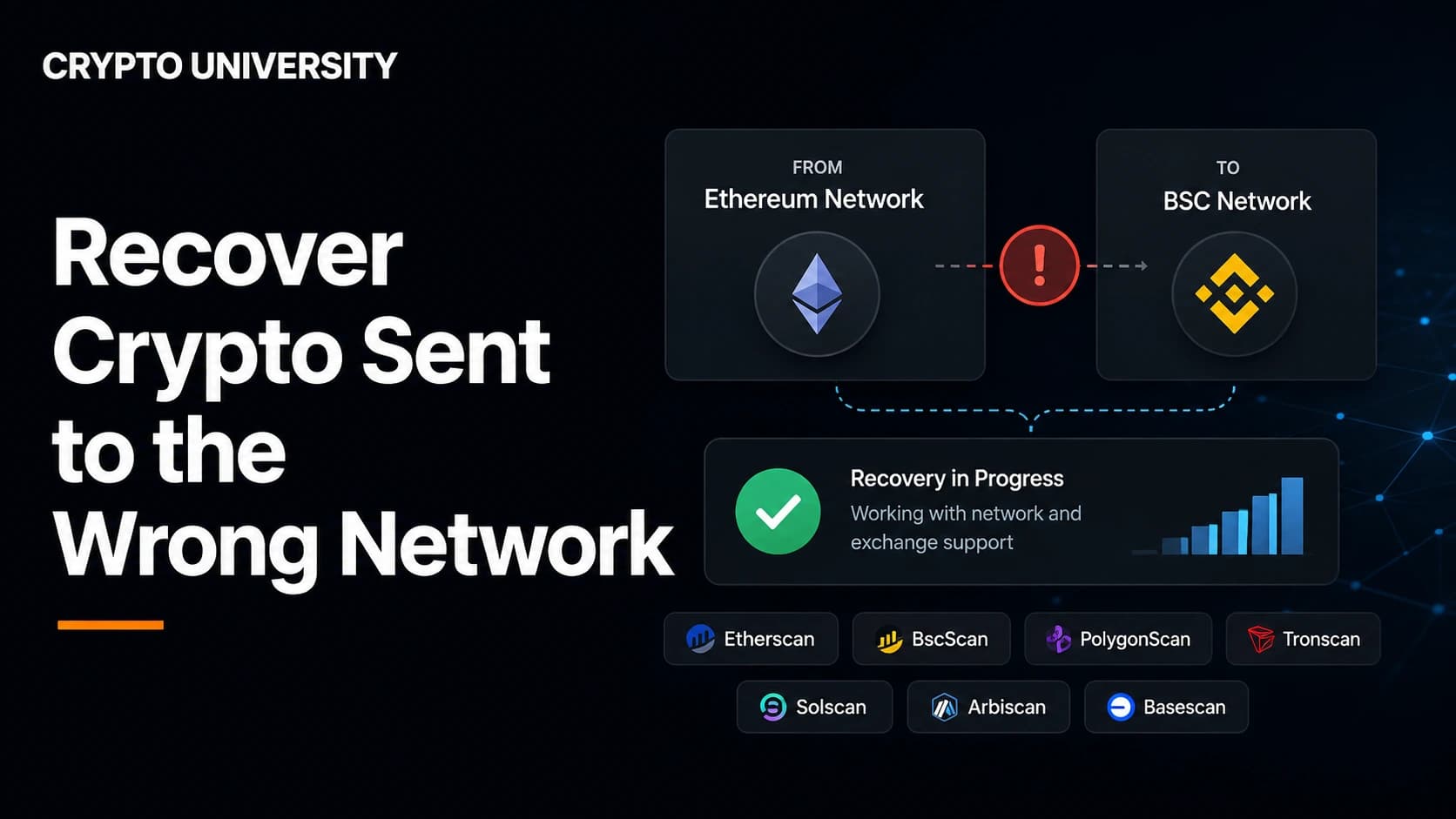
You sent to an exchange on a network it does not support for that coin | Not credited automatically. Some exchanges run recovery programs for a fee; many do not. Policies are platform specific and never guaranteed. |
You sent between incompatible formats (for example an EVM token to a TRON address) | Most wallets will block this because the address format is wrong. If it somehow goes through, recovery is very unlikely. |
You sent to a smart contract address that cannot handle the token | Funds may be stuck permanently. |
How to Choose the Right Network: Step by Step
Step 1: Ask the Receiver Which Networks They Accept
Do not guess. If you are sending to a person, ask for both the asset and the network, such as “USDT on TRON.” If you are sending to an exchange, open its Deposit page, choose the coin, and look at the network list it shows. Only networks on that list are supported.
Step 2: Generate or Copy the Address for That Network
Exchanges often show a different deposit address for each network. Select the network first, then copy the address that appears. If a memo or tag is shown, copy it too. Assets such as XRP, XLM, ATOM, and EOS commonly use one on exchanges.
Step 3: Select the Exact Same Network on the Sending Side
On your sending wallet or exchange withdrawal page, choose the identical network. Match the full name, not just the token label. “USDT on Arbitrum One” and “USDT on Ethereum” both show 0x addresses, but they are different networks.
Step 4: Check You Hold the Fee Coin
For an ordinary self-custody transfer, check how the wallet will pay the network fee. Native gas tokens or network resources are usually needed, but supported wallets can offer fee sponsorship or payment with another token. Exchange withdrawal fees follow the platform’s displayed terms. Check the actual fee quote and remaining balance before confirming.
Step 5: Compare Fees and Speed Only Among Supported Options
If the receiver accepts several networks, then you can compare. Exchanges such as KuCoin display current fees and estimated arrival times in the network list. Fees change with traffic, so check them at the time of sending.
Step 6: Send a Small Test First
For a new address or a large amount, send a small test and wait for it to arrive. Stay above any minimum deposit shown on the receiving platform, because amounts below it may not be credited.
How Network Fees Compare
Fees move with demand, so treat this as a general picture rather than fixed numbers.
Network | General fee level | General speed | Common use |
Ethereum | Can be high during busy periods | Blocks every 12 seconds | Large transfers, DeFi, institutional use |
TRON | Low to moderate | Usually under a minute | Widely used for USDT payments |
BNB Smart Chain | Low | Seconds | Binance ecosystem and DeFi apps |
Solana | Very low | Seconds | Payments and apps on Solana |
Arbitrum / Base / Optimism | Low | Seconds | Cheaper access to Ethereum apps |
Bitcoin | Varies with demand | Blocks about every 10 minutes on average | BTC transfers only |
A practical point: a cheap network is only cheap if the receiver supports it. If you have to bridge or swap afterwards, the total cost may end up higher.
Native Tokens vs. Bridged Tokens
Some networks carry two versions of the same stablecoin:
Native: Issued directly by the stablecoin company on that chain, such as Circle’s native USDC on Arbitrum or Base.
Bridged: Created by locking the token on one chain and minting a representation on another. These are often labeled with a suffix, such as USDC.e.
An exchange that accepts native USDC on a network may not credit a bridged version sent there, even though the network name matches. Check the token contract address on the deposit page or the issuer’s official website when in doubt.
Quick Checklist Before You Press Send
Check | Question to ask |
Asset | Am I sending the exact token the receiver expects? |
Network | Is the network identical on both sides? |
Address | Did I copy it fresh from the receiver for this network? |
Memo or tag | Does the receiver require one? |
Fee coin | Do I hold the network’s gas coin? |
Minimum | Is my amount above the deposit minimum? |
Test | Have I sent a small test for a new destination? |
If You Already Sent on the Wrong Network
Do not panic or send more. Further transfers will not fix the first one.
Find the transaction hash in your wallet or withdrawal history and look it up on a block explorer for the network you used.
If it went to an ordinary account you control, check the actual network and token contract through your wallet’s official instructions. For a smart-contract wallet, confirm deployment and recovery support with its provider rather than assuming the same address is controllable on every chain.
If it went to an exchange, contact official support through the app or website. Share the hash, network used, intended network, and deposit address. Never share your recovery phrase or private keys.
Beware of “recovery” offers from strangers on social media. These are a common follow-up scam.
FAQ
Is USDT on TRON the same as USDT on Ethereum? They are distinct token deployments on different blockchains. Verify the issuer, exact contract and receiving platform’s support; a familiar ticker or dollar peg does not make them interchangeable across networks. A direct transfer does not bridge a token.
Why does my wallet accept the address if the network is wrong? Many networks share the same 0x address format. The wallet can confirm the address is valid, but it cannot know which network the receiver is watching.
Which network is cheapest for sending USDT? Fees change with network activity and platform pricing. TRON, Solana, BNB Smart Chain, and Ethereum Layer 2 networks are often cheaper than Ethereum mainnet, but the right choice is always a network the receiver supports.
Can an exchange recover crypto sent on the wrong network? Sometimes. Some exchanges offer recovery for certain chains, often with a fee and a waiting period. It is never guaranteed, so check the exchange’s official help pages.
Do I need to choose a network when sending Bitcoin? Usually you only send on the Bitcoin network. Some exchanges also list wrapped BTC on other chains or the Lightning Network, so read the options carefully.
Related Terms
Token Standard: A set of technical rules, such as ERC-20 or TRC-20, that defines how a token works on a specific blockchain.
Layer 2: A network built on top of a main blockchain, such as Ethereum, to process transactions faster and at lower cost.
Bridged Token: A token moved to another blockchain through a bridge, represented by a separate token that is not issued natively on that chain.
Disclaimer
This article is for educational purposes only and is not financial, investment, or legal advice. Network support, fees, and recovery policies change often and differ by platform. Always confirm details on the official website or app of the wallet or exchange you use before sending funds.
Sources
Binance.US Support, How to deposit crypto into your Binance.US account
Cointelegraph, Tether to discontinue USDT on five blockchains
More Reading
How to Send Crypto From One Wallet to Another
How to Move Crypto From Binance Safely: An Exchange-Switching Checklist
Fixing Crypto Mistakes: Wrong Networks, Wrong Addresses, and More
Need deeper training?
Join our structured modules with live examples and expert checklists for effective implementation.
JOIN THE ACADEMY