Key Takeaways
A receive address only works on the networks your wallet or exchange supports for it. Before sharing it, match three things: the asset, the network, and the address format. Many lost deposits come from a mismatch, not from a bad address.
Always copy your address fresh from the wallet or exchange "Receive" or "Deposit" screen. Do not reuse an old address from chat, email, or transaction history, where it may be outdated or swapped.
Verify before you share, and test before large amounts. Check the full address on a trusted screen (ideally your hardware wallet), include any memo or tag the platform requires, and ask the sender to try a small test transfer first.
Why Getting the Receive Address Right Matters
Crypto transfers are final. Once a transaction confirms on a blockchain, there is no bank or central authority that can reverse it. If funds arrive at the wrong address, or on a network your wallet does not watch, recovery depends on who controls that address. Sometimes an exchange can help. Often, nobody can.
When you are the one receiving crypto, the sender relies on you to give them correct details. That makes you responsible for three checks:
The address belongs to you and was generated by your wallet or account.
The network matches the one the sender will use.
Any memo, tag, or extra field the platform needs is included.
This guide walks through each step in order.
Step 1: Decide Which Asset and Network You Are Receiving
Start by asking the sender two questions: which coin or token and which network. These are not the same thing.
For example, USDT (Tether) is issued on several blockchains, including Ethereum, TRON, and Solana. "Send me USDT" is incomplete. "Send me USDT on TRON" is complete.
What the sender says | What you still need to confirm |
"I'll send BTC" | Native Bitcoin network, or a wrapped version on another chain? |
"I'll send USDT" | Ethereum (ERC-20), TRON (TRC-20), Solana, or another network? |
"I'll send ETH" | Ethereum mainnet, or a layer 2 such as Arbitrum or Base? |
"I'll send XRP" | Does your receiving platform require a destination tag? |
Your receiving wallet or exchange must support that exact asset on that exact network. If it does not, do not share an address yet.
Step 2: Open the Official Receive or Deposit Screen
Your correct address always comes from the wallet or account that will hold the funds. Get it directly from the source:
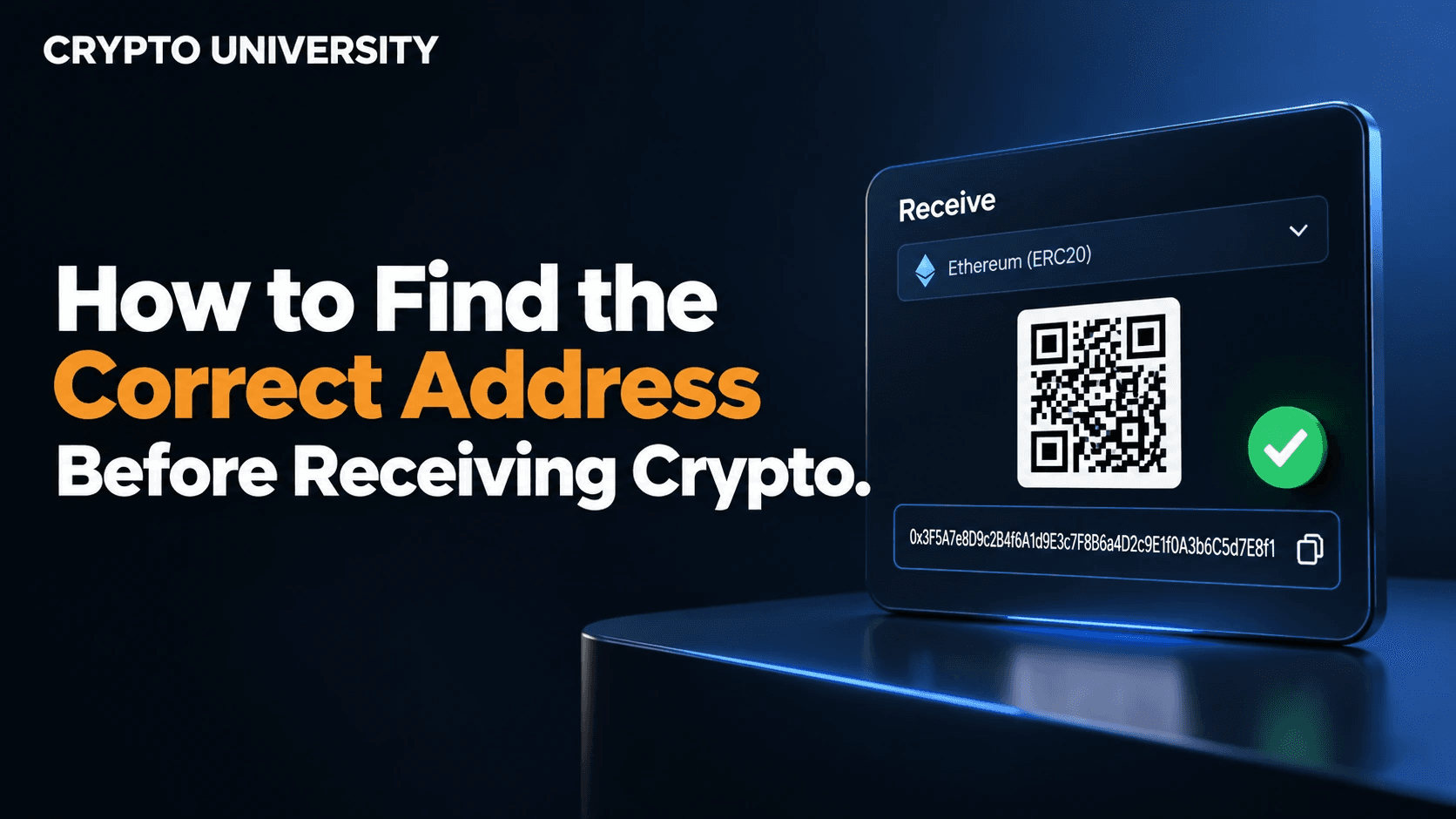
Self-custody wallet app: tap Receive, choose the asset, then choose the network if asked.
Hardware wallet: open the companion app, select the account, choose Receive, and confirm the address on the device screen.
Exchange account: go to Deposit, select the asset, then select the network from the dropdown.
Open the app directly or use a saved bookmark. Avoid links sent through messages or search ads, since fake wallet and exchange sites exist.
Exchange note: exchanges often show a different deposit address for each network. Switching the network dropdown from Ethereum to TRON will change the address. Always select the network first, then copy the address that appears.
Step 3: Recognize Your Address Format
Address formats help you confirm that the address matches the network. Here are common patterns.
Network | Address format | Notes |
Bitcoin (Legacy) | Starts with 1 | Original format, often higher fees |
Bitcoin (Nested SegWit) | Starts with 3 | Broad compatibility with older services |
Bitcoin (Native SegWit) | Starts with bc1q | Default in many modern wallets |
Bitcoin (Taproot) | Starts with bc1p | Newer format; some services may not support sending to it yet |
Ethereum and EVM chains | 0x plus 40 hexadecimal characters | Same format on Ethereum, Base, Arbitrum, BNB Smart Chain, Polygon, and others |
TRON | Starts with a capital T, 34 characters | Common for USDT transfers |
Solana | 32 to 44 characters, no fixed prefix | Letters and numbers only |
Watch out for EVM chains. Because many networks share the 0x format, an Ethereum address looks identical on Base or BNB Smart Chain. The format alone will not tell you the network. Rely on the network you selected in Step 2.
Bitcoin compatibility: if a sender's service cannot send to a bc1p (Taproot) address, many wallets let you generate a bc1q or 3 address instead. Both still belong to your wallet.
Step 4: Check for a Memo, Tag, or Extra ID
Some networks and exchanges need more than an address. Exchanges often use one shared deposit address for many customers, plus a short number that identifies each customer.
Network | Field name | When it is needed |
XRP Ledger | Destination tag | Usually required for exchange deposits |
Stellar (XLM) | Memo | Usually required for exchange deposits |
Other networks (for example, some Cosmos-based chains, EOS, Hedera) | Memo, tag, or comment | Depends on the platform |
If your deposit screen shows a memo or tag, give the sender both the address and the tag. Without the tag, the transaction can still succeed on-chain, but the exchange may not know whose account to credit. Recovery then usually means a support ticket and a wait.
Transfers to your own self-custody wallet generally do not need a tag.
Step 5: Verify the Full Address Before Sharing
Copying is fast, but it is also where several known attacks happen.
Use a Trusted Screen
If you use a hardware wallet, confirm that the address shown on the device screen matches the one on your computer or phone. Malware on a computer can change what you see on the monitor, but it cannot easily change what the hardware device displays.
Use Checksum and QR Features
Ethereum and EVM addresses often appear in mixed upper and lower case. This is the EIP-55 checksum. Wallets use the case pattern to detect typos, and many will reject an address whose capitalization does not match.
QR codes reduce copy errors when the sender scans your screen in person. Only use a QR code generated by your own wallet or exchange.
Compare More Than the Ends
Do not check only the first and last four characters. Compare at least a few characters from the start, middle, and end. Attackers specifically create lookalike addresses that match the beginning and end.
Common Threats to Your Receive Address
Threat | How it works | How to protect yourself |
Address poisoning | An attacker sends a tiny or zero-value transfer from a lookalike address so it appears in your history | Never copy addresses from transaction history; always use the Receive screen |
Clipboard hijacker malware | Malware detects a copied crypto address and replaces it with the attacker's address | Check the pasted address against the original; verify on a hardware wallet screen |
Fake wallet or exchange sites | Phishing pages show the attacker's address as "your" deposit address | Use official apps and bookmarks only |
Outdated addresses | An old exchange address may be retired or tied to a network the platform no longer supports | Generate a fresh deposit address each time |
These threats are documented, not theoretical. Symantec researchers reported in 2022 that a Windows clipboard malware called Clipminer had stolen at least about $1.7 million by swapping copied addresses, choosing replacements with matching prefixes. In a widely reported May 2024 case, one holder sent about 1,155 wrapped bitcoin (around $68 million at the time) to a poisoned lookalike address. The funds were later returned after negotiations, which is rare.
Step 6: Share Safely and Ask for a Test Transaction
Once you have the right address, network, and any tag, share them clearly in one message:
Asset: USDT
Network: TRON (TRC-20)
Address: (paste here)
Memo/tag: none required
Then follow these habits:
Ask for a small test transfer first, especially for large amounts or a new sender.
Confirm the test arrived in your wallet or on a block explorer.
Have the sender send the rest to the same verified address and network.
Re-confirm the address if anything changes, such as a new device, a new exchange, or a new network.
A test costs one extra network fee. It is a small price compared with a lost deposit.
Quick Checklist Before You Share an Address
The asset and network are confirmed with the sender.
Your wallet or exchange supports that asset on that network.
The address was copied fresh from the official Receive or Deposit screen.
The address format matches the network.
Any memo or destination tag is included.
The full address was checked at the start, middle, and end.
A hardware wallet screen was used to confirm, if you have one.
A small test transfer is planned for large amounts.
FAQ
Can I use the same address to receive different coins?
Only on networks that share the same address system. An Ethereum address can receive ETH and ERC-20 tokens, but it cannot receive native Bitcoin. Always confirm your wallet supports the specific asset on the specific network.
What happens if someone sends crypto to my address on the wrong network?
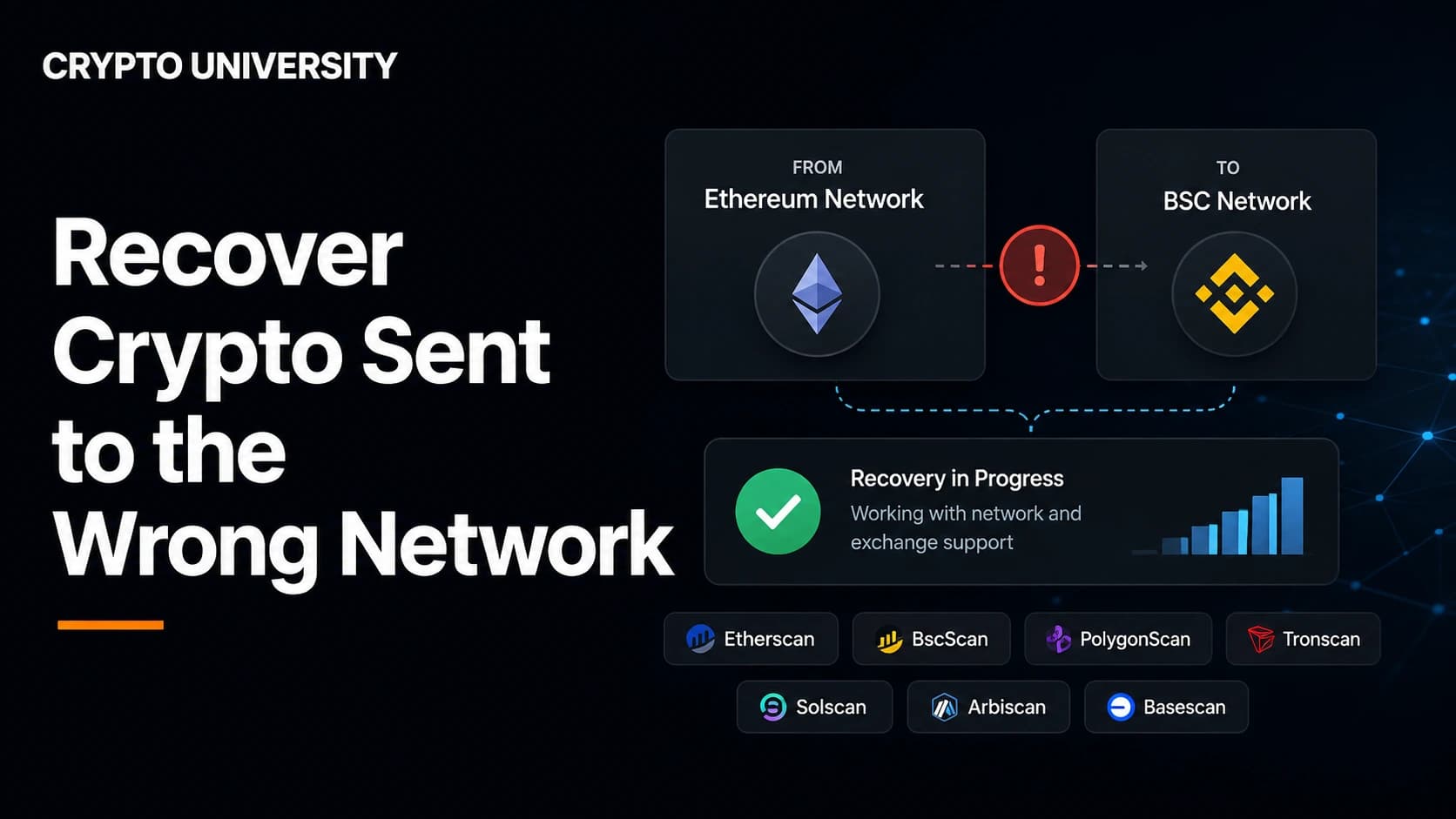
It depends. With self-custody EVM wallets, you can often access the funds by adding that network to your wallet, since the same address may exist there. With exchanges, recovery is up to the platform and may involve fees or may not be possible.
Do I need a new address every time I receive Bitcoin?
It is not required, but most Bitcoin wallets generate a new address for each receive by default. This improves privacy. Old addresses from the same wallet still work.
Is it safe to share my receive address publicly?
Yes, a public address cannot be used to take your funds. However, anyone who knows the address can view its balance and history on a block explorer, so consider the privacy trade-off.
What should I do if I forgot the memo or destination tag?
Contact the receiving exchange's official support with the transaction hash and your account details. Many exchanges can credit the deposit after review, though processing times and fees vary.
Related Terms
Public Address: A string of characters that identifies where crypto can be sent, safe to share and separate from the private key that controls it.
Destination Tag: A number added to some transfers, such as on the XRP Ledger, that tells a shared exchange address which customer should be credited.
Address Poisoning: A scam that plants a lookalike address in a victim's transaction history so they copy it by mistake.
Disclaimer
This article is for educational purposes only and is not financial, legal, or tax advice. Crypto transfers are usually irreversible, and wallet and exchange rules change over time, so always check the current requirements of the platforms you use before sending funds.
Sources
Need deeper training?
Join our structured modules with live examples and expert checklists for effective implementation.
JOIN THE ACADEMY