Key Takeaways
A wallet does not hold your coins. It holds the private key that proves you control funds recorded on a blockchain, which is why your recovery phrase is the real asset you are protecting.
Choose the wallet type before you choose the brand. Match it to how much you hold and how often you transact, then download only from the official source.
Setup is not finished until you have tested it. Back up the recovery phrase offline, verify the backup, and send one small test transaction before moving anything meaningful.
Creating a crypto wallet takes about ten minutes. Creating one you will not regret takes a little longer, because the setup choices you make in those ten minutes are permanent. There is no password reset in self-custody and no support desk that can reverse a mistaken transfer.
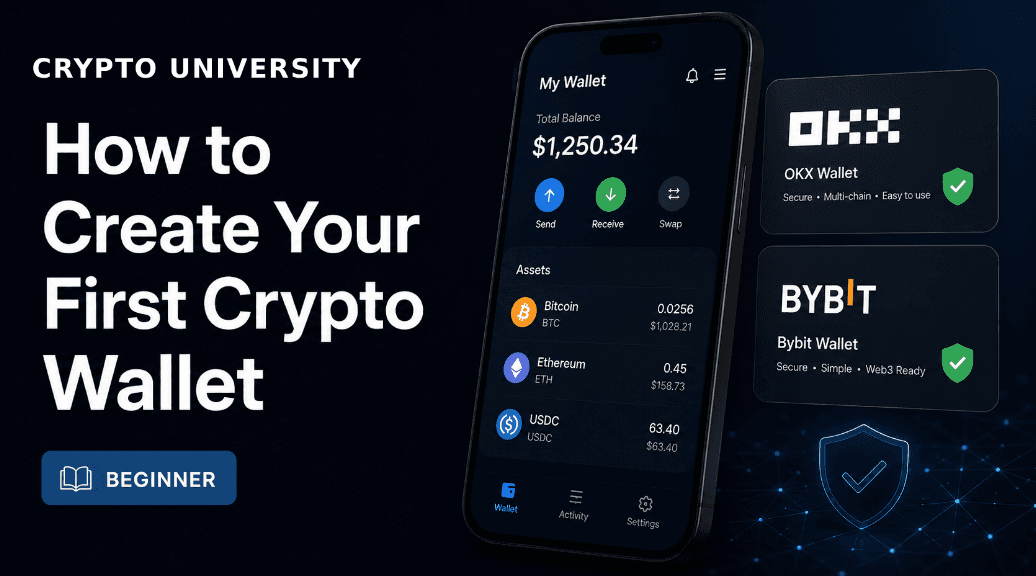
This guide walks through the full process: what a wallet actually is, which type suits your situation, how to install and back one up safely, and how to test it before you trust it with real money. It is written for people setting up their first wallet, and it assumes no prior technical knowledge.
What a Crypto Wallet Actually Does
A crypto wallet does not store coins in the way a physical wallet stores cash. Your balance lives on a blockchain, which is a shared public ledger maintained by a network of computers. The wallet stores something smaller and far more important: a private key, which is a secret number that proves you have the authority to move the funds recorded at your address.
Almost every rule about wallet safety follows from that one fact:
Your public address is safe to share. It is how people send you funds. Publishing it does not let anyone take anything.
Your private key and recovery phrase are not. Anyone who sees them controls the wallet permanently.
Lost keys cannot be restored. No company holds a copy for you unless you deliberately chose a custodial service.
Transactions are final. There is no chargeback mechanism and no way to recall a transfer sent to the wrong address.
Most wallets present the private key to you as a recovery phrase, also called a seed phrase: an ordered list of 12 or 24 ordinary English words. Those words can regenerate the entire wallet on any compatible app, which is what makes them useful and also what makes them dangerous if photographed, typed into a website, or stored in cloud notes.
Custodial or Self-Custody: The First Real Decision
Before comparing brands, decide who holds the keys. An account on a centralized exchange is custodial: the company controls the keys and your balance is a claim against them. A self-custody wallet, sometimes called non-custodial, puts the keys under your control alone.
Custodial (exchange account) | Self-Custody Wallet | |
|---|---|---|
Who holds the keys | The platform | You |
Account recovery | Password reset and support team | Recovery phrase or backup only |
Counterparty risk | Exposed if the platform fails, is hacked, or freezes withdrawals | None, but you carry all operational risk |
Identity verification | Usually required | Usually not required to create the wallet |
Access to on-chain apps | Limited | Direct |
Best suited to | Buying, selling, and short-term holding | Holding, saving, and using on-chain applications |
Neither model is universally correct. Many people use both: an exchange for converting local currency, and a self-custody wallet for anything they intend to hold. This guide covers the self-custody side, which is what most people mean by creating a wallet.
The Main Types of Self-Custody Wallets
Wallets differ mainly in where the key is stored and how you back it up. These are the categories you will encounter, with typical trade-offs rather than recommendations.
Wallet Type | How It Works | Strengths | Trade-offs |
|---|---|---|---|
Mobile or desktop software wallet | Key is stored encrypted on your phone or computer, protected by a PIN or biometrics | Free, fast to set up, good for everyday amounts | Key sits on an internet-connected device |
Browser extension wallet | Runs inside your browser and connects to on-chain applications | Easiest way to use decentralized apps | Higher exposure to phishing sites and malicious approval requests |
Hardware wallet (cold storage) | A dedicated offline device signs transactions; the key never leaves it | Strongest protection for larger or long-term holdings | Costs money, adds steps, must be bought from the official store |
MPC or seedless wallet | The key is split into shares held in different places, so no single seed phrase exists | Removes the single point of failure of a written phrase | Recovery depends on the provider's system remaining available |
Multi-signature setup | Requires several independent keys to approve a transaction | Useful for shared treasuries and inheritance planning | Overkill and error-prone for a first wallet |
A reasonable default for a first wallet is a reputable mobile software wallet, with the intention of adding a hardware wallet later once your holdings grow past what you would be comfortable losing. Widely used options in each category include Trust Wallet, Exodus, MetaMask, Phantom and Coinbase Wallet on the software side, and Ledger, Trezor and Tangem on the hardware side. Crypto University does not endorse specific products, and you should verify current features yourself, because wallet software changes frequently.
Simple Wallet Comparison Table
Wallet Category | Easy for Beginners | Self-Custody | Good for Apps | Best Use Case |
Exchange Wallet | Very Easy | No | Limited | |
Mobile Wallet | Easy | Yes | Moderate | Daily self-custody |
Browser Wallet | Moderate | Yes | Excellent | DeFi and Web3, OKX |
Hardware Wallet | Moderate | Yes | Good | Long-term secure storage,Ledger |
Step by Step: Creating Your First Wallet
Step 1: Decide what the wallet is for
A wallet for experimenting with small amounts and a wallet for long-term savings have different requirements. Write down, before you start, roughly how much you expect to hold and which blockchains you plan to use. This decides everything else and prevents the common outcome of storing serious money in an app chosen for convenience.
Step 2: Choose the wallet type, then the brand
Use the table above to pick a category first. Then check that the specific wallet supports the networks you need, that it has an established track record and public documentation, and that its recovery model is one you can actually follow. A wallet you find confusing is a wallet you will back up badly.
Step 3: Download only from the official source
Fake wallet apps are one of the most reliable ways people lose funds, and they appear in official app stores as well as through search ads. In April 2026, a counterfeit Ledger Live app remained on the Apple App Store for roughly two weeks and reportedly drained around 9.5 million dollars from more than 50 users before removal, which shows that app store presence alone is not proof of authenticity.
Type the official website address manually rather than clicking a search advertisement.
Follow the download link from that official site into the app store.
Check the developer name, the review history, and the download count before installing.
Buy hardware wallets only from the manufacturer's own store, never from a marketplace reseller, and reject any device that arrives with a recovery phrase already filled in.
Step 4: Create the wallet and record the recovery phrase
Open the app and select the option to create a new wallet rather than import an existing one. The app will generate your recovery phrase and display it once. At this moment:
Write the words on paper, in order, by hand. Do not screenshot them, do not type them into a notes app, and do not store them in cloud storage or a password manager synced online.
Confirm the phrase when prompted. Most wallets ask you to re-enter selected words, which is a verification step, not a formality.
Write a second copy and store it somewhere physically separate from the first.
If you chose a seedless or MPC wallet, there will be no phrase to write. Instead, complete the provider's recovery setup fully, whether that is a cloud-encrypted backup, a passkey, or a set of recovery contacts. An unfinished recovery setup is the seedless equivalent of an unwritten seed phrase.
Step 5: Store the backup so it survives real life
Paper is vulnerable to fire, water, and being thrown away by someone tidying up. For anything you intend to hold long term, consider a stamped or engraved metal backup plate, and store copies in two separate secure locations such as a home safe and a bank deposit box. Never store all copies in one building.
Also consider what happens if you are unavailable. Leaving a sealed instruction that tells a trusted person where the backup is, without revealing the words themselves, is a simple form of inheritance planning that most people skip.
Step 6: Lock down the device
Set a strong wallet PIN or password that is different from your phone unlock code.
Enable biometric unlock and auto-lock in the wallet settings.
Keep the operating system and the wallet app updated, and update only through the app store.
Avoid installing browser extensions you do not need on the same profile you use for a wallet.
Step 7: Check the receive address and the network
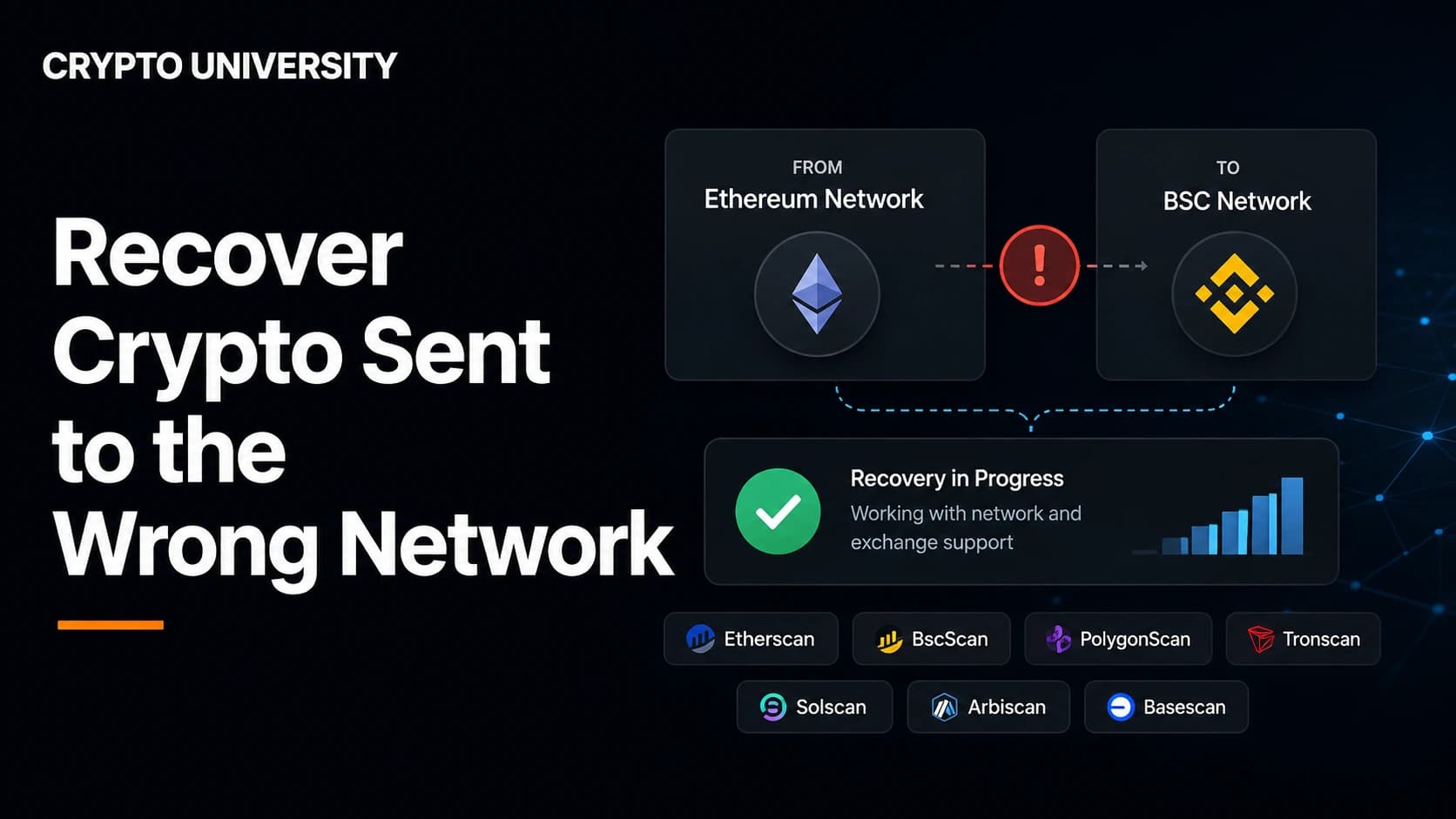
Open the receive screen and read the address carefully. Copy addresses from that screen only, never from your transaction history, because address poisoning attacks work by planting a lookalike address in your history for you to copy later. Also confirm you are receiving on the correct network. Sending an asset over the wrong network is one of the most common ways beginners lose funds permanently, since the same address format can exist on several chains.
Step 8: Send a small test transaction
Before moving a meaningful amount, send a small transfer into the wallet and confirm it arrives. Then send a small amount back out. This proves the address is correct, that you understand the fee structure, and that the wallet behaves as expected. Treat the test as part of setup rather than an optional extra.
Step 9: Learn what you are signing
Once the wallet connects to on-chain applications, the main risk shifts from key theft to approvals. A wallet drainer does not need your recovery phrase. A single malicious signature can grant an attacker permission to move your tokens. Read every prompt, decline anything you did not initiate, and periodically review and revoke token approvals you no longer use.
Common Beginner Mistakes and How to Avoid Them
Mistake | Why It Happens | What To Do Instead |
|---|---|---|
Photographing the recovery phrase | It feels faster and harder to lose | Handwrite it; photos sync to cloud services and are exposed if the account is breached |
Sharing the phrase with support | Attackers impersonate helpdesks convincingly | No legitimate wallet provider or exchange will ever ask for it |
Downloading via a search advertisement | Fake listings often outrank real ones | Navigate to the official domain directly |
Approving prompts without reading | Interfaces make approval the default action | Read the request; if you do not understand it, reject it |
Sending on the wrong network | The same address appears on multiple chains | Confirm the network on both the sending and receiving side |
Keeping everything in one hot wallet | Convenience wins by default | Separate a spending wallet from a savings wallet |
When to Upgrade to a Hardware Wallet
There is no universal threshold, but a practical rule is to move to a hardware wallet once your holdings exceed the cost of the device by a wide margin, or once the amount would genuinely affect you if it disappeared. Entry-level devices generally sit in the range of roughly 50 to 100 US dollars, with premium touchscreen models costing more. Prices and model lineups change, so check the manufacturer's current listings.
A hardware wallet does not make you immune to scams. It will not stop you from typing your recovery phrase into a phishing site. What it does is keep the key off an internet-connected device and force every transaction to be confirmed physically on the device screen, which removes several of the most common attack paths at once.
Setup Checklist
Wallet type chosen to match the amount held and the networks used
App downloaded from the official source and developer verified
Recovery phrase handwritten, verified, and duplicated
Backups stored in two separate physical locations
Wallet PIN, biometrics, and auto-lock enabled
Receive address copied from the receive screen and network confirmed
Small test transaction sent and received successfully
Frequently Asked Questions
Do I need to pay to create a crypto wallet?
No. Software wallets are free to download and free to create. You only pay network transaction fees when you send funds, and a one-time purchase price if you choose a hardware wallet.
Can someone steal my crypto if they know my wallet address?
No. A public address only allows people to send funds to you and view the account's public transaction history. Theft requires access to your recovery phrase or private key, or a transaction approval that you signed.
What happens if I lose my recovery phrase?
If you lose the phrase and still have access to the working wallet app, move the funds to a newly created wallet with a backup you control. If you lose both the phrase and access to the app, the funds are unrecoverable. No provider holds a copy.
Is one wallet enough, or do I need several?
One is enough to start. Many users eventually split funds between a hot wallet for everyday activity and a hardware wallet for savings, which limits how much is exposed if the everyday wallet is compromised.
Do I need a different wallet for every cryptocurrency?
Not usually. Most modern wallets are multi-chain and support Bitcoin, Ethereum, Solana and other major networks in one app. Some specialist wallets are deliberately single-chain, so check network support before you commit.
Are seedless wallets safer than seed phrase wallets?
They are different rather than strictly safer. Seedless and MPC wallets remove the risk of a written phrase being stolen or lost, but they introduce dependence on the provider's recovery infrastructure. Traditional seed phrases keep you fully independent but place the entire burden on your backup discipline.
Can I create a wallet without identity verification?
Creating a self-custody wallet generally does not require identity documents, because no company is holding your funds. Converting local currency into crypto through a regulated exchange or an in-app purchase provider normally does require verification.
Related Terms
Term | Definition |
|---|---|
The secret value that authorizes transactions from a specific address. Whoever holds it controls the funds. | |
An ordered list of 12 or 24 words that encodes your private keys and can restore a wallet on any compatible app. | |
A cold wallet is a crypto wallet that stores private keys offline, making it much harder for hackers or malware to access them through the internet. | |
A wallet model in which the user, not a company, holds the keys and bears full responsibility for access. | |
A permission granted to a smart contract to move tokens from your wallet. Unused approvals should be reviewed and revoked. |
Sources
Figures relating to scam losses and hardware wallet pricing are widely reported estimates and may change. Readers should verify current details with the relevant provider.
Ledger Academy, Crypto Security 2026: How To Avoid Scams and Hacks, ledger.com/academy
Coin Bureau, Crypto Scams to Avoid in 2026: Red Flags, Examples and Safety Tips, coinbureau.com
Coin Bureau, Top Crypto Wallets for Beginners in 2026, coinbureau.com
Phemex, Ledger vs Trezor vs Tangem wallet safety analysis, phemex.com
The Block, Best Crypto Hardware Wallets Ratings, theblock.co
Chainalysis reporting on approval phishing as a major scam technique, as cited by Coin Bureau
Official product documentation from Ledger, Trezor, Tangem, Trust Wallet, MetaMask and Coinbase Wallet
Disclaimer: This content is for educational and informational purposes only and is not financial, investment, legal, or tax advice. Nothing here is a recommendation to buy or sell any asset or use any platform. Do your own research and manage your risk. Cryptocurrency involves risk, including the permanent loss of funds.
Read More
How to Choose a Crypto Wallet for Beginners
The Complete Beginner's Guide to Self-Custody: How to Hold Your Own Crypto Safely
How to Safely Use Crypto Bridges in 2026: Risk Assessment Checklist and Best Practices
Best Crypto Cards in 2025: Top 10 Reviewed, Compared, and Explained
Need deeper training?
Join our structured modules with live examples and expert checklists for effective implementation.
JOIN THE ACADEMY