
SushiSwap Tutorial

Contents:
- Connecting to SushiSwap
- Swapping cryptocurrencies
- Adding liquidity
- Kashi Lend
- BentoBox/ Kashi Borrow
- Sushi Analytics
1. Connecting to SushiSwap
SushiSwap is a decentralized DeFi exchange built on the Binance Smart Chain, giving you 100% control over your funds. To get started you need to connect your wallet. We recommend Metamask or Trust Wallet.
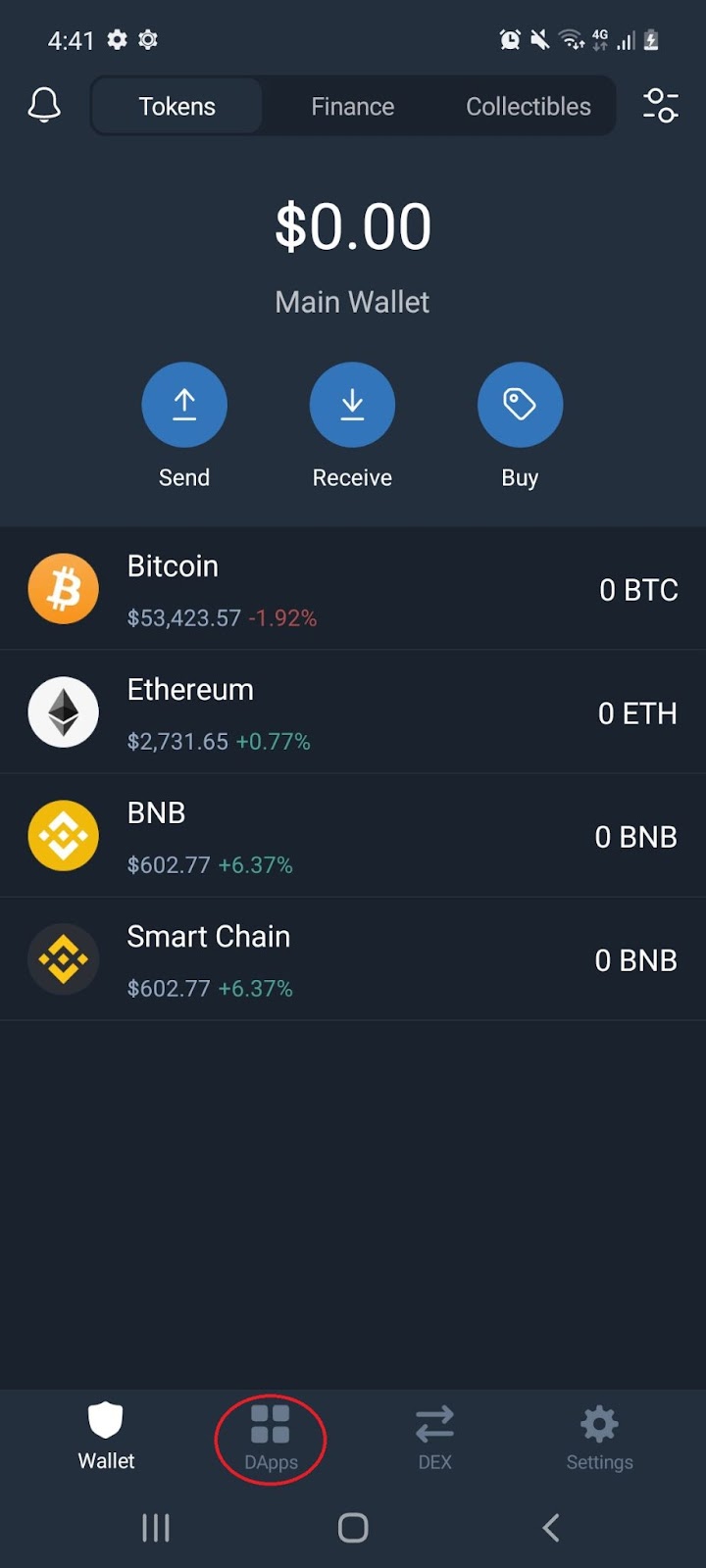
1.1 Open the Trust Wallet, and select the ‘DApps’ icon:
1.2 Scroll down to the DeFi section and select ‘SushiSwap’:

Note: If you do not have a Trust Wallet, see our Trust Wallet tutorial under Cryptopedia. For Apple device users, refer to section 11. Exploring the DApps (IOS) of the tutorial.
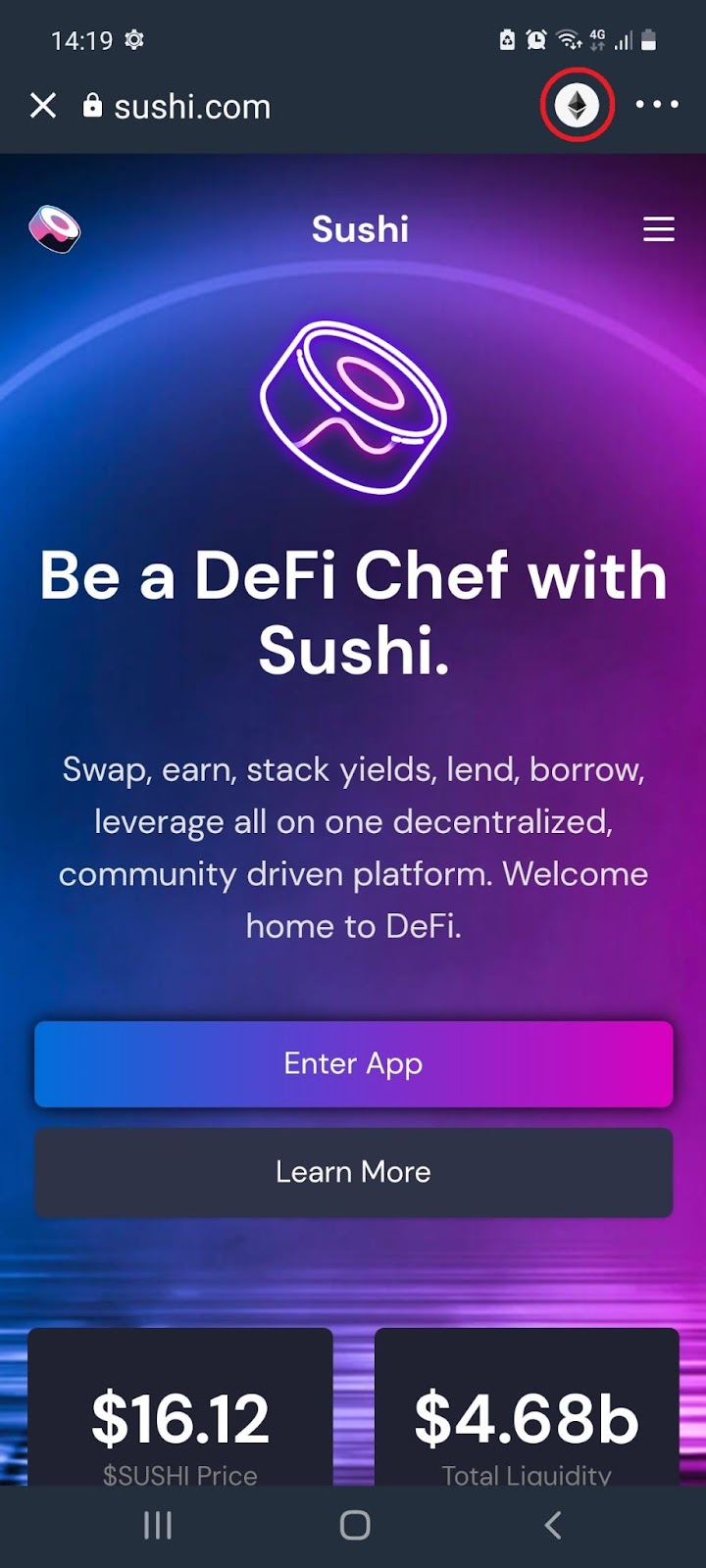
1.3 On the SushiSwap landing page, select the icon on the top right of the browser:
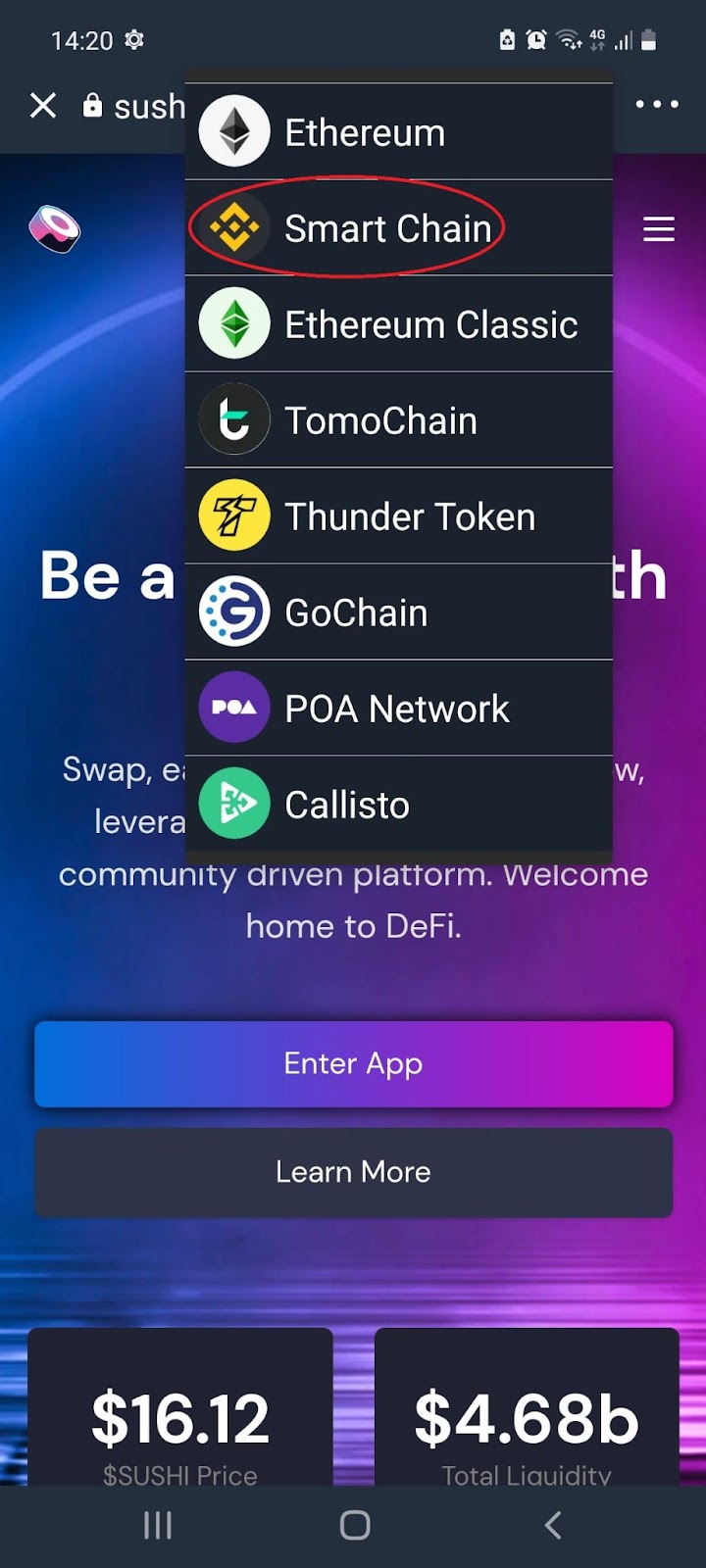
1.4 From the pop up, select ‘Binance Smart Chain’:
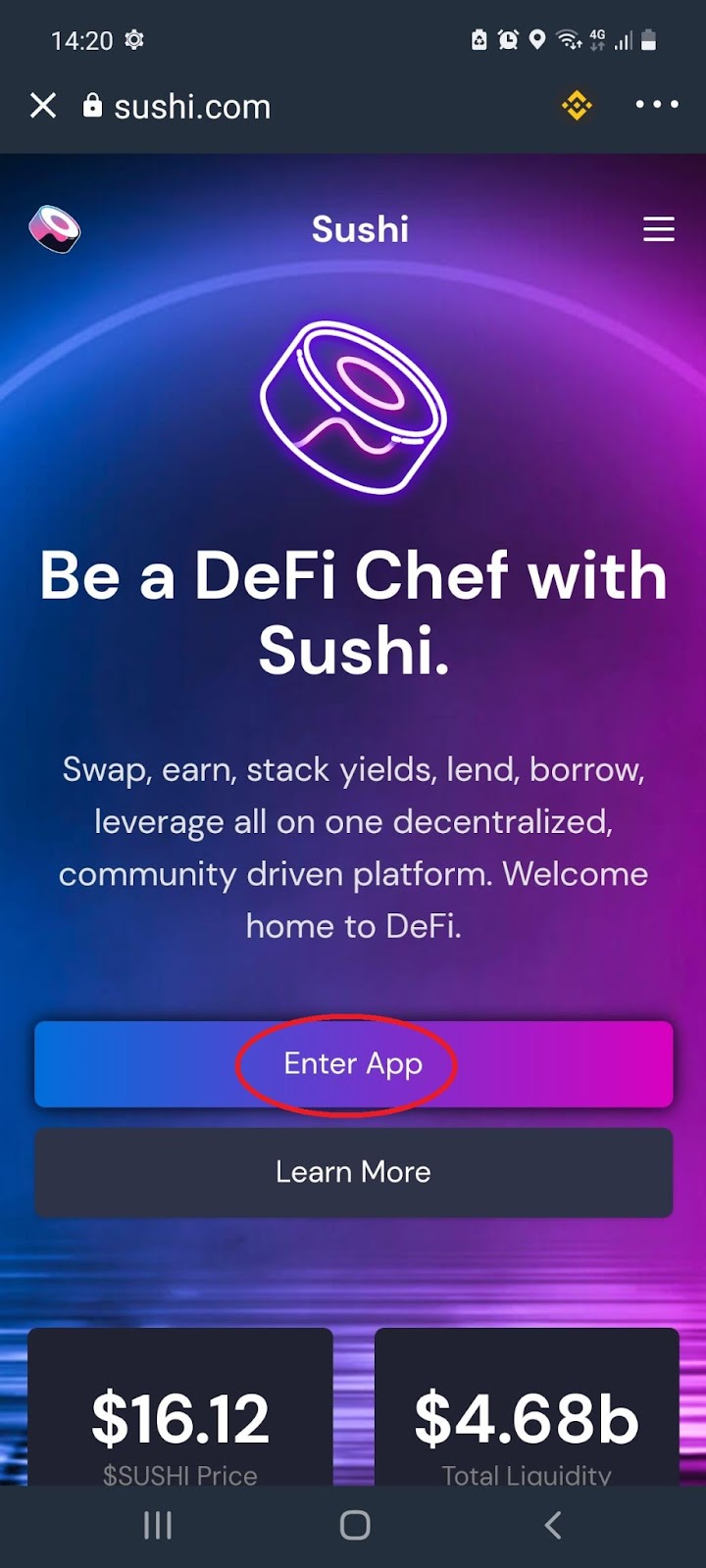
1.5 Select ‘Enter App’:
1.6 Your Trust Wallet is all set up to start transactions on SushiSwap:
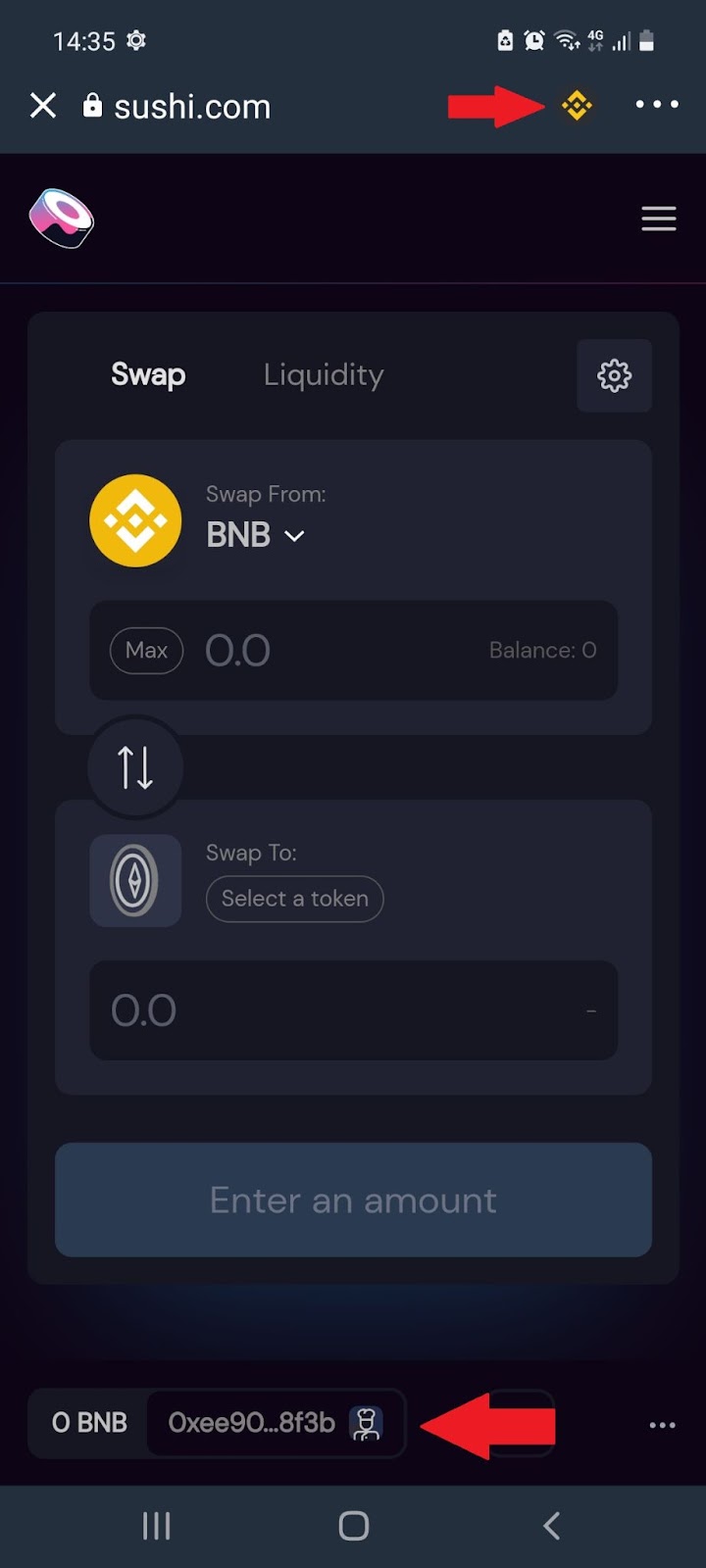
Note: SushiSwap does not require KYC.
2. Swapping cryptocurrencies
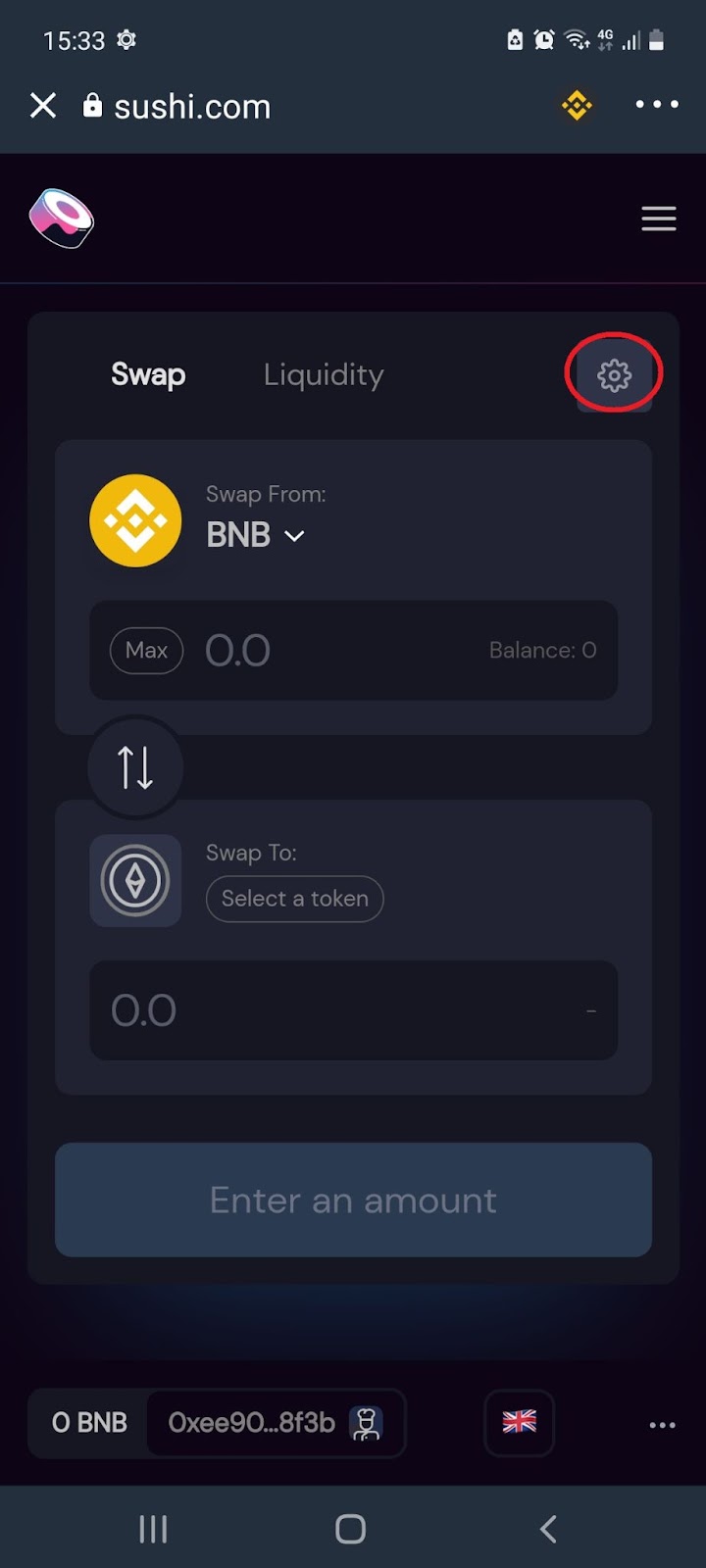
2.1 From the home page, select the settings tabs:
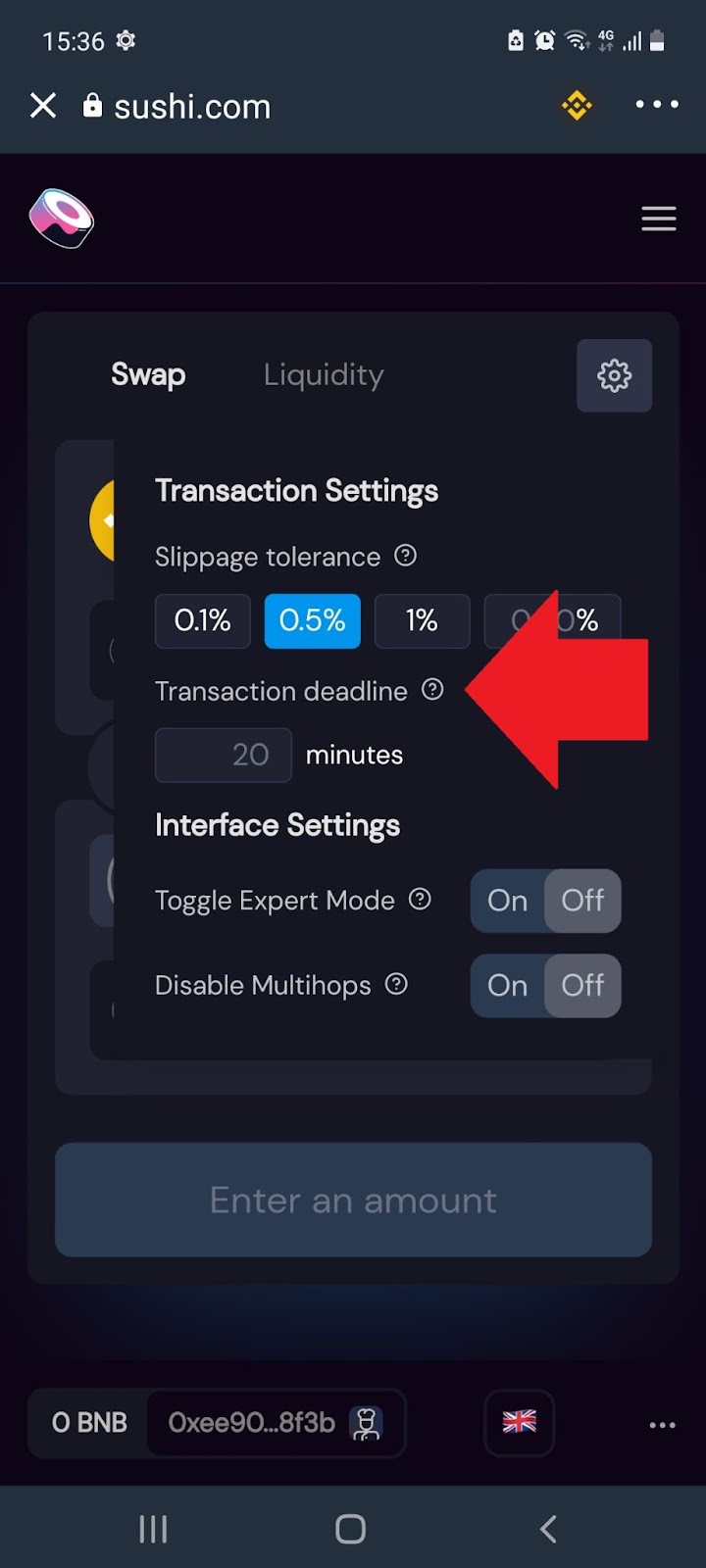
2.2 From the pop-up configure the transaction settings:
2.3 Under the ‘Swap’ tab, select the cryptocurrencies you would like to swap and enter the amount you would like to trade:
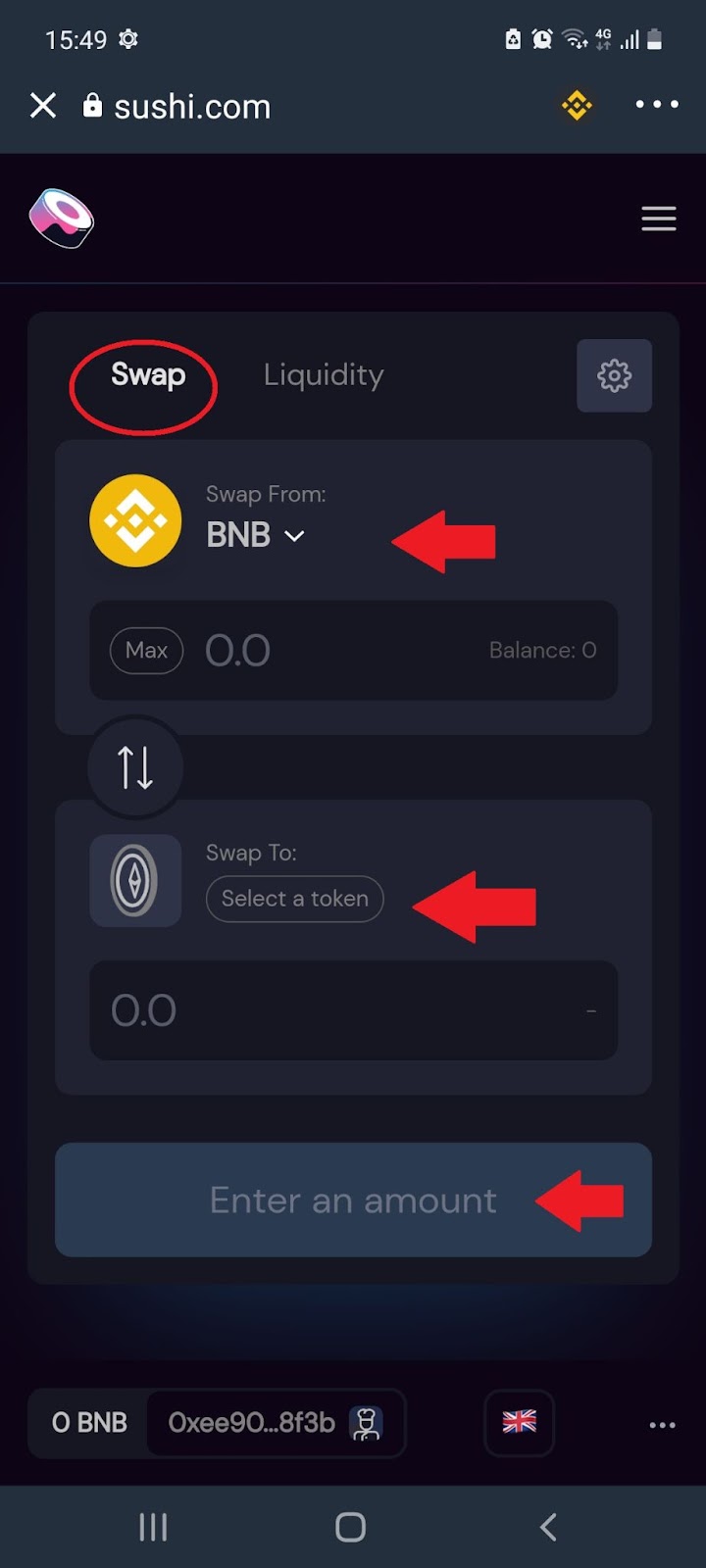
Note: SushiSwap has no deposit or withdrawal fees, but you will need to pay transaction fees for interacting with the Binance Smart Chain. For each trade, a fee of 0.25% is charged. This goes to liquidity providers as a protocol incentive.
3. Adding Liquidity
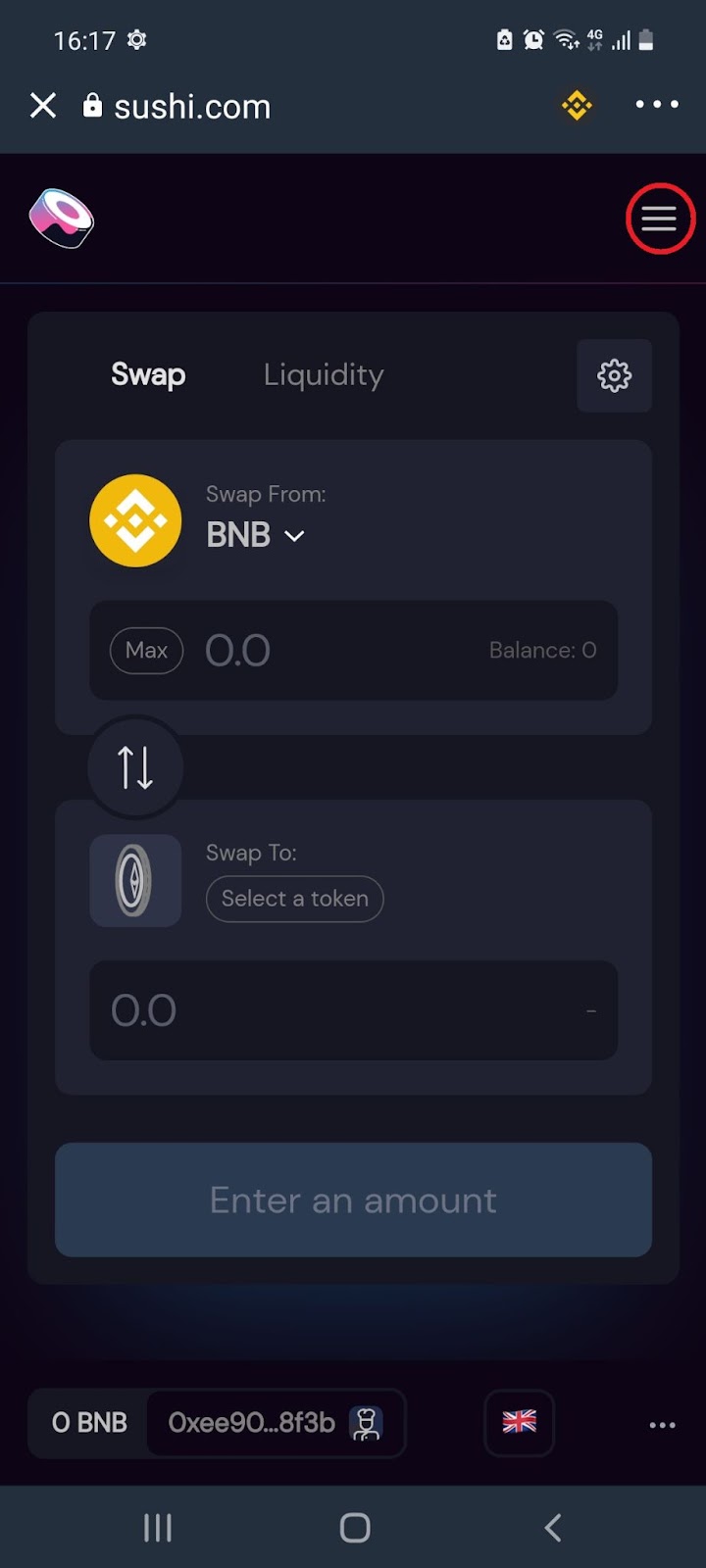
3.1 From the home page, select the menu icon:
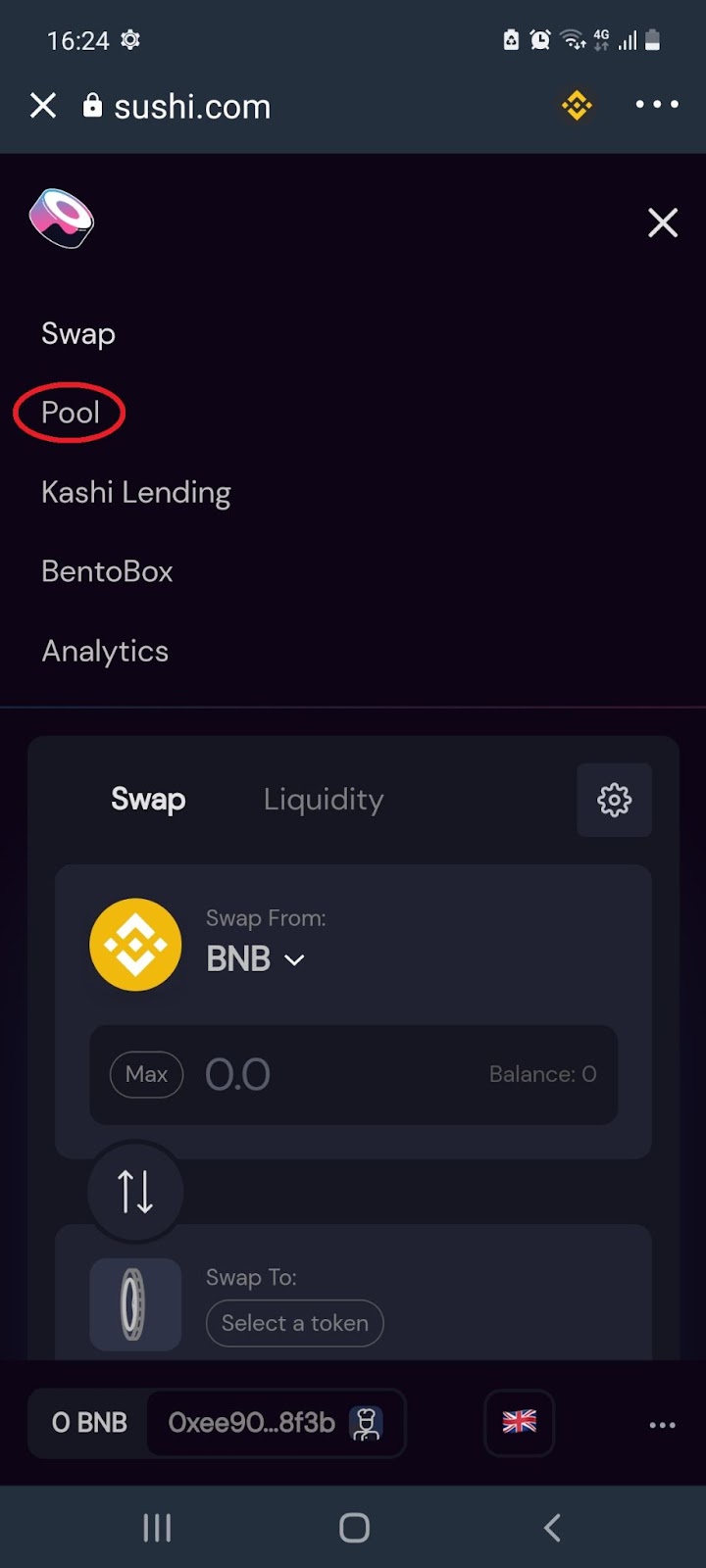
3.2 From the menu, select ‘Pool’:
3.3 Select ‘Add Liquidity’:
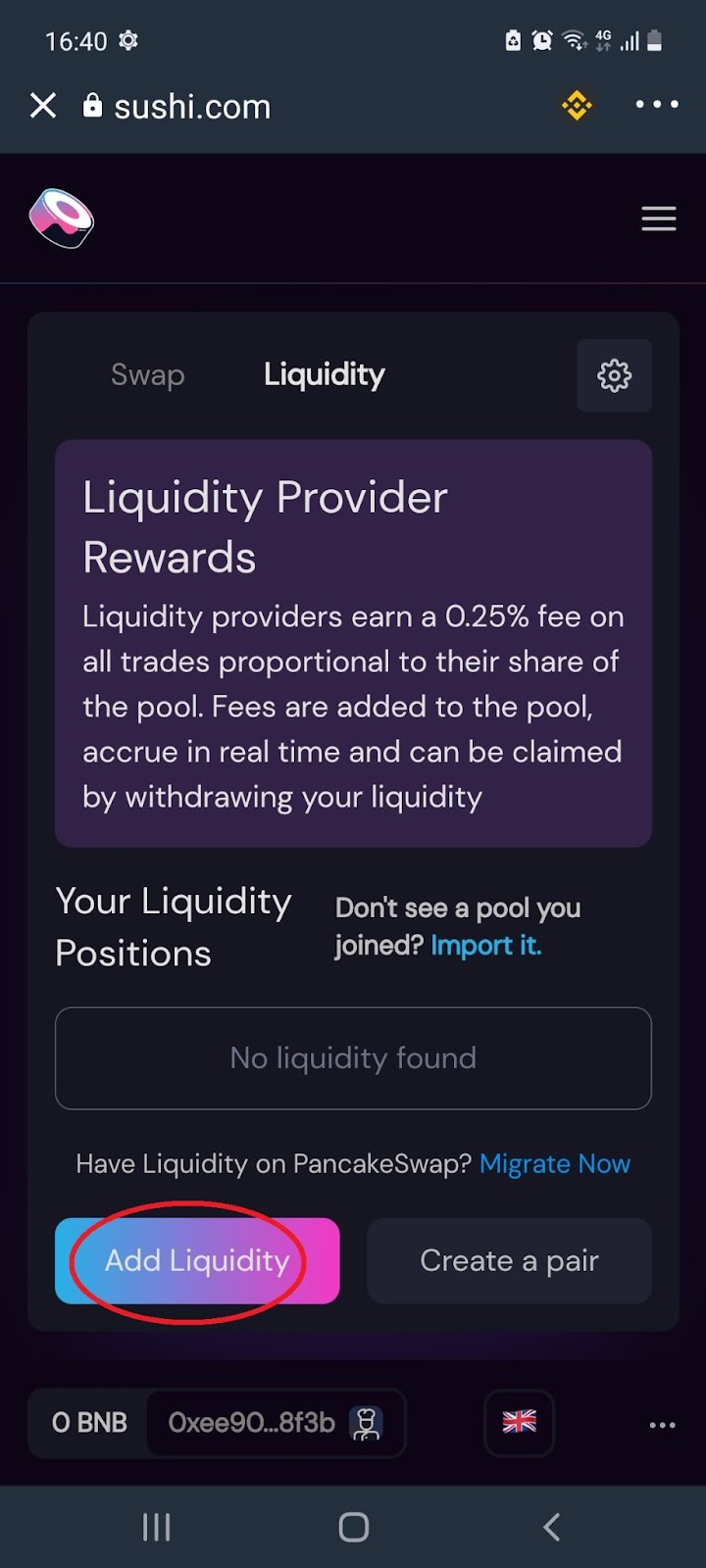
3.4 Select the token pair you would like to deposit and enter the amount:
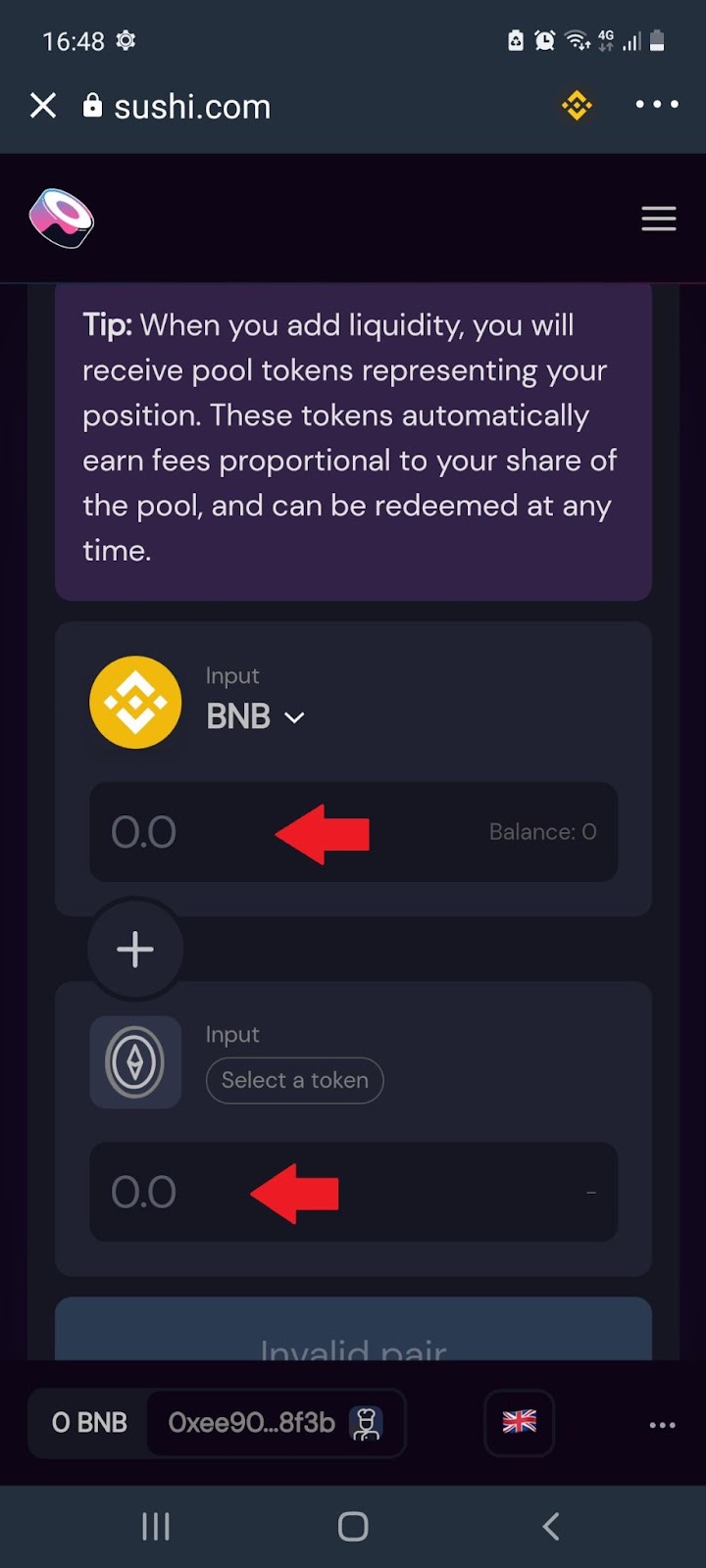
Note: After depositing your cryptocurrency you will receive Liquidity Pool or LP tokens. These tokens automatically earn fees in proportion to your share of the pool, and can be redeemed at any time. Users who stake their LP tokens on SushiSwap’s “Pool” earn SUSHI continuously
4. Kashi Lending
4.1 From the home page, select the menu icon:
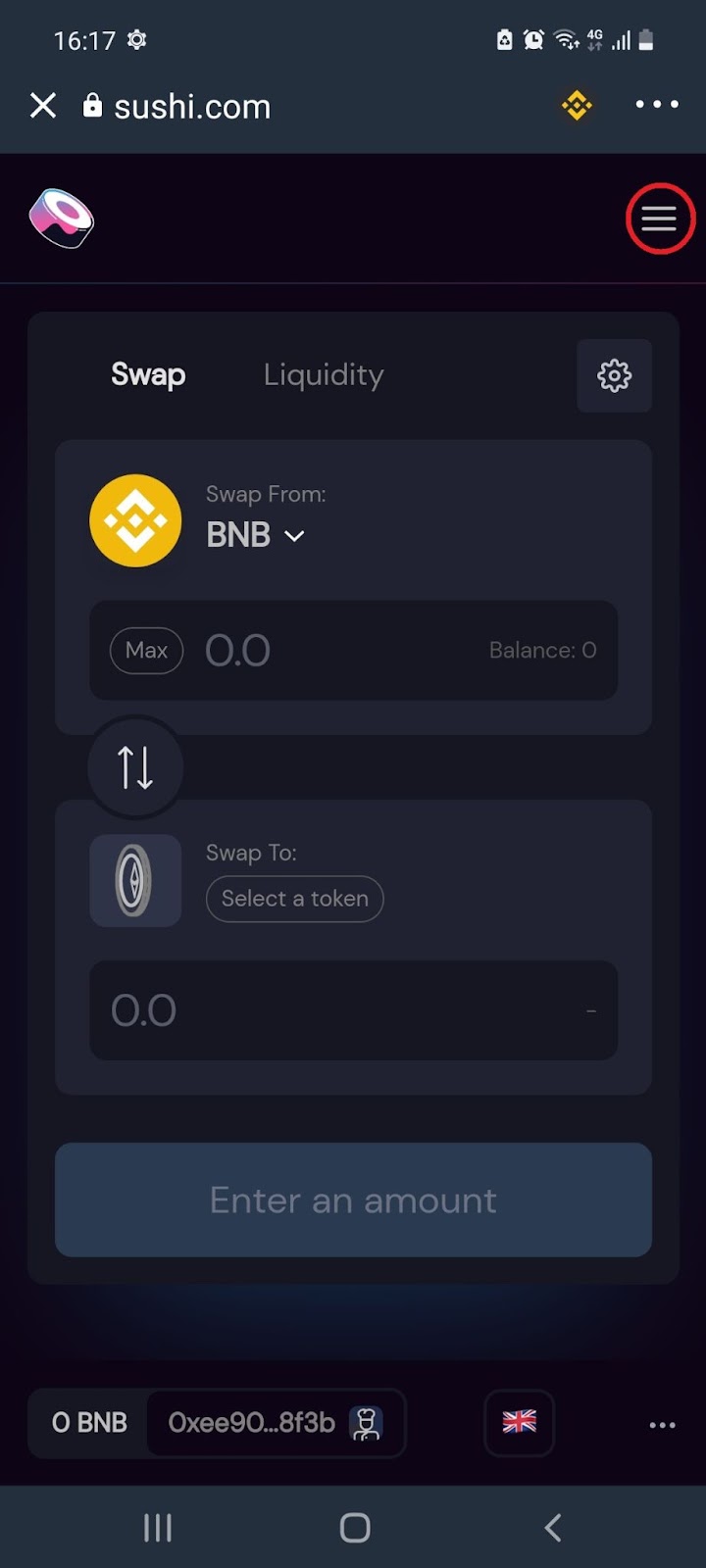
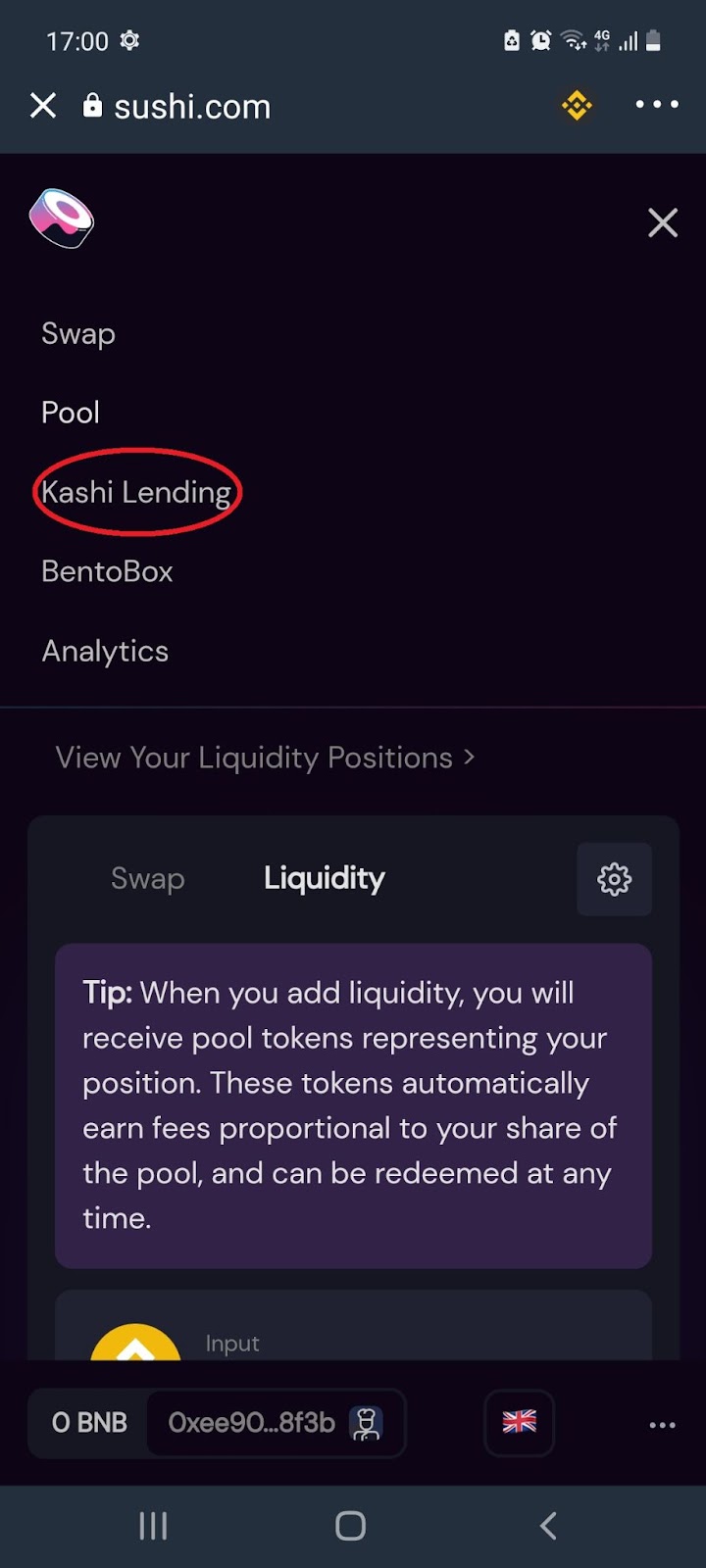
4.2 From the menu, select ‘Kashi Lending’:
4.3 Scroll down to select which tokens you would like to lend:
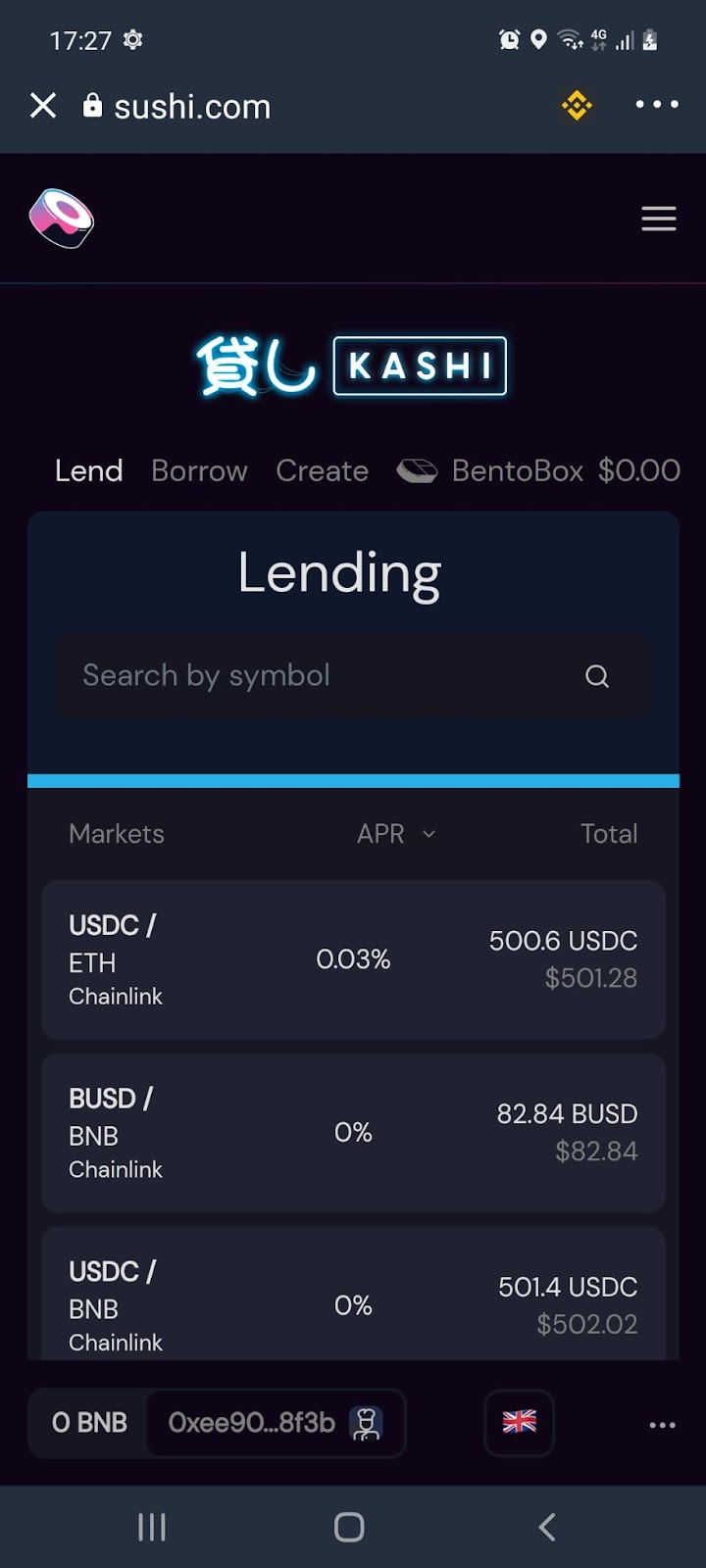
Note: Kashi is a lending and margin trading platform, built upon BentoBox, which allows for anyone to create customized and gas-efficient markets for lending, borrowing, and collateralizing a variety of DeFi tokens, stable coins, and synthetic assets.
5. BentoBox/ Kashi Borrowing
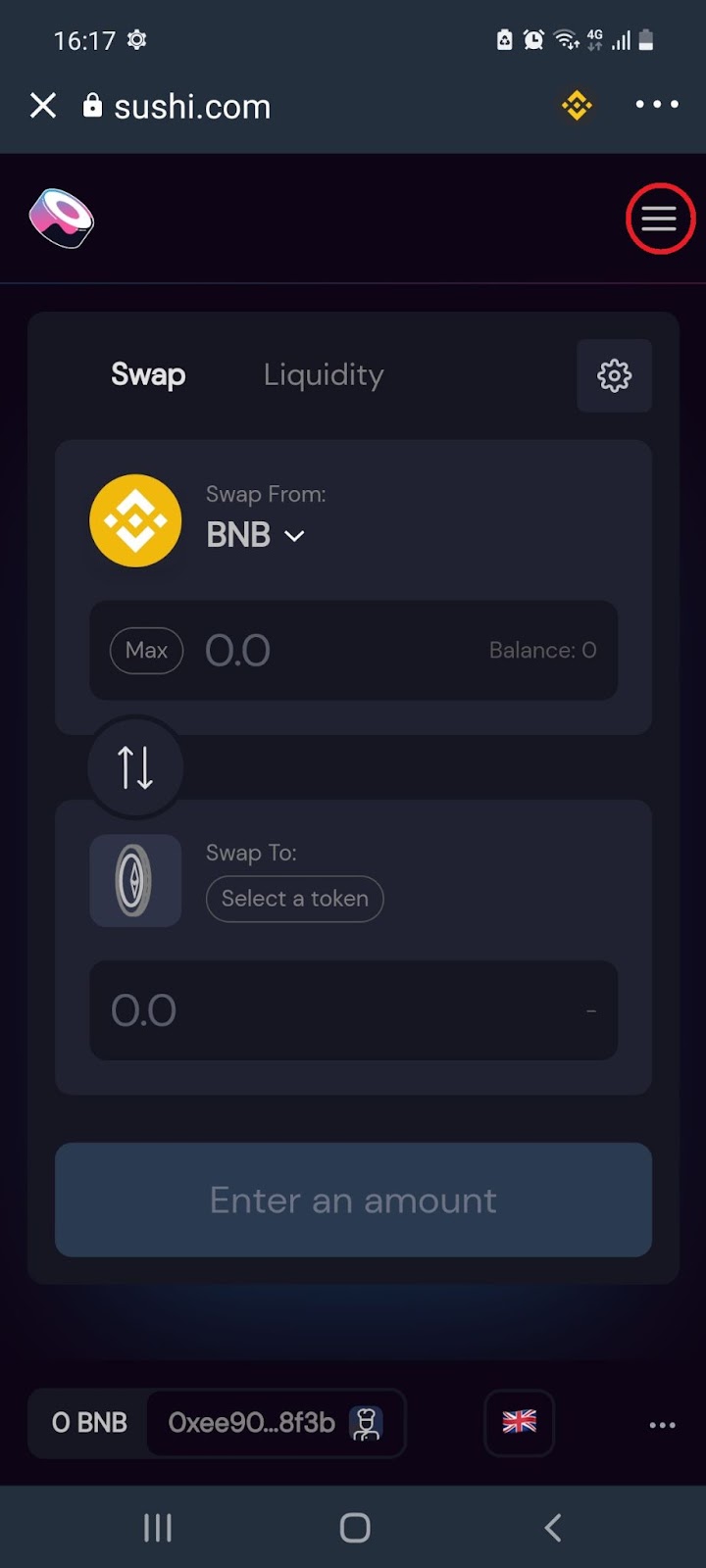
5.1 From the home page, select the menu icon:
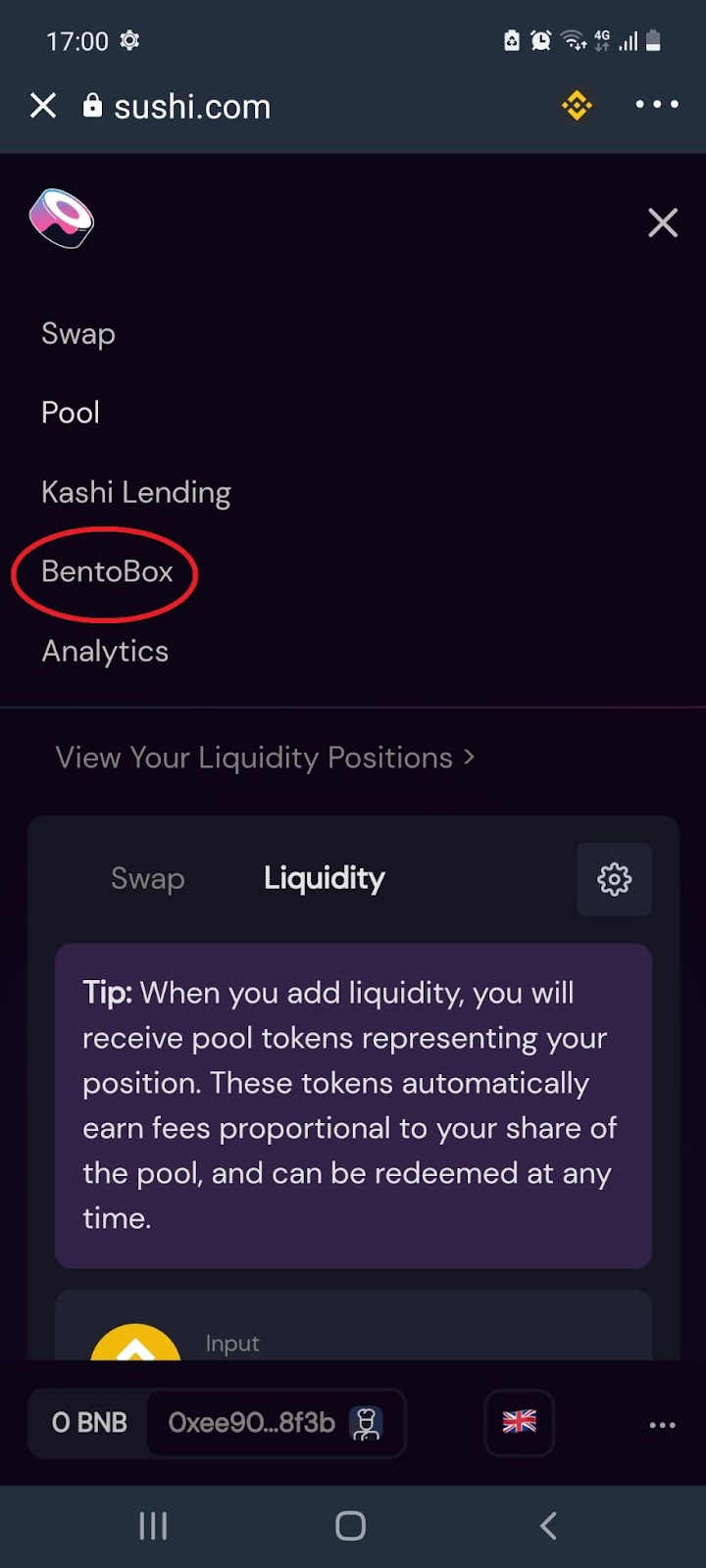
5.2 From the menu, select ‘BentoBox’:
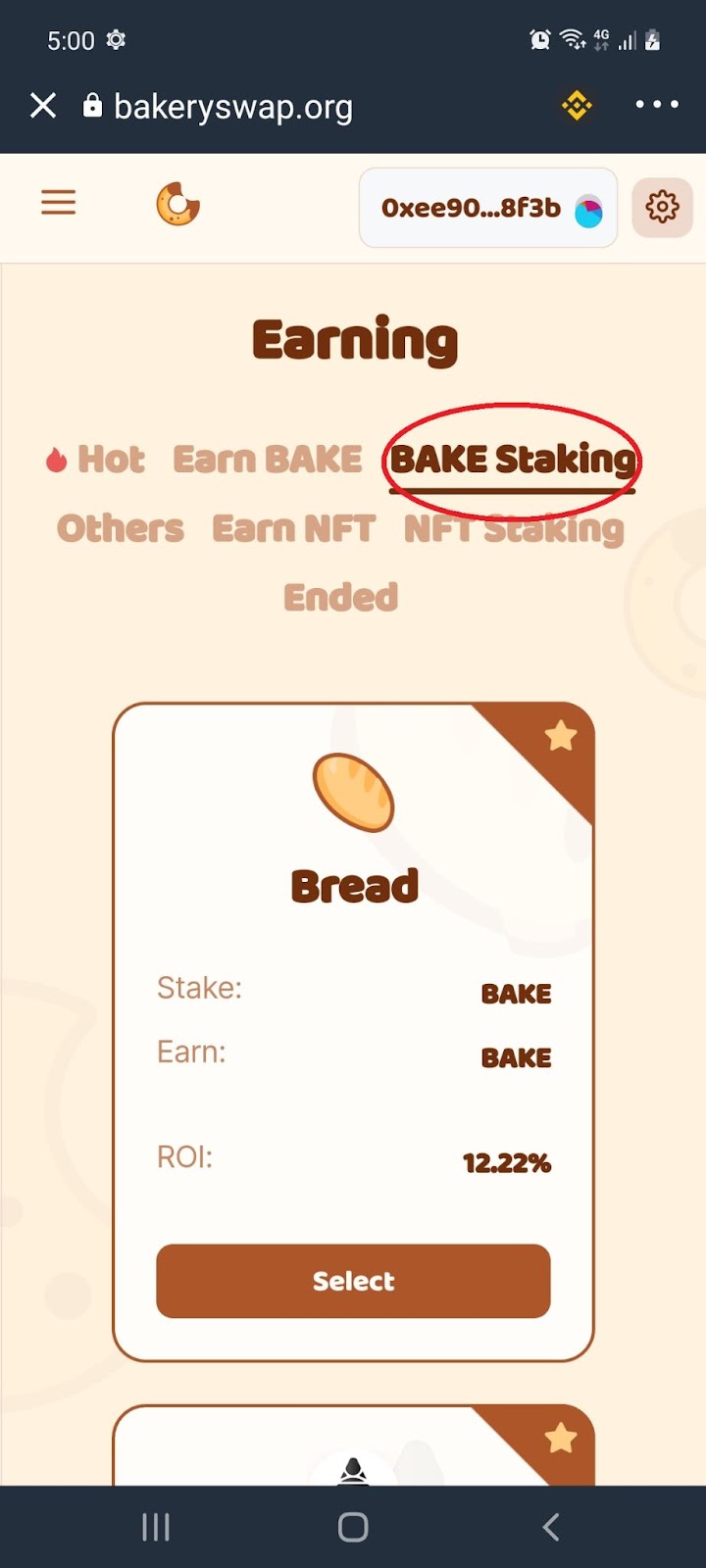
5.3 Scroll down to select which tokens you would like to borrow:
Note: BentoBox allows for anyone to create customized and gas-efficient markets for lending, borrowing, and collateralizing a variety of DeFi tokens, stable coins, and synthetic assets
6. Sushi Analytics
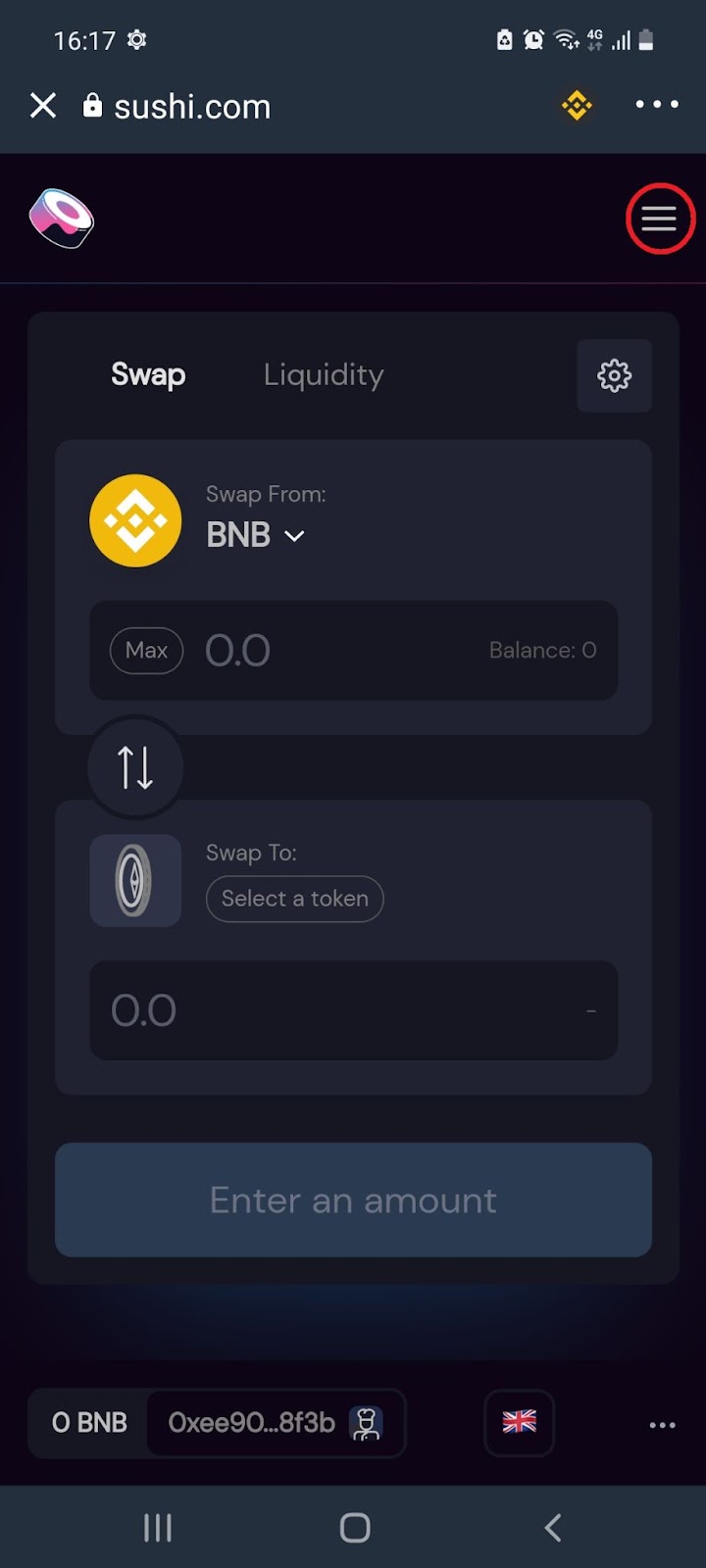
6.1 From the home page, select the menu icon:
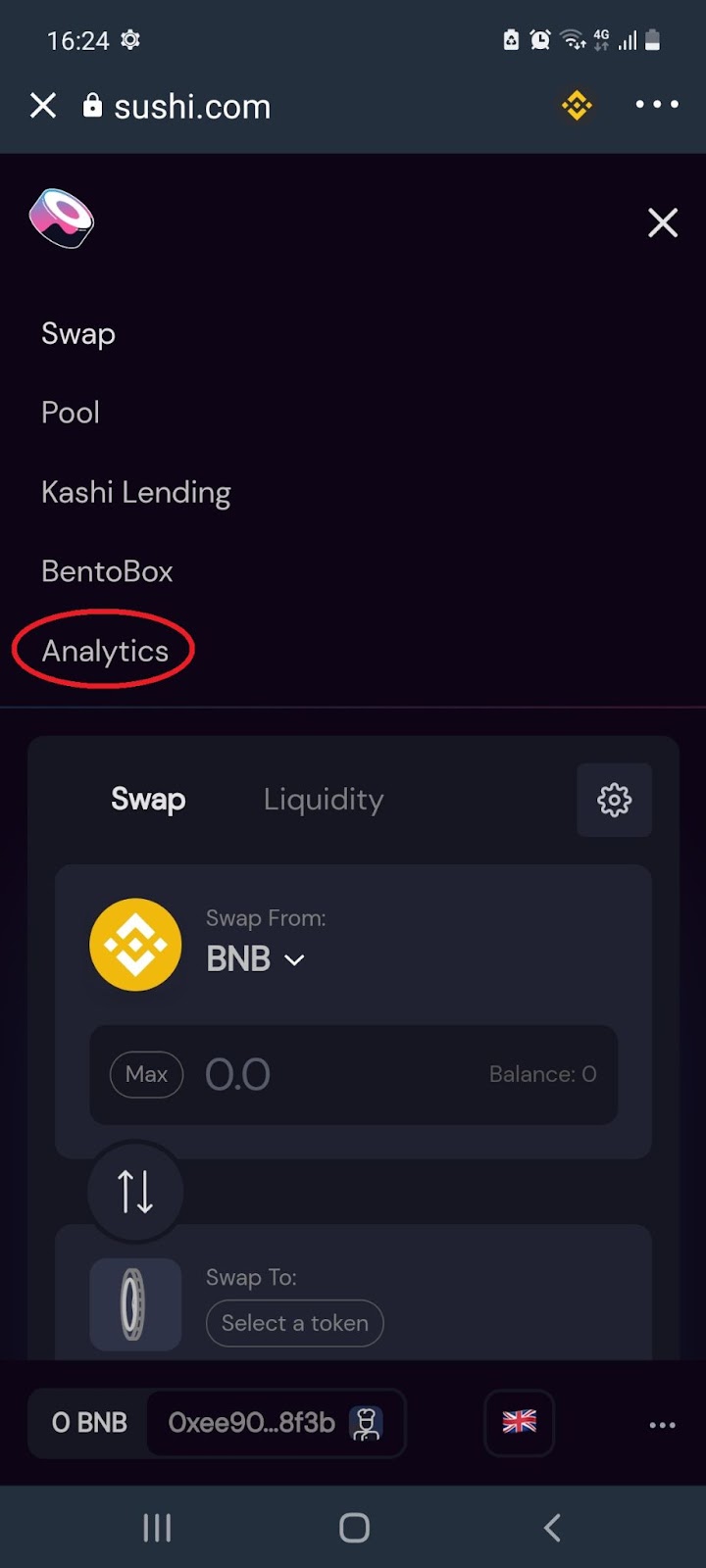
6.2 From the menu, select ‘Analytics’:
6.3 You’ll automatically land on the Sushi Analysis dashboard:
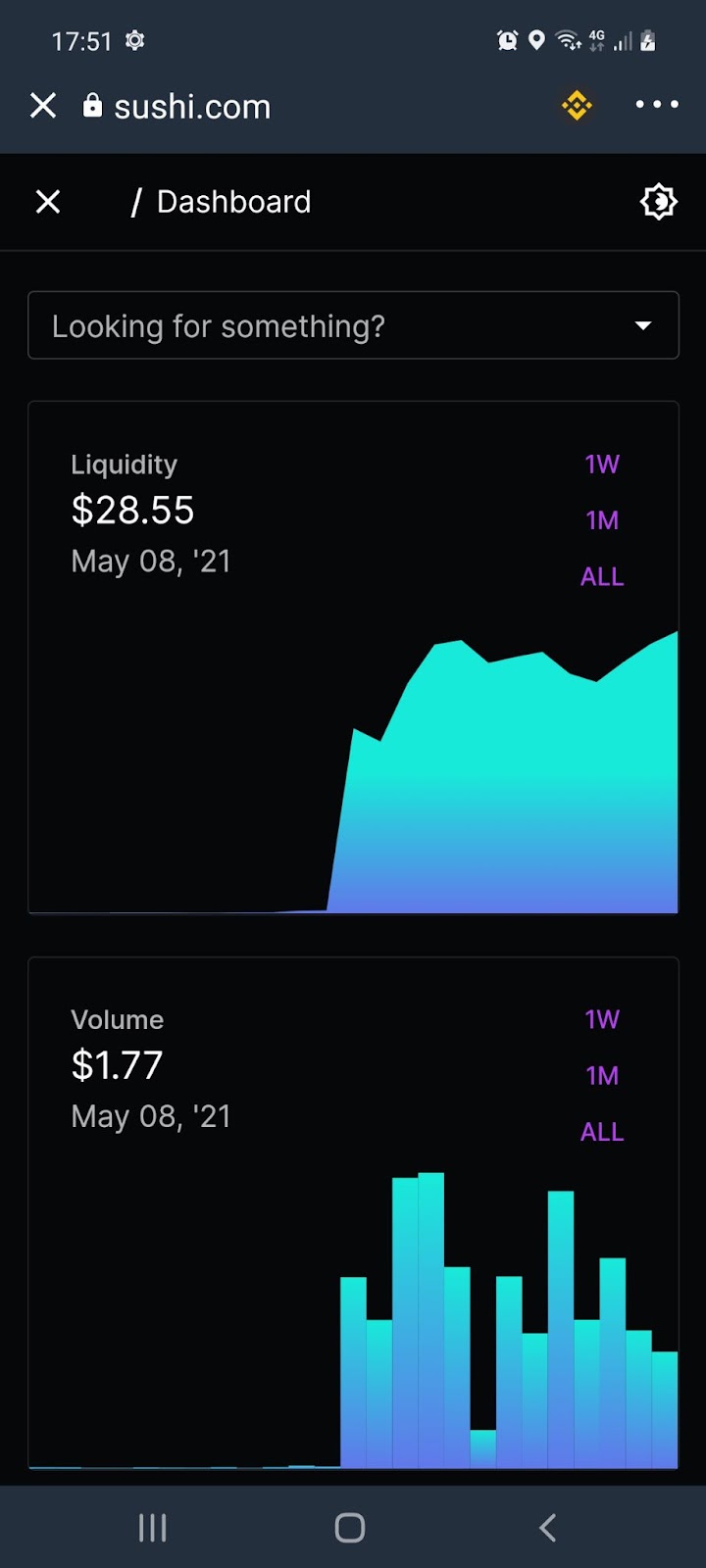
Note: SushiSwap Analytics is a progressive web application for the SushiSwap Protocol.